Godot MCP Toolkit
 20
20
by NPGameDev | MIT
AI-assisted Godot development via MCP (Model Context Protocol). This editor plugin connects your AI coding assistant to the Godot editor, where it builds scenes, edits nodes and scripts, looks up ClassDB, and runs playtests. 112 built-in tools cover 150
🧩 Write your own tools Write MCP tools in GDScript with the extension API. Extension tools hot-reload and appear to the agent exactly like built-ins, with the same schemas, hints, and error contract. C#/.NET projects extend the same way. The dock has an
Orchestrator
7
by Crater Crash Studios | Apache 2.0
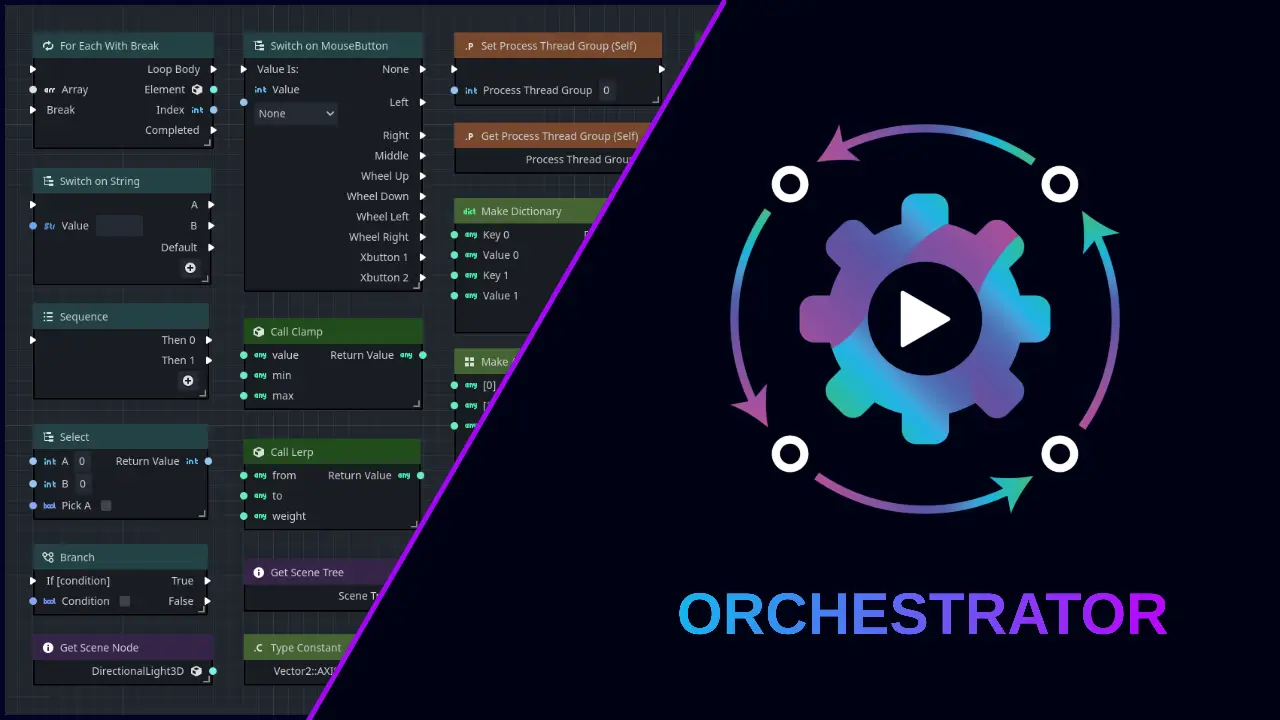
The ultimate visual scripting solution for Godot. Revolutionize your game development with an intuitive node-based editor. No coding required, full Godot integration
Features A complete visual scripting solution for Godot. Attach an Orchestration script (OScript) to any Godot scene node just like GDScript or CSharp. Hundreds of nodes in dozens of categories, such as Flow Control, Logic, Math, Variables, and more. Drag
Orca: AI Agent for Godot
6
by cold-atom | MIT
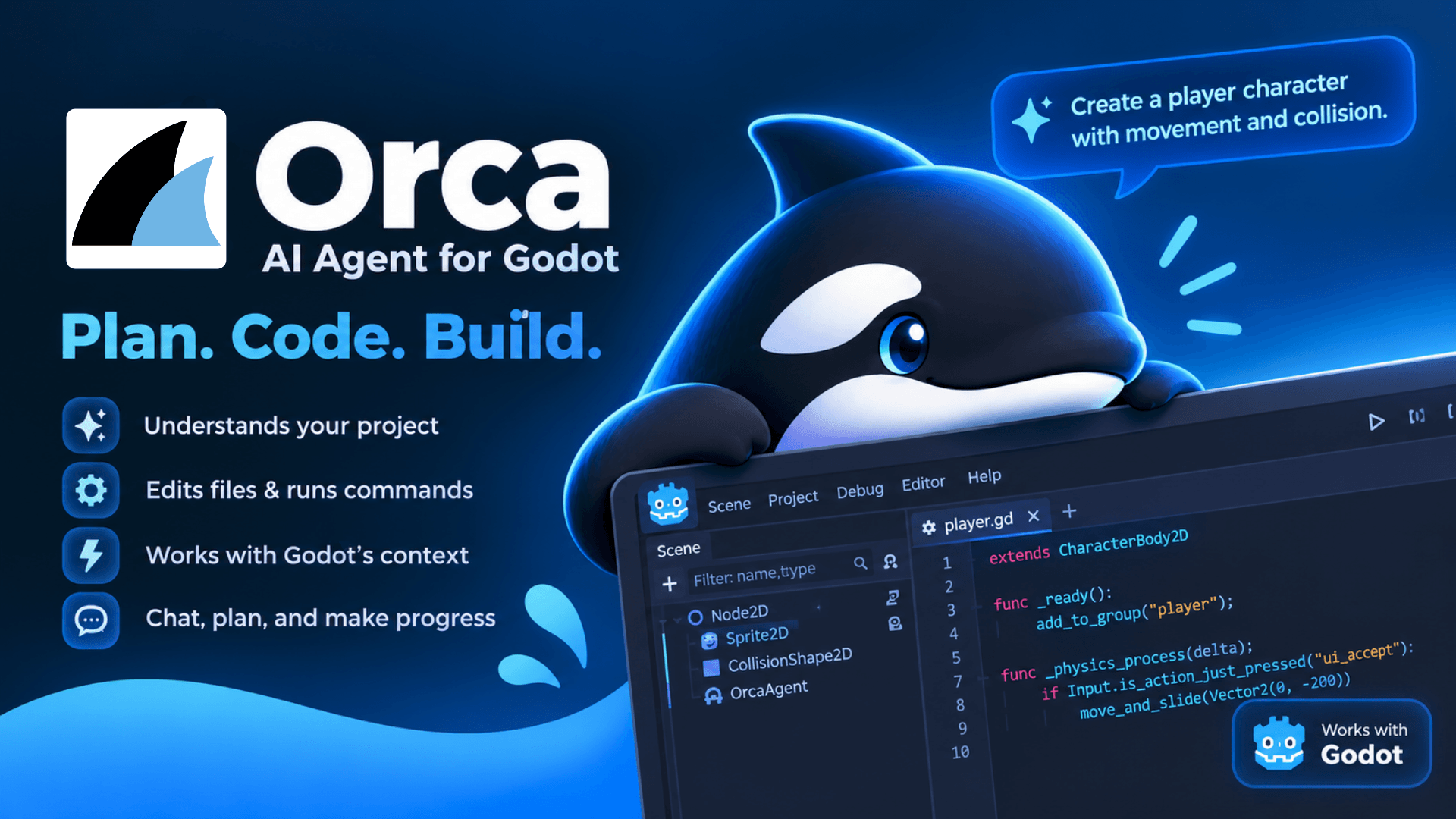
A safety first AI agent for the Godot editor. Orca inspects your project, proposes Godot-aware changes, validates them, and applies them only after you explicitly approve. Plan mode is read-only; Work mode requires your Apply/Reject on every change
Orca: Open-Source AI Agent for Godot AI agent that feels at home in the Godot editor. Orca is an open-source, MIT-licensed AI development agent built directly into Godot. It brings project exploration, editor awareness, Godot-specific tools, reviewed
Expose Them Properties!
6
by Xesa | MIT
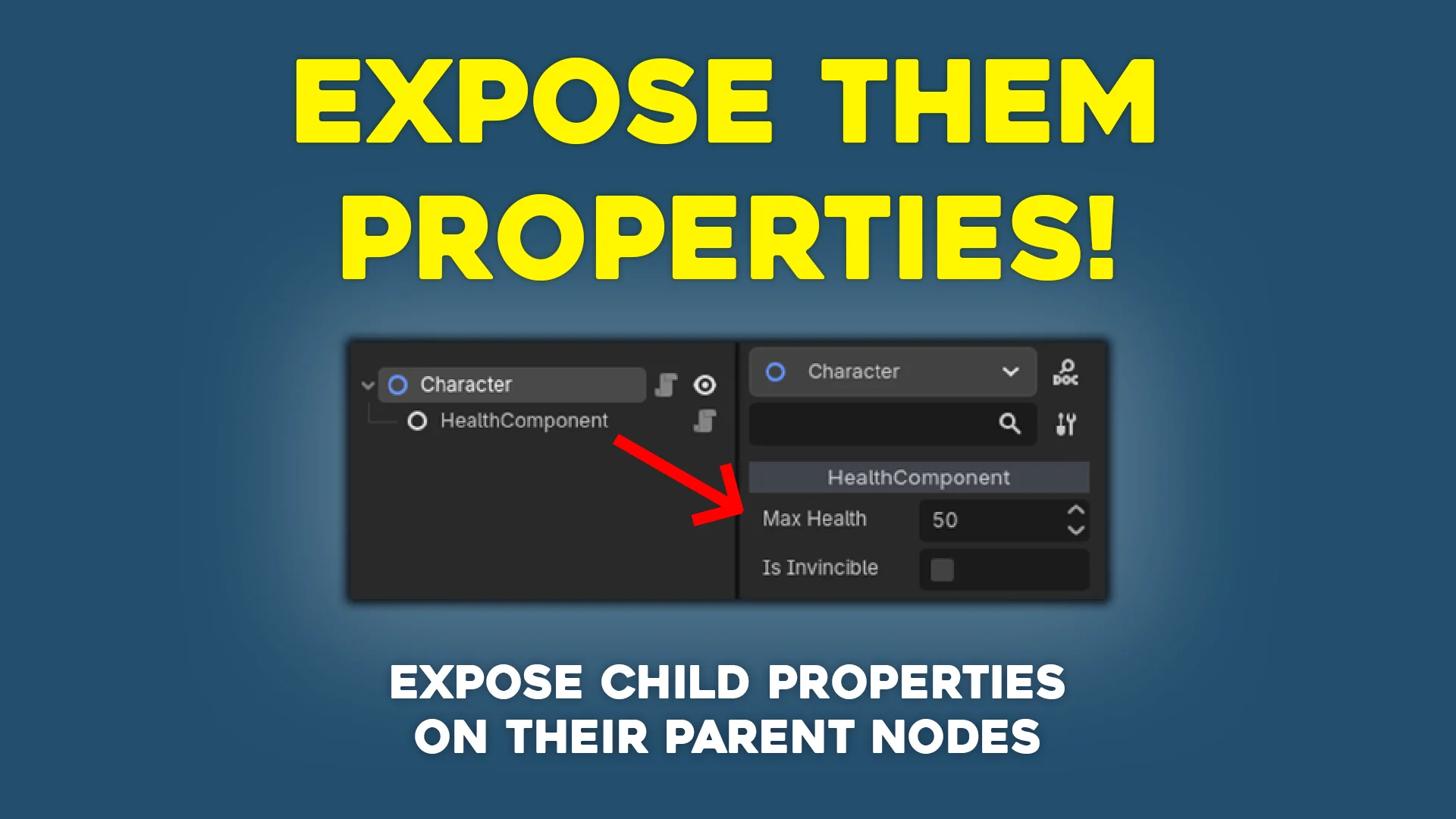
Small plugin for Godot that exposes child properties onto the owner node by setting up property hints
Expose Them Properties! This is a small plugin that exposes child properties onto parent nodes by setting up property hints. Use case Let's say you have a Character class that may include several nodes such as HealthComponent or AttackComponent . You'd
CSG Blockout
5
by qwqzhanqwq | MIT
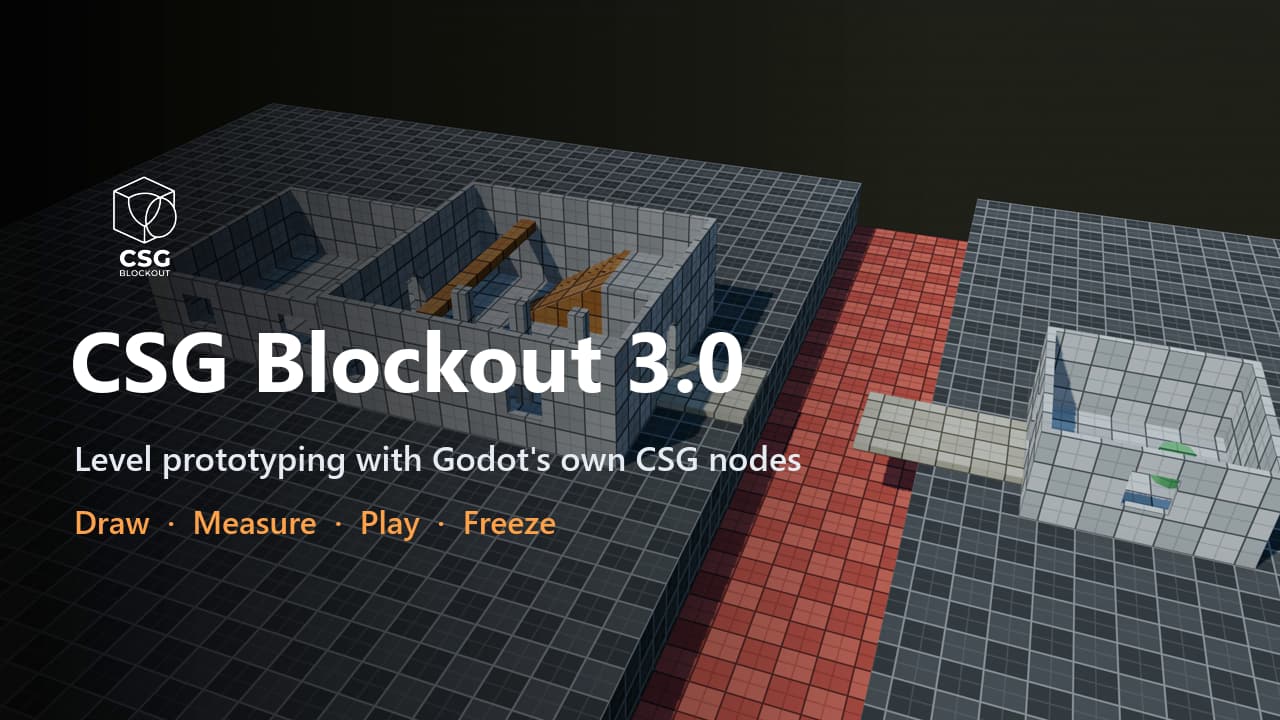
Draw rooms, cut doors, check jumps, play-test and freeze to meshes, all with Godot's own CSG nodes that stay editable
Level prototyping, not modeling. Block out levels with Godot's own CSG nodes: draw rooms in the viewport, check them against your character, play them, and freeze them into meshes you can always turn back into CSG. A room in one drag. Drag a base on any
Godot Git
3
by Markus Steen | MIT
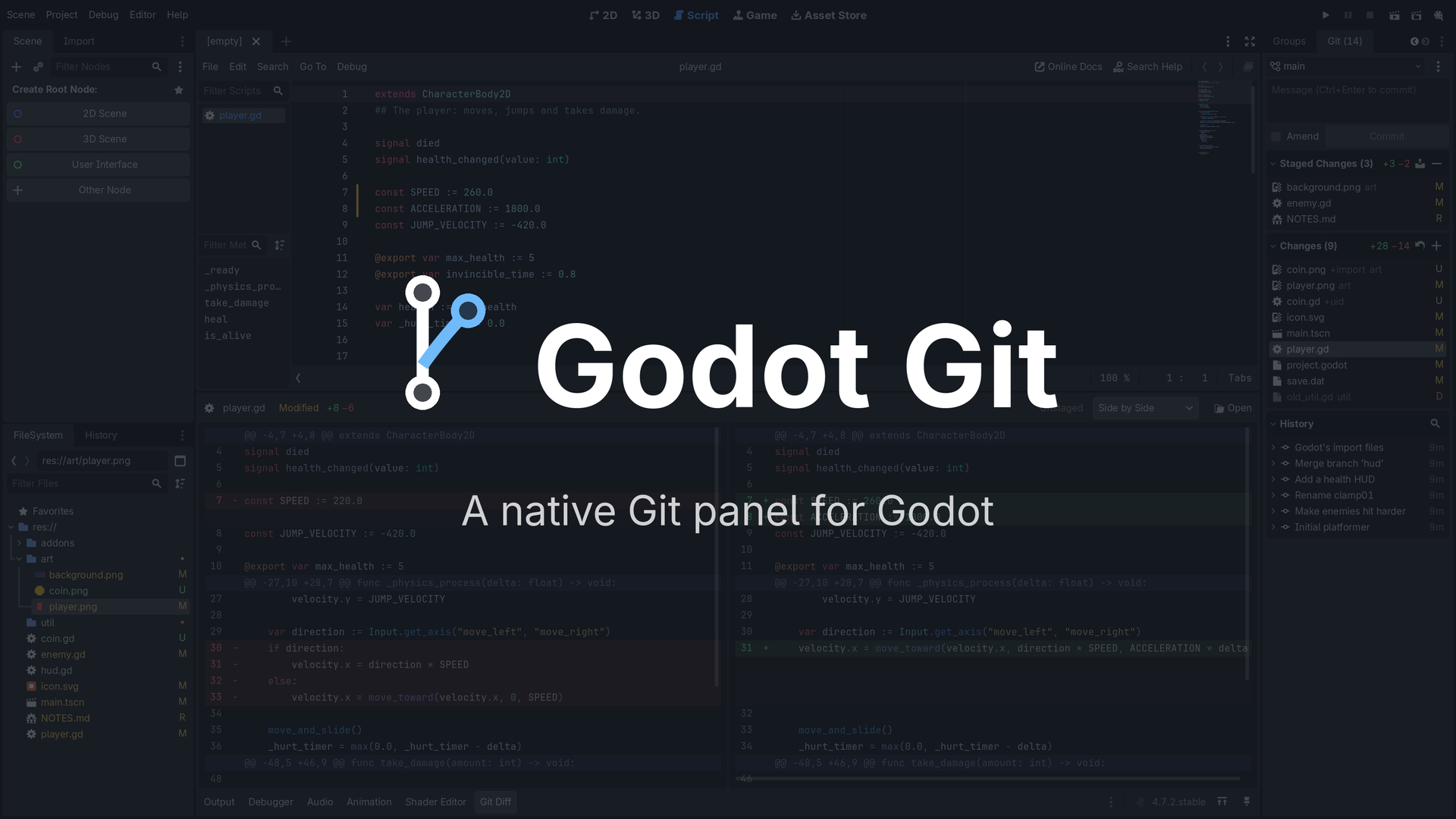
A fast, native Git panel for Godot. Stage, commit, pull and push, with your changes marked right in the editor
A fast, native Git panel for the Godot editor: a Git dock next to the Inspector, and a Git Diff panel at the bottom. What it brings Pulls that can't wreck your work. Your uncommitted edits survive a pull: merged into your teammate's version when the lines
Gator Audio Studio
3
by Blackwater Gator Studios | MIT
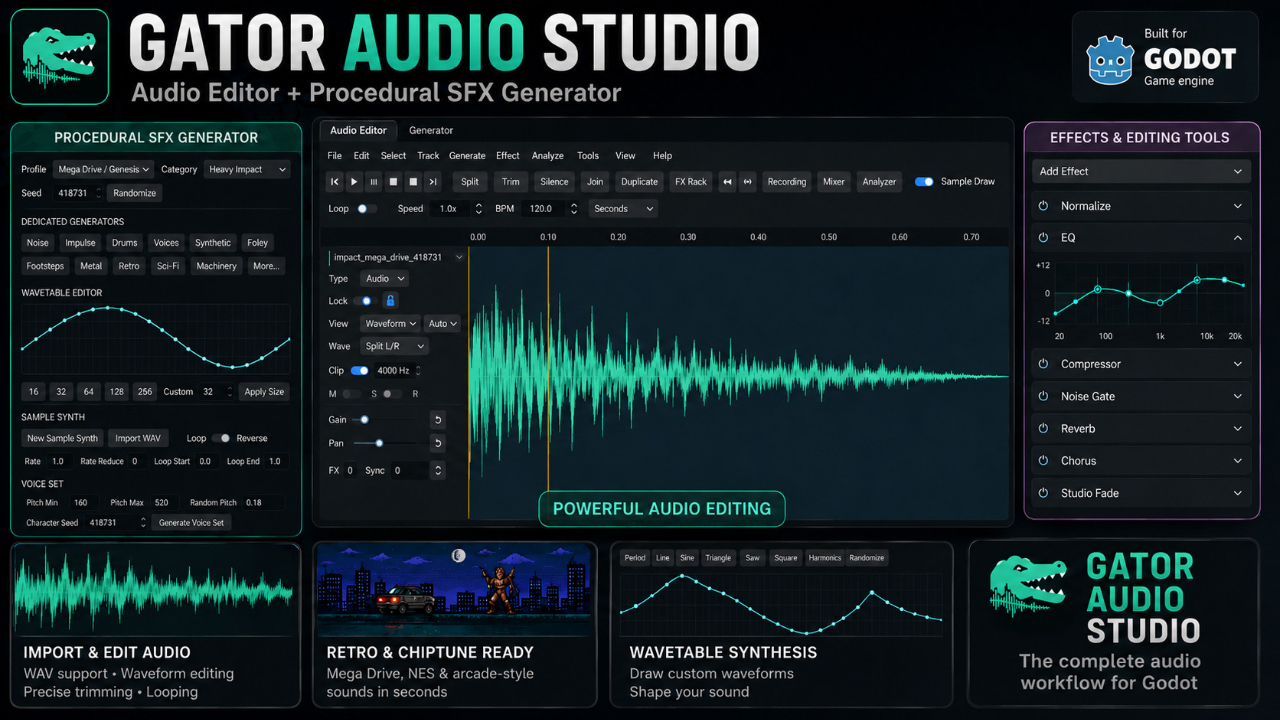
A Godot-native audio editor and procedural sound effect generator for creating, editing, processing, and exporting game audio directly inside the editor
Gator Audio Studio Gator Audio Studio is a Godot-native audio workstation designed specifically for game development. It provides audio editing and procedural sound generation directly inside the Godot editor, reducing the need to switch between Godot and
GF Framework
3
by C76GN | Apache 2.0
Lightweight Godot 4 architecture framework for lifecycle management, events, data binding, editor tooling, utilities, pure algorithm helpers, and optional gameplay extensions
GF Framework GF Framework is a lightweight architecture framework for Godot 4. It helps larger projects keep gameplay code organized without taking over Godot's scene tree. It separates: data and state in GFModel gameplay rules in GFSystem scene, UI
GDScript Templates
2
by Rumys | MIT
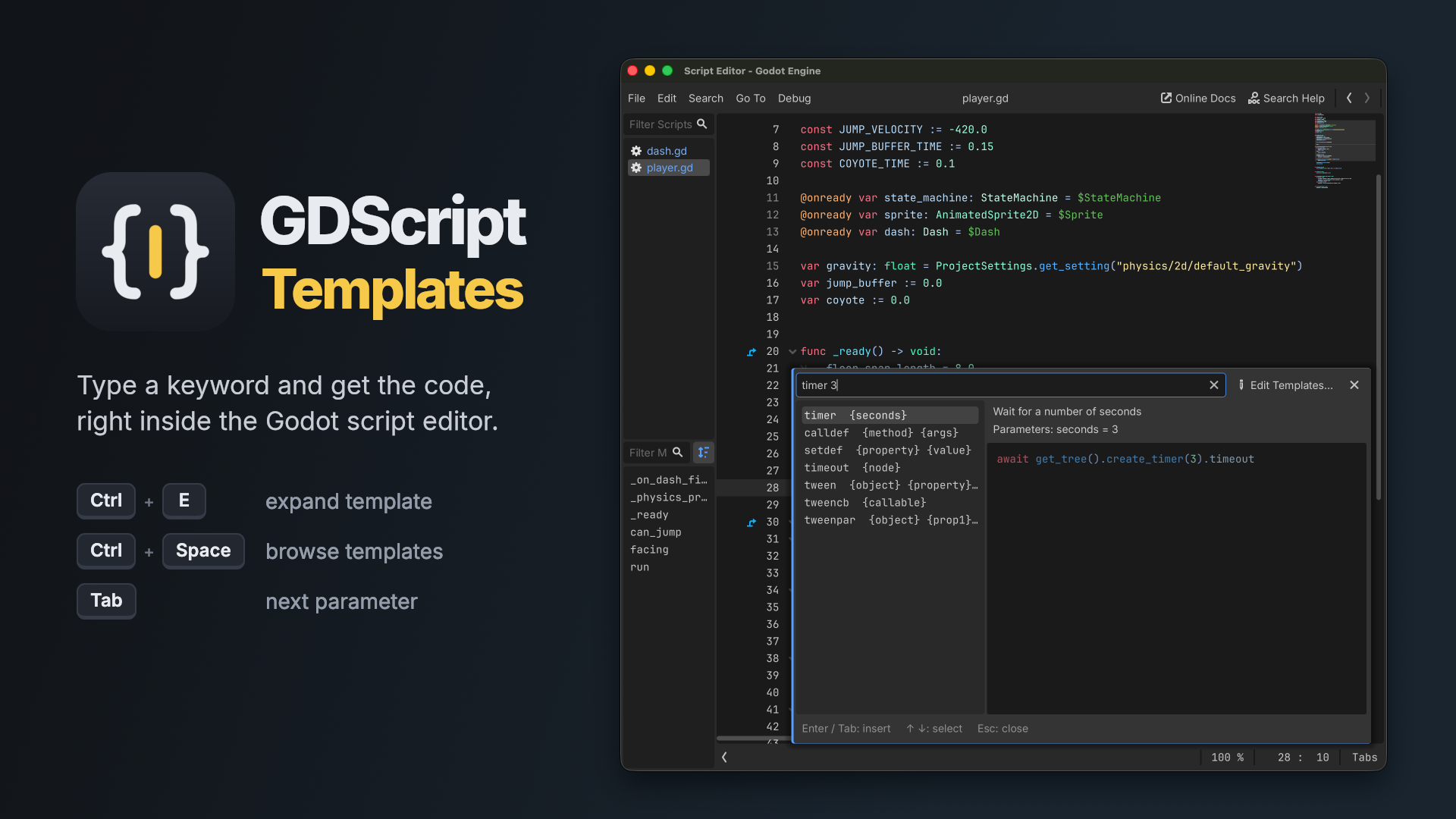
Code snippets for the Godot 4 script editor. Type a keyword, press Ctrl+E and it expands into code. Comes with about 100 built-in templates, and you can add your own
Code snippets for the Godot 4 script editor. Type a keyword, press Ctrl+E and it expands into code. printd health print("health: ", health) vec 10 20 Vector2(10, 20) fori 5 for i in range(5): How it works Type a template keyword and press Ctrl+E. Any
Quick Add Menu
2
by non-existence | MIT
An editor addon that adds a drop down menu in the scene dock which gives quickly accessible nodes that can be added to your scene, similar to Unreal's Quick Add menu, or Unity's right click options in the scene hierarchy
Quick Add Menu that adds a drop down menu in the scene dock which gives quickly accessible nodes that can be added to your scene, similar to Unreal's Quick Add menu, or Unity's right click options in the scene hierarchy. It can be expanded to include your
Godot Open Editors
2
by Jason Lothamer | MIT
A new editor dock that lists scenes currently open in the editor. Switch to that scene, close or even run it right from the dock
This add-on adds a new dock that lists the currently open scenes in the editor. This allows you to find scenes without having to look through a bunch of tabs. With this new dock you can: Filter listed scenes Switch to scene (left click) Close a scene Play
Quick Project
2
by GamingFirstOne | MIT
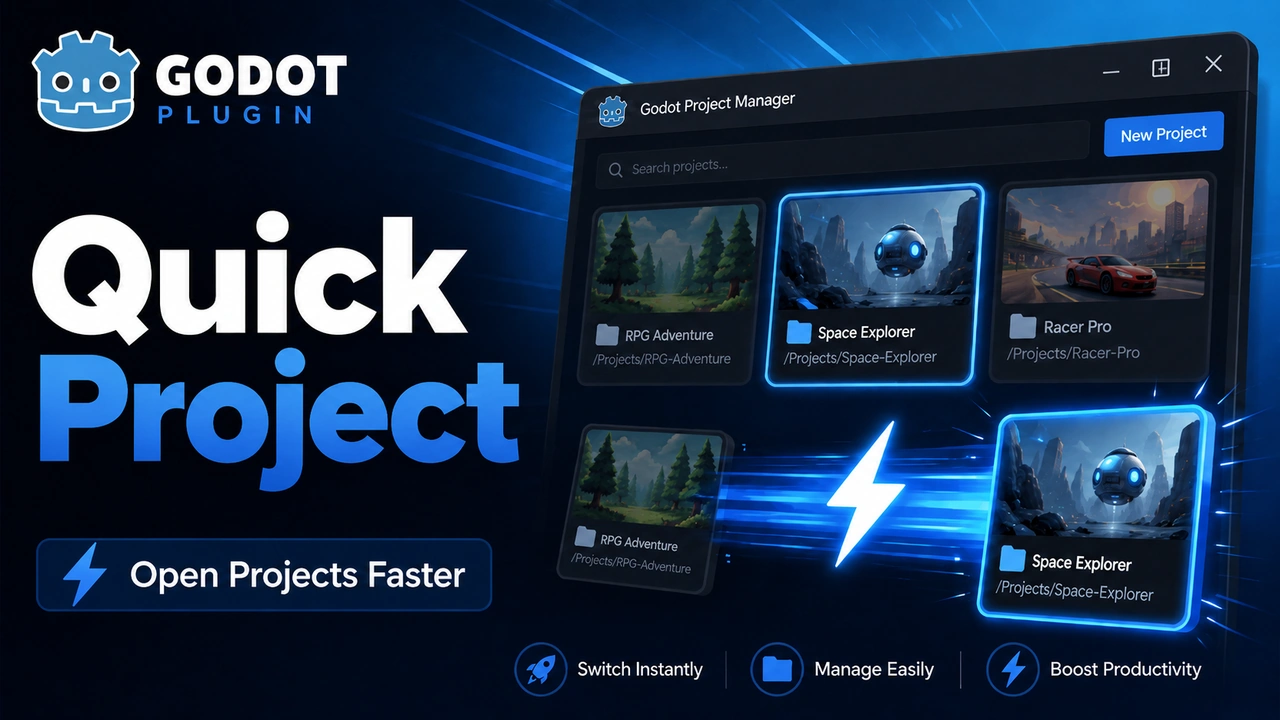
Open the Project Manager or launch saved Godot projects from inside the editor
Quick Project is a small Godot 4 editor addon that makes it faster to jump between projects. It adds a Switch Project dropdown to the editor toolbar and a Project > Tools > Switch Project menu entry. You can save Godot project folders, open the Project
SkyGen LITE: Procedural Skybox Generator
1
by The_KnightShift | Custom royalty-free license (see LICENSE.txt in addons/skygen/)
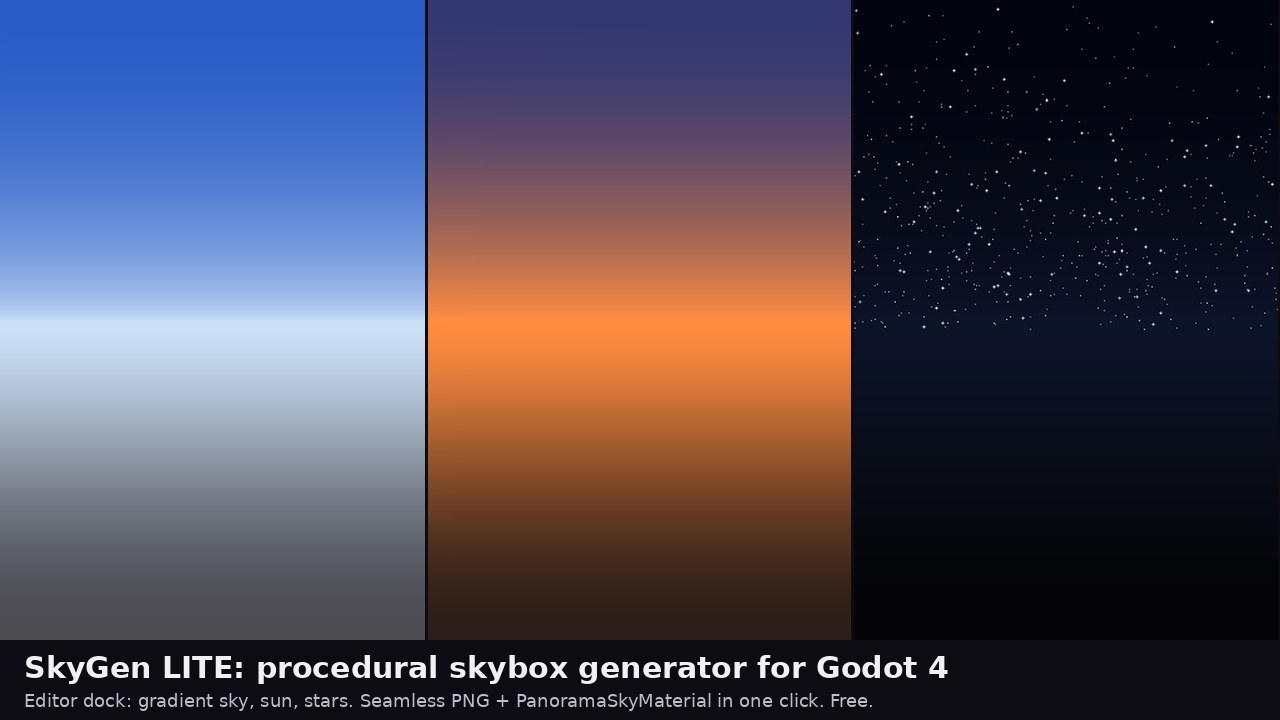
Editor dock that generates seamless equirectangular skyboxes (gradient sky, sun, stars) and saves a PNG plus a PanoramaSkyMaterial in one click. Free, pure GDScript
SkyGen LITE is a Godot 4 editor dock that generates seamless equirectangular skybox textures. There is no painting, no HDRI and no shader to write: pick a preset, move a few sliders, press Generate, and you get a PNG plus a ready PanoramaSkyMaterial in
Folder Jump
1
by Aurailus | GPL v3
Folder Jump adds a "Jump Button" to folders which lets you jump straight to a folder's primary file, without opening the folder! Great for when you colocate scenes with their assets and scripts
Folder Jump adds a Jump Button to folders which lets you jump straight to a folder's primary file, without opening the folder! Great for when you colocate scenes with their assets and scripts. You don't want to have to open your scene folders and search
Instance Log
1
by codevogel | MIT
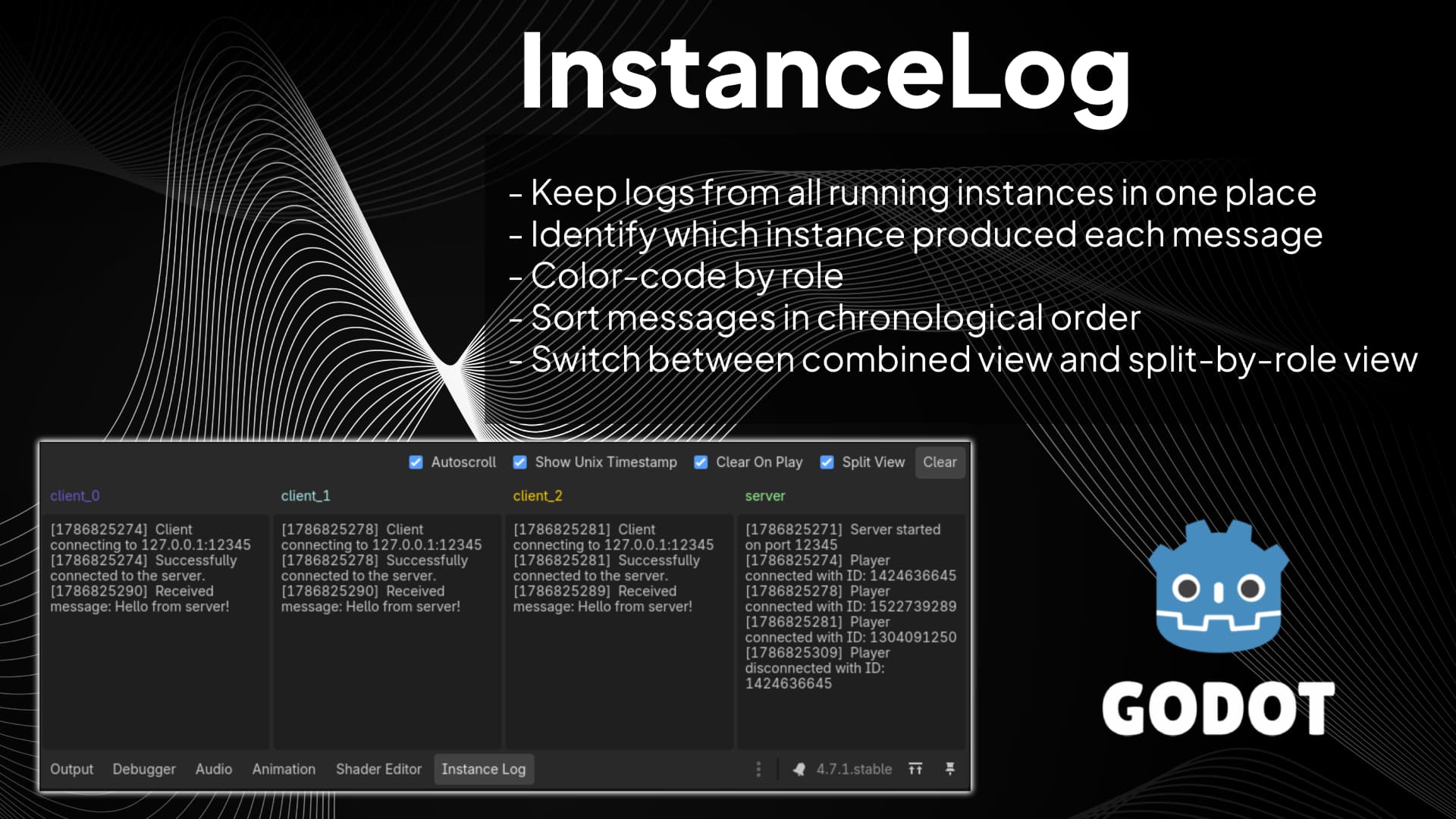
Instance Log is a Godot editor plugin for debugging projects that run multiple game instances at once (for example, host + clients in multiplayer tests). It adds an 'Instance Log' panel next to Godot's Output panel and groups each message by instance role
Instance Log (for Godot) Instance Log is a Godot editor plugin for debugging projects that run multiple game instances at once (for example, host + clients in multiplayer tests). It adds an Instance Log panel next to Godot's Output panel and groups each
Card Notes
1
by Limina Wayfarer | MIT
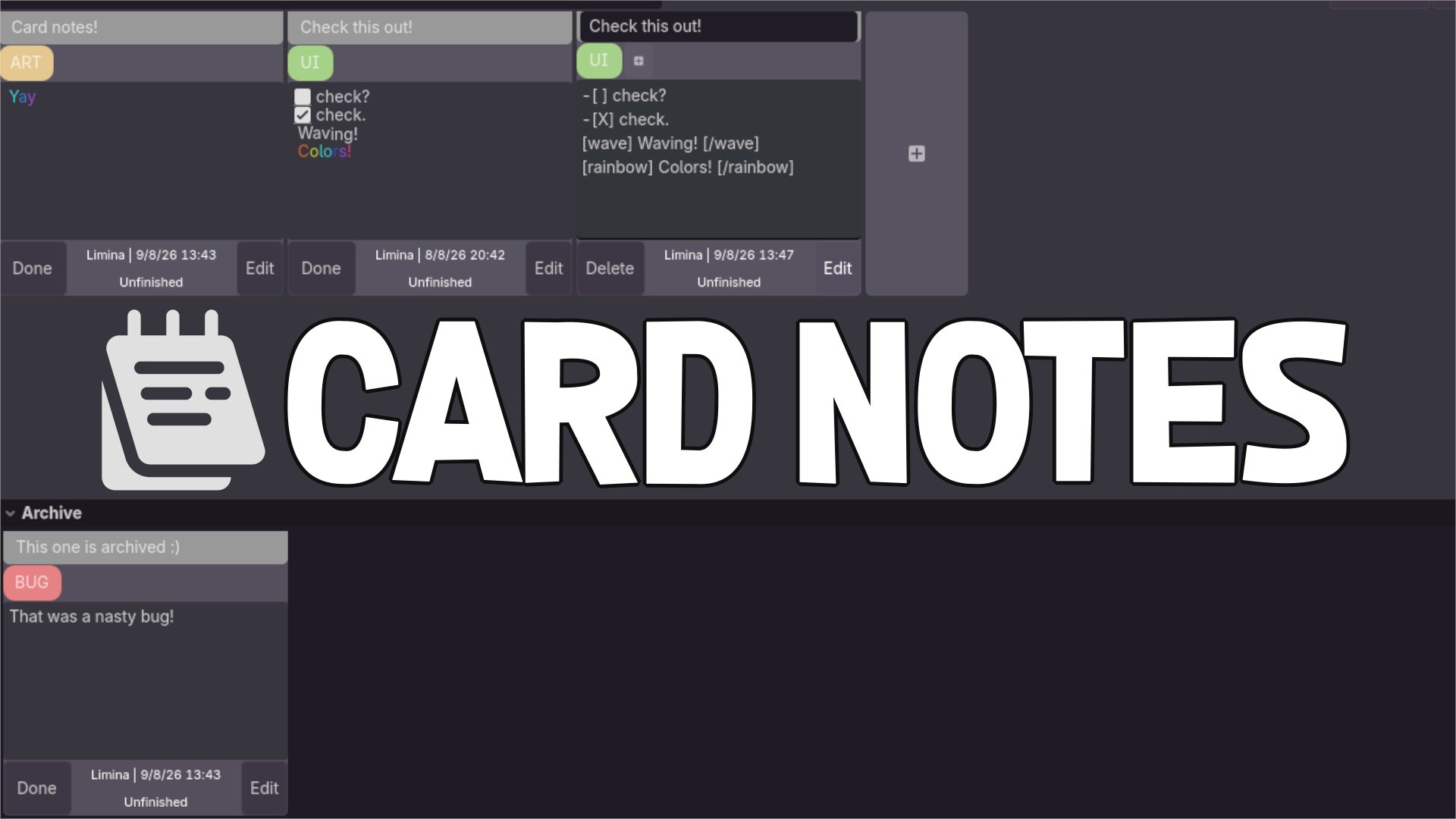
An addon for Godot 4.X adding a tab to keep notes in neat little cards
Card Notes creates a new tab, next to the Asset Store. You can go there and create notes to keep track of your TODOs! Features: Keep track of your notes and TODOs with cards Use a search bar to find a card with a matching title Use BBCode tags to make
GDScript Commenter
1
by quanty bandit | MIT
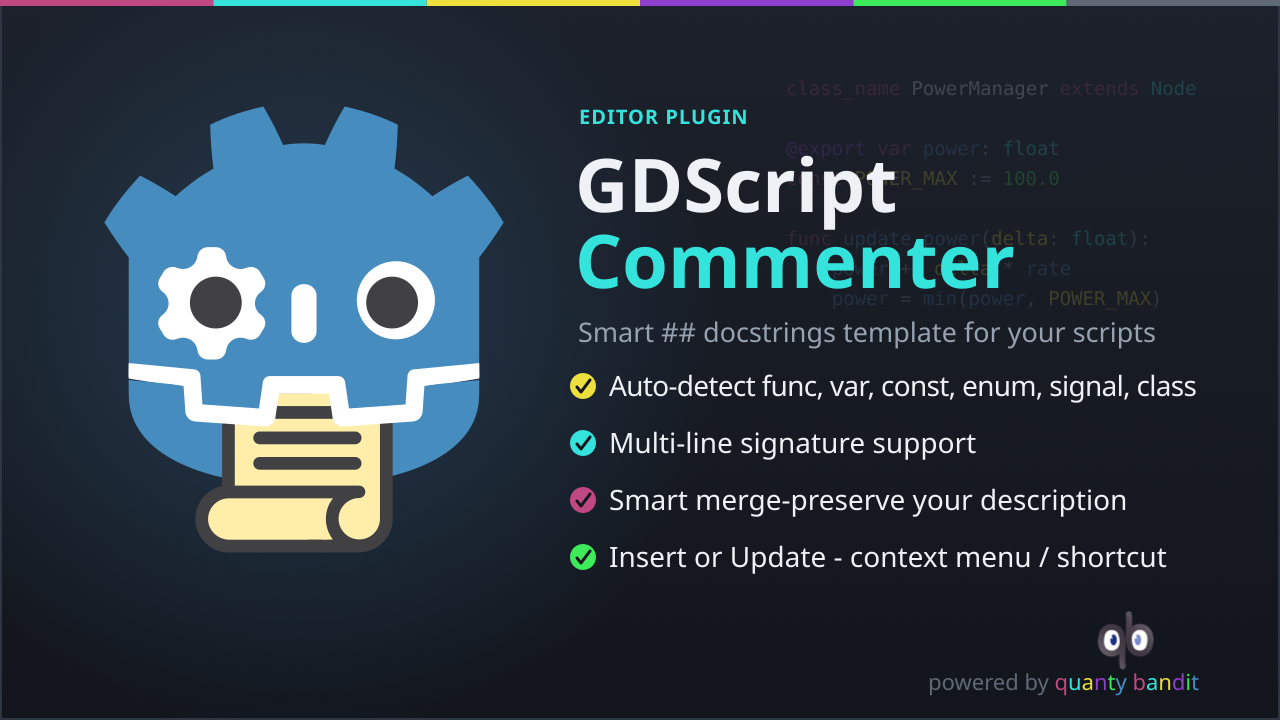
Inserts and updates GDScript documentation comment templates directly from the native script editor context menu
GDScript Commenter, Godot 4 Plugin A Godot 4 editor plugin that inserts and updates GDScript documentation comment templates directly from the native script editor context menu. Place the cursor anywhere inside or on a declaration, right-click, and choose

Godot Doctor
1
by codevogel | MIT
A powerful validation plugin for Godot that catches errors before they reach runtime. Validate scenes, nodes, and resources using a declarative, test-driven approach, in either gdscript or C#. No @tool required
Godot Doctor 👨🏻⚕️🩺 A powerful validation plugin for Godot that catches errors before they reach runtime. Validate scenes, nodes, and resources using a declarative, test-driven approach, in either gdscript or C# . No @tool required! See Godot Doctor in

Clef Midi
1
by Star Weaver | MIT
Clef is an open-source MIDI music plugin for Godot 4.6
Clef Free & Open Source (MIT) Clef is an open-source MIDI music plugin for Godot 4.6+, made of two core modules: MIDI Playback Engine — Real-time SF2 SoundFont synthesis, piano roll editor, CC/pitch bend/modulation, and JSON ↔ MIDI bidirectional
Entity Editor
1
by Paweł Gajewski | MIT
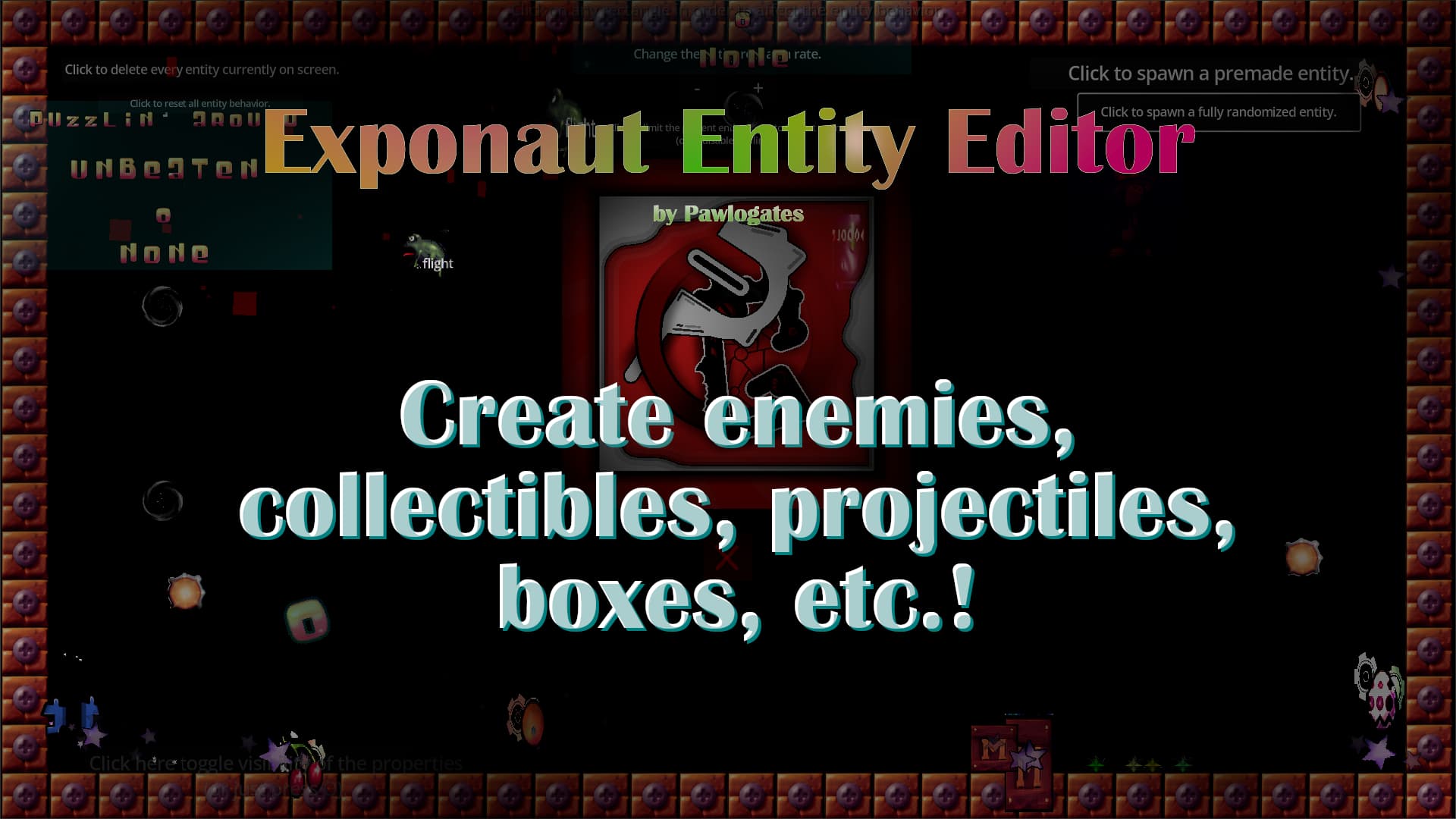
The Entity Editor, allows You to edit a vast collection of object behaviors that don't negate eachother
Welcome to the E.N.T.I.T.Y showcase project! This is one of the various systems developed for my game - Exponaut, coding of which was taking so much time, that I wasn't really able to actually USE them to make stuff! But now maybe you might :3 The Entity
Quick Lock Toolbar
1
by Yoan Agostini | MIT
Quick Lock Toolbar lets you add one-click lock buttons to the 3D editor toolbar, letting you instantly lock or unlock entire Node3D branches by name. Stop accidentally selecting or moving environment objects like trees, rocks, terrain, or structures while
Quick Lock Toolbar is a lightweight editor plugin that adds dedicated lock/unlock buttons directly to the 3D viewport toolbar. Lock entire Node3D hierarchies with a single click, preventing accidental selection or movement of objects you don't want to
Markdown Docs Viewer
0
by Soybean-milk | MIT
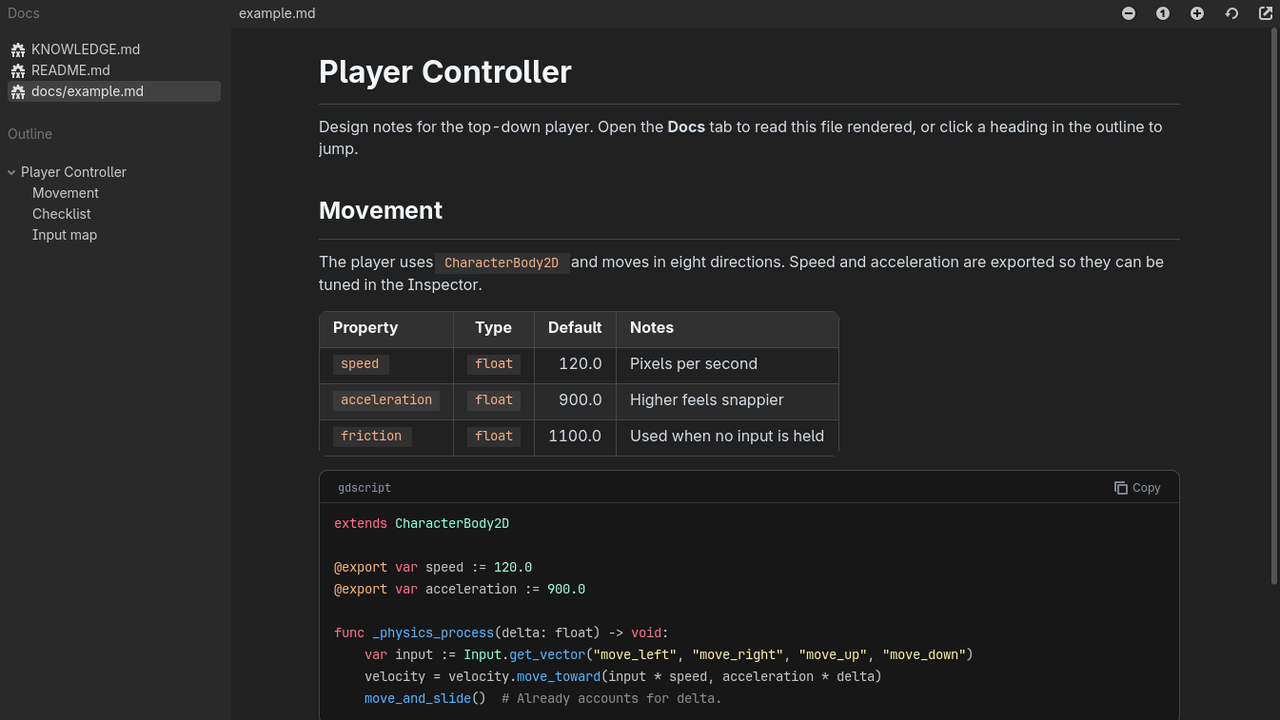
Read your project's Markdown docs in a dedicated editor tab, with an outline, styled tables and syntax-highlighted code blocks
Markdown Docs Viewer adds a "Docs" tab to the top of the Godot editor, next to 2D, 3D and Script. It renders the Markdown files in your project so you can read notes, design docs and READMEs without leaving the editor. Features: Lists every .md file in
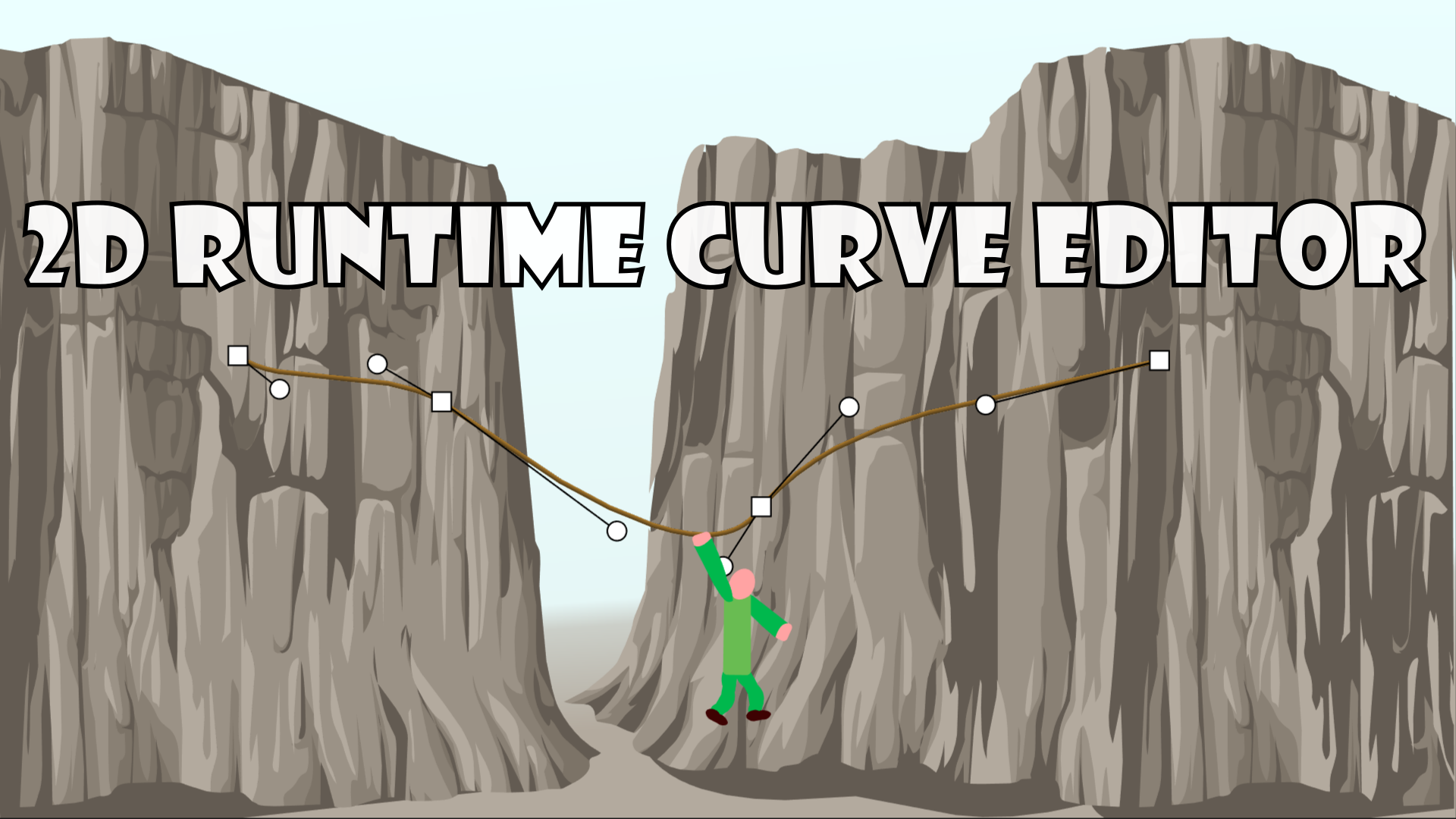
2D Runtime Curve Editor
0
by René van der Ark | MIT
This tool script adds Bézier curve manipulation handles for mouse and touch screens inside your running game (or app)
Runtime 2D Curve / Path Editor Tool for Godot 4 This tool script adds Bézier curve manipulation handles for mouse and touch screens inside your running game (or app). It's a spin-off tool I made by cherry picking code from the Scalable Vector Shapes 2D
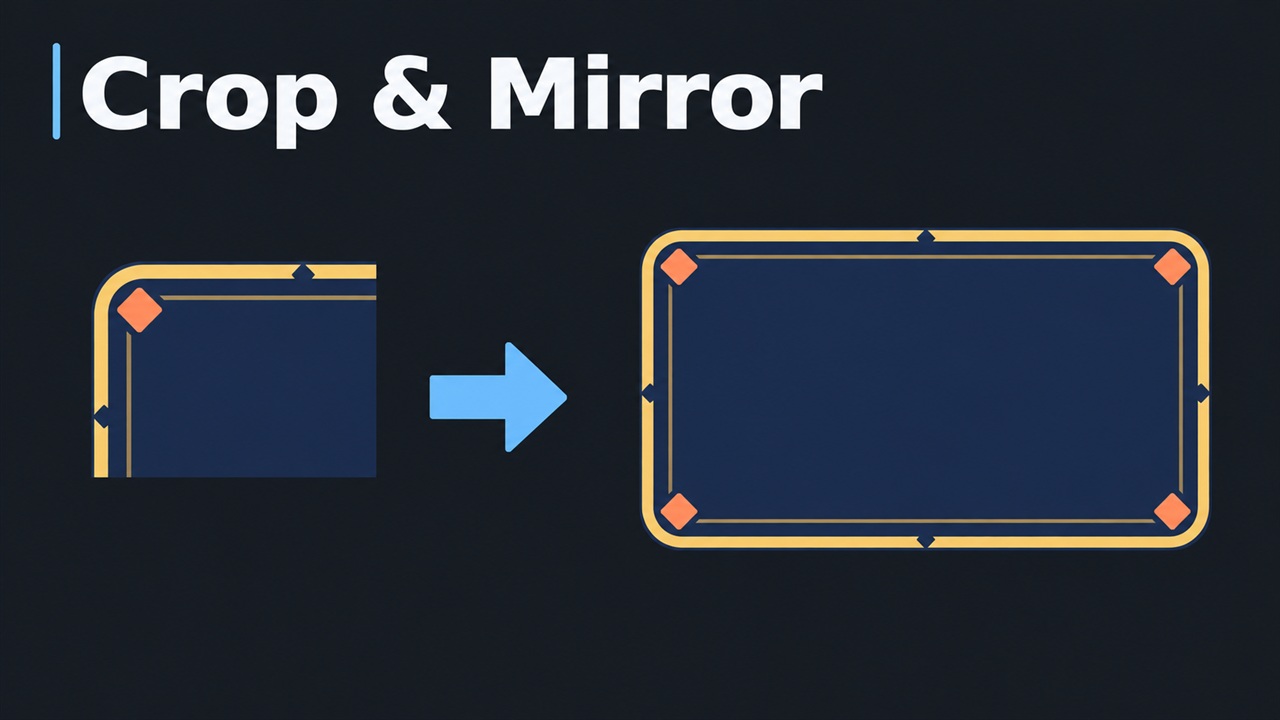
Crop & Mirror
0
by PGJSF | MIT
Crop a region from any image and export it as a PNG, optionally mirrored horizontally and/or vertically. Build symmetric UI frames and dialog boxes from a single corner
Crop & Mirror Crop & Mirror is a Godot editor plugin that crops a region from an image and exports it as a PNG. With mirroring enabled, a single corner can be expanded into a full symmetric image, such as a dialog box or UI frame. With mirroring disabled

loading more results...