Orchestrator
 7
7
by Crater Crash Studios | Apache 2.0
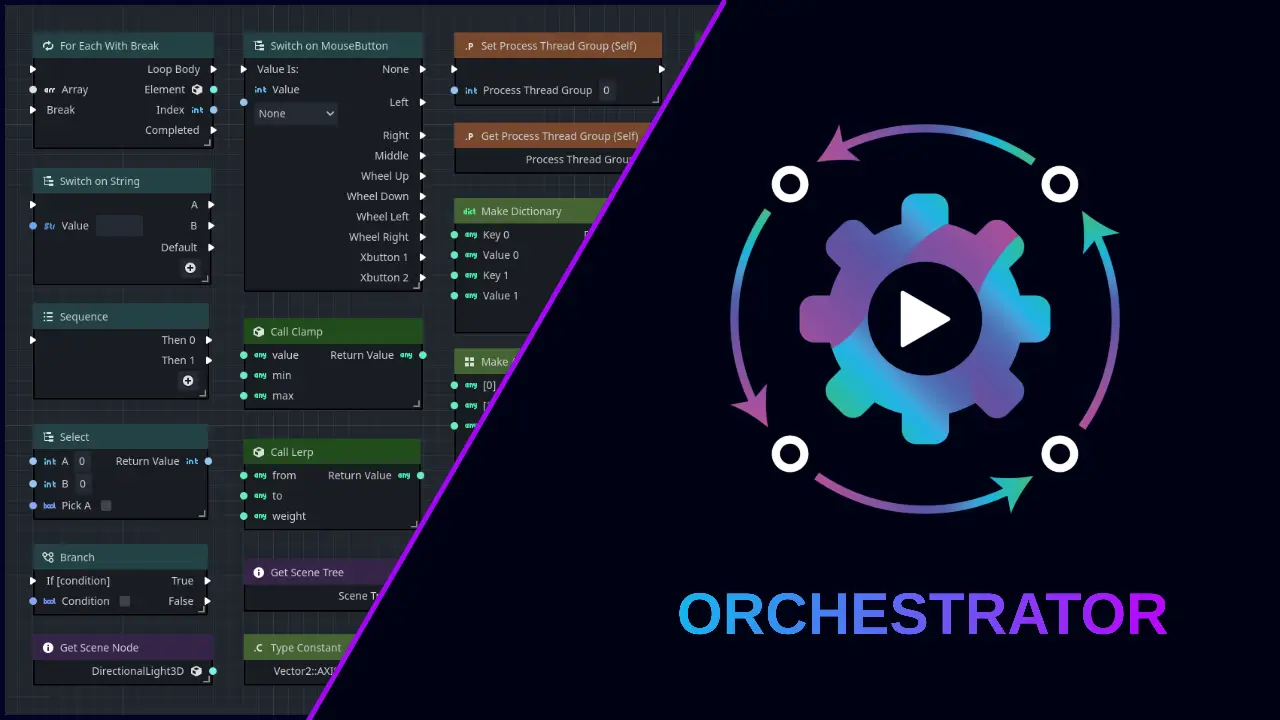
The ultimate visual scripting solution for Godot. Revolutionize your game development with an intuitive node-based editor. No coding required, full Godot integration
Features A complete visual scripting solution for Godot. Attach an Orchestration script (OScript) to any Godot scene node just like GDScript or CSharp. Hundreds of nodes in dozens of categories, such as Flow Control, Logic, Math, Variables, and more. Drag
Godoban
6
by JAEL-G | MIT
Advanced Kanban Task Manager for Godot. Plan, track, and ship your Godot project's work without ever leaving the editor. Godoban adds a drag-and-drop kanban board, multiple switchable boards, color-coded epics, powerful search & filters, and a live
Godoban — Advanced Task Manager for Godot Stop managing your project's work in spreadsheets, sticky notes, or scattered chat threads. Godoban brings a full, lightweight task-management system straight into the Godot editor, so you can plan, track, and
Expose Them Properties!
6
by Xesa | MIT
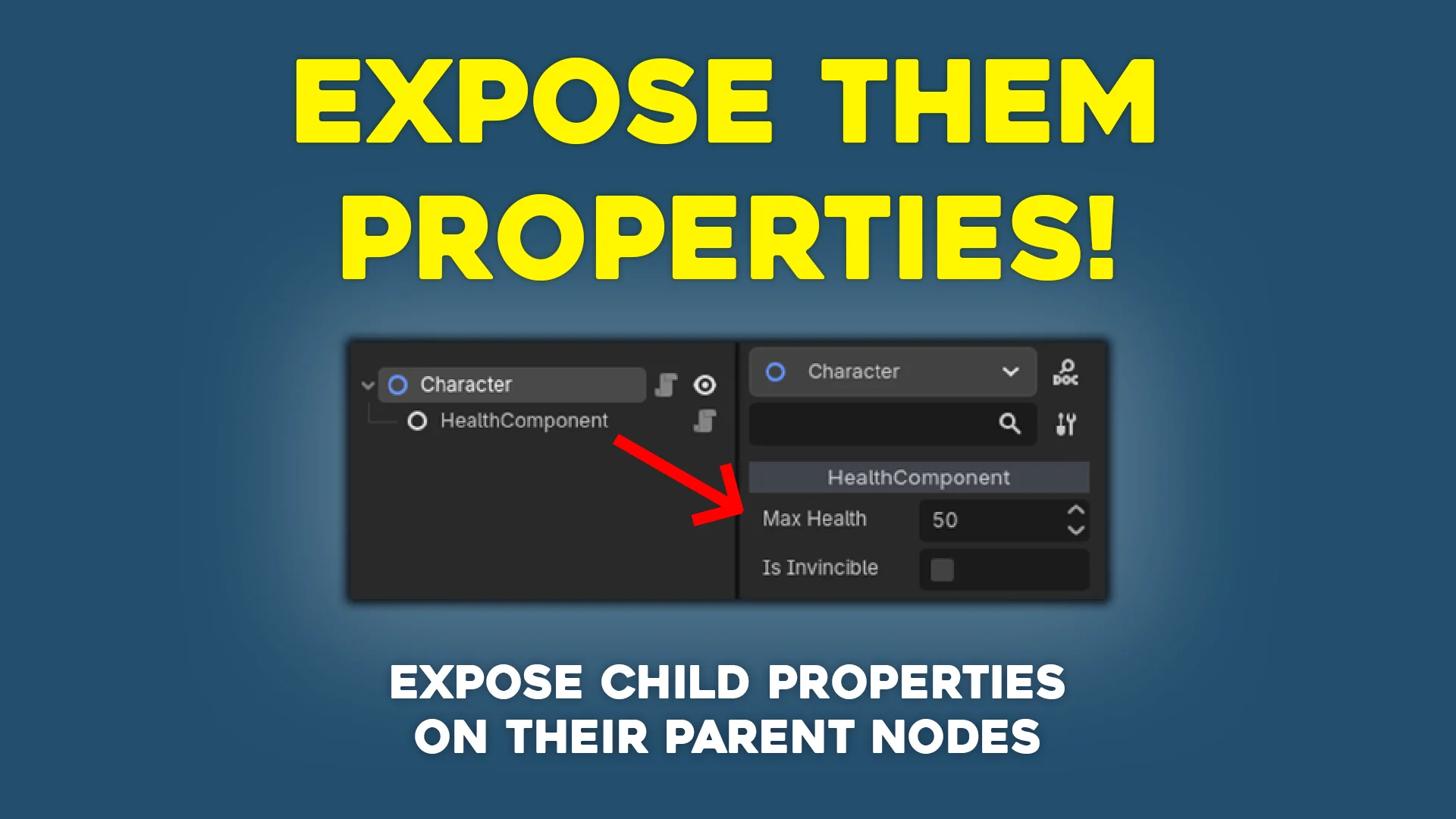
Small plugin for Godot that exposes child properties onto the owner node by setting up property hints
Expose Them Properties! This is a small plugin that exposes child properties onto parent nodes by setting up property hints. Use case Let's say you have a Character class that may include several nodes such as HealthComponent or AttackComponent . You'd
Gitot - Godot Git Tool
2
by SigK | MIT
Git workflow inside Godot 4 with LFS support, stage/unstage, commit, stash/pop, fetch/push/pull, inline diff gutter, full diff viewer, and repo issue tracker
Gitot - Godot Git Tool Gitot is a Git workflow plugin with LFS support intended for solo developers who want fast, reliable Git operations (stage/unstage, commit, stash/pop, fetch/push/pull), inline diff gutter, full diff viewer, and issue tracker without
Fuse
2
by Star Weaver | MIT
Fuse is a complete visual programming solution for Godot — build game logic with Event, Instruction, and Condition bricks directly in the Inspector, no node graph required
Fuse — Godot Visual Logic Plugin: A Non-Destructive Bridge from Prototype to Production Code Features A complete visual programming solution for Godot — build game logic with Event, Instruction, and Condition bricks directly in the Inspector, no node
GDDraw
2
by Ardonyx Apps | MIT
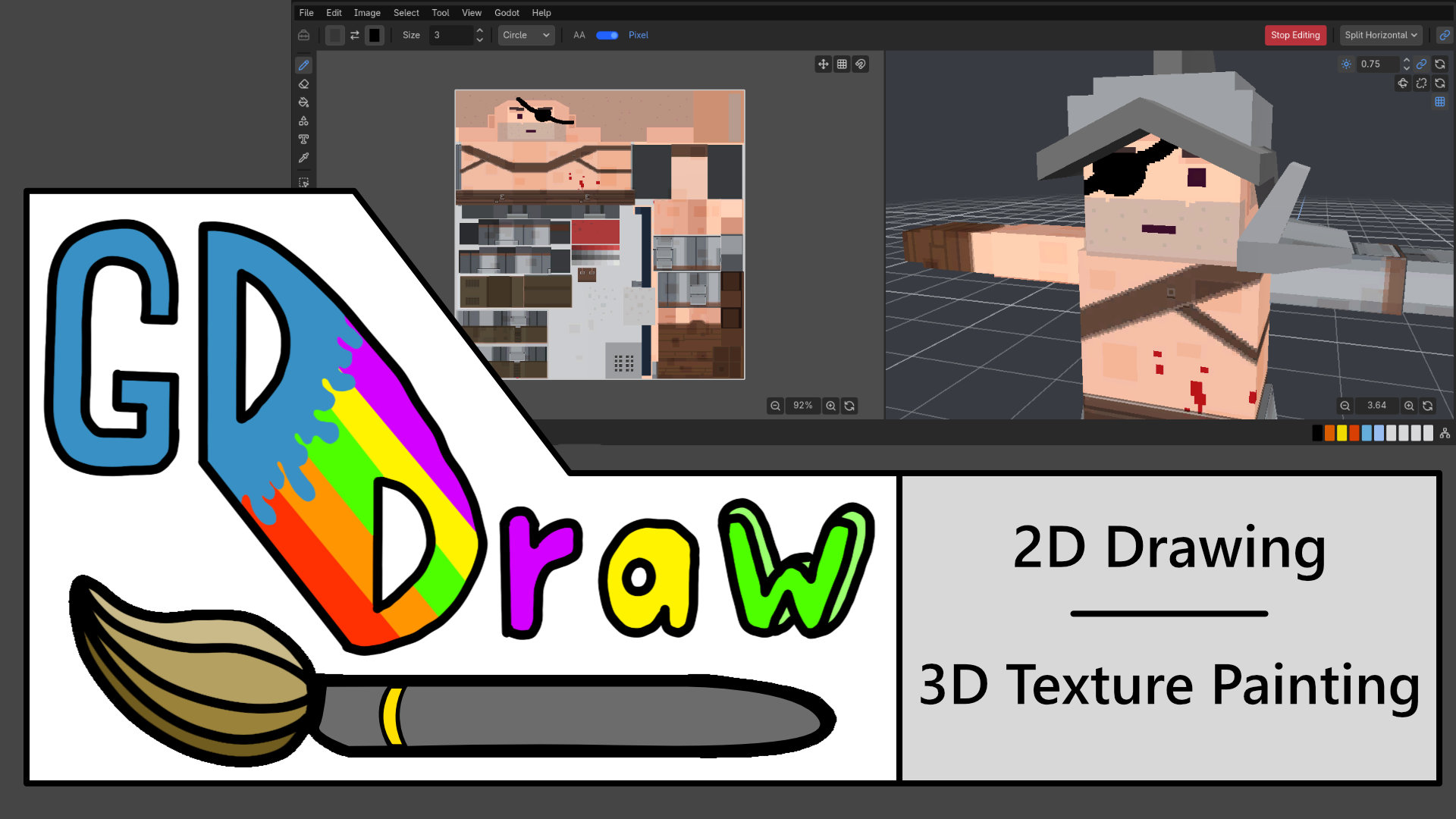
GDDraw is a Godot editor plugin for creating layered 2D artwork and painting albedo textures directly on supported 3D models. Draw, add text and gradients, build palettes, organize layers and groups, preview UVs, and paint across multiple objects without
Create and Paint Without Leaving Godot GDDraw is a Godot editor plugin for creating 2D artwork and painting albedo textures directly on supported 3D models. Sketch sprites, add text and gradients, adjust textures, and bring assets into your scenes without
World Brush
2
by ALSAHLY | MIT
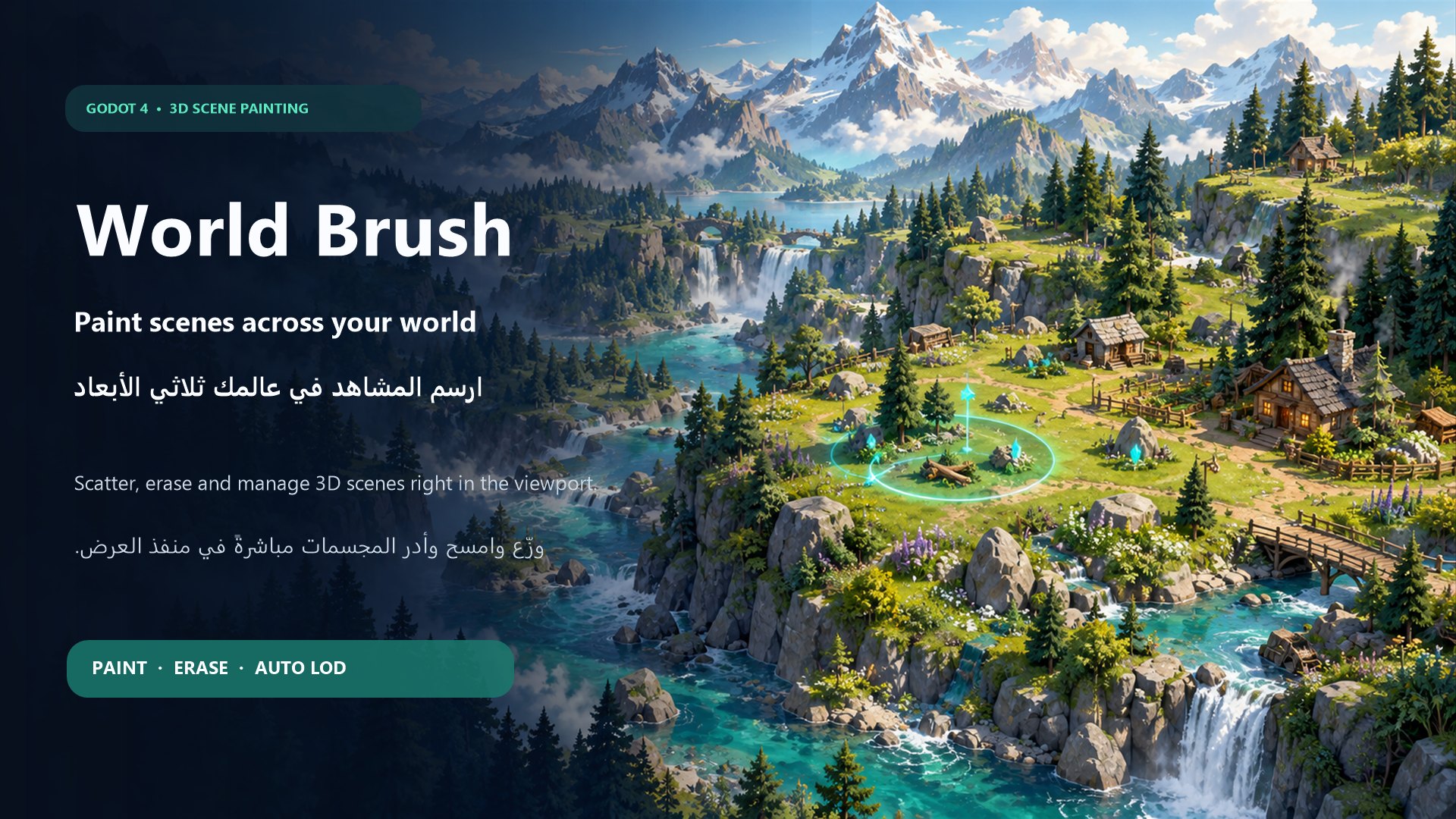
A bilingual Godot 4 editor plugin for painting, arranging, and erasing 3D scenes directly in the viewport with scene-specific brush settings
World Brush World Brush is a bilingual Godot 4 editor plugin that lets you paint, arrange, and erase reusable 3D scenes directly inside the editor viewport. It is designed to speed up environment creation by allowing you to place trees, rocks, plants
NaughtyAttributes
1
by Denis Rizov | MIT
NaughtyAttributes is an attributes extension for the Godot Inspector
The addon expands the range of things you can say about an exported property, so that you can build powerful inspectors without writing an EditorInspectorPlugin or an EditorProperty of your own. Conditional visibility, value clamping, validation messages
Physics Placer
1
by Syrsly | MIT
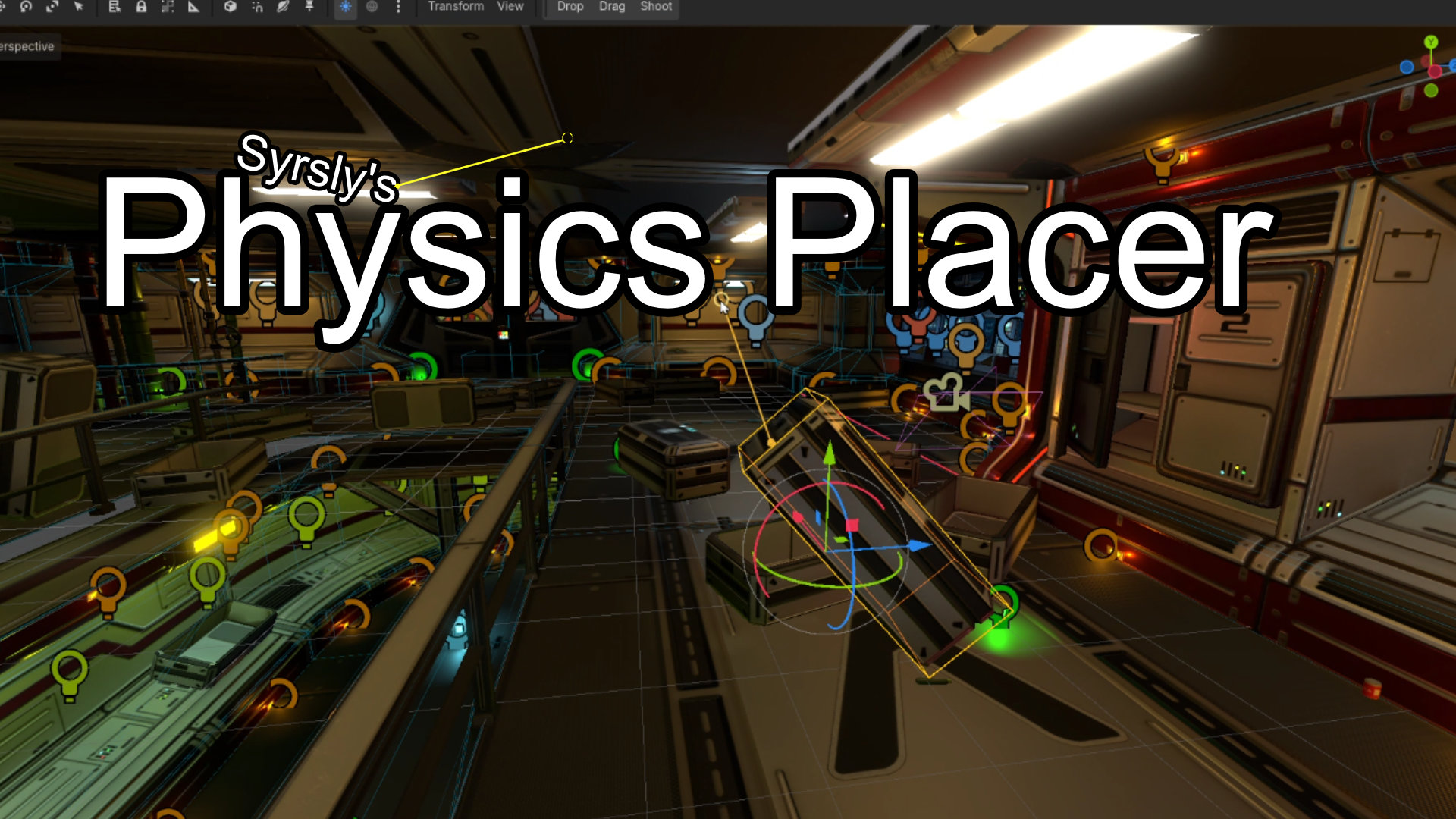
Physics-based object placement for the Godot 4 3D scene editor viewport that lets you drag objects around like ragdolls or shoot them into the scene or just drop them naturally
Physics-based object placement for the Godot 4 3D editor. Three subtools live in one scene editor tool: Drop, Drag and Shoot. The Drop tool pulls the object down with gravity to make it fall into and onto other objects in a realistically physical way. The
TabOut
1
by HarvT48 | MIT
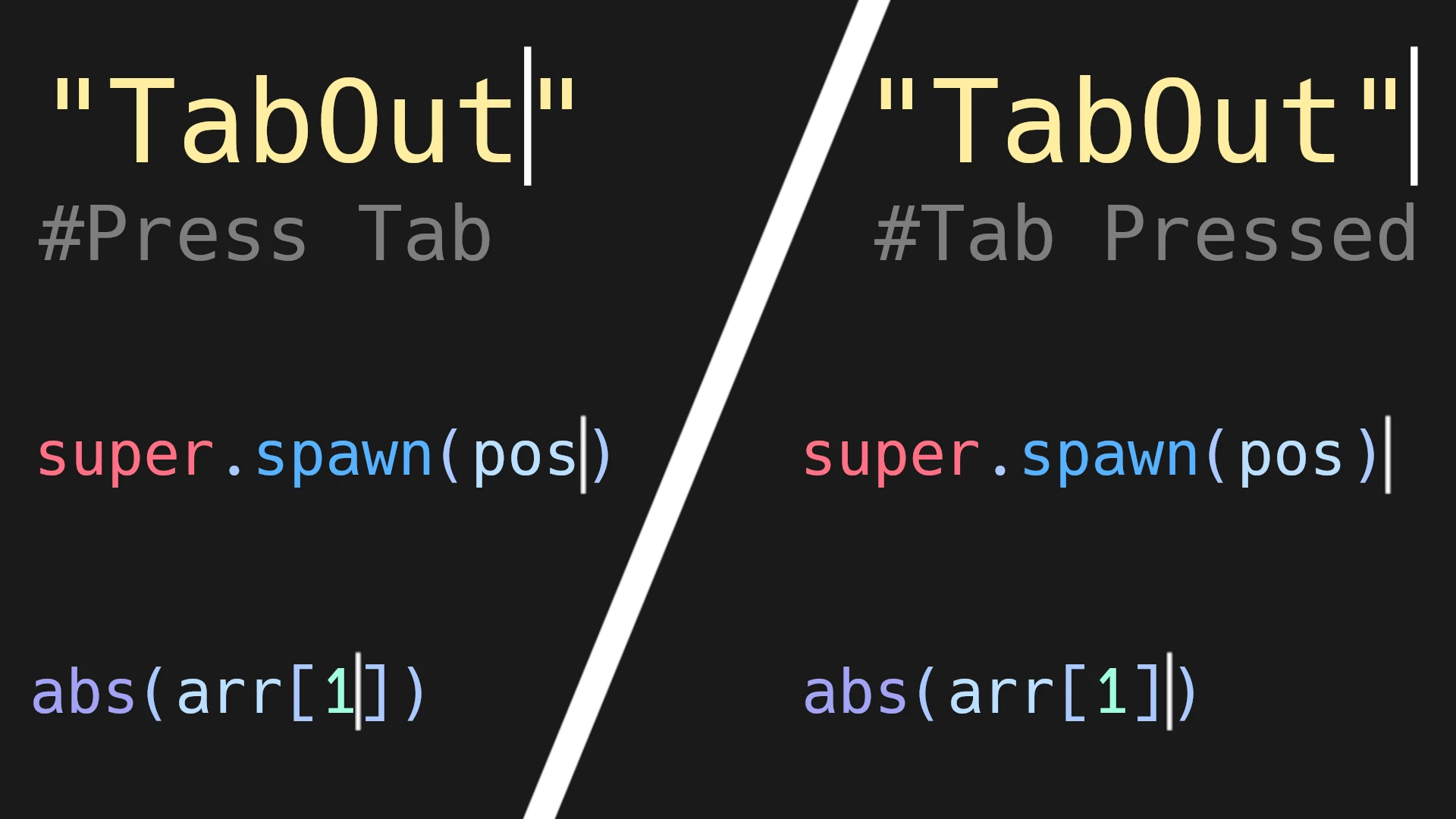
A simple plugin that adds a TabOut functionality to jump out of (), {}, [], "", and ''
Adds a TabOut functionality inspired by the fantastic Visual Studio Code plugin by Albert Romkes. If your blinking typing indicator (called the caret) is to the left of a closing bracket/parenthesis/quote, pressing tab will move the carat one character to
Folder Jump
1
by Aurailus | GPL v3
Folder Jump adds a "Jump Button" to folders which lets you jump straight to a folder's primary file, without opening the folder! Great for when you colocate scenes with their assets and scripts
Folder Jump adds a Jump Button to folders which lets you jump straight to a folder's primary file, without opening the folder! Great for when you colocate scenes with their assets and scripts. You don't want to have to open your scene folders and search
EditorShapes
1
by Xesa | MIT
EditorShapes is a small plugin for Godot 4.X that allows you to define shapes directly in the editor for drawing or logic purposes
EditorShapes EditorShapes is a small plugin for Godot 4.X that allows you to define shapes directly in the editor for drawing or logic purposes. The main advantage of this plugin is that every node in Godot that allows you to define a shape and edit it by
Surface Snap
1
by Adrm00 | MIT
An editor plugin for Godot 4.7+ that lets you drag a Node3D directly onto the surface of another object
Surface Snap An editor plugin for Godot 4.7+ that lets you drag a Node3D directly onto the surface of another object — unlike the built-in vertex snap, which only snaps to specific vertices. Usage Enable the plugin in Project → Project Settings → Plugins
Card Notes
1
by Limina Wayfarer | MIT
An addon for Godot 4.X adding a tab to keep notes in neat little cards
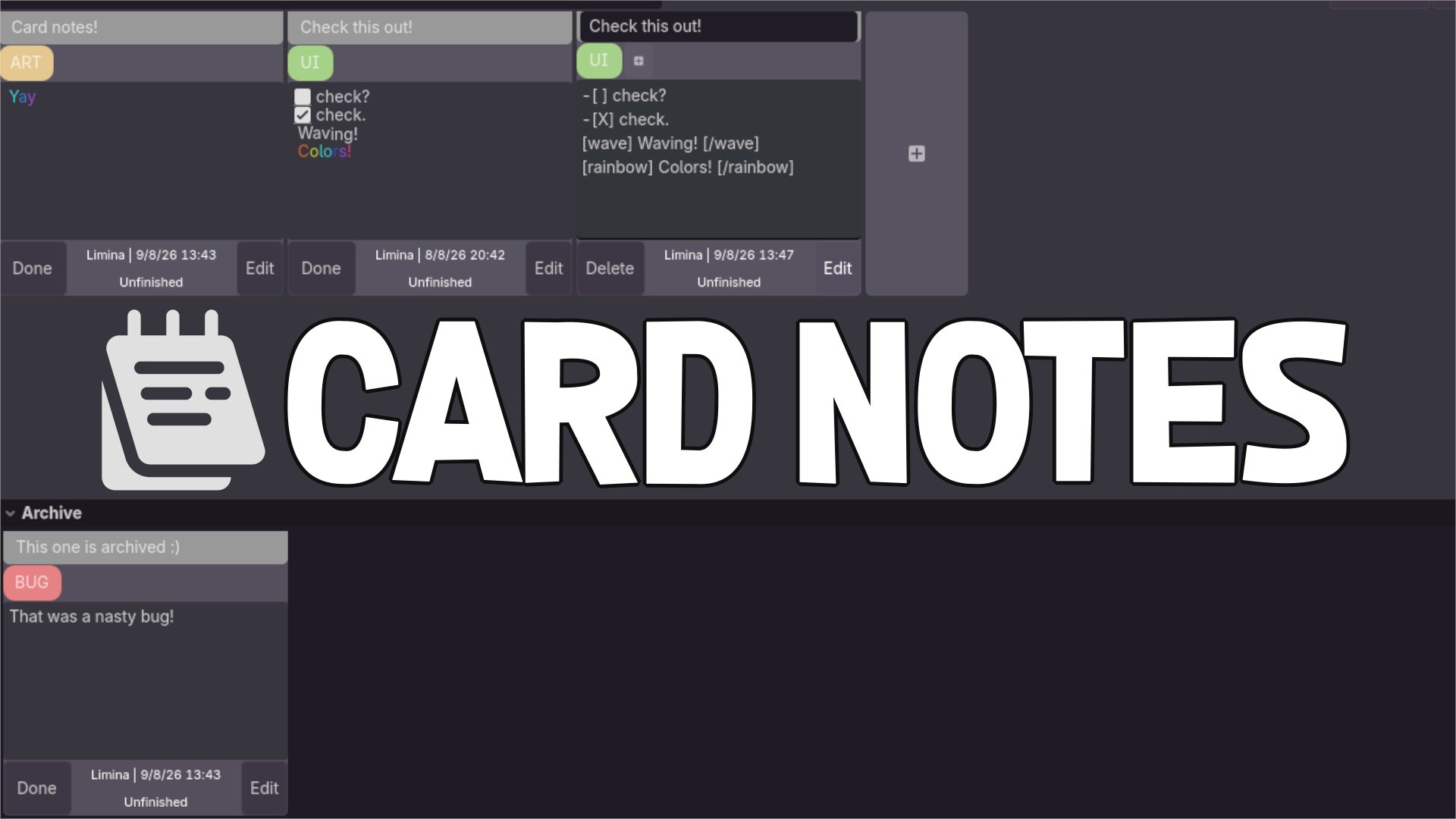
Card Notes creates a new tab, next to the Asset Store. You can go there and create notes to keep track of your TODOs! Features: Keep track of your notes and TODOs with cards Use a search bar to find a card with a matching title Use BBCode tags to make
Better Tooltips
1
by Tobias Lawrenz | MIT
Enhances the Godot editor with rich GDScript documentation tooltips, visual resource previews, and Markdown/text previews. Works directly in the FileSystem dock, Code Editor, and script navigation, with optional integration for **Quill-IDE** by Rayyan Aziz
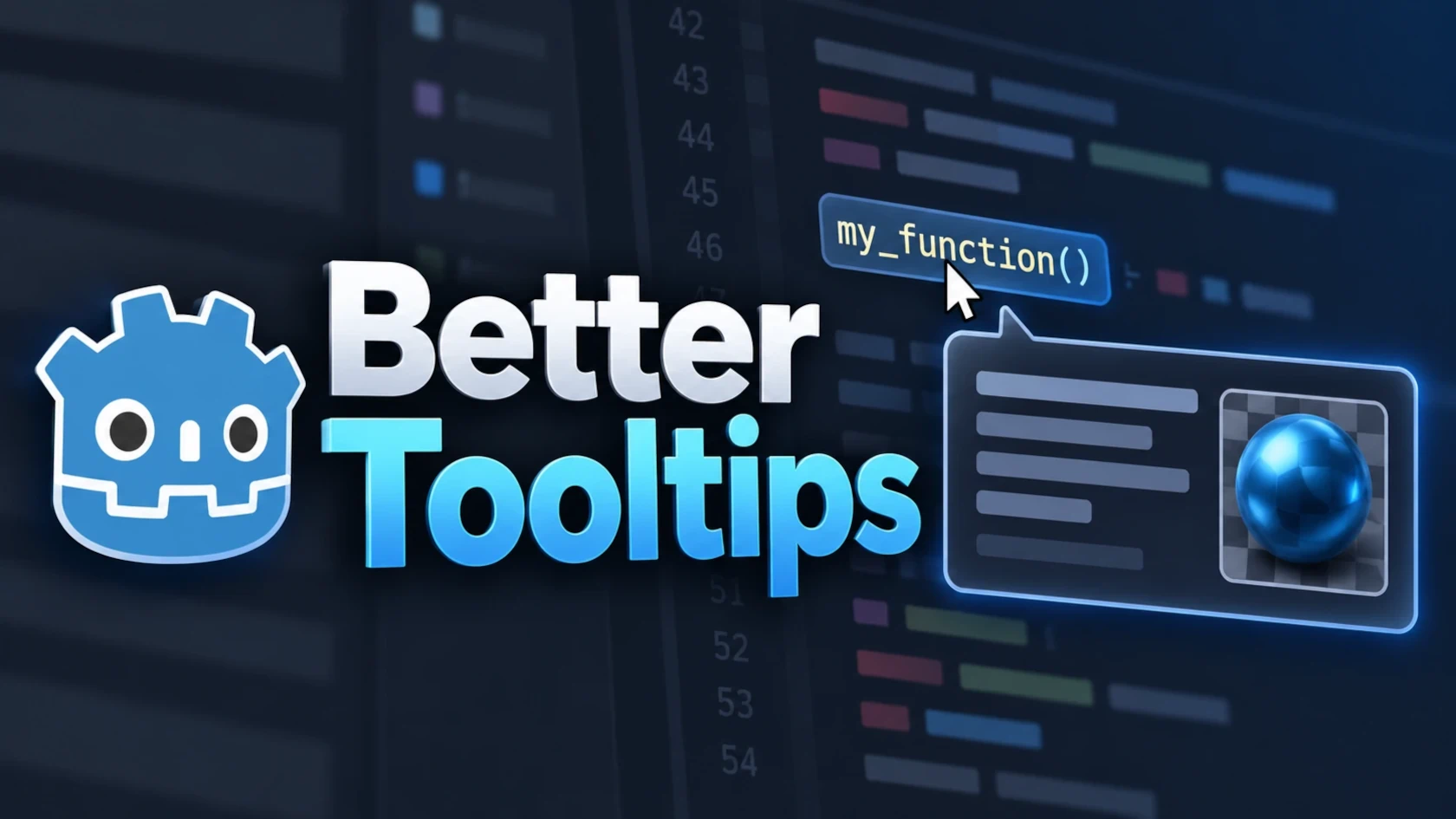
Better Tooltips Better Tooltips extends Godot's editor tooltips with project documentation, visual resource previews, Markdown/text previews and additional context directly where you work. ( Note: The project was originally released as FileSystem Dock
Sobek Inspector
1
by Blackwater Gator Studios | Blackwater Gator Studios License
Sobek Inspector is a modular Godot editor addon for building clean, designer-friendly Inspectors with visual layouts or GDScript directives
Sobek Inspector Build better Godot Inspectors without constantly switching between code and custom editor scripts. Sobek Inspector gives Node and Resource scripts a flexible, designer-authored Inspector workflow. Arrange exported fields into groups, tabs
Multi Edit
0
by Rydrako | MIT
Edit multiple resources at once right within the Inspector
Allows you to mass edit the properties of any resources intuitively right within Godot's Inspector! Multi-edit mode activates simply by selecting multiple files of the same type in the file system. Known Issues: You need to hit undo twice to undo a batch
GittyDot - Godot Git Plugin
0
by ShinyDarkRai | MIT
Git workflow inside Godot 4 with LFS support, stage/unstage, commit, stash/pop, fetch/push/pull, inline diff gutter, full diff viewer
GittyDot Review changes, edit diffs, and commit without leaving Godot. Features · Installation · Quick start · Guide · Limitations · Testing · Feedback GittyDot brings an IntelliJ-inspired Git workflow to the Godot editor: a focused Commit dock, a central

Godot CSV Export Check
0
by Karrden | MIT
Find raw CSV files that work in the editor but can disappear or change in an exported Godot build
Godot CSV Export Check is a local editor plugin that finds literal raw CSV paths that can work inside the editor but disappear or change in an exported build. Click Scan current project in the dock. The plugin reads GDScript source and reports missing CSV
Broken Reference Finder
0
by Kurtis Klay | MIT
Finds res:// paths that point at files which no longer exist, and knows when a path only looks broken because Godot already repaired it through a uid://. Every result carries a High/Low confidence tier
Broken Reference Finder Finds res:// paths in your scenes, resources and scripts that point at files which no longer exist — and knows when a path only looks broken because Godot already repaired it through a uid:// . The false-positive problem this
Unused Resource Finder
0
by Kurtis Klay | MIT
A full asset audit dock, not just an orphan finder: unused files (uid-aware, with High/Low confidence), oversized images, dead folders and missing license files, all in one scan
Unused Resource Finder A full asset audit dock, not just an orphan finder: unused files, oversized images, dead folders and missing license files, all in the same scan. Four checks, one pass Unused. A file counts as referenced if its res:// path shows up
3D Viewport Bookmarks
0
by MeshinixTools | MIT
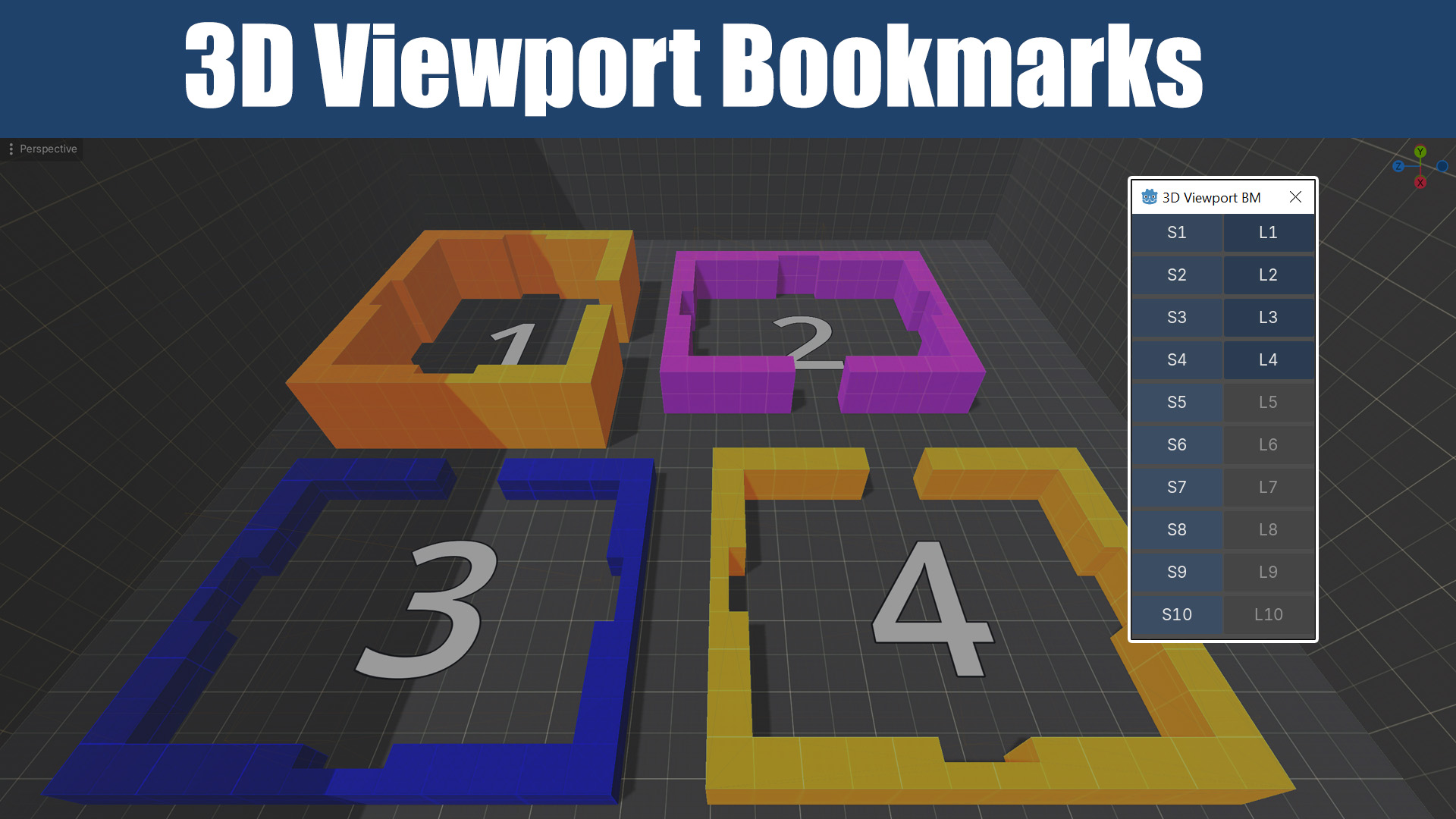
3D editor camera bookmarks for Godot's 3D editor viewport. Save up to 10 viewpoints, jump between them with one click
3D Viewport Bookmarks 3D editor camera bookmarks for Godot's 3D editor viewport. Save up to 10 camera positions and jump between them with one click — no more re-navigating from scratch every time you switch areas of your level. Why When working on 3D
Todo Tracker
0
by Kurtis Klay | MIT
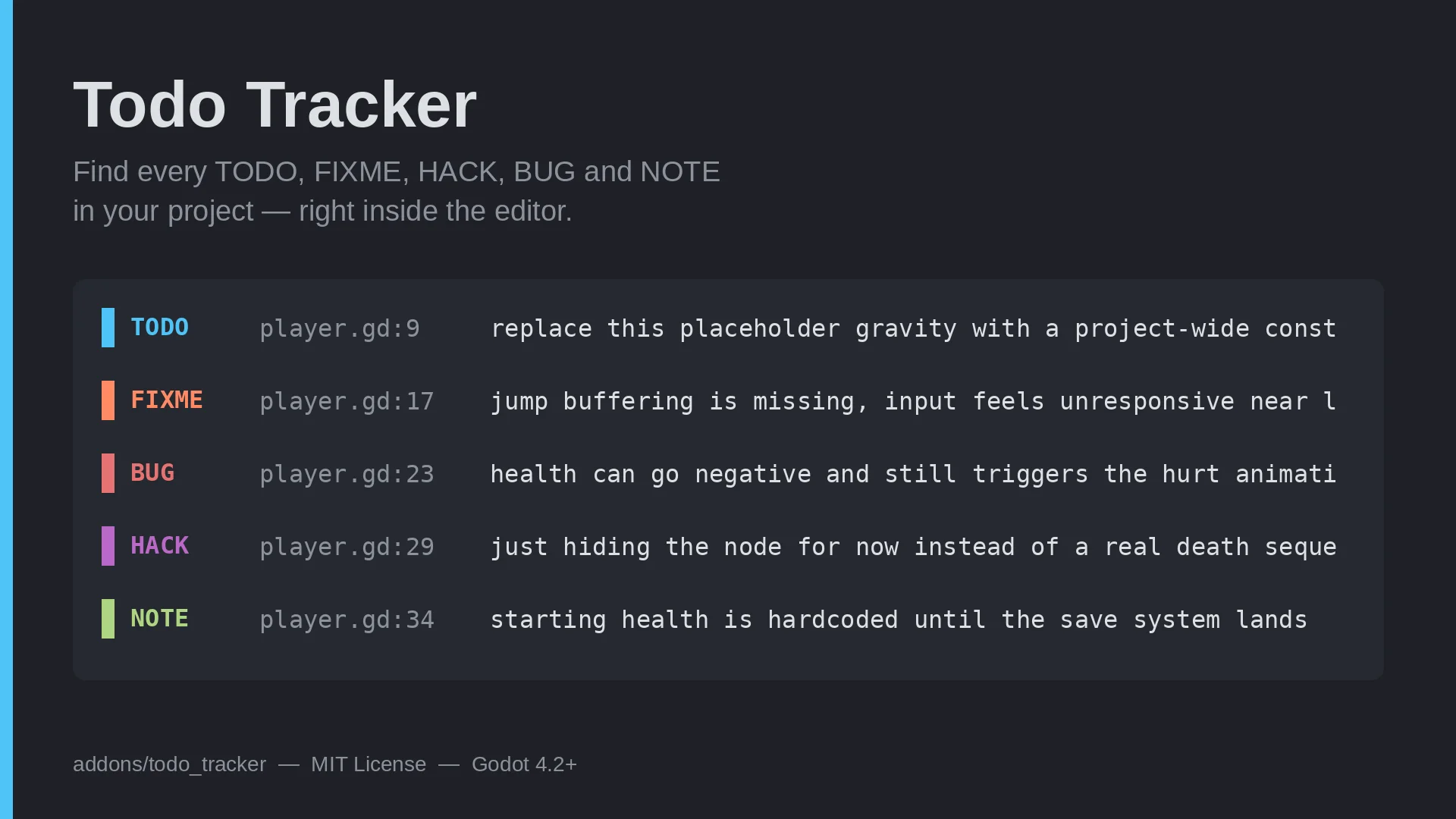
Every TODO, FIXME, HACK, BUG and NOTE comment in your project, in one dock — plus your own custom tags and regex for whatever markers your team already uses that don't fit those five
Todo Tracker Every TODO , FIXME , HACK , BUG and NOTE comment in your project, in one dock, with a line and a file for each — plus room for whatever markers your own team already uses that don't fit those five. Why a sixth tag matters A fixed list of TODO
VenuDie
0
by Anteger | MIT
Make animated, distorted battle backgrounds in a dedicated editor tab. A Godot 4 port of Dieback by Okanoa
VenuDie is a Godot 4 addon for making animated, distorted battle backgrounds, the wavy, scrolling, palette-cycling kind you see in classic RPG battle scenes. You build backgrounds in a dedicated VenuDie tab at the top of the editor, save them as .dieback

loading more results...