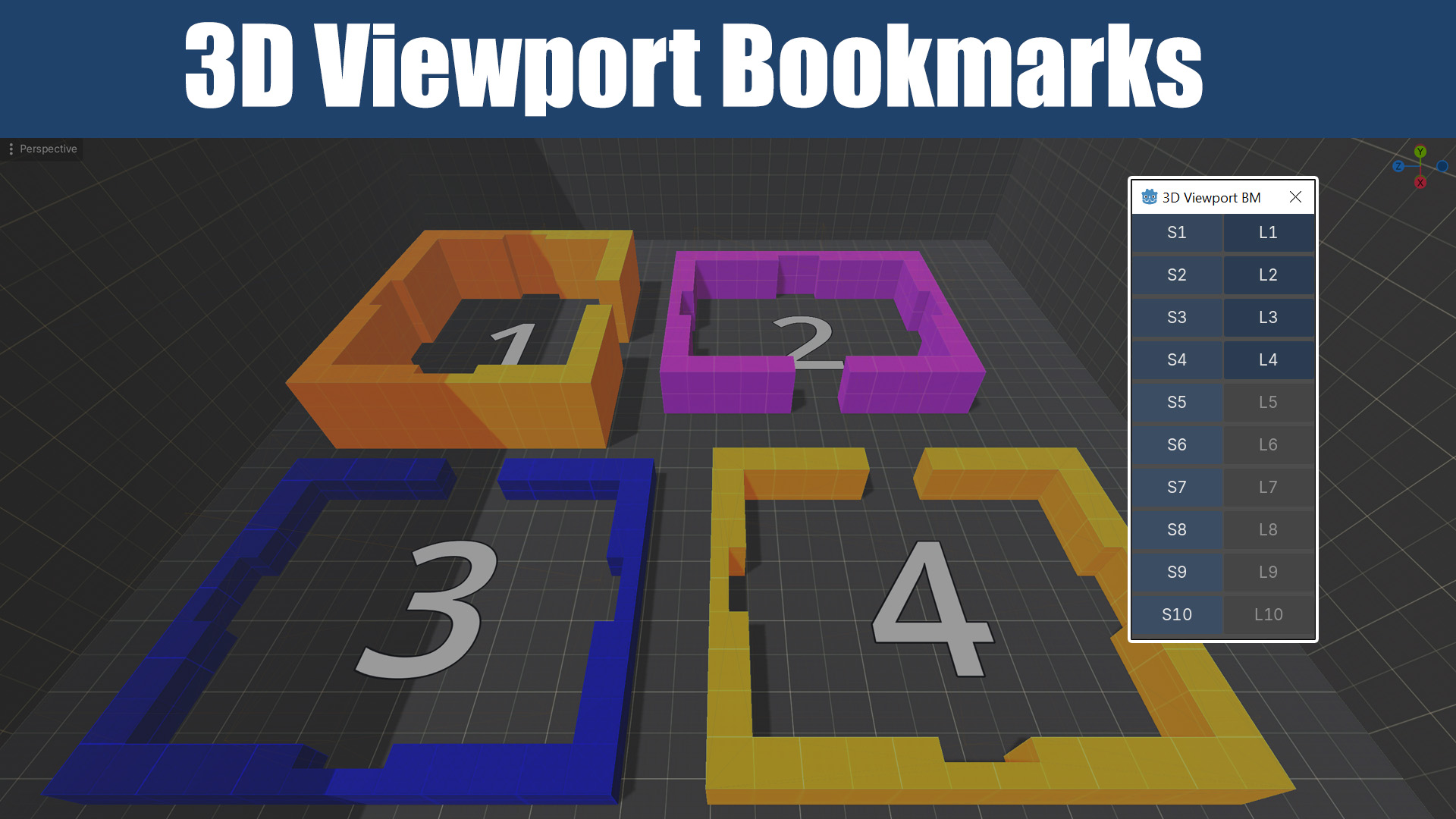
3D Viewport Bookmarks
 0
0
by MeshinixTools | MIT
3D editor camera bookmarks for Godot's 3D editor viewport. Save up to 10 viewpoints, jump between them with one click
3D Viewport Bookmarks 3D editor camera bookmarks for Godot's 3D editor viewport. Save up to 10 camera positions and jump between them with one click — no more re-navigating from scratch every time you switch areas of your level. Why When working on 3D
SubViewport Decal
0
by FrogMelon | MIT
A light Decal-class node that continuously captures a SubViewport's output and projects it onto 3D surfaces as a Decal
SubViewportDecal is a Decal-class node that captures a SubViewport's rendered output and projects its contents onto 3D surfaces as a Texture. A few good use-case examples for this are: Real-time 3D model Drop-Shadows 2D nodes projected onto 3D geometry
Hybrid Scaler
0
by Starriver | ISC
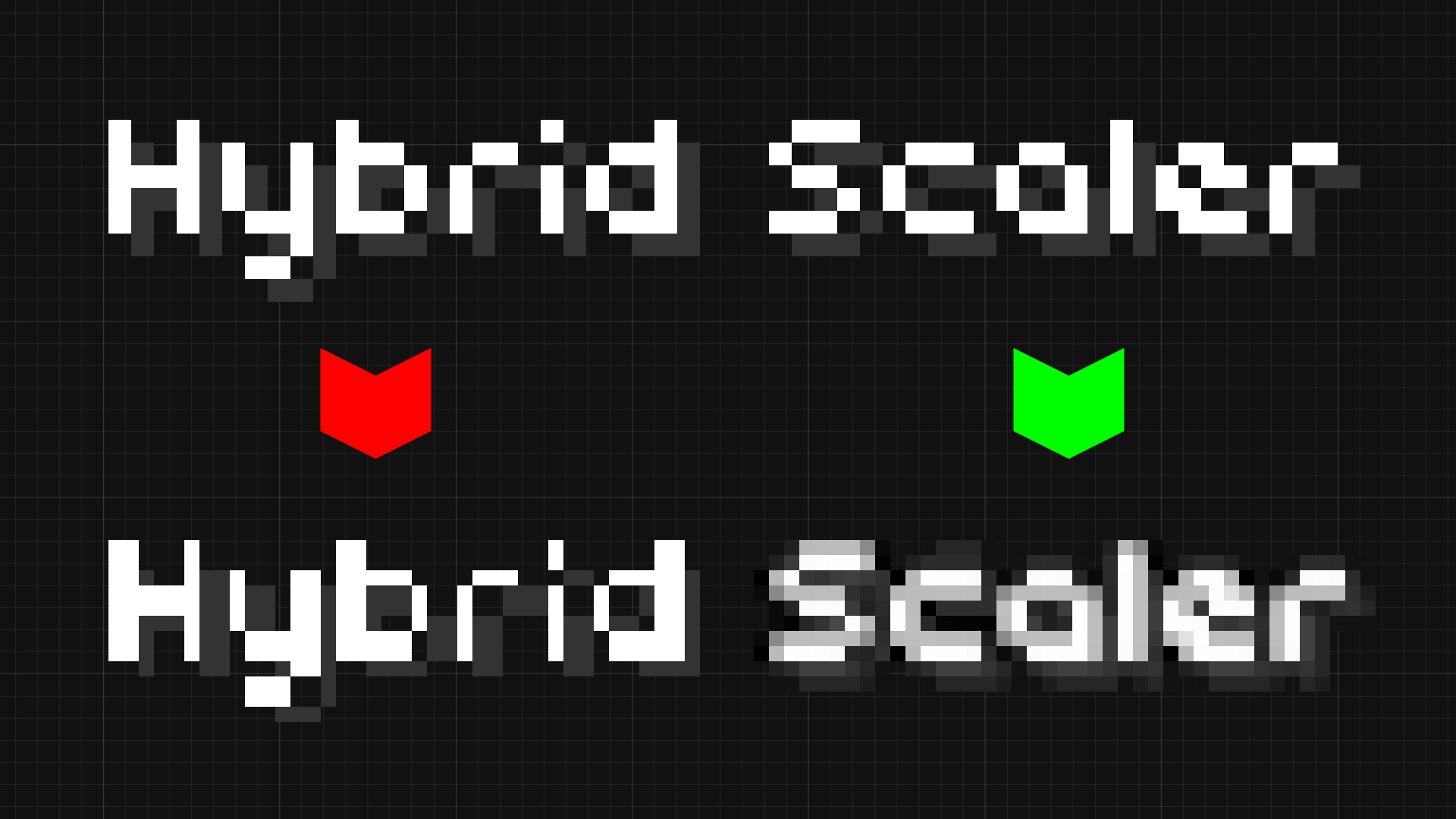
Hybrid scaling post-processor addon for Godot 4.x
Performs hybrid scaling on the main viewport. This scales up the viewport with nearest-neighbour interpolation, then scales down again with a filter - see the thumbnail! This provides a "best of both worlds" for low-res games that'd normally use the '
Game Viewport
0
by Aytek Temel | MIT
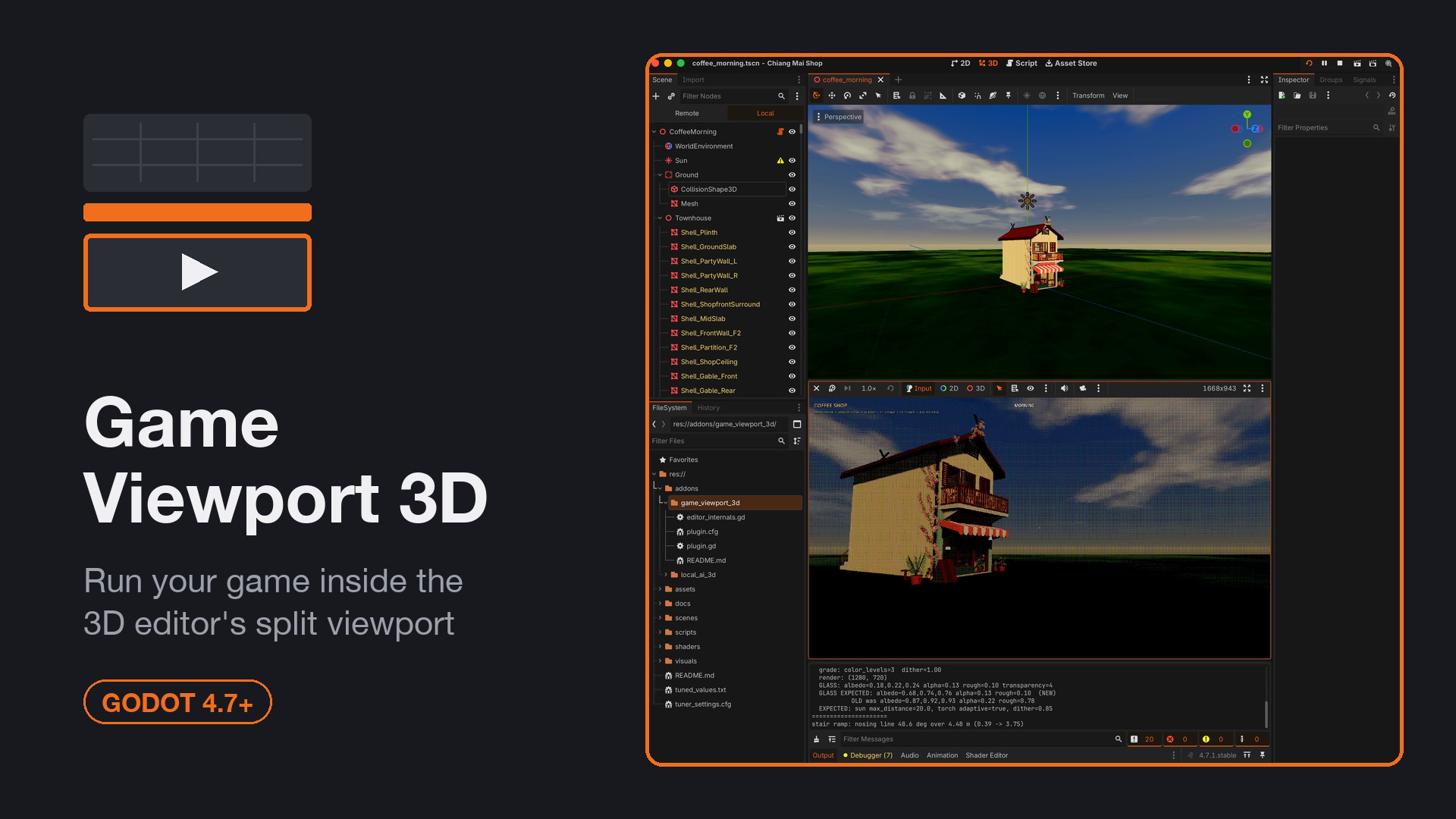
Run your game inside a pane of the 3D editor's split viewport
Shows the running game inside a pane of the 3D editor's split viewport instead of the separate Game tab. Tick "Game Window" on any pane; Play lands the game there, Stop hands the pane back. Auto-creates a second viewport, docks the Game toolbar above the
Godot Quick Resolution
0
by tokar | MIT
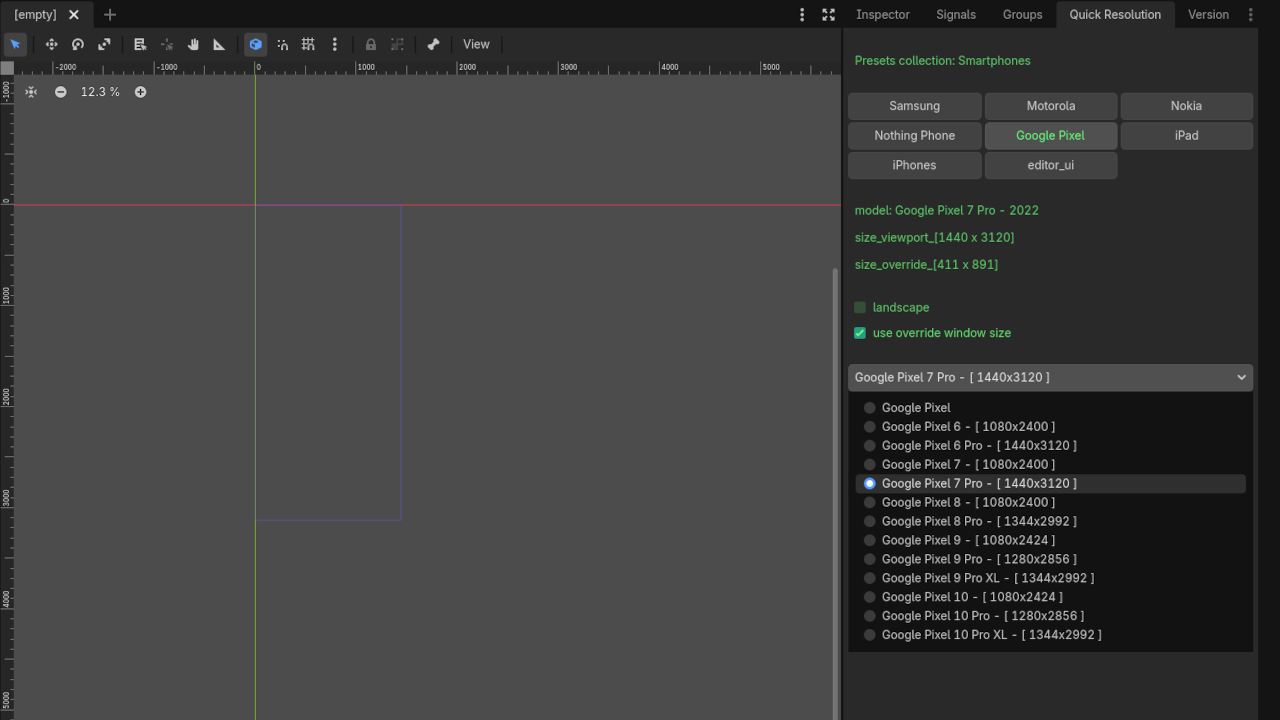
Godot plugin to quickly change and test Project Resolution settings
Godot Quick Resolution Quickly change and test different Project Resolution settings directly from the Godot editor. A lightweight editor plugin that lets you instantly switch between common resolutions (including many real device resolutions) without
Split Screen Input Demo
0
by Godot Foundation | MIT
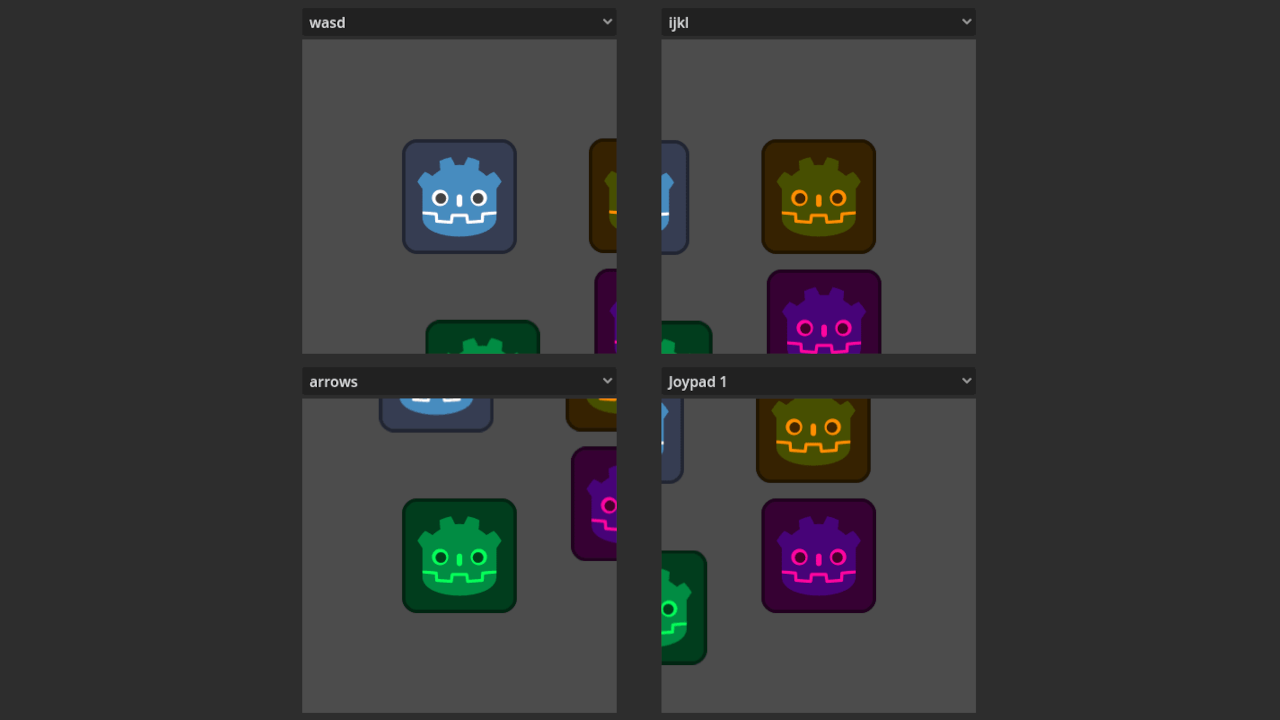
A demo showing a Split Screen GUI and input handling for local multiplayer using viewports
A demo showing a Split Screen GUI and input handling for local multiplayer using viewports. It demonstrates: Single World2D, that is shared among many Viewports Simplified Input Map, that uses the same Actions for all Split Screens Input event routing to
Screen Capture Demo
0
by Godot Foundation | MIT
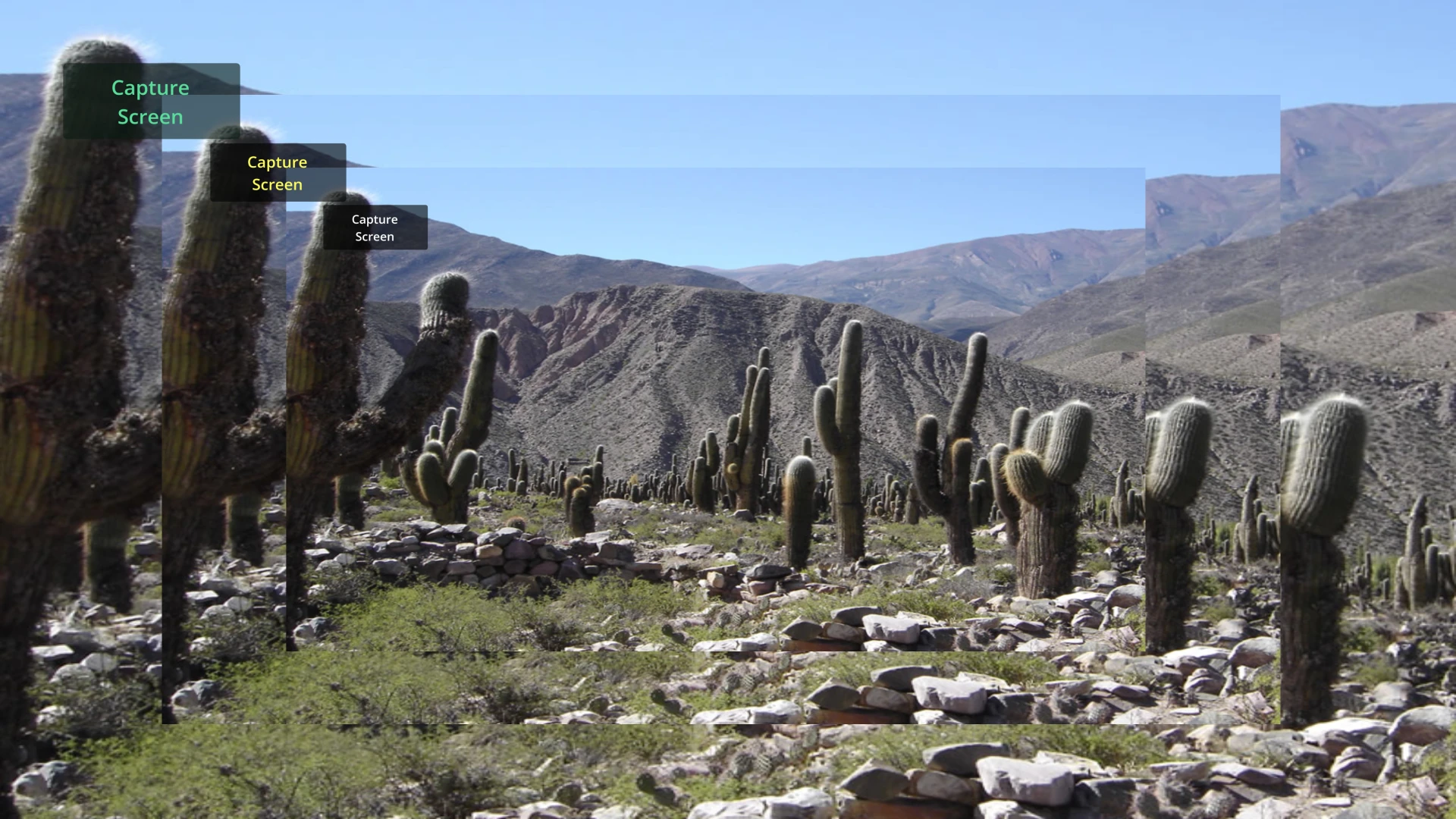
An example showing how to take screenshots of the screen
An example showing how to take screenshots of the screen. Language: GDScript Renderer: Compatibility
Procedural Materials Demo
0
by Godot Foundation | MIT
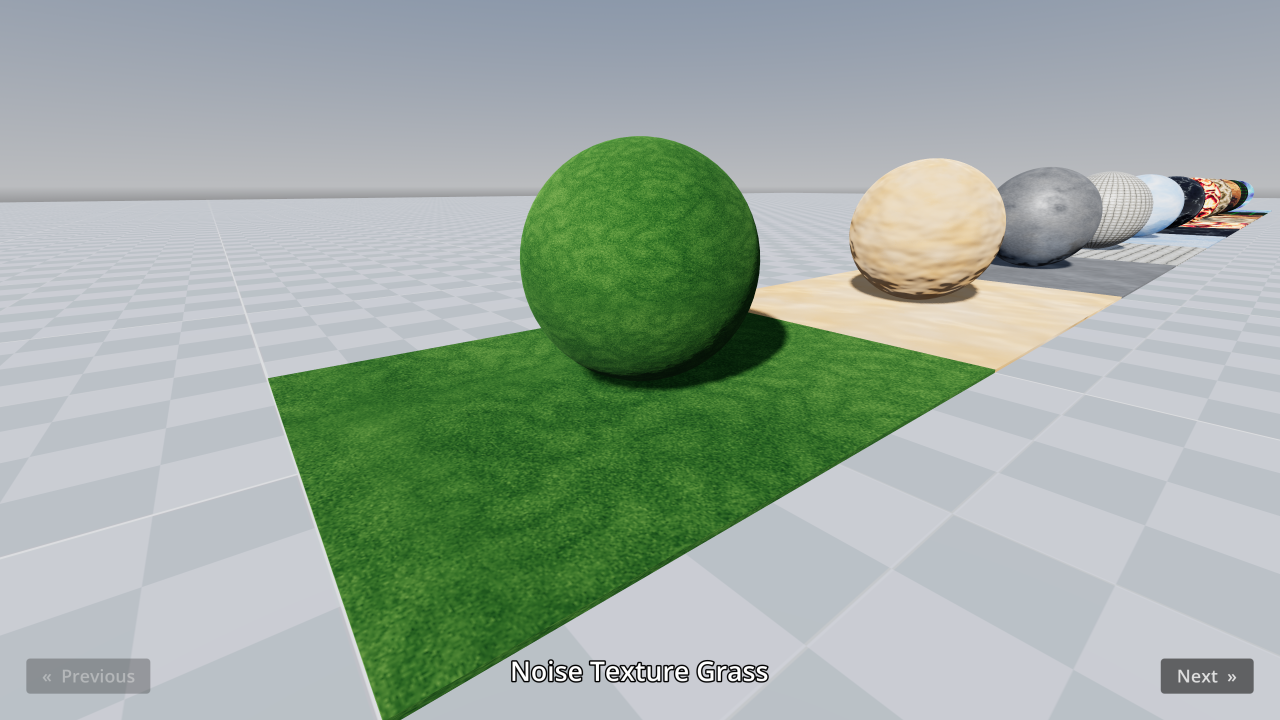
This demo includes procedurally generated materials with 3 different techniques (NoiseTexture2D, scripting, shaders)
This demo includes procedurally generated materials with 3 different techniques: NoiseTexture2D: Built-in class that generates images on the CPU based on noise patterns (such as Simplex or Cellular). This is suited for static textures only. Texture
Eyesee
0
by Ultipuk | MIT
Plugin for detecting color blindness-related issues
Godot Eyesee Color Plugin Simulate color vision deficiencies directly within the editor to identify accessibility issues. You can watch an overview here. Supported filters: Protanopia Deuteranopia Tritanopia Achromatopsia Filters can be selected via the “

loading more results...