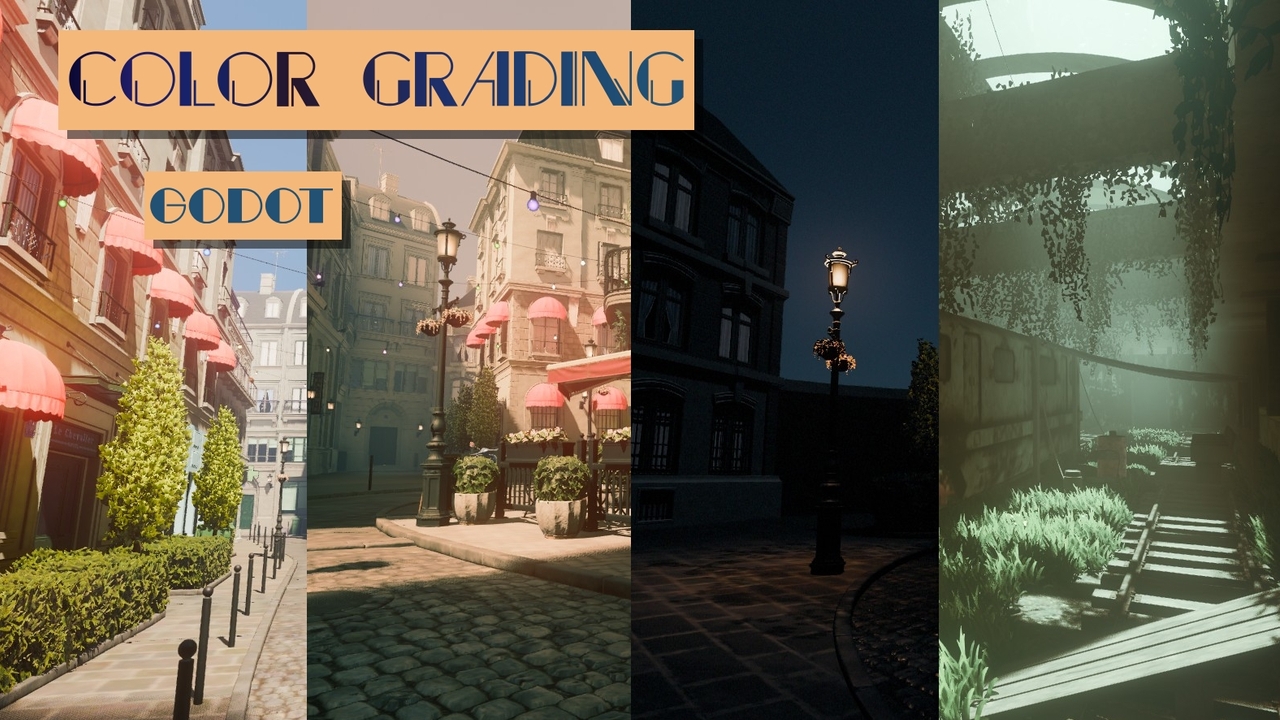
Color Grading
 5
5
by Rytelier | MIT
Flexible set of color filters utilizing dedicated color spaces
Flexible set of color filters utilizing dedicated color spaces. Features: Shadows, midtones and highlights adjustment Color tint Vibrance Brightness Curves Night color Simulation of color perception in darkness where your eyes are most sensitive to blue
Color Script List
0
by kanacide | CC0 1.0 Universal
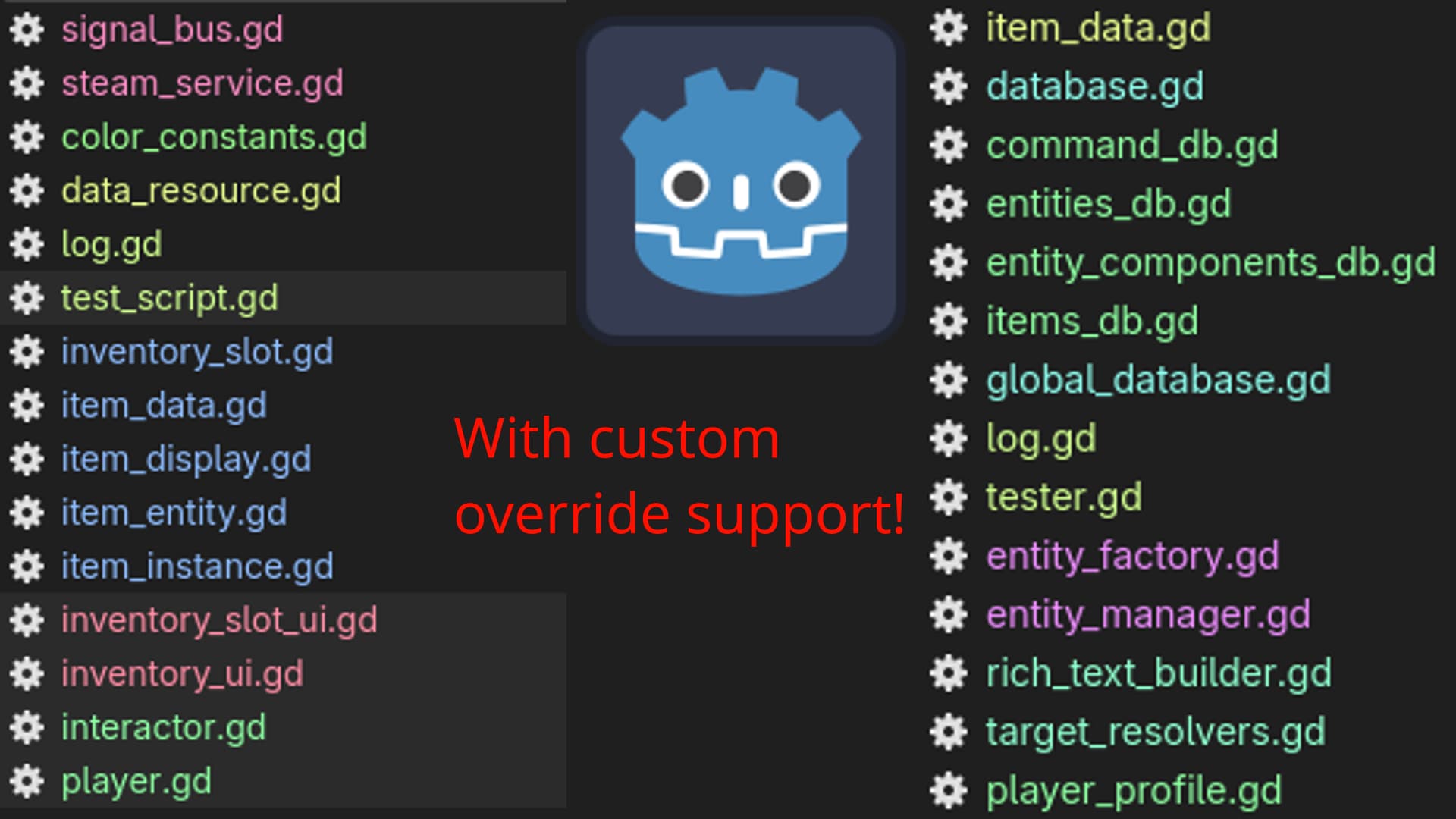
Color Script List automatically assigns a color to the scripts inside the script list based of off what folder they're in
Color Script List Color-codes the script list in Godot's script editor by folder. Features Automatic colors: script automatically get their own color. Custom colors: you can optionally manually set custom colors. Customization To manually override a
Live Palette
0
by Thiago Rocha | MIT
A centralized color palette for Godot 4. Pick palette colors anywhere in the Inspector, and when you change a palette entry, it updates everywhere
Live Palette gives your project one place to define named colors, and keeps every use of them in sync. Pick a palette color on any Color property in the Inspector. Change that color later and everything using it follows: open scenes as you edit, other
Eyesee
0
by Ultipuk | MIT
Plugin for detecting color blindness-related issues
Godot Eyesee Color Plugin Simulate color vision deficiencies directly within the editor to identify accessibility issues. You can watch an overview here. Supported filters: Protanopia Deuteranopia Tritanopia Achromatopsia Filters can be selected via the “
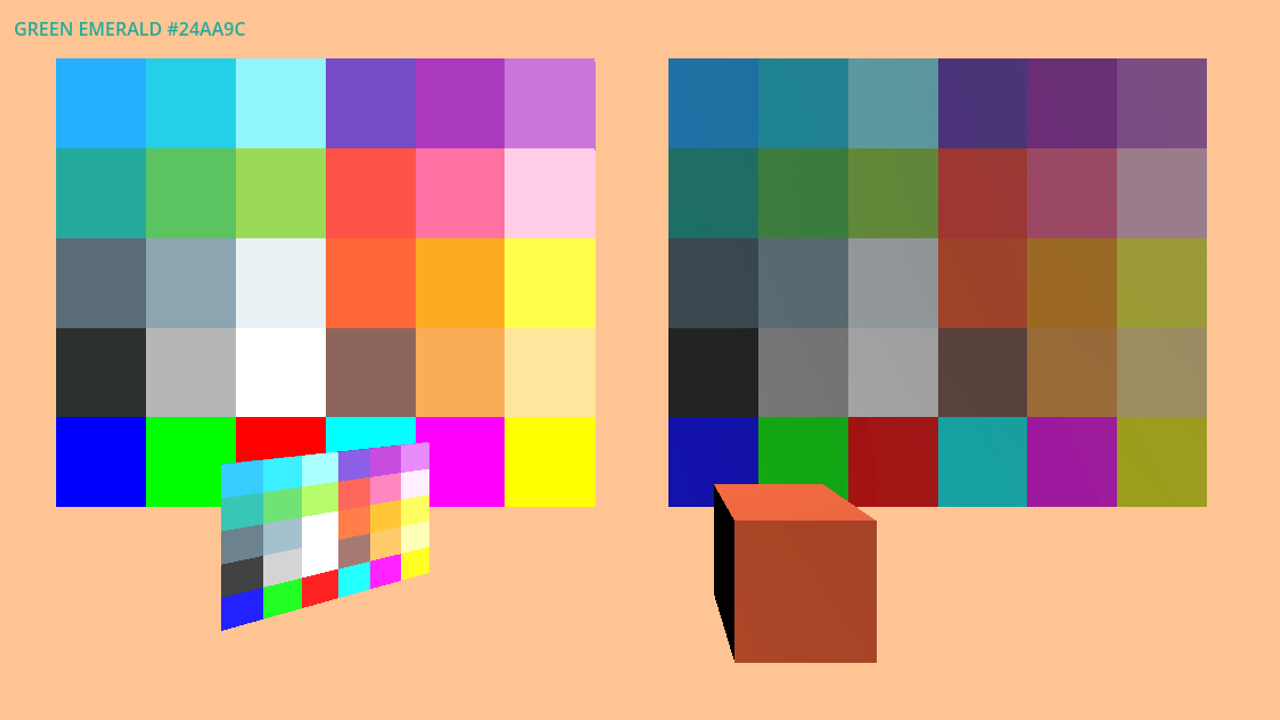
Blocks Color
0
by Éloi Strée | BEERWARE
A set of grayboxing tools featuring a consistent color palette for use in your project. Inspired by the 36 colors from Open Blocks Color, this asset includes both lit and unlit materials, along with resources to support implementation in code. Designed
Continuation of the previous store: https://godotengine.org/asset-library/asset/5041 This asset was created to help prototype graybox environments in games. It includes 30 colors available in both lit and unlit versions, for a total of 60 materials. A

loading more results...