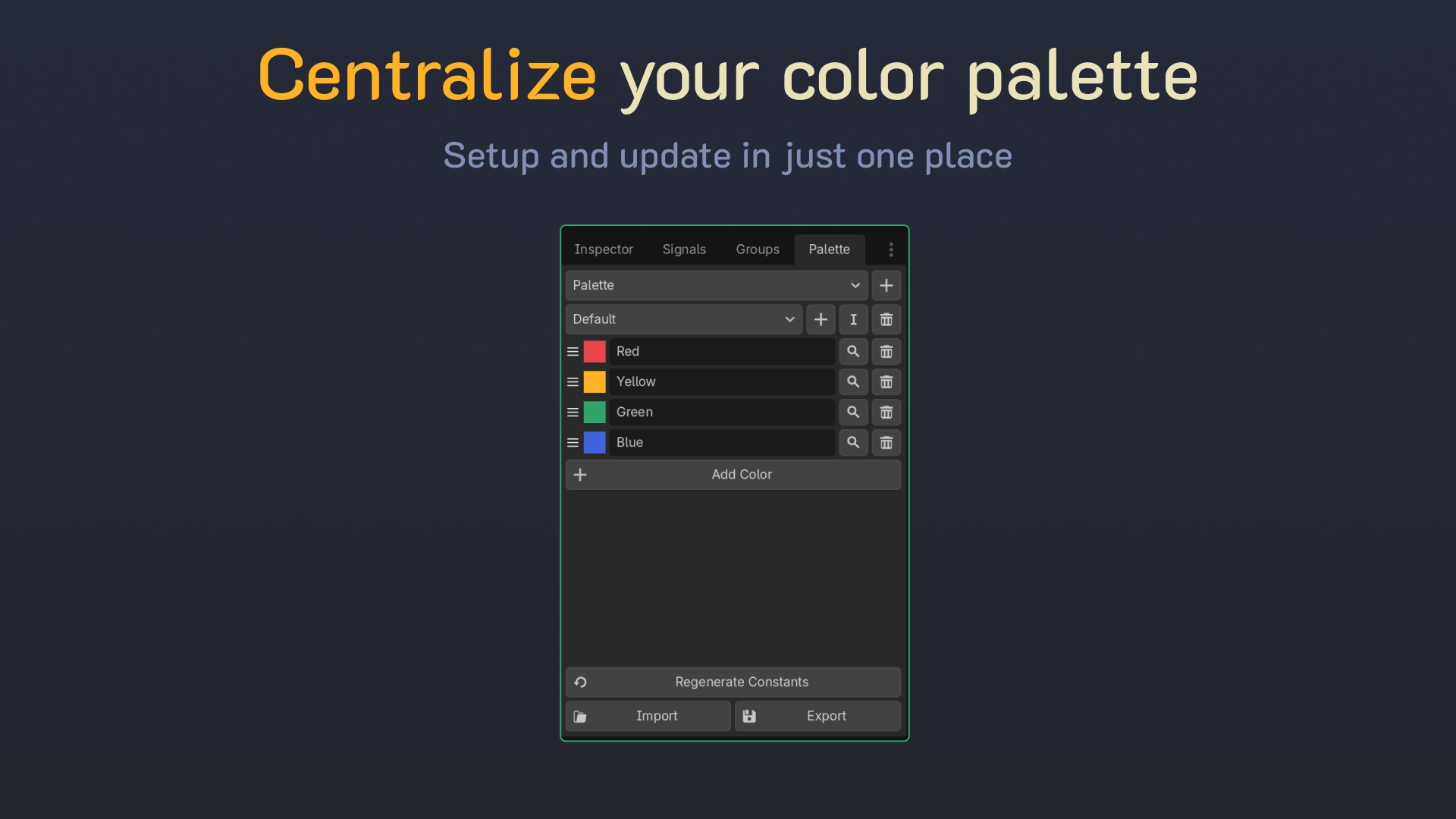
Live Palette gives your project one place to define named colors, and keeps every use of them in sync.
Pick a palette color on any Color property in the Inspector. Change that color later and everything using it follows: open scenes as you edit, other scenes when you open them, and the running game at startup.
• Palette dock: add, rename, recolor, reorder.
• Works on nodes and resources alike: theme overrides, StyleBoxes, Theme items, shader source_color uniforms.
• Variants: swap a whole theme, Default to Dark, in the editor or at runtime with one call.
• Several palettes at once, all reached through one class: LivePalette.SAND, LivePalette.UI.ACCENT.
• Generated constants, autocompleted and checked at compile time, so a typo is a build error rather than a wrong color.
• Import and export GIMP .gpl files, so palettes from Lospec, Aseprite or Krita drop straight in.
Changelog for version Version 1.2.2
2026-09-23 16:11:00
No changelog provided for this version.