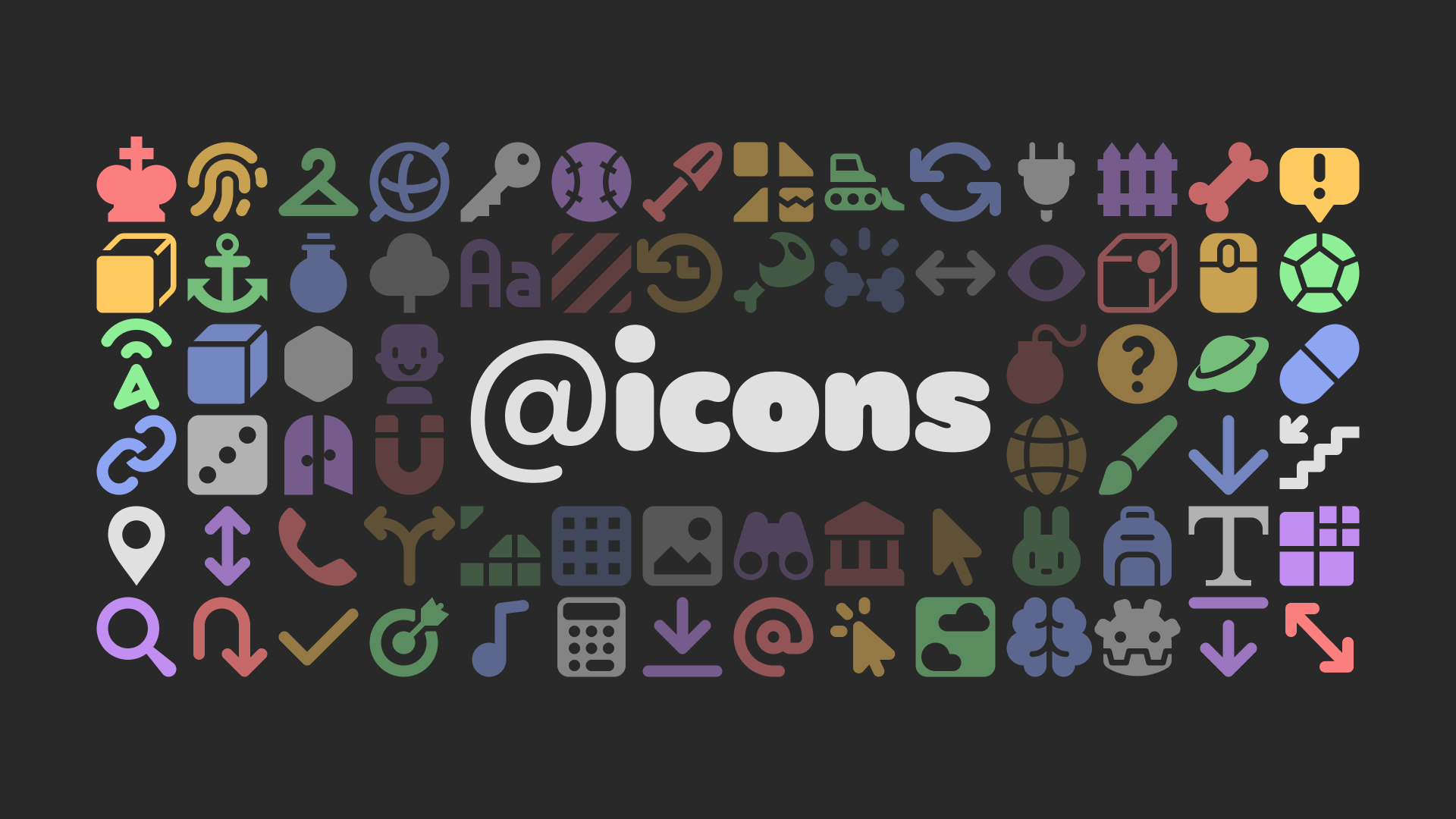
@icons — Custom node icons
 56
56
by Voxy | MIT
Free vector icons for custom nodes and plugins
@icons @icons is a free and open-source library of 600+ vector (SVG) icons you can use as custom node icons in your Godot projects or plugins, designed to fit with the existing set of editor icons, and optimized using svgo. Each icon is designed on a 16×
Sound FX Starter Pack Vol. 1
21
by Ovani Sound | Proprietary royalty-free license for commercial use
Supercharge your sound library with original sound effects from Ovani Sound. This exclusive bundle spans 12 categories—from cinematic action and immersive ambiences to UI, horror, magic, retro, and more—giving game devs a fresh, high-quality toolkit that
Expand your audio arsenal with this exclusive Sound FX Bundle by Ovani Sound - features brand new sounds across a wide range of categories. Every sound in this bundle is completely original, giving you a fresh set of high-quality assets to enhance your
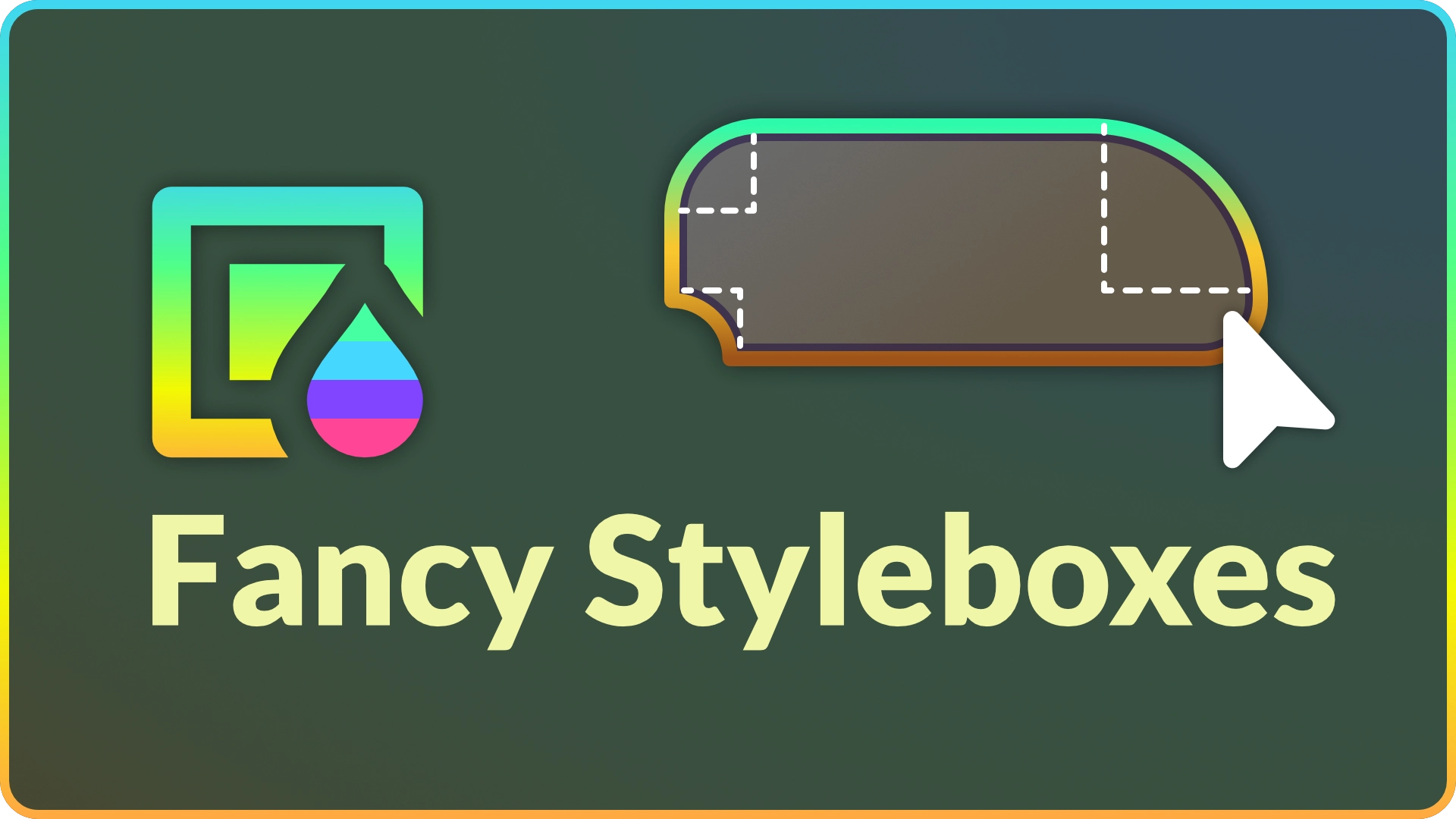
Fancy StyleBoxes
9
by MellowDye | MIT
Adds a new StyleBox that allows for more complex and visually attractive panel designs without creating textures
What's this? A powerful StyleBox that fills the gap between Godot's StyleBoxFlat and StyleBoxTexture by combining their features and adding more on its own. What can I do with it? Rounded panels with a background texture. Add a texture to a border. Add
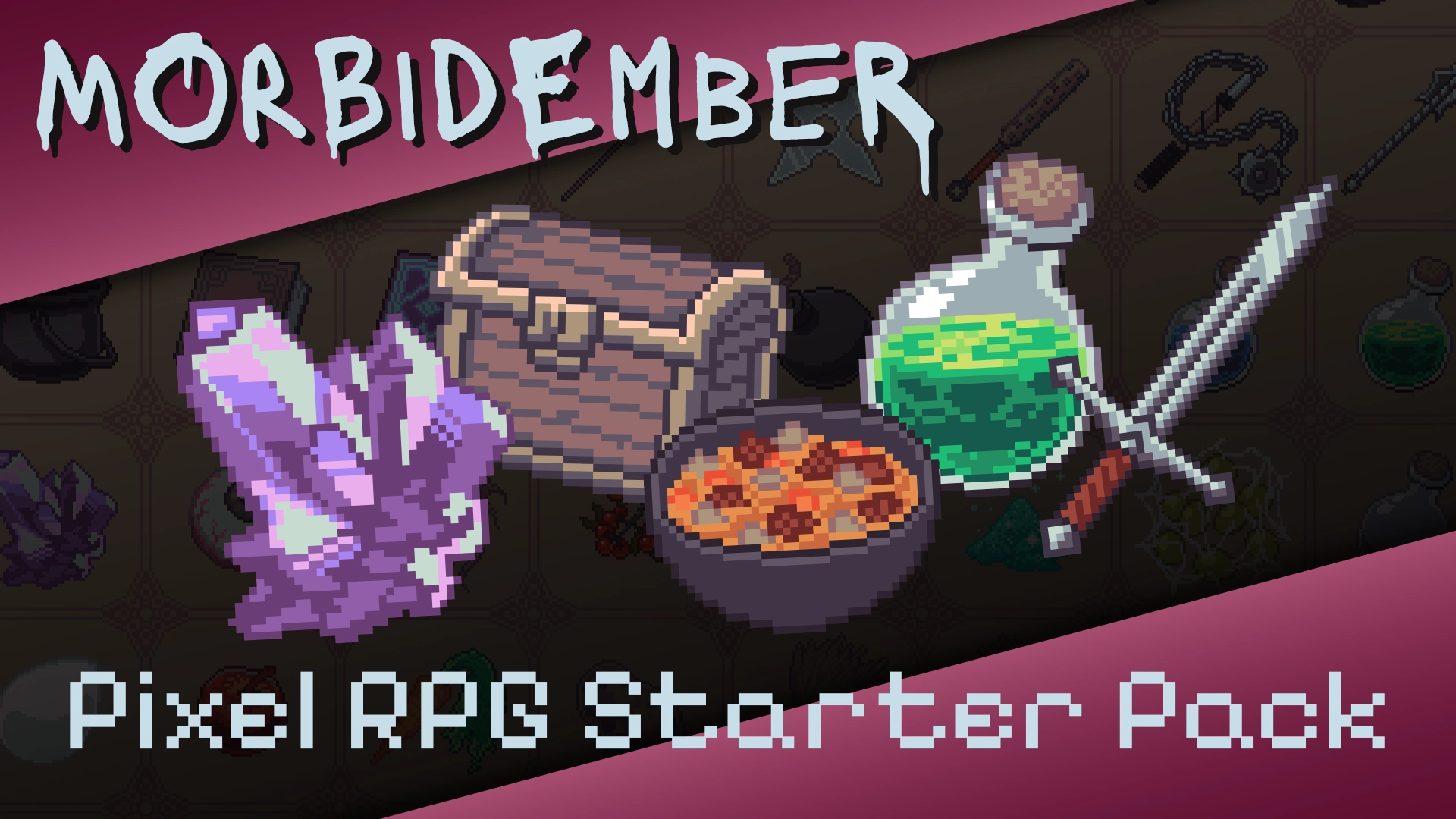
Pixel RPG Starter Pack
6
by MorbidEmber | MIT
An assorted pack of 64 art assets perfect for any fantasy RPG, Adventure, Roguelike and more! Can be used for inventory icons, loot drops, or whatever other uses come to mind. This is a free edition for several upcoming pixel art asset packs that will be
64 Art Assets in total. Assets made to fit within 64x64 square borders. Made with Pixquare. This is NOT a tool. This is art made to be used for textures across any engine or platform that accepts PNG format. No other nodes included. Please let me know if
Inspector Tabs
5
by PiCode | MIT
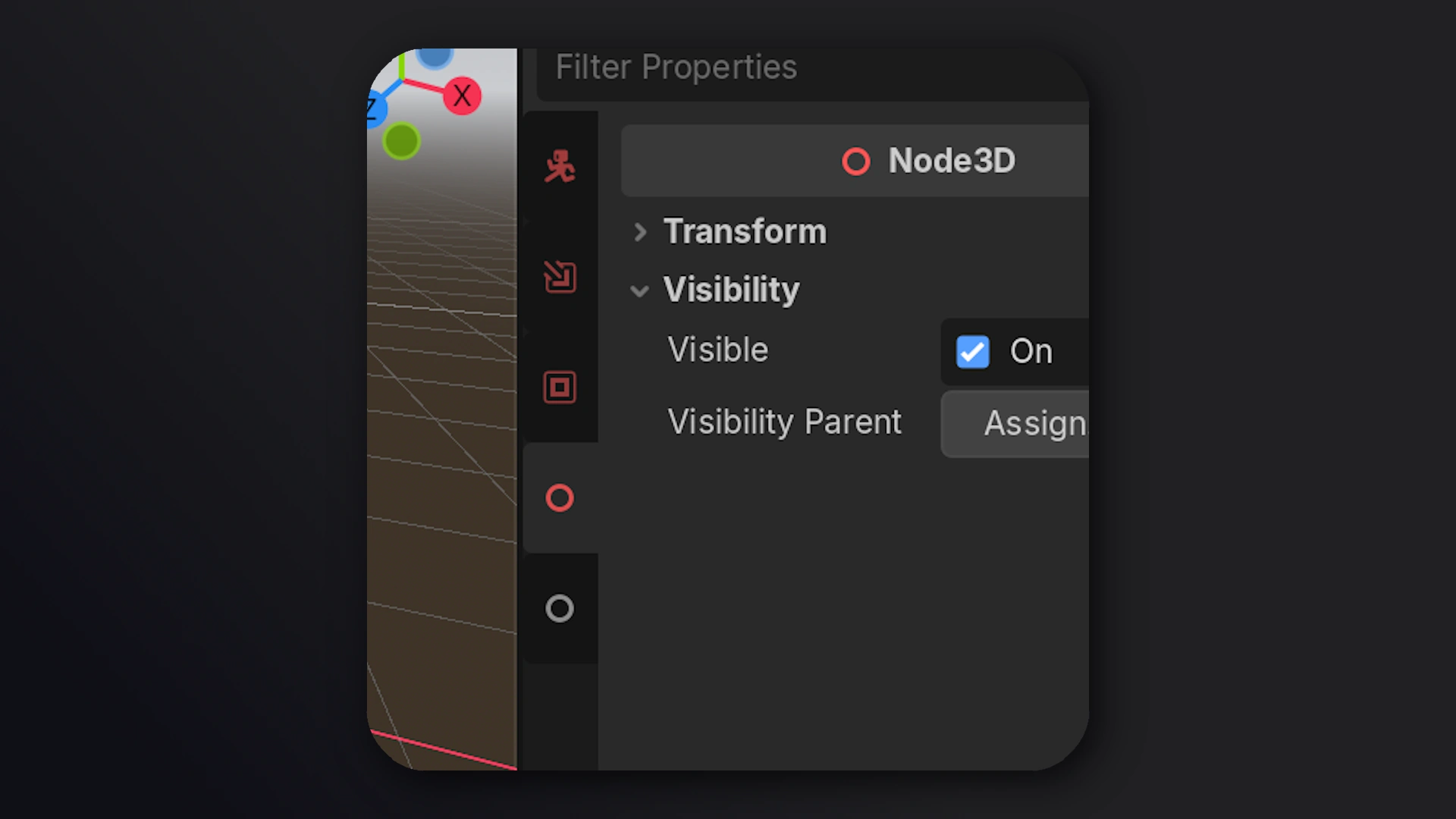
Godot add-on for spliting the inspector property classes into its own tabs
[The video attached is a showcase of the plugin by a fellow gamedev Queble] Godot add-on for spliting the inspector property classes into its own tabs. So that its shorter and require less scrolling. There's also a jump-scroll option that didn't hide the

GDSS
3
by Cruglet | MIT
A CSS-like theming/styling solution for Godot 4
A flexible new approach to theming in Godot! Write styles once and apply them everywhere. GDSS brings a CSS-inspired stylesheet language to Godot, featuring support for variables, states, transitions, classes, and gradients. Everything is driven by a live
EZ Credits Template
3
by Fletchi | MIT
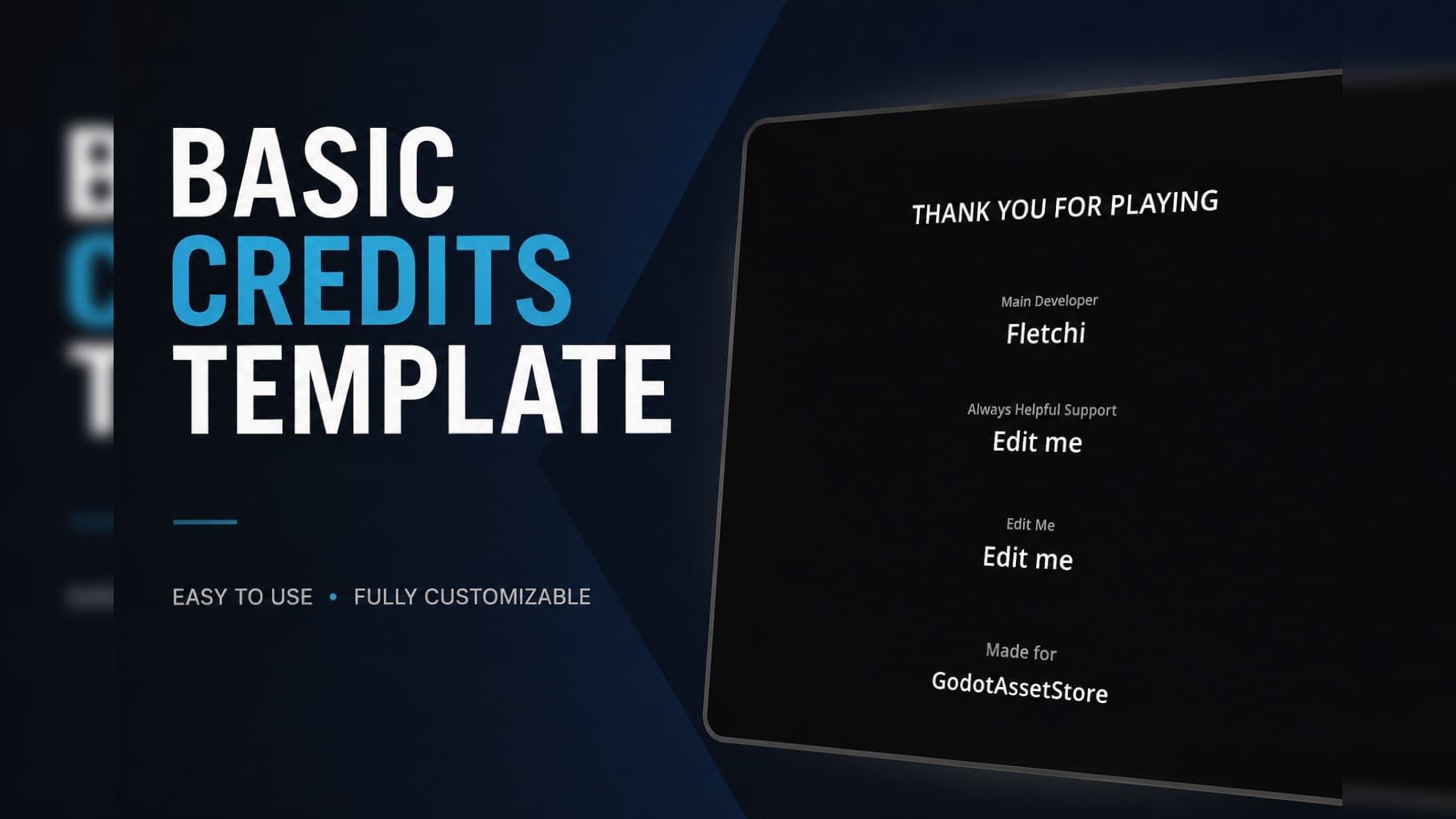
Simple reusable Credits Template for Godot 4. Drop-in scene that auto-generates scrolling credits from a data array. Easily editable roles/names, smooth vertical scroll, ESC skip, optional return to main scene. Perfect for game jams or prototypes
Basic Credits Template (Godot 4) Overview Lightweight, drop-in credits system for Godot 4 projects. Designed for fast integration in game jams, prototypes and indie games where you don’t want to waste time. Just add the scene, edit a simple data array and
AutoSizeText
2
by SpielmannSpiel | MIT
Autosize text in labels and text boxes for Godot, just like in Unity
AutoSizeText Autosize text in labels and text boxes for Godot, just like in Unity. About I was always missing the Unity function of auto-sizing text inside labels/text fields in Godot. Intentionally made in GDScript to provide maximum compatibility (even
Controller Icons (C#)
2
by jembawls | MIT
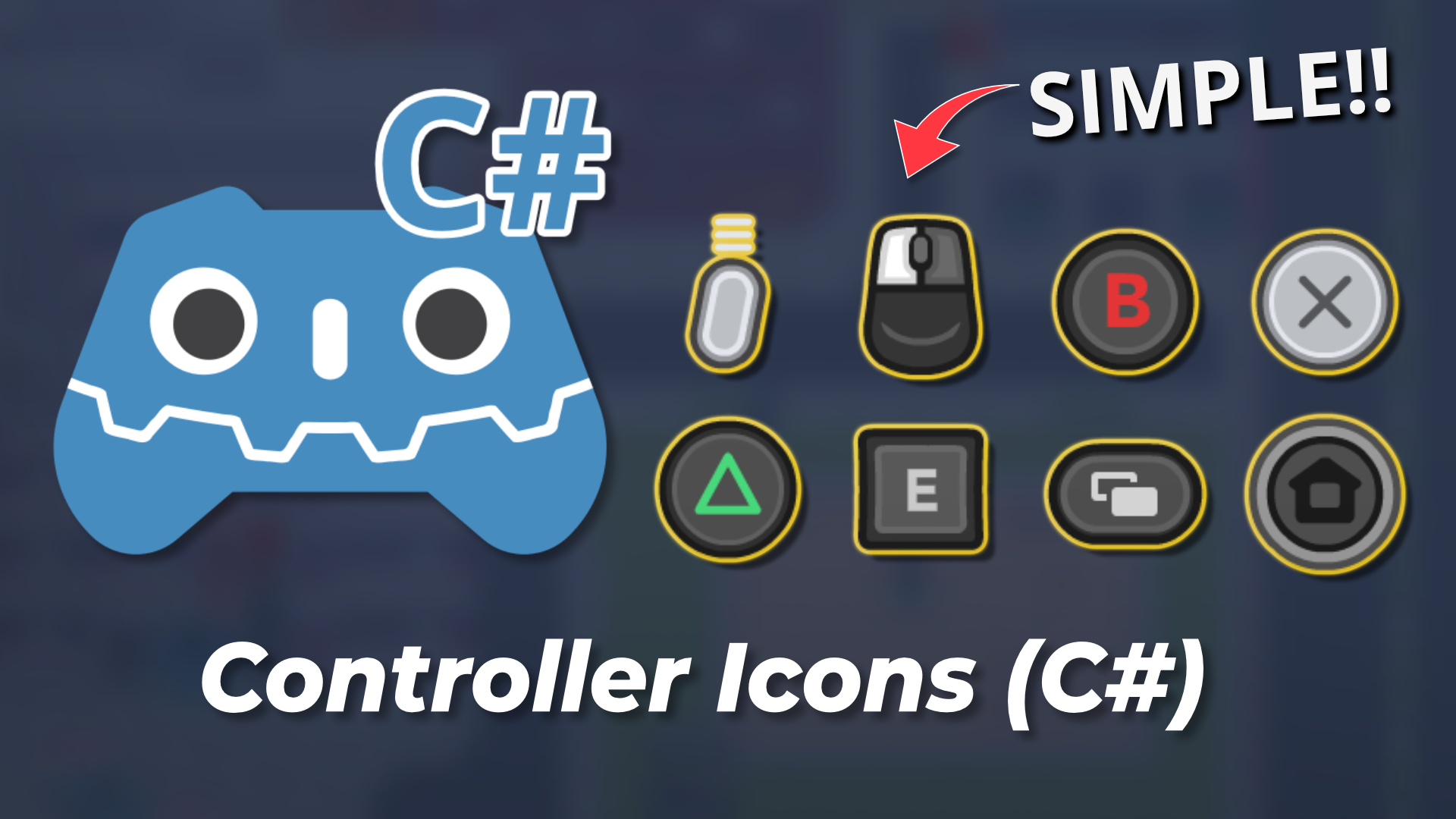
Provides icons for all major controllers and keyboard/mouse actions, with an automatic icon remapping system
Provides icons for all major controllers and keyboard/mouse actions, with an automatic icon remapping system. C# Port of rsubtil's Controller Icons plugin ► https://store-beta.godotengine.org/asset/rsubtil/controller-icons/ This version requires Godot
MarkdownLabel
2
by Daenvil | MIT
A custom node that extends RichTextLabel to use Markdown instead of BBCode
MarkdownLabel is a control node that displays and formats a text written in Markdown format. Useful for people familiar with Markdown and to display common Markdown files such as credits or changelogs in your game. Usage Simply add a MarkdownLabel node to
Simple GUI Transitions
2
by Muriki Studio | MIT
This plugin gives access to the GuiTransition node which allows to transition multiple GUI layouts easily. Designed for Godot 4.x. See the example scene on addons/simple-gui-transitions/example to see it in action
Godot's Simple GUI Transitions "Simple GUI transitions to swap menus elegantly." This plugin gives access to the GuiTransition node which allows to transition multiple GUI layouts easily. Designed for Godot 4.x (3.x version available here). See the
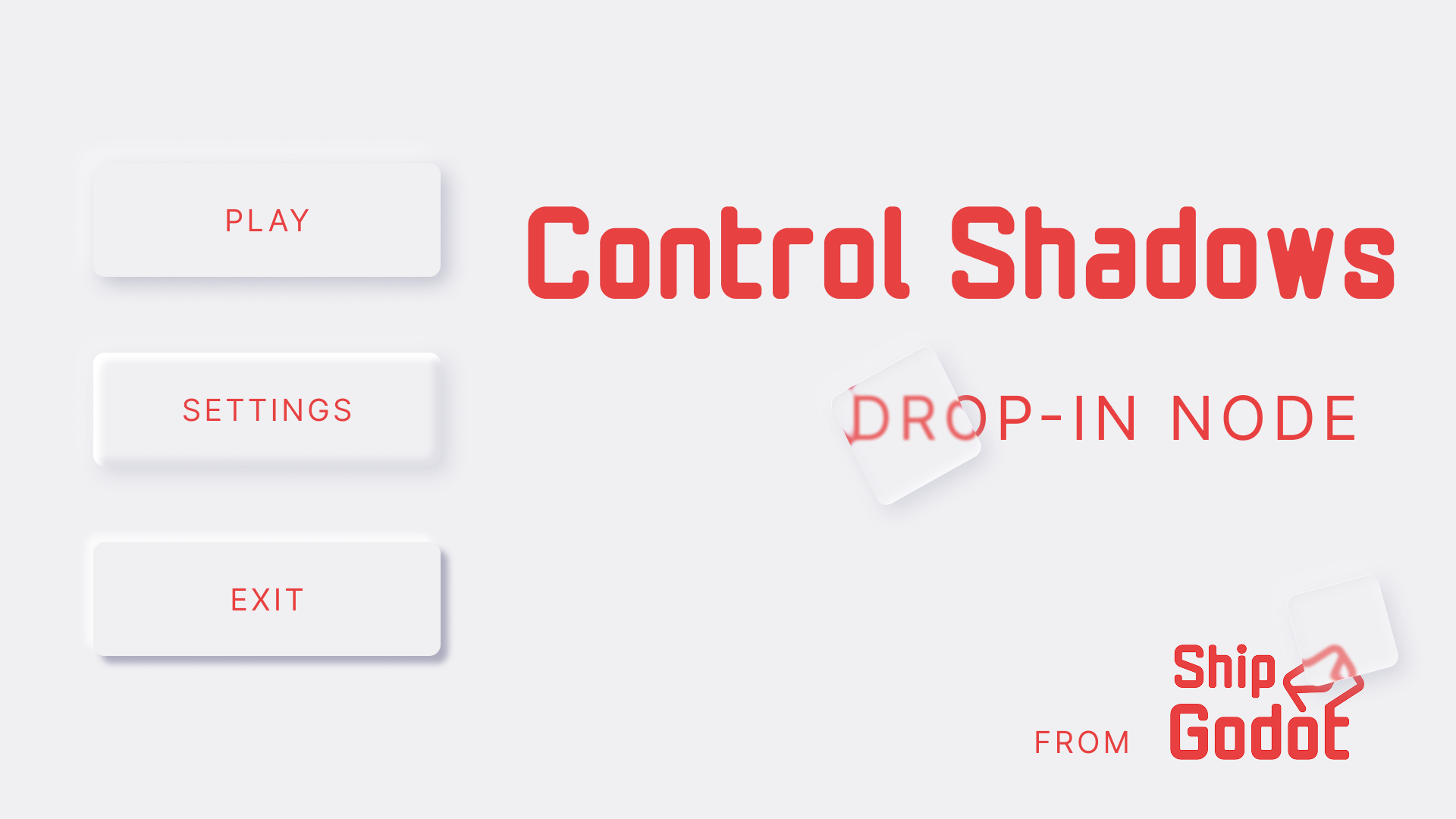
Control Shadows
1
by ShipGodot | MIT
ControlShadow is a Control node that adds soft, rounded box shadows to UI elements. The shadow looks nice and is stackable so you can do fancy stuff with it
ControlShadow is a Control node that adds soft, rounded box shadows to UI elements. The shadow looks nice and is stackable so you can do fancy stuff with it. Made using Evan Wallace’s “fast rounded rectangle shadows” approach. Usage: Select any non
Sweet Settings
1
by sweetpea | MIT
A generic drop in settings menu with keybinding included
A drop in settings menu for Godot 4.7+ games. Ships with the settings most games need (gameplay, graphics, audio, controls) and is built to be extended. Drop it straight in, or use it as a starting point. Schema-driven. Settings are defined in JSON, not
Logic Basics: Godot & Visual Scripting
1
by Diego De la Rocha | MIT
Interactive tutorial on Godot Engine & visual scripting and logic basics. Play and learn basics of Godot Engine and logic
Interactive tutorial on Godot Engine & visual scripting and logic basics. Play and learn basics of Godot Engine and logic. Keyboard controls: WASD / directional arrows: up, left, down, right directions Accept: spacebar / enter key Exit game: escape key
DCKit
1
by Brahm bir Singh | MIT
A modular in-game developer console for Godot 4 — full command pipeline, syntax-highlighted input, autocomplete, and live documentation
DCKit — Developer Console for Godot 4 DCKit is a full-featured, extensible in-game developer console for Godot 4. > player.warp Vector3(12, 0, 8) ✓ warped to (12, 0, 8) in 0.3 ms It provides everything you need to build a powerful developer console into
SmoothScroll
1
by Spyrex | MIT
Adds an extended scroll container node with smooth scroll settings as a drop-in replacement of the default scroll container node
This addon adds an extended scroll container node with smooth scroll settings. How to use: Activate the addon in the project settings' addon tab, Click the "+" button to add a new node and select "SmoothScrollContainer" instead "ScrollContainer". To add
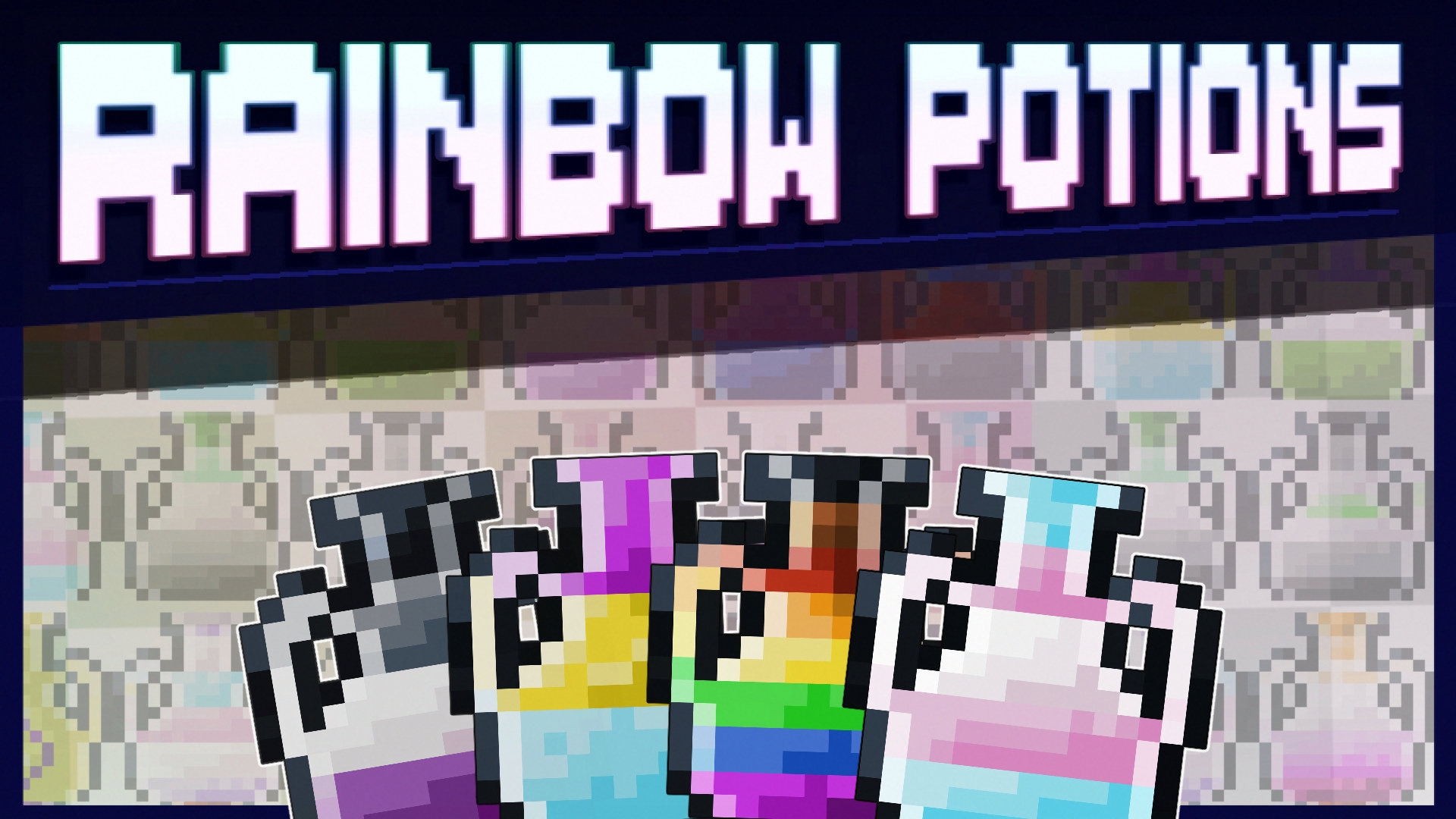
Rainbow Potion Icon Pack
1
by NnekArt | Apache 2.0
An LGBT inspired set of potions
Welcome to the Rainbow Mafia, we have plenty of potions for your needs This icon pack currently contains 21 Rainbow Potion icons in 16x16 pixels. Going from Agender to Two Spirit , these sprites will assist you in your game dev projects. Potions included
Reactive Signal
1
by iamyoki | MIT
A simple addon to make UI / Game Logic reactive in Godot 4.x (GDScript). Inspired by the signal/reactive systems in modern frontend frameworks (like React, Vue, and SolidJS). - ReactiveSignal.new(...) - ReactiveSignal.use_effect(...) - ReactiveSignal
ReactiveSignal A simple addon to make UI / Game Logic reactive in Godot 4.x (GDScript). Inspired by the signal/reactive systems in modern frontend frameworks (like React, Vue, and SolidJS). ✨ Features True Reactivity: No need to manually connect or emit

Texture Font
1
by Micky | MIT
Allows creating fonts from textures from directly within the editor
TextureFont is an addon for Godot that allows creating fonts from textures directly within the editor. This addon adds a new TextureFont resource that defines how each character is mapped to the texture(s). These resources can be used anywhere a font is
Inspector Auto Expander
1
by Glitched Code | MIT
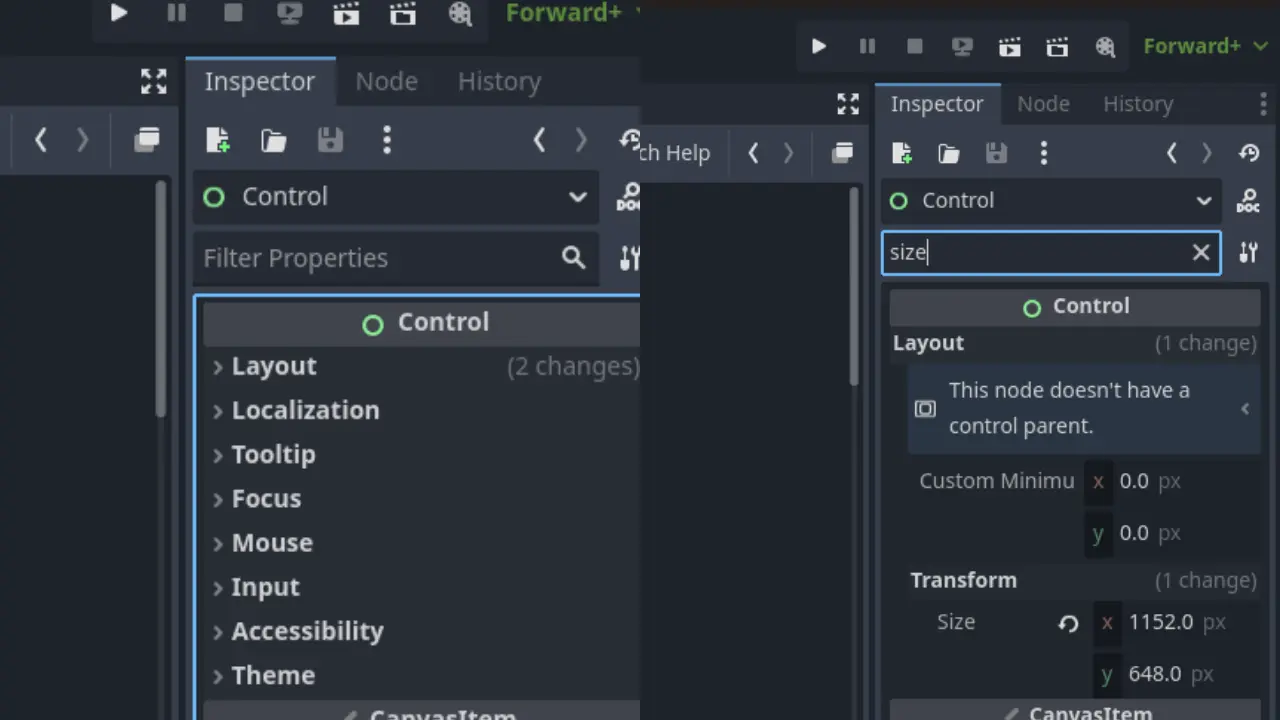
Automatically expand inspector categories when using the property filter
Automatically expand inspector categories when using the property filter. Setup shortcut key in editor settings for hotkey to jump to the property filter
Godot Dice Roller
1
by David García Garzón | AGPL-v3-or-later
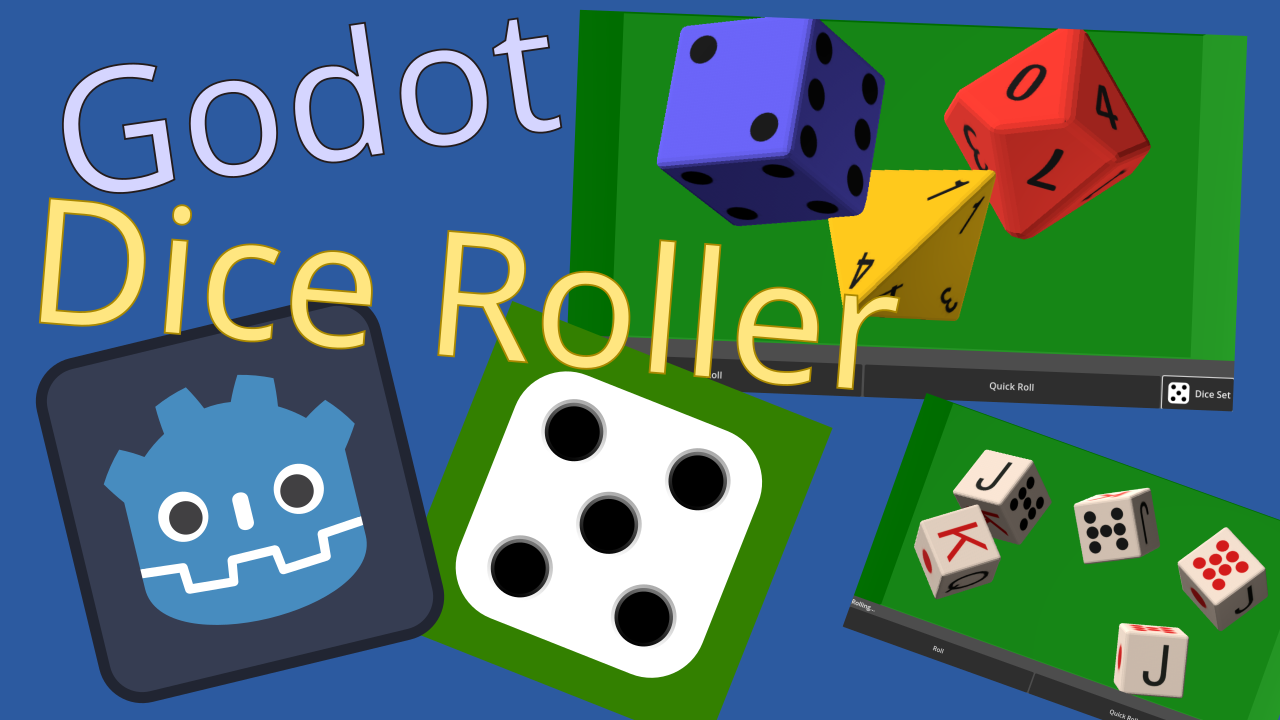
A configurable physics emulated Dice Roller to integrate in your game UI as control
A Godot UI control that rolls 3D dices in a box. Features Configurable setup: Dynamic set of dices including d4, d6, d8, d10, d10x10, d12, d20 Easy dice customization (color, shapes, engraving, material...) Configurable rolling box size and color 3 ways
QR Code
1
by Kenyoni Software | MIT
Generate QR Codes in Godot with built-in UI support via QRCodeRect and flexible data encoding through the QRCode class
QR Code Generator for Godot Generate QR Codes directly in Godot with ease. Includes a ready-to-use UI node and a flexible backend class for full control. Features QRCodeRect drop-in node that auto-updates and renders the QR Code QRCode generate QR codes
PulseLite UI Sounds: Free Button & Menu SFX Autoload
0
by Bigshadex | MIT (scripts) + CC BY 4.0 (sounds)
Free Godot 4 autoload that gives every button hover, click and toggle sounds, plus 20 matching UI sounds
PulseLite UI gives your menus consistent interface sounds in one line of code. Enable the plugin (it registers the PulseLiteUI autoload), then call PulseLiteUI.wire_buttons(self) in a menu's _ready(). Every button gets a hover sound (mouse and keyboard
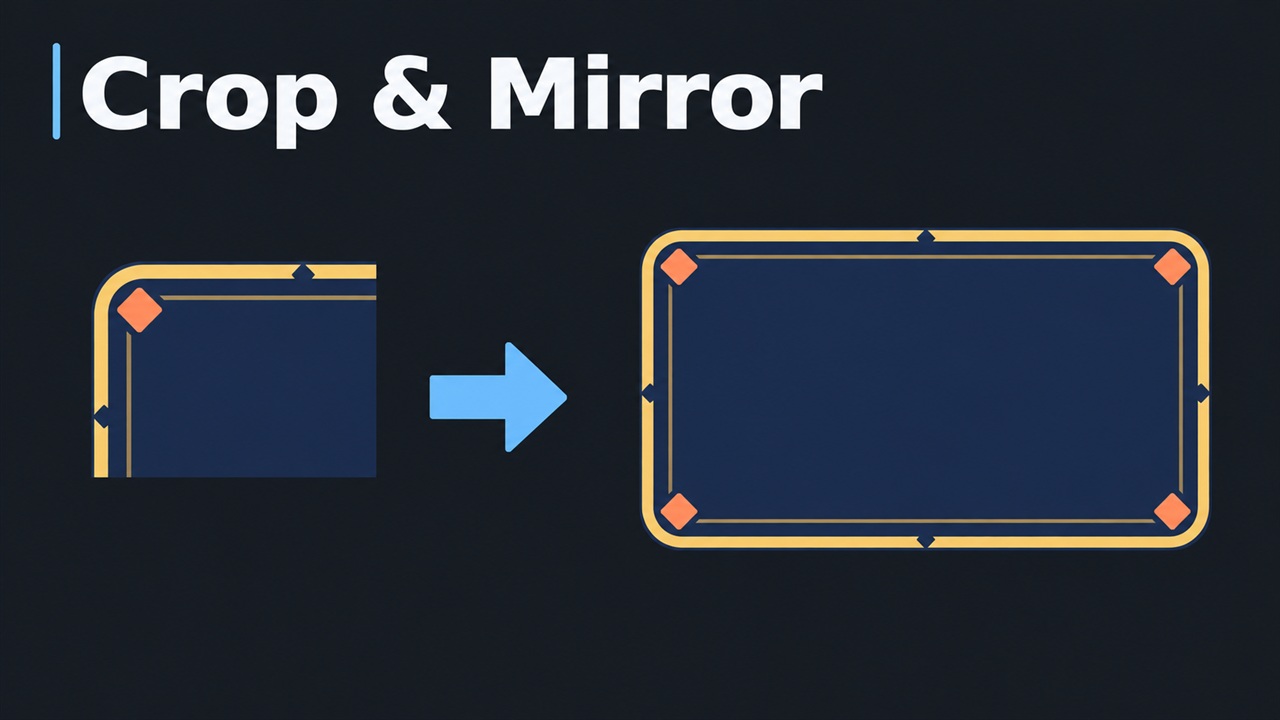
Crop & Mirror
0
by PGJSF | MIT
Crop a region from any image and export it as a PNG, optionally mirrored horizontally and/or vertically. Build symmetric UI frames and dialog boxes from a single corner
Crop & Mirror Crop & Mirror is a Godot editor plugin that crops a region from an image and exports it as a PNG. With mirroring enabled, a single corner can be expanded into a full symmetric image, such as a dialog box or UI frame. With mirroring disabled

loading more results...