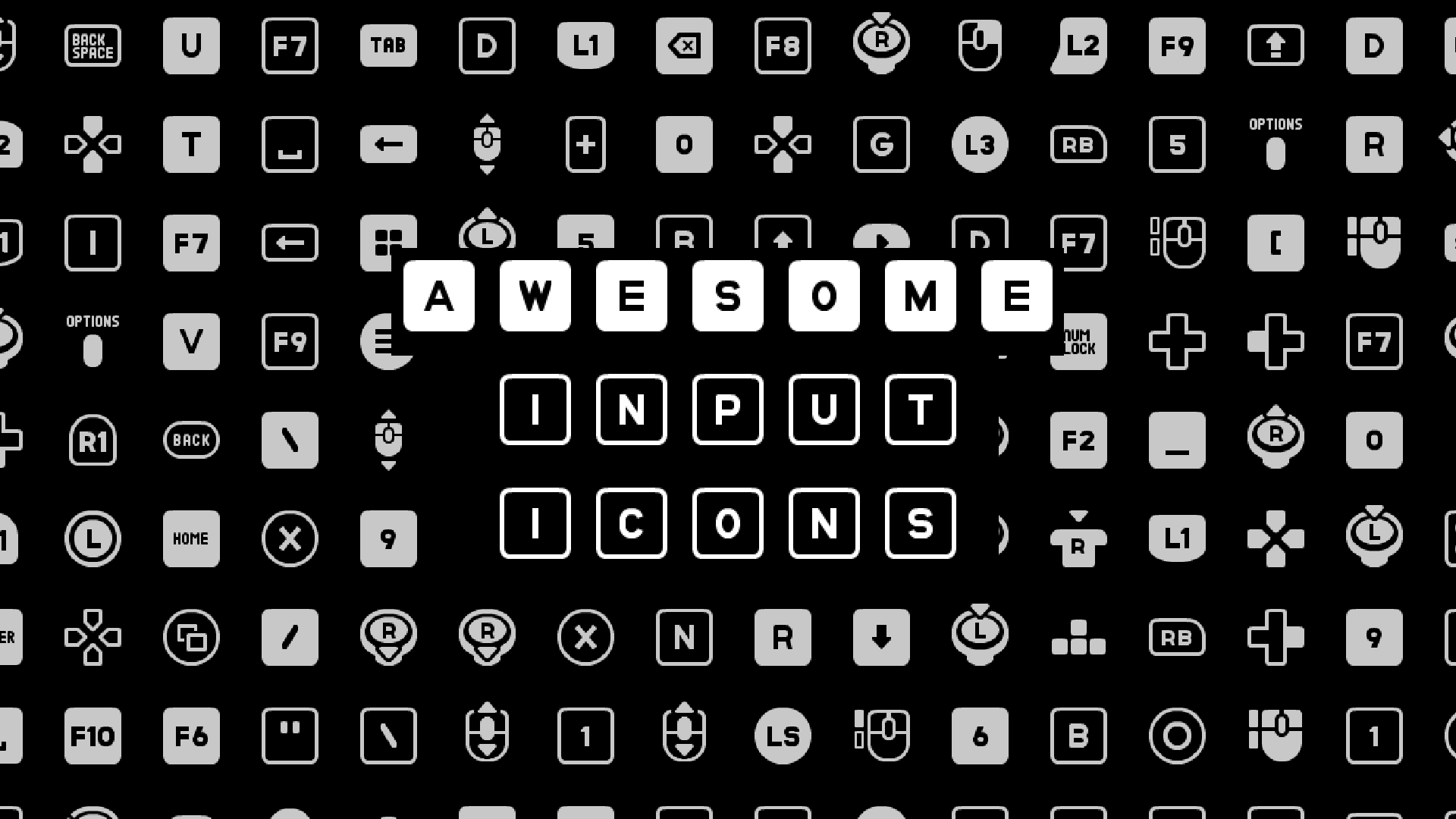
Awesome Input Icons
 0
0
by DaviD4C | CC0 1.0 Universal
Drop an InputIconSprite2D, InputIconSprite3D or InputIconTextureRect in your scene and your good to go, give it an action name and a index for the event, it returns an texture2D as an icon. Handles keyboard, mouse and mouse movements, joypad and its
Godot lacks a proper way to display an input prompt regarding a key, you could probably hack something for the keyboard. Not so much for joysticks. What's more, if your game has configurable buttons, it gets complicated. What if they have multiple keys to

loading more results...