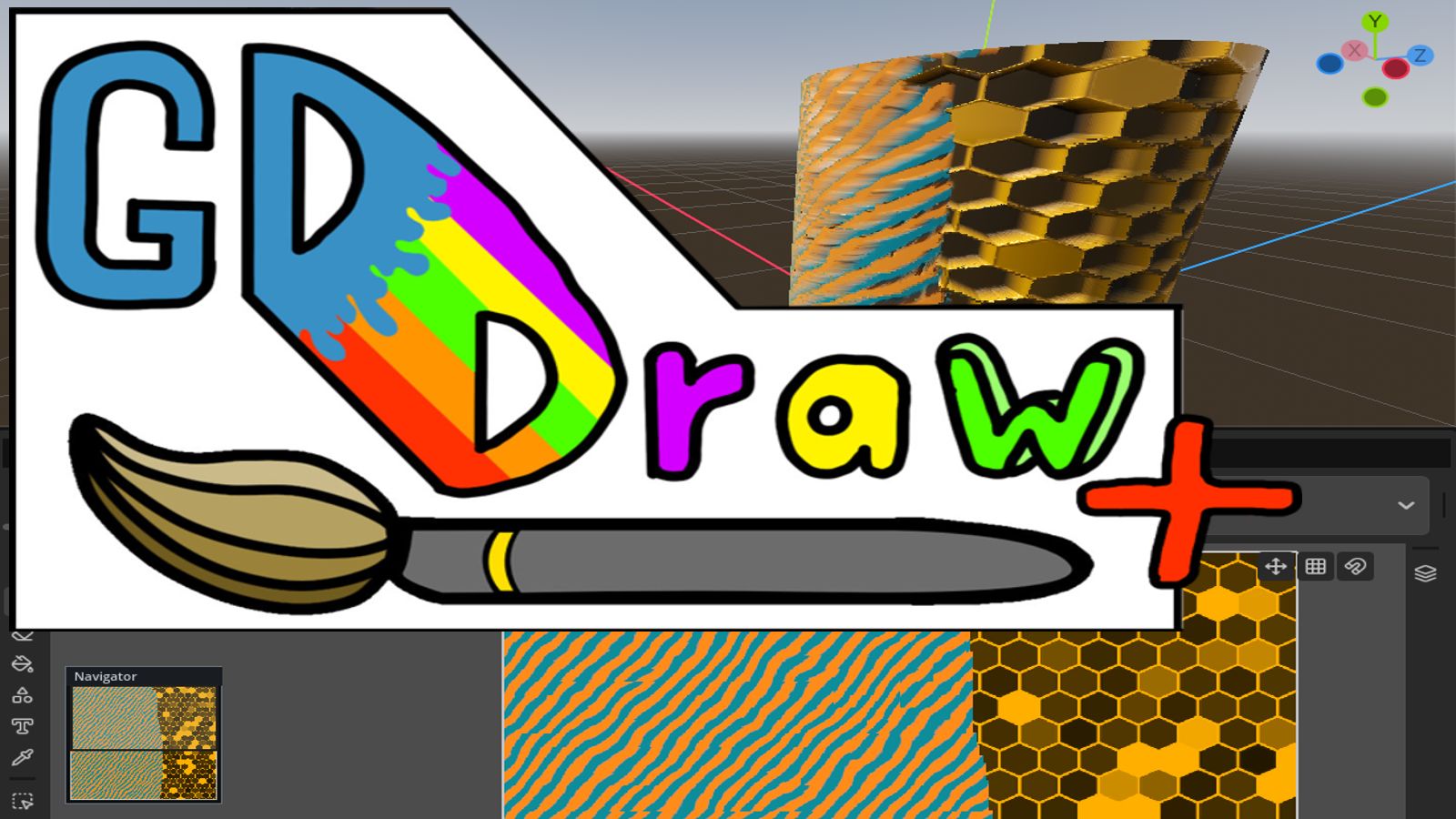
GDDrawPlus
 0
0
by Tino Marte | MIT
Image and texture editing suite based on the GDDraw addon. Paint on images and textures or, like substance painter, directly on your 3D model. Includes material and shader painting and a full UV-Editor
From empty image or plain 3D model to game ready asset GDDrawPlus is a tool like substance painter for working with textures in both 2D and 3D. Expansion of the GDDraw addon: https://store.godotengine.org/asset/ardonyx-apps/gddraw/ What GDDrawPlus adds UV
Align Tool
0
by Risko | MIT
A Godot plugin for aligning 3D, 2D and Control nodes
A Godot 4.x plugin for aligning nodes, based on zaevi's Godot Alignment Tool. Features: Supports 3D, 2D and Control nodes Supports nested, scaled and sizeless nodes Distribute nodes by equal gap Distribute nodes by equal center distance Align in global
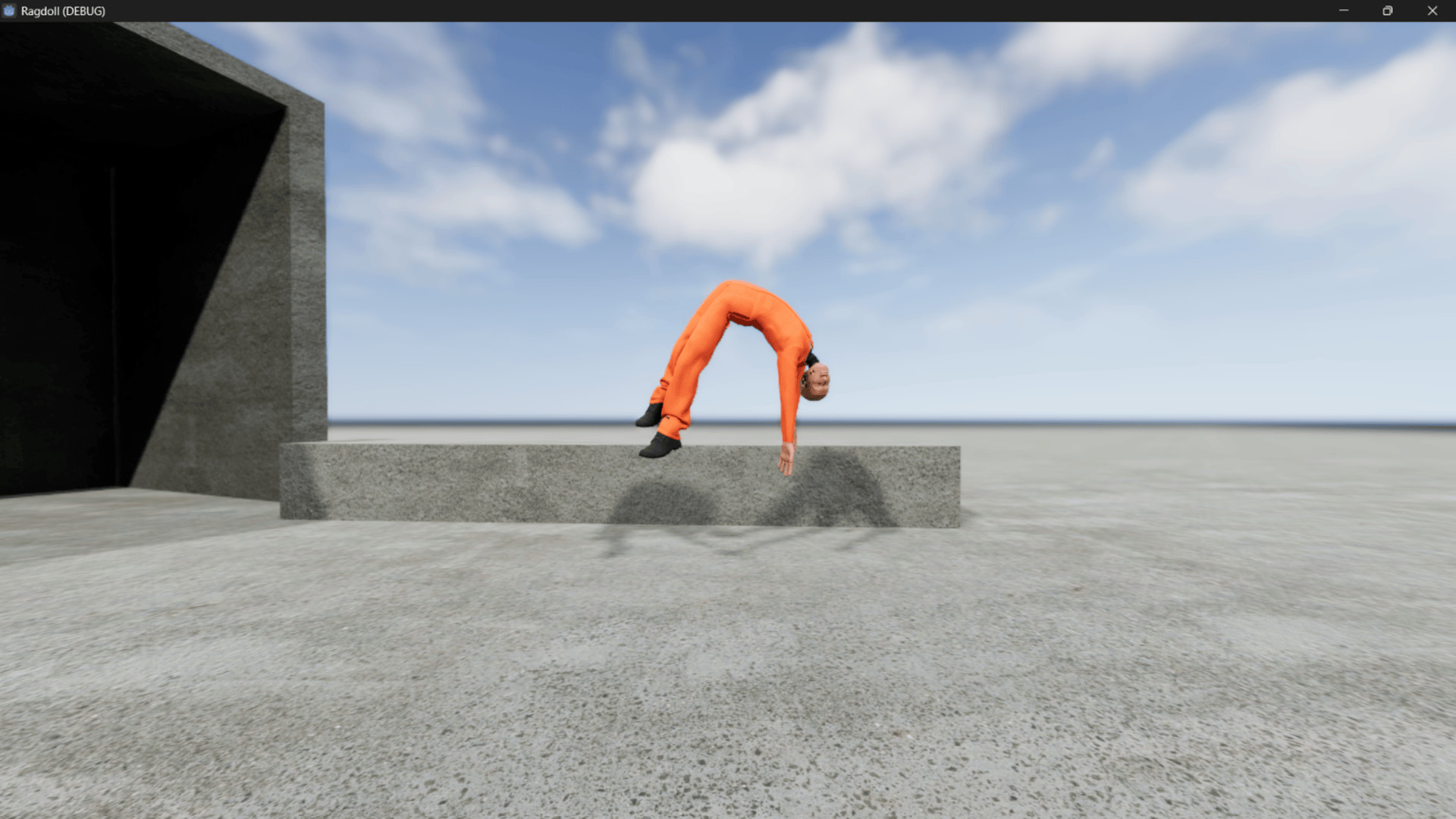
Auto Ragdoll
1
by Manik Sharma | MIT
An editor plugin for Godot 4 that generates 3D physical ragdolls from any Skeleton3D. Features an interactive wizard, automatic bone detection for Mixamo and Blender rigs, biomechanical mass distribution, and preconfigured joint constraints
Auto Ragdoll is an editor plugin for Godot 4 that streamlines the creation of 3D physical ragdolls ( PhysicalBone3D nodes and constraints) from any Skeleton3D node. The plugin is designed to work best with humanoid character skeletons, automating the
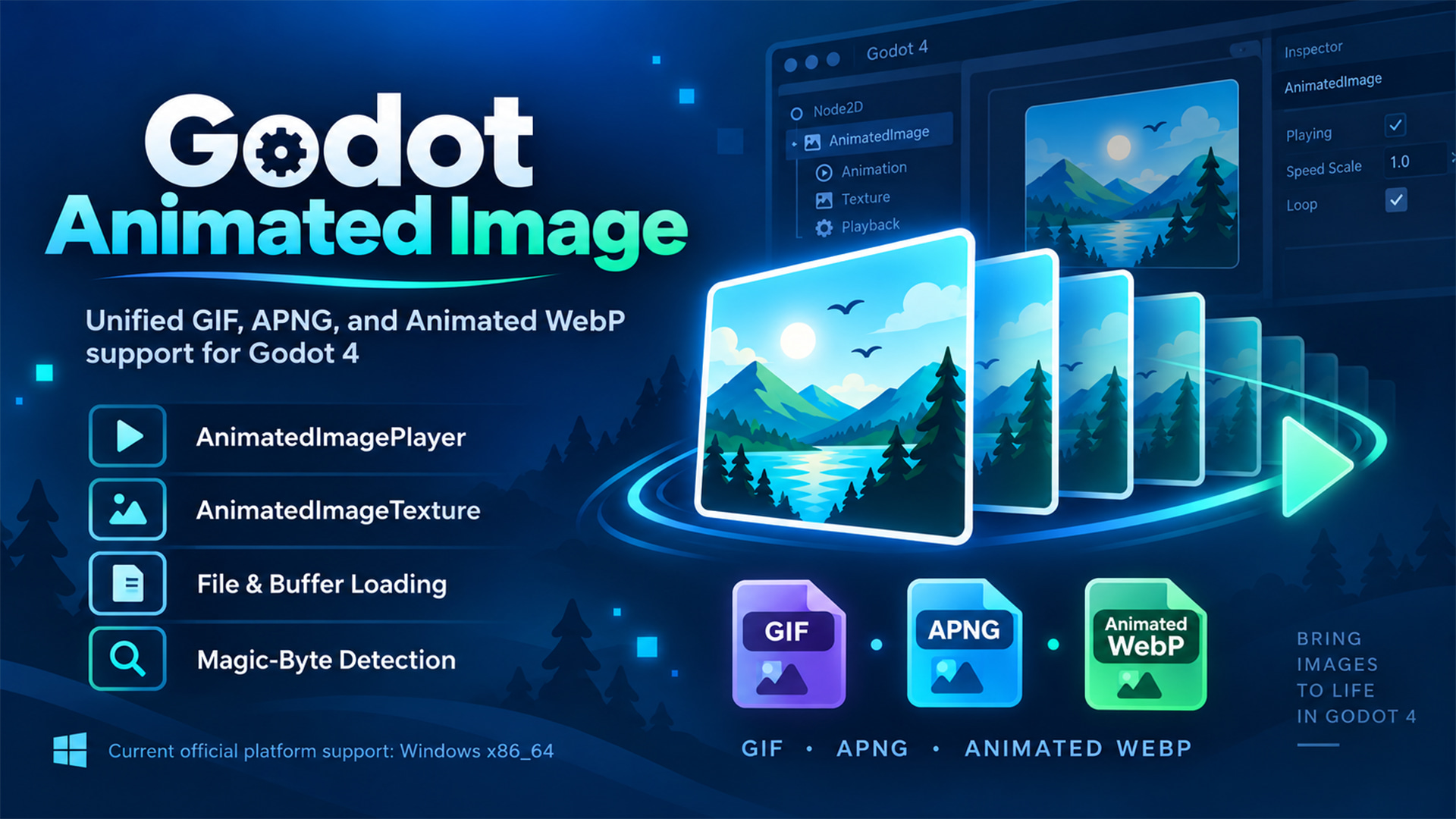
Godot Animated Image
0
by yycStudio | MIT
Godot 4 GDExtension for loading and playing GIF, APNG, and Animated WebP with one unified API
Godot Animated Image A Godot 4 GDExtension for loading and playing GIF, APNG, and Animated WebP through one unified API. Load animated images from files or memory buffers, detect formats by magic bytes, import them as Godot resources, and play them with
Animation Group
0
by MHYT | MIT
A Godot addon that adds AnimationBlendTree nodes into groups for maintainability
A Godot editor addon for organizing AnimationNodeBlendTree graphs with colorful, collapsible groups. Animation Group is manual-only. It does not inspect project scripts, guess groups from node names, or create groups automatically
TickDebug
0
by Permotion | GPL v3
Easily look at quickly changing values on the fly, without print() spamming your output or setting up a label just to check one number
What is it? TickDebug lets you watch quickly changing values on the fly, without print() spamming your output or setting up a label just to check one number. It offers an ingame panel and editor dock to look at your tracked values, which get there using
Mesh+Material Copy / Move / Repair
0
by ProtoForge Systems | MIT
Moving a .gltf in the FileSystem dock leaves its .bin and textures behind — Godot's dependency graph never sees files a glTF names by URI. Putting them back doesn't help: the failed import already wrote a poisoned .import. This fixes that. Drag a .gltf or
What this fixes A .gltf names its .bin and its textures inside its own JSON, as relative URIs. Godot's dependency graph never parses that JSON, so it cannot see those files at all. Drag the .gltf alone in the FileSystem dock and it moves alone, leaving
Godot Game Stream
0
by yearsyan | LGPL-2.1-or-later
Stream a Godot viewport to the mirctl desktop viewer with hardware video encoding and remote keyboard and mouse input
Godot Game Stream captures the running game's root viewport and streams it to mirctl, a lightweight desktop viewer from the same open-source project. Control the game from the viewer with keyboard and mouse input, or connect in view-only mode. It is
Godular
0
by Rafael Vidaurre | MIT
Modular architecture framework for Godot. Godular allows you to split your game (or app) into modules, leveraging dependency injection (DI) to manage complex projects and their lifecycles. Godular establishes a way of structuring code into modules
Modular architecture framework for Godot. Godular allows you to split your game (or app) into modules, leveraging dependency injection (DI) to manage complex projects and their lifecycles. Godular establishes a way of structuring code into modules

SpaceMouse Navigator
0
by CopperLemon | MIT
Seamlessly navigate the Godot 3D viewport with your 3Dconnexion SpaceMouse or SpaceMouse Pro. This Windows-only plugin reads raw HID inputs directly to deliver fluid, 6DoF (Six Degrees of Freedom) control, No 3DxWare SDK required. Requires Godot 4.5
Enhance your Godot workflow with native, six-degrees-of-freedom (6DoF) camera navigation. This tool integrates 3Dconnexion's SpaceMouse and SpaceMouse Pro directly into the Godot 3D editor viewport. By reading raw HID data, it provides a lightweight, plug
Verlet Rope 4 .NET (Physical Ropes)
1
by tshmofen | MIT
A versatile addon for implementing performant and realistic physics-based ropes in 3D scenes for Godot 4 .NET projects
Godot 4 Verlet Rope (.NET) A versatile addon for implementing performant and realistic physics-based ropes in 3D scenes for Godot 4 .NET projects. » Explore Wiki Docs GitHub · Releases · Installation · FAQ It is an implementation of Verlet Integration for
TabOut
1
by HarvT48 | MIT
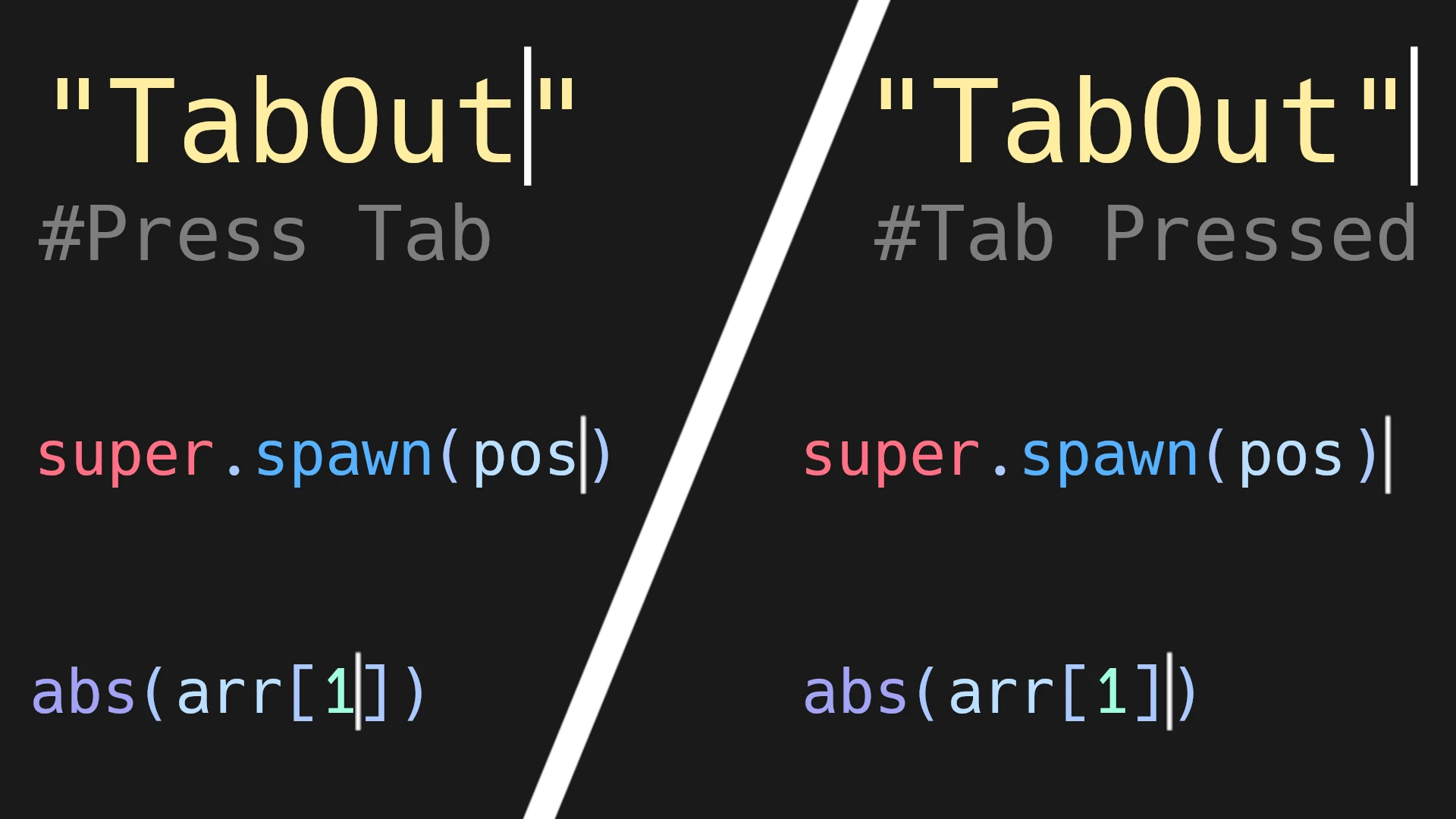
A simple plugin that adds a TabOut functionality to jump out of (), {}, [], "", and ''
Adds a TabOut functionality inspired by the fantastic Visual Studio Code plugin by Albert Romkes. If your blinking typing indicator (called the caret) is to the left of a closing bracket/parenthesis/quote, pressing tab will move the carat one character to
PDFium-GDE
1
by Ali Arcan Akgün | Zlib
A Godot 4.5+ GDExtension that brings Google's PDFium library to Godot
PDFium-GDE (PDFium GDExtension) for Godot 4.5+ This is a Godot 4.5+ GDExtension that brings Google's PDFium library to Godot. It allows you to load PDF files, render pages to images, and extract text data (including bounding boxes) directly within your
Markdown Previewer
2
by JSH | MIT
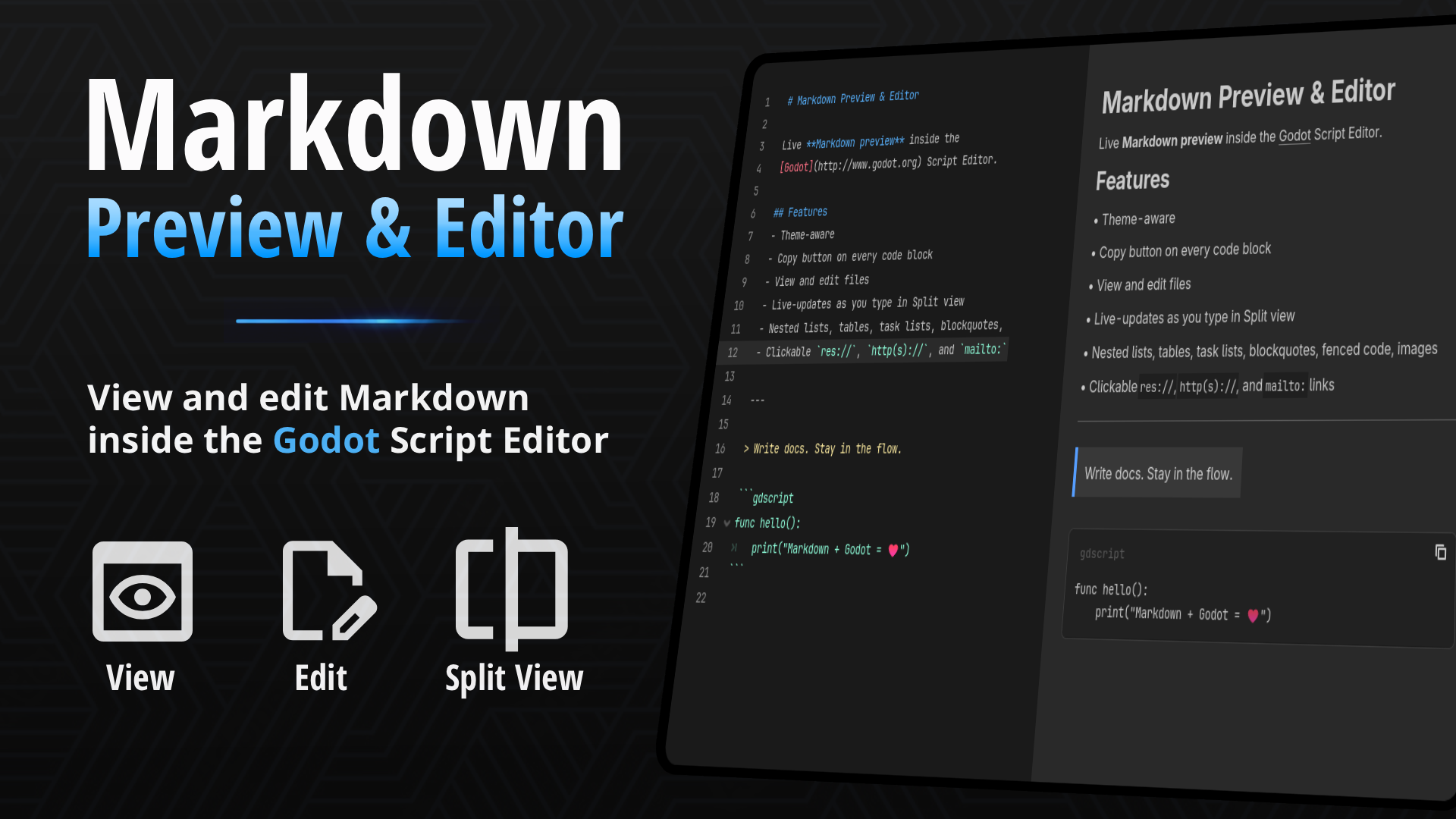
Live Markdown preview inside the Script Editor. Open .md files to read formatted docs without leaving Godot. Preview, Edit, and Split views
If your project keeps design notes, changelogs, or a README.md inside the res:// folder, you've probably opened them in the Script Editor and stared at raw asterisks and pipe characters. This plugin renders that file properly — headings, tables
Workspace Navigator
0
by Aurailus | GPL v3
Workspace Navigator automatically swaps the Godot workspace (2D, 3D, Script) to the right tab when opening a scene or script file! Also adds a Middle-Click interaction to scenes in the filesystem to jump straight to their script
Workspace Navigator automatically swaps the Godot workspace (2D, 3D, Script) to the right tab when opening a scene or script file! Also adds a Middle-Click interaction to scenes in the filesystem to jump straight to their script! How to Use 1) Install and
Folder Jump
1
by Aurailus | GPL v3
Folder Jump adds a "Jump Button" to folders which lets you jump straight to a folder's primary file, without opening the folder! Great for when you colocate scenes with their assets and scripts
Folder Jump adds a Jump Button to folders which lets you jump straight to a folder's primary file, without opening the folder! Great for when you colocate scenes with their assets and scripts. You don't want to have to open your scene folders and search
I.say() Debug Messaging
0
by Freswinn | MIT
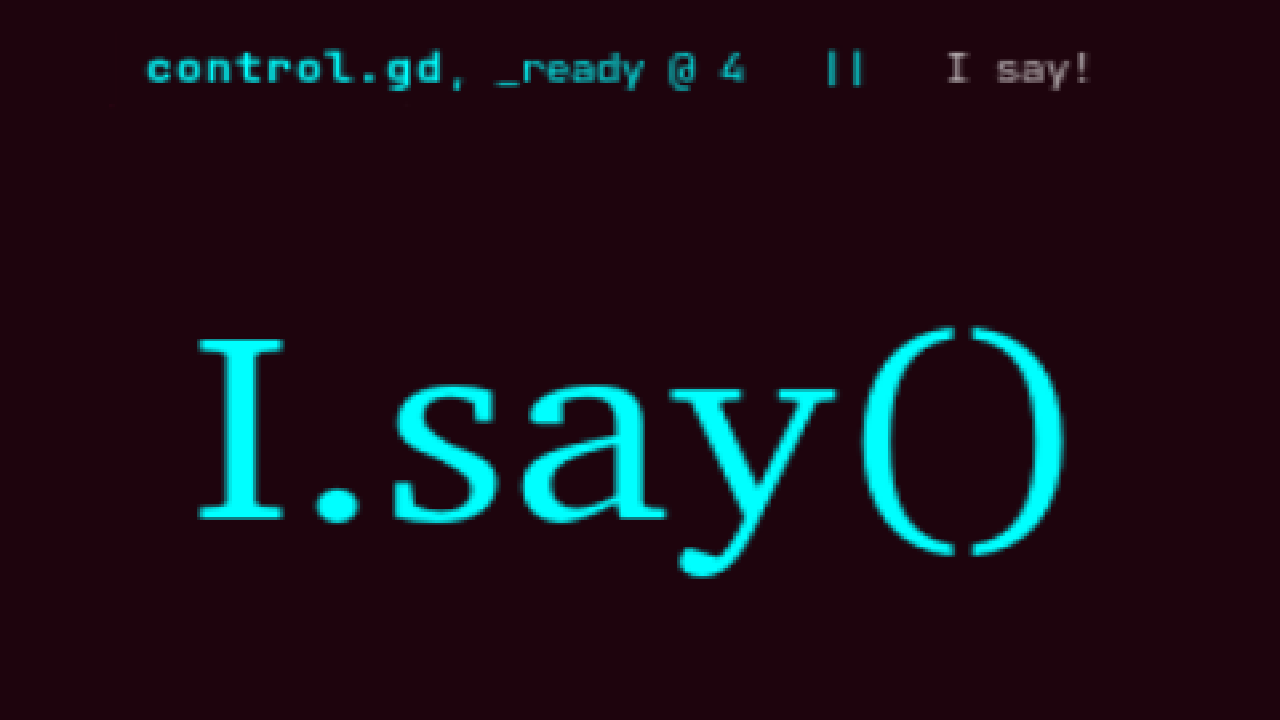
I.Say() is a convenient way of adding useful preformatted debug messages to your code. It adds an autoload singleton called "I" with the methods I.say() and I.sayerr(), which print your message to the debug console with a header showing the script file
I.say() Godot plugin that creates a new autoload singleton called I, with methods I.say() and I.sayerr() , for clean preformatted debug messaging. The header shows the script file, method, and line number of the function's call. Installation Simply
Unexport My Props!
0
by Aurailus | GPL v3
Allows scripts to hide exported properties, property groups, and property categories from the Godot Inspector
Unexport My Props! Unexport My Props! lets scripts selectively hide exported properties from inherited scripts from the Godot Inspector. Properties can be hidden individually, or by group or category. This is useful when an exported property from a base
MaterialTextures
0
by Andicraft | MIT
Generate textures from custom shaders
MaterialTextures A plugin for Godot 4.7+ that adds new texture resources, which can bake shaders to textures. The scripts use the DrawableTexture2D resource added in Godot 4.7 to render the materials, hence the version requirement. Usage The plugin adds
itertools
0
by Pascal Schuppli | MIT
itertools provides a small library of custom iterators inspired by the python itertools module
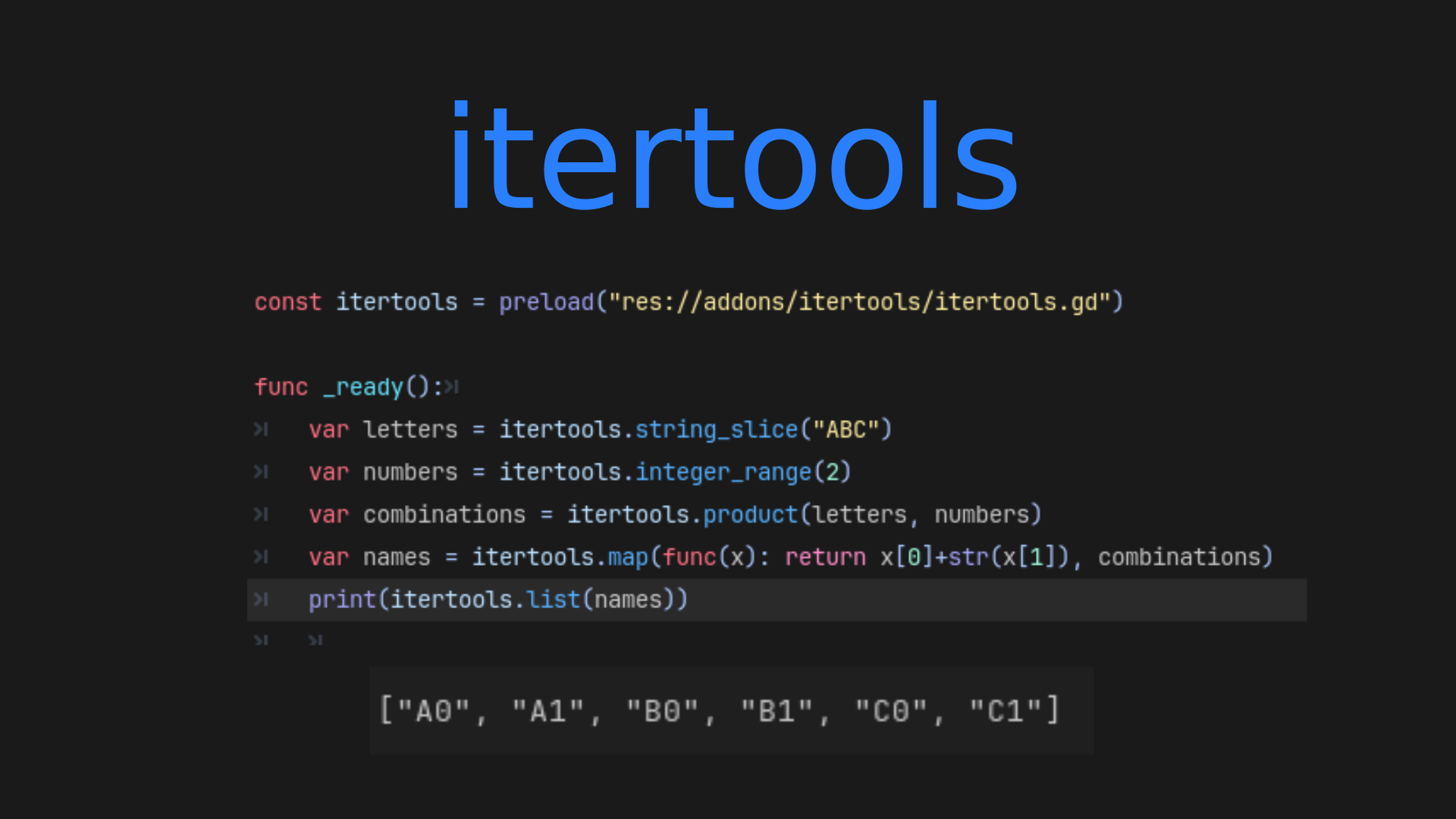
GDScript has a custom iterator protocol which enables looping over objects using the standard for loop. itertools provides several custom iterators so you don't have to reinvent the wheel yourself. It duplicates most of the iterators provided by the
Gator Audio Studio
3
by Blackwater Gator Studios | MIT
A Godot-native audio editor and procedural sound effect generator for creating, editing, processing, and exporting game audio directly inside the editor
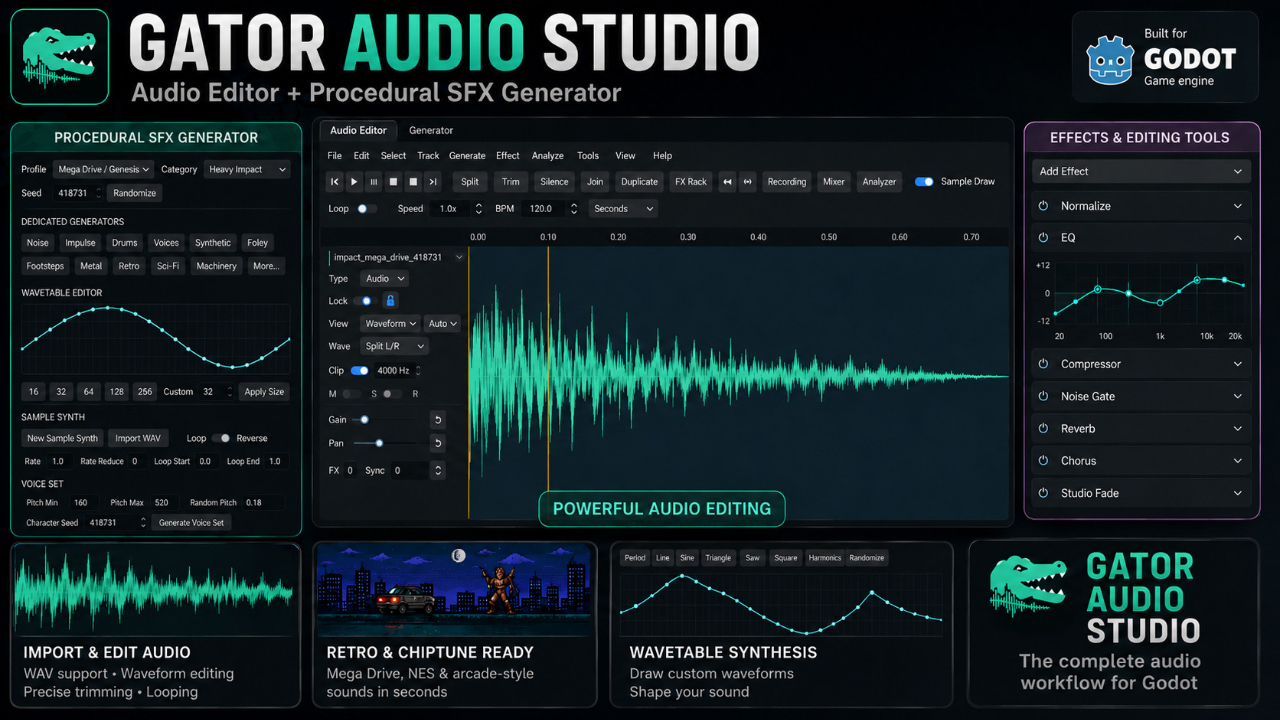
Gator Audio Studio Gator Audio Studio is a Godot-native audio workstation designed specifically for game development. It provides audio editing and procedural sound generation directly inside the Godot editor, reducing the need to switch between Godot and
Virtual Joystick CF
0
by CF Studios | MIT
A professional, high-performance, and ready-to-use virtual joystick. Specifically designed for mobile games in Godot 4.5 or later
✨ Features Behavior Modes: Supports Static, Dynamic, and Following modes; Direction Snapping: Support for 2-way, 4-way, 8-way, or 360° (full analog) movement; Precise Calibration: Customize Deadzone, Touch Boundary, and Dynamic Area to ensure a

Swift Inventory
3
by Blodyx | MIT
A small, data-driven inventory system for Godot 4. Build inventories with unmatched speed
Swift Inventory A small, data-driven inventory system for Godot 4 Build inventories with unmatched speed. A small, data-driven inventory system for Godot 4. Build inventories with resource-based data, flexible UI, stacking, rules, persistence, and drag
Terminal
0
by Poing Studios | MIT
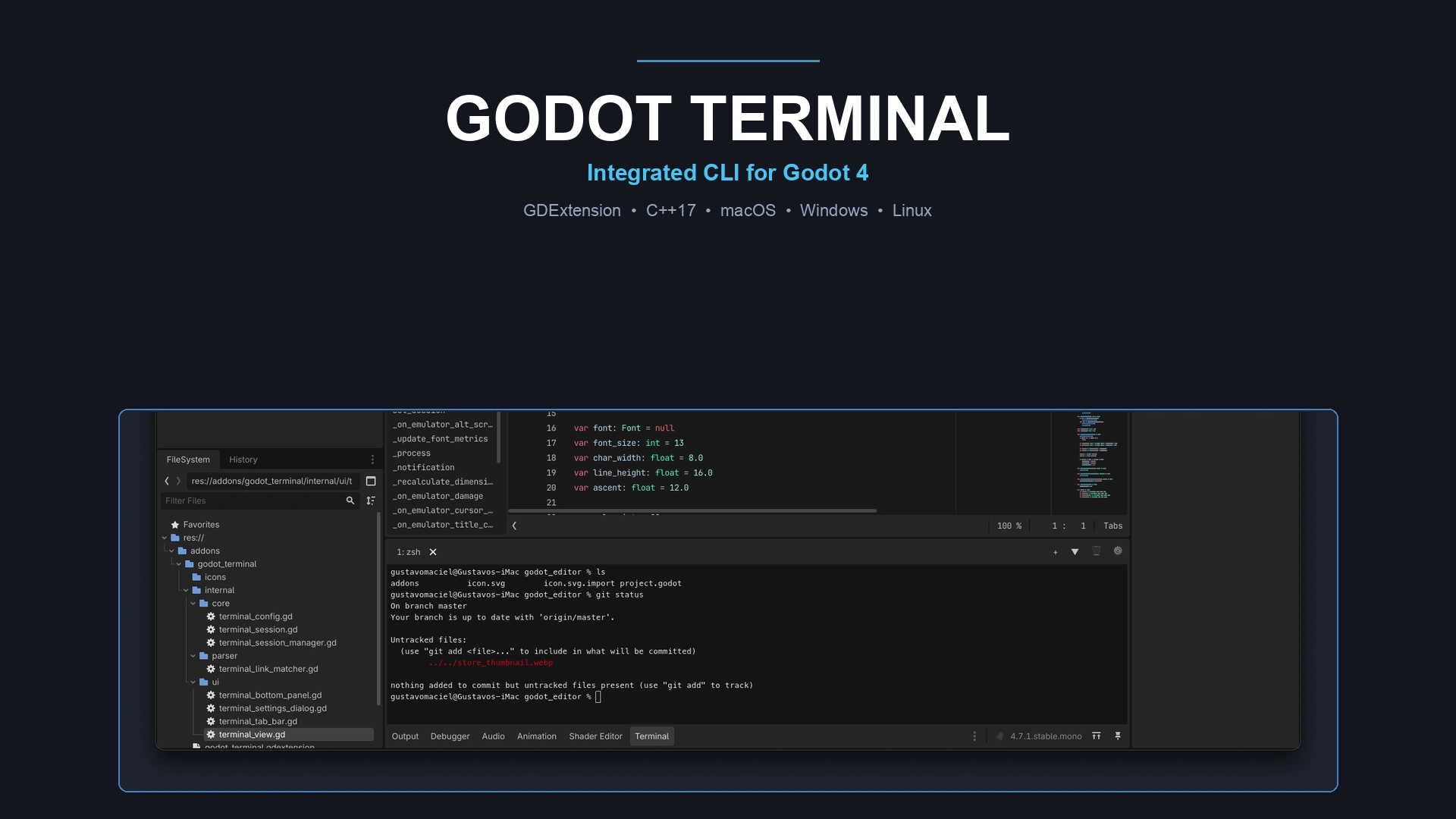
A native, high-performance terminal shell dock embedded directly inside the Godot 4 editor bottom panel. Powered by C++ GDExtension with full PTY support (macOS, Linux, Windows), true ANSI colors, clickable links to scripts/URLs, multi-tabs, splits, and
🖥️ Godot Terminal Godot Terminal brings the full power of your native system shell directly into the Godot 4 editor bottom panel. Run shell commands, interact with CLI tools (git, gh, npm, python, etc.), and jump directly to your scripts without switching

loading more results...