Description
Changelog
Reviews (0)
A lightweight, minimalist workflow addon for Godot 4 that takes the friction out of keeping your project's version numbers up to date. It allows you to increment your project's Semantic Versioning (SemVer) with a single click directly from the editor UI.
Whenever you bump a version, the addon automatically updates the application/config/version property in your project.godot file, ensuring your exported builds always have the correct version string.
Features
- One-Click SemVer: Instantly increment Major, Minor, or Patch (Bug) version numbers.
- Automatic Project Syncing: Reads and writes directly to Godot's built-in
application/config/versionproject setting. - Multiple Display Modes: Choose the UI layout that fits your workflow best:
- Dock Mode: A standard editor dock panel displaying the current version and three clearly labeled buttons.
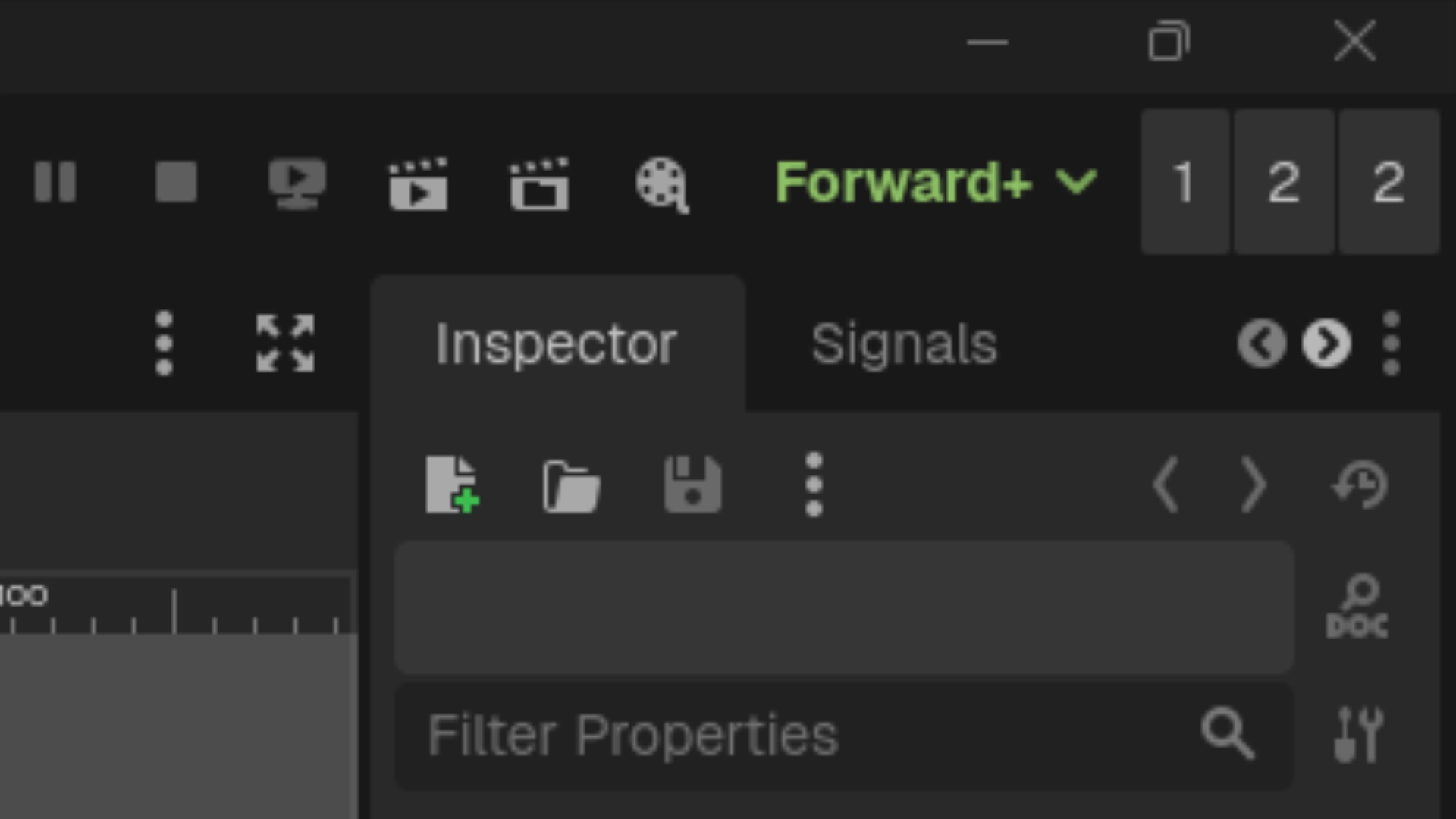
- Embed Top: A hyper-minimalist, zero-padding UI injected directly into Godot's top toolbar. It uses minimal screen real estate while keeping your version numbers visible at all times.
- Zero Clutter: Designed with Godot's native UI themes in mind to feel seamlessly integrated.
Installation
- Download the addon and extract the
version_bumperfolder into your project'sres://addons/directory. - Open your project in the Godot Editor.
- Go to Project > Project Settings > Plugins.
- Find Version Bumper in the list and check the Enable box.
Usage
Once enabled, the Version Bumper will appear in the top-right dock by default.
To change how the addon is displayed:
- Look at the very top menu bar of the Godot Editor.
- Navigate to Project > Tools > VersionBumper.
- Select your preferred display mode:
- Dock: Places the tracker in the standard dock layout.
- Embed Top: Places ultra-compact buttons directly into the top editor toolbar.
Simply click the Major, Minor, or Patch buttons to instantly increment your project's version!
Changelog for version v1.2.3
2026-03-26 11:39:08
No changelog provided for this version.