
Boot Splash Plus
 10
10
by GamingFirstOne | MIT
Boot Splash Plus adds a customizable startup splash/loading overlay for Godot projects. It keeps Godot’s default boot splash separate and adds a new Application > Boot Splash+ settings section for background images, logos, progress bar styling, timing
Boot Splash Plus is a Godot 4 addon that adds a customizable startup splash/loading overlay after the engine starts. It does not replace Godot’s earliest native boot splash, but it gives projects a polished Boot Splash+ screen that can appear immediately
Godoban
6
by JAEL-G | MIT
Advanced Kanban Task Manager for Godot. Plan, track, and ship your Godot project's work without ever leaving the editor. Godoban adds a drag-and-drop kanban board, multiple switchable boards, color-coded epics, powerful search & filters, and a live
Godoban — Advanced Task Manager for Godot Stop managing your project's work in spreadsheets, sticky notes, or scattered chat threads. Godoban brings a full, lightweight task-management system straight into the Godot editor, so you can plan, track, and
Gitot - Godot Git Tool
2
by SigK | MIT
Git workflow inside Godot 4 with LFS support, stage/unstage, commit, stash/pop, fetch/push/pull, inline diff gutter, full diff viewer, and repo issue tracker
Gitot - Godot Git Tool Gitot is a Git workflow plugin with LFS support intended for solo developers who want fast, reliable Git operations (stage/unstage, commit, stash/pop, fetch/push/pull), inline diff gutter, full diff viewer, and issue tracker without
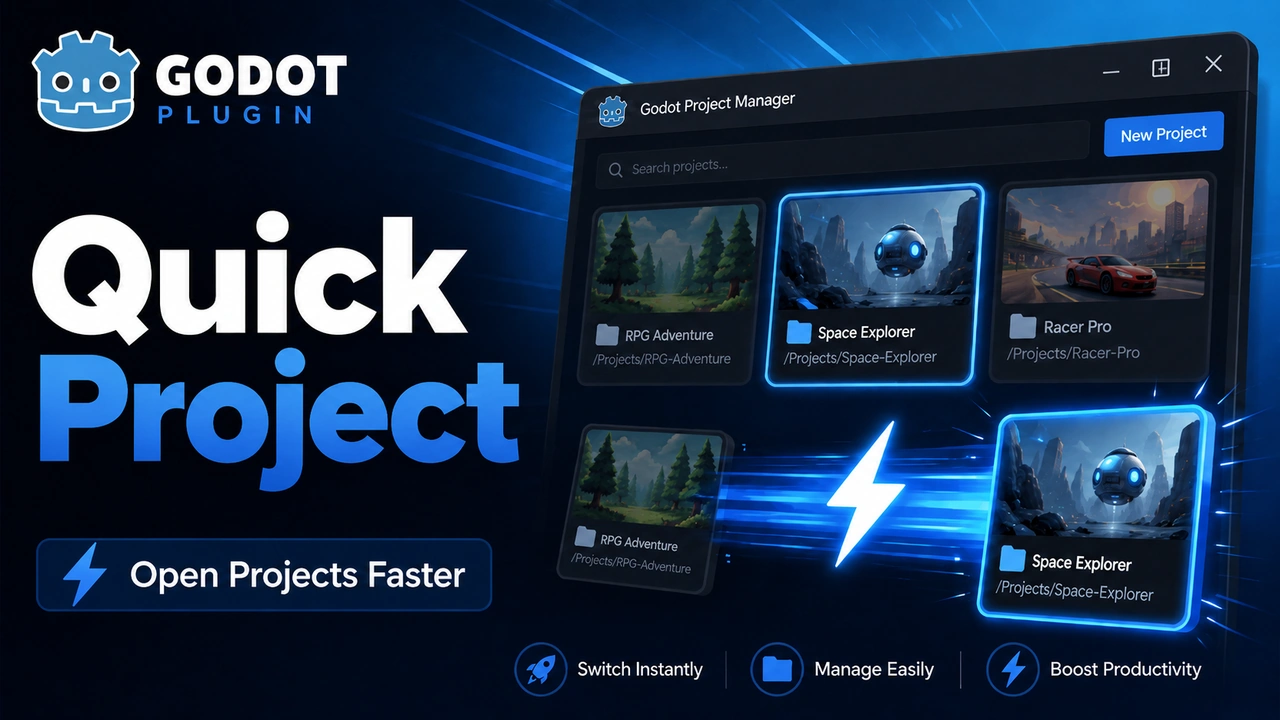
Quick Project
2
by GamingFirstOne | MIT
Open the Project Manager or launch saved Godot projects from inside the editor
Quick Project is a small Godot 4 editor addon that makes it faster to jump between projects. It adds a Switch Project dropdown to the editor toolbar and a Project > Tools > Switch Project menu entry. You can save Godot project folders, open the Project
Godot 3D Cursor
2
by DevMarco | ISC
The Godot 3D Cursor Plugin is an editor-only plugin for Godot 4.5+ that introduces a configurable 3D Cursor to the editor, inspired by the 3D cursor functionality found in Blender. It provides an intuitive way to place and position nodes within a 3D scene
Godot 3D Cursor Plugin This plugin implements a 3D Cursor in the Godot Engine, inspired by Blender’s 3D cursor functionality. It provides an intuitive and precise way to place and position nodes within a 3D scene, improving the overall workflow for 3D
GDTerminal
1
by ProgrammerOnCoffee | MIT
GDScript Terminal Addon for Godot 4.0
Run GDScript in the editor at the click of a button to speed up your workflow. For more information and documentation, visit the website
GittyDot - Godot Git Plugin
0
by ShinyDarkRai | MIT
Git workflow inside Godot 4 with LFS support, stage/unstage, commit, stash/pop, fetch/push/pull, inline diff gutter, full diff viewer
GittyDot Review changes, edit diffs, and commit without leaving Godot. Features · Installation · Quick start · Guide · Limitations · Testing · Feedback GittyDot brings an IntelliJ-inspired Git workflow to the Godot editor: a focused Commit dock, a central
Broken Reference Finder
0
by Kurtis Klay | MIT
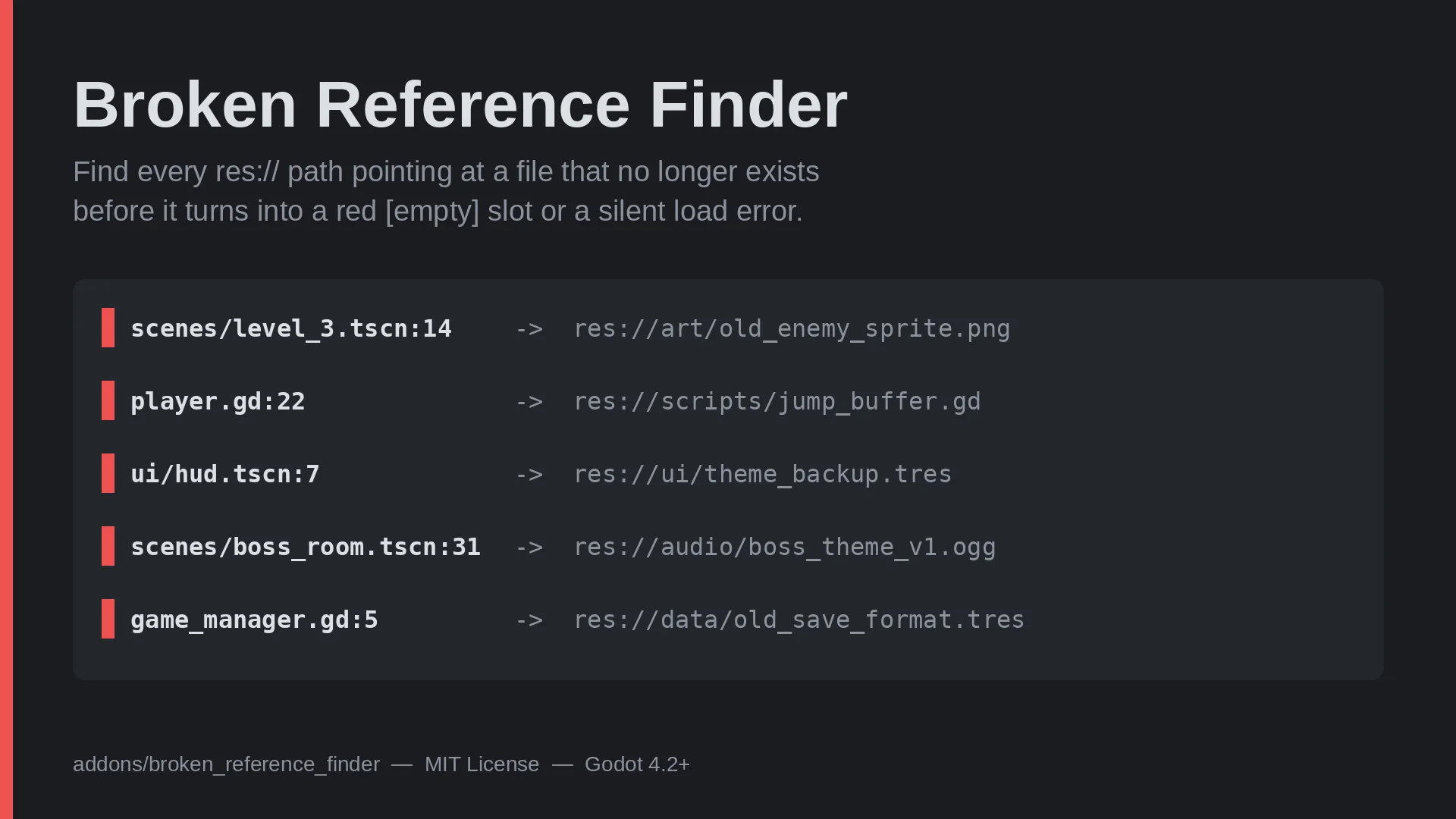
Finds res:// paths that point at files which no longer exist, and knows when a path only looks broken because Godot already repaired it through a uid://. Every result carries a High/Low confidence tier
Broken Reference Finder Finds res:// paths in your scenes, resources and scripts that point at files which no longer exist — and knows when a path only looks broken because Godot already repaired it through a uid:// . The false-positive problem this
Lospec Pallet Importer
0
by Voidmoose | MIT
Lospec Palette Importer is a Godot 4.6+ editor plugin that adds a dock tab for importing external palette files into built-in `ColorPalette` resources
Lospec Palette Importer is a Godot 4.6 editor plugin that adds a dock tab for importing external palette files into built-in ColorPalette resources. Features Imports Lospec newline-separated .hex palettes. Imports GIMP .gpl , Photoshop .ase , JASC .pal
Godot Editor MCP - Addon
0
by John D Studios | MIT
Connect the Godot editor to any AI agent. This addon runs a WebSocket client that dials out to a companion MCP server, so AI clients can drive the live editor: inspect the scene tree, create and edit nodes with undo, write GDScript, play-test, simulate
Godot Editor MCP A Godot editor plugin that lets AI agents drive a live editor over the Model Context Protocol. What this addon is Godot MCP is the Godot half of a two-part bridge. The other half is a companion MCP server (Python, published as godot

QuestManager
0
by Hellboy Heaven | MIT
A visual node-based quest and stage action graph editor for Godot 4. Easily manage branching quest lines, dependencies, triggers, and custom actions right inside the editor with a clean and intuitive workflow. Perfect for RPGs, adventure, and narrative
Quest Manager for Godot 4 Quest Manager is a powerful, production-ready visual editor plugin for Godot 4 designed to help developers easily create, manage, and scale quest systems and complex stage workflows without writing boilerplate logic. ✨ Key
Scene Graphs
0
by Genery | MIT
A graph-based editor for signals, node references and more
The Scene Graphs plugin adds a visual, graph-based editor for nodes, signals and node references. Views are configurable and persistent, so you're in control of exactly how much or how little information you see in the graph. This plugin is moddable, too
Inspector Pin
0
by Aleksey Pershin | MIT
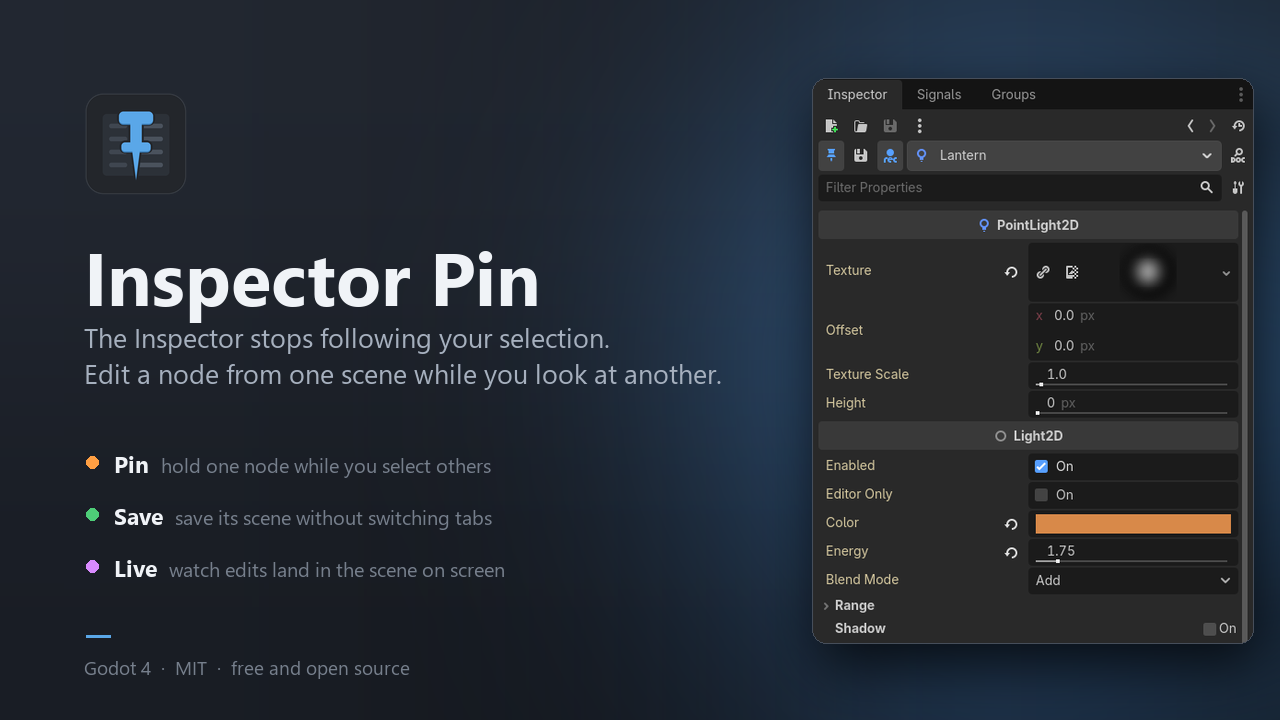
Pin the Godot Inspector to one node, so it stops following your selection
The Inspector always shows whatever is selected right now. That is usually what you want — until you need to look at one scene while editing a node that lives in another. Then you are stuck bouncing between tabs, changing a value in one and checking the

Scriptory
0
by Crow on Crowbar | MIT
Adds a button next to the script path field in the Attach Script dialog so you can save a default folder — no more manually navigating away from the scene folder every time
What it does By default, Godot's "Attach Script" dialog always suggests the current scene's folder as the script path. If you keep your scripts and scenes in separate folders, you end up manually changing that path every single time you create a new
ValidationFlow
0
by IndieShade | MIT
Odin-inspired validation workflow for Godot 4.3+ — Scene badge, Validation dock, 13 built-in rules, VFValidate / C# attributes, export gates and CLI. MIT, full feature set
Godot Validation Flow Odin-shaped validation for Godot 4.3+. Catch broken dependencies, bad UIDs, empty NodePaths, export problems, and your own content rules before they ship. MIT licensed. Website & docs: https://indieshade.github.io/godot-validation
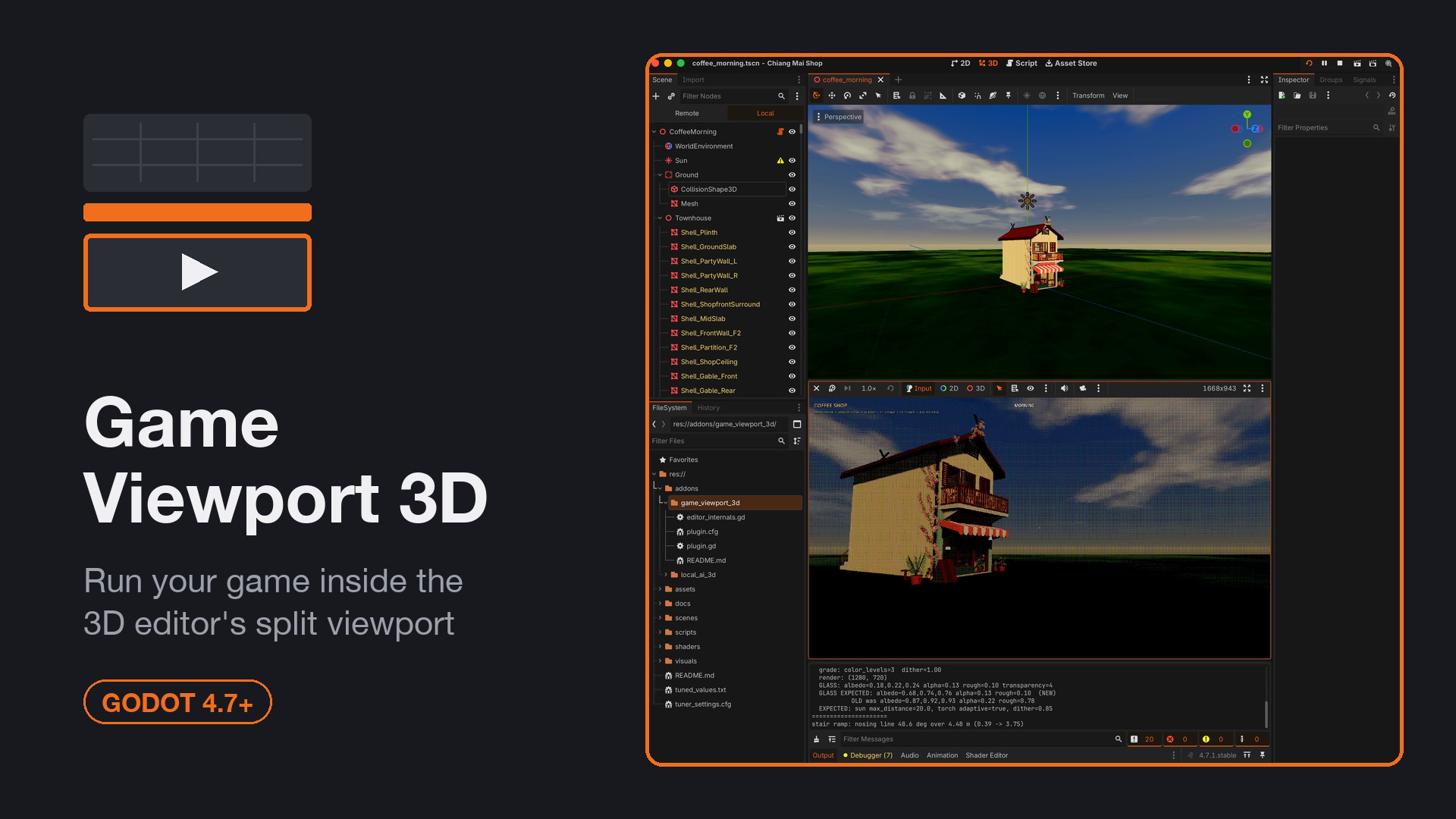
Game Viewport
0
by Aytek Temel | MIT
Run your game inside a pane of the 3D editor's split viewport
Shows the running game inside a pane of the 3D editor's split viewport instead of the separate Game tab. Tick "Game Window" on any pane; Play lands the game there, Stop hands the pane back. Auto-creates a second viewport, docks the Game toolbar above the
SaveFlow
0
by IndieShade | MIT
SaveFlow Lite is a comfort-first save workflow plugin for Godot 4.6. It helps you build project-ready save systems by organizing save logic into explicit scene-authored sources instead of one large save script. You can save node state, typed data, runtime
Access doc site here: https://indieshade.github.io/saveflow-lite/ Installation Download the zip file and extract the addons/saveflow_core and addons/saveflow_lite into your project folder. Enable the saveflow plugin in the project plugin settings. Core
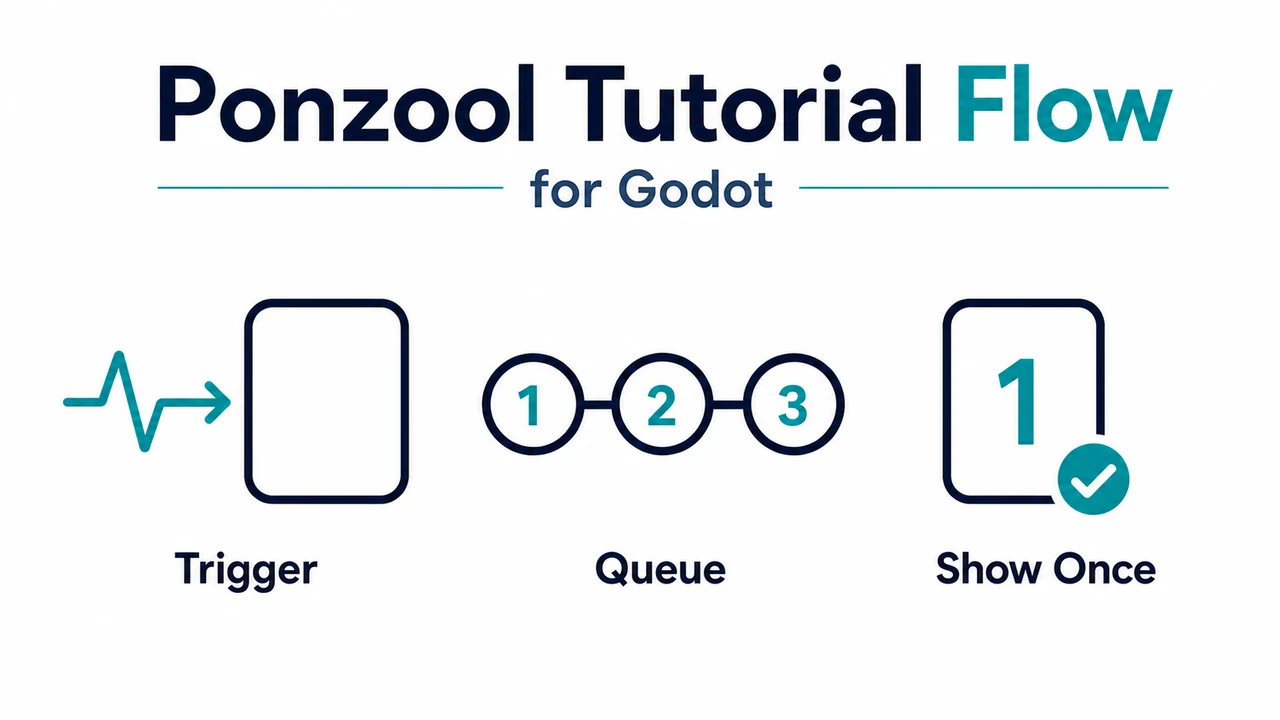
Ponzool Tutorial Flow
0
by PONZOOL | MIT
Add event-driven popup tutorials to Godot games with one trigger call. Ponzool handles multiple pages, priority queueing, pause restoration, once-only history, persistence, and save-state import/export while your game keeps control of when each tutorial
Build first-time guidance without embedding popup state into every gameplay script Ponzool Tutorial Flow is a Godot addon for event-driven tutorials. Your game decides when an enemy encounter, item pickup, unlock, or other event occurs, then calls
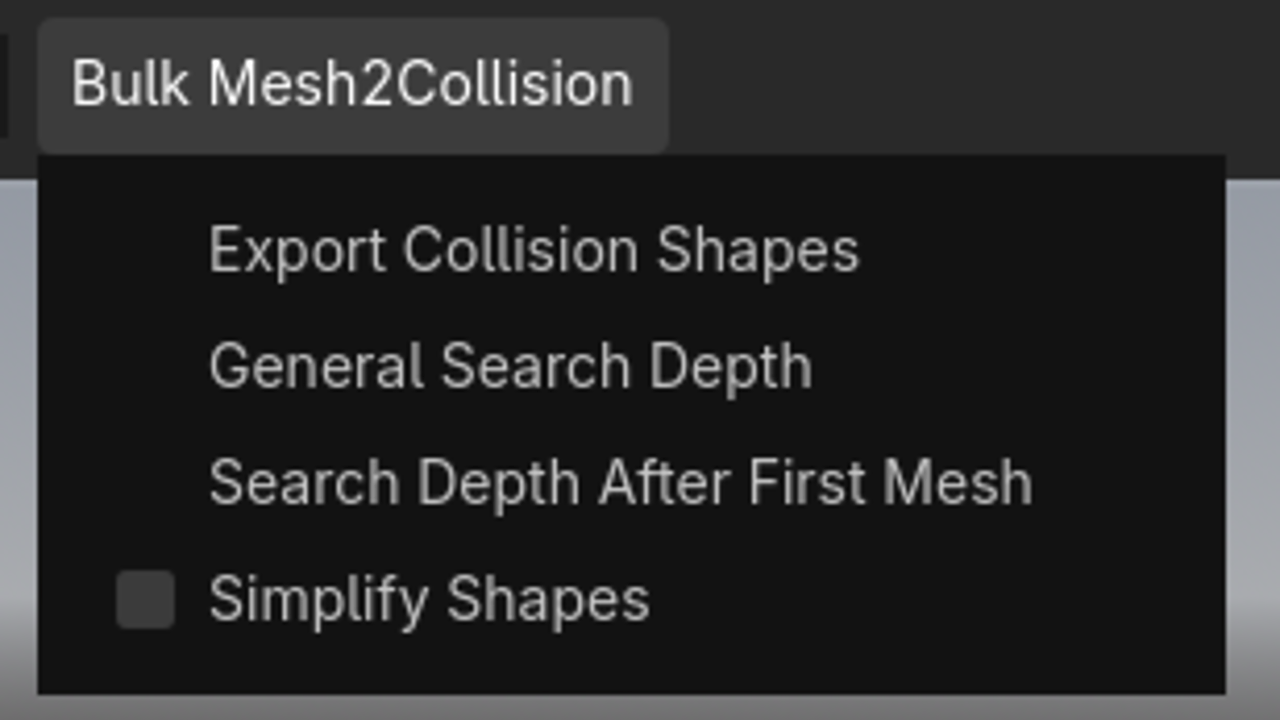
Bulk Mesh Collisionshape Exporter
0
by Joe Blub | MIT
Quickly export collision shapes for all Meshes that are children of a Node3D. Very useful if you are working with asset packs. Supports Godot 4.7 and 4.4. Other versions might work as well, but I haven't tested them
Have you ever tried to add collision to a 3D Object you have imported and were annoyed that you had to click on every single mesh individually to add a Collision Shape? Worry no longer, with this plugin you can mass export every single Collisionshape with
Window Placement Switcher
0
by squirrel-bat | MIT
"Editor > Editor Settings > Window Placement > Screen" ... as a dropdown button in your toolbar! 🤌 simple, 👀 quick, 🫦 beautiful
What? This tiny plugin adds a dropdown button to your toolbar, so you can switch directly between screens to run your project on! How? It reads and sets the editor setting run/window_placement/screen and generates all possible options from the
Version Bumper
0
by sn1ks0h | MIT
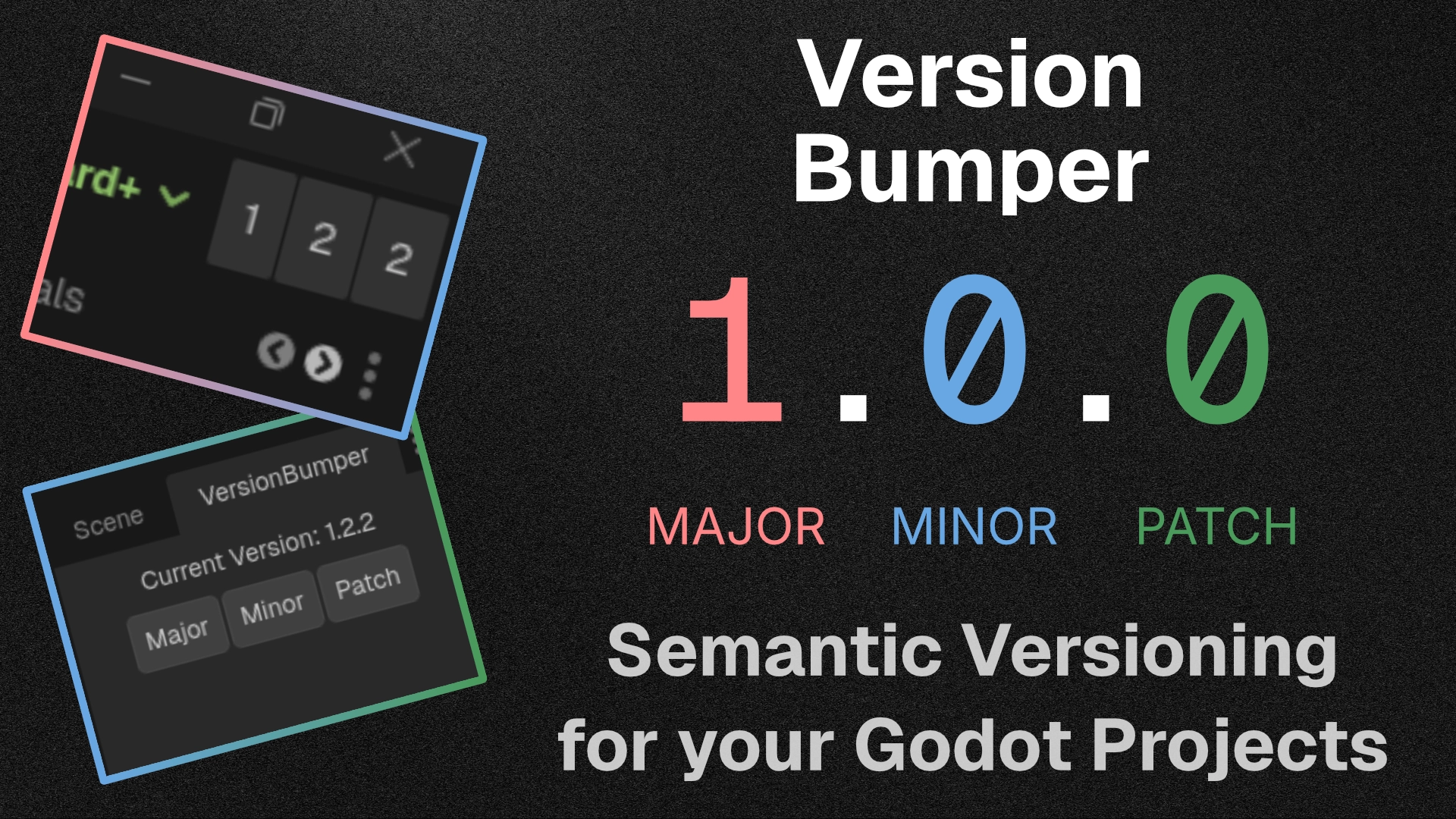
A minimalist Godot 4 editor plugin to quickly track and bump your project's Semantic Version number directly from the editor toolbar or dock
A lightweight, minimalist workflow addon for Godot 4 that takes the friction out of keeping your project's version numbers up to date. It allows you to increment your project's Semantic Versioning (SemVer) with a single click directly from the editor UI

loading more results...