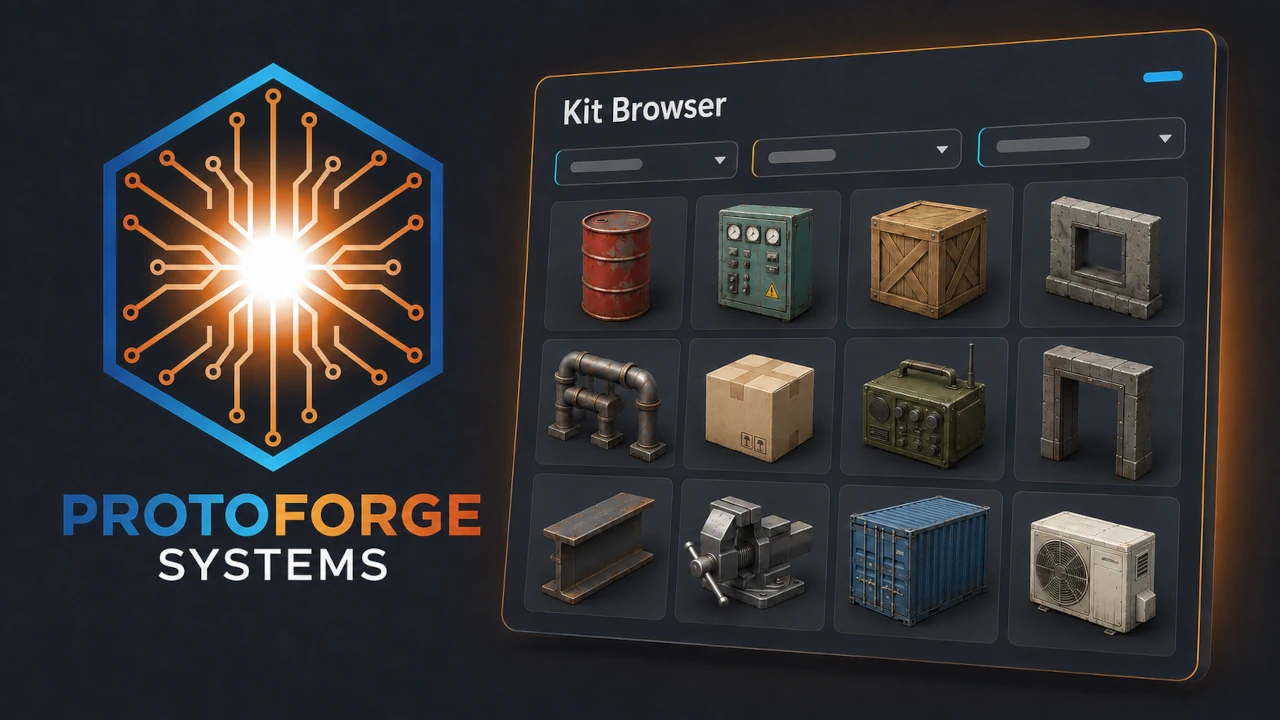
Asset Kit Browser
 0
0
by ProtoForge Systems | MIT
An editor dock for browsing 3D asset libraries with generated thumbnails. Point it at your asset folders and click Index: it catalogs every mesh, renders a consistently framed, consistently lit thumbnail for each one inside the editor, and gives you search
What it does ProtoForge Kit Browser is an editor dock for projects that contain large 3D asset libraries — purchased asset packs, exported kits, scan collections. Godot's built-in FileSystem previews are too small and inconsistently framed to browse a
Scene Graphs
0
by Genery | MIT
A graph-based editor for signals, node references and more
The Scene Graphs plugin adds a visual, graph-based editor for nodes, signals and node references. Views are configurable and persistent, so you're in control of exactly how much or how little information you see in the graph. This plugin is moddable, too
Rig Eye 2D
0
by Wolfish | CC0 1.0 Universal
Tool scene that helps with making moving animatable eyes in 2D. Features tracking Node2D positions, mouse cursor, fixed 2D positions, making eye pairs and more. Provides API of useful signals and methods, also animatable by AnimationPlayer. Usable in games
RigEye2D Godot Plugin What is this? Tool scene for Godot Engine that helps with making moving animatable eyes in 2D. Usable in games, animations, etc. Features: Tracking any Node2D position Tracking mouse cursor Tracking fixed Vector2 position Pairing
Scene Palette
0
by Cecilia | Unlicense
Adds a dock with scene thumbnails that you can drag and drop into the workspace
This is essentially a thumbnailed file browser that allows you to make "palettes" of scenes using your existing directory structure. Drag and drop scenes like regular files into your main scene workspace. Within a palette, subdirectories can be expanded

Scenic
0
by Flown | MIT
A scene manager addon for Godot. Handles changing scenes, managing transitions, and asynchronous loading all with a simple but flexible API
Scenic A scene manager addon for Godot. Handles changing scenes, managing transitions, and asynchronous loading all with a simple but flexible API. Installation You can install the addon manually or through the Asset Store. NOTE If your version of Godot
Scene Instance Overrides
0
by bakacandy | MIT
Review, apply, and revert supported changes on external scene instances directly from the Godot Inspector
Scene Instance Overrides Scene Instance Overrides adds a Unity-style Apply/Revert workflow to Godot 4.7.1. Review changes made to external scene instances, apply supported changes to the base scene, or revert them from the Inspector. Features Compact
Mesh to Scene
0
by wakedk | MIT
Batch-convert imported .fbx, .glb and .gltf meshes into individual scenes — one per mesh — with optional collision (Trimesh or Convex) and MeshLibrary generation for GridMap. Point it at a folder, press Convert, and get clean, correctly-oriented scenes and
Mesh to Scene is an editor plugin that turns a whole folder of imported meshes into ready-to-use scenes in one pass — ideal for modular asset kits. Features Scans a folder (optionally recursively) for .fbx , .glb and .gltf files. Creates one scene per
Saltmire Transitions
0
by saltmire | MIT
One-line scene transitions for Godot 4. Change scenes with a polished transition in a single line — fade, iris circle, directional wipes, and a pixelate dissolve, all built in. Fully awaitable API (cover / reveal / to), aspect-correct shaders, drop-in
Saltmire Transitions is a tiny, free scene-transition manager for Godot 4. Change scenes with a polished transition in a single line — no boilerplate, no setup. Transition.to("res://levels/level_2.tscn", "circle") Or hide and show the screen yourself

Chunk Loader
0
by Little Fern Studio | MIT
This chunk loader supports dynamic streaming of TileMapLayer tile data. When a chunk enters the active range, its tile data is loaded into the appropriate TileMapLayers. When a chunk leaves the active range, its tiles are removed from memory. In addition
As the player moves through the world, the system continuously determines which chunks should exist based on a configurable loading radius. The chunk loader supports dynamic streaming of TileMapLayer tile data. When a chunk enters the active range, its
Scene Manager
0
by Glass Brick | MIT
A simple plugin for managing scene transitions easily. Ideal for small projects
This plugin provides a general-use, focused and simple API for handling scene transitions. It adds a SceneManager autoload that implements a couple of functions and is designed to be a drop-in replacement for Godot's native change_scene_to_file() that can
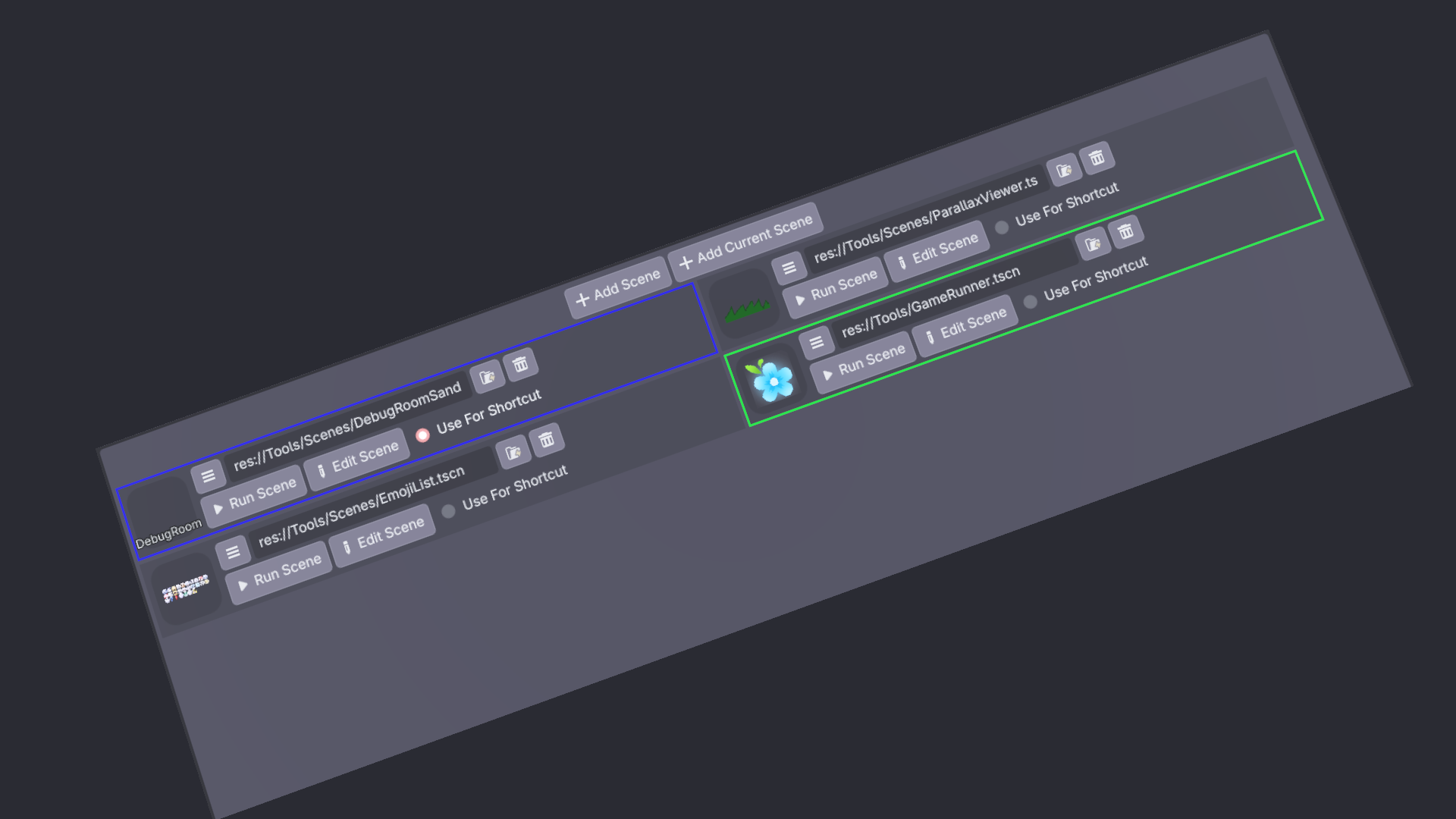
Quick Scenes
2
by KoBeWi | MIT
An addon that allows to select multiple scenes for quick running
Usage Enable the plugin in Project Setttings. Quick Scenes should appear in your bottom pannel. It looks like this (after you press the Add Scene button): Opens the scenes panel. Adds a new empty scene entry. Adds a new scene entry with path to the

loading more results...