Dot Aseprite Importer
 0
0
by drs90 | MIT
Imports .aseprite / .ase files as SpriteFrames, one animation per tag, timed like in Aseprite, with nothing exported into your project. Optional 3x3 grid of facing directions for top-down characters, AnimationPlayer sync that keeps your own tracks, and a
Imports .aseprite / .ase files as they are: each file becomes a SpriteFrames resource with one animation per tag, timed like in Aseprite, with nothing exported into your project. Save in Aseprite, switch back to Godot, and the animations update. Works for
AnimKit
0
by Eshride | MIT
A Godot addon to make working with bones, rigs, and animations easier
Tired of Godot’s current armature workflow? Well, it just got an upgrade! AnimKit adds missing quality-of-life tools for working with bones and AnimationPlayer, making posing, animating, and cutscene creation feel much smoother. What AnimKit adds
Godot Animated Image
0
by yycStudio | MIT
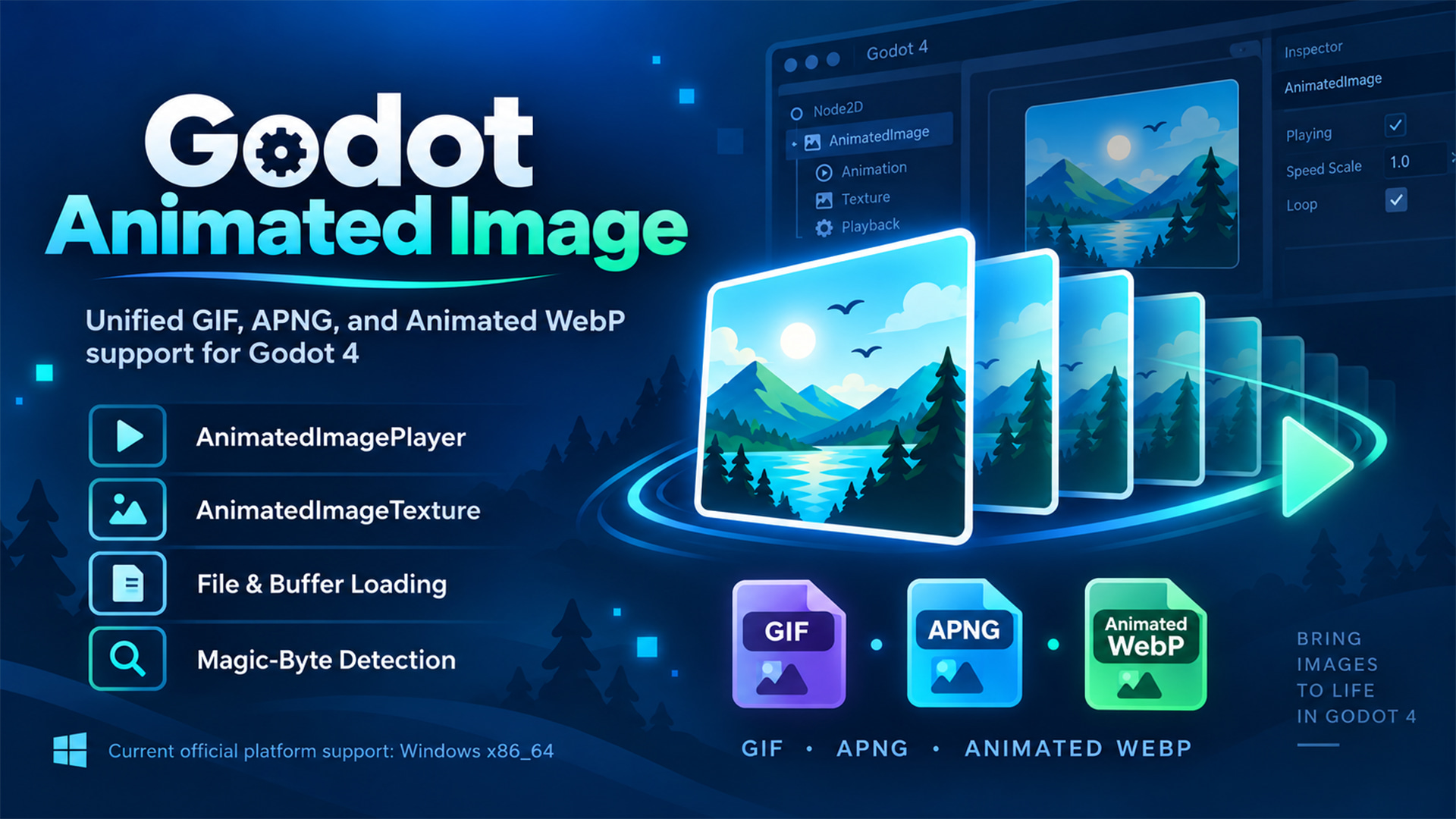
Godot 4 GDExtension for loading and playing GIF, APNG, and Animated WebP with one unified API
Godot Animated Image A Godot 4 GDExtension for loading and playing GIF, APNG, and Animated WebP through one unified API. Load animated images from files or memory buffers, detect formats by magic bytes, import them as Godot resources, and play them with
Animation Group
0
by MHYT | MIT
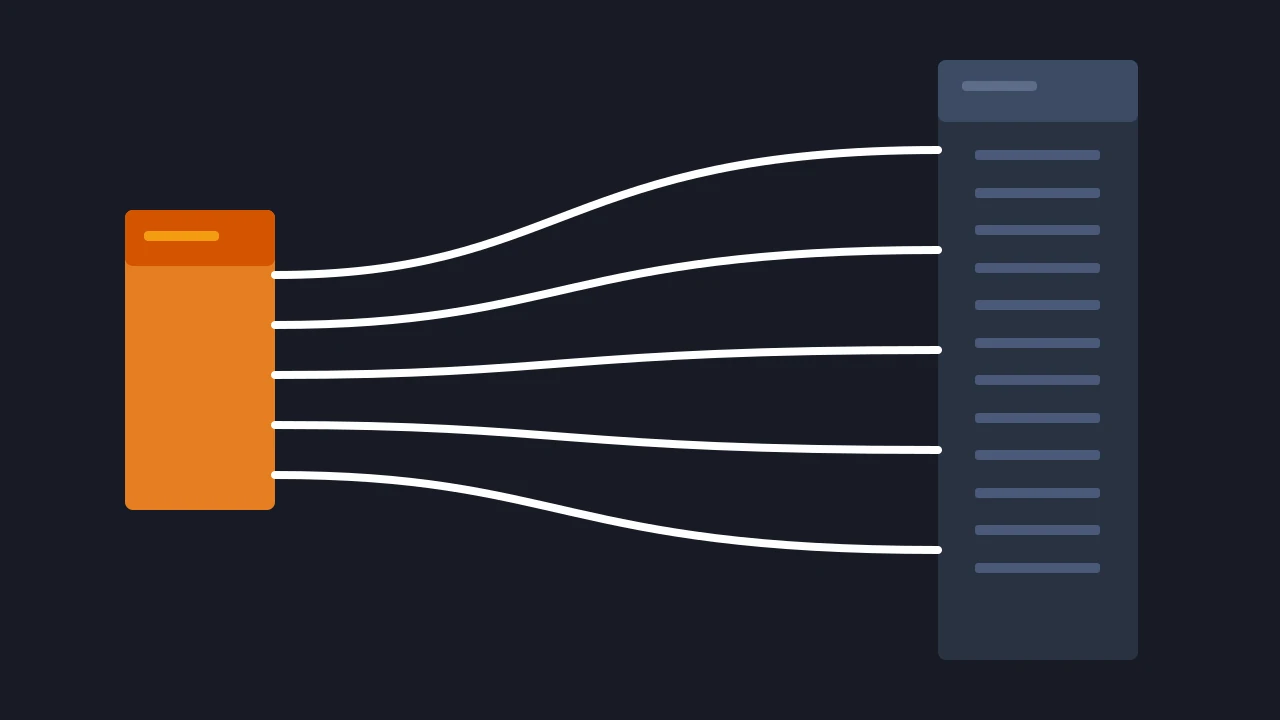
A Godot addon that adds AnimationBlendTree nodes into groups for maintainability
A Godot editor addon for organizing AnimationNodeBlendTree graphs with colorful, collapsible groups. Animation Group is manual-only. It does not inspect project scripts, guess groups from node names, or create groups automatically
YA3 - Yet Another Animation Addon
0
by LiteralSoofa | MIT
YA3 is a easy-to-use node-based animation library
This library introduces animator nodes that can simply be added to the scene tree that plays various animations for the node's parent

Interaction Feedback
0
by paufau | MIT
Easy to use UI animations for `Control` and `Node2D`
Interaction Feedback Plug-n-play UI animations for Control or Node2D nodes Enjoy interactive example: https://paufau.itch.io/godot-interaction-feedback ...or open addons/interaction_feedback/demo/demo.tscn in the editor to click through all of them Usage
Easing Curve
0
by baconeggsrl | MIT
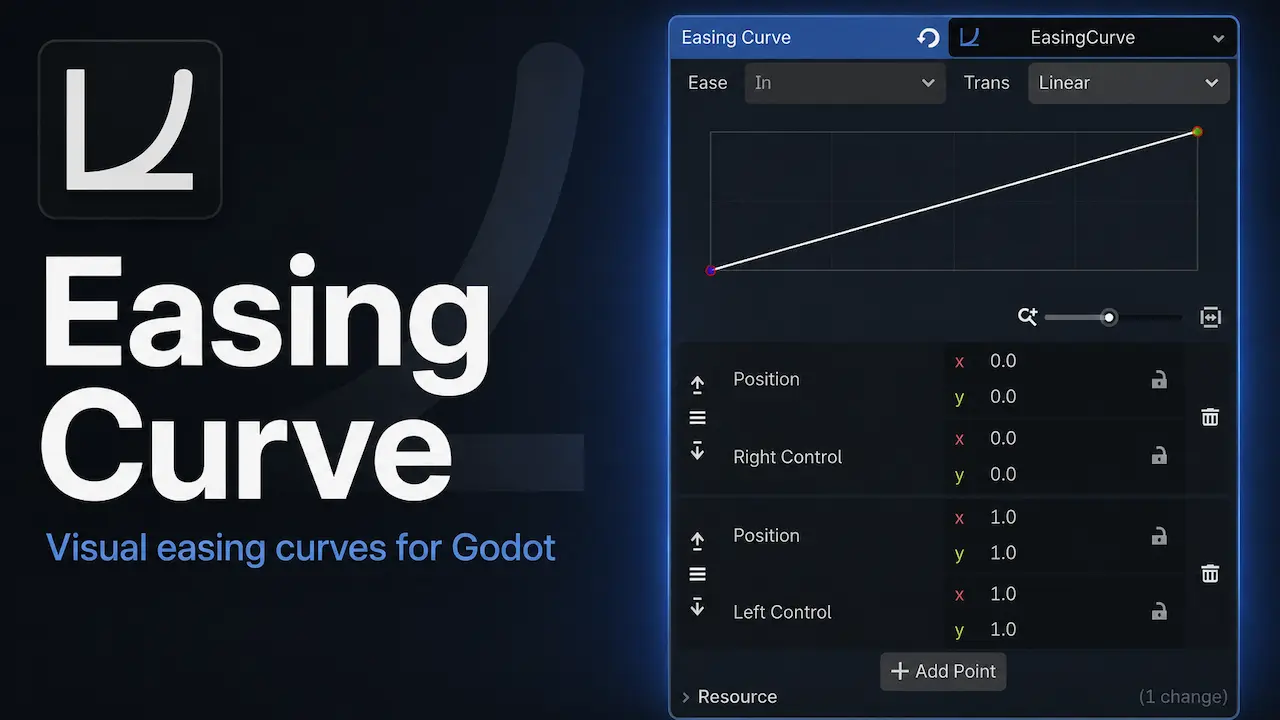
Create custom easing curves for tween interpolation
Easing Curve Dual GDScript and Native curve editor for easing functions. Designed for parity with Godot's Tween system and easing equations. Version 1.2.2 includes two independent, supported API families: EasingCurve / EasingCurvePoint in GDScript and
Spreen
0
by KAR Games | MIT
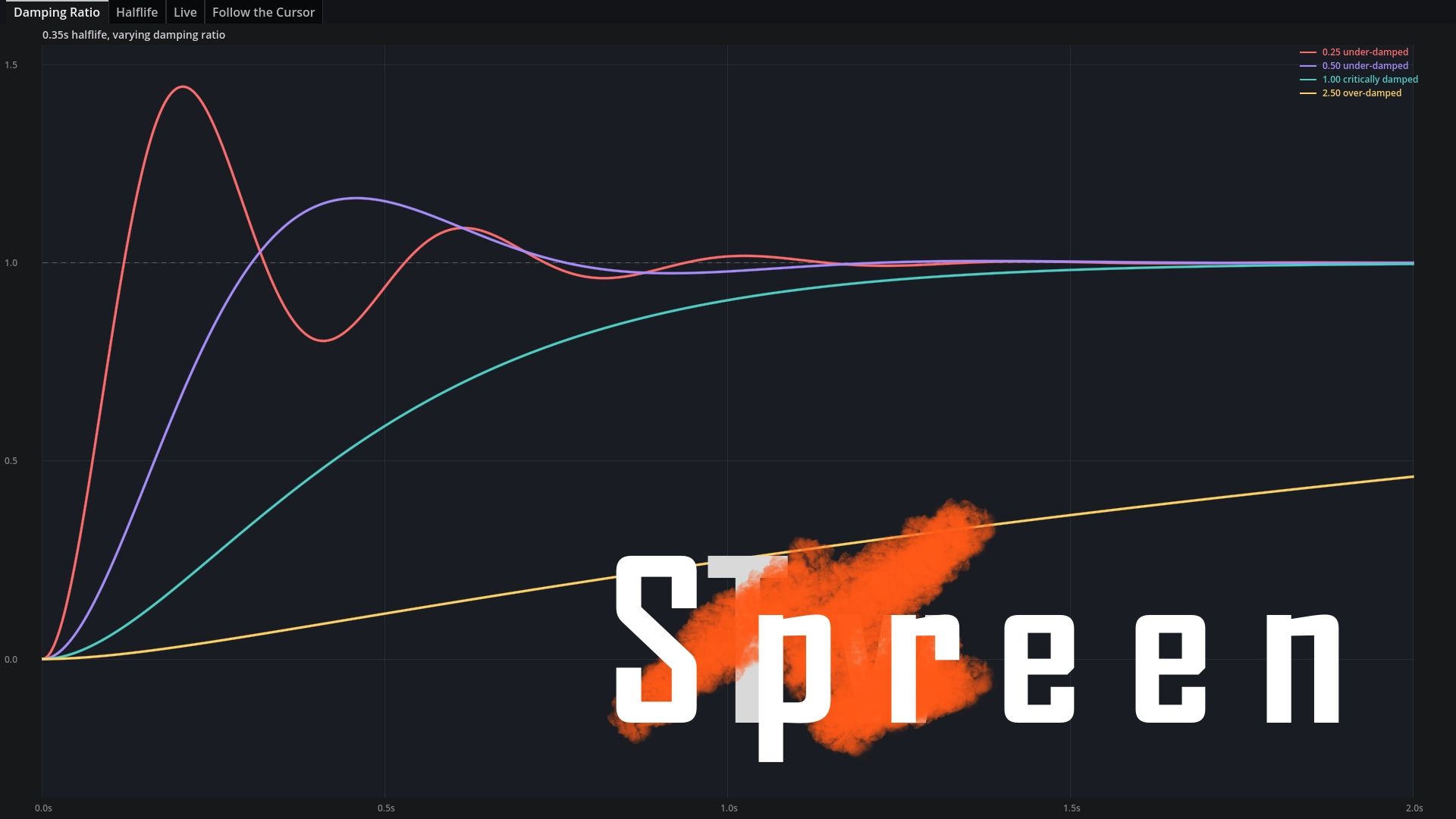
Spreen provides a Tween-like API for animation and interpolation using springs as a base
Unlike TRANS_SPRING in the Tween library, these springs are defined by damping ratios and halflife. These help you make fantastic character and camera controllers, reacting to user input in very natural ways. The Basics Install the GDEXtension. Create a
Rig Eye 2D
0
by Wolfish | CC0 1.0 Universal
Tool scene that helps with making moving animatable eyes in 2D. Features tracking Node2D positions, mouse cursor, fixed 2D positions, making eye pairs and more. Provides API of useful signals and methods, also animatable by AnimationPlayer. Usable in games
RigEye2D Godot Plugin What is this? Tool scene for Godot Engine that helps with making moving animatable eyes in 2D. Usable in games, animations, etc. Features: Tracking any Node2D position Tracking mouse cursor Tracking fixed Vector2 position Pairing
Gator Model Studio
3
by Blackwater Gator Studios | MIT
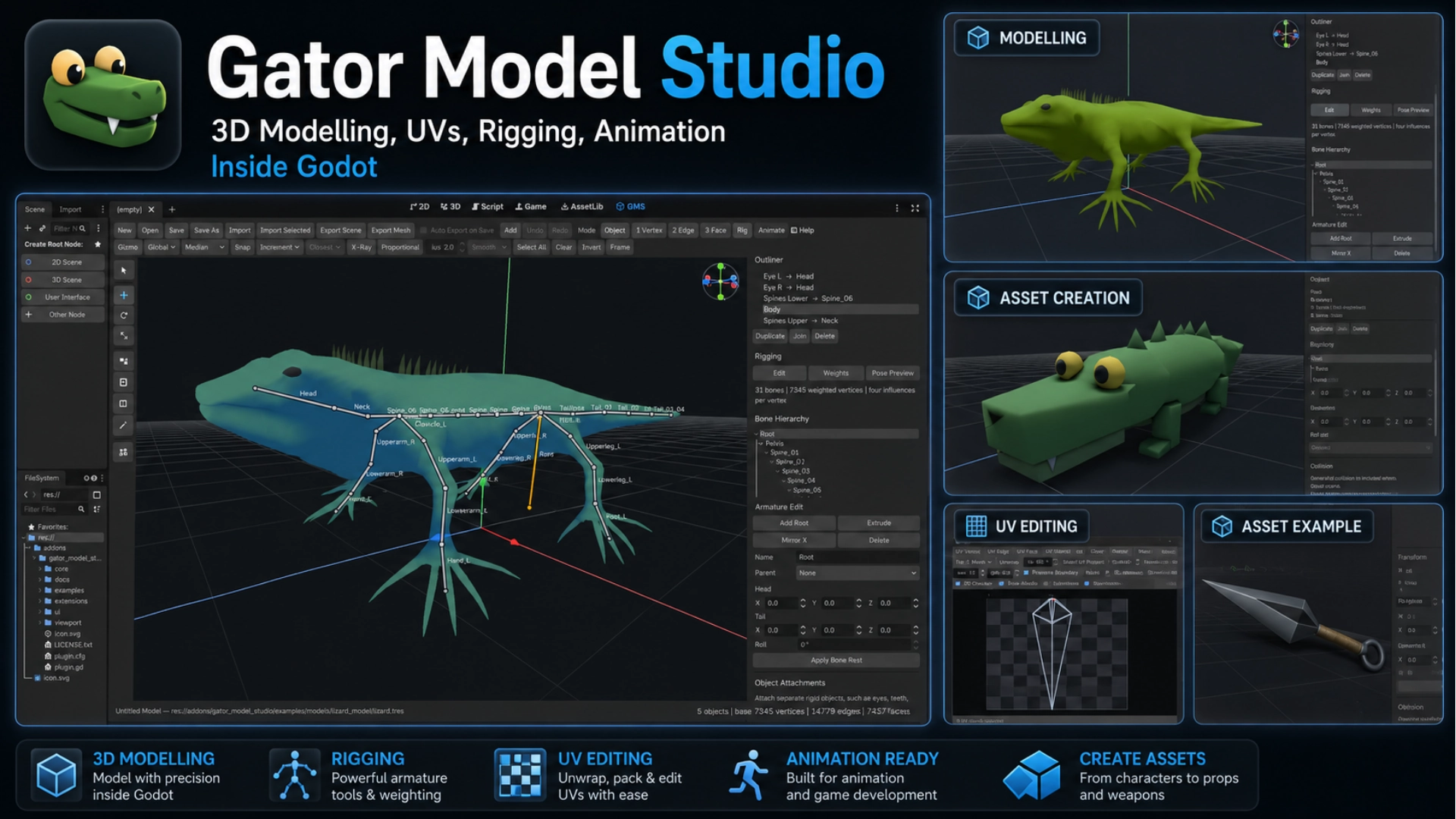
A complete 3D modelling, UV editing, rigging, animation, and asset creation workspace built directly into Godot
Gator Model Studio Gator Model Studio is a complete 3D asset creation workspace built directly into Godot. Model, unwrap, texture, rig, animate, and export 3D assets without constantly switching between Godot and external modelling software. It is
GDAnimate
2
by cherrythecool | MIT
A Godot plugin that adds the AnimateSymbol2D node, which lets you play back Flash / Adobe Animate symbols like an AnimatedSprite2D
A Godot plugin that adds the AnimateSymbol2D node, which lets you play back Flash / Adobe Animate symbols like an AnimatedSprite2D . Features Format Support Sparrow Atlas Overriding texture Exporting to SpriteFrames to use outside of the plugin Texture
ProtonControlAnimation
0
by HungryProton | MIT
An easy way to animate your control nodes. Works on your existing scenes. No code and no custom setup required
Note: This addon should work on any 4.x version of Godot as it does not rely on the offset_transform property introduced in 4.7 Check out the documentation for a detailled step by step guide. Minimal example This tool works with your existing scenes
Animated Primitive 2D
0
by shnotsh | MIT
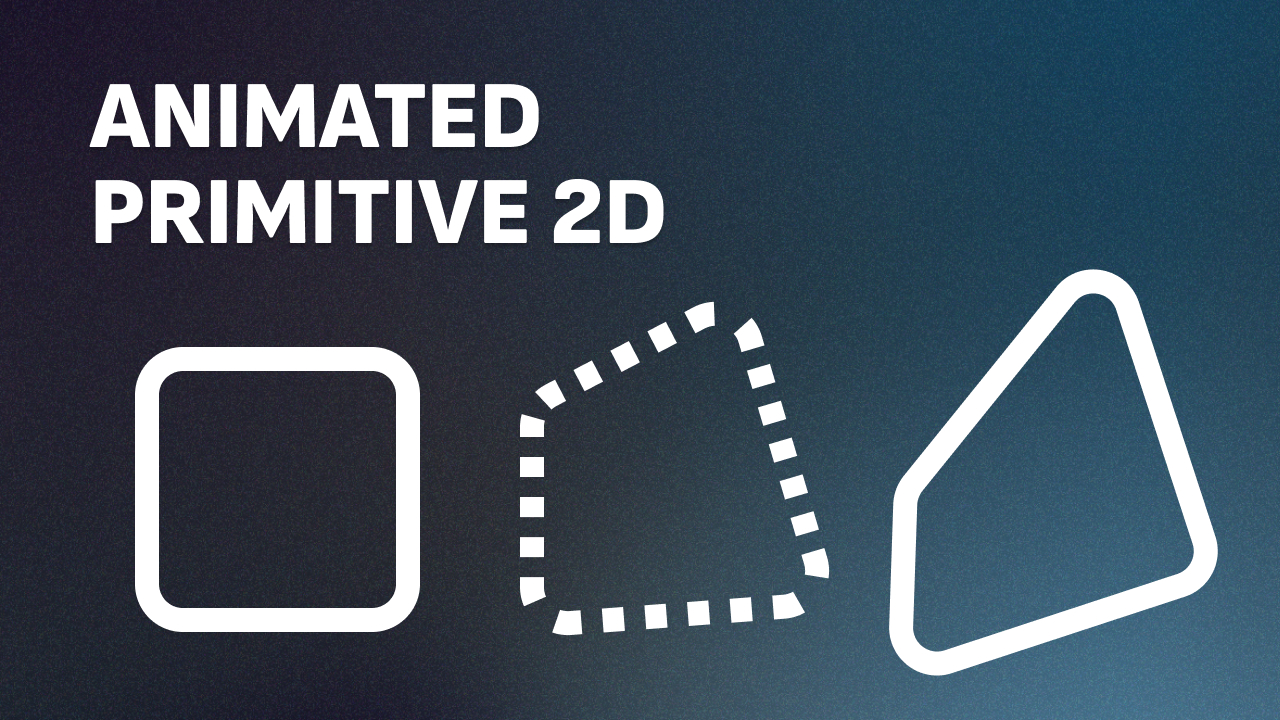
An addon for drawing custom 2D vector shapes from a list of vertices, with an optional keyframe system for morphing a shape's vertices and colors over time. Includes an editor plugin that lets you drag, insert, and delete vertices directly in the 2D
Primitive2D A Godot 4.7 addon for drawing custom 2D vector shapes from a list of vertices, with an optional keyframe system for morphing a shape's vertices and colors over time. Includes an editor plugin that lets you drag, insert, and delete vertices
Sprite Fusion
0
by Hugo | MIT
Generate pixel art sprites and animations directly inside the Godot editor with the Sprite Fusion plugin
This is the native Godot plugin of the Sprite Fusion tool suite. Use it for generating pixel art sprites and animations directly inside the editor. Open the Sprite Fusion dock, connect your account, generate a sprite from a prompt, then animate generated
Saltmire Trail
0
by saltmire | MIT
One-call 2D motion trails / afterimages for Godot 4. Attach fading ghost copies to any sprite in a single line — instant dash, speed and juice. Works with Sprite2D, AnimatedSprite2D and TextureRect (copies frame, flip, rotation, scale). Drop-in autoload
Saltmire Trail adds fading afterimage "ghosts" behind any sprite in a single call — the classic motion-trail effect that sells speed and weight for dashes, dodges, projectiles and fast enemies. Trail.attach(player) # continuous trail while it moves Trail
Tween Interpolation Demo
0
by Godot Foundation | MIT
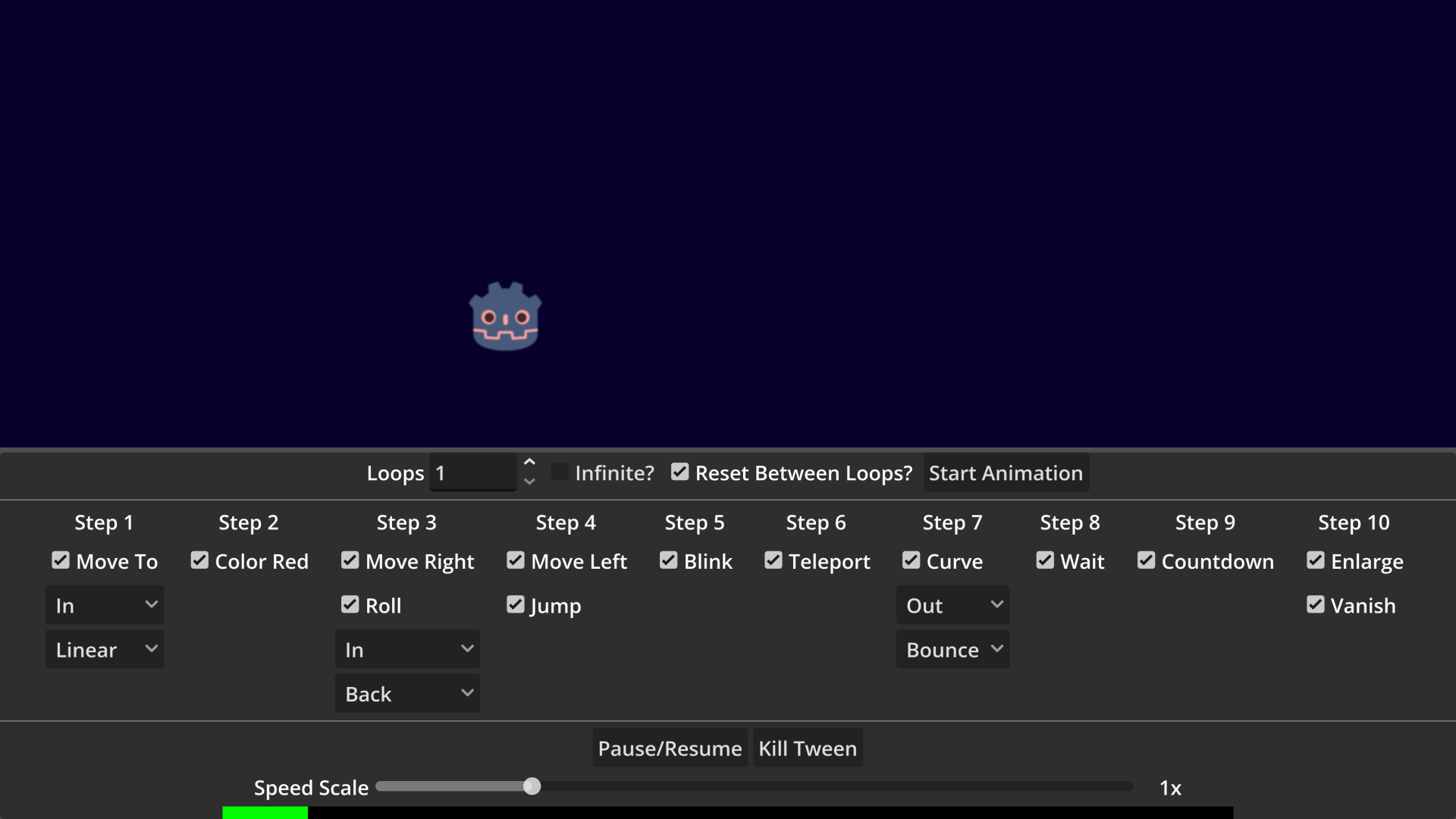
A demo showing advanced tween usage
A demo showing advanced tween usage. Language: GDScript Renderer: Compatibility
Skeleton2D Demo
0
by Godot Foundation | MIT
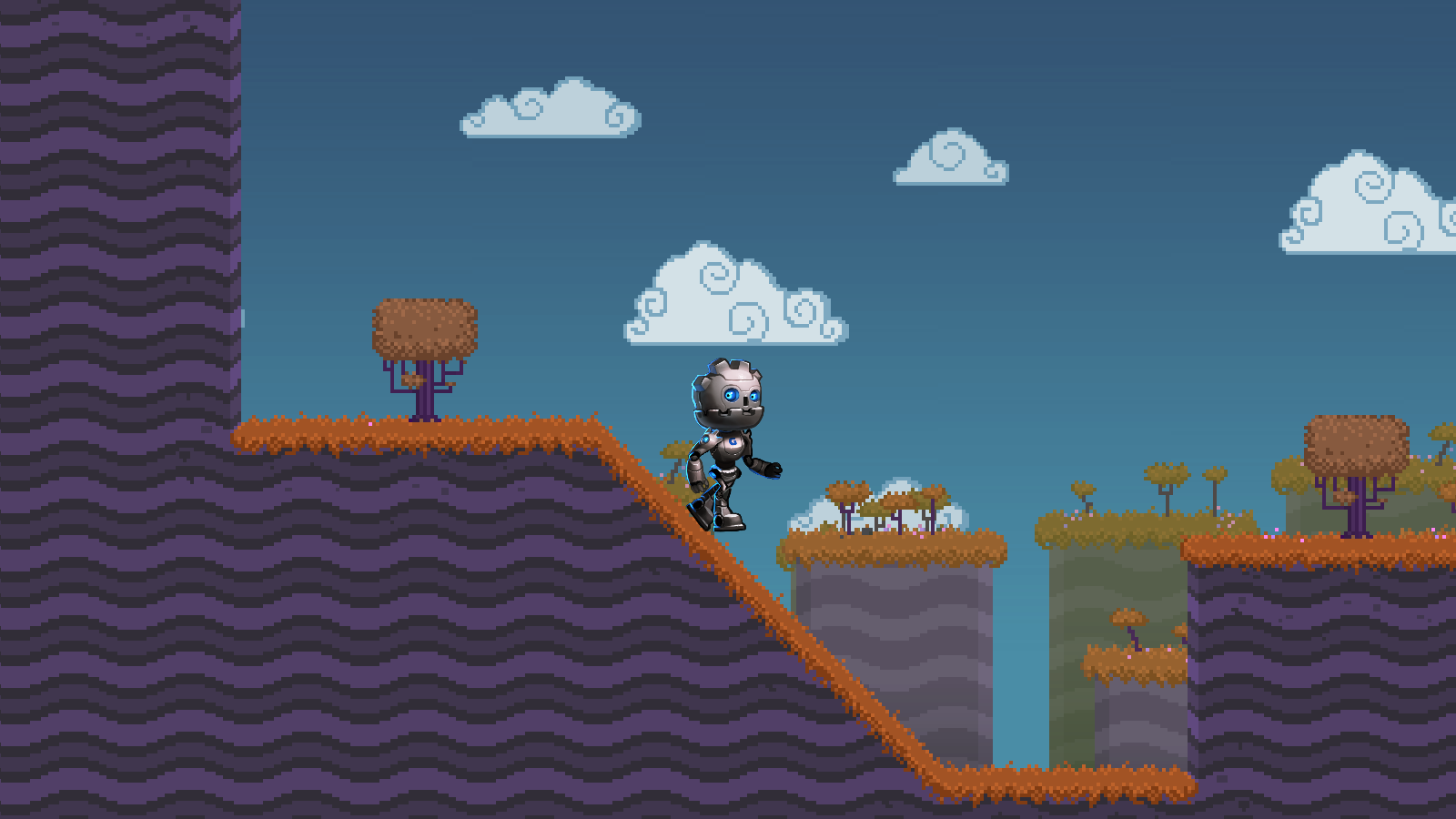
This demo shows how to create a rigged and animated character in 2D using Godot's Skeleton2D node. There are several movement-related animations and there is a simple character controller that controls the animations
This demo shows how to create a rigged and animated character in 2D using Godot's Skeleton2D node. There are several movement-related animations and there is a simple character controller that controls the animations. Language: GDScript Renderer
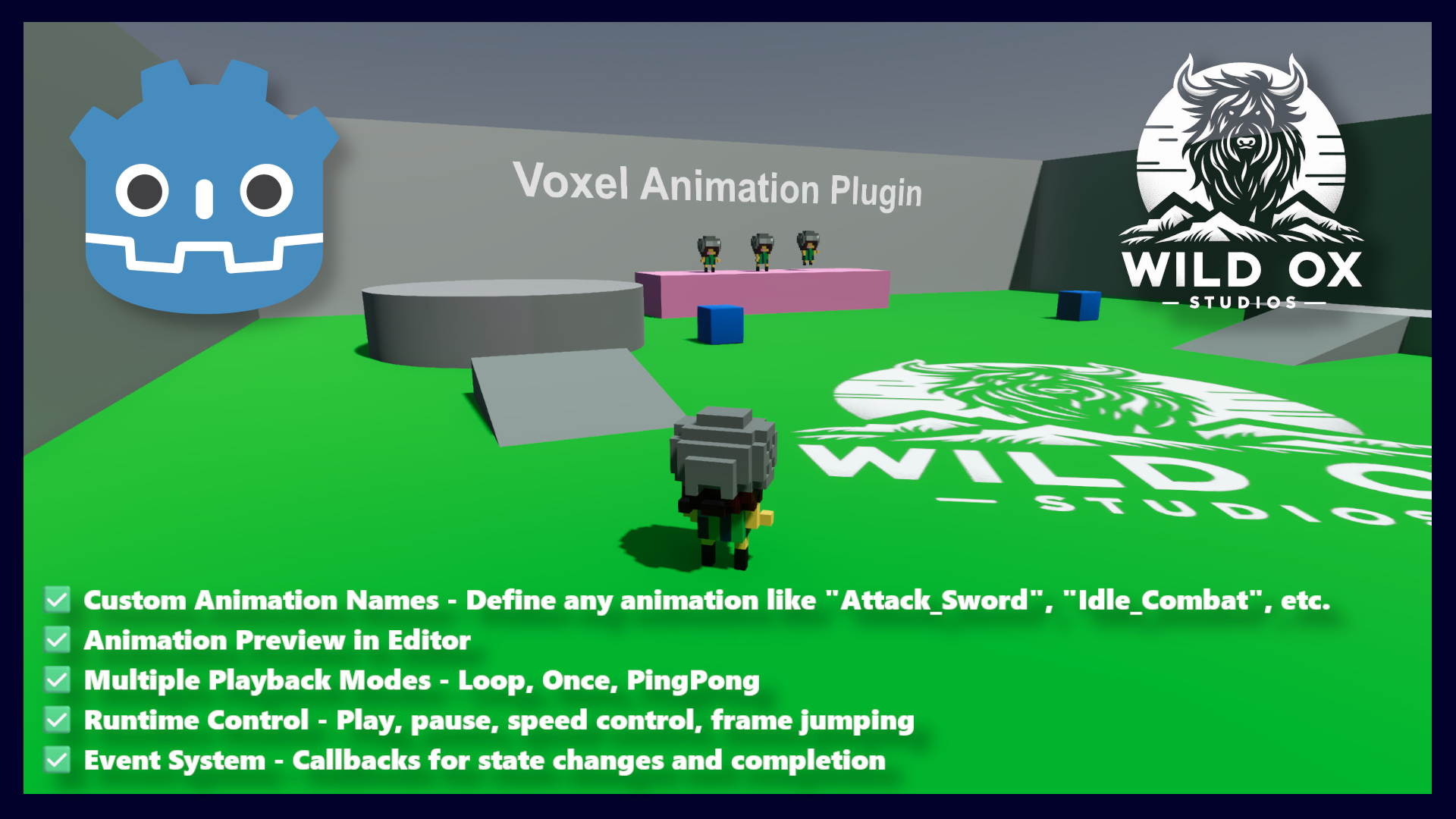
Voxel Animation Plugin
1
by Wild Ox Studios | MIT
Frame-by-frame static mesh swap animation (voxel flipbook animation) for Godot 4, ported from the Wild Ox Studios Unreal Engine VoxelAnimation plugin. Instead of skeletal/skin animation, each frame is a separate mesh (e.g. a voxel model exported per-pose)
Full demo playable scene, character, and prefab ready to go! Concepts: ✅ VoxelAnimationSequence (Resource) — one named animation (e.g. "Walk"). ✅ Holds an ordered frames array of PackedScene (glTF/glb exports work well), a frame_rate, and a play_mode (
TexturePacker Importer
1
by CodeAndWeb GmbH | MIT
The TexturePacker Importer extends the Godot editor to read sprite atlas data created with TexturePacker. It imports each sprite sheet as native Godot AtlasTexture resources, ready to use directly in the editor
The TexturePacker Importer extends the Godot editor to read sprite atlas data created with TexturePacker. It imports each sprite sheet as native Godot AtlasTexture resources, ready to use directly in the editor. Key Features Native AtlasTexture Import
Sprite Offset Tools
2
by Adriaan de Jongh | MIT
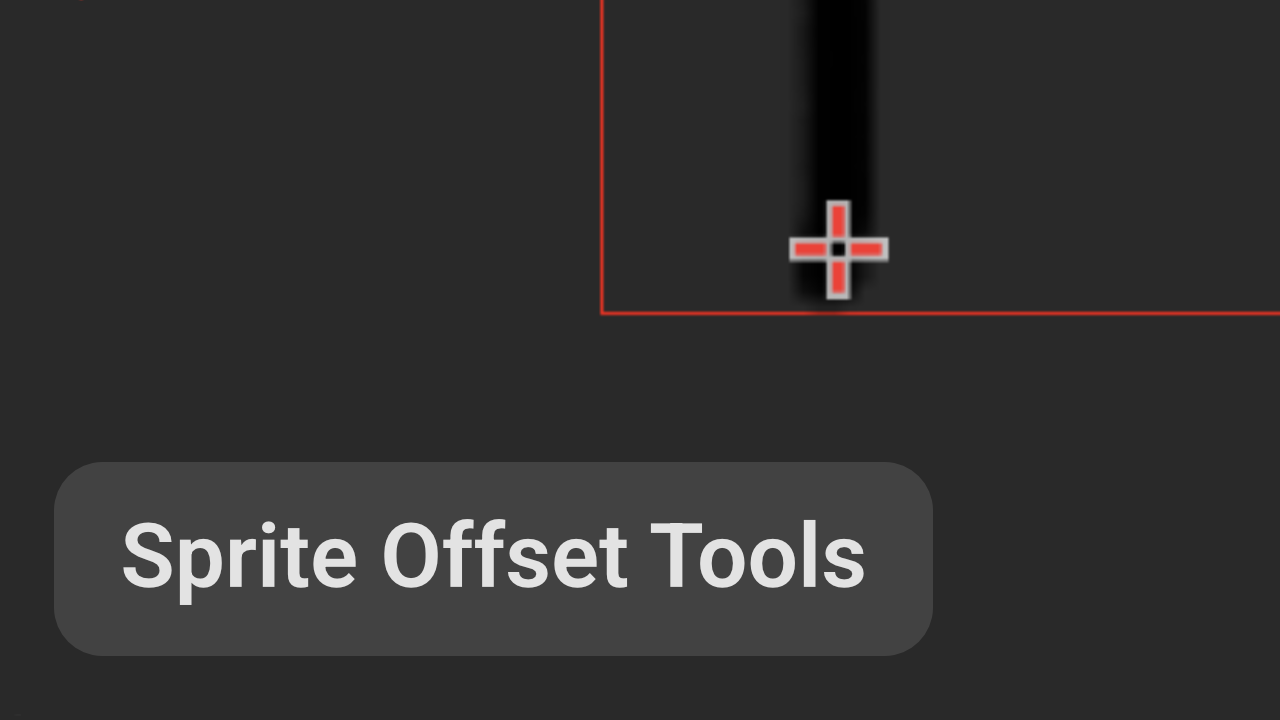
Give sprites a default offset and automatically apply it when creating new Sprite2D nodes. Plus: various related tools for your convenience
Godot textures do not contain pivot data, but having consistent pivots for your Sprite2D nodes is important for y-sorted scenes and simple 2D animations. This plugin adds the necessary tools to essentially add a default pivot to textures so when you are
Scalable Vector Shapes 2D
9
by René van der Ark | MIT
With Scalable Vector Shapes 2D you can: Draw Crisp Vector graphics, Animate Curves, rig them to Skeleton2D and import .svg files as seamless Vector Shape Nodes in stead of as raster images
Scalable Vector Shapes 2D plugin for Godot 4 Ask questions on Discord Let's connect on the Discord Server Watch the A-Z explainers on Youtube ▶️ A to Z Explainer Deep Dive Edition ▶️ All the new features introduced after recording A-Z ▶️ New feature
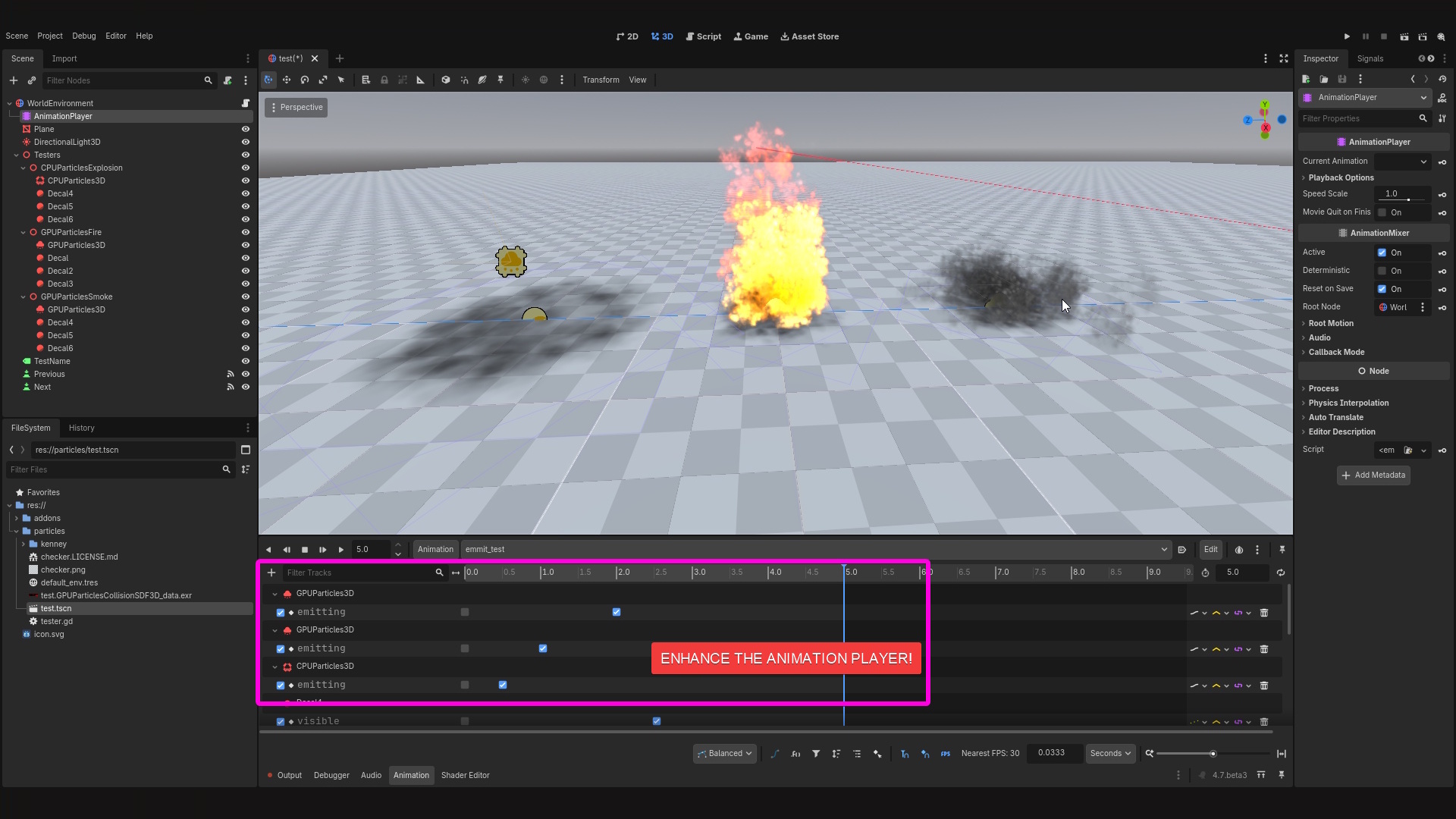
Vfx Animation Player
0
by Mariano Javier Suligoy | MIT
This plugin makes the Animation editor responsive to CPUParticles2D, GPUParticles2D, CPUParticles3D, and GPUParticles3D `emitting` property, allowing to scrub the animation timeline and see how the particle effect will look in a specific frame
When this addon is enabled, the particle emitters will pause and/or rewind when the Timeline in the Animation panel changes, you can pause or scrub the timeline and visualize frame by frame how your particle emitters behaves

SCML importer
0
by Wojciech Michalak | MIT
SCML importer for GODOT. Written to convert BrashMonkey Spriter created characters and animations into a Godot scene and animations
Godot SCML Importer Godot is an awesome engine. Anyone using it deserves to be able to use the excellent resource and tools that exist along-side it. One of these is Spriter from BrashMonkey. I had access to a number of animated characters that I wanted
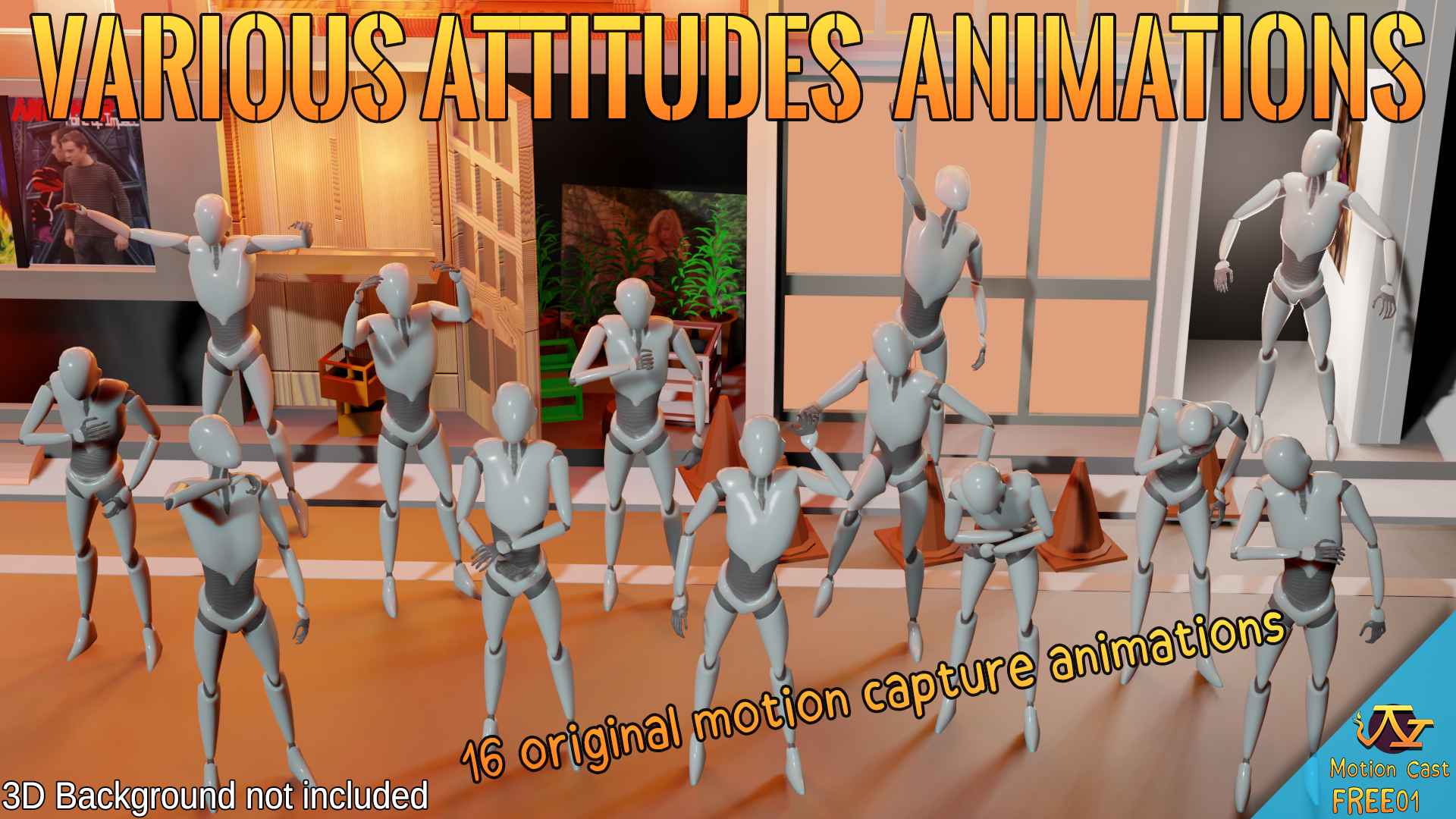
Various Attitudes animations (Motion Cast - FREE01)
0
by Motion_Cast | Royalty Free
16 funny animations, designed for NPC, party game, or V-Tuber animation
In this free animation pack, we wanted to offer several simple animations where the character stays on the spot and has several different reactions. All the animations are performed by Stéphane Pfeffer, who is used to the theatre scene. The character will

loading more results...