Scalable Vector Shapes 2D plugin for Godot 4
Ask questions on Discord
Let's connect on the Discord Server
Watch the A-Z explainers on Youtube
▶️ A to Z Explainer Deep Dive Edition
▶️ All the new features introduced after recording A-Z
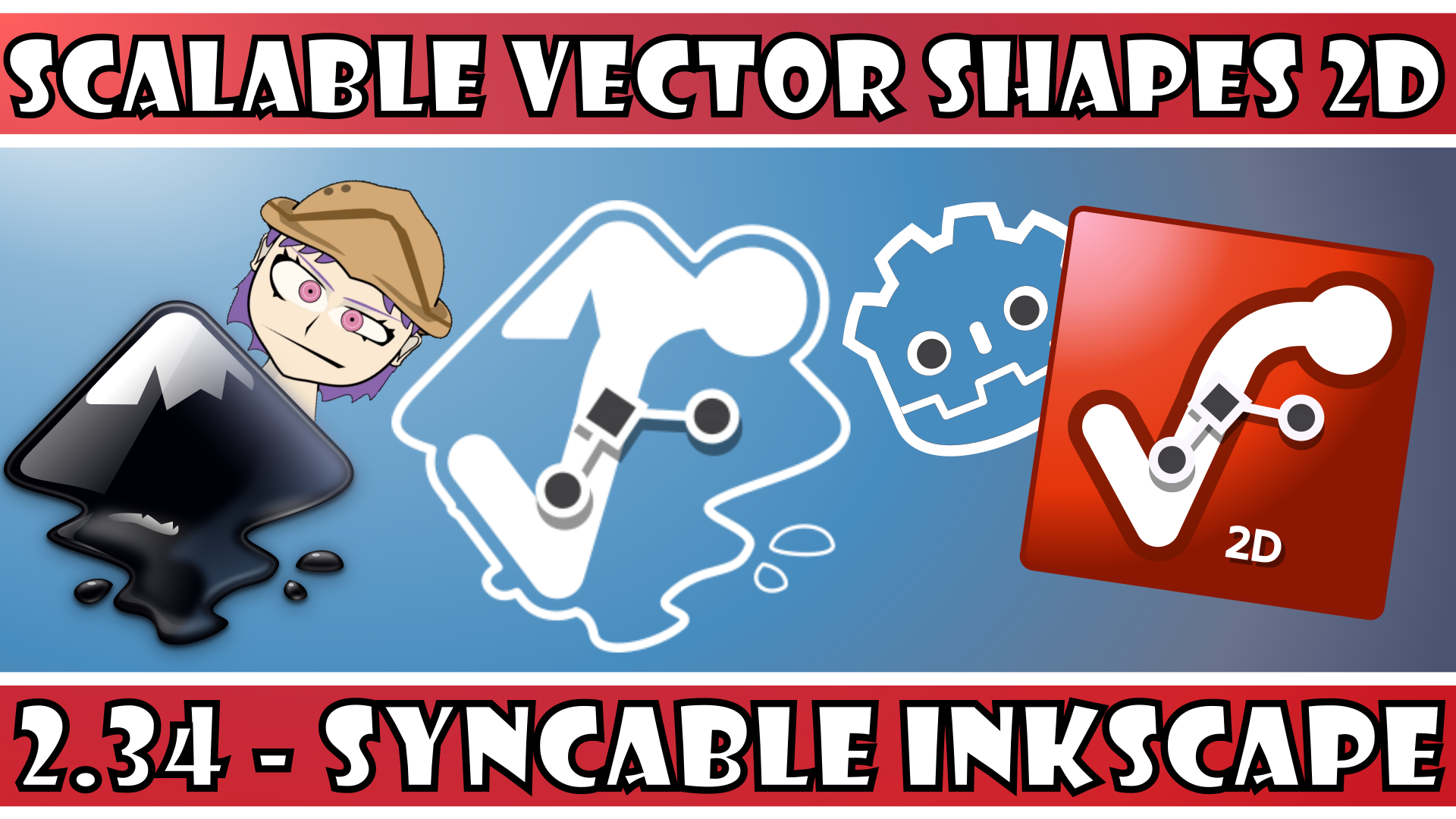
▶️ New feature: Inkscape SVG Synchronization
▶️ Check out this growing list of testimonial videos too!
(Scroll down for more explainer videos)
With Scalable Vector Shapes 2D you can...
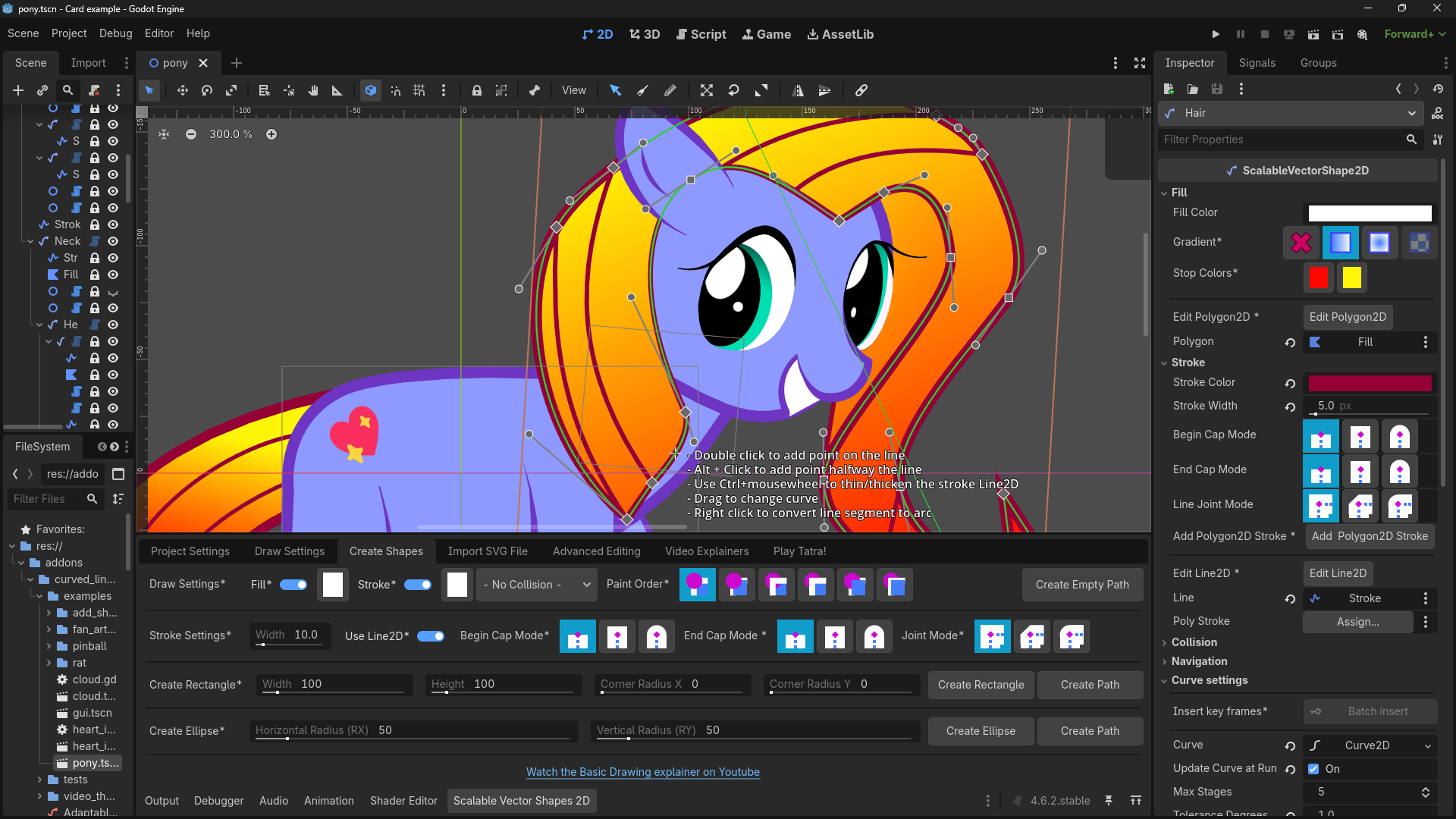
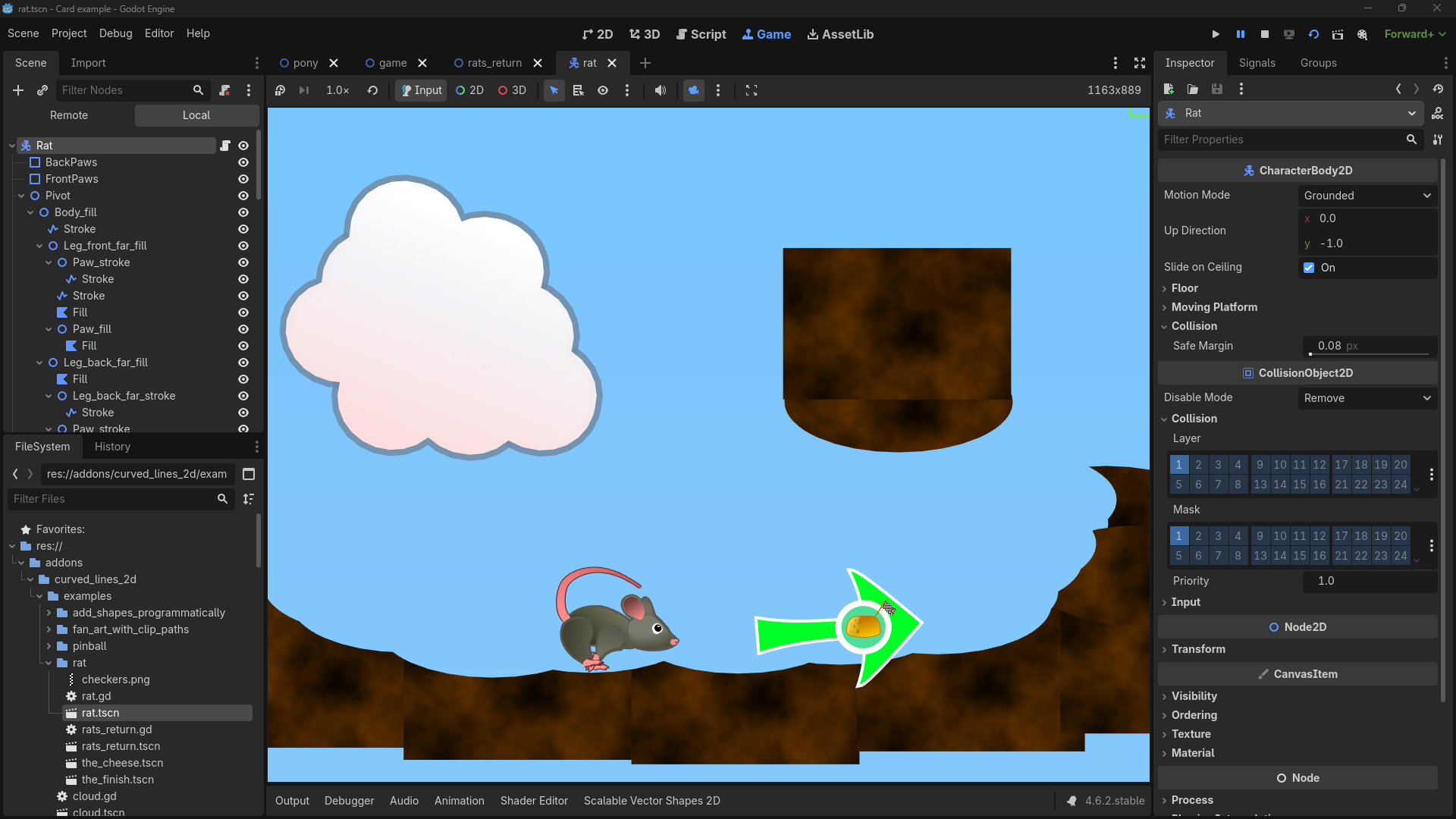
• Draw Seamless Vector Shapes using a Path Editor inspired by the awesome Inkscape with a new node type: ScalableVectorShape2D
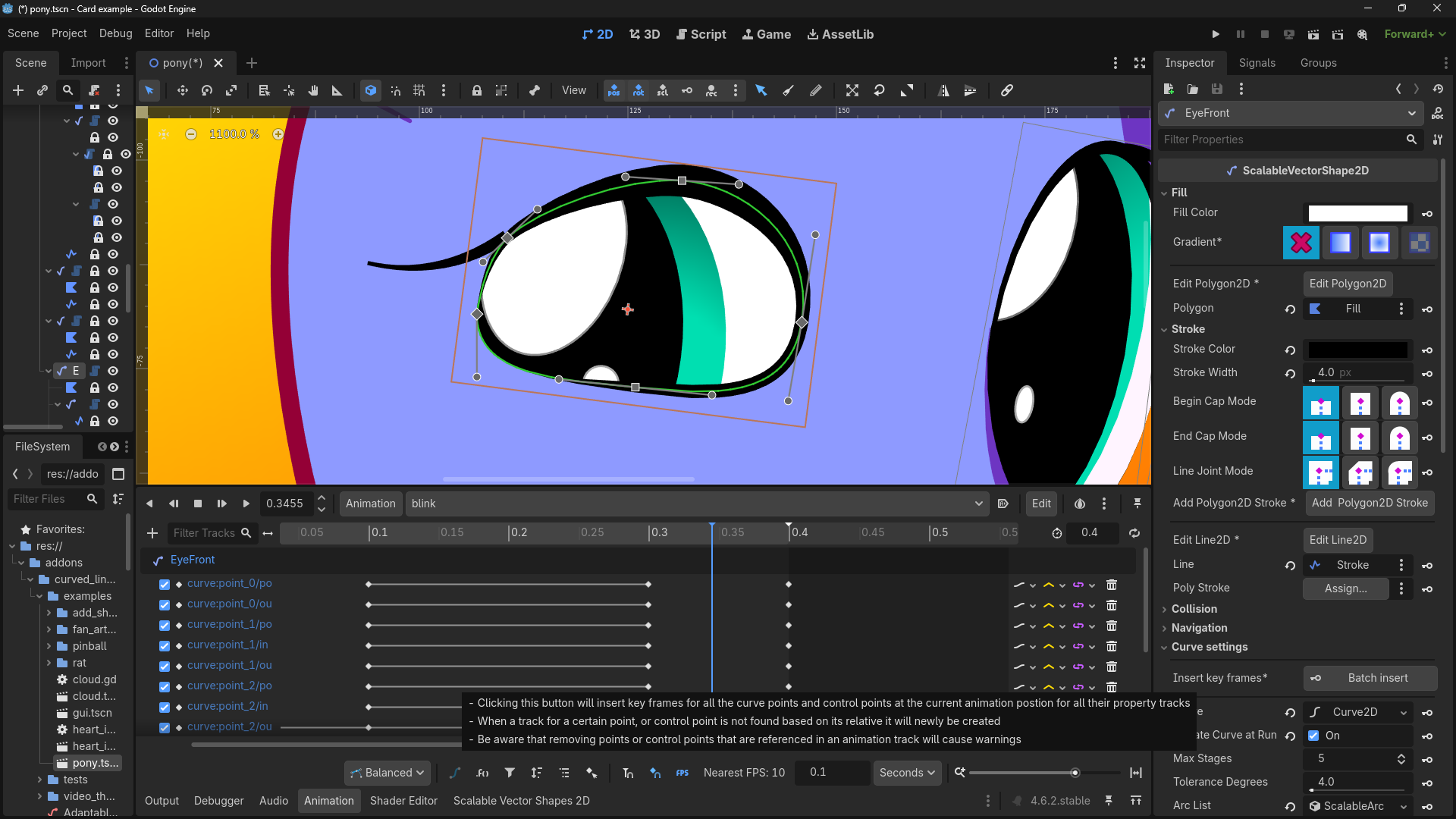
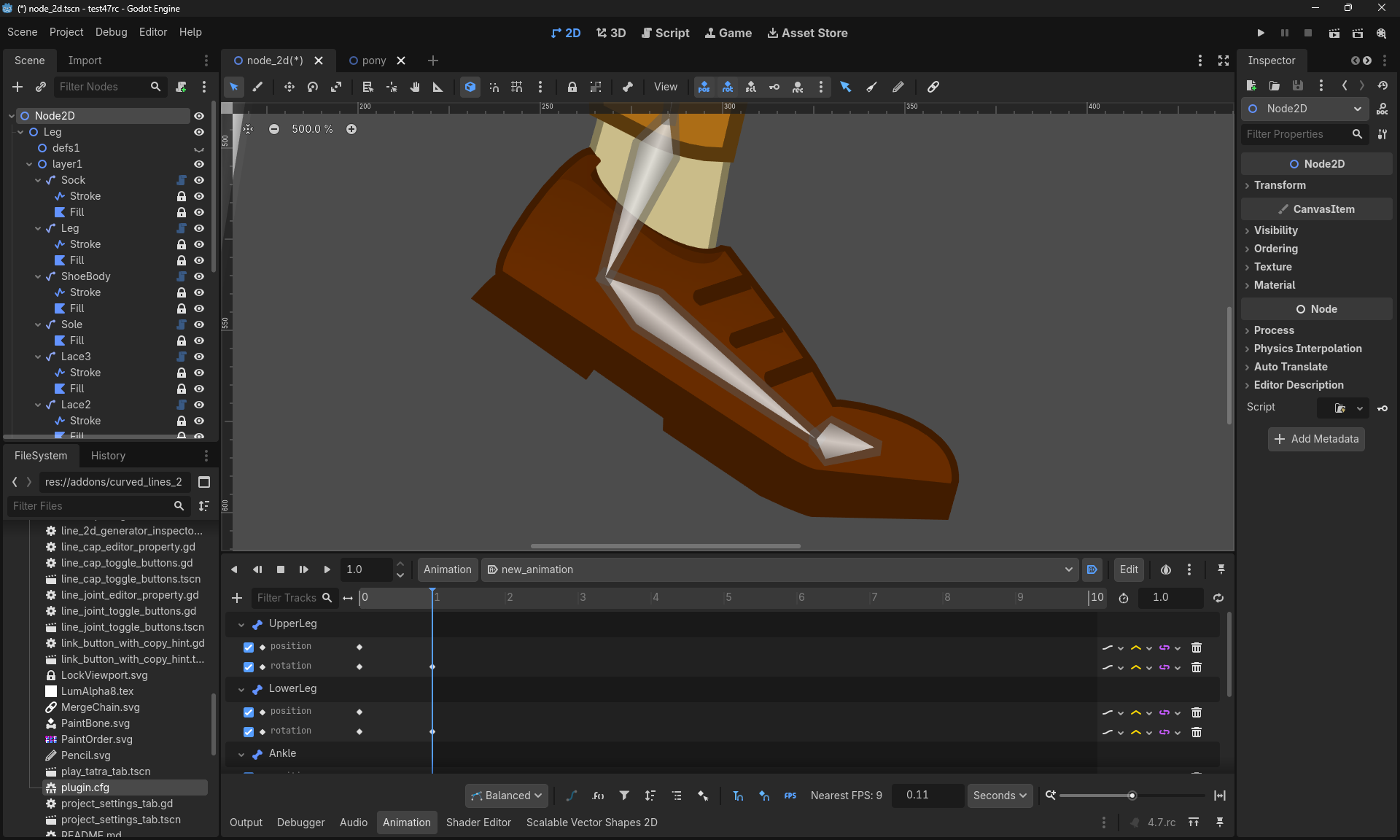
• Animate the Shape of the Curve using keyframes on a property-track in an AnimationPlayer
• Rig and deform your Shapes using a Skeleton2D
• Import .svg files as seamless vector shapes in stead of as raster images
Other videos
• Drawing and Rigging new shapes to the Human Skeleton 2D asset
• Rigging SVG Images to a Skeleton2D
• Add Anti Aliasing to your Webgame
• Bake Spritesheets and Sprite Frames
• How to draw a My Little Pony
To the playlist
I have published a growing playlist of explainer videos on youtube dedicate to stuff like the SVG importer, animating curves and applying clip paths:
Take a look at the full playlist on youtube
⚠️ Notice: the SVGTextureHelper in versions under 3.0.3 for allowing SVG textures to scale in GUI Control nodes is broken when building for releases.
In order for your game to export the scalable textures properly you will need to upgrade to 3.0.3 or higher and reset the textures manually on each control.
If you want me to backport the bugfix for older releases, please let me know via discord or via a Github issue.
Changelog for version 3.3.2 - Find / Replace Color
2026-10-25 14:42:40
No changelog provided for this version.
Reviews
 Recommended
by Flechette - 28 August 2026
Recommended
by Flechette - 28 August 2026
This plugin works much the way that I wish SVGs worked by default. I'm glad it exists, and it's quite easy to use.
Recommended
by lodugh - 12 June 2026
This plugin is perfect for me, as someone with no real drawing skills, to create nice graphics directly in Godot. And there is so many great features that make its workflow very smooth and fun!
Recommended
by Charlie Dancey - 28 July 2026
This is a super plugin for anyone looking to use vector art in their project. In my worlflow I use SVG files exclusively, but if you import SVG's into Godot they are automatically converted to raster images, which is not what I want. This plugin can read SVG's and render them to the screen as Line2D's and Polygon2D's, so they will stay crisp at any resolution. It will even make CollisionPolygons for you, so you now design scenery and pkhysiocs bodies right in your favourite art app. This is a well-designed addon, very stable and well-written.
Recommended
by jox84 - 03 July 2026
Really easy to use and the output of the tool also makes things easy to work with and customize.
Recommended
by Chris Green - 10 June 2026
Excellent plugin for creating and animating vector graphics directly inside Godot's IDE. The controls for manipulating vectors and curves are intuitive and really easy to use. It's perfect for creating cartoon graphics, then animating them. It supports everything you'd likely need like strokes (outline curves), gradient fills etc. The documentation is really good, and I recommend watching the video tutorials, too - they are full of tips and useful info. This saves me a lot of time having to import from another package, i.e. you can draw and animate everything just in Godot. But you can also have the option to import from Inkscape too, if you prefer that approach. It also has options to export out as PNG and 3D mesh, too - so you're not tied to just using SVGs forever.
Recommended
by Permotion - 13 September 2026
Recommended
by Clauveira - 07 August 2026
Recommended
by skar0ps - 26 June 2026
Recommended
by freesnipergang#7134 - 14 June 2026
Login to write a review.