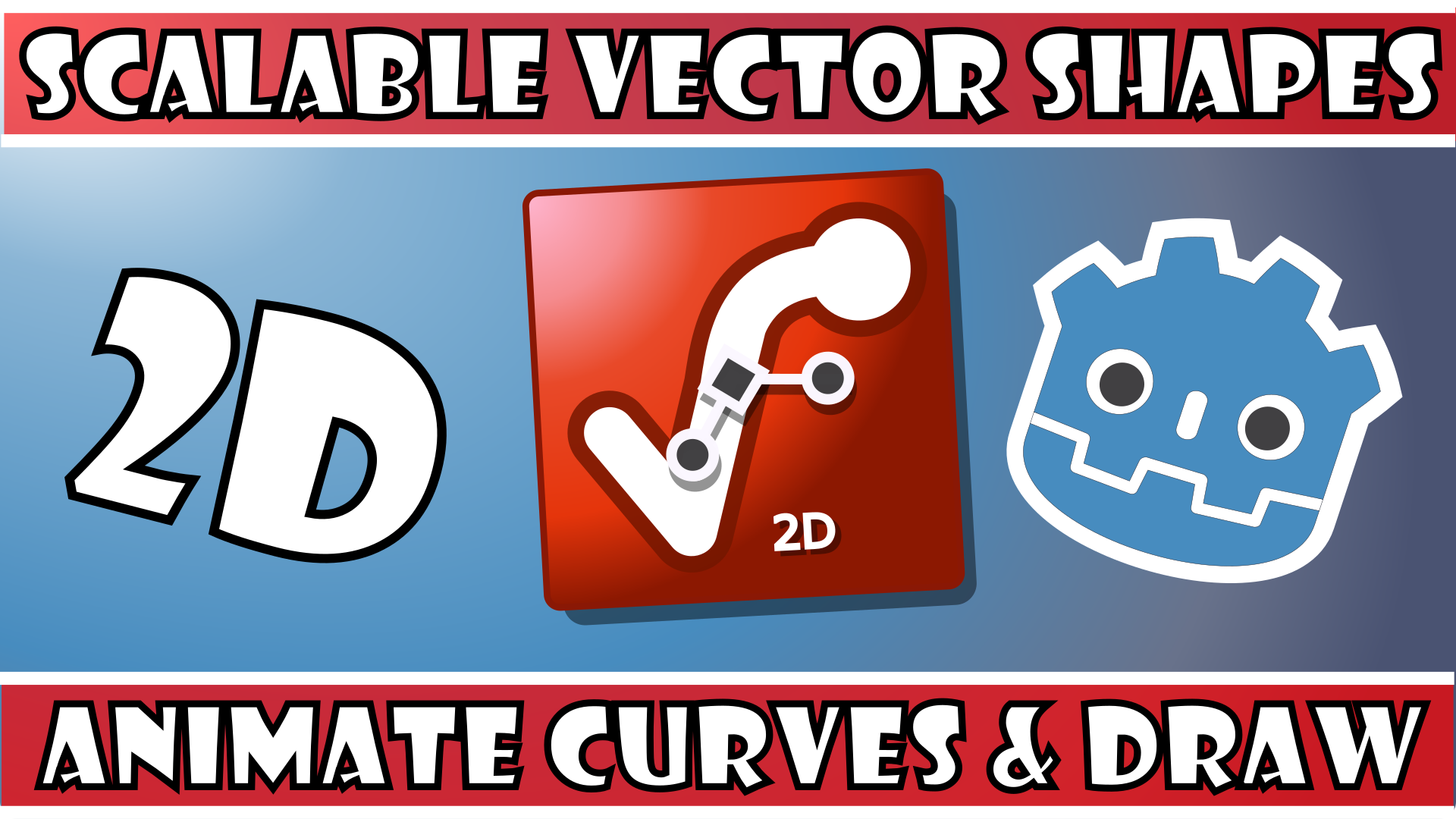
Scalable Vector Shapes 2D
 9
9
by René van der Ark | MIT
With Scalable Vector Shapes 2D you can: Draw Crisp Vector graphics, Animate Curves, rig them to Skeleton2D and import .svg files as seamless Vector Shape Nodes in stead of as raster images
Scalable Vector Shapes 2D plugin for Godot 4 Ask questions on Discord Let's connect on the Discord Server Watch the A-Z explainers on Youtube ▶️ A to Z Explainer Deep Dive Edition ▶️ All the new features introduced after recording A-Z ▶️ New feature
Sprouty Dialogs
9
by Sprouty Labs | MIT
A graph-based visual dialogue system plugin for Godot, to create dialogues in your games incredibly easy! 🌱
Sprouty dialogs is a graph-based visual dialogue system plugin for Godot 4.5+, that provides an easy-to-use, customizable and extensible way to create dialogues for your games. Features Graph-based visual interface to create your dialogues in an easy and
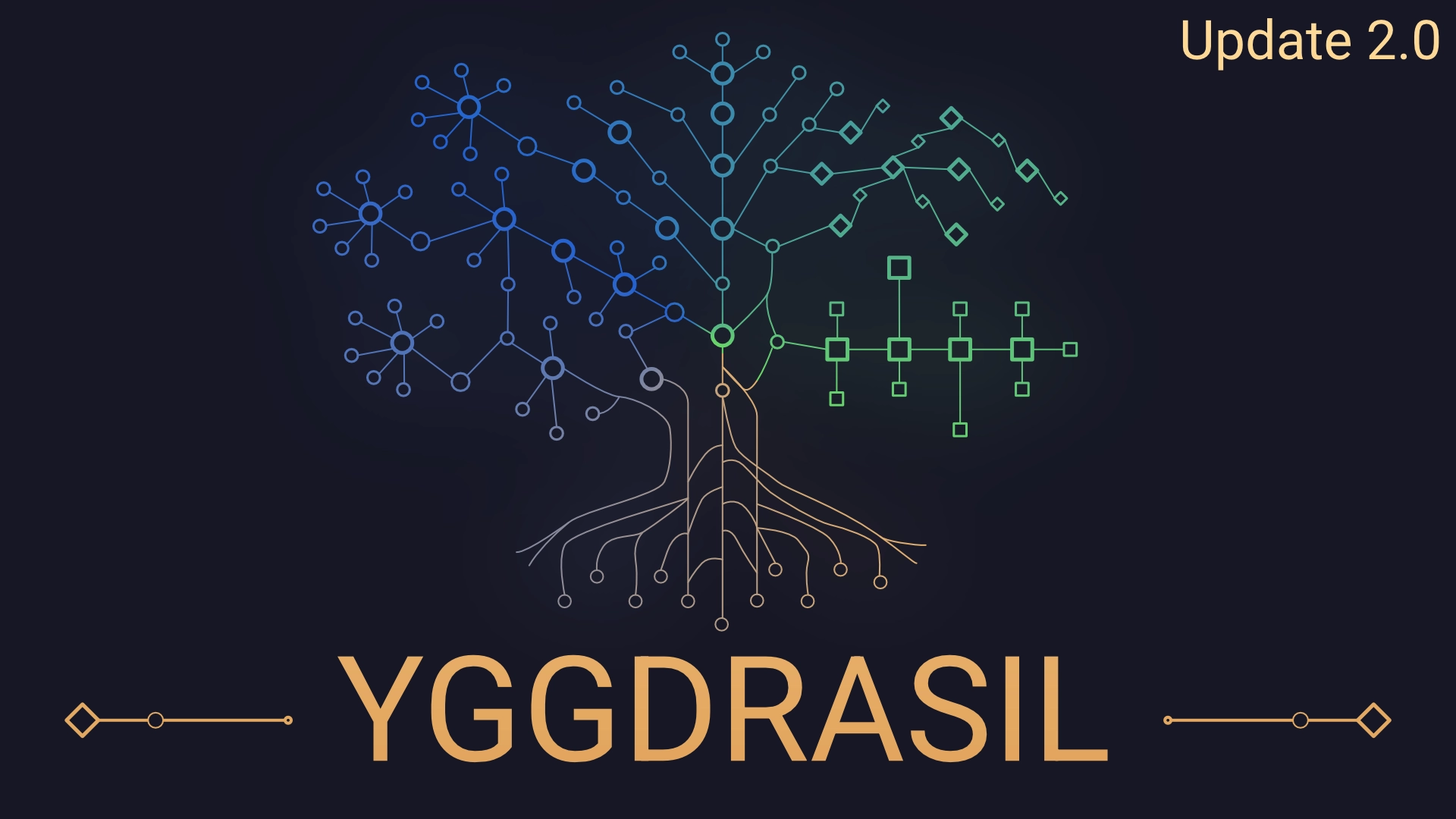
Yggdrasil - Node Tree Editor
4
by IncludeSpark | MIT
Yggdrasil is an editor tool and runtime scripting system for creating, editing, managing, and using node-based trees in games. It is designed for structures such as Passive Trees, Spell Trees, and other graph- or node-driven progression systems, giving you
Yggdrasil Yggdrasil is an editor tool and runtime scripting system for creating, editing, managing, and using node-based trees in games. It is designed for structures such as Passive Trees, Spell Trees, and other graph- or node-driven progression systems
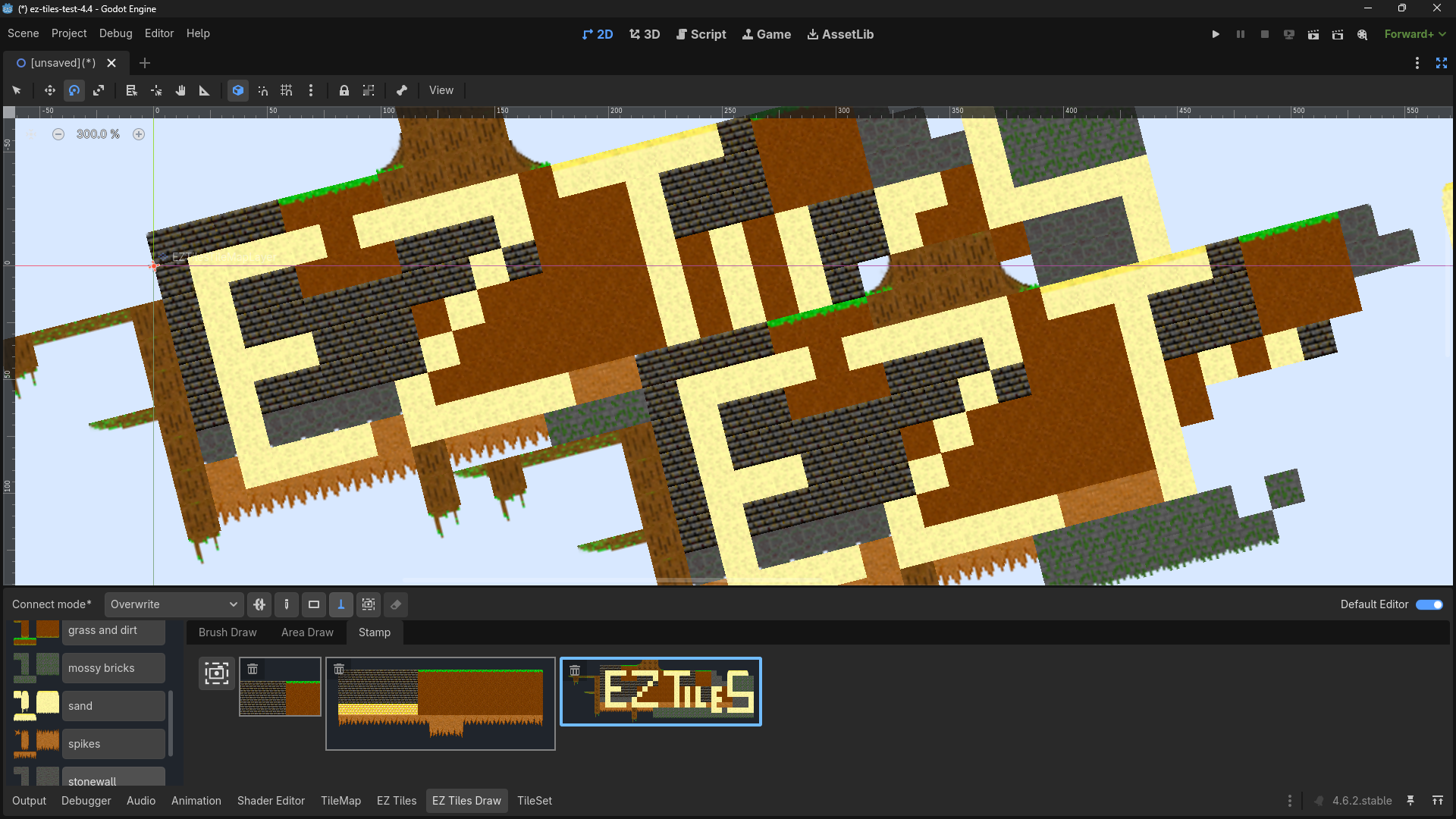
EZ Tiles
1
by René van der Ark | MIT
This plugin attempts to make it easy to start drawing terrains with tilesheets via a basic Tileset importer and TileMapLayer nodes. It is thoroughly opinionated towards a super basic 16 tile layout
EZ Tiles plugin for Godot 4.3 and up This plugin attempts to make it easy to start drawing terrains with tilesheets via a basic Tileset importer and TileMapLayer nodes. It is thoroughly opinionated towards a super basic 16 tile layout. For a complete
Perspective Quads
0
by BunkWire2X8 | MIT
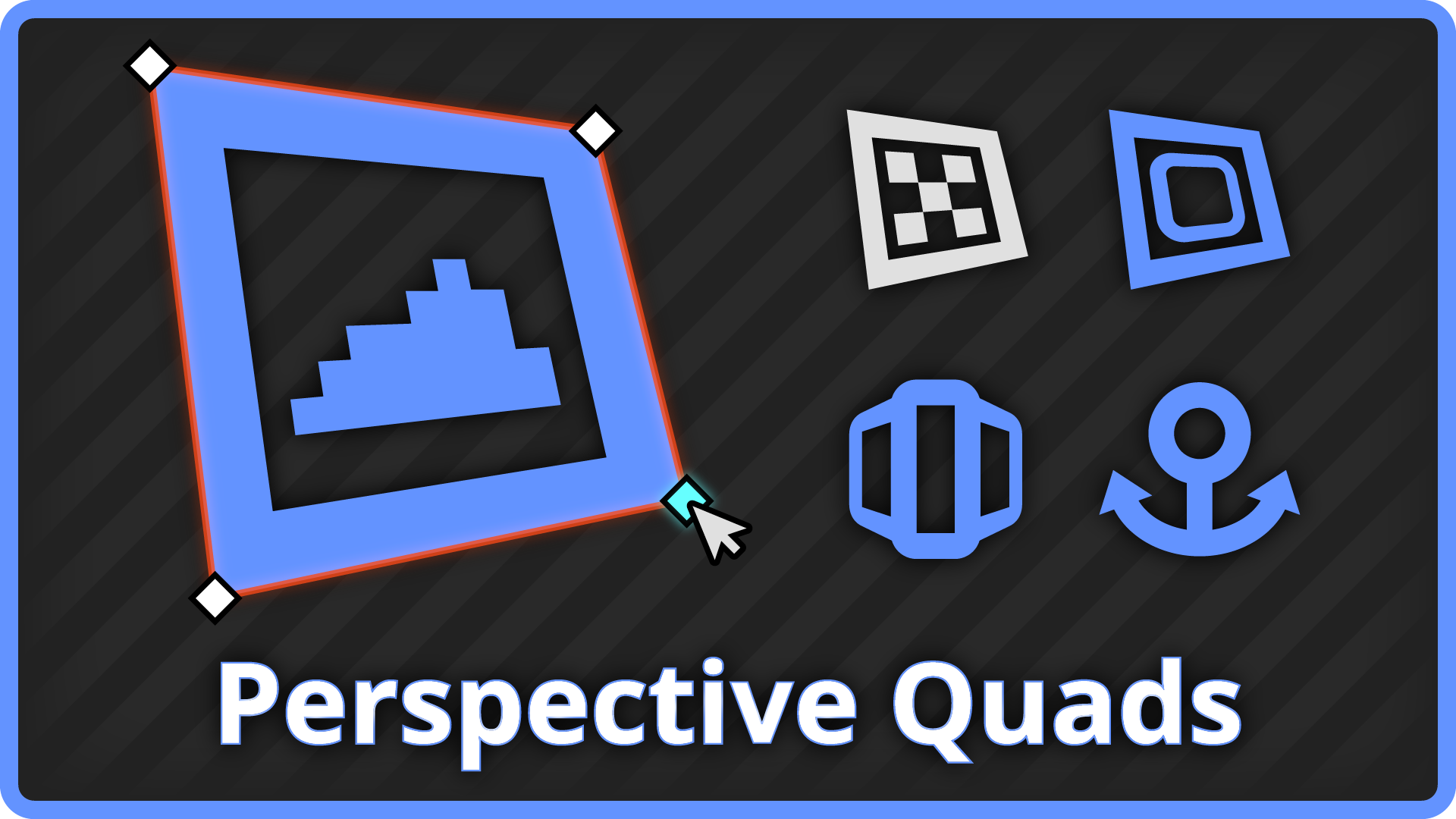
A set of specialized nodes that implement four-point perspective warping for 2D sprites
Perspective Quads This Godot addon implements four-point perspective warping for 2D sprites, with draggable corner handles, carousel drivers, and SubViewport input forwarding. Whether you want a 2D piece of paper to convey depth, set up a scene in a point
Missbehave
0
by Tomate Salat | MIT
Behavior trees for Godot 4.7 C#, built in a visual graph editor. Wire nodes top to bottom in an editor dock, set parameters in the Inspector, undo everything, and watch the same graph light up live while the game runs. Trees are reusable .tres resources
Missbehave 📢 Missbehave is becoming part of Missfits Missfits is an upcoming collection of standalone tools for Godot: behavior trees, state machines, dialogue and quests. Each addon works on its own, so you only install what your project needs. Used

Vector2Editor
0
by Mero | MIT
Edit Vector2 arrays and PackedVector2Array visually in the editor like polygons, no setup needed
About Edit Array[Vector2] and PackedVector2Array directly in the editor as if they were polygons - no extra nodes, no complex setup. Just enable, drag, add, or remove points right in the viewport. Features Easy to use - simply install, enable and you are

loading more results...