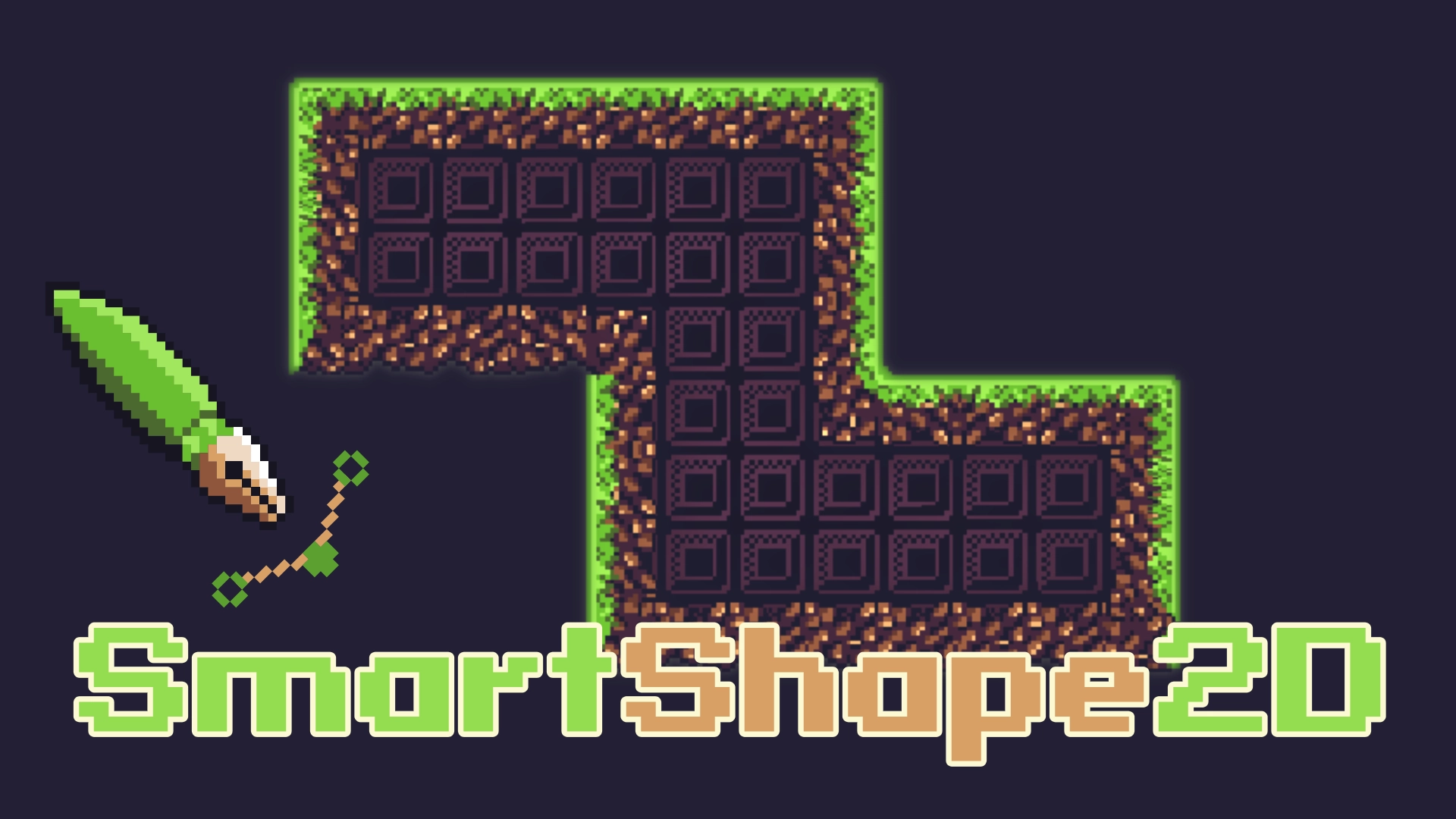
SmartShape2D
 5
5
by SmartShape | MIT
SmartShape2D helps you create nice-looking textured 2D shapes in Godot. Just place a few points and assign a material to make polygons quickly. It uses textures similar to TileMap/TileSet, making it great for terrain and natural shapes
This plugin allows you to create nicely textured 2D polys. Simply place a few points then create / assign the shape material, and you should have a good-looking polygon. The textures used are similar to what you would use if making terrain using TileMap
EditorShapes
1
by Xesa | MIT
EditorShapes is a small plugin for Godot 4.X that allows you to define shapes directly in the editor for drawing or logic purposes
EditorShapes EditorShapes is a small plugin for Godot 4.X that allows you to define shapes directly in the editor for drawing or logic purposes. The main advantage of this plugin is that every node in Godot that allows you to define a shape and edit it by
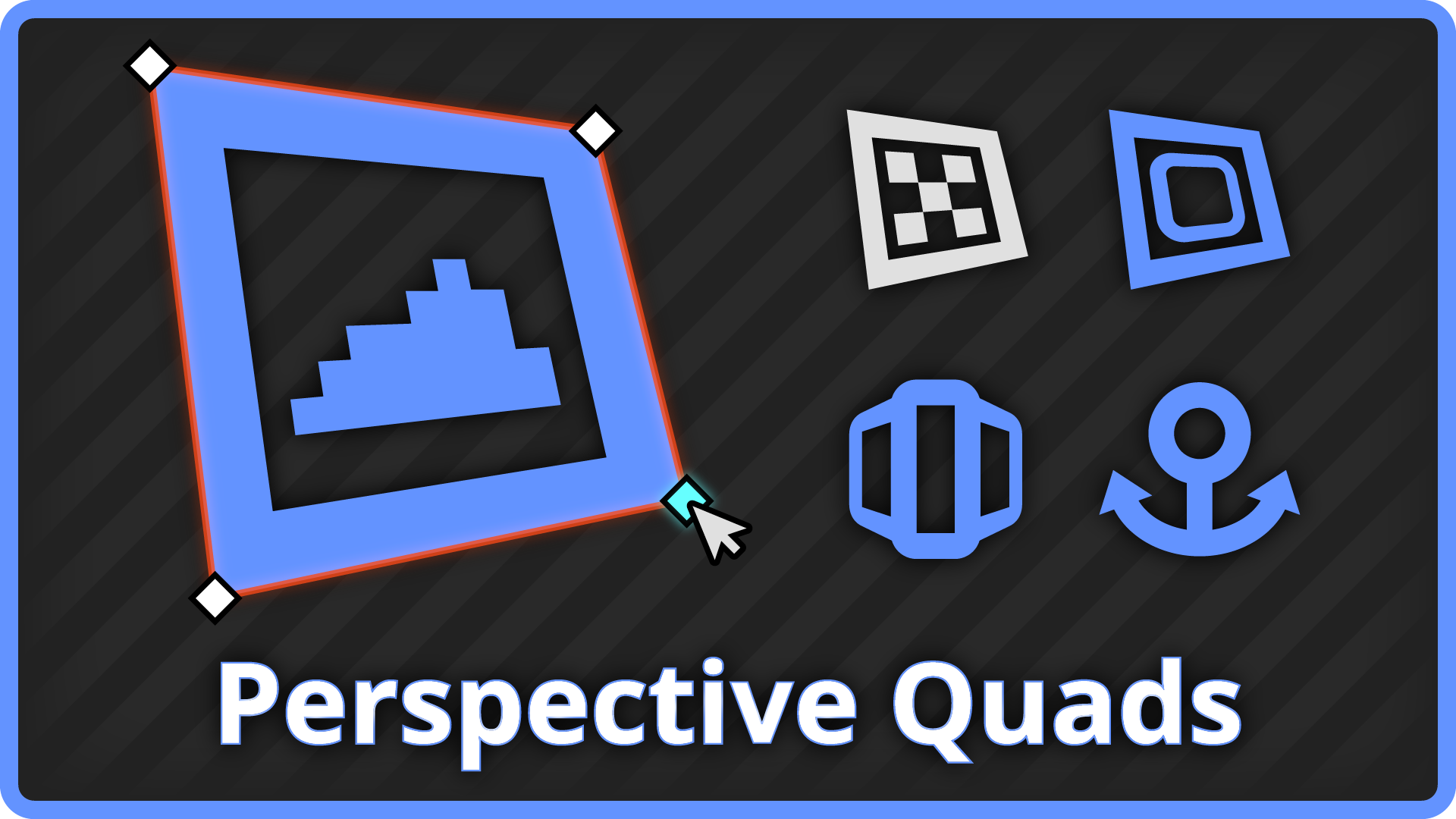
Perspective Quads
0
by BunkWire2X8 | MIT
A set of specialized nodes that implement four-point perspective warping for 2D sprites
Perspective Quads This Godot addon implements four-point perspective warping for 2D sprites, with draggable corner handles, carousel drivers, and SubViewport input forwarding. Whether you want a 2D piece of paper to convey depth, set up a scene in a point
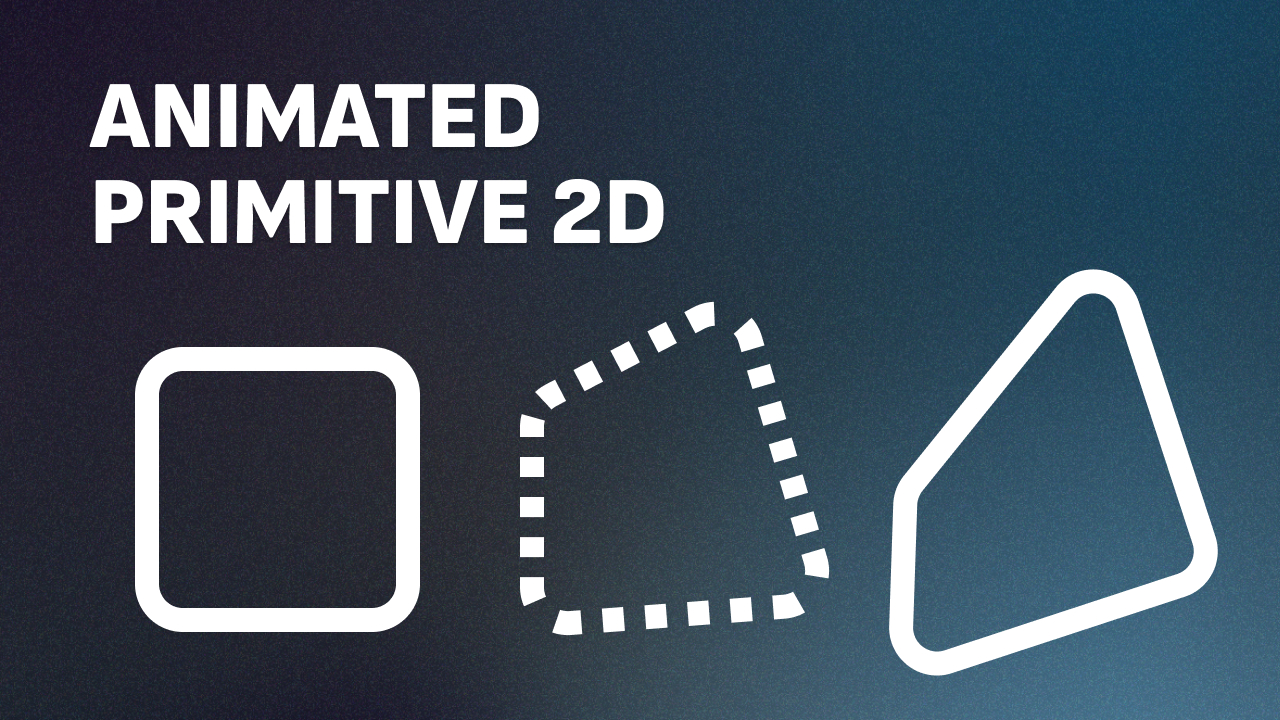
Animated Primitive 2D
0
by shnotsh | MIT
An addon for drawing custom 2D vector shapes from a list of vertices, with an optional keyframe system for morphing a shape's vertices and colors over time. Includes an editor plugin that lets you drag, insert, and delete vertices directly in the 2D
Primitive2D A Godot 4.7 addon for drawing custom 2D vector shapes from a list of vertices, with an optional keyframe system for morphing a shape's vertices and colors over time. Includes an editor plugin that lets you drag, insert, and delete vertices
Vector2Editor
0
by Mero | MIT
Edit Vector2 arrays and PackedVector2Array visually in the editor like polygons, no setup needed
About Edit Array[Vector2] and PackedVector2Array directly in the editor as if they were polygons - no extra nodes, no complex setup. Just enable, drag, add, or remove points right in the viewport. Features Easy to use - simply install, enable and you are

loading more results...