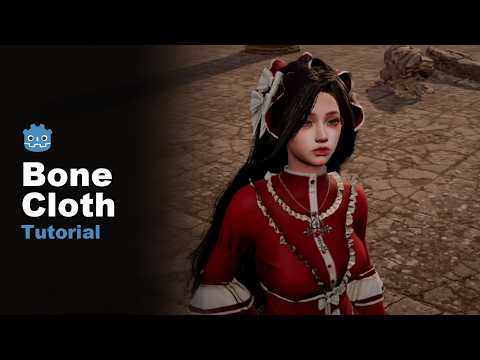
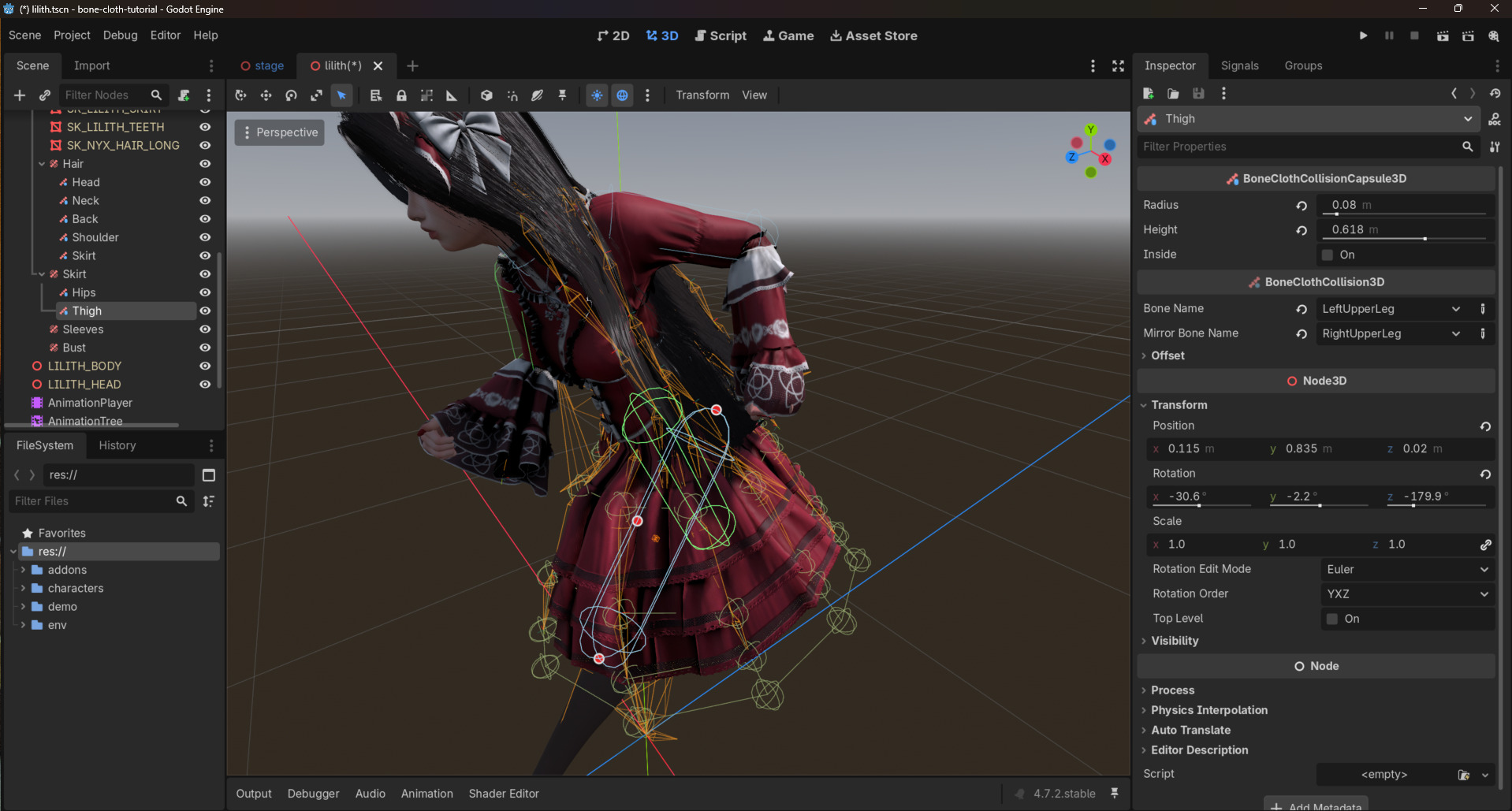
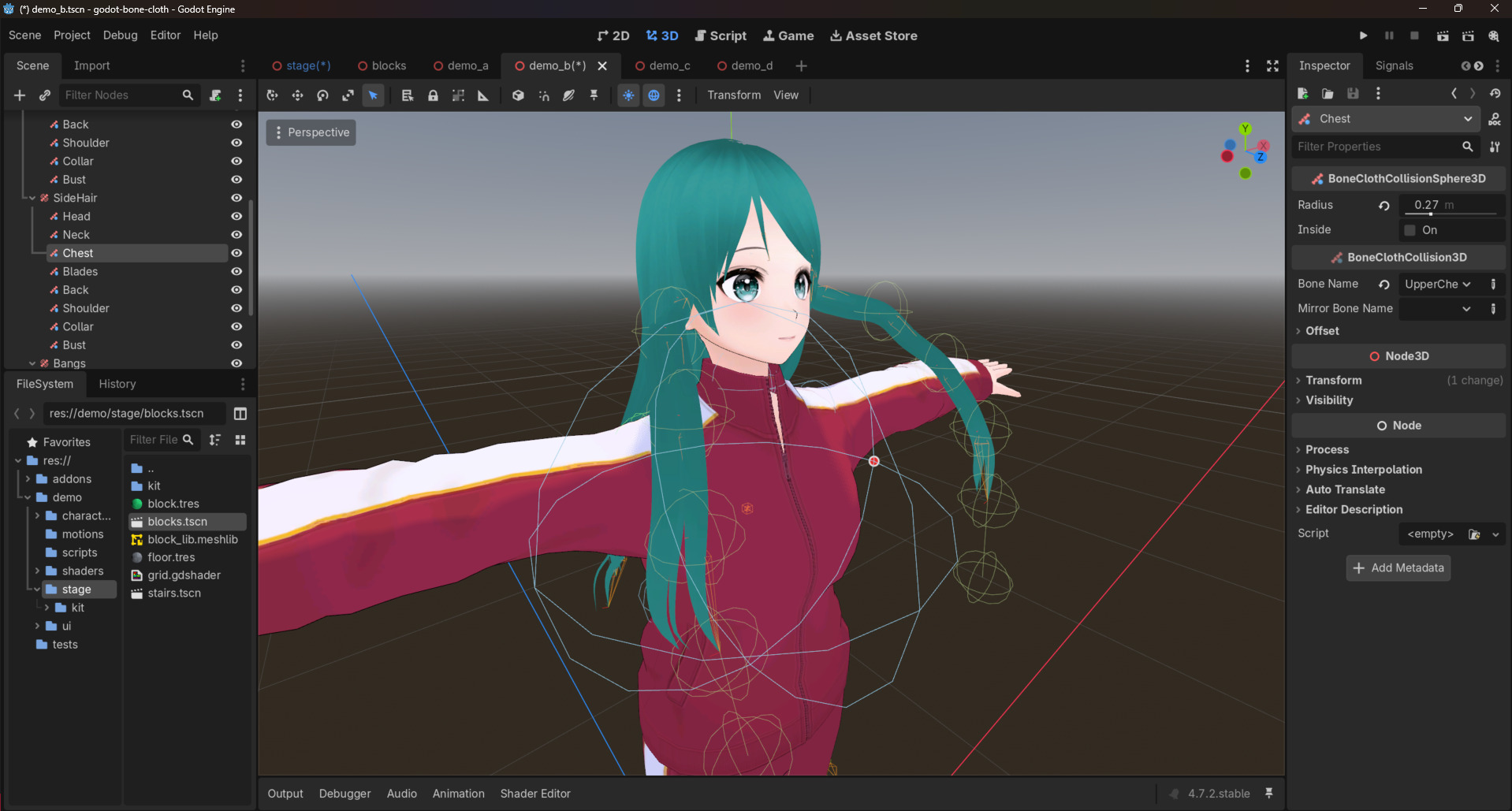
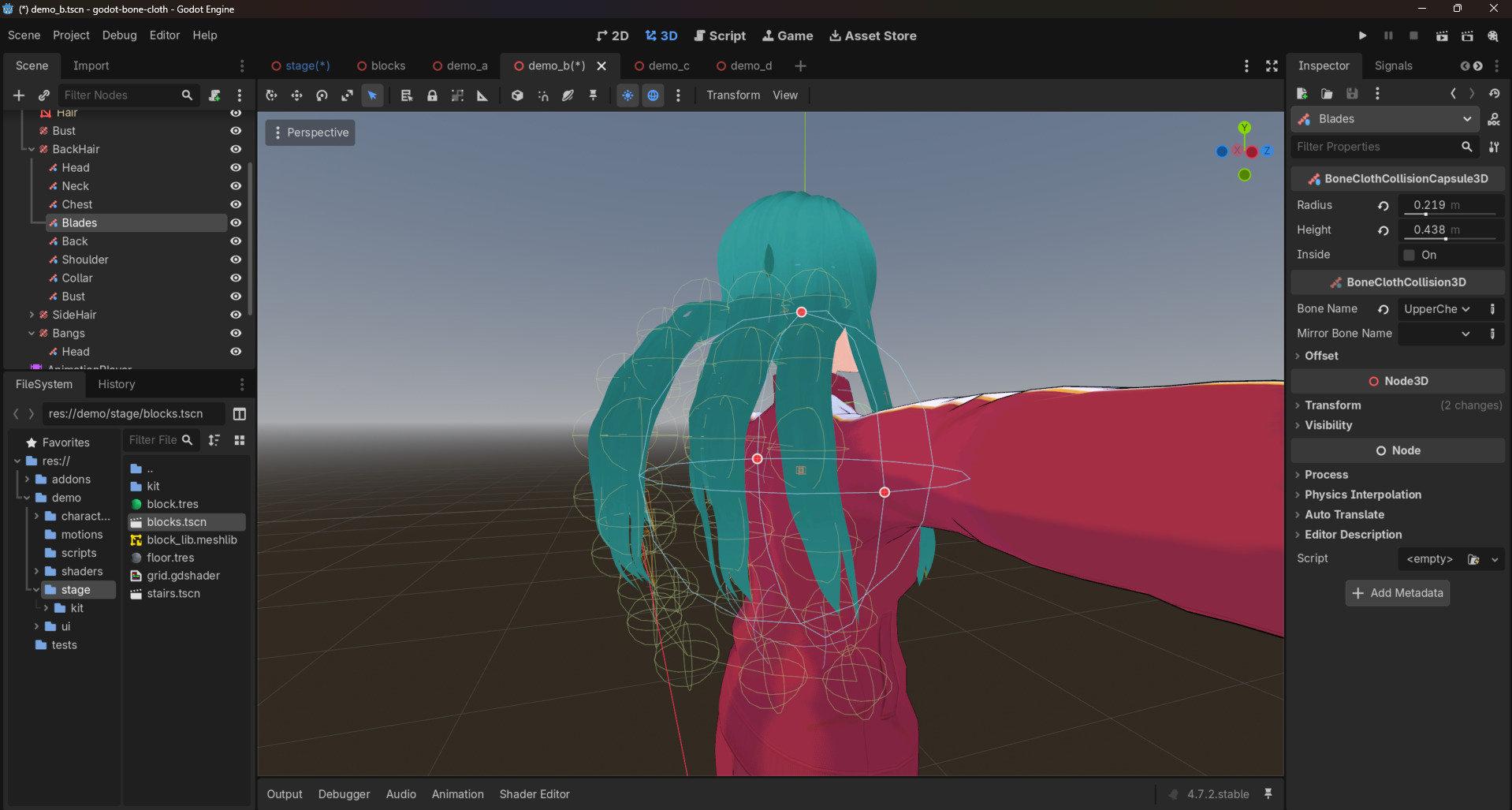
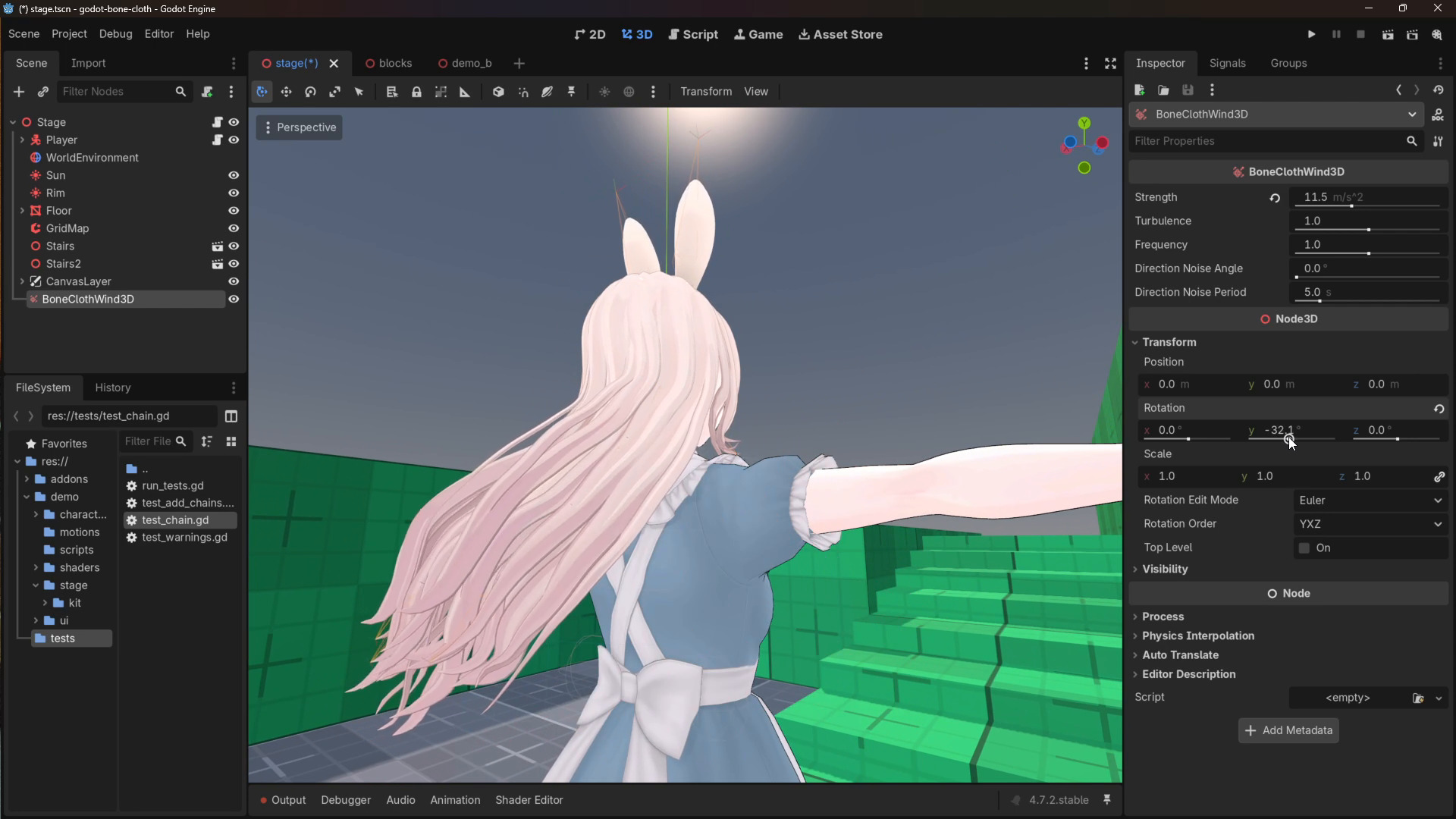
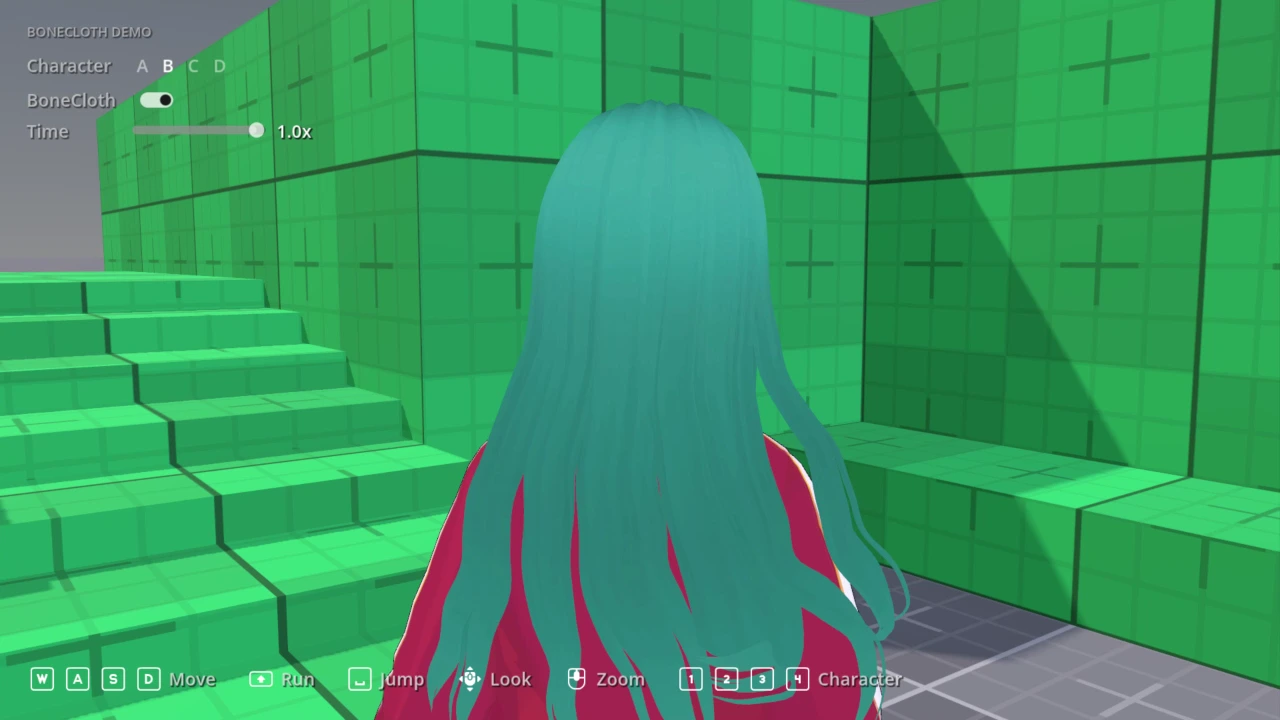
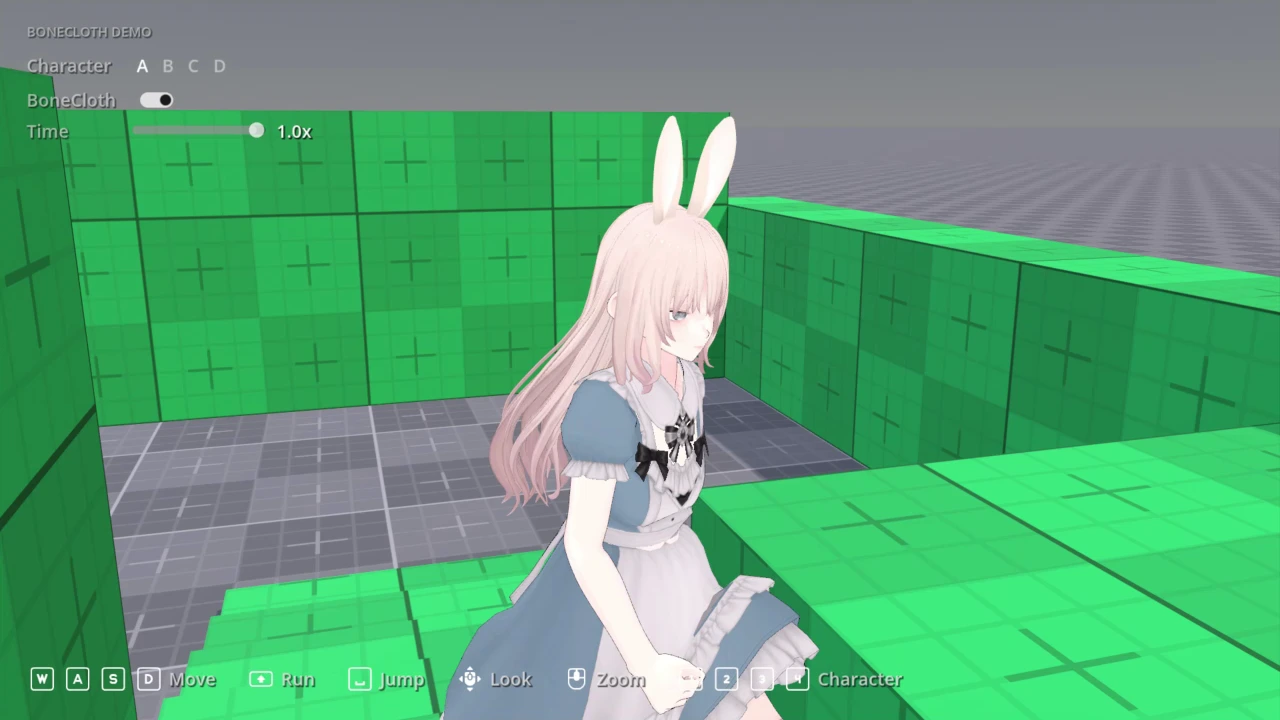
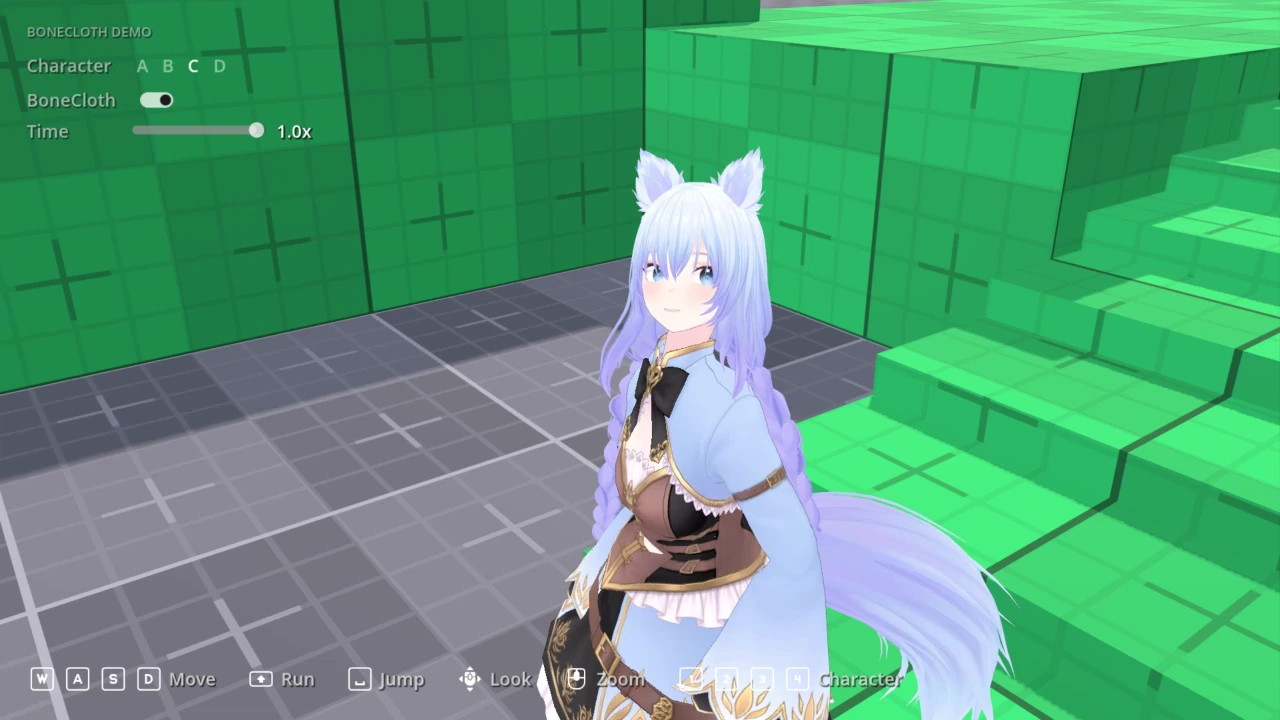
Bone Cloth sways the bones of hair, skirts, capes and tails with the character, and keeps them out of the body with collisions.
Wind video: https://youtu.be/nMj-gu3MNsc
Features
- Sphere, capsule and plane collisions keep cloth out of the body.
- Chains can be linked for skirts and capes, and long hair can part over the shoulders.
- Eight presets to start from, editor gizmos, and docs in the editor (F1).
- A BoneClothWind3D node blows hair and clothes, and keeps them moving while the character stands still.
Use
- Add a
BoneClothSimulator3Dunder aSkeleton3D. - Add a chain and set its root and end bones.
- Pick a preset from the node's toolbar menu.
- Add collisions under the simulator and set their bones.
The tutorial video on this page walks through these steps.
For wind, add a BoneClothWind3D anywhere in the scene and rotate it to aim. It blows along its -Z axis.
Requirements
Windows, Linux or macOS.
The cloth solver is ported from KawaiiPhysics (MIT).
Changelog for version v0.1.2
2026-11-10 06:39:43
No changelog provided for this version.
Reviews
 Recommended
by Gregor Lorenz - 08 November 2026
Thank you so much, from the bottom of my heart, for this extension. I recently tried to recreate Kawaii Physics for Godot myself, but it didn't occur to me to use the logic directly from Kawaii Physics. I spent quite a while trying to get a skirt working using SpringBoneSimulator3D, but I failed because of the lack of constraints. This add-on provides exactly those crucial constraints! Fantastic!
Recommended
by JekSun - 07 November 2026
Login to write a review.