GodotVMF
 3
3
by H2xDev | MIT
An importer of VMF/MDL/VTF/VMT files from Source Engine
GodotVMF An asset pipeline bridge between Source Engine and Godot Engine. Allows to import VMF maps, MDLs, VTF and VMT from Source Engine games into Godot Engine. Highly recommended to use it with Hammer++. Features VMF geometry import Instances support
JSONH Translations (GDScript)
1
by Joyless | MIT
A Godot plugin for importing translation files in JSONH V2 format using JsonhGd
This plugin allows you to import translation files in JSONH V2 format. For example, in en.jsonh : HELLO: "Hello there!" BYE: "Goodbye now! Read the documentation here. Note: This plugin is a GDScript port of the original C# plugin. If you're using C#, try
Subtitles Importer
1
by Rubonnek | MIT
A comprehensive subtitles importer plugin for the Godot Game Engine
Features 15+ subtitle formats supported including SRT, VTT, LRC, SSA/ASS, TTML/DFXP, SCC, MPL2, TMP, and more Runtime parsing - load and parse subtitle files at runtime or during import Easy to use - simple API for querying subtitles by time Editor
Goblend: Export to Godot
1
by Togira | GPL v3
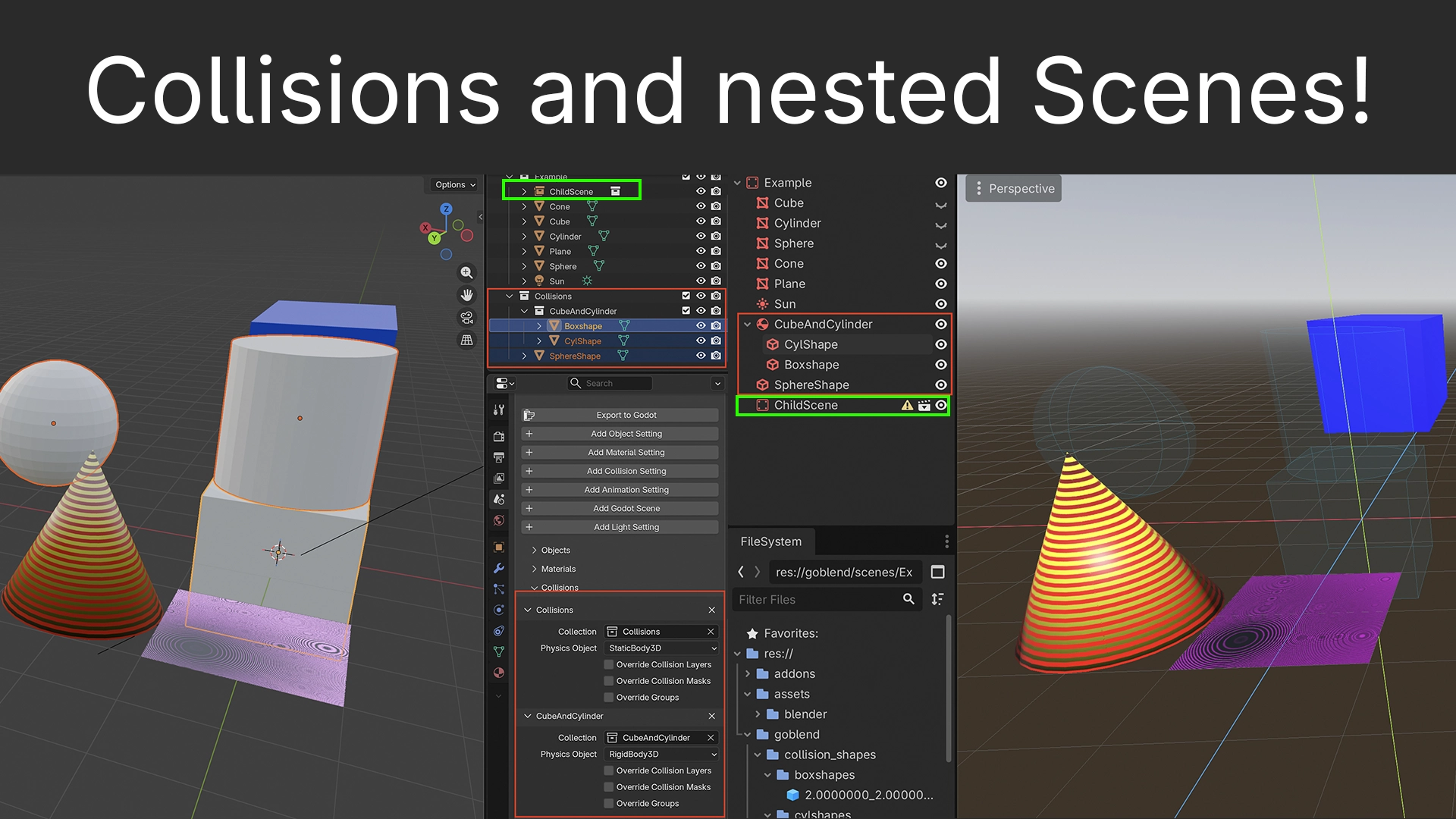
Goblend is an advanced, customizable and non vibe-coded import/export pipeline from Blender to Godot. Exporting linked files as separate scenes, together with its many features like primitive collision shapes in Blender, baking materials for you or even
Goblend comes in two parts, a Blender extension and a Godot extension. This is the Godot part of Goblend. Get the Blender extension on the Blender Extensions site. Goblend is an import/export pipeline that allows you to export your Blender scenes into
JSONH Translations
1
by Joyless | MIT
A Godot plugin for importing translation files in JSONH V2 format using JsonhCs
This plugin allows you to import translation files in JSONH V2 format. For example, in en.jsonh : HELLO: "Hello there!" BYE: "Goodbye now! Read the documentation here. Note: This plugin requires Godot with C# .NET support. Note: You can use JsonhVscode to
Godot Animated Image
0
by yycStudio | MIT
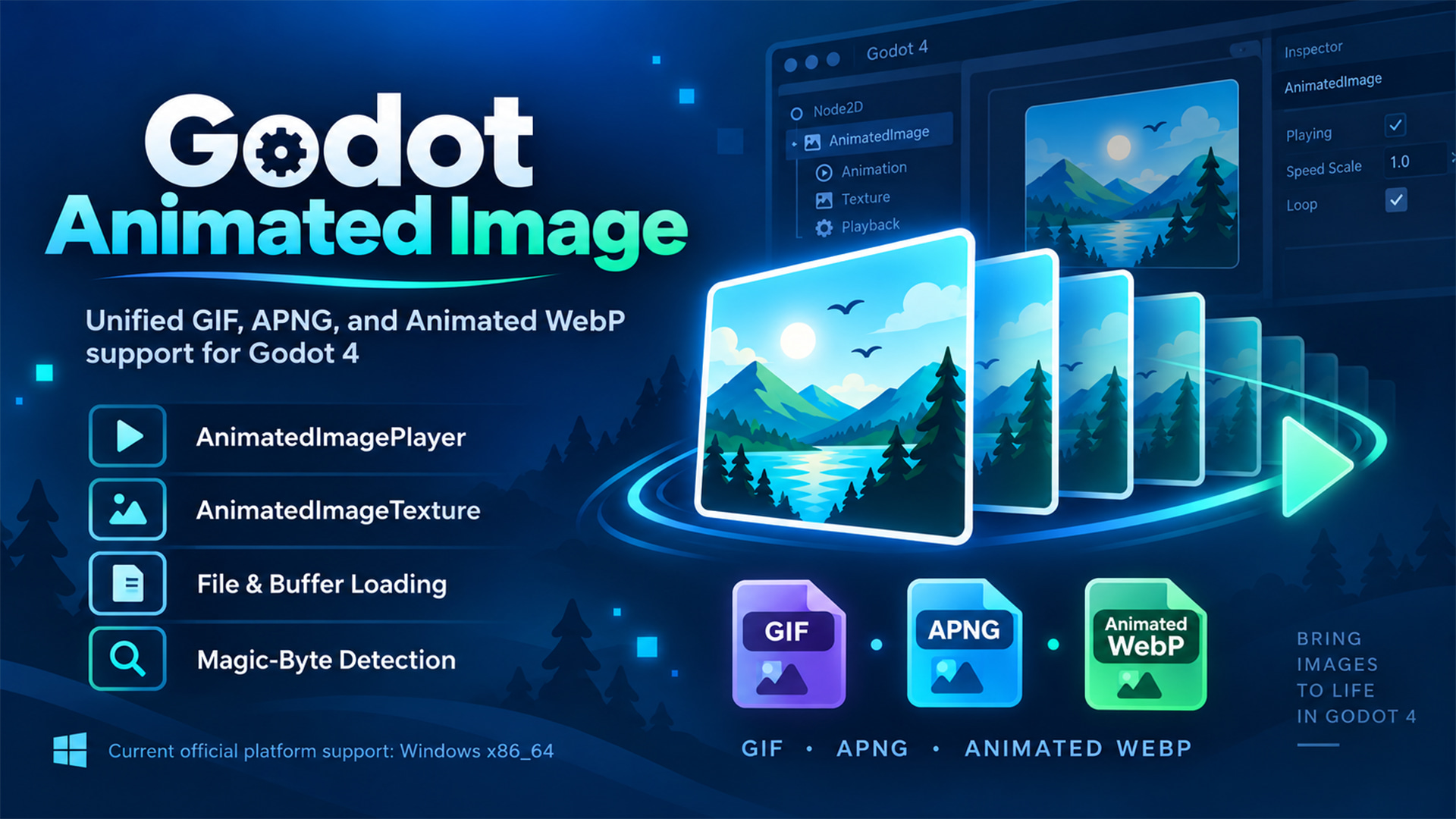
Godot 4 GDExtension for loading and playing GIF, APNG, and Animated WebP with one unified API
Godot Animated Image A Godot 4 GDExtension for loading and playing GIF, APNG, and Animated WebP through one unified API. Load animated images from files or memory buffers, detect formats by magic bytes, import them as Godot resources, and play them with
Voxly-Core
0
by ClarkThyLord | MIT
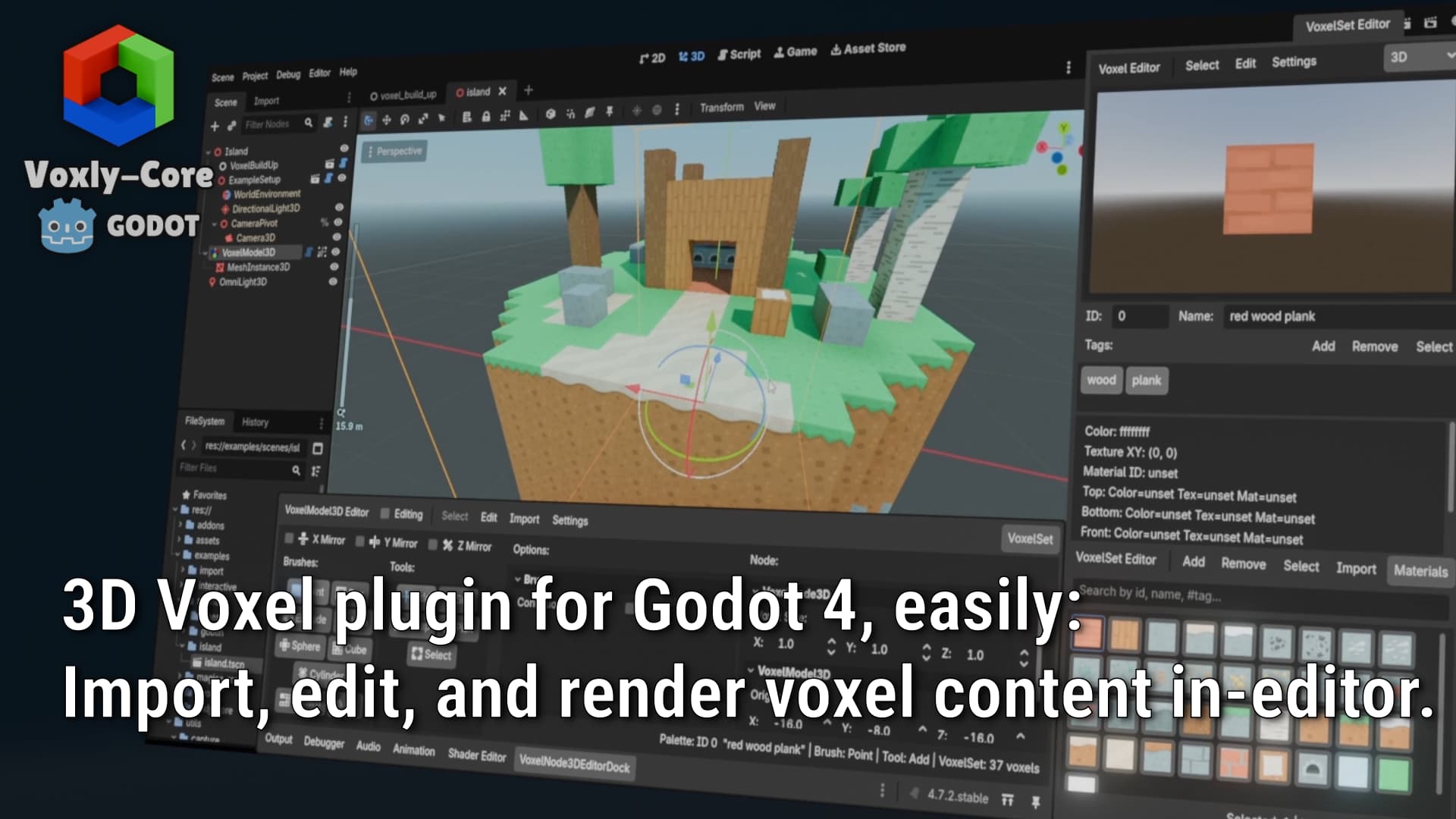
Modular voxel plugin for Godot 4: import, edit, and render voxel content in-engine
3D Voxel plugin for Godot 4 enabling you to quickly: Import, edit, and render voxel content all in-editor. Everything below and more is free to use, check out the Voxly-Core open-source repository! Create, import and edit custom voxel content easily with
Folder Import Rules
0
by Quattro Byte | MIT
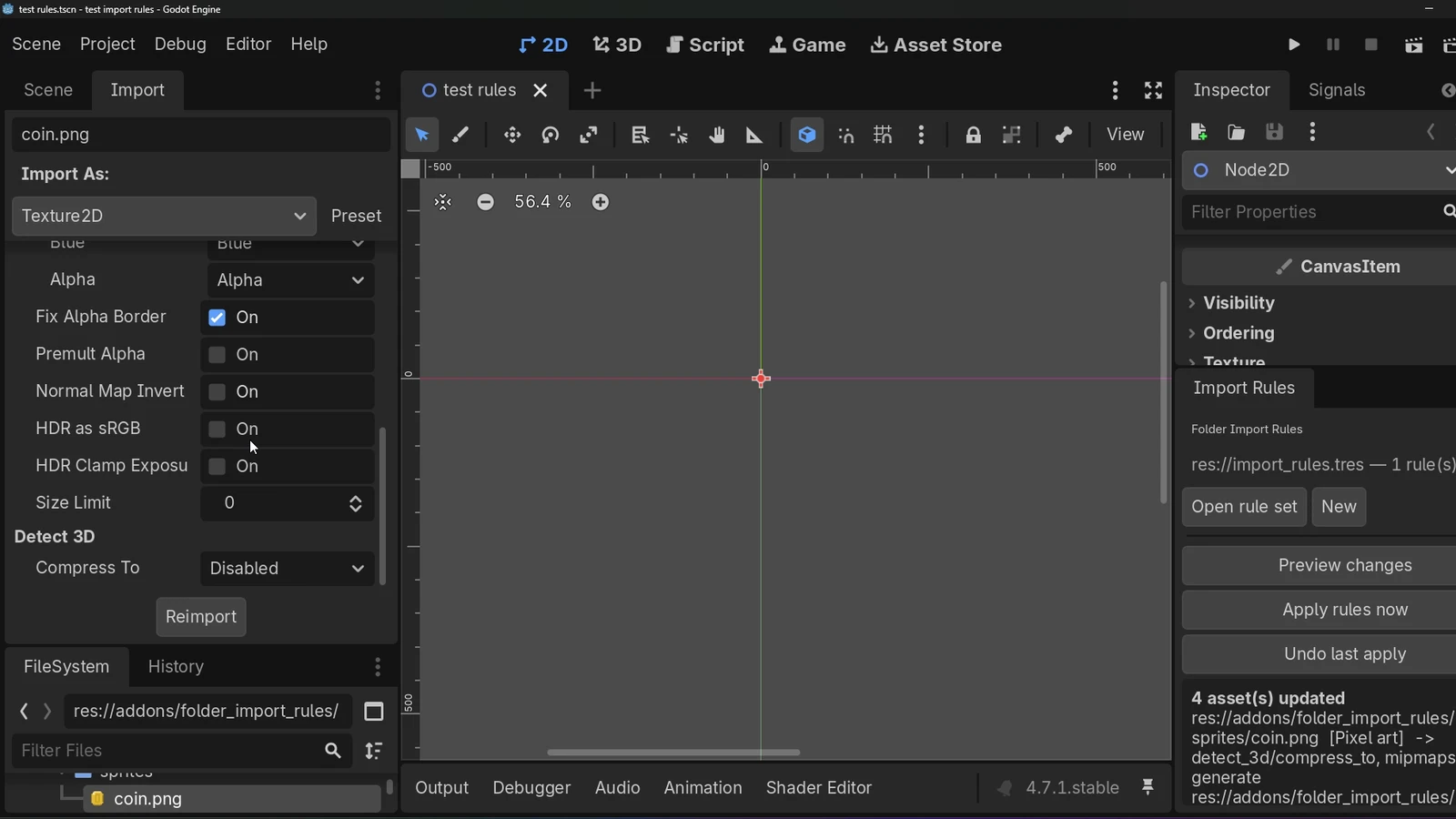
Godot has no way to set import settings per folder — you configure each texture by hand, or set one project-wide default. Folder Import Rules lets you define rules once per folder (compression, mipmaps, 3D auto-compression, and more) and apply them to
The problem Godot stores import settings in one .import file per asset. You can set a single project-wide default from the Import dock, and you can tweak assets one at a time — but there's nothing in between. "Every texture under art/sprites should be
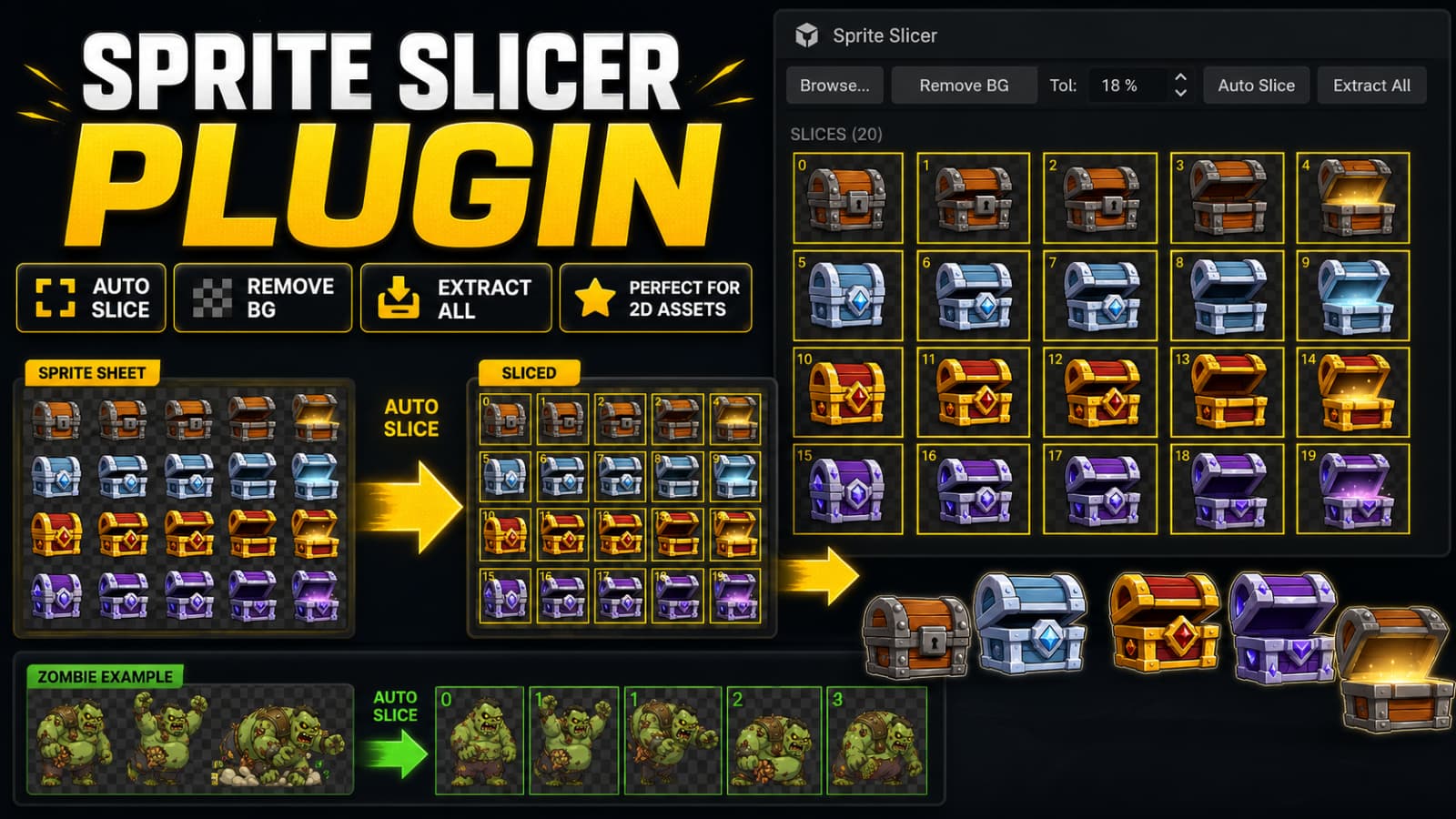
SpriteForge - Auto Smart Sprite Slicer
0
by hbrahimozdemir | MIT
An advanced 2D Sprite editor, slicer, and texture toolkit for Godot 4. Features auto-slicing, background removal, text rasterizer, image resizing, and fast PNG/AtlasTexture/SpriteFrames export
SpriteForge is a powerful and lightweight editor plugin designed to make working with 2D sprite sheets, textures, and assets effortless in Godot 4. Key Features: Auto Slicer: Detect sprite boundaries automatically based on alpha transparency with high
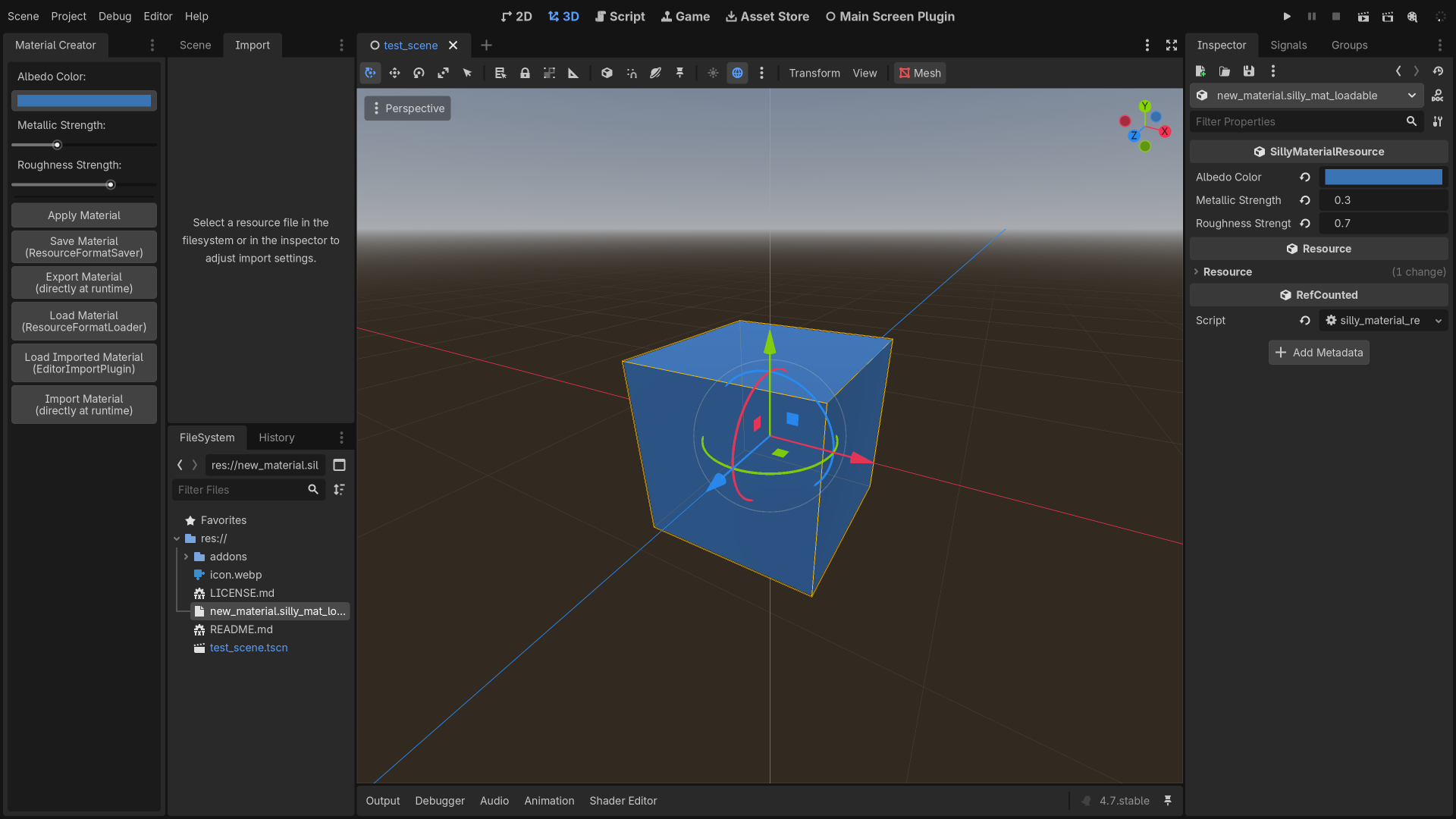
Plugin Demo
0
by Godot Foundation | MIT
This contains multiple plugin demos, all placed in a project for convenience
This contains multiple plugin demos, all placed in a project for convenience. See the documentation on editor plugins for more information. Language: GDScript Renderer: Compatibility
Nexus Pipeline Importer
0
by movec | MIT
Feature-rich and easy to use Blender to Godot importer. Supports GLTF and GLB. Generate Game Logic, Materials and Levels in Blender and import it ready-to-use
Important Prerequisite The Nexus Pipeline Importer is the exclusive counterpart to the Blender addon Nexus Godot Pipeline. Find it on Superhivemarket: Nexus Godot Pipeline This Godot addon will only work as intended on files that have been exported using
Advanced Model Import
0
by Syvies | MIT
Advanced model import options for Godot 4.6+. Extract meshes and materials or replace materials in bulk
Advanced Model Import A Godot 4.6+ plugin adding some bulk model import options. Key Features Extract all meshes from multiple models. Extract all materials from multiple models. Set external materials for multiple models. See the affected model's paths

loading more results...