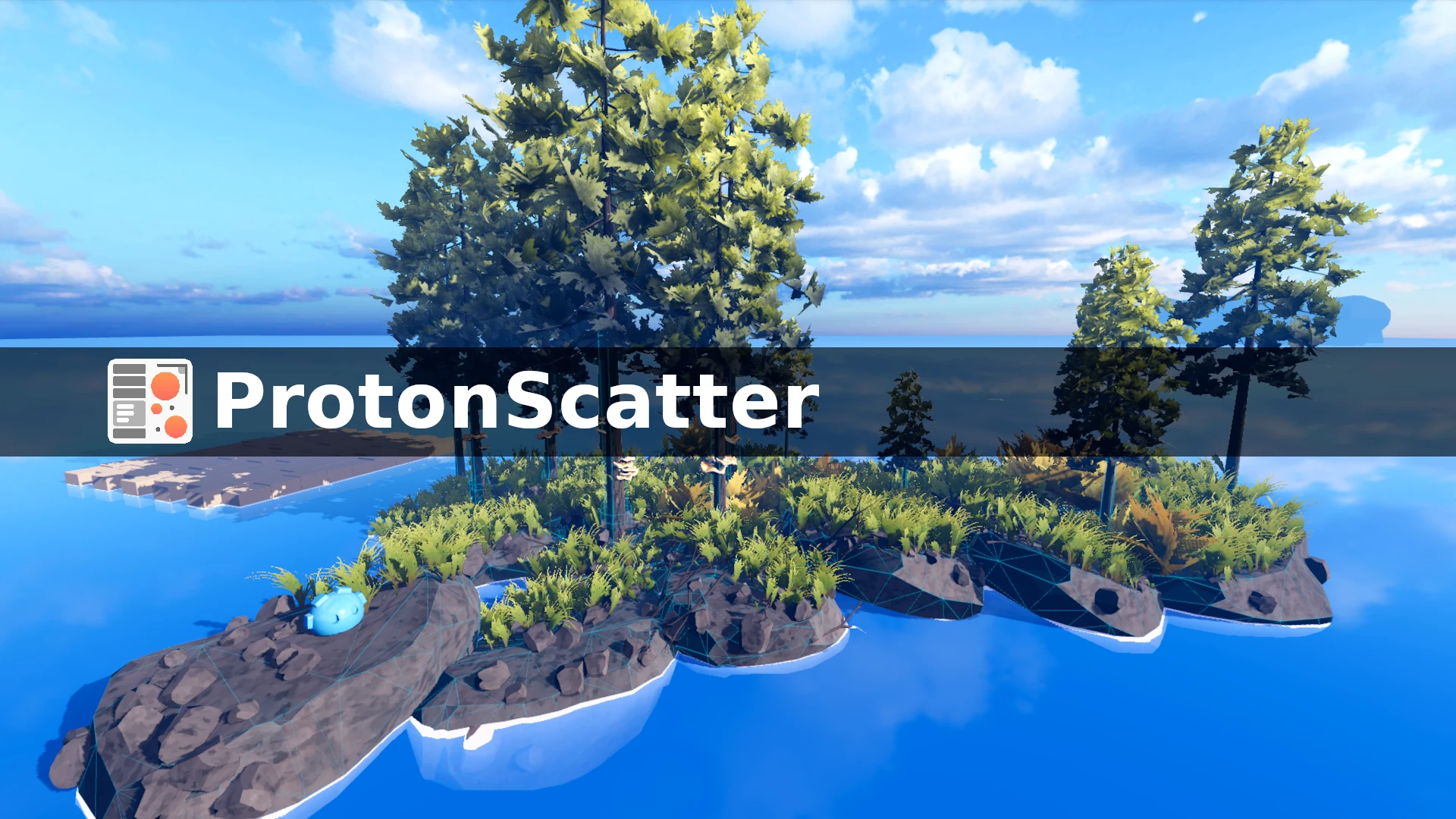
ProtonScatter
 10
10
by HungryProton | MIT
Place anything you want in your scenes, in a procedural, non-destructive way
Basic setup A ProtonScatter (1) node holds the positionning rules (2) that can be edited in the inspector. This panel is very similar to Blender's modifier stack panel. Some modifiers create points, others change their transforms. You mix different
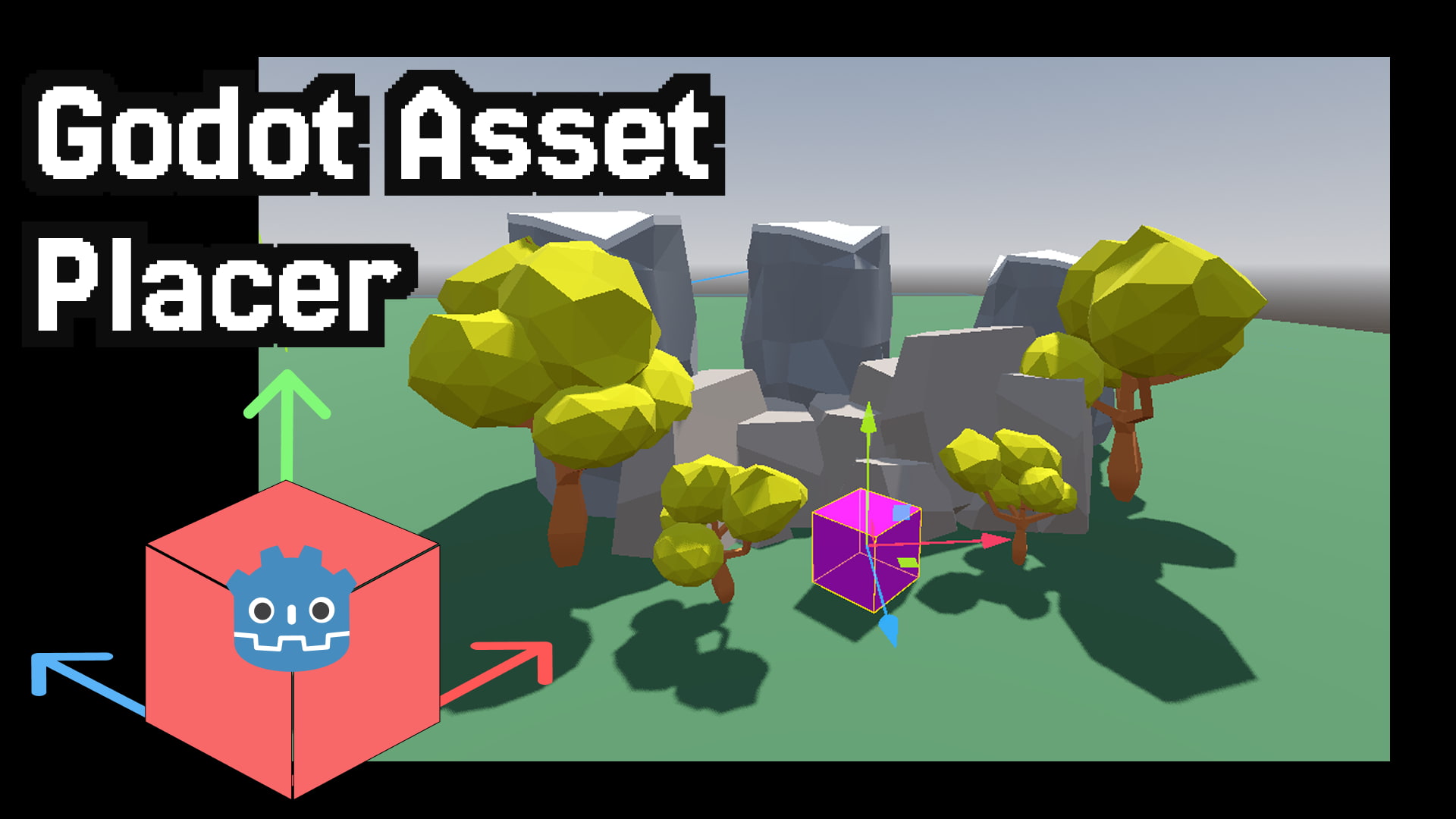
Godot Asset Placer
8
by Roman Levinzon | MIT
Godot Editor plugin for fast 3D asset placement, organization, and scene population with snapping, palettes, and collections
Godot Asset Placer is a Godot 4 Editor plugin built for level design and scene population. It gives you a dedicated dock to browse, organize, and place 3D assets without hunting through the FileSystem or duplicating scenes by hand. Sync asset folders from
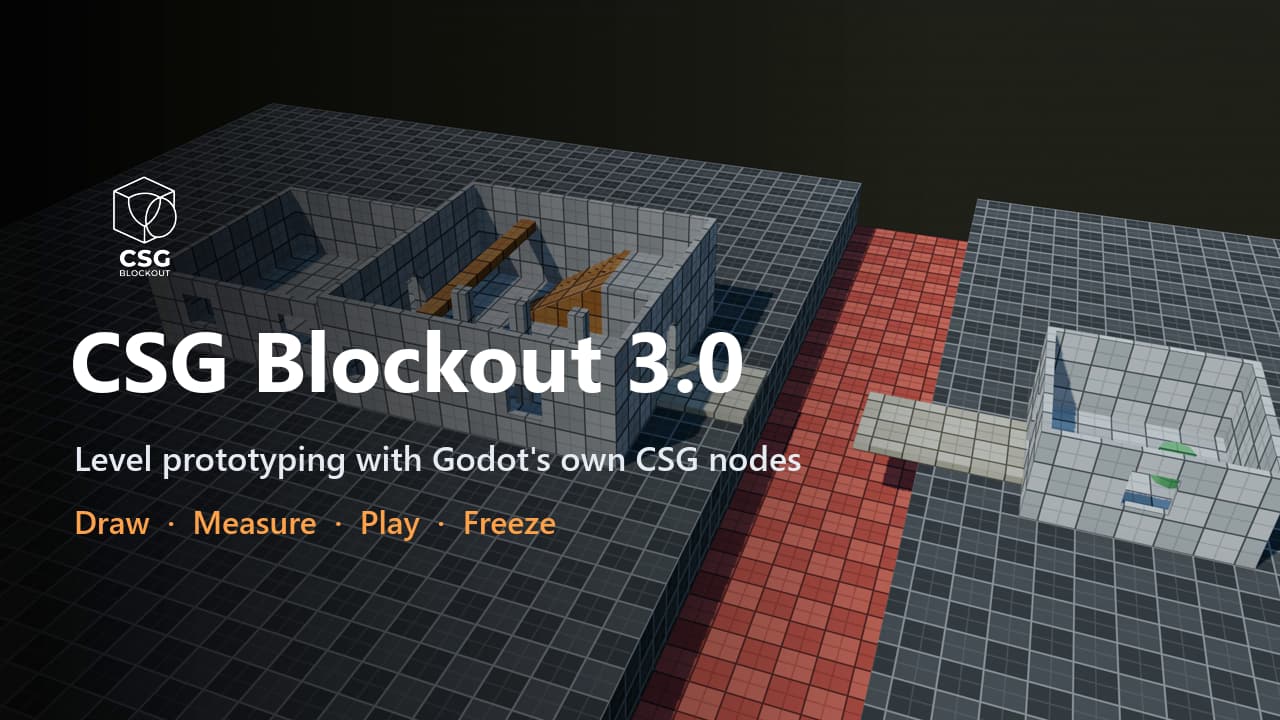
CSG Blockout
5
by qwqzhanqwq | MIT
Draw rooms, cut doors, check jumps, play-test and freeze to meshes, all with Godot's own CSG nodes that stay editable
Level prototyping, not modeling. Block out levels with Godot's own CSG nodes: draw rooms in the viewport, check them against your character, play them, and freeze them into meshes you can always turn back into CSG. A room in one drag. Drag a base on any
GodotVMF
3
by H2xDev | MIT
An importer of VMF/MDL/VTF/VMT files from Source Engine
GodotVMF An asset pipeline bridge between Source Engine and Godot Engine. Allows to import VMF maps, MDLs, VTF and VMT from Source Engine games into Godot Engine. Highly recommended to use it with Hammer++. Features VMF geometry import Instances support
World Brush
2
by ALSAHLY | MIT
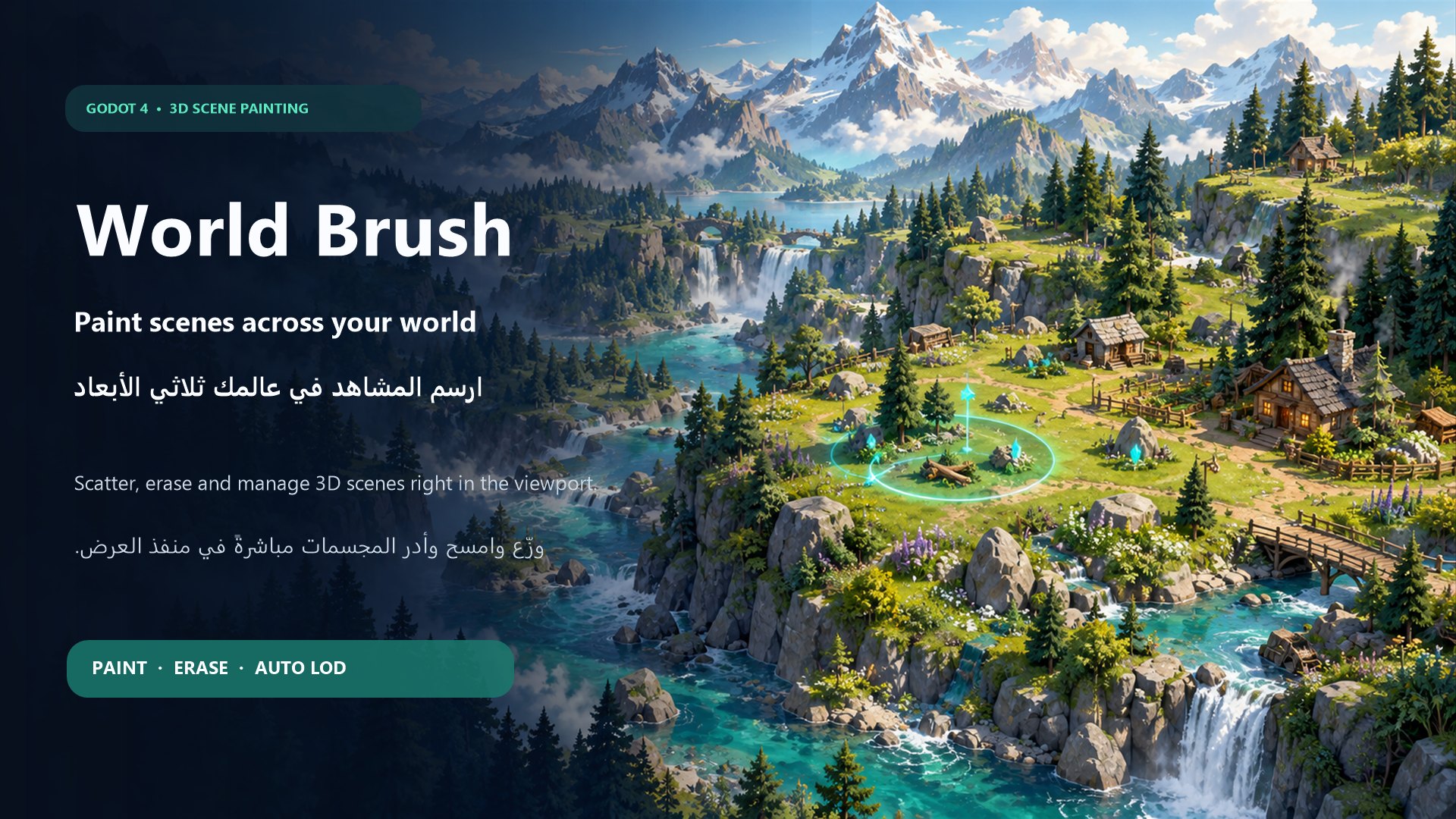
A bilingual Godot 4 editor plugin for painting, arranging, and erasing 3D scenes directly in the viewport with scene-specific brush settings
World Brush World Brush is a bilingual Godot 4 editor plugin that lets you paint, arrange, and erase reusable 3D scenes directly inside the editor viewport. It is designed to speed up environment creation by allowing you to place trees, rocks, plants
Dungeon Crawler 3D
2
by DoubleD Studios | MIT
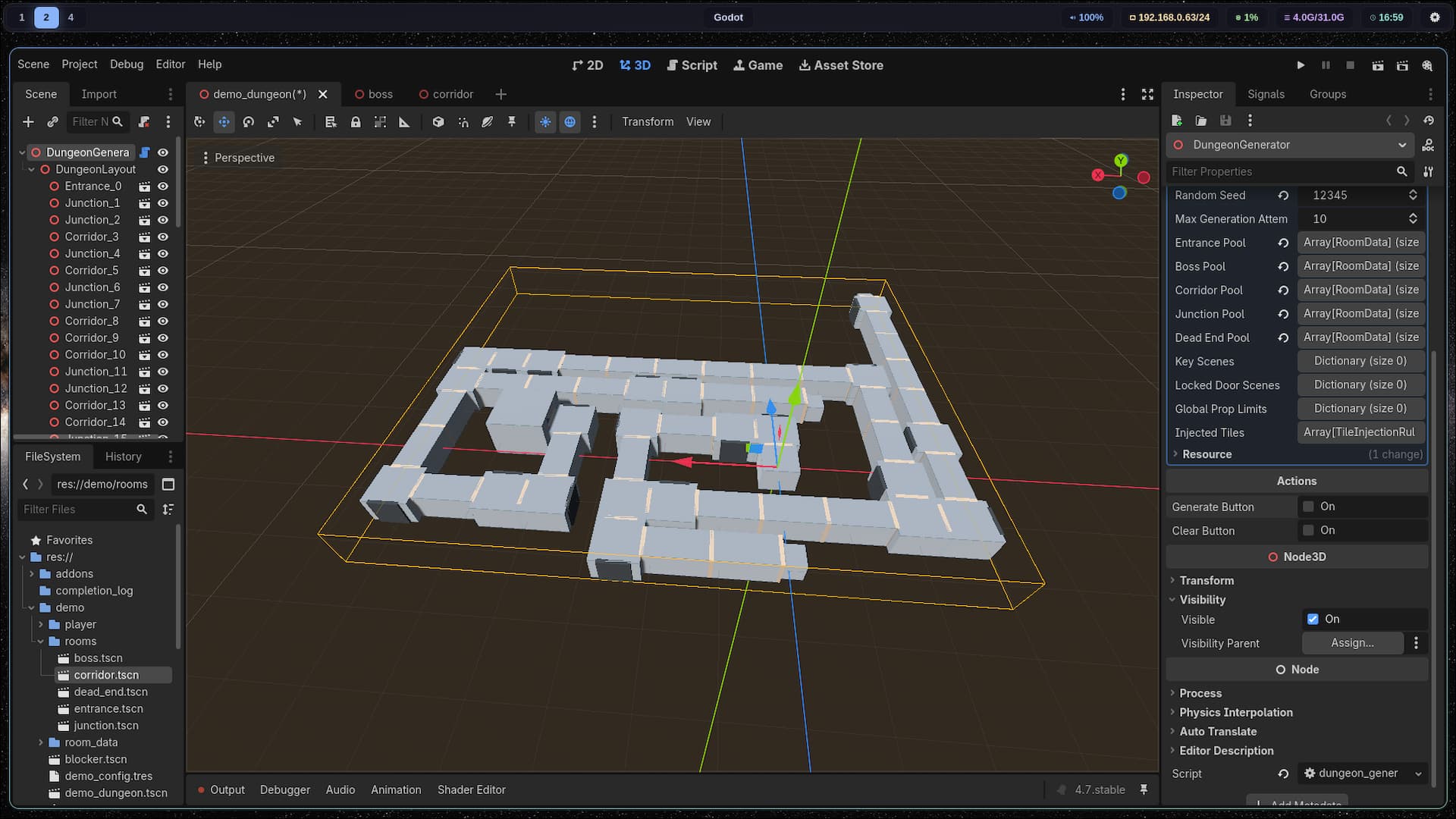
A lightweight and highly customizable Godot 4 plugin for 3D procedural dungeon generation. Based on a room system, it allows you to quickly create complex layouts by connecting predefined structures and corridors. It includes custom nodes seamlessly
Dungeon Crawler 3D - Procedural Generator A lightweight and highly customizable Godot 4 plugin for 3D procedural dungeon generation. Designed specifically for room-based layouts, this plugin allows developers to quickly prototype and build complex 3D
Portals 3D C#
2
by Phlegm | MIT
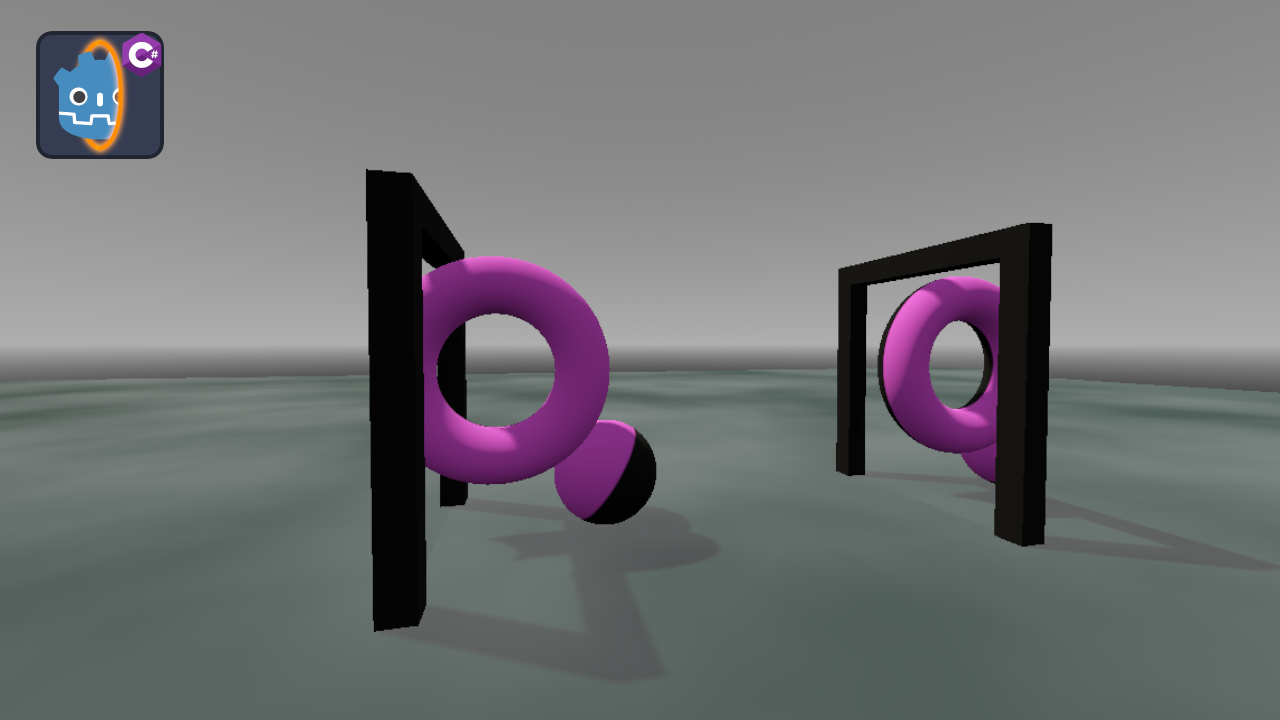
Implementation of seamless 3D Portals by Vojtěch Struhár, rewritten into C#
Do you need portals? Do you use C#? Look no further, this plugin provides SEAMLESS 3D portals for all your portal needs! Portals 3D C# is a rewrite of the seamless portals plugin, Portals 3D, made by Vojtěch Struhár. If you do not use C# the original
Godot 3D Cursor
2
by DevMarco | ISC
The Godot 3D Cursor Plugin is an editor-only plugin for Godot 4.5+ that introduces a configurable 3D Cursor to the editor, inspired by the 3D cursor functionality found in Blender. It provides an intuitive way to place and position nodes within a 3D scene
Godot 3D Cursor Plugin This plugin implements a 3D Cursor in the Godot Engine, inspired by Blender’s 3D cursor functionality. It provides an intuitive and precise way to place and position nodes within a 3D scene, improving the overall workflow for 3D

Unibuilder
2
by Calin Leafshade | Proprietary
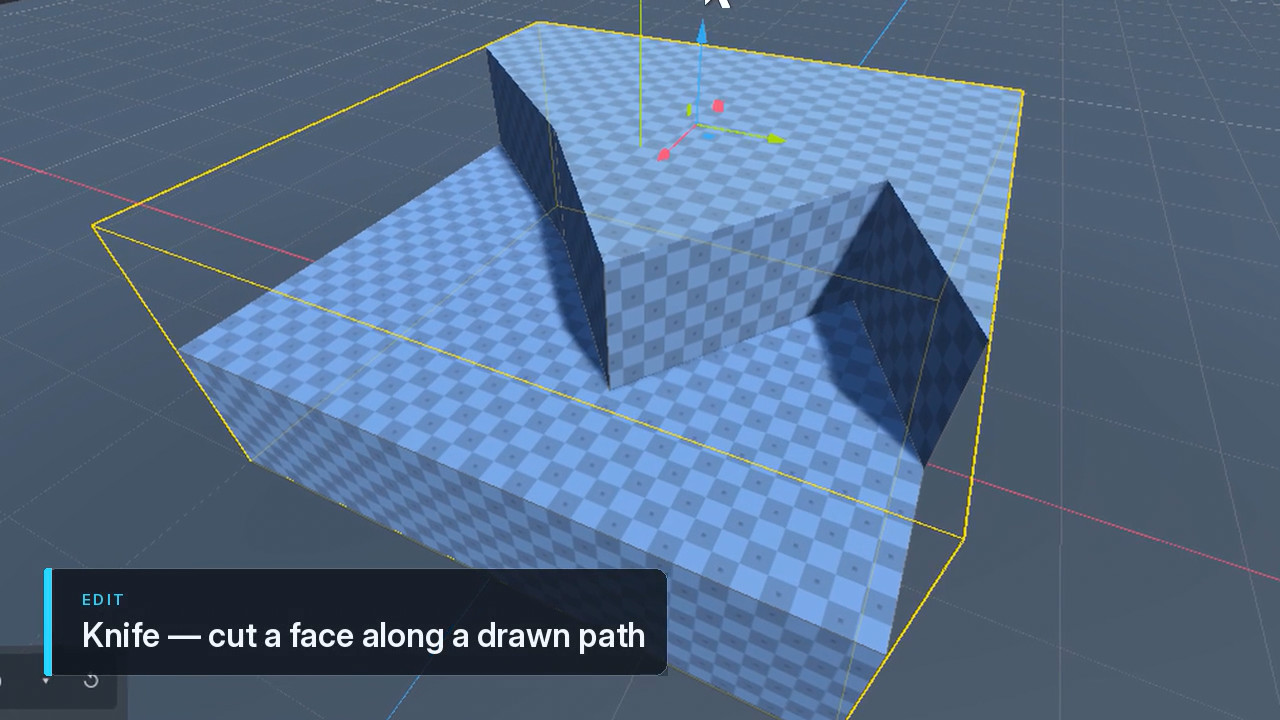
Model, texture and paint 3D level geometry inside the Godot 4 editor. Draw cubes, stairs, arches, doors, pipes and more straight into the viewport, then edit vertices, edges and faces with extrude, bevel, inset, bridge, cut and boolean tools. Auto UVs, a
In-editor 3D level modeling for Godot 4. Draw the geometry, edit it, texture it, and ship it. Because you're worth it. Unibuilder is for blockouts and greyboxing but you can also use it for full on level editing like I do because you like that chunky
PoiBuilder
1
by StudioHeadpats | MIT
Powerful grayboxing tool. Drag-to-create primitives with auto collision, direct vertex/edge/face editing inside the editor, auto UVs, UV editor, texture painting & splatting, stateless retro friendly particle emitters, all without leaving your 3D scene
A free, open-source mesh building plugin for Godot 4 — primitives, drag-to-create, and direct vertex/edge/face editing inside the editor, auto UVs. Use the map as is or use the one click export to baked glb or custom pbm format optimized for retro
Physics Placer
1
by Syrsly | MIT
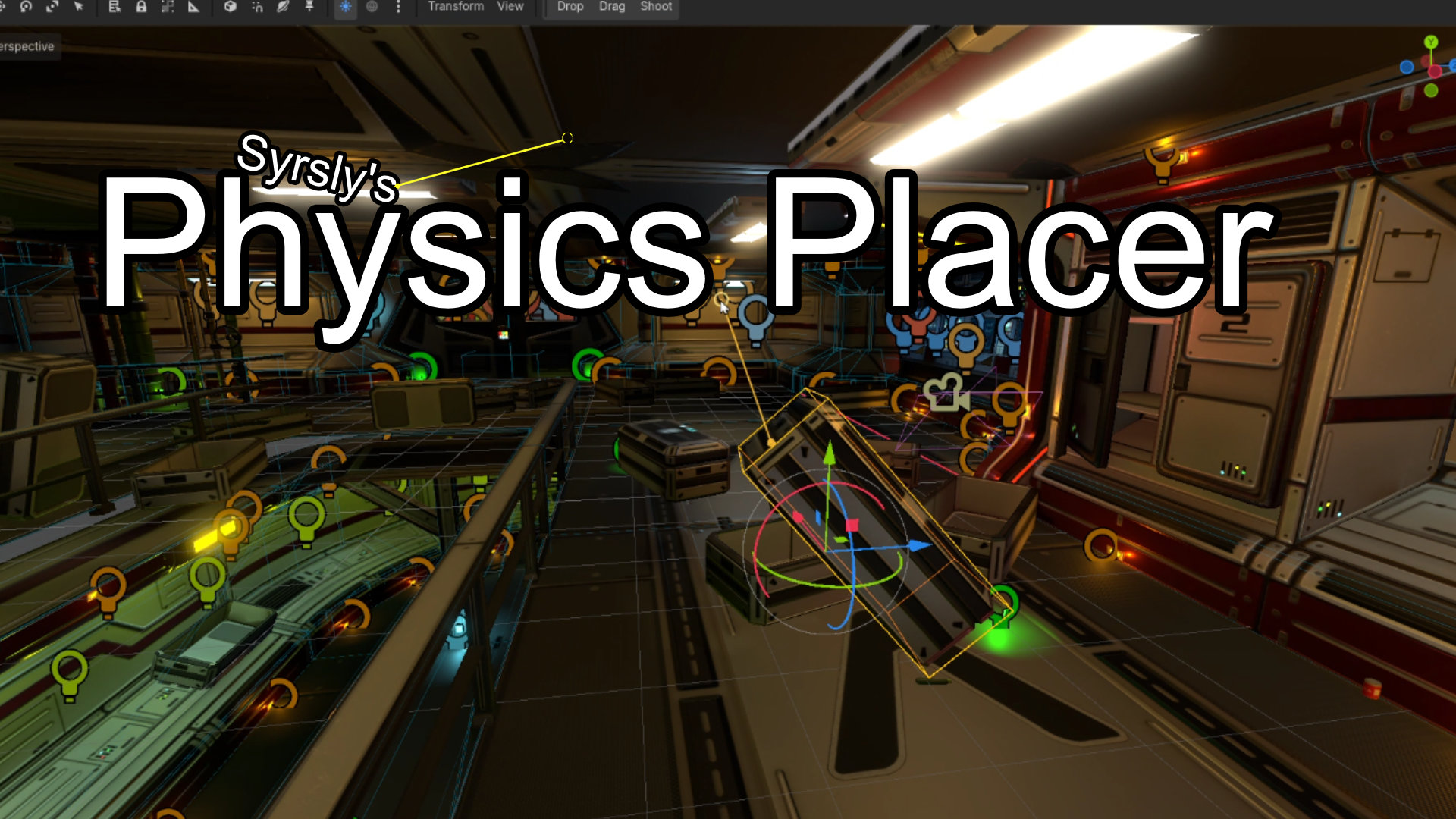
Physics-based object placement for the Godot 4 3D scene editor viewport that lets you drag objects around like ragdolls or shoot them into the scene or just drop them naturally
Physics-based object placement for the Godot 4 3D editor. Three subtools live in one scene editor tool: Drop, Drag and Shoot. The Drop tool pulls the object down with gravity to make it fall into and onto other objects in a realistically physical way. The
Surface Snap
1
by Adrm00 | MIT
An editor plugin for Godot 4.7+ that lets you drag a Node3D directly onto the surface of another object
Surface Snap An editor plugin for Godot 4.7+ that lets you drag a Node3D directly onto the surface of another object — unlike the built-in vertex snap, which only snaps to specific vertices. Usage Enable the plugin in Project → Project Settings → Plugins

LevelBlock
1
by plaught-armor | MIT
A lightweight greyboxing/whiteboxing tool for Godot 4.7+ — fast level blockout with a grid-snapped, corner-pivoted resizable box
A lightweight greyboxing / whiteboxing tool for Godot 4.7 — fast level blockout with grid-snapped, corner-pivoted resizable primitives. Why Standard box meshes pivot at their center, so they straddle the grid and the floor plane — awkward for blocking out
Rocks and Stones - Sample Pack
0
by Renard Noir | MIT
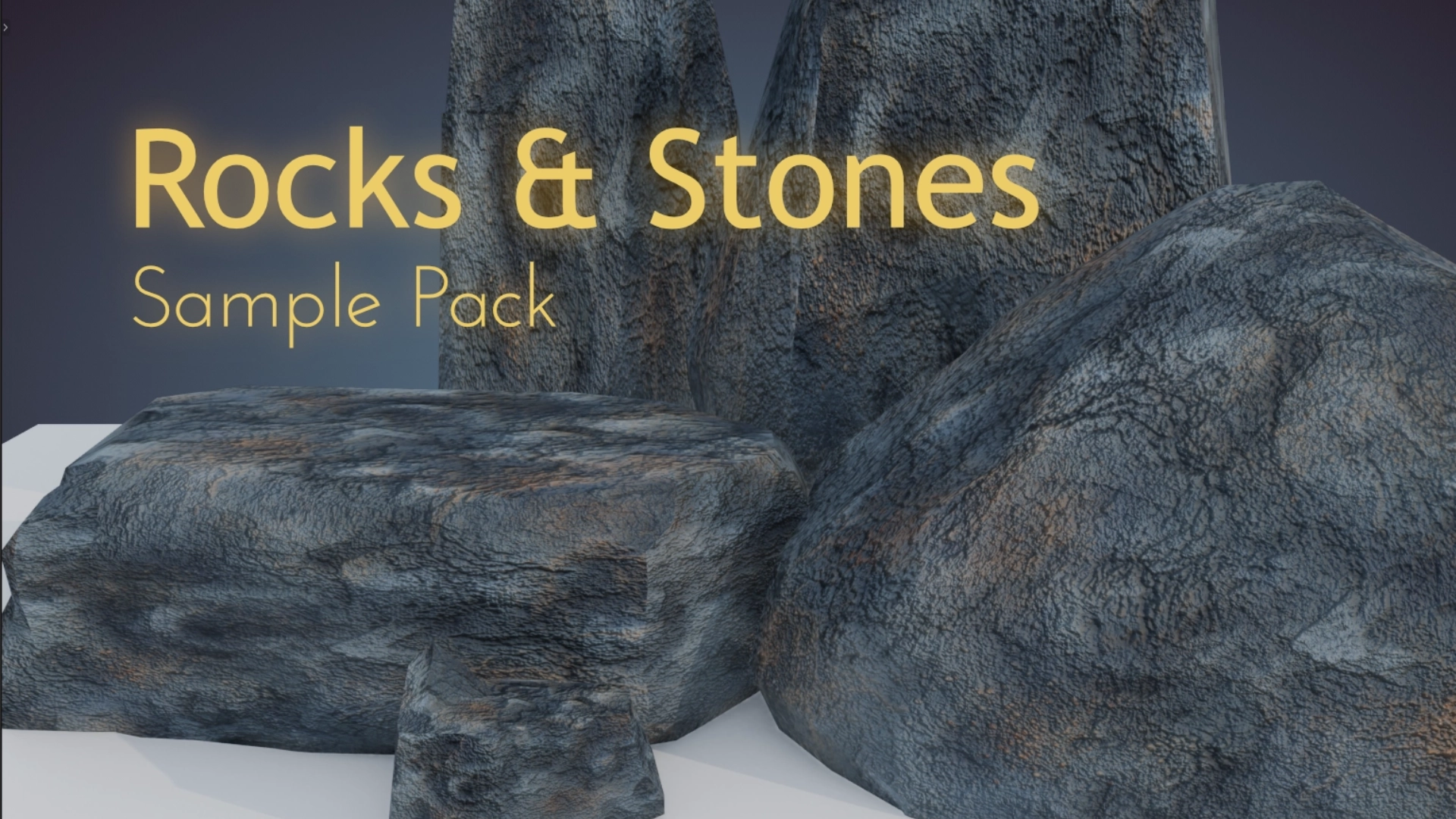
Polygon-optimized rock and stone 3D models with hand-painted, 1k resolution textures designed to help out with level design, environment art, and general set dressing for your levels and 3D game worlds. Take your outside scenes to the next level with these
What are these? Full, game-ready, stylized, hand-painted 3D models for use in set-dressing, environment art, level design, and general artwork in 3D games. Features Colorful hand-painted stylized textures bring vibrancy to your game world. 1K resolution
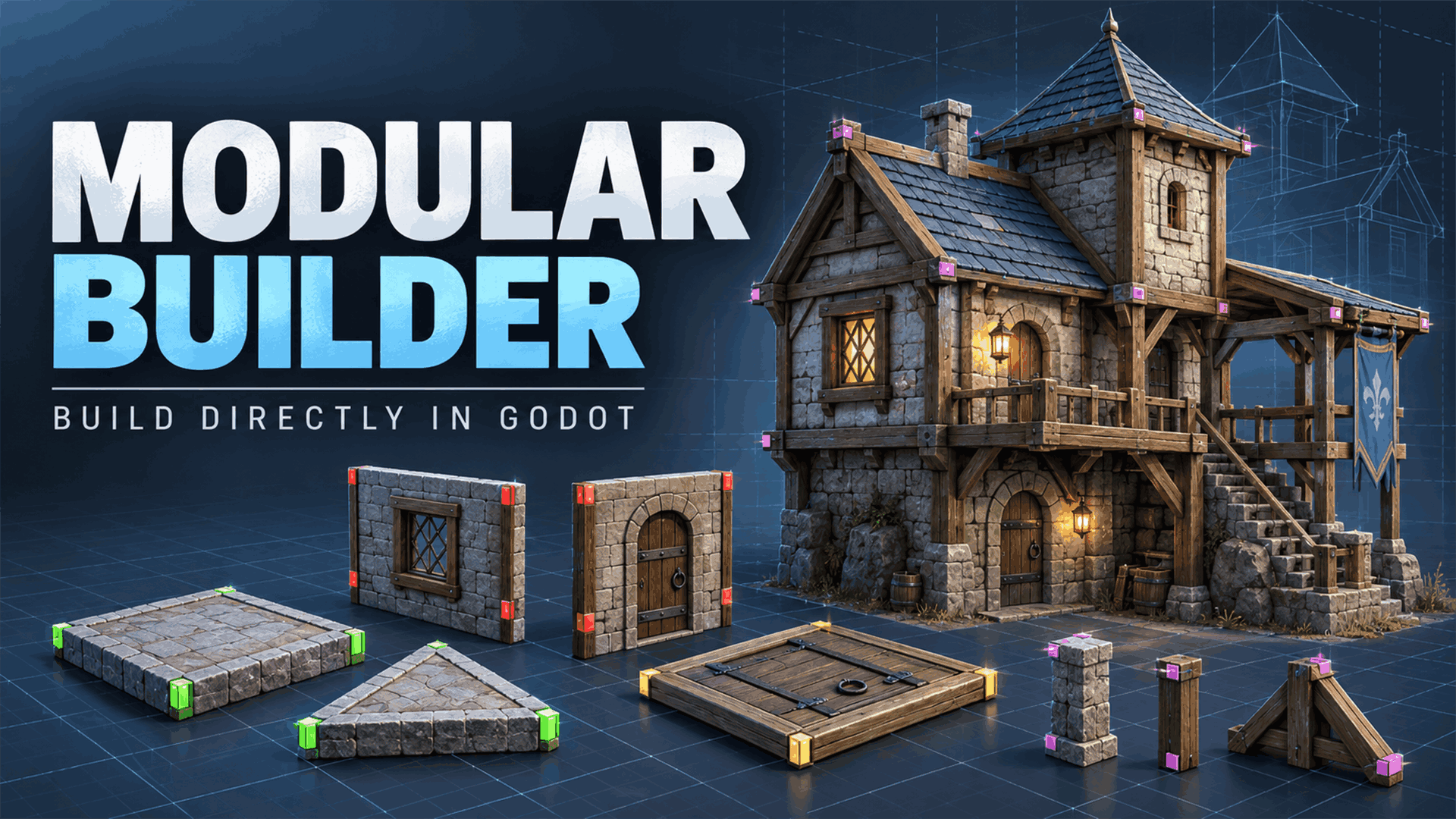
Modular Builder
0
by Michel Savadim | CC0 1.0 Universal
Build modular structures directly in the Godot editor with snap-together foundations, walls, floors, and architectural details
Modular Builder is a Godot editor plugin for creating modular buildings directly in your 3D scenes. Create square and triangular foundations, place walls by connecting vertices, and add square or triangular floors. Snap points help align pieces, and walls
Modular Platform Addon
0
by KOSSAINIS | MIT
Welcome to the Modular Platform Asset Pack! This toolkit is built on a highly scalable, component-based architecture designed for Godot 4. It allows level designers to create complex, interactive, and hazardous platforms without writing a single line of
🧱 Godot 4 Modular Platform Addon Welcome to the Modular Platform Asset Pack! This toolkit is built on a highly scalable, component-based architecture designed for Godot 4. It allows level designers to create complex, interactive, and hazardous platforms
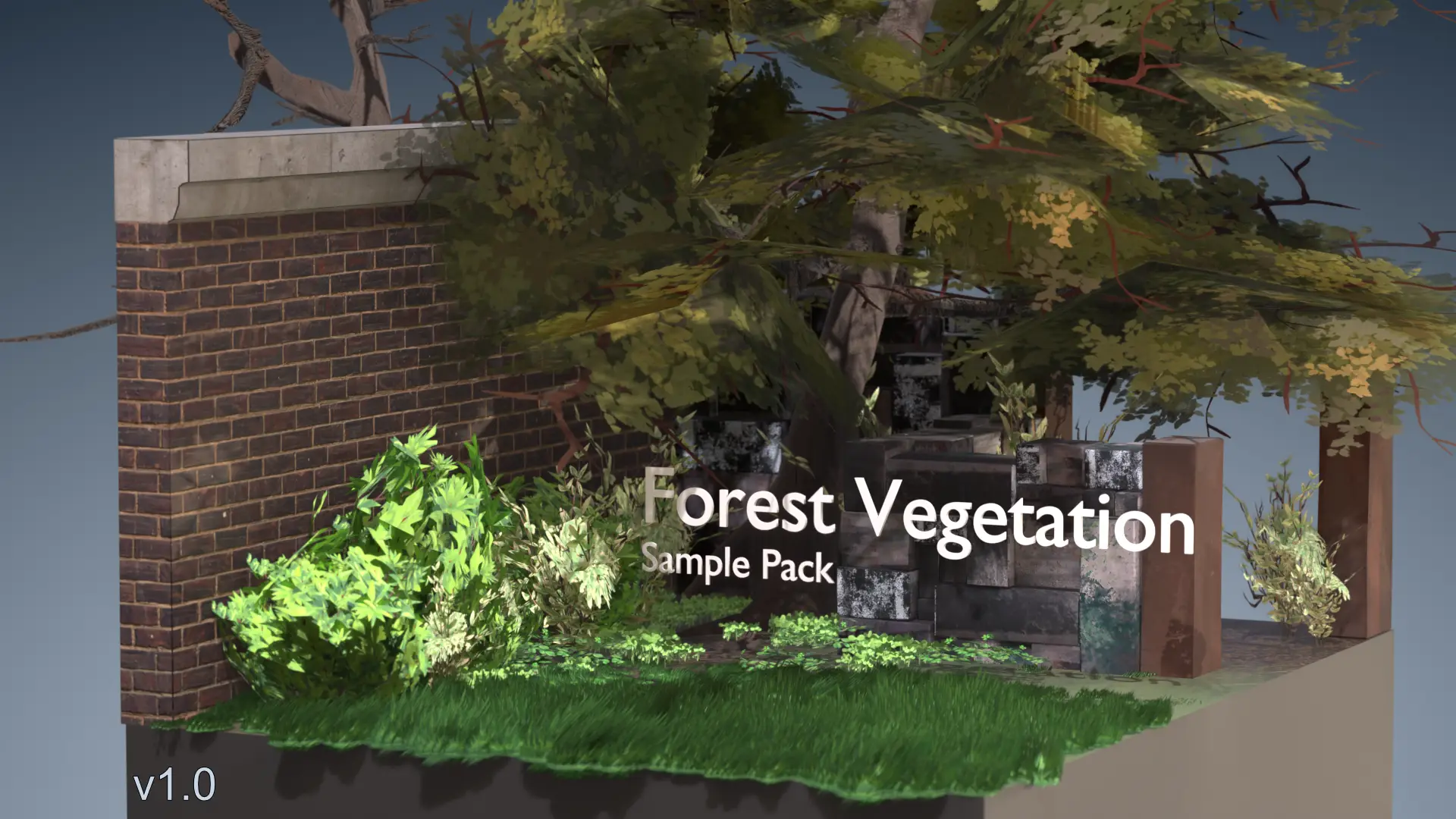
Forest Vegetation - Sample Pack
0
by Renard Noir | MIT
Polygon-optimized 3D models with hand-painted, 1k resolution texture design to help out with level design, environment art, and general set dressing for your levels and 3D game worlds. Make that prairie or forest full of character with these human-made
What are these? Full, game-ready, stylized, hand-painted 3D models for use in set-dressing, environment art, level design, and general artwork in 3D games. Features Colorful hand-painted stylized textures bring vibrancy to your game world. 1K resolution
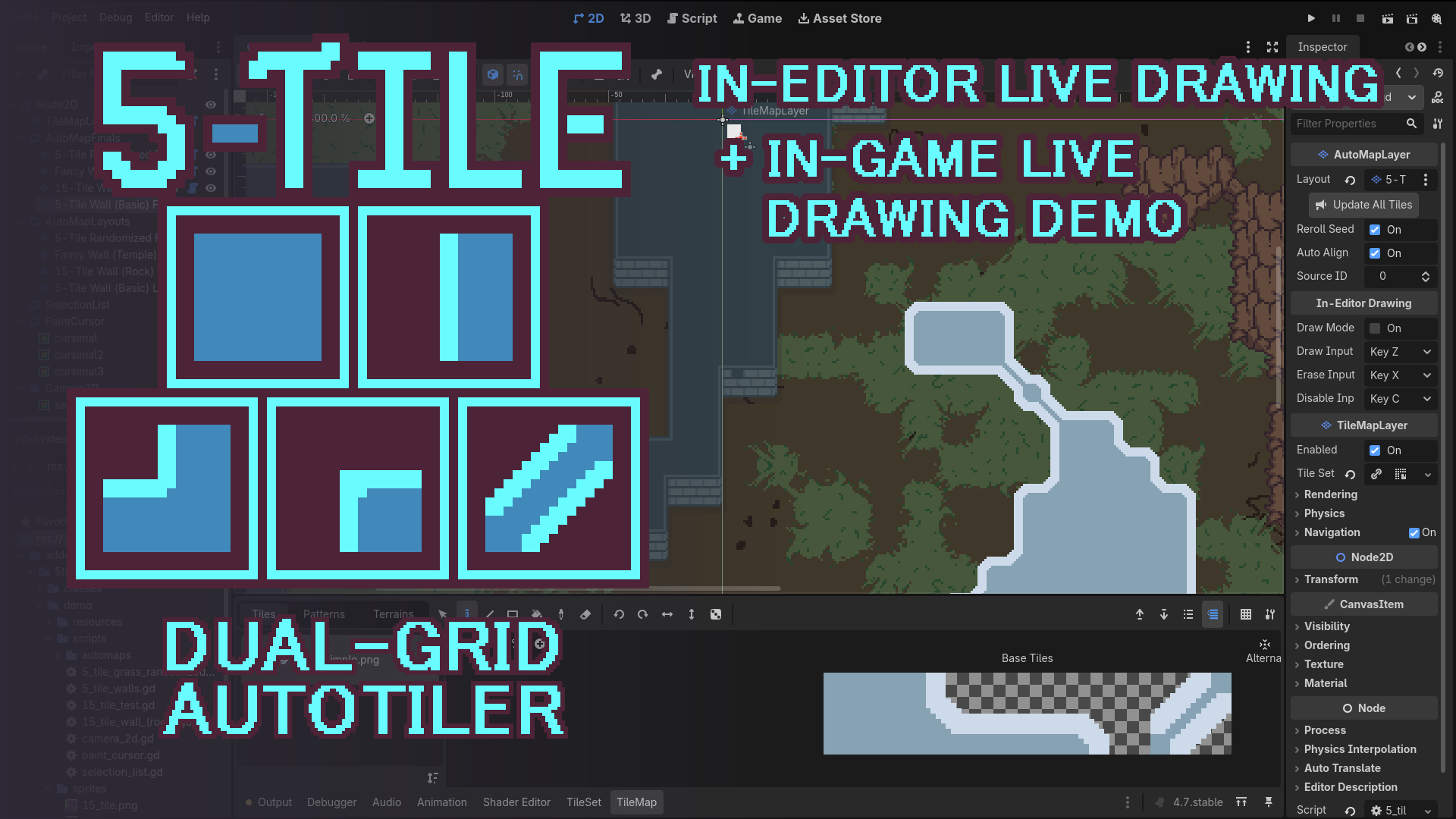
5-Tile Dual Grid Auto-Tiler
0
by laffcat | MIT
Efficient and flexible 5-tile dual-grid autotiling solution written in GDScript, with support for arbitrarily scripted tile randomization
Description Efficient and flexible 5-tile dual-grid autotiling solution written in GDScript, with support for arbitrarily scripted tile randomization. Adds the AutoMapLayer class, which is then extended for each TileSet layout, letting the user hardcode
Curve2Collision
0
by seina369 | MIT
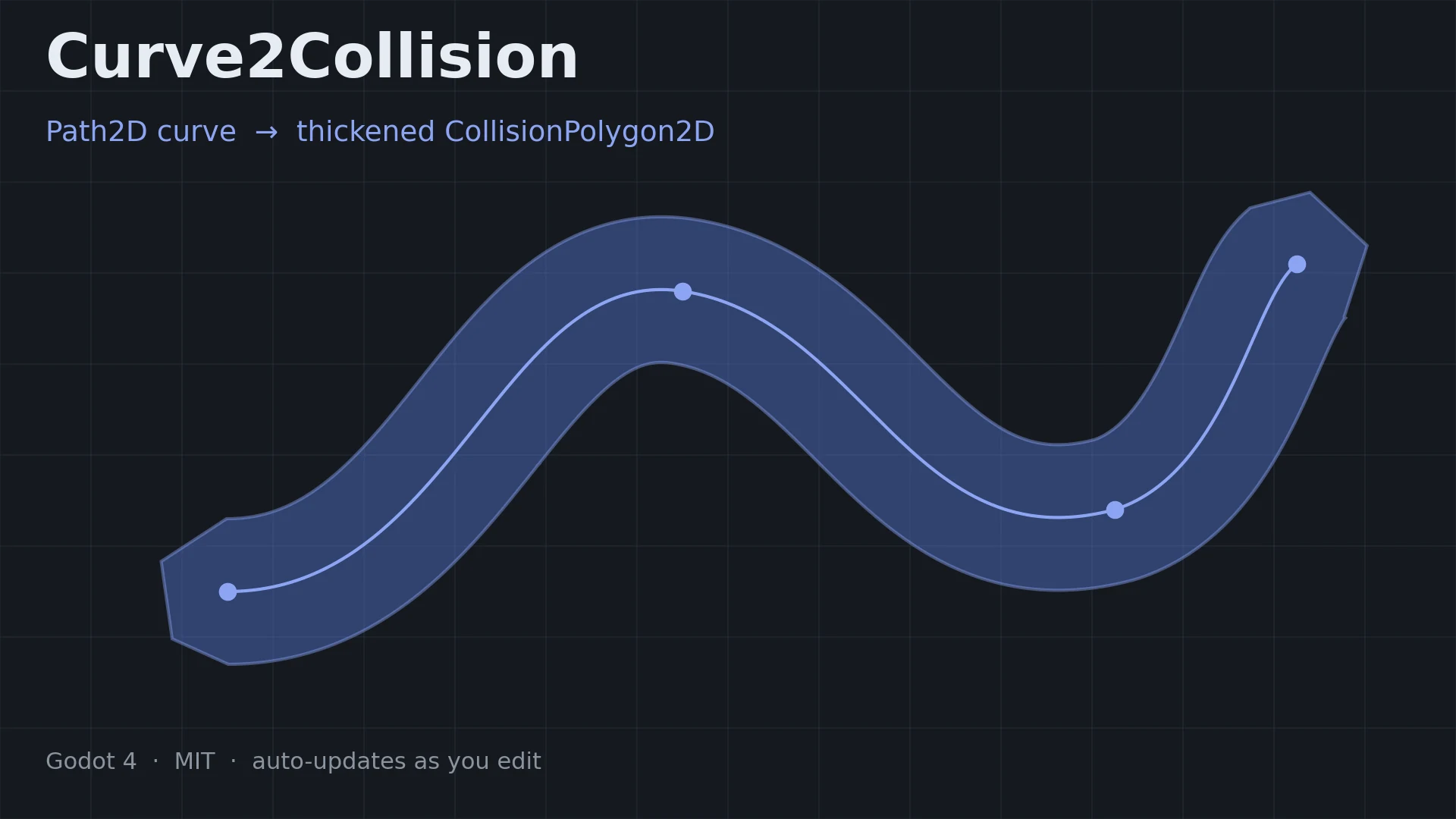
Generates a thickened CollisionPolygon2D from a Path2D curve, and keeps it in sync automatically as you edit the curve
Curve2Collision turns a Path2D curve into a thickened CollisionPolygon2D , and keeps it in sync automatically while you edit the curve. Useful for slopes, tubes, rails, cave walls — anything you would rather draw as a line than build vertex by vertex
Asset Placer With Physics
0
by camperotactico | Apache 2.0
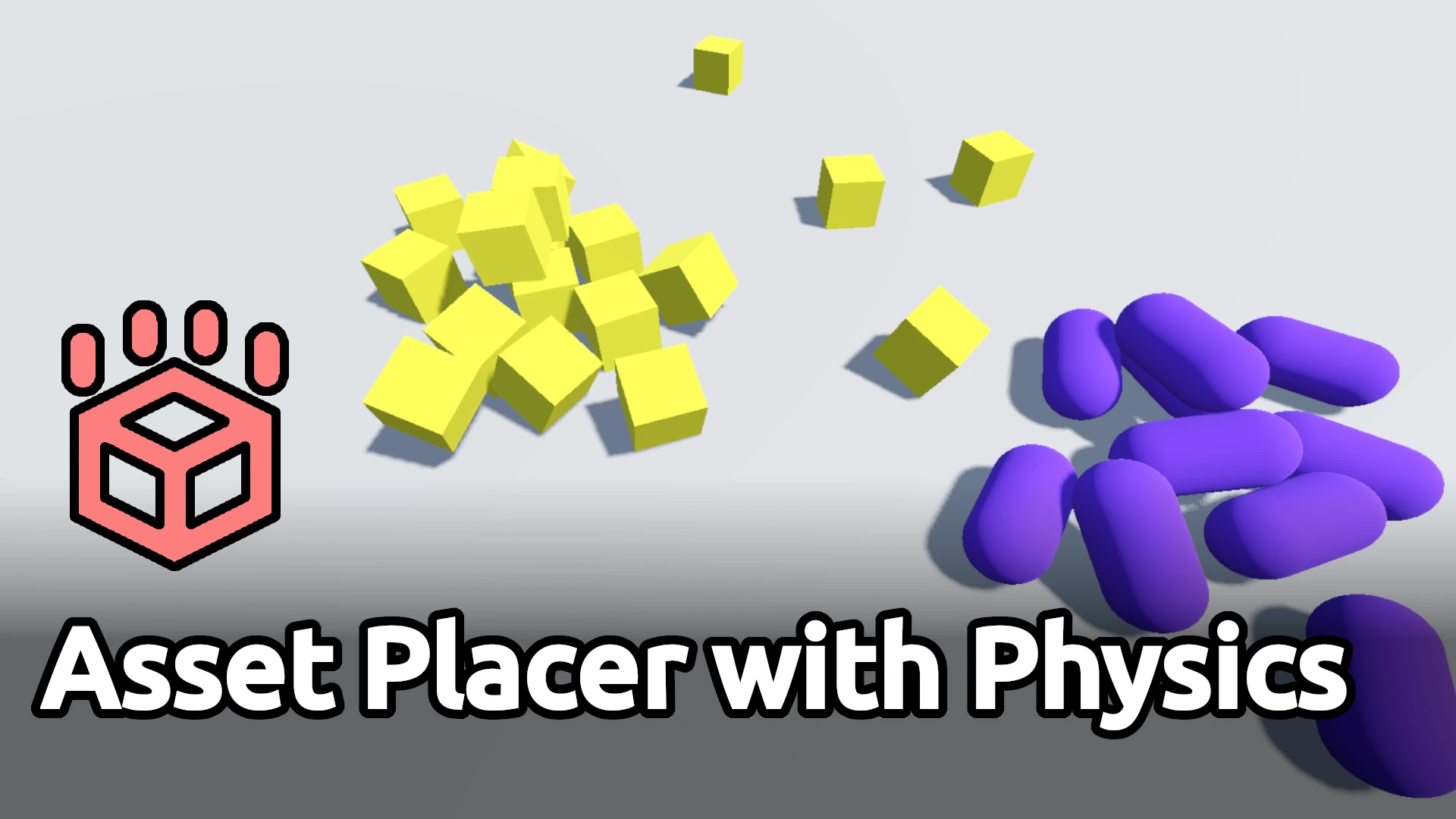
A tool to automatically place assets that need to lay naturally on the ground or against other assets. This tool is compatible with any Node3D derived PackedScene
Asset Placer with Physics An editor plugin that allows assets to be instantiated and dropped on a 3D scene using physics. Useful to automatically place assets that need to lay naturally on the ground or against other assets. This tool is compatible with
GoPlacer
0
by Marcel Roodt | GPL v3
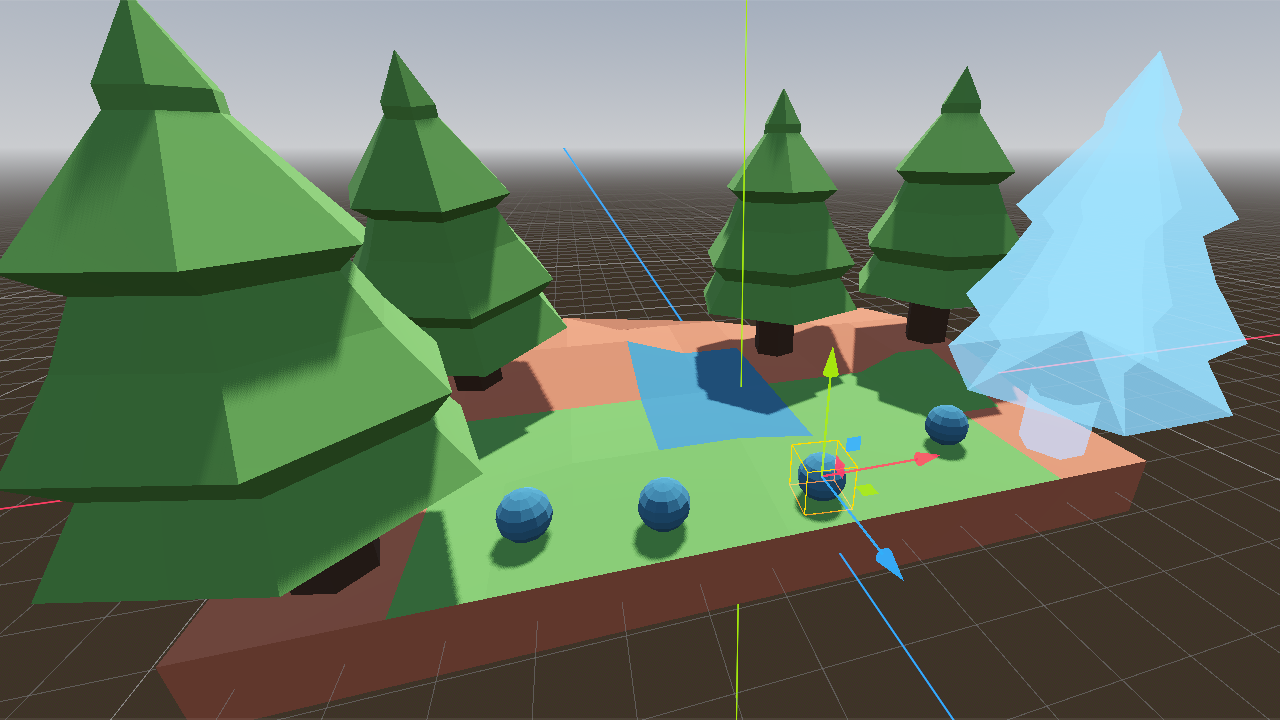
The asset placement tool for Godot 4. Group your assets into palettes and place them. Easy
A palette-based asset placement tool for Godot 4. Create palettes to build your levels from. Pick an asset, click to place, hold drag to set their rotation. Align your objects to surface normals, snap their bounding boxes to sit flush, and undo/redo, all
Polygon Knife Tool
0
by mrkdji | MIT
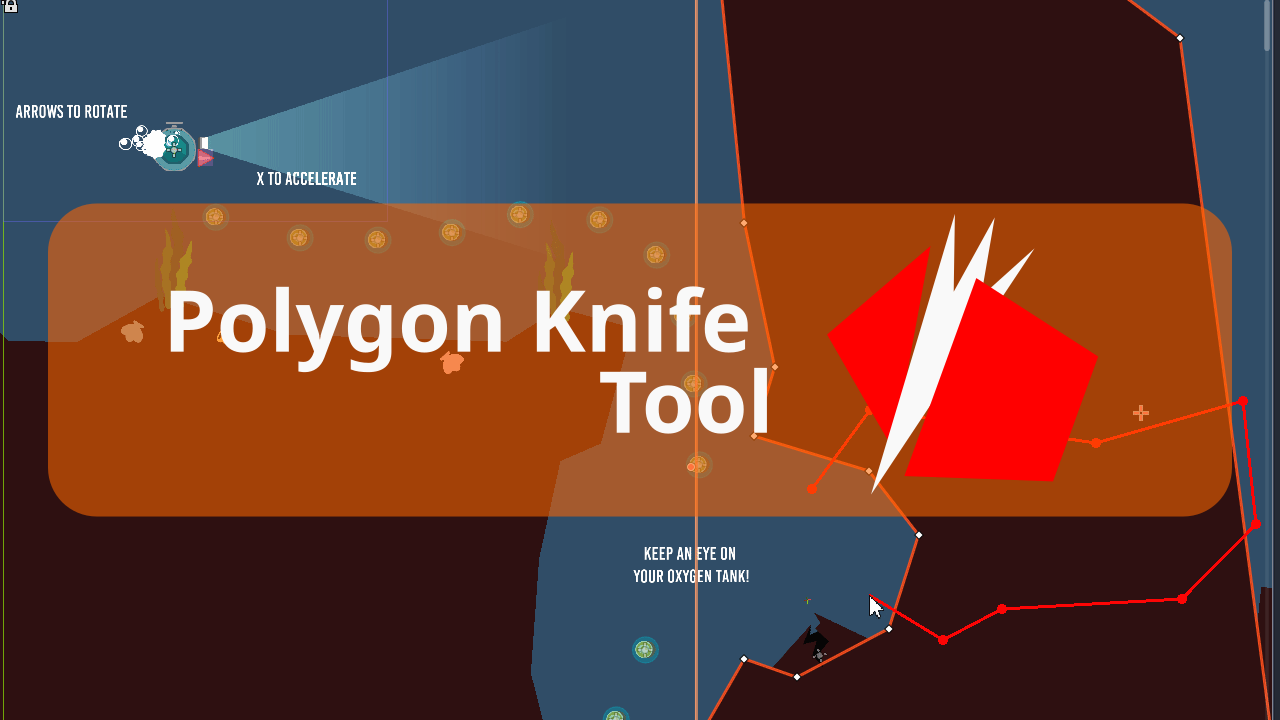
Adds option to split polygon nodes (Polygon2D, CollisionShape2D & NavigationRegion2D) into multiple nodes. Useful if you use polygons to build your game levels
Adds option to split polygon nodes (Polygon2D, CollisionShape2D & NavigationRegion2D) into multiple nodes. Useful if you use polygons to build your game levels
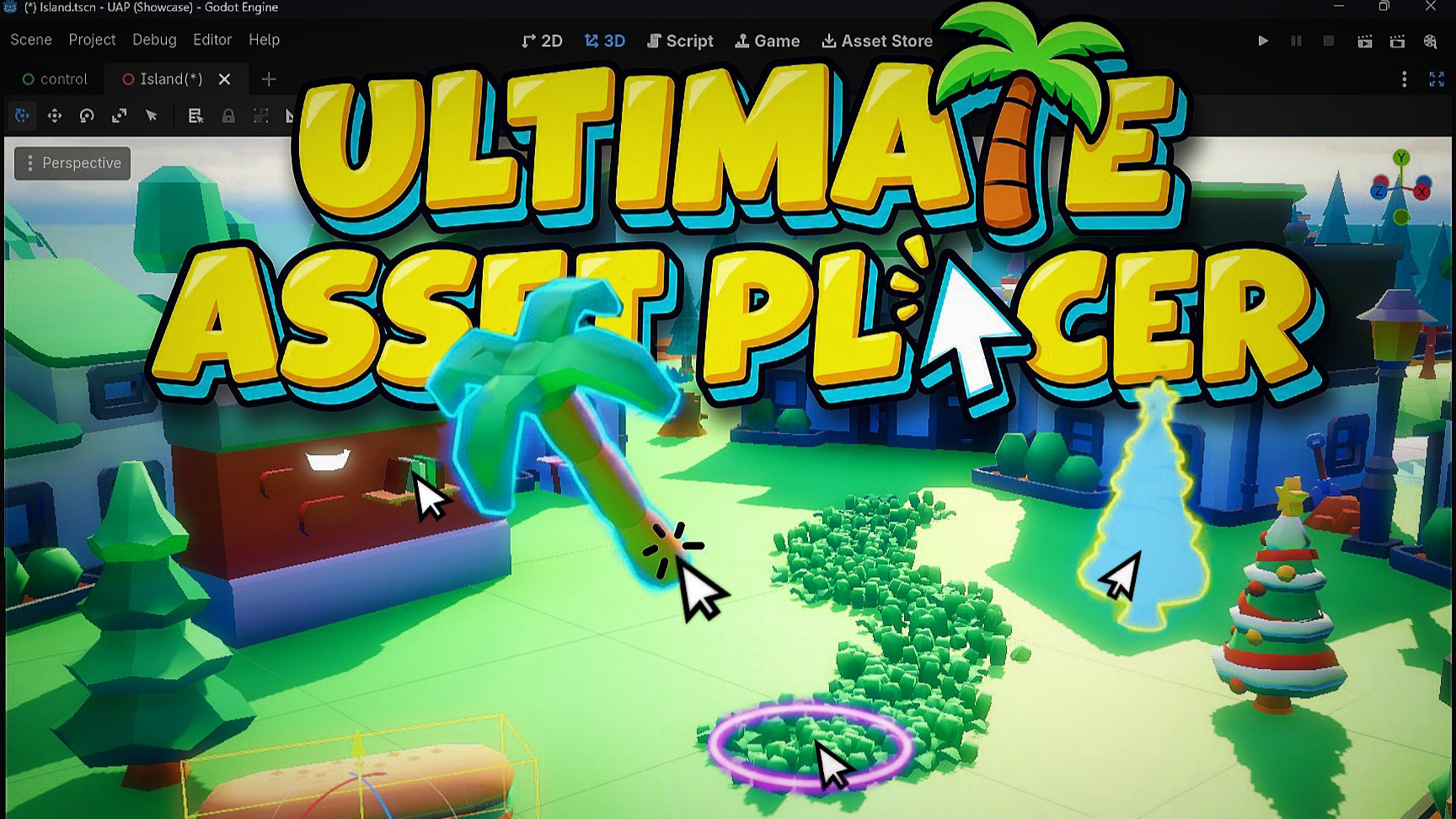
Ultimate Asset Placer
0
by Choco Ted | Proprietary
A practical 3D level design tool for Godot that speeds up placing 3d assets, scattering, and place assets aligning to terrain and meshes, generate direct collisions, and spawn meshes align to spline directly in the viewport
Manually dragging dozens of meshes into a 3D scene, aligning them to uneven ground, and randomizing transforms by hand gets old fast. Ultimate Asset Placer streamlines your entire 3D level design workflow right inside the Godot editor, whether you are
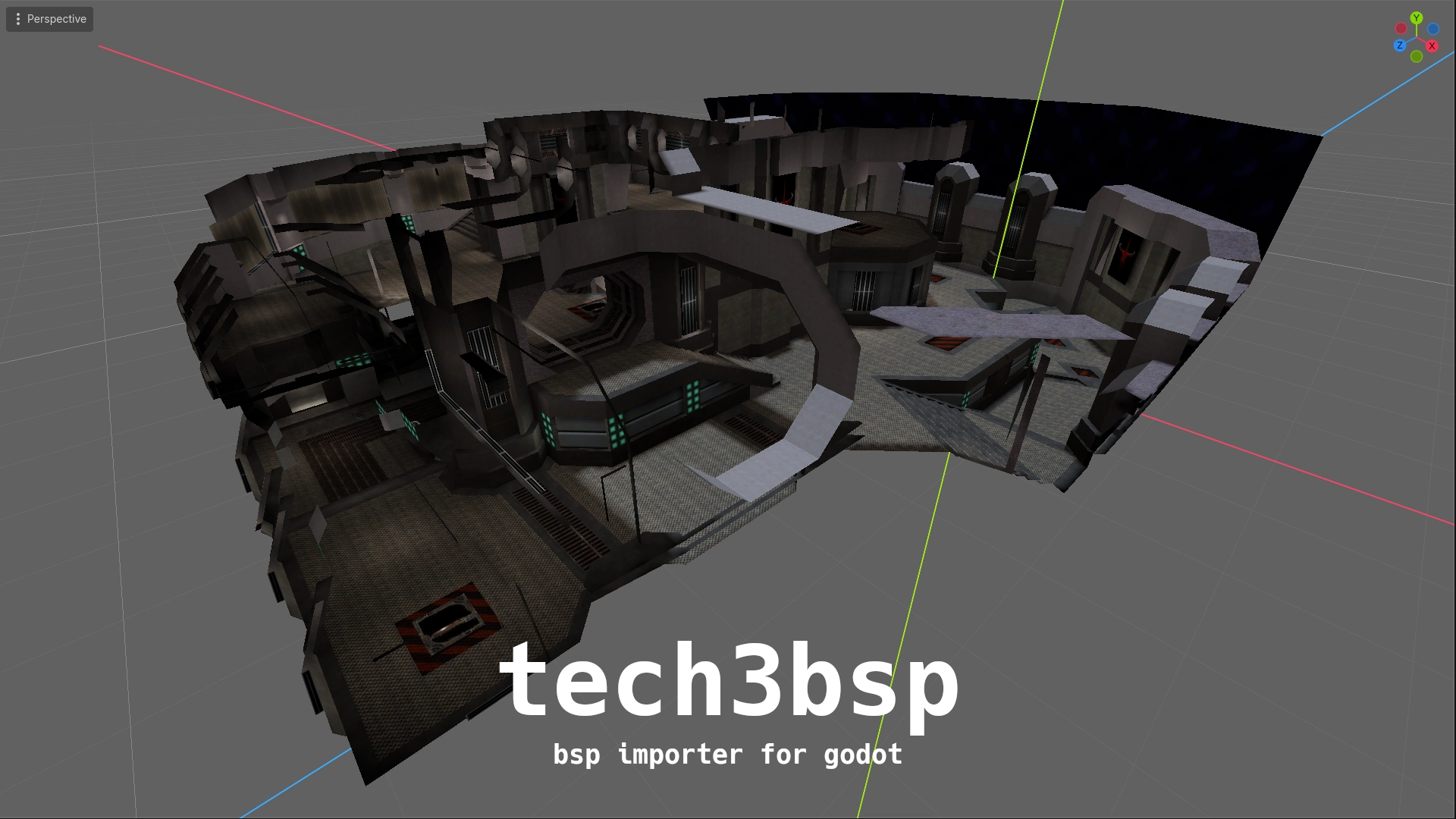
tech3bsp
0
by Daniel Abbott | MIT
An importer for the idTech 3 engine BSP format with compiled lightmap and light volume (lightgrid) support for dynamic objects
tech3bsp An importer to create a Godot scene from the idTech 3 BSP format. Features Brush, static mesh, and patch (curve) geometry with lightmap and vertex color support (requires custom shaders, examples included). Light volumes (lightgrid) for lighting

loading more results...