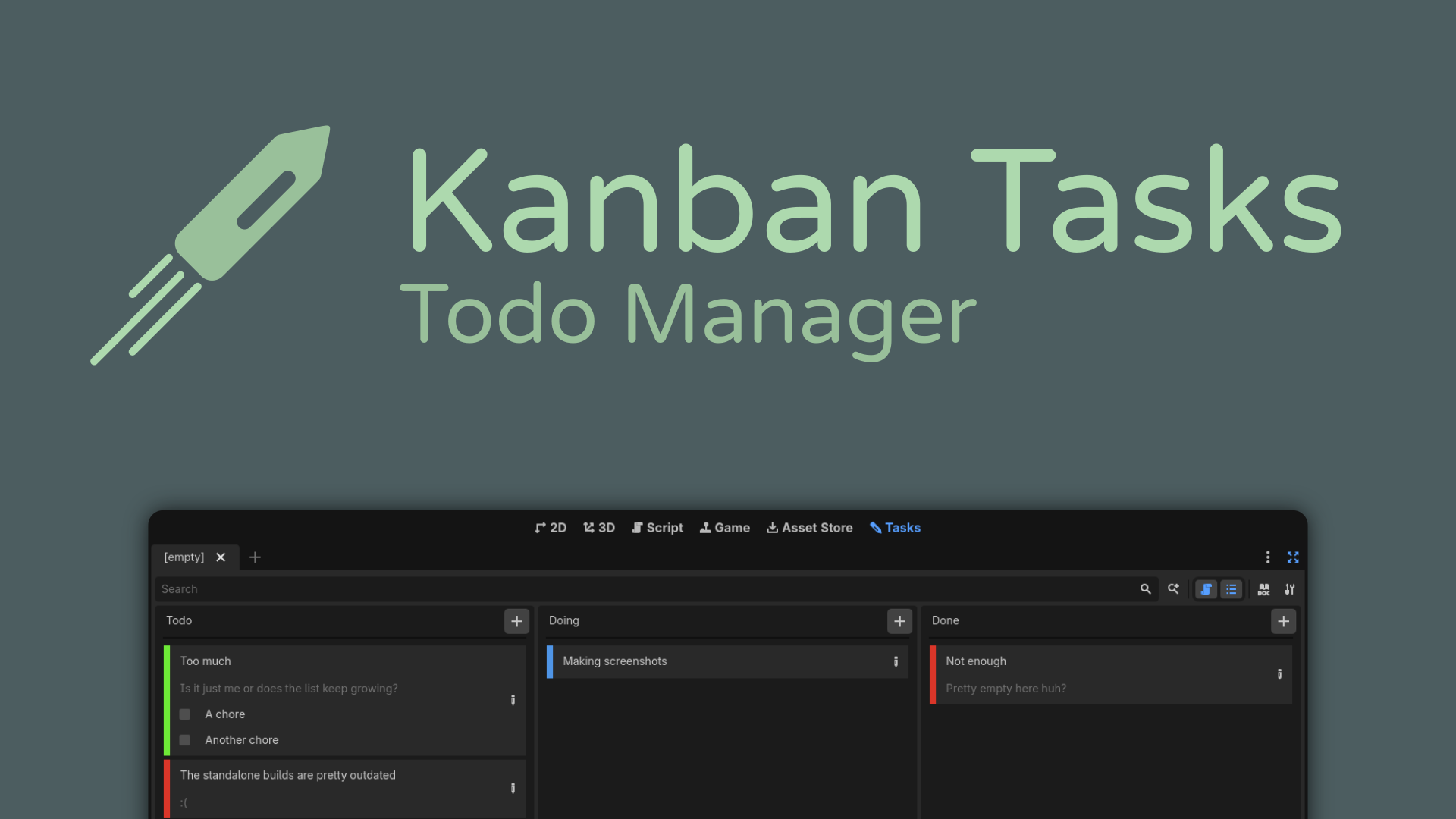
Kanban Tasks - Todo Manager
 33
33
by HolonProduction | MIT
A minimalistic kanban board addon for Godot
Kanban Tasks - Todo Manager is a minimalistic kanban board application aimed at solo developers. It is available as Godot addon or as standalone application. 🚀 Features Tasks with detailed description and title Intuitive drag and drop usage Fully
Godoban
6
by JAEL-G | MIT
Advanced Kanban Task Manager for Godot. Plan, track, and ship your Godot project's work without ever leaving the editor. Godoban adds a drag-and-drop kanban board, multiple switchable boards, color-coded epics, powerful search & filters, and a live
Godoban — Advanced Task Manager for Godot Stop managing your project's work in spreadsheets, sticky notes, or scattered chat threads. Godoban brings a full, lightweight task-management system straight into the Godot editor, so you can plan, track, and
GDGist Community Edition
2
by coldrock.games | MIT
A deeply integrated IDE Code Snippet Manager. Accelerate workflows with intelligent, context-aware snippet insertion and extraction
GDGist Community Edition GDGist is a deeply integrated IDE Code Snippet Manager for Godot 4.6+. Built for developers who value strict organization. It eliminates repetitive boilerplate code by bringing robust snippet management directly into the editor
Godot 3D Cursor
2
by DevMarco | ISC
The Godot 3D Cursor Plugin is an editor-only plugin for Godot 4.5+ that introduces a configurable 3D Cursor to the editor, inspired by the 3D cursor functionality found in Blender. It provides an intuitive way to place and position nodes within a 3D scene
Godot 3D Cursor Plugin This plugin implements a 3D Cursor in the Godot Engine, inspired by Blender’s 3D cursor functionality. It provides an intuitive and precise way to place and position nodes within a 3D scene, improving the overall workflow for 3D
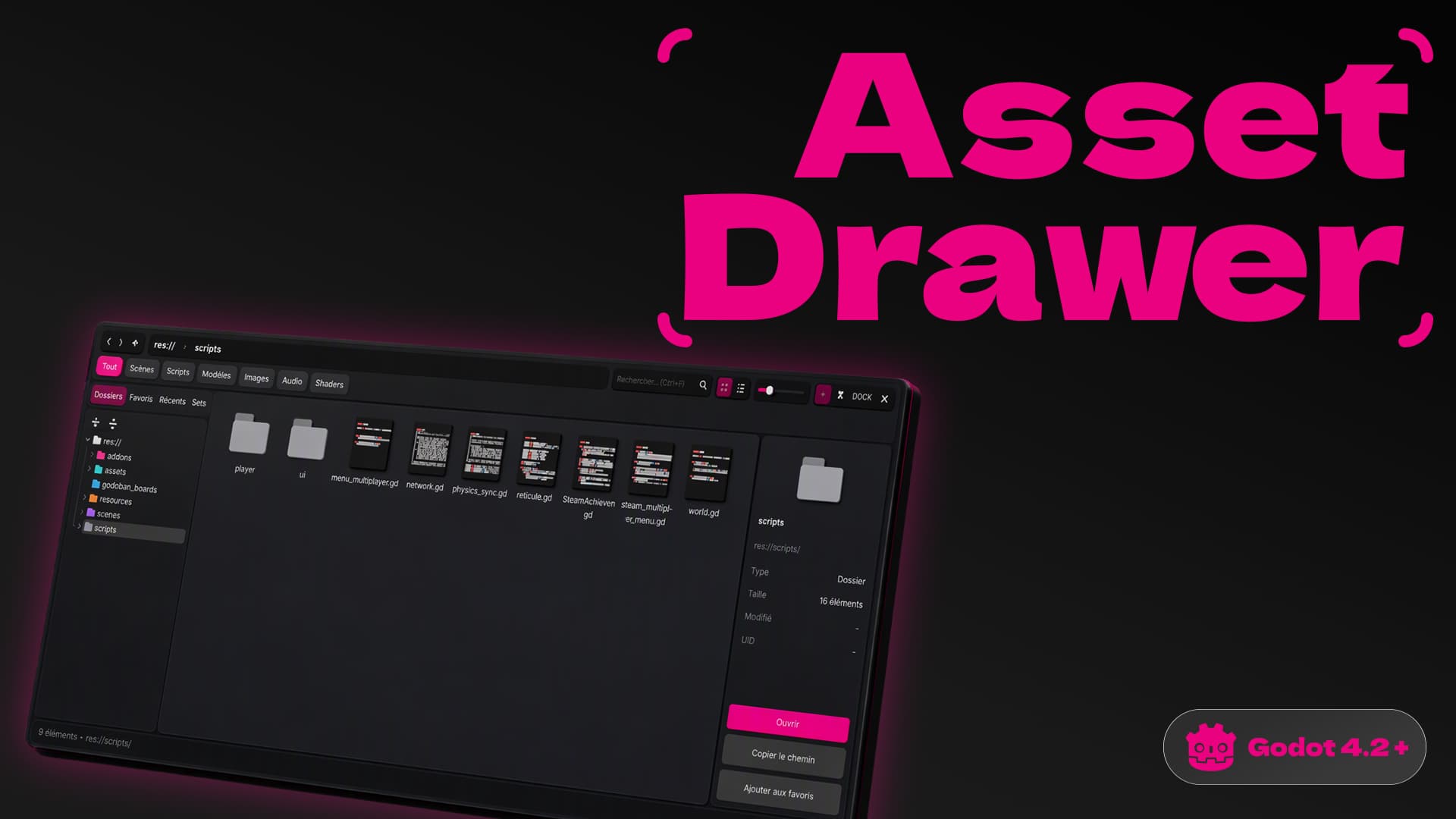
Asset Drawer
1
by Dragon Heart Studios🐲 | MIT
An asset drawer inspired by Unreal Engine's Content Drawer, for Godot 4. Press Ctrl+Space and the drawer slides up from the bottom of the editor. Browse, search, drag and drop, then close it
Asset Drawer An asset drawer inspired by Unreal Engine's Content Drawer, for Godot 4. Press Ctrl+Space and the drawer slides up from the bottom of the editor. Browse, search, drag and drop, then close it. Why Godot's FileSystem dock is handy, but it takes
GDTerminal
1
by ProgrammerOnCoffee | MIT
GDScript Terminal Addon for Godot 4.0
Run GDScript in the editor at the click of a button to speed up your workflow. For more information and documentation, visit the website
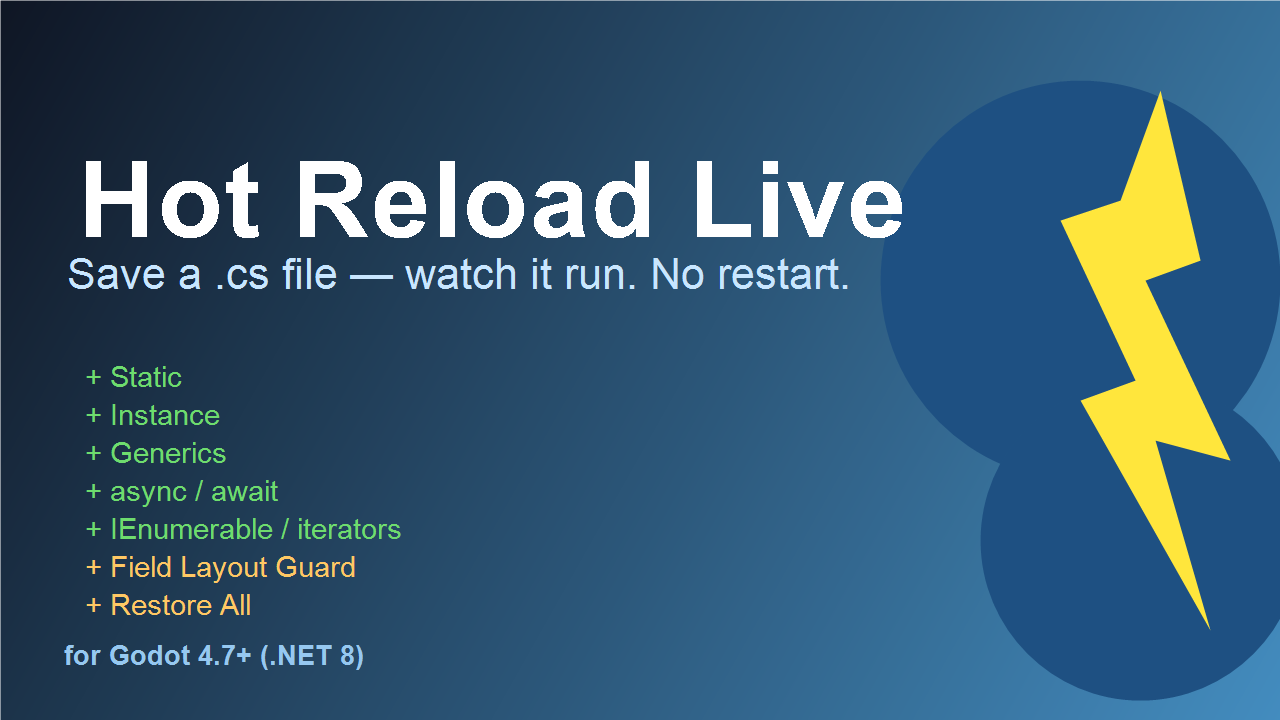
Hot Reload Live
0
by gutian2000 | MIT
Runtime C# hot reload for Godot 4.7+ — save a .cs, watch it run. Full static/instance/generics/async support with field guard
Runtime C# hot reload for Godot 4.7+ (.NET 8) Save a .cs file — watch it run. No restart, no domain reload, zero stuttering. What works at runtime Static methods (void / return / ref / out / overloads) Instance methods — full cross-ALC forwarding via
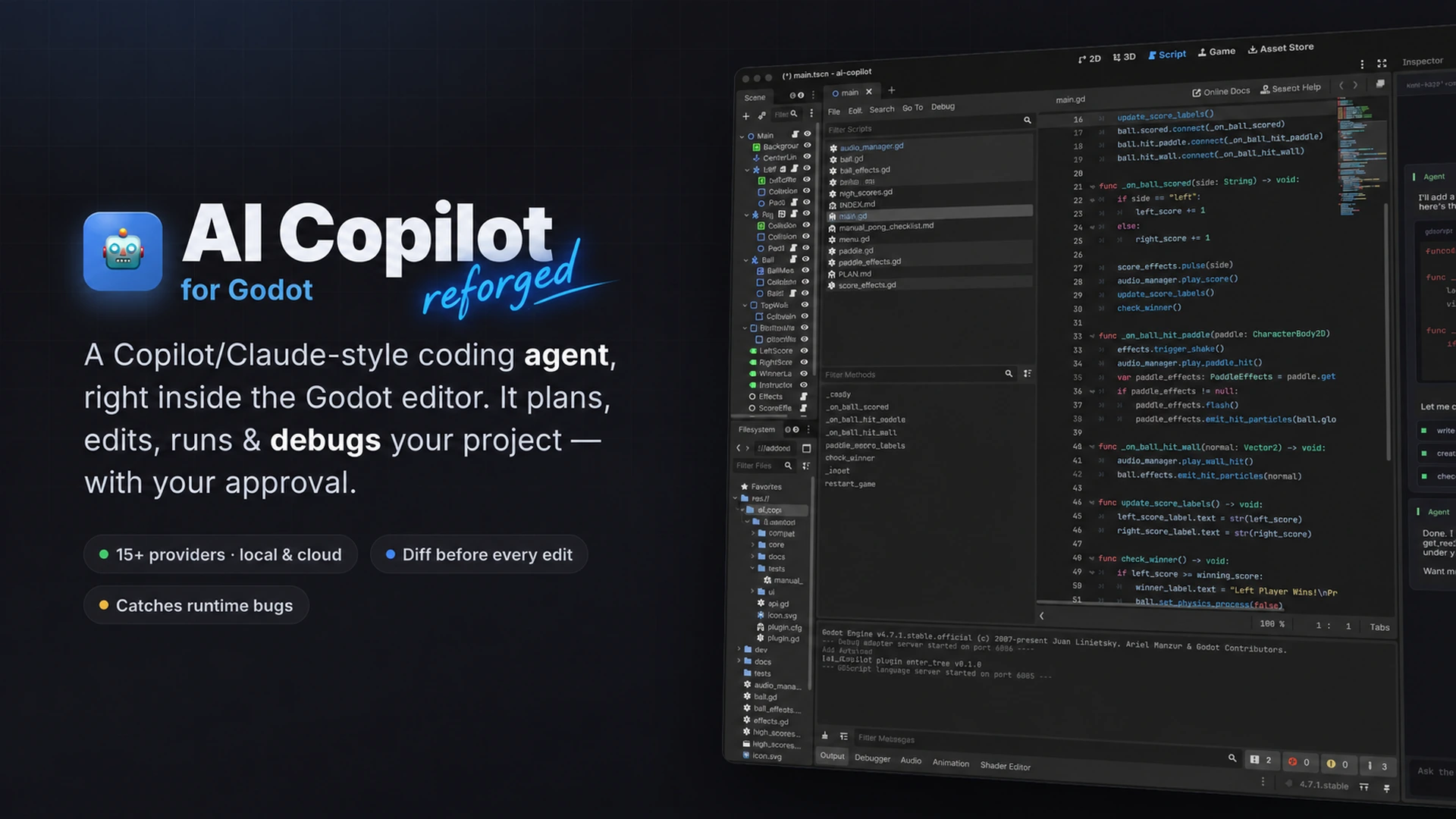
AI Copilot Reforged
0
by xXNiteRainXx | MIT
An AI coding agent for the Godot editor, reforged for improved reliability, safe editing, validation, persistent workflows, and evidence-based verification
AI Copilot Reforged AI Copilot Reforged is an AI coding agent integrated directly into the Godot editor. Based on the original AI Copilot project, Reforged focuses on improving reliability, edit safety, validation, persistence, and verification for AI
Copy Scene Tree
0
by Ahtesham Khan | MIT
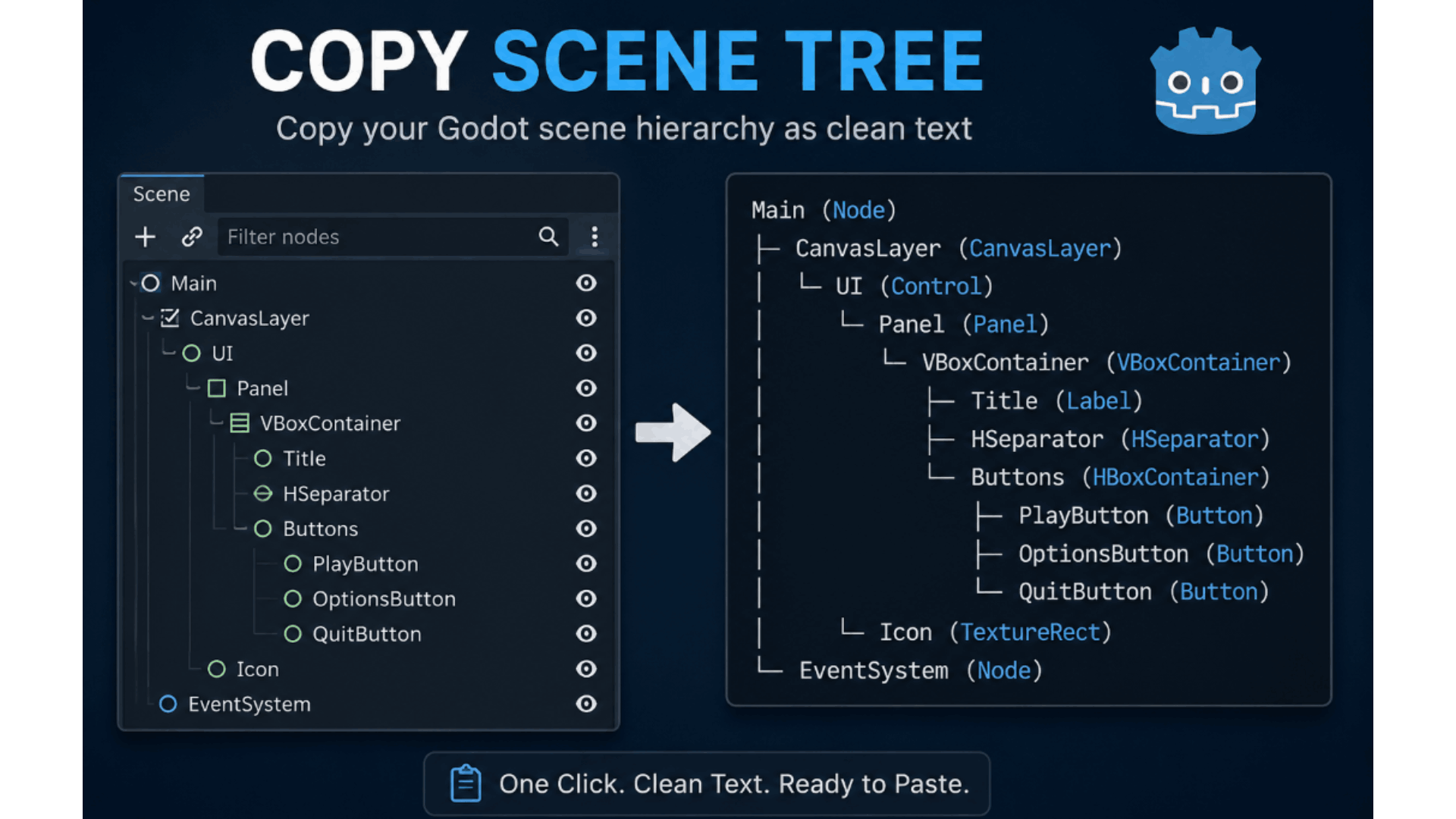
Copy Scene Tree is a lightweight Godot 4 editor plugin that copies the selected node and its entire hierarchy to the clipboard as clean, formatted text. The output includes node names, types, and attached script filenames (when present), making it perfect
Copy Scene Tree Copy Scene Tree is a lightweight productivity plugin for Godot 4 that lets you instantly copy any selected node and its complete hierarchy as clean, readable text. Instead of manually typing your scene structure or taking screenshots, you

Scriptory
0
by Crow on Crowbar | MIT
Adds a button next to the script path field in the Attach Script dialog so you can save a default folder — no more manually navigating away from the scene folder every time
What it does By default, Godot's "Attach Script" dialog always suggests the current scene's folder as the script path. If you keep your scripts and scenes in separate folders, you end up manually changing that path every single time you create a new
QuickNotes
0
by _michdev | MIT
Adds a dock for quick, temporary notes and to-dos
Adds a dock in godot for quick, temporary notes and to-dos. Features Quickly write things down, right in the editor Supports BBCode (Markdown coming soon!) Markdown-style checkboxes that can be clicked to toggle
Smart Editor
0
by Evgenii Morozov | MIT
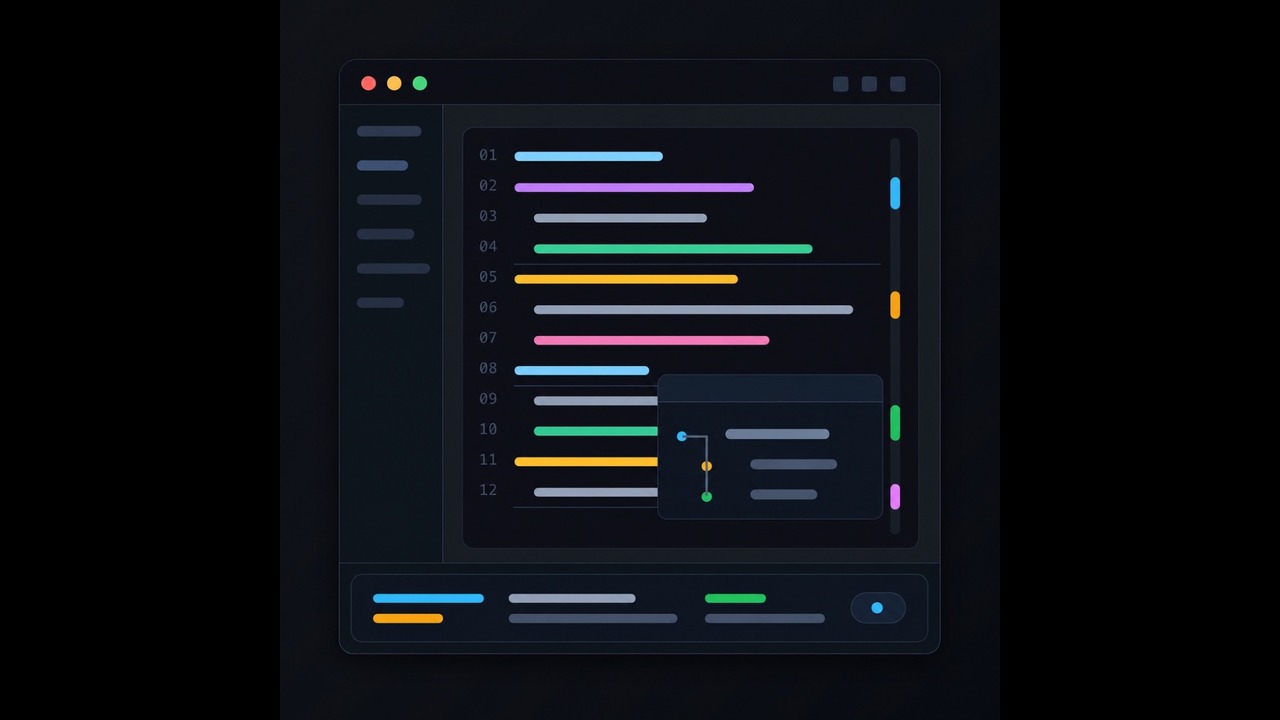
Smart Editor adds IDE-style quality-of-life features to Godot's built-in script editor
Smart Editor adds IDE-style quality-of-life features to Godot's built-in script editor. Features Smart expand and shrink selection for GDScript expressions, statements, blocks, function bodies, comments, multiline calls, arrays, dictionaries, and function
AI Assistant Hub
0
by FlamxGames | MIT
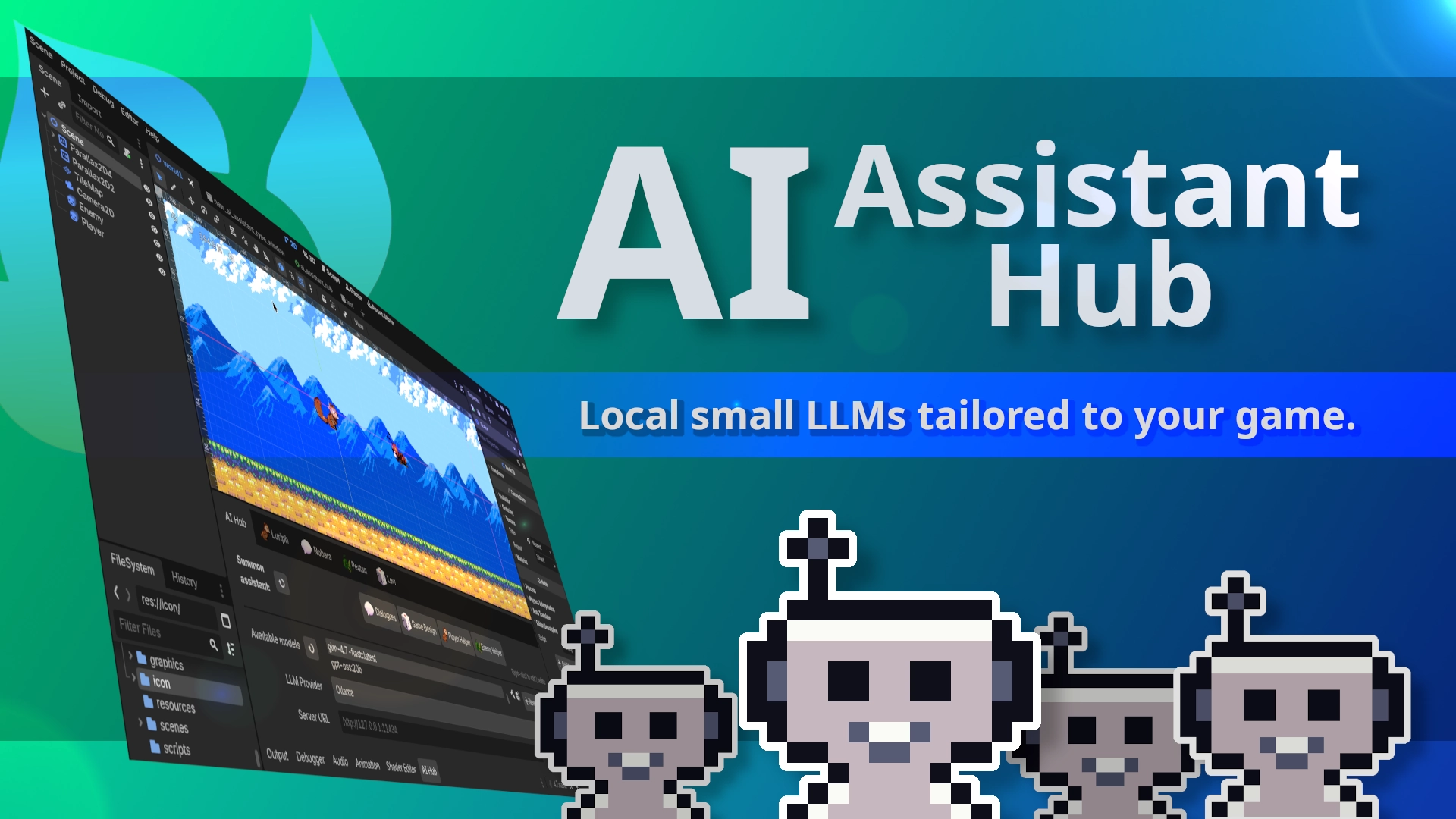
Get help with coding, editing scenes, and more. Do you really need super-powerful AI? Challenge that idea by creating small LLMs tailored to your game. This plugin works as an interface for LLM tools: Ollama, Google Gemini, OpenRouter, and more. Designed
Embed AI assistants in Godot to help you code, edit scenes, and more. Assistants can help you with the following and more: Code: Create and edit scripts. Scenes: Scan scenes, manage nodes, properties, signals, and groups. Resources: Create and edit

loading more results...