QuickNotes
 0
0
by _michdev | MIT
Adds a dock for quick, temporary notes and to-dos
Adds a dock in godot for quick, temporary notes and to-dos. Features Quickly write things down, right in the editor Supports BBCode (Markdown coming soon!) Markdown-style checkboxes that can be clicked to toggle
Inspector Notes
0
by BreadBird Games | MIT
Add notes to your nodes, resources and other objects, to document facts right in the editor
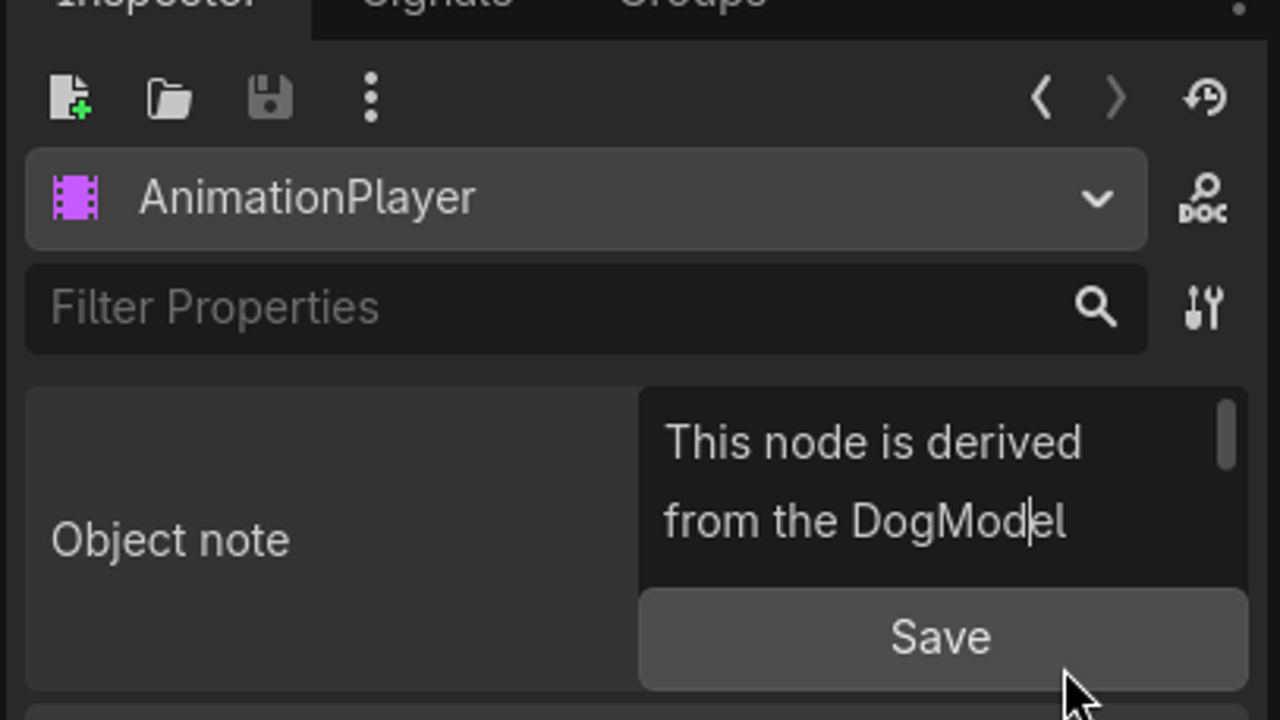
Add notes to your nodes, resources and other objects, to document facts right in the editor. One might for example want to note that an animation player originally comes from an imported model or other facts about your game
Cheatsheet Viewer
6
by Christophe | MIT
A plugin to manage and pin cheatsheets (images) ontop of the editor
This plugin has tons of cool features like: pin cheatsheets ontop of the editor in 3 ways, including keyboard shortcuts quickly view cheatsheets without pinning them (like tooltips) add buttons at the bottom of the screen to keep your favorite cheatsheet
Sticky Scribe
4
by Ace24713 | MIT
A flexible TODO list, task manager, bug tracker, and notes tool
What is Sticky Scribe? Sticky Scribe is a light-weight TODO list and bug tracker, designed for solo devs and small teams. It integrates directly into Godot, and maintains a text list of "Stickies" in your project directory that is designed to be checked

loading more results...