AudioStreamPlayer Area2D
 2
2
by Julian Vos | MIT
A node like AudioStreamPlayer2D, but plays from a polygonal area rather than a single point
Exported properties: polygon (the area to play from approximately, must be clockwise) Video: https://www.reddit.com/r/godot/comments/19d3p5j/new_opensource_script_audiostreamplayerarea2d_for
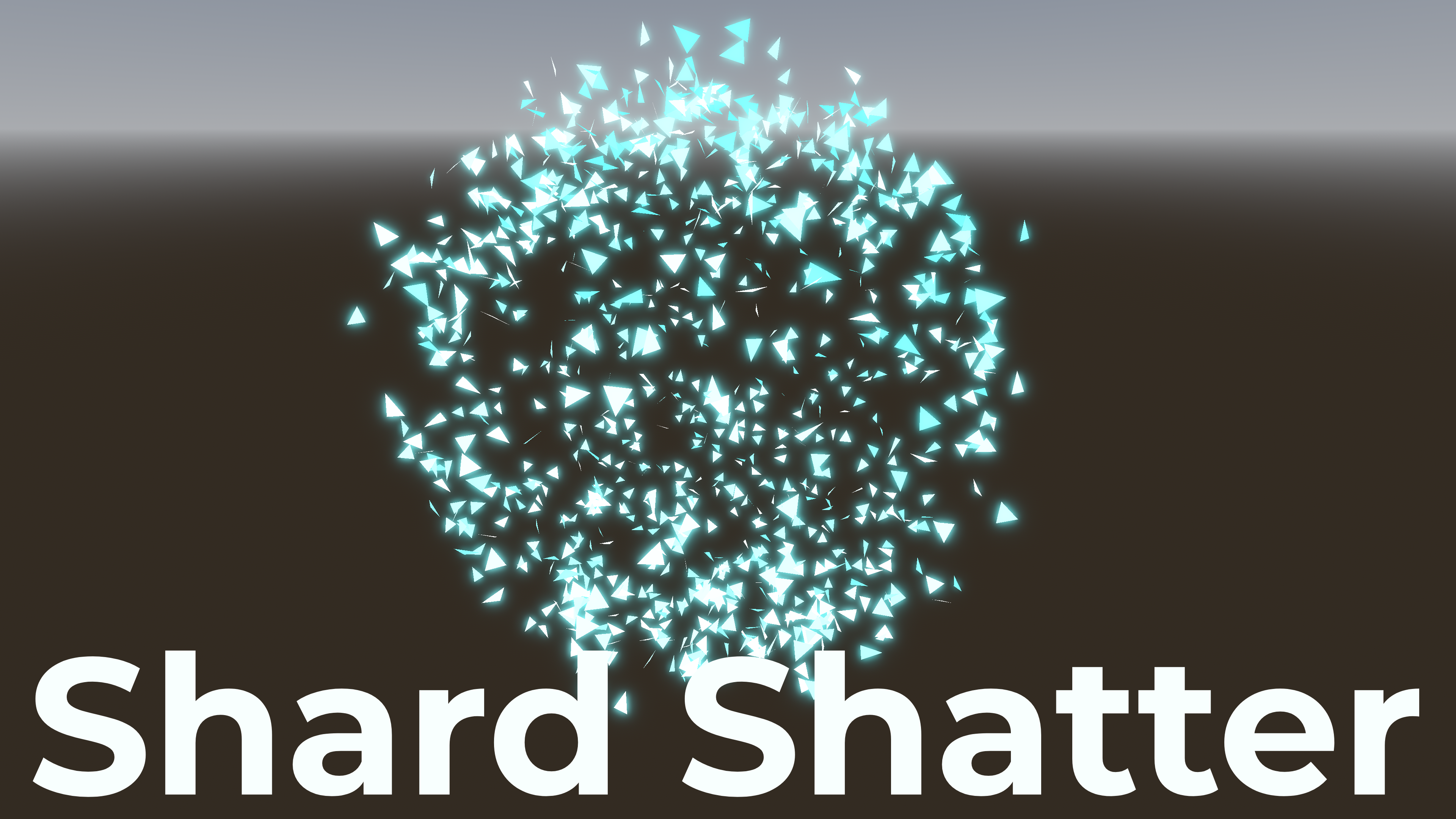
Shard Shatter
1
by Joyless | MIT
Shatter meshes into shards in Godot 4
Shatter meshes into shards in Godot 4. This addon creates a polygon explosion effect similar to Sword Art Online. Usage: Add the addon to your game's addons folder. Attach the ShardShatter.gd script to a node. In the Editor group, set Target Path to the
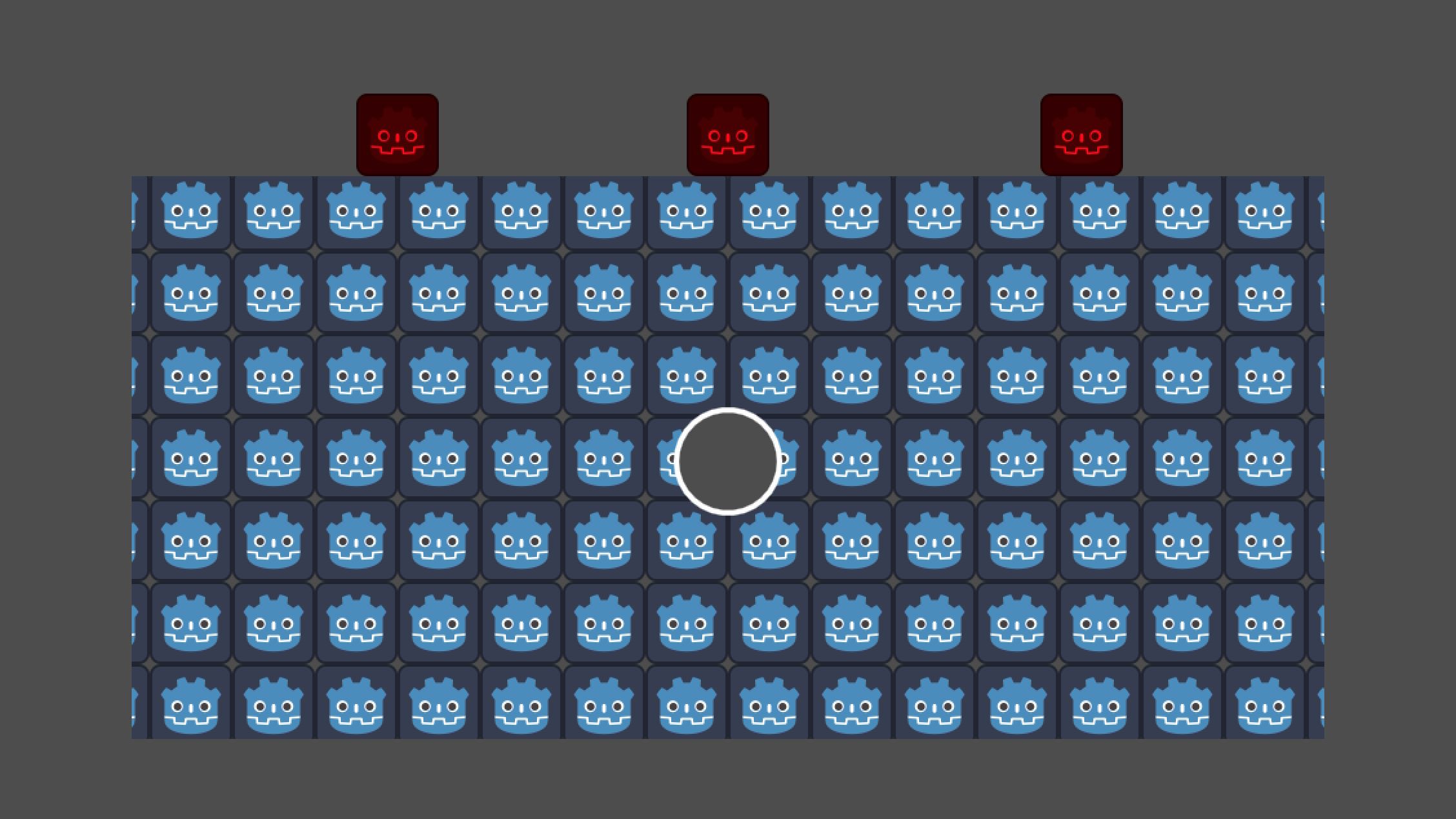
Destructible Polygon2D
1
by Julian Vos | MIT
A node for free-form destruction (and creation) of polygonal terrain
Define the initial terrain with Polygon2D children, then call destruct on it to erase a polygonal area. Exported properties: collidable (if true , the node is collidable as a static body in layer 1) free_when_empty (if true , the node is freed
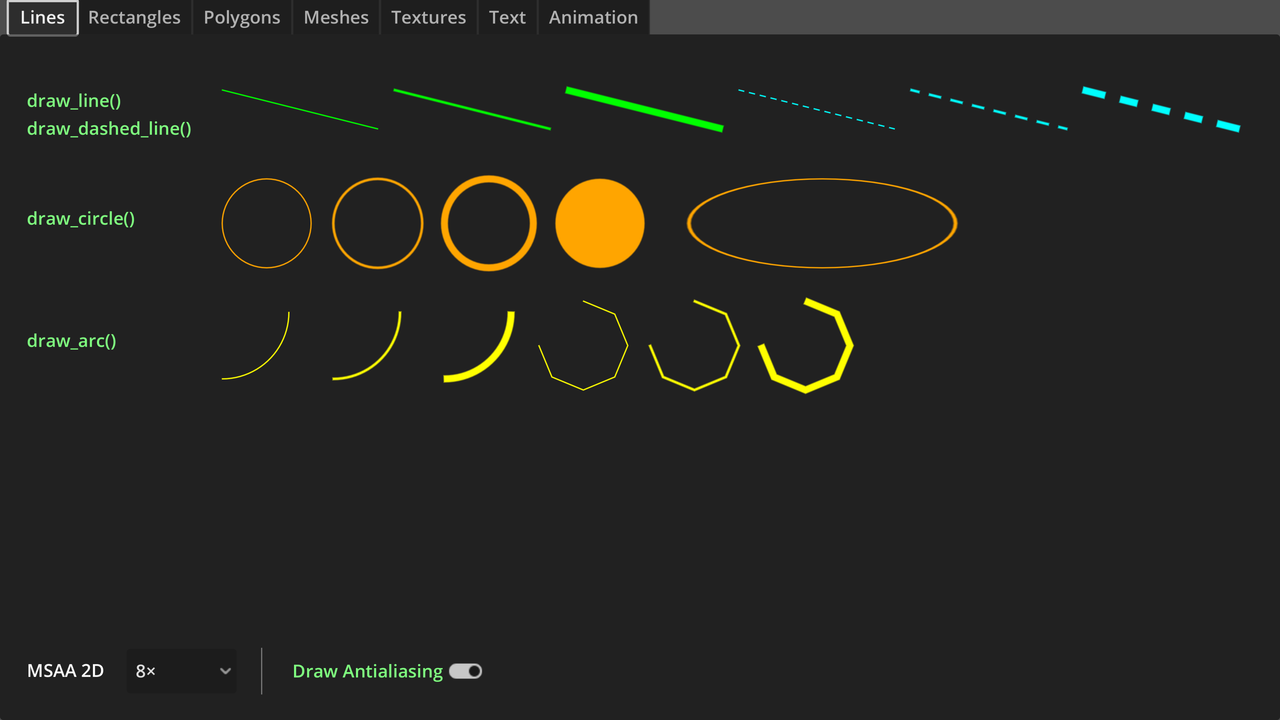
Custom Drawing in 2D Demo
0
by Godot Foundation | MIT
A demo showing how to draw 2D elements in Godot without using nodes. This can be done to create procedural graphics, perform debug drawing to help troubleshoot issues in game logic, or to improve performance by not creating a node for every visible element
A demo showing how to draw 2D elements in Godot without using nodes. This can be done to create procedural graphics, perform debug drawing to help troubleshoot issues in game logic, or to improve performance by not creating a node for every visible
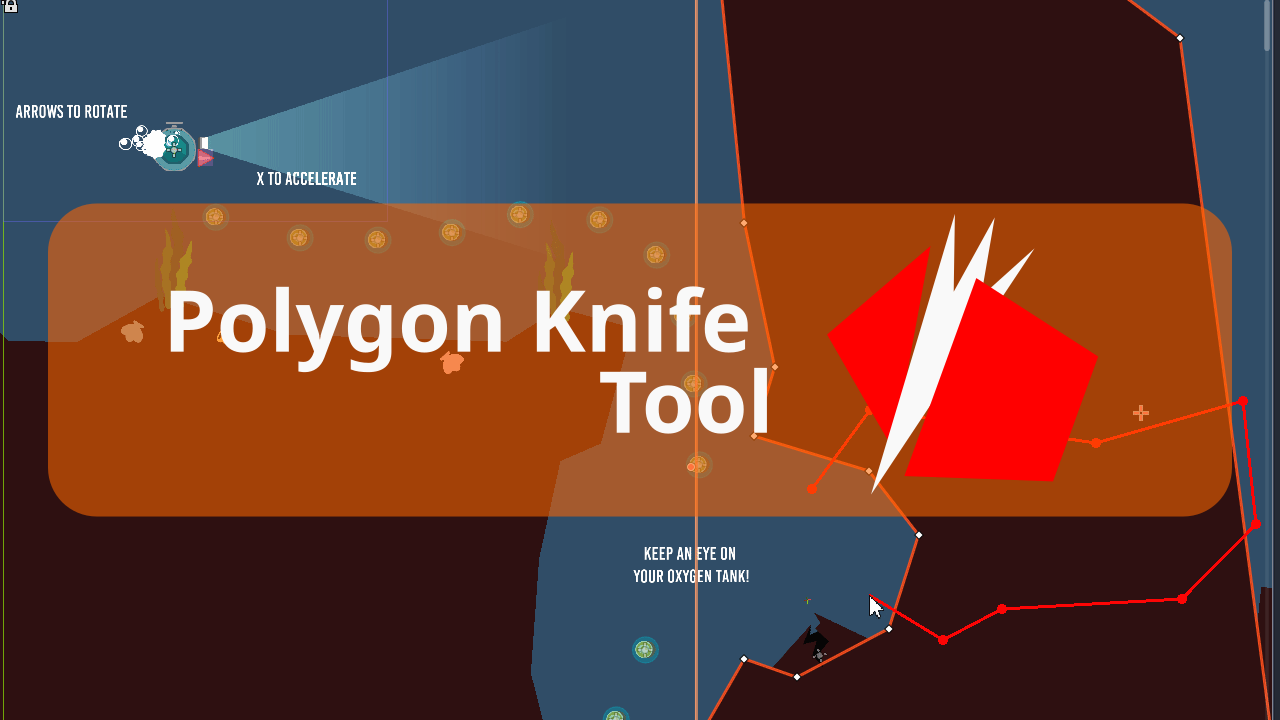
Polygon Knife Tool
0
by mrkdji | MIT
Adds option to split polygon nodes (Polygon2D, CollisionShape2D & NavigationRegion2D) into multiple nodes. Useful if you use polygons to build your game levels
Adds option to split polygon nodes (Polygon2D, CollisionShape2D & NavigationRegion2D) into multiple nodes. Useful if you use polygons to build your game levels

Rounded Polygon 2D
0
by MellowDye | MIT
An add-on that extends the Polygon2D node to allow rounded corners
Features Corner radius Corner detail Uniform and non-uniform corners Vertex colors Textures with UV mapping

loading more results...