SpatialAudio3D
 4
4
by Claude | MIT
A full demo project showcasing SpatialAudio3D, a drop-in Godot 4 addon that turns AudioStreamPlayer3D into a spatial acoustics system — distance-based delay, raycast-driven reverb, room size detection, and occlusion, all derived automatically from your
This is a playable demo project for SpatialAudio3D, a drop-in Godot 4 addon that transforms AudioStreamPlayer3D into a full spatial acoustics system. Install and run this project directly to hear it in action. To use it in your own project, copy the
Third-Person Shooter Demo
3
by Godot Foundation | MIT
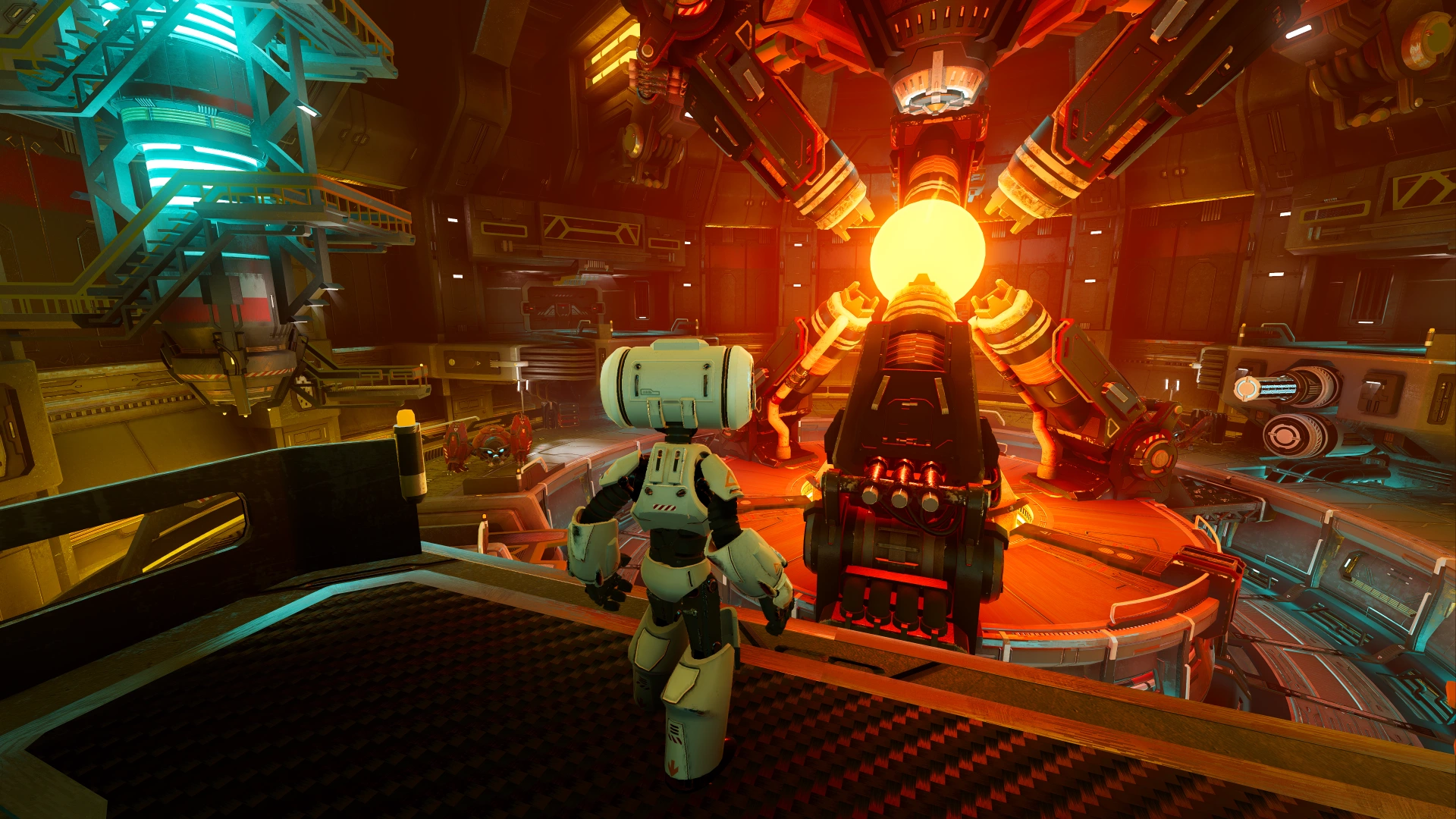
Third-person shooter demo with high-quality assets and lighting
Third-person shooter demo with high-quality assets and lighting. Controls Mouse or Gamepad Right Stick: Look around W/A/S/D, Arrow keys, Gamepad Left Analog Stick or Gamepad D-Pad: Move Space, Gamepad A/Cross: Jump Right Mouse Button, Gamepad Left Trigger
Custom Splash Screen Demo
2
by Godot Foundation | MIT
A demo showing how to create a custom splash screen scene, while hiding the default splash screen for a seamless experience
A demo showing how to create a custom splash screen scene, while hiding the default splash screen for a seamless experience. This example showcases a simple animation with the AnimationPlayer node. Since the engine is already running while it's displaying
Global Illumination Demo
2
by Godot Foundation | MIT
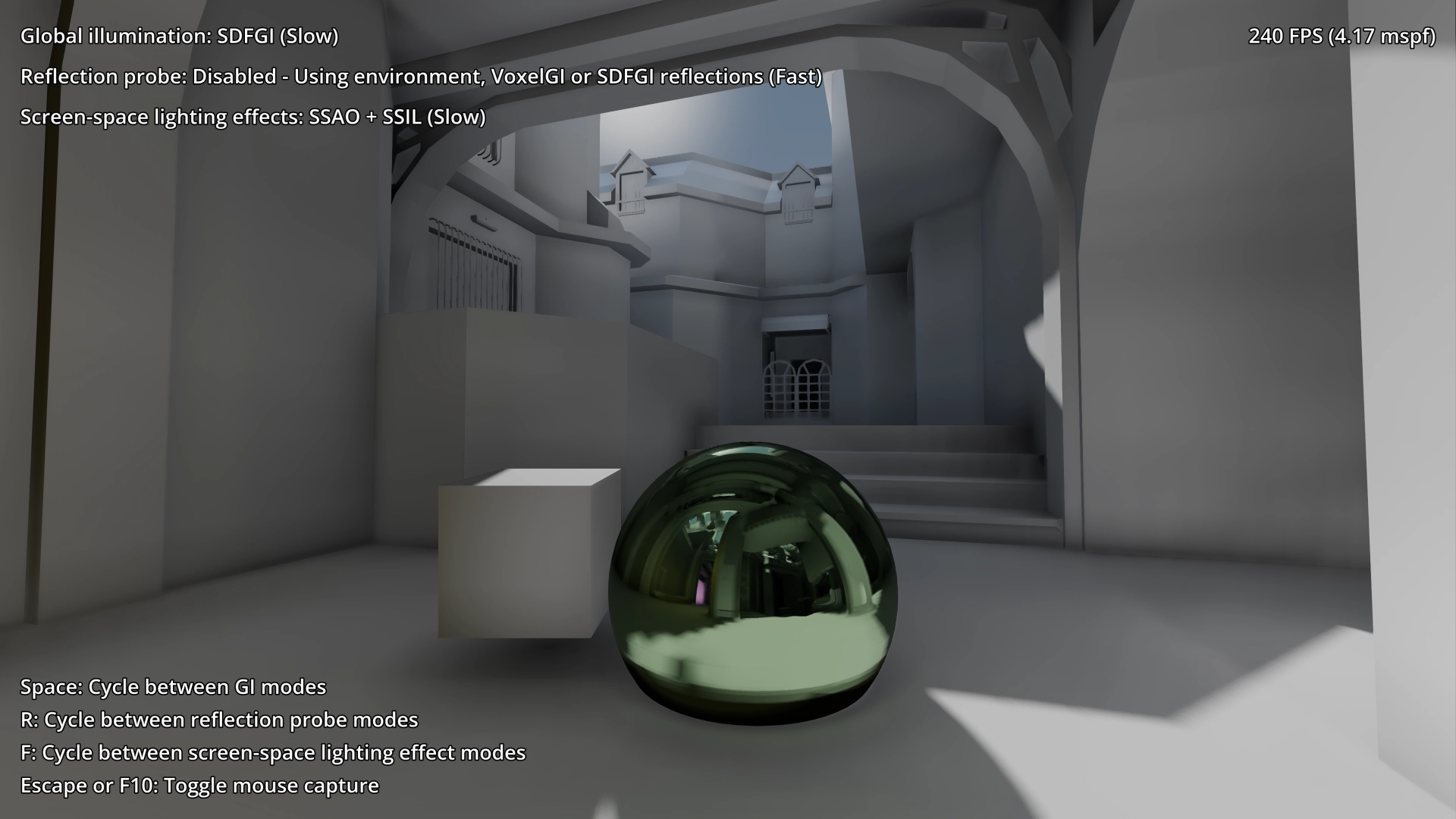
This demo showcases Godot's global illumination systems: LightmapGI, VoxelGI, SDFGI, ReflectionProbe, and screen-space effects like SSAO and SSIL
This demo showcases Godot's global illumination systems: LightmapGI, VoxelGI, SDFGI, ReflectionProbe, and screen-space effects like SSAO and SSIL. Use the mouse to look around, W/A/S/D or arrow keys to move. Language: GDScript Renderer: Forward+ How does
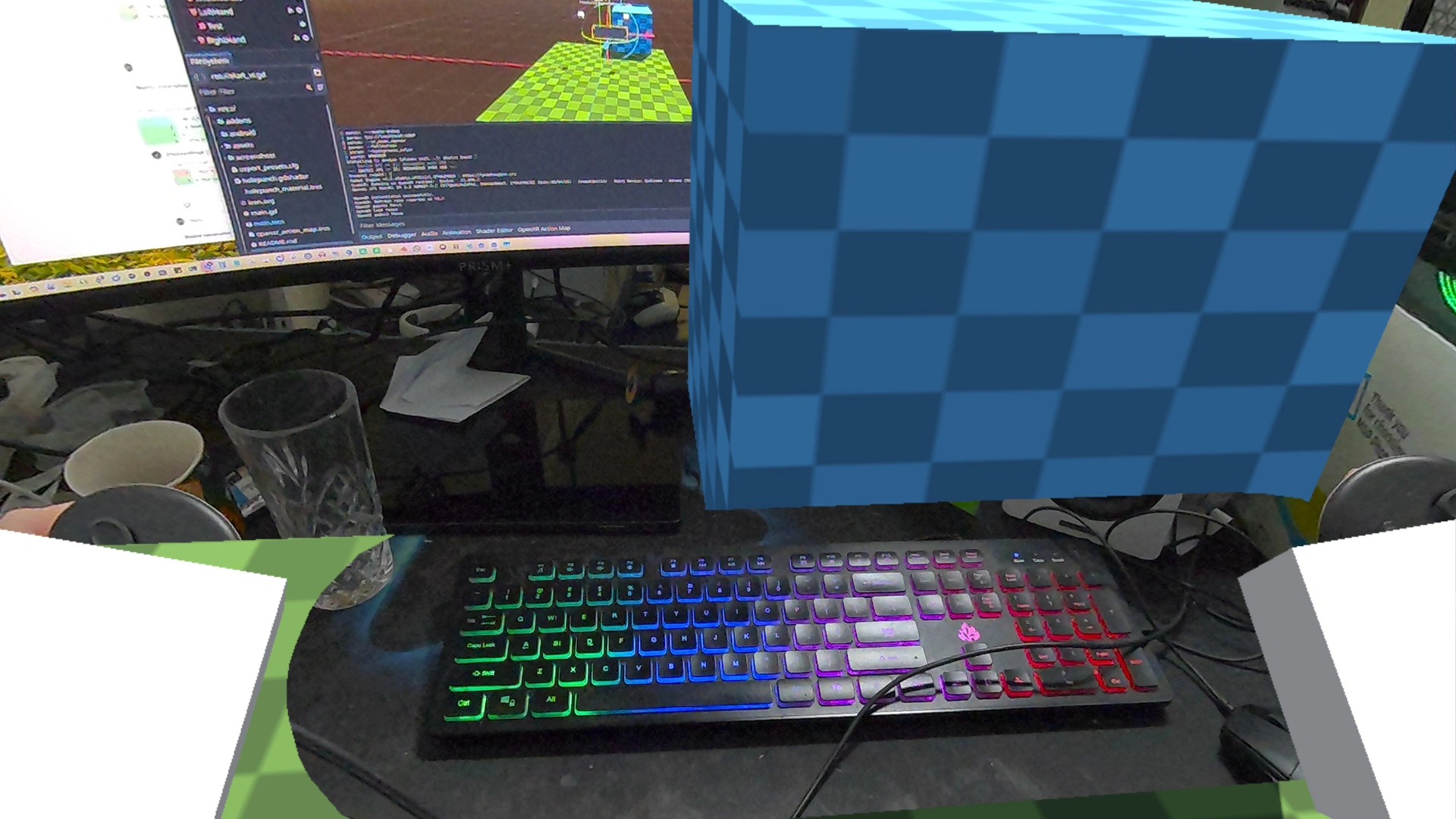
OpenXR Passthrough Demo
1
by Godot Foundation | MIT
This is a demo showing OpenXR's passthrough functionality
This is a demo showing OpenXR's passthrough functionality. Language: GDScript Renderer: Compatibility How does it work? Passthrough is a feature available on a number of XR headsets. It uses the cameras on the device to show the real world inside of the
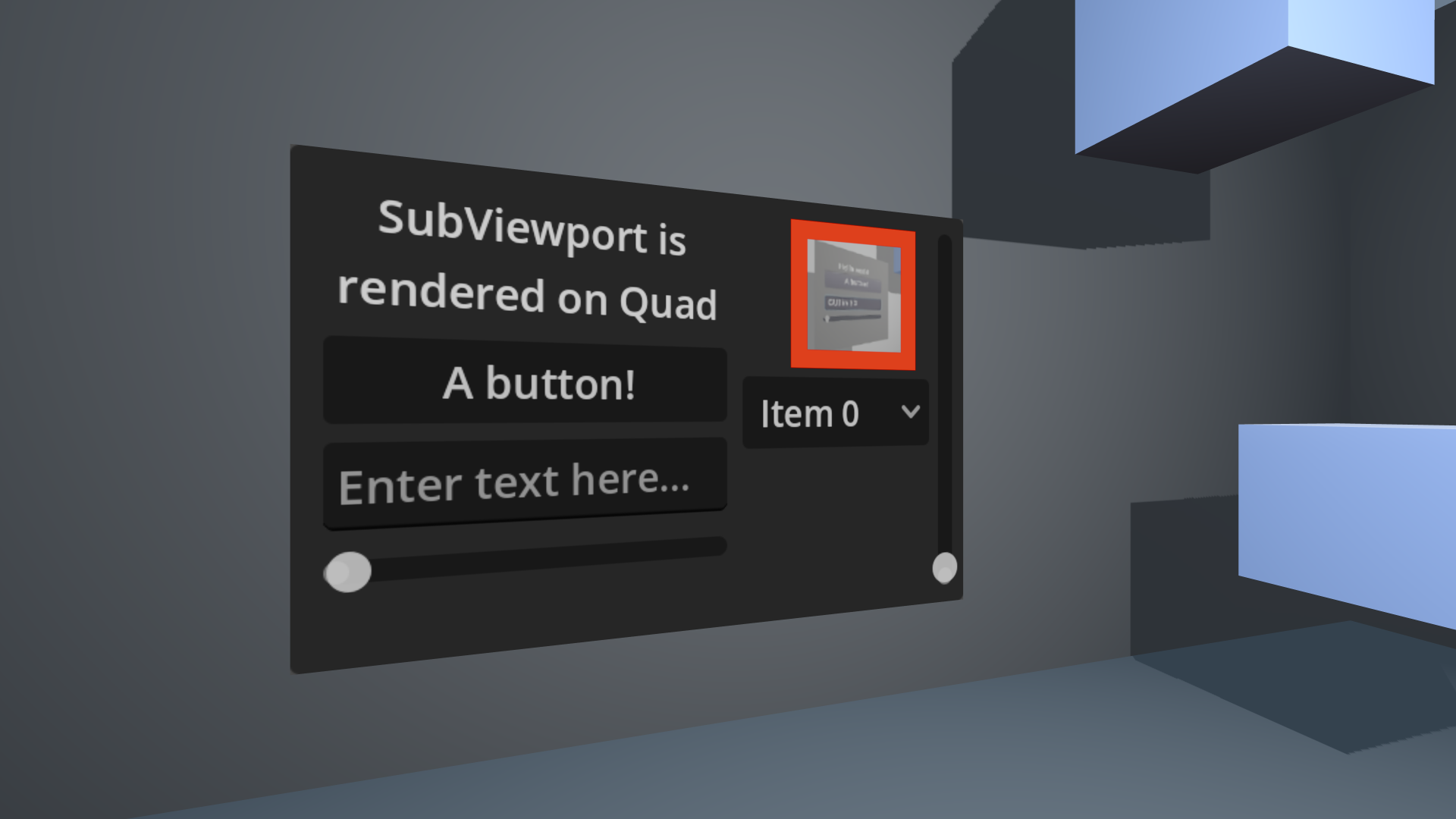
GUI in 3D Demo
1
by Godot Foundation | MIT
A demo showing a GUI instanced within a 3D scene using viewports, as well as forwarding mouse and keyboard input to the GUI
A demo showing a GUI instanced within a 3D scene using viewports, as well as forwarding mouse and keyboard input to the GUI. Language: GDScript Renderer: Compatibility
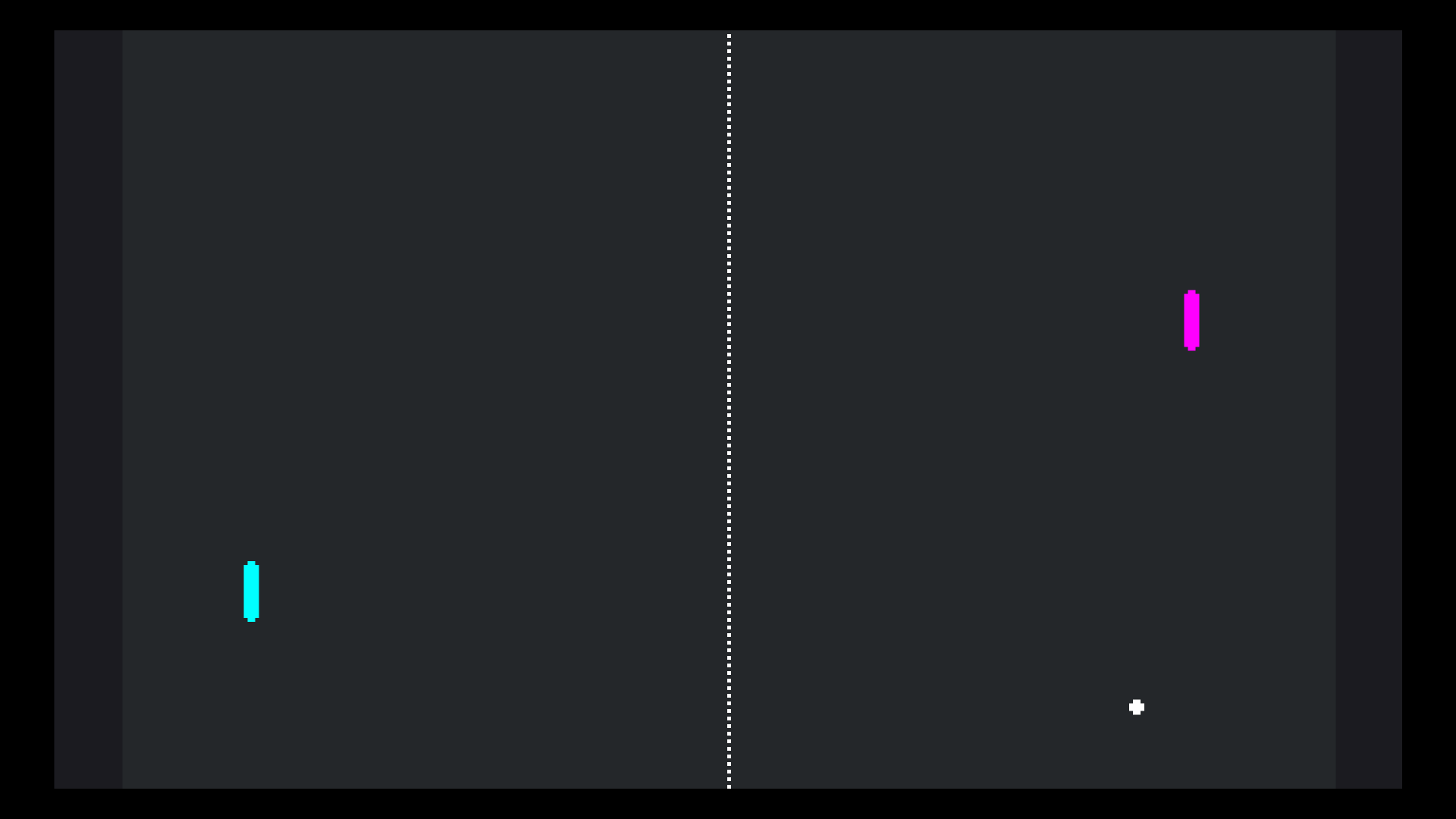
Pong Multiplayer Demo
1
by Godot Foundation | MIT
A multiplayer implementation of the classic pong game
A multiplayer implementation of the classic pong game. One of the players should press Host, while the other should type in the host's IP address and press Join. Language: GDScript Renderer: Compatibility Note The non-multiplayer version is available here
Android IAP Demo
1
by Godot Foundation | MIT
This demo shows how to make in-app payments in Android
Godot Google Play Billing Demo This is a demo project (IAP store) showcasing how to use Google Play Billing with Godot using the Godot Google Play Billing plugin. The demo is intended as a sample implementation to help developers understand how to
Visibility Ranges (HLOD) Demo
1
by Godot Foundation | MIT
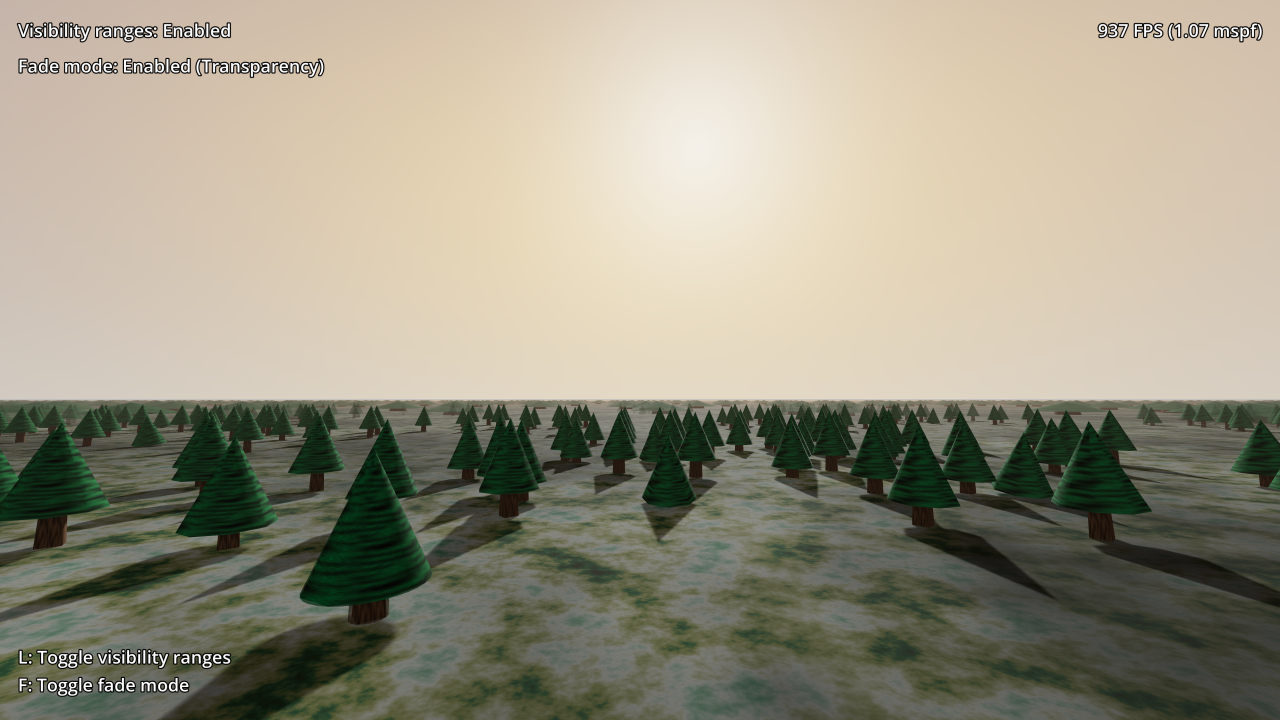
This demo showcases how to set up a hierarchical LOD system using visibility ranges
This demo showcases how to set up a hierarchical LOD system using visibility ranges. This can improve performance significantly in 3D scenes by reducing the number of draw calls and polygons that have to be drawn every frame. Use WASD or arrow keys to
Truck Town Demo
1
by Godot Foundation | MIT
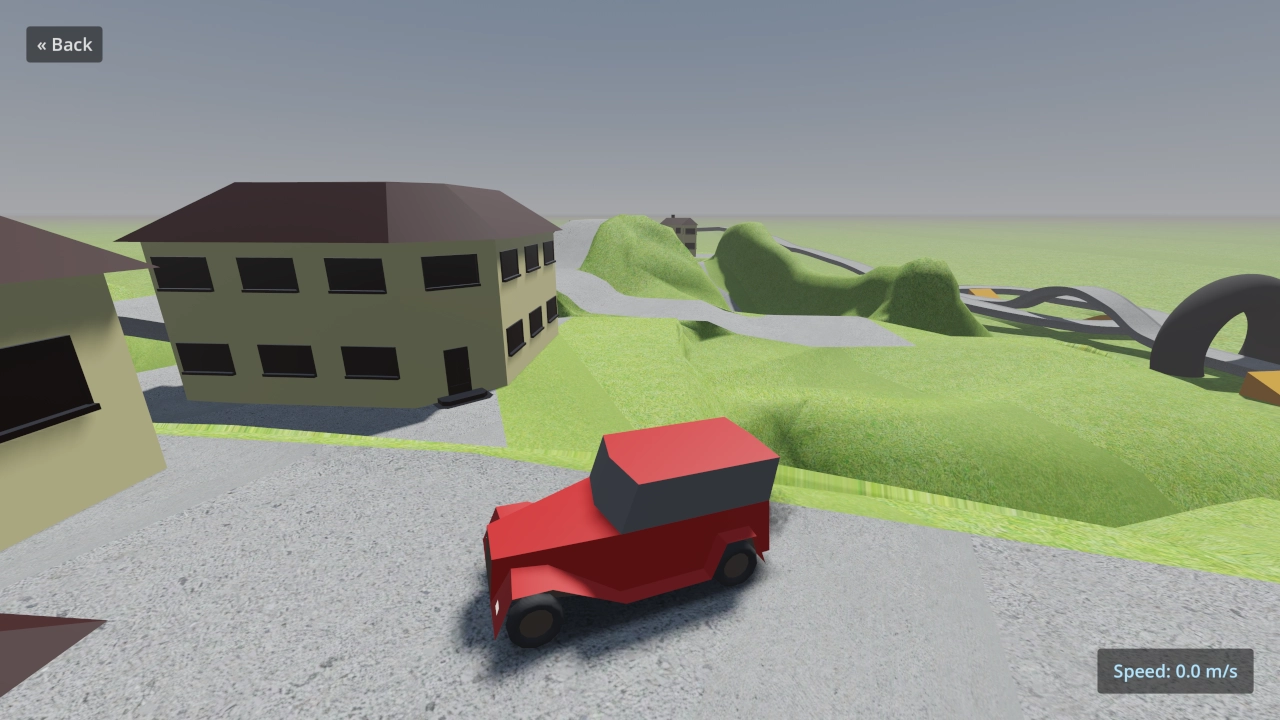
This is a demo implementing different types of trucks of varying complexity using vehicle physics
This is a demo implementing different types of trucks of varying complexity using vehicle physics. Controls: Up Arrow, W, Gamepad Right Trigger: Accelerate Down Arrow, S, Space, Gamepad Left Trigger, Gamepad B/Circle, Gamepad X/Square: Brake/reverse Left
Tonemapping and Color Correction Demo
1
by Godot Foundation | MIT
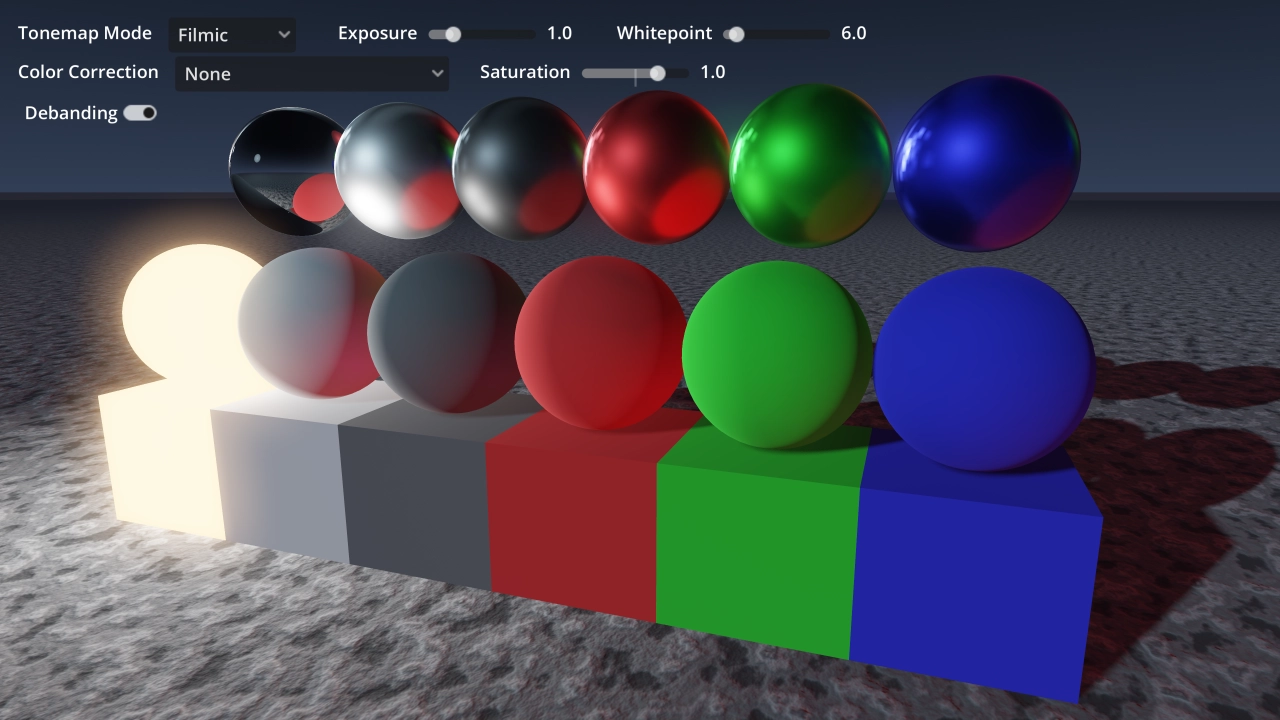
This showcases various tonemapping operators and their interaction with several color correction textures (1D and 3D)
This showcases various tonemapping operators and their interaction with several color correction textures (1D and 3D). A script generating neutral 3D LUT textures is also included. Language: GDScript Renderer: Forward
Graphics Settings 3D Demo
1
by Godot Foundation | MIT
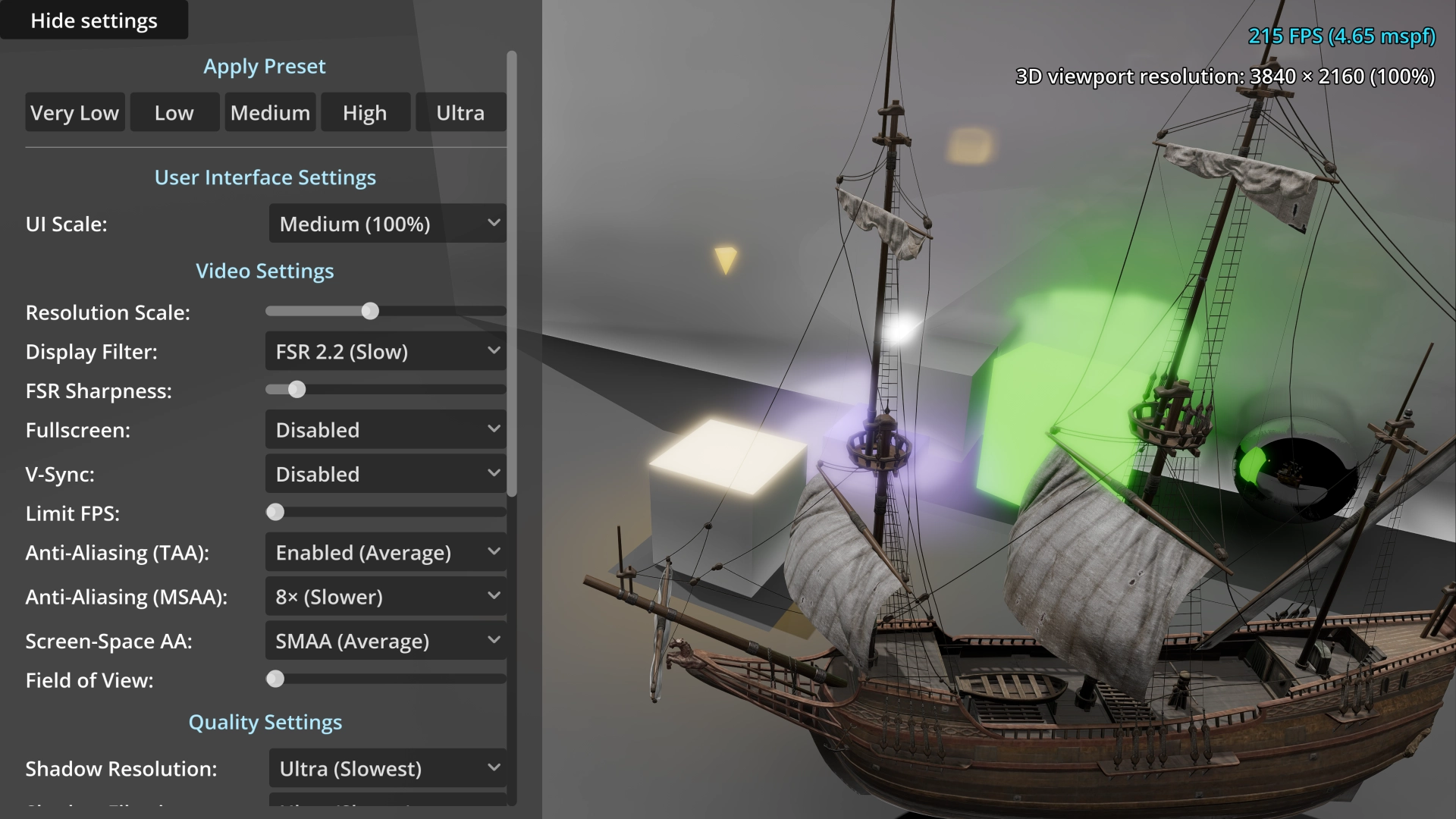
A demo showing an example of a graphics settings menu
A demo showing an example of a graphics settings menu. Included settings are: Video settings: UI scale. Resolution scale. Display filter (bilinear, AMD FidelityFX Super Resolution 1.0 or 2.2). Fullscreen. V-Sync (traditional and adaptive). Anti-aliasing (
Decals Demo
1
by Godot Foundation | MIT
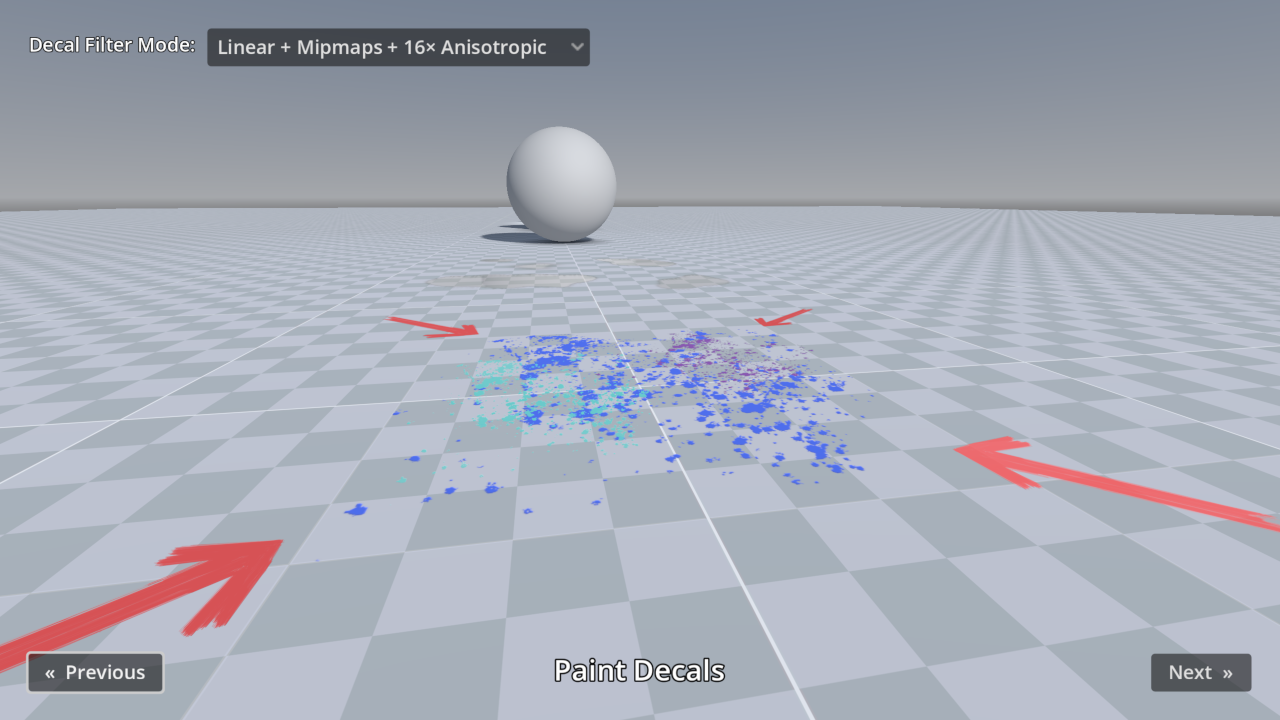
This demo includes many examples of Decal nodes in action, for the purpose of showcasing Godot's rendering capabilities
This demo includes many examples of Decal nodes in action, for the purpose of showcasing Godot's rendering capabilities. The decal filter mode can be adjusted in the top-left corner: For games with a pixel art appearance, the Nearest filter mode can be
Grid-based Navigation with AStarGrid2D Demo
1
by Godot Foundation | MIT
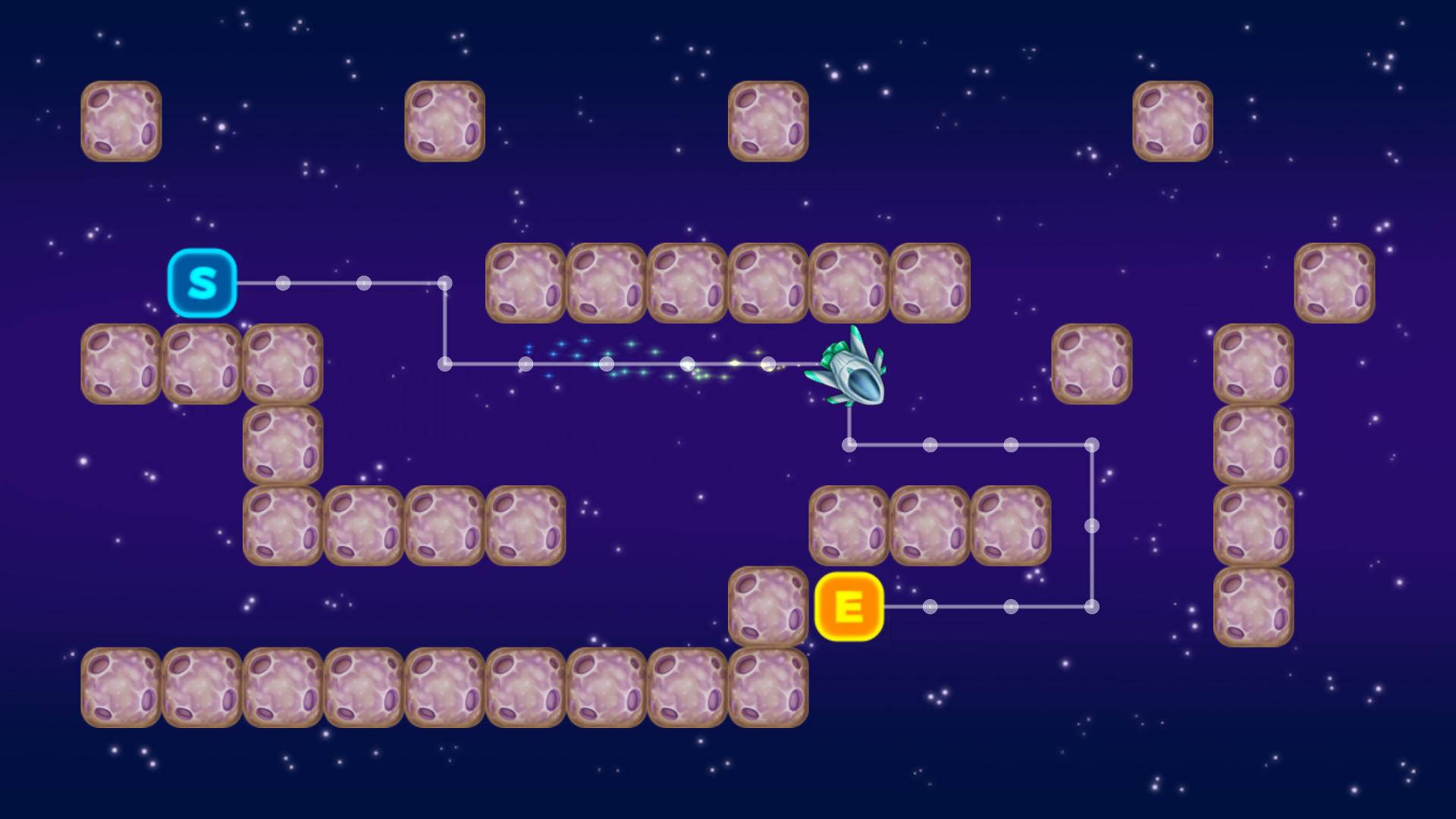
This is an example of using AStarGrid2D for navigation in 2D, complete with Steering Behaviors in order to smooth the movement out
This is an example of using AStarGrid2D for navigation in 2D, complete with Steering Behaviors in order to smooth the movement out. Language: GDScript Renderer: Compatibility
Typewriter Dialogue Blips
0
by yetiancai | MIT
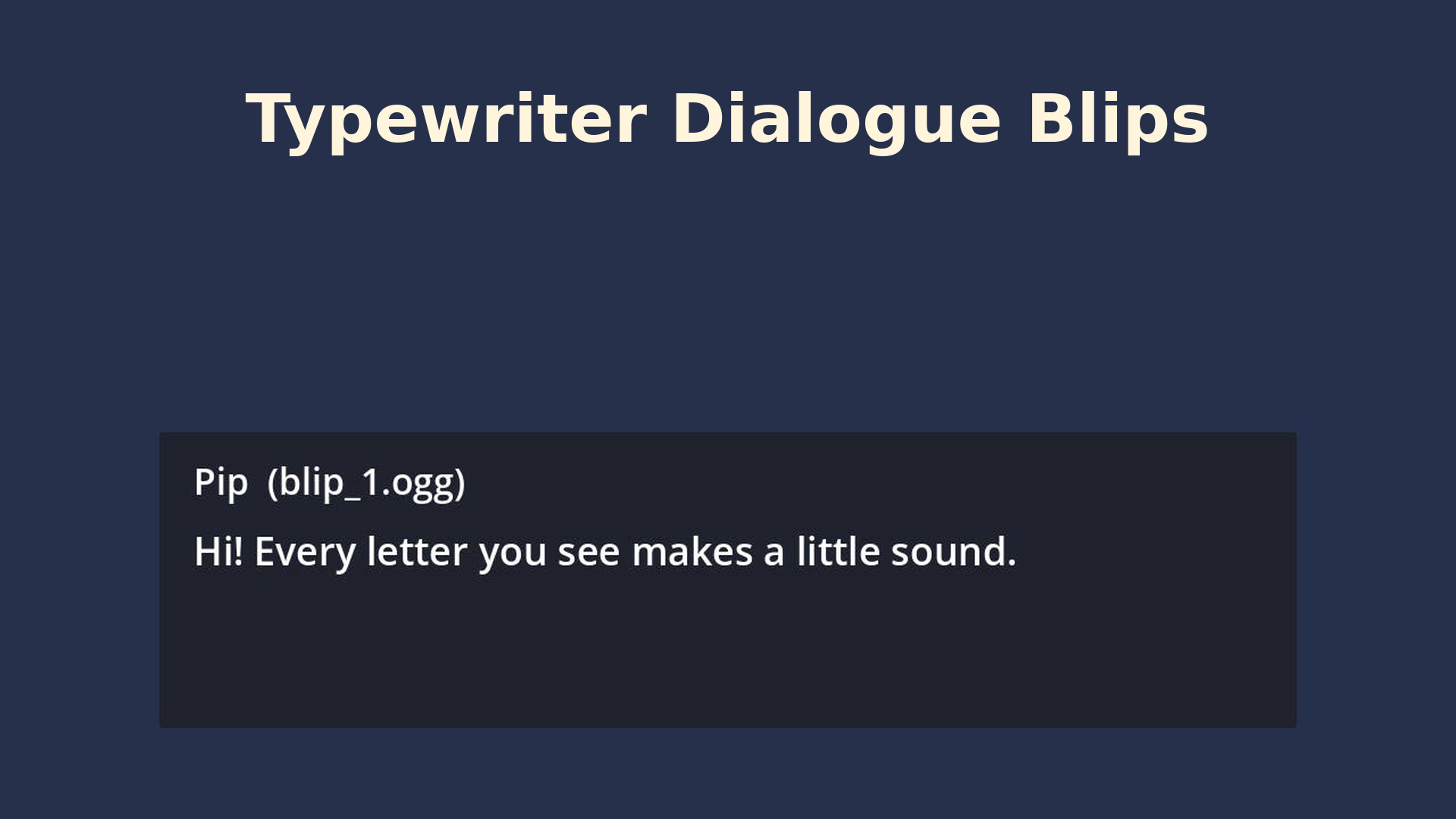
A small Godot 4 project with a typewriter dialogue box that plays a voice blip as each letter appears, with a different blip per speaker
This is a minimal, ready-to-run Godot 4.3 project that shows how to make an RPG-style typewriter dialogue box. Text appears letter by letter, and every second letter plays a short voice blip. Each speaker uses a different blip, so characters sound

Godot Network Broadcast Discovery - Demo
0
by Lucas Campos Achcar | MIT
A Godot 4.7.x example demonstrating LAN host discovery using UDP broadcast and multicast. Includes sending discovery packets and joining multicast groups, providing a starting point for local multiplayer LAN discovery and peer-to-peer connection workflows
Network Broadcast Discovery - Godot Demo Overview Network Broadcast Discovery is an educational demo project built with Godot 4.7.x. It shows how devices on a local network can announce and discover one another using UDP broadcast and multicast. The main

Godot WebRTC Protocol - Demo
0
by Lucas Campos Achcar | MIT
A practical WebRTC multiplayer demo for Godot 4.7.x, demonstrating peer connections, SDP offer/answer exchange, ICE candidates, and real-time messaging between a server and multiple clients. Ideal for developers learning how WebRTC signaling and peer-to
Godot WebRTC Protocol - Demo Overview Godot WebRTC Protocol is an educational demo project built with Godot 4.7 that demonstrates how to establish WebRTC connections and exchange messages between a server and multiple clients. WebRTC can be challenging to
Menu System
0
by CodingQuests | MIT
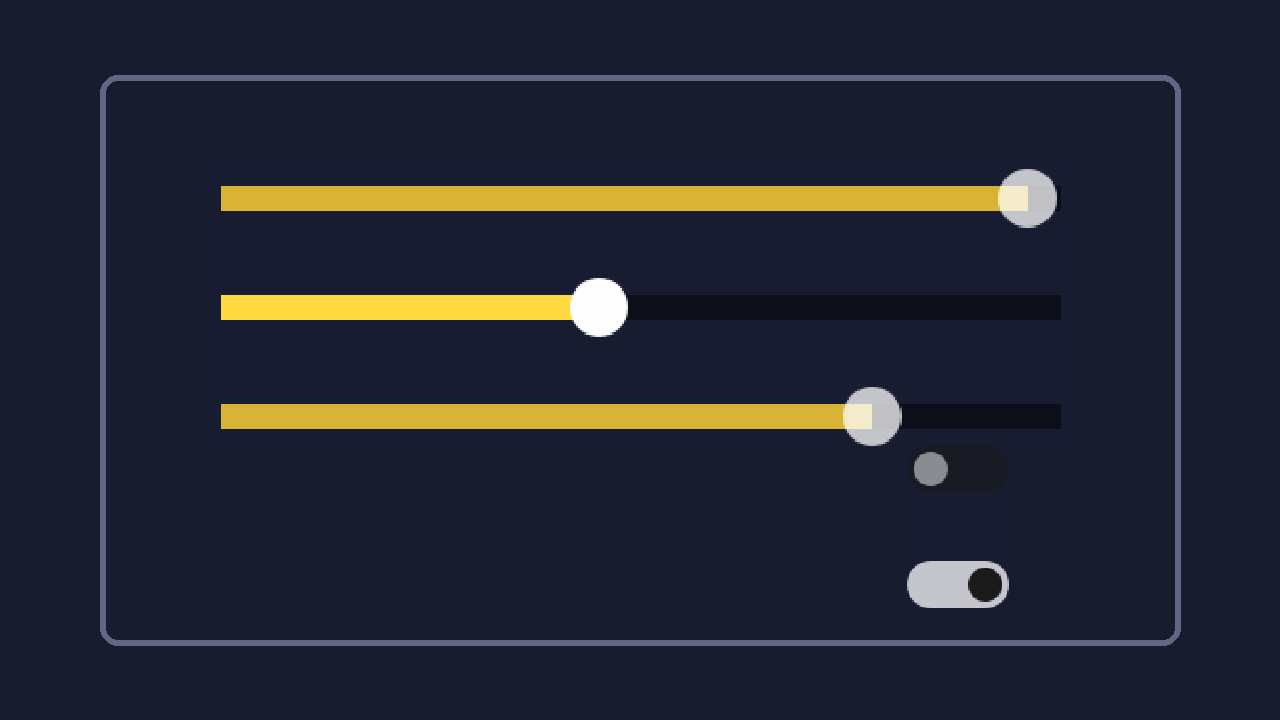
A main menu, pause menu and options menu for Godot 4, with settings that are saved to disk (volume per audio bus, fullscreen, vsync) and fade transitions between scenes. Keyboard, mouse and gamepad all work
A main menu, pause menu and options menu for Godot 4, with settings that are saved to disk (volume per audio bus, fullscreen, vsync) and fade transitions between scenes. Keyboard, mouse and gamepad all work. Features Title screen with Play, Options and
State Machine
0
by CodingQuests | MIT
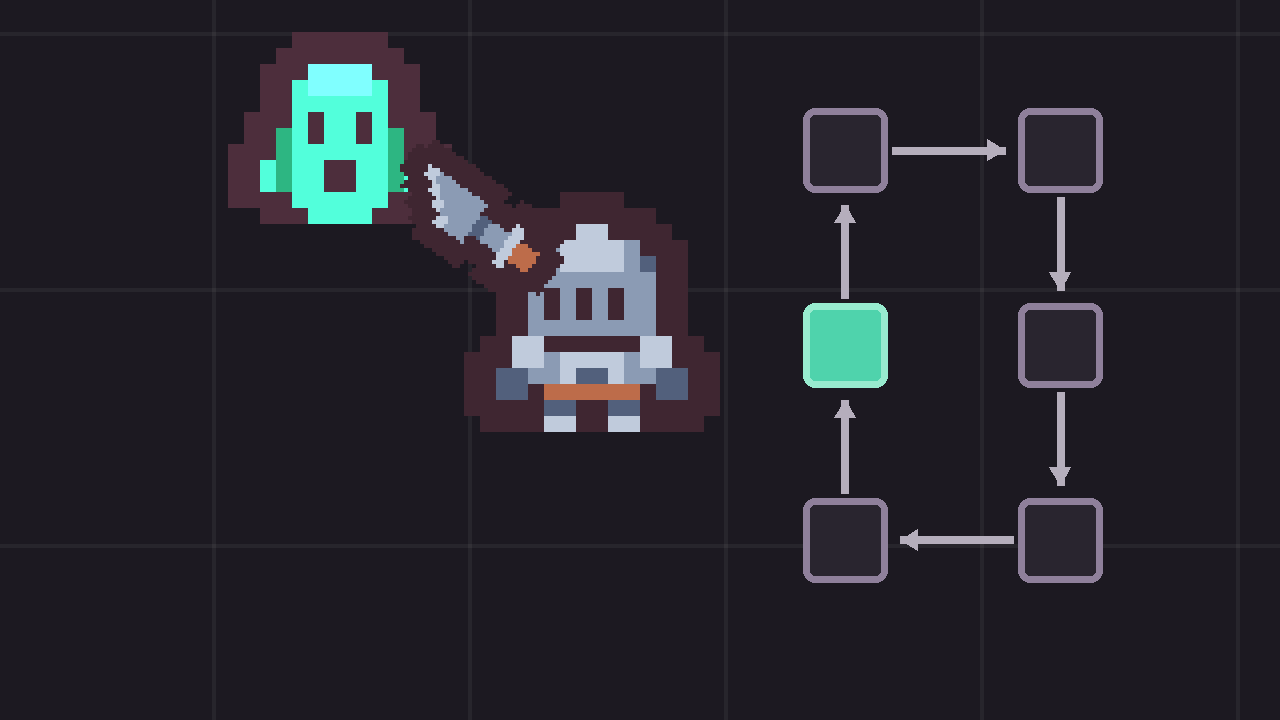
A node-based finite state machine for Godot 4: one node per state, transitions by signal, and a slime enemy that idles, roams, chases, telegraphs a leap, staggers when hit and dies
A node-based finite state machine for Godot 4: one node per state, transitions by signal, and a slime enemy that idles, roams, chases, telegraphs a leap, staggers when hit and dies. The label over each slime is its current state; the list on the right is
Dialogue & Quest System
0
by CodingQuests | MIT
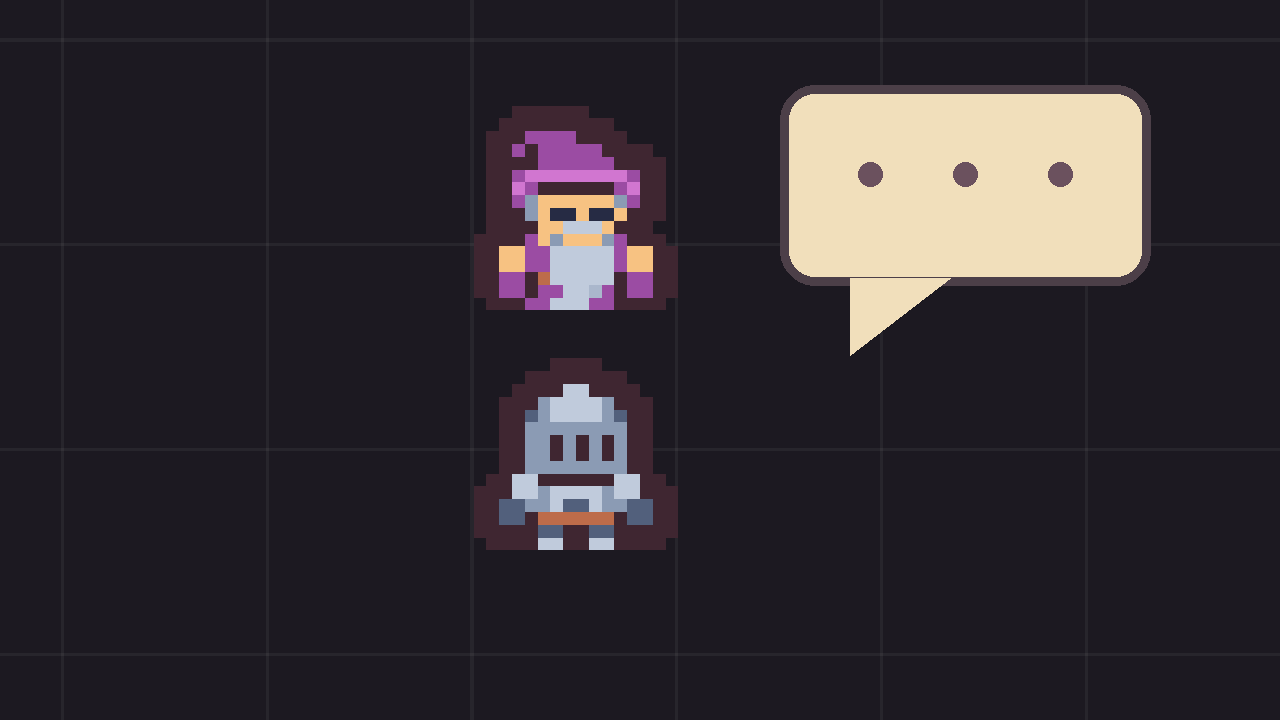
Branching dialogue and quests for Godot 4. Conversations are graphs of resources with conditions and effects, quests track their objectives from game events, and a visual editor lets you build dialogue graphs inside Godot
Branching dialogue and quests for Godot 4. Conversations are graphs of resources with conditions and effects, quests track their objectives from game events, and a visual editor lets you build dialogue graphs inside Godot. Features Dialogue graphs as
Inventory System
0
by CodingQuests | MIT
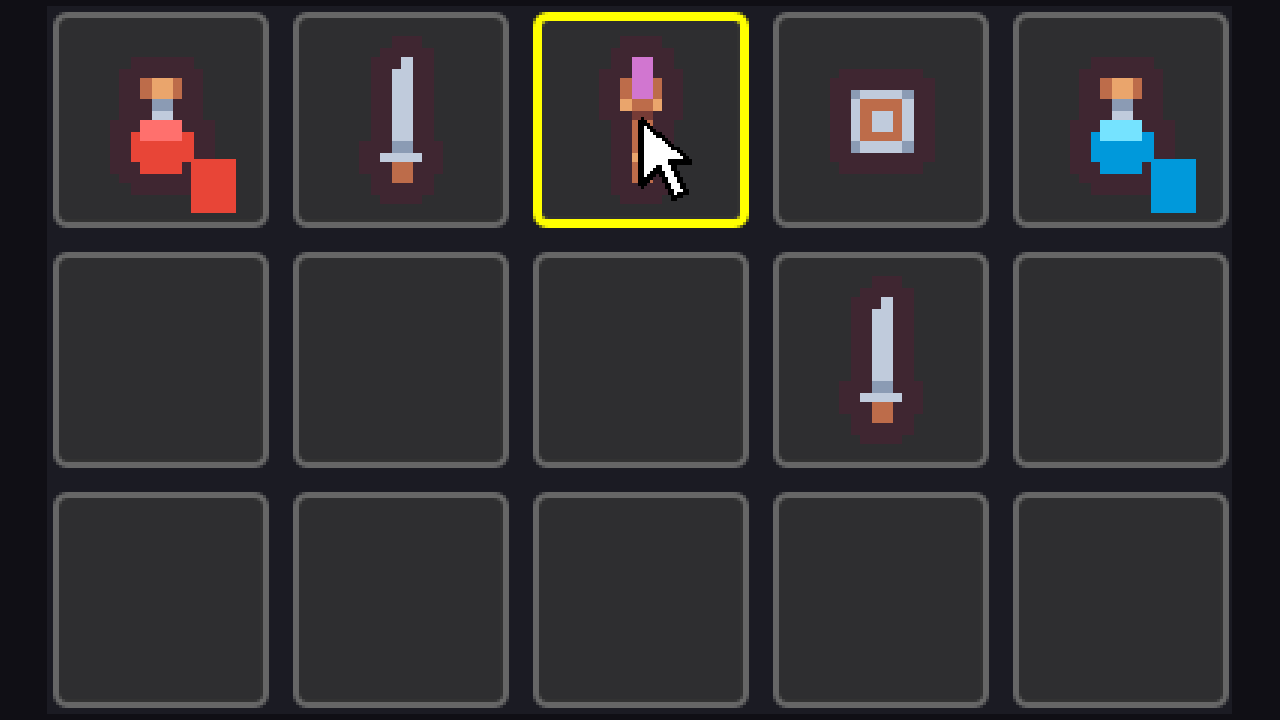
A slot-based inventory for Godot 4 with stacking, drag and drop, item tooltips, using items, and save data. The data and the UI are separate, so you can keep the logic and restyle the window
A slot-based inventory for Godot 4 with stacking, drag and drop, item tooltips, using items, and save data. The data and the UI are separate, so you can keep the logic and restyle the window. Features Item resources. One .tres file per item, with a name
Save System
0
by CodingQuests | MIT
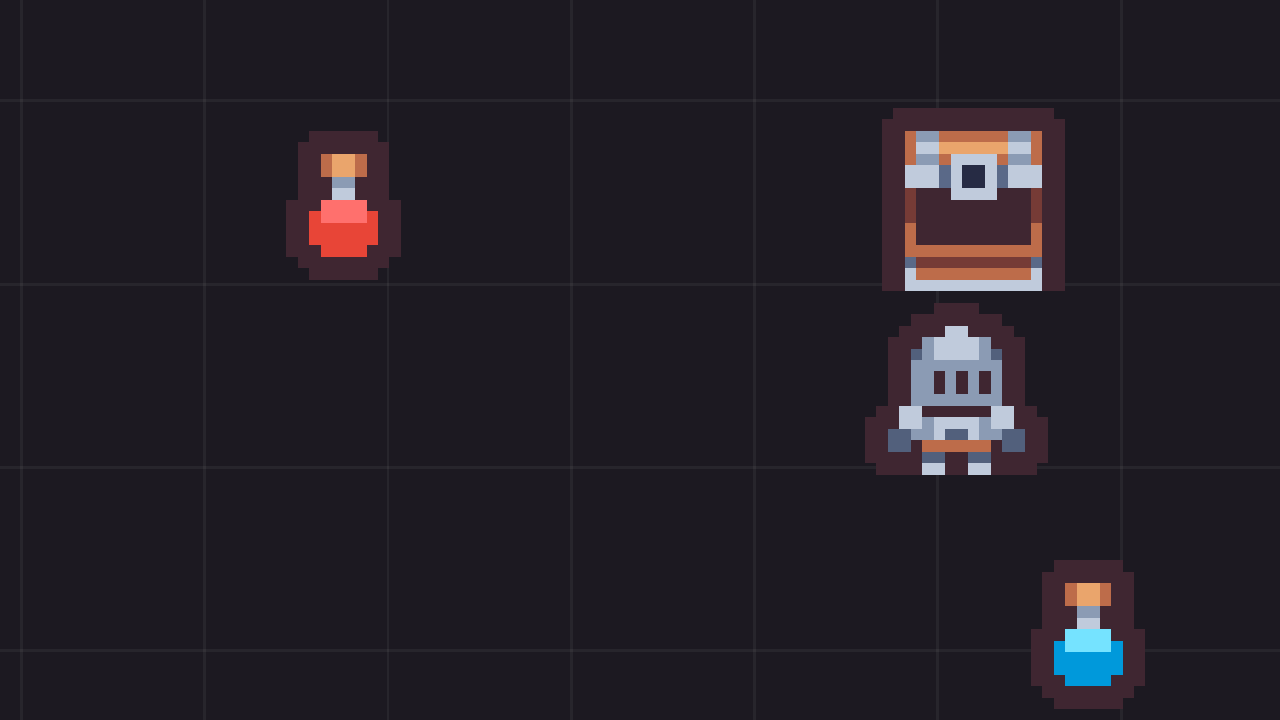
A slot-based save and load system for Godot 4 with persistent world objects: picked-up items stay picked up, opened chests stay open, and the player comes back exactly where they saved
A slot-based save and load system for Godot 4 with persistent world objects: picked-up items stay picked up, opened chests stay open, and the player comes back exactly where they saved. Features Save slots with a folder per slot: state.json for the game
Stats & Leveling
0
by CodingQuests | MIT
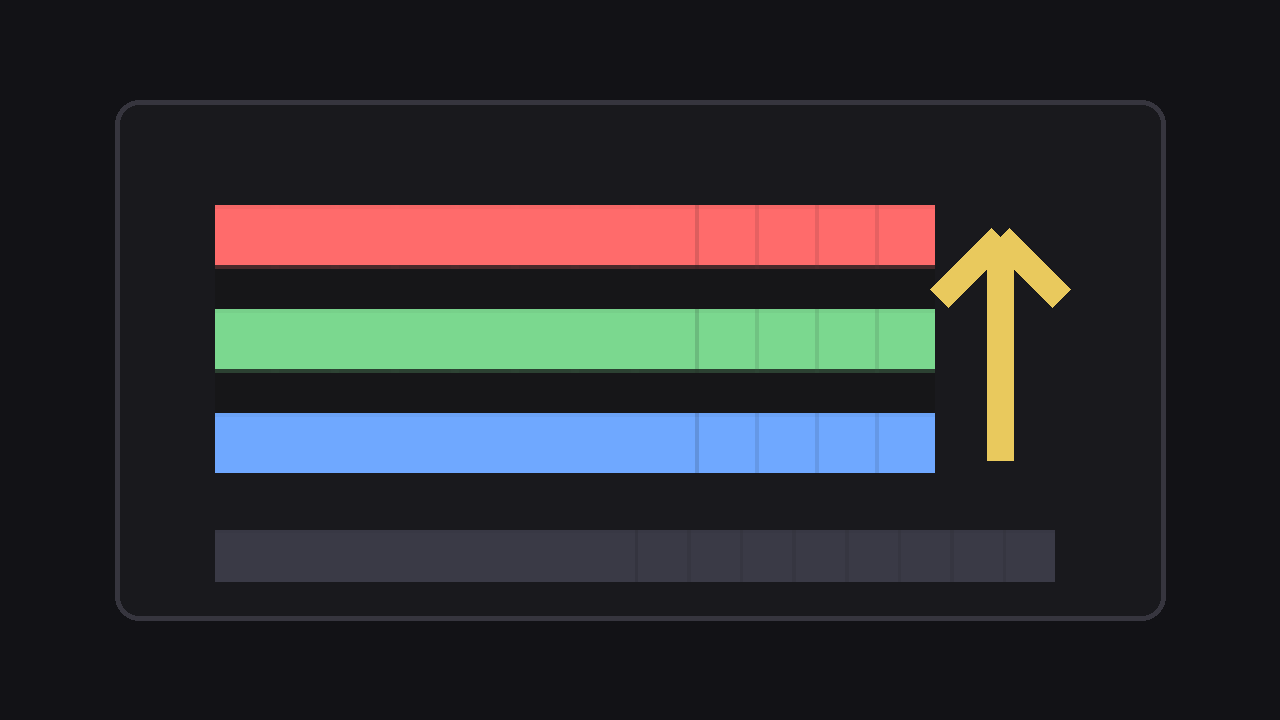
Reusable RPG stats and XP leveling components for Godot 4: health and mana pools, attributes, flat and percent modifiers you can tag by source, and a level curve with stat points to spend
Reusable RPG stats and XP leveling components for Godot 4: health and mana pools, attributes, flat and percent modifiers you can tag by source, and a level curve with stat points to spend. Features Stat resource: a base value, a min and max, a current
Enemy AI
0
by CodingQuests | MIT
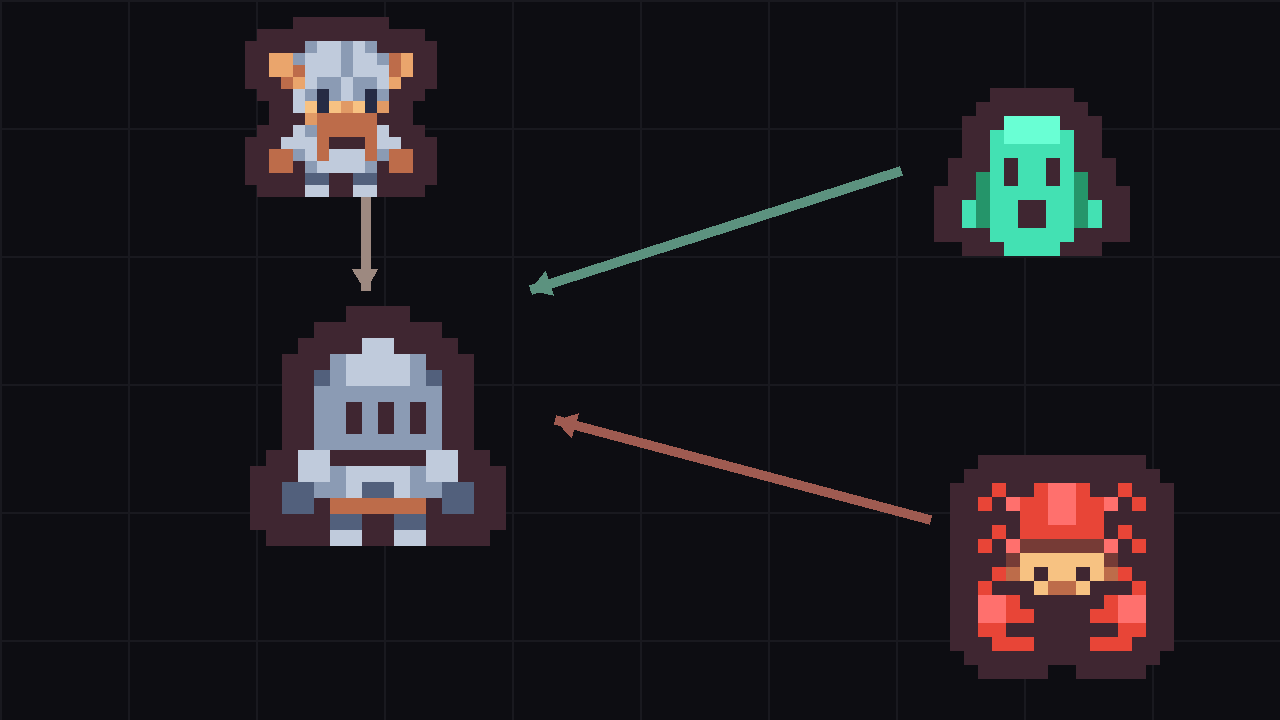
2D enemy AI for Godot 4: one shared state machine, readable telegraphed attacks, four enemy types and a three-pattern boss, all fighting you in one arena
2D enemy AI for Godot 4: one shared state machine, readable telegraphed attacks, four enemy types and a three-pattern boss, all fighting you in one arena. The label over each enemy is its current state. The crosshair stands in for your mouse. Features One

loading more results...