Godot Multiplayer Plugin | GD-Sync | Sync, Lobbies, Cloud Storage & Steam
 22
22
by GD-Sync | BSD 3-Clause License
All-in-one multiplayer backend for Godot 4. Launch online games fast with no servers or netcode expertise. GD-Sync provides managed relays, matchmaking, lobbies, sync, cloud saves, leaderboards, and Steam integration. Includes GDScript/C# support, built-in
The all-in-one multiplayer backend for Godot 4 Build and ship multiplayer games in Godot 4 without dedicated servers or networking expertise. GD-Sync is a fully managed multiplayer backend, relay network, and online services suite designed exclusively for
Epic Online Services Godot (EOSG)
4
by Delano Lourenco | MIT
Easiest way to use Epic Online Services in Godot 4.2+ (EOSG) (includes demo project)
Easiest way to use Epic Online Services in Godot 4.2+ (EOSG) (includes demo project) Supports Windows, Linux, Mac, iOS and Android. Docs: https://3ddelano.github.io/epic-online-services-godot/ New High Level EOS -High level EOS provides easy to use
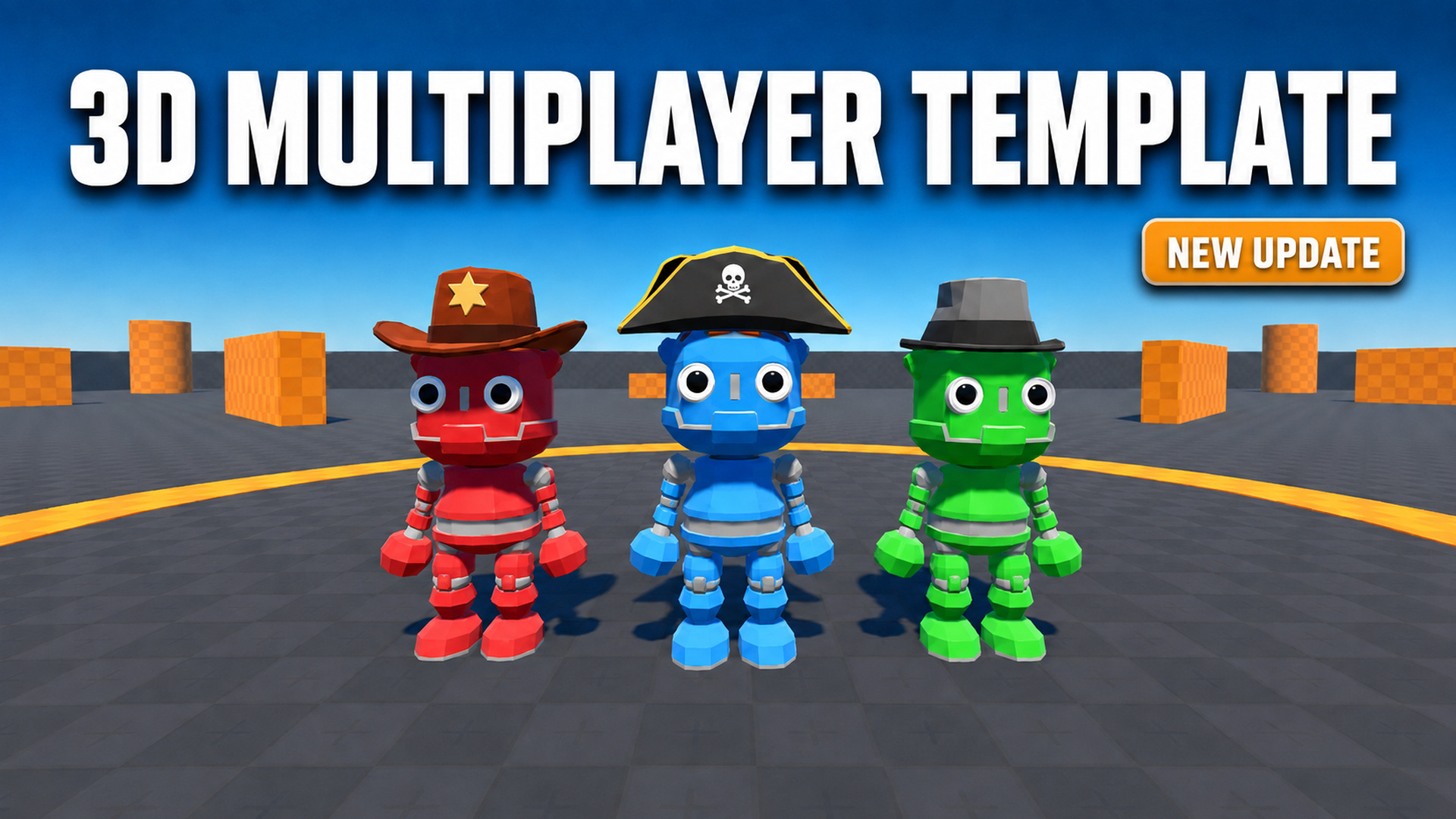
3D Multiplayer Template
3
by devmoreir4 | MIT
Starter template for building 3D multiplayer games with Godot 4.7
3D Multiplayer Template Godot 4.7 starter project for building a 3D multiplayer game with player movement, sessions, inventory, equipment, chat, world items, and dedicated-server support. Key Features Multiplayer Sessions: Host, join, test multiple local
netfox
3
by Fox's Sake Studio | MIT
Implements lag compensation and more to build multiplayer online games easier
This is the core package of netfox, a suite of addons to make building multiplayer games easier. Features ⏲️ Consistent timing across multiple machines 🖥️ Supports client-server architecture 🧈 Smooth motion with easy-to-use interpolation 💨 Lag
Steam or Local Multiplayer Lobby Template
2
by Viitox | MIT
A project template for creating and joining multiplayer games using Steam or via local network
What is it? This is a project template that lets you joing multiplayer lobbies via peer-to-peer connection using Steam or IP address. Usage Steam (Make sure you have the Steam app open!) Hosting: To Host a Steam lobby simply press "Host Online", you can
AwaitableHTTPRequest
2
by Swarkin | MIT
Allows you to send HTTP requests and access their response in the same line, without signals
This addon makes HTTP requests much more convenient to use by introducing the await-syntax and removing the need for signals. Calling an API: extends AwaitableHTTPRequest func _ready() -> void: var resp := await async_request("https://api.github.com/users
Instance Log
1
by codevogel | MIT
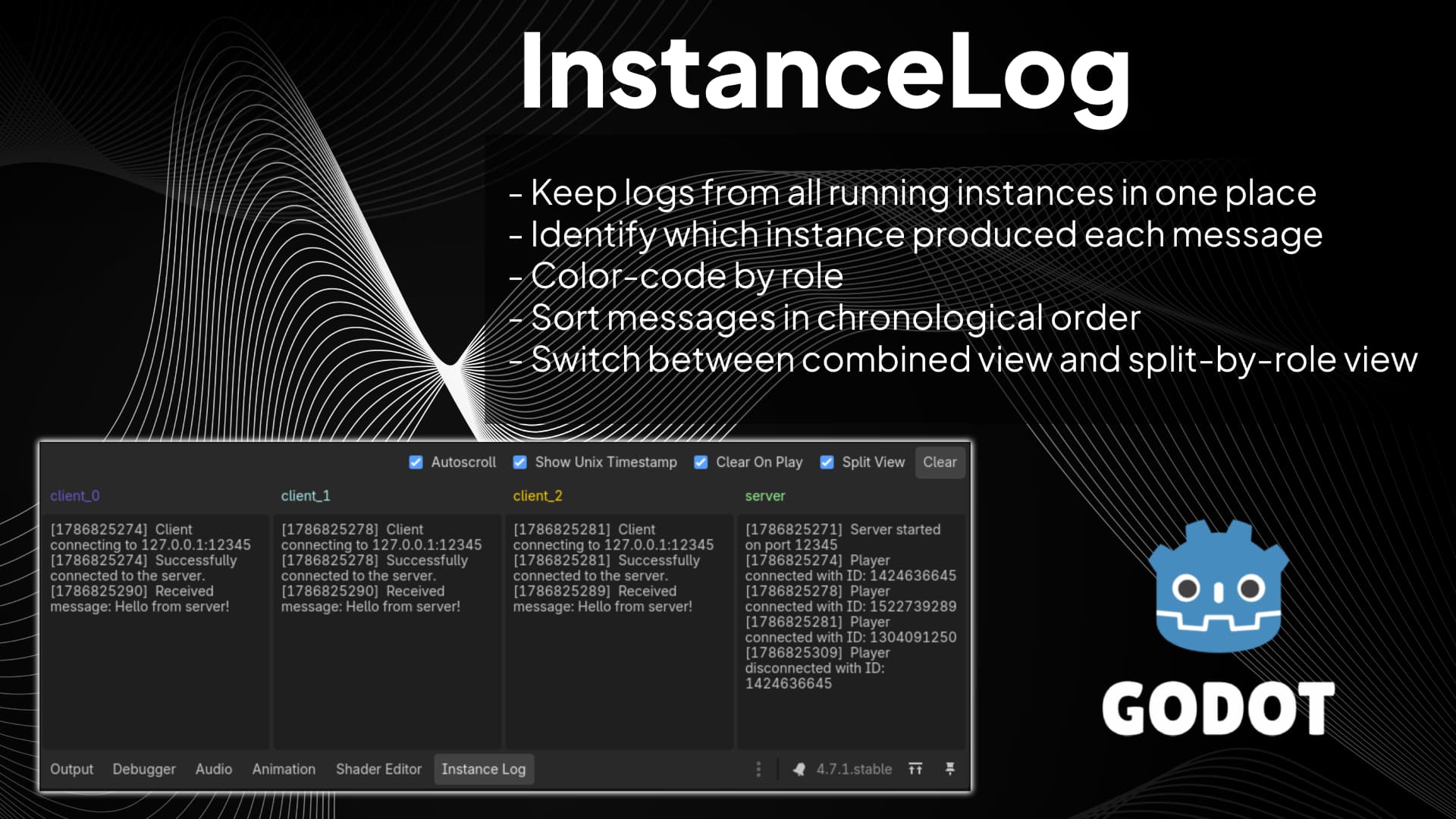
Instance Log is a Godot editor plugin for debugging projects that run multiple game instances at once (for example, host + clients in multiplayer tests). It adds an 'Instance Log' panel next to Godot's Output panel and groups each message by instance role
Instance Log (for Godot) Instance Log is a Godot editor plugin for debugging projects that run multiple game instances at once (for example, host + clients in multiplayer tests). It adds an Instance Log panel next to Godot's Output panel and groups each
WifiGD
1
by NateClarkTech | MIT
GDExtension for Wi-Fi management for Godot 4 — scan, connect, disconnect, radio toggle, and connectivity from GDScript without blocking the main thread
WifiGD WifiGD is a GDExtension add-on for Godot 4.3+ that lets your game or tool control system Wi‑Fi from GDScript. Scan nearby networks, connect (open or WPA2‑PSK), disconnect, list adapters, read connection state (SSID, IP, gateway, DNS), and enable or
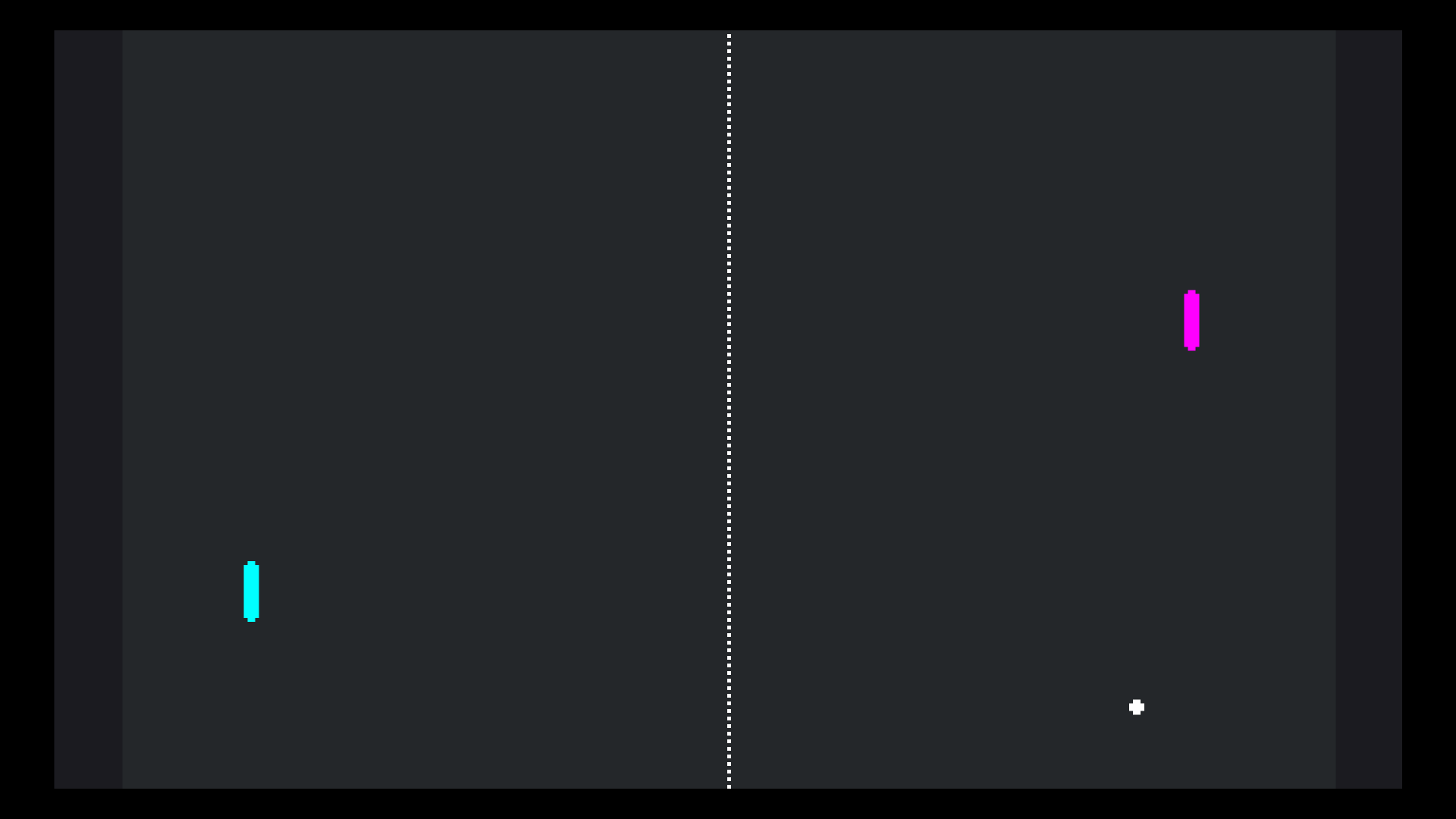
Pong Multiplayer Demo
1
by Godot Foundation | MIT
A multiplayer implementation of the classic pong game
A multiplayer implementation of the classic pong game. One of the players should press Host, while the other should type in the host's IP address and press Join. Language: GDScript Renderer: Compatibility Note The non-multiplayer version is available here
Photon Fusion - Multiplayer SDK
1
by Photon | Photon License
Photon Fusion is a state-replication multiplayer SDK for Godot that supports Shared-Authority, Client-Host, and Dedicated Server topologies. Fusion combines full-consistency state transfer, forecast physics prediction, late-joining, RPCs, and interest
Photon Fusion is a state-sync multiplayer SDK that simplifies networking best practices and brings advanced features of modern AAA multiplayer games to Godot. Fusion gives teams a single SDK that can cover co-op friendslop, physics-driven games, massive
SpacetimeDB Godot SDK
1
by plaught-armor | MIT
A GDScript SDK for integrating Godot Engine with SpacetimeDB, enabling real-time data synchronization and server interaction directly from your Godot client, with full codegen support
SpacetimeDB Client SDK for Godot (GDScript) A pure-GDScript client for SpacetimeDB. Talk to a SpacetimeDB module from standard Godot — no .NET / Mono build required — and export to web via the Compatibility renderer. Features Typed bindings, generated
C3 HTTP Request (C3Http)
1
by C3 Designs LLC | MIT
C3Http is a lightweight nodeless replacement for HTTPRequest. It offers significant improvements in ergonomics, performance, and testability
C3 HTTP Request (C3Http) C3Http is a lightweight nodeless replacement for HTTPRequest . It offers significant improvements in ergonomics, performance, and testability. Full documentation Here is a complete working example of how to use C3Http in a script

Rollback Netcode
1
by Snopek Games | MIT
An addon for implementing rollback and prediction netcode
An addon for implementing rollback and prediction netcode! Beyond the basics (gathering input, saving/loading state, sending messages, detecting mismatches, etc) this library aims to provide support for many of the other aspects of implementing rollback

TwoVoip
1
by Julian Todd | MIT
Everything you need to quickly set up Voice over IP (VoIP) in any networked Godot game
This asset is composed of three parts: The compiled Opus encoder and decoder modules and RNNoise noise suppression library. A VoipHelper module implemented in GDScript that implements essential features such as noise gating, input device choice, jitter
Multiplayer Starter (Server-Authoritative Co-op)
0
by CodingQuests | MIT
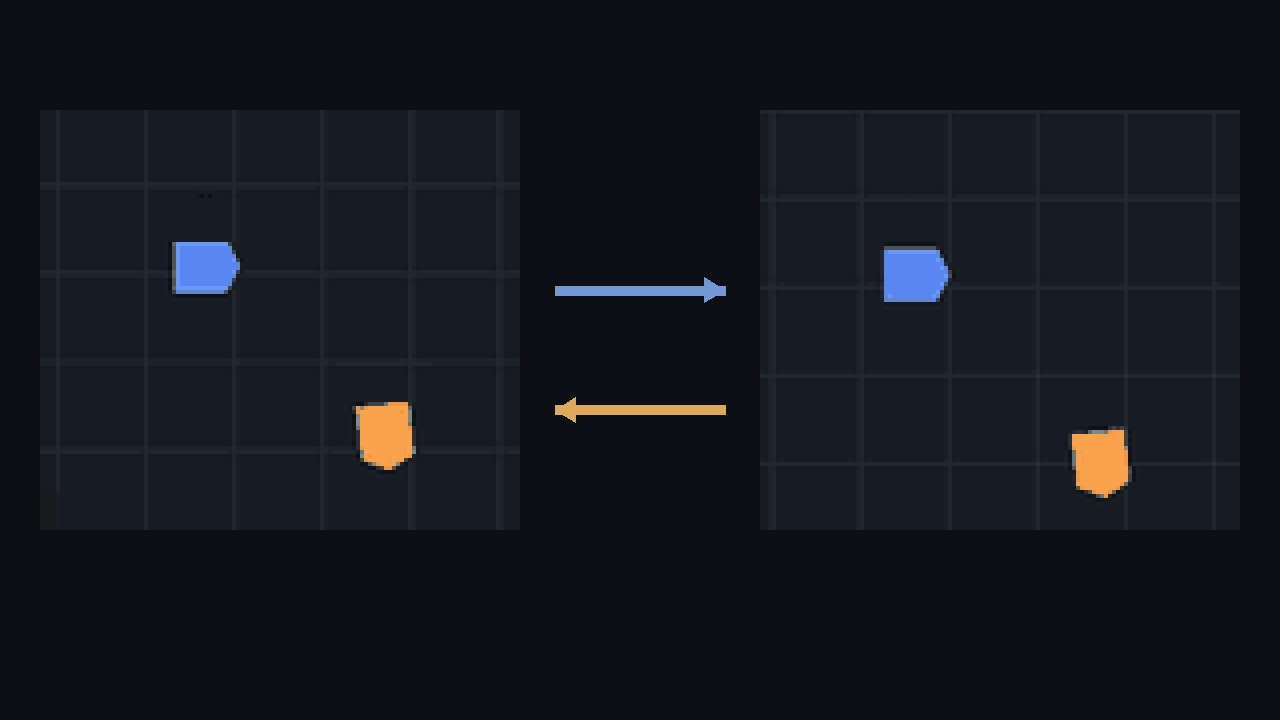
Online co-op with a ready-up lobby, chat and server-checked movement that still feels instant. A complete Godot project with a runnable demo scene and a README that explains how it works. Made for Godot 4.7, MIT licensed
Most multiplayer tutorials stop once two windows can see each other. This starter carries on to the parts that break in a real game. The server decides where everyone is, your own player still moves the moment you press a key, and bad input gets rejected
Understudy
0
by ags221 | CC0 1.0 Universal
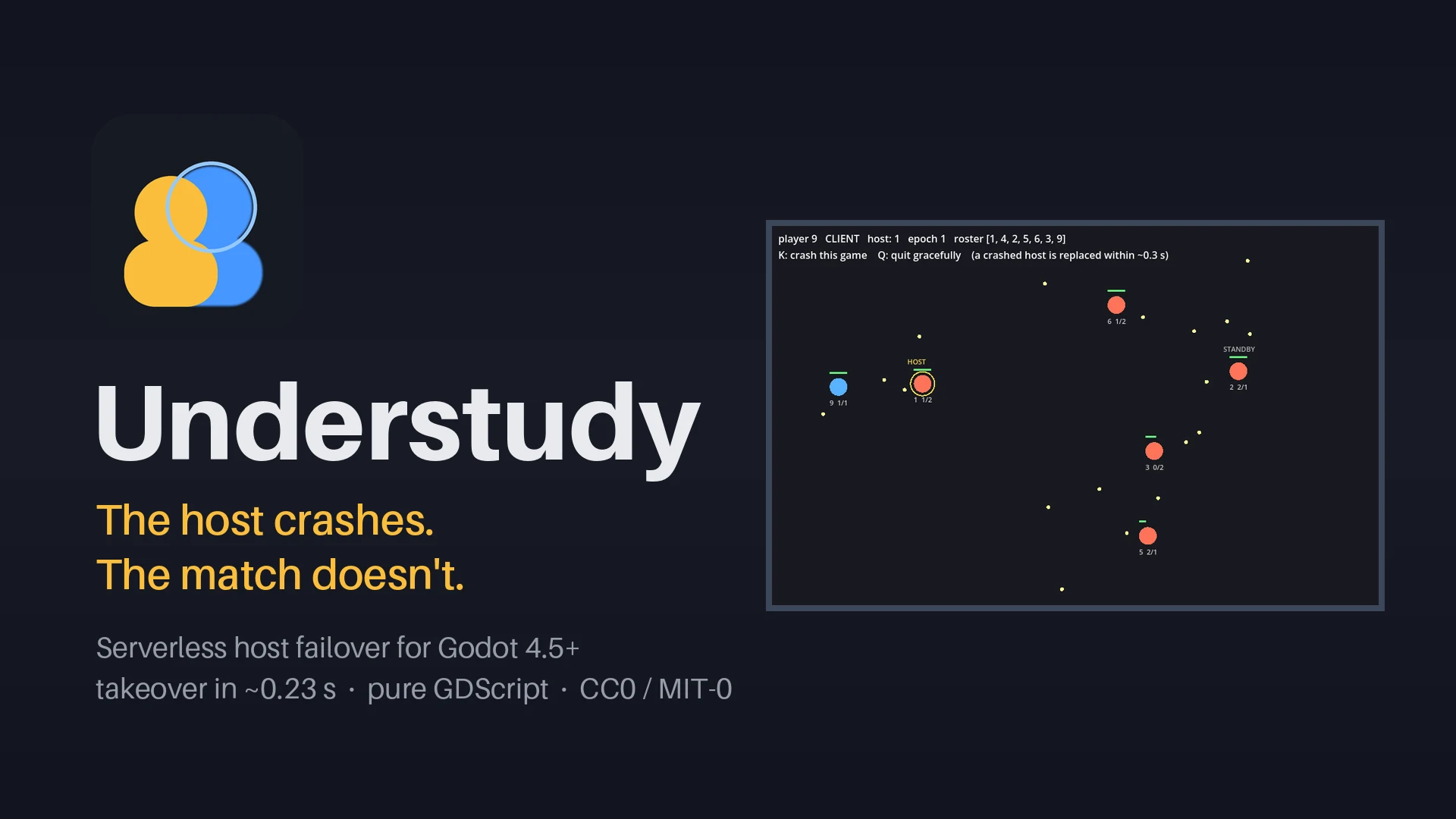
Keeps a peer-to-peer match alive when the host's game crashes or quits. One player's machine hosts; a second runs a warm copy and takes over in about a quarter of a second, with no reload and no reconnect. A third keeps a standby copy for when both fail
The host crashes. The match doesn't. Understudy is serverless host failover for Godot multiplayer. One player's machine hosts the match. A second one, the shadow, runs a warm copy of it, and if the host's game crashes, freezes or quits, the shadow takes
MQTT Client
0
by Julian Todd | MIT
A small MQTT 3.1.1 (the simple and lightweight MQTT protocol popular with IoT) client written entirely in GDScript. Supports TCP, TLS, WebSocket and secure WebSocket connections and implements retained messages, last wills, subscribing and disconnects
This is a small MQTT 3.1.1 client written entirely in GDScript which supports TCP, TLS, WebSocket and secure WebSocket connections and implements retained messages, last wills, subscribing and disconnects. MQTT is often used to communicate with small
SpaceWar²
0
by gotoAndPlay() | MIT
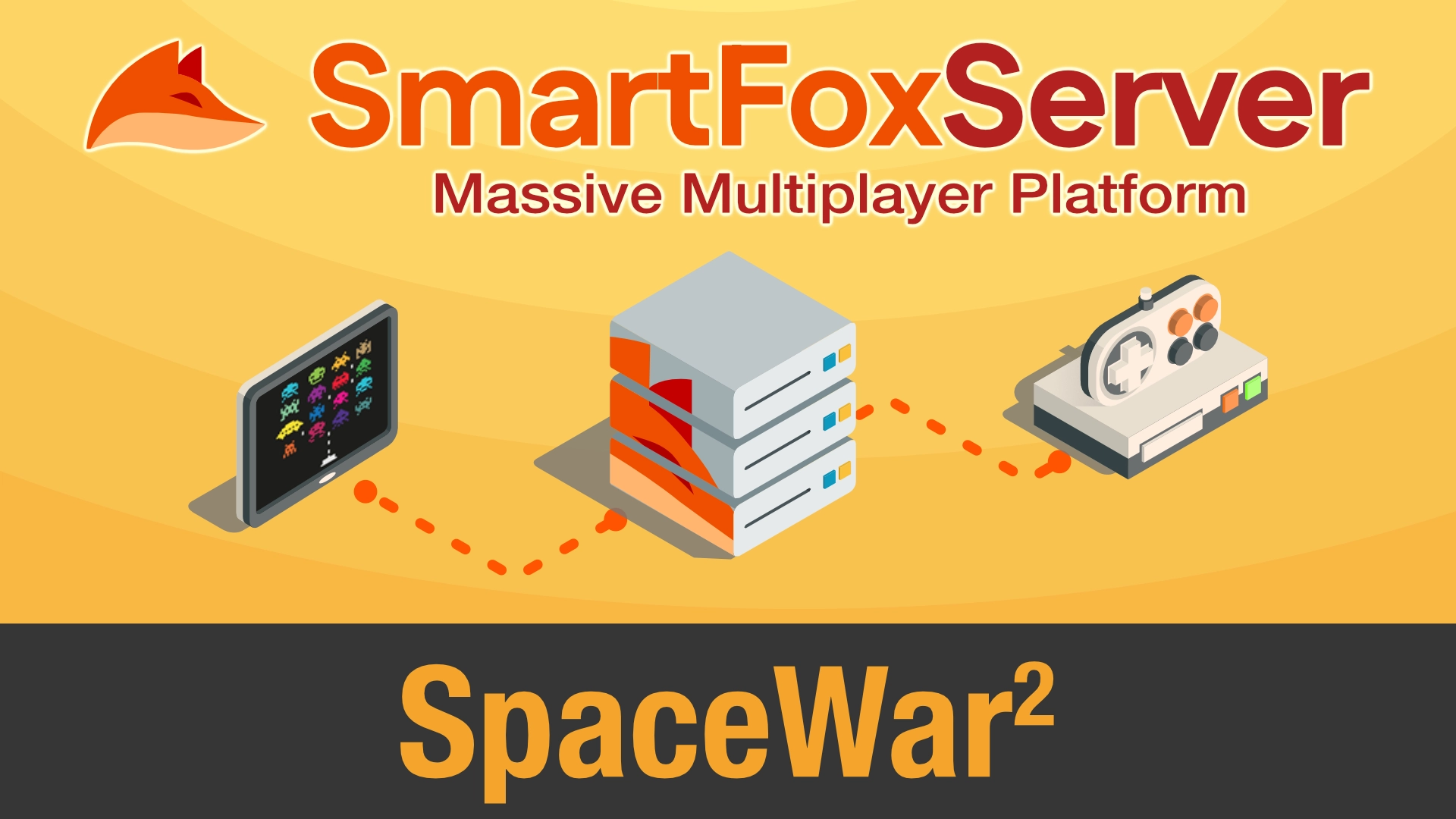
This demo project leverages SmartFoxServer's MMO API and server-side Extensions to implement an authoritative server running a space combat multiplayer game
This demo project is a tribute to the homonymous (except for the ²) game developed in the 60s, one of the earliest computer games in history! The purpose of this project is to showcase the capabilities of SmartFoxServer's MMO API in a realtime game
Multi Launcher
0
by Husam Alani | MIT
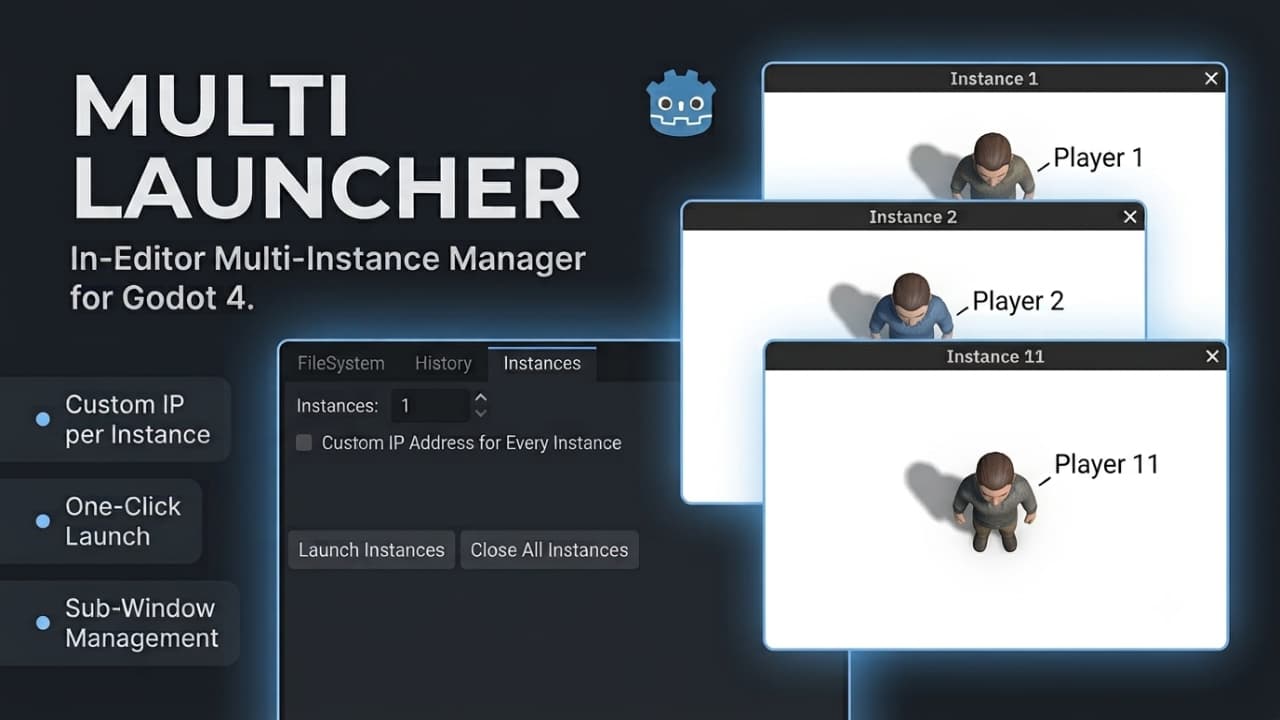
Launch multiple resizable test instances of your Main Scene directly in editor sub-windows. Supports per-instance custom IP assignment for networking and one-click cleanup—no @tool scripts required on your game code
Multi Launcher is a lightweight editor dock plugin for Godot 4 designed to make local multiplayer and multi-client testing fast, simple, and reliable. It automatically loads your project's configured Main Scene and spawns multiple standalone, fully
LAN Detector
0
by jmscreation | MIT
Quickly and simply establish a peer to peer connection within the local broadcast domain automatically
This plugin quickly and simply establishes a peer to peer connection within the local broadcast domain automatically. When both the server and client are both running within the same local broadcast domain, the server should automatically be found by the
Freelay
0
by FreehuntX | MIT
Freelay adds serverless multiplayer to Godot 4 using plain MQTT brokers. It provides public channels with cryptographically signed messages, end-to-end encrypted private peer sessions, and an optional upgrade to direct WebRTC connections—all without
Godot Freelay Serverless multiplayer for Godot 4 on top of plain MQTT brokers, implementing the Freelay protocol (see freelay-spec.md ): signed public channels, end-to-end encrypted private sessions, presence with tamper resistance, and an optional WebRTC
MQTT Node
0
by FreehuntX | MIT
This is a simple implementation of MQTT 3. It adds a node that can be used entirely without code and just visually! Just WS/WSS brokers are supported for cross-compatibility reasons (browser support). There are no plans/needs to add TCP/UDP
MQTT Node Overview A robust MQTT 3.1.1 client for Godot 4, written in pure GDScript and using WebSocket transport only ( ws / wss ). There are no plans to support raw TCP/UDP — WebSocket keeps it web-export friendly. The addon exposes an MqttNode node
Spatial Audio
0
by gotoAndPlay() | MIT
This demo project shows how to turn live voice streams provided by the SmartFoxServer 3 audio API into positional (3D) audio sources in a Godot scene
In this demo users can move their avatars in a simple 3D space using arrow keys, while their position and rotation are broadcast to the other clients through User Variables. Everyone's microphone is captured and streamed automatically on entering the
Buddy Voice Chat
0
by gotoAndPlay() | MIT
This demo project shows how to use SmartFoxServer audio API to add real‑time voice communication to a Godot application
Built on top of the SmartFoxServer 3 Buddy List system, this demo lets users manage a contact list and place one‑to‑one voice calls to online buddies, complete with call invitations, text chat, and mute controls. It demonstrates the full audio workflow

loading more results...