BDG Chat
 1
1
by xstreamio | MIT
Hosted real-time chat for Godot 4. You subscribe or run your own servers. Players just talk. Rooms and history stay completely isolated per game. Drop in one node, connect with a player token, and ship — no chat servers to run or maintain. By XStreamIO
Real-time multiplayer chat for Godot 4 games — without running your own chat servers. You create a studio account, drop in one node, and your players can talk in isolated rooms. Rooms and chat history are completely separated by app_id , so different
Any Object Inspector
0
by emanvidmaker | MIT
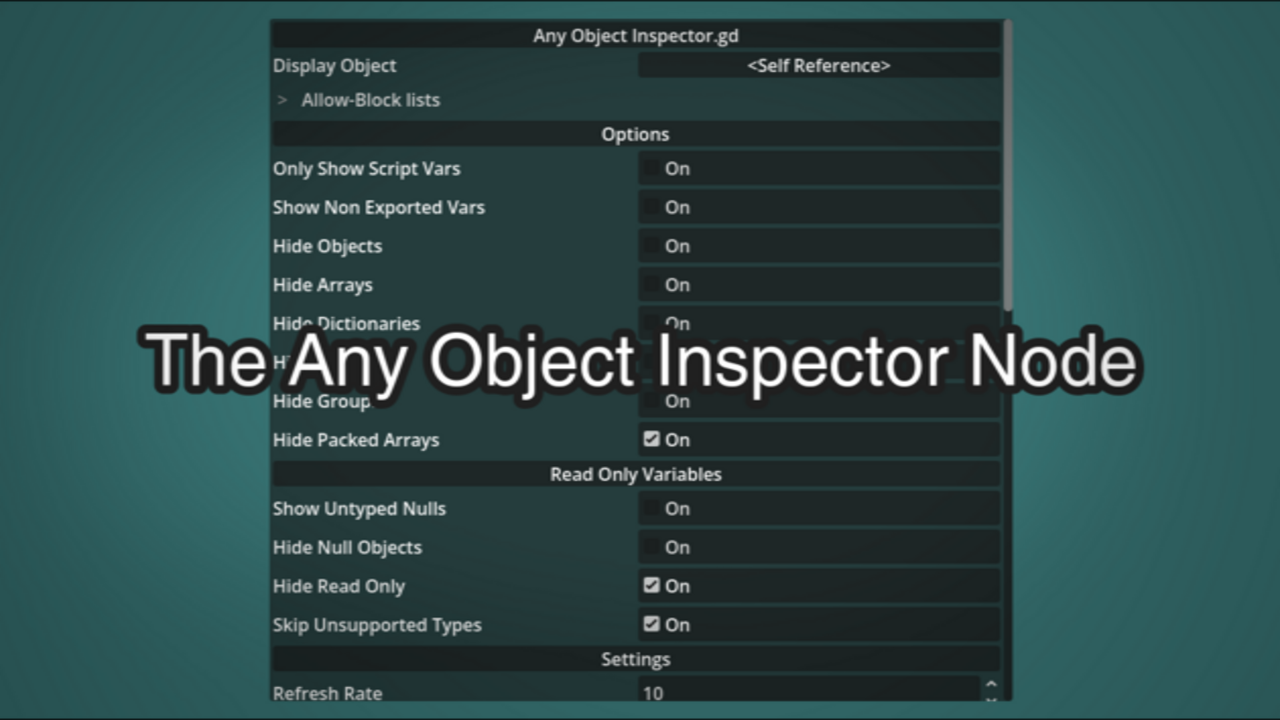
Inspector tab in game. The AnyObjectInspector is a run time compatible version of the Inspector tab used in the editor. Intended for editing objects in game. Supports Objects like: Object, Resource, Node, Array and Dictionary
AnyObjectInspector Inspector tab in game. The AnyObjectInspector is a at run time compatible version of the Inspector tab used in the editor. Intended for editing objects in game. Simple to use just add the any_object_inspector.tscn scene and call set

SpaceWar²
0
by gotoAndPlay() | MIT
This demo project leverages SmartFoxServer's MMO API and server-side Extensions to implement an authoritative server running a space combat multiplayer game
This demo project is a tribute to the homonymous (except for the ²) game developed in the 60s, one of the earliest computer games in history! The purpose of this project is to showcase the capabilities of SmartFoxServer's MMO API in a realtime game

Buddy Voice Chat
0
by gotoAndPlay() | MIT
This demo project shows how to use SmartFoxServer audio API to add real‑time voice communication to a Godot application
Built on top of the SmartFoxServer 3 Buddy List system, this demo lets users manage a contact list and place one‑to‑one voice calls to online buddies, complete with call invitations, text chat, and mute controls. It demonstrates the full audio workflow

Shooter
0
by gotoAndPlay() | MIT
This demo project shows how to develop a full multiplayer realtime combat game with Godot and SmartFoxServer
This demo project shows how to develop a full multiplayer first/third person combat game with Godot and SmartFoxServer 3. The game utilizes SmartFoxServer 3's ability to mix TCP and UDP -based messaging. All critical game informations (shooting, animation
Lobby Matchmaking
0
by gotoAndPlay() | MIT
This demo project, third in a series of three, shows how to use SmartFoxServer's match-making system to join players in games based on their skill level, and how to implement invitations to play
This demo project is the third one in a series of three in which you will learn how to lay the foundations for a lobby application to be used as a template in multiplayer game development. A lobby is a staging area which players access before joining the

Lobby Buddies
0
by gotoAndPlay() | MIT
This demo project, second in a series of three, leverages SmartFoxServer's Buddy List system to add more features to a lobby application: friends list, private chat, user profile and more
This demo project is the second one in a series of three in which you will learn how to lay the foundations for a lobby application to be used as a template in multiplayer game development. A lobby is a staging area which players access before joining the

Lobby Basics
0
by gotoAndPlay() | MIT
This demo project, first in a series of three, implements the basic structure of a lobby in a multiplayer game, showing how to launch and join games in SmartFoxServer, and also add an in-game chat
This demo project is the first one in a series of three in which you will learn how to lay the foundations for a lobby application to be used as a template in multiplayer game development. A lobby is a staging area which players access before joining the

Connector
0
by gotoAndPlay() | MIT
This demo project shows how to connect to SmartFoxServer 3 and complete the login process
This demo project shows how to setup and use the SmartFox client API object in order to establish a connection to SmartFoxServer and execute the login process. It also features the logic needed to activate SmartFoxServer's protocol cryptography. For more

loading more results...