Description
Changelog
Reviews (1)
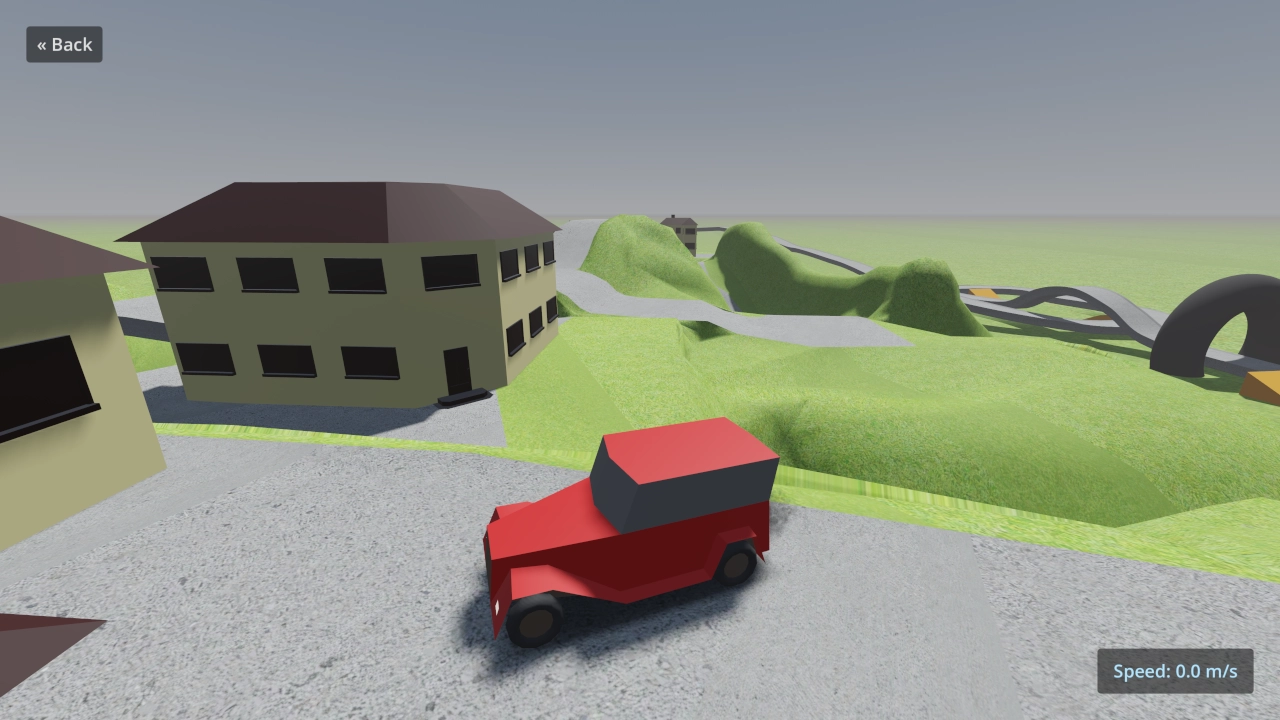
This is a demo implementing different types of trucks of varying complexity using vehicle physics.
Controls:
- Up Arrow, W, Gamepad Right Trigger: Accelerate
- Down Arrow, S, Space, Gamepad Left Trigger, Gamepad B/Circle, Gamepad X/Square: Brake/reverse
- Left Arrow, Gamepad Left Stick, Gamepad D-Pad Left: Steer left
- Right Arrow, Gamepad Left Stick, Gamepad D-Pad Right: Steer right
- U, Gamepad Select, left-click speedometer: Change speedometer unit (m/s, km/h, mph)
- C, Gamepad Y/Triangle: Change camera (exterior, interior, top-down)
- M, Gamepad D-Pad Down: Change mood (sunrise, day, sunset, night)
- Shift, Gamepad A/Cross: Use boost
- H, Enter, Gamepad Left Stick Press: Use horn
- L, Gamepad Right Stick Press: Toggle headlights (automatically occurs on mood change)
- Escape, Gamepad D-Pad Up: Go back to menu (press again to exit)
On mobile platforms, the vehicle automatically accelerates. Touch the left and right edges of the screen to steer. Touch the middle of the screen to brake/reverse (this also temporarily stops acceleration).
Language: GDScript
Renderer: Forward+
How does it work?
The base vehicle uses a
VehicleBody3D
node. The trailer truck is tied together using a
ConeJointTwist3D
node, and the tow truck is tried together using a chain made of
RigidBody3D
nodes which are pinned together using
PinJoint3D nodes.
Credits
Ambient sounds
Models
- tree low-poly by Ricardo Sanchez (https://sketchfab.com/380660711785)
- Lowpoly lamp by RitiWox (https://sketchfab.com/RitiWox)
Changelog for version 4.7-6ad6167
2026-07-08 00:50:48
No changelog provided for this version.
