Description
Changelog
Reviews (0)
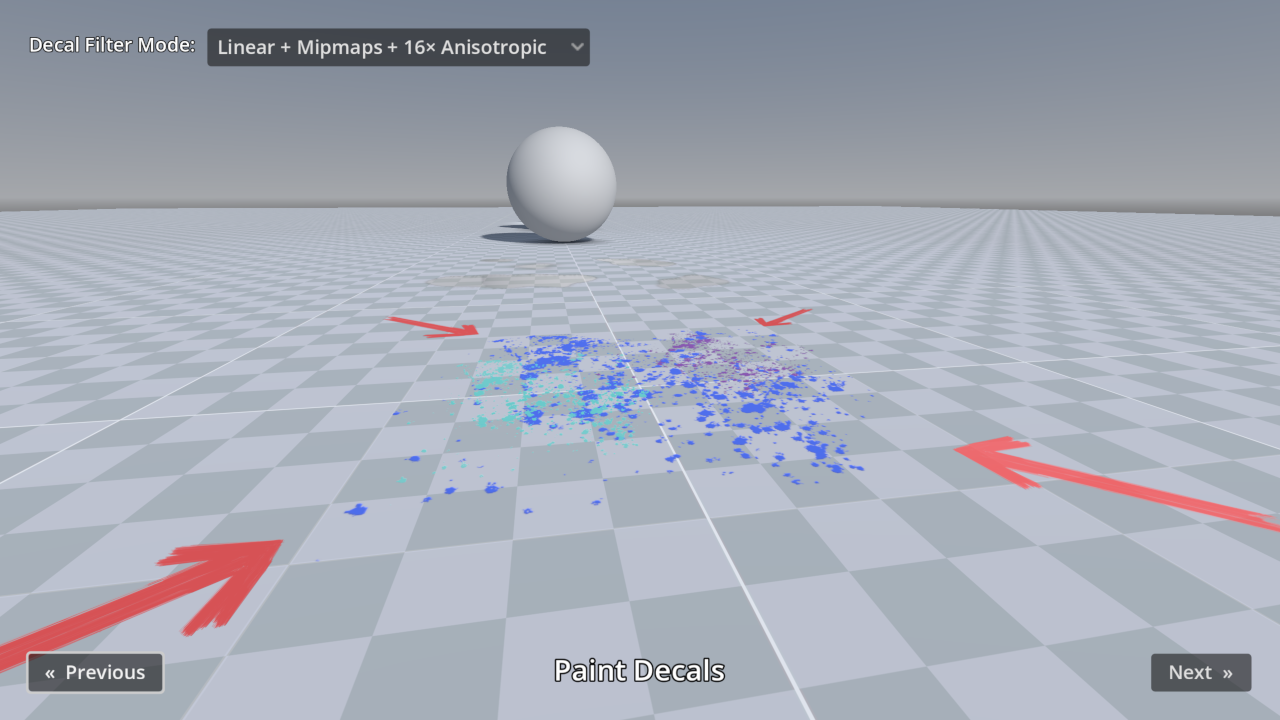
This demo includes many examples of Decal nodes in action, for the purpose of showcasing Godot's rendering capabilities.
The decal filter mode can be adjusted in the top-left corner:
- For games with a pixel art appearance, the Nearest filter mode can be used instead of Linear.
- Filter modes with Mipmaps prevent decals from looking grainy at a distance, at a small performance cost. When mipmaps are used without anisotropic filtering, decals will look blurry when viewed at oblique angles.
- Filter modes with Anisotropic don't look grainy at a distance and also avoid looking blurry when viewed at oblique angles. However, filter modes with Anisotropic have a greater performance cost than enabling Mipmaps alone.
Language: GDScript
Renderer: Forward+
Changelog for version 4.7-6ad6167
2026-07-07 23:44:15
No changelog provided for this version.