Description
Changelog
Reviews (1)
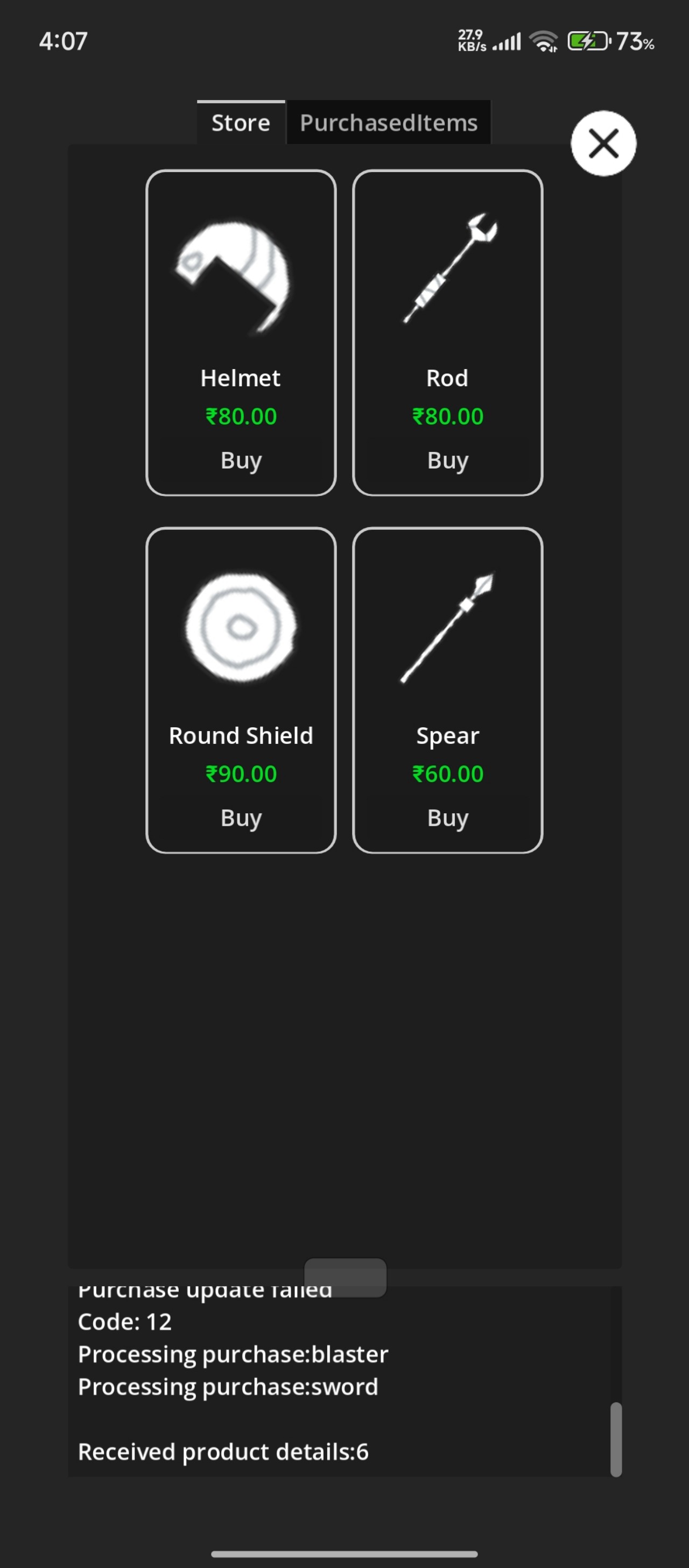
Godot Google Play Billing Demo
This is a demo project (IAP store) showcasing how to use Google Play Billing with Godot using the Godot Google Play Billing plugin.
The demo is intended as a sample implementation to help developers understand how to:
- Initialize Google Play Billing in Godot
- Query available in-app products
- Launch purchase flows
- Handle purchase updates
- Acknowledge and consume purchases correctly
Requirements
- Godot Engine v4.2+
- Android gradle build setup (refer to official documentation for gradle build setup)
- A Google Play Console account
- An Android app created in Play Console (draft app is sufficient)
- At least one in-app product configured
Running the Demo
- Open the project in Godot.
- Configure the Android export preset. Set the correct package name (must match Play Console).
- Make sure the plugin is correctly installed in the project.
- Build and install the app.
- Make sure the app is uploaded to Play Console (Internal Testing is enough).
Notes
- Billing works for apps installed via Google Play.
- Debug APKs installed manually will only work if the Google Play Store account on the device is added as a license tester in Play Console.
Language: GDScript
Renderer: Compatibility
Changelog for version 4.7-2a6010e
2026-07-10 22:07:06
No changelog provided for this version.
