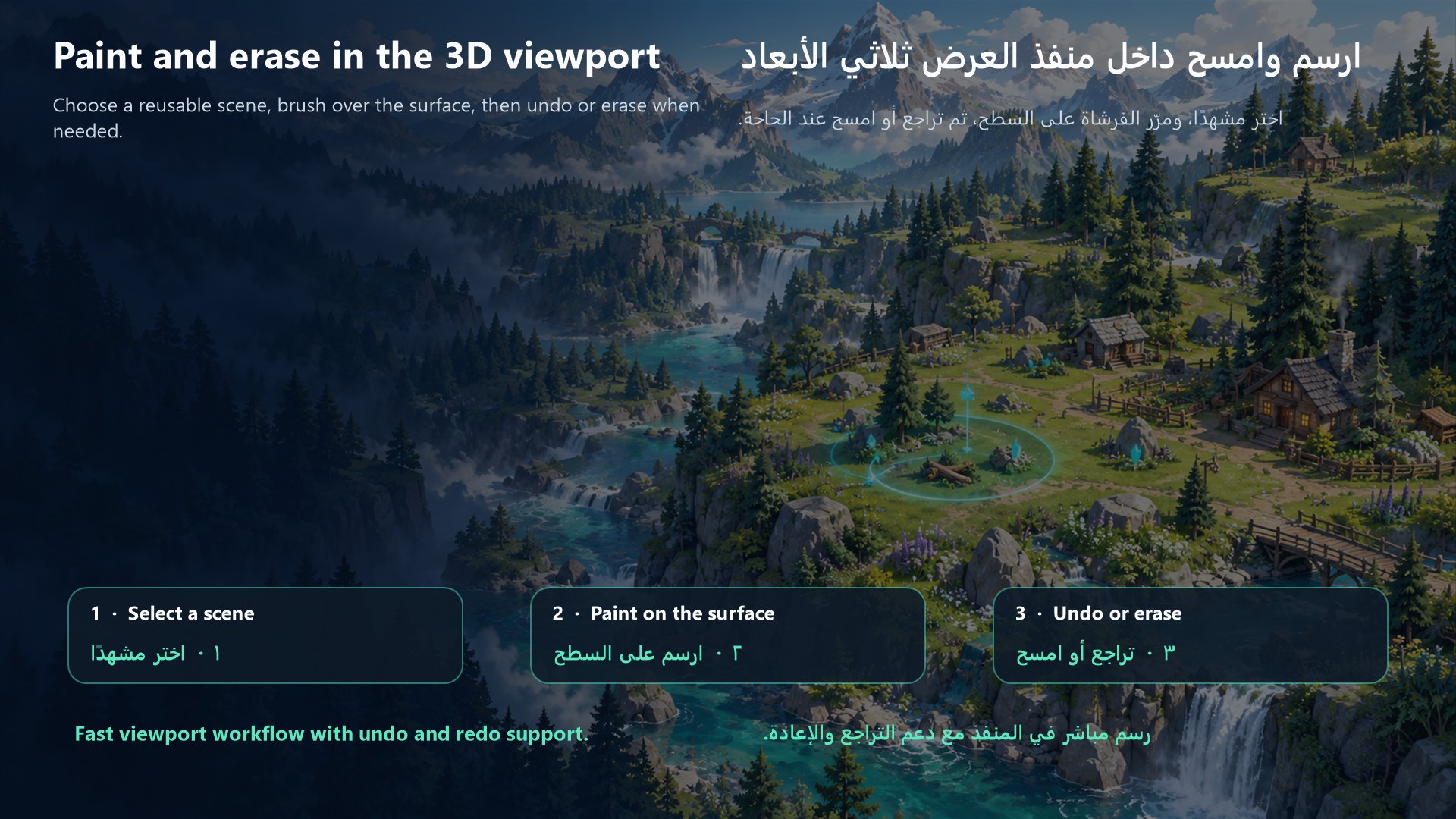
World Brush
World Brush is a bilingual Godot 4 editor plugin that lets you paint, arrange, and erase reusable 3D scenes directly inside the editor viewport.
It is designed to speed up environment creation by allowing you to place trees, rocks, plants, props, decorations, and other 3D scenes using a configurable brush instead of positioning every object manually.
Main Features
- Paint multiple 3D scene instances directly in the editor viewport.
- Erase previously painted instances using an erase brush.
- Add multiple
PackedSceneresources to a scene palette. - Switch quickly between scenes using Previous and Next buttons.
- Save independent brush settings for every scene.
- Adjustable brush radius.
- Adjustable number of instances per stamp.
- Adjustable minimum spacing between placed instances.
- Optional random Y-axis rotation.
- Optional rotation with the surface slope.
- Adjustable maximum allowed surface slope.
- Optional random scale with minimum and maximum values.
- Adjustable height offset.
- Offset direction using either World Y or the surface normal.
- Immediate undo and redo support for painting and erasing.
- Persistent scene palette and brush settings.
- Scrollable and compact editor interface.
- Arabic and English interface support.
Scene-Specific Settings
Each scene in the palette remembers its own brush configuration.
For example, a tree scene can use a large brush radius, wide spacing, and random scale, while a rock scene can use a smaller radius, different spacing, and surface rotation.
When switching between scenes, World Brush automatically loads the saved settings for the selected scene.
Installation
- Download the addon package.
- Extract the downloaded ZIP file.
- Copy the included
addonsfolder into the root of your Godot project. - Open the project in Godot.
- Go to
Project > Project Settings > Plugins. - Find
World Brush. - Enable the plugin.
The final addon path should be:
res://addons/world_brush/
Basic Usage
- Open a 3D scene in Godot.
- Open the World Brush dock.
- Add one or more
PackedSceneresources to the scene palette. - Select the scene you want to paint.
- Configure its brush settings.
- Enable the brush.
- Paint directly in the 3D viewport.
- Use the erase mode to remove painted instances when needed.
- Use undo and redo to reverse or restore painting actions.
Intended Uses
World Brush can be used for placing:
- Trees
- Rocks
- Plants
- Grass groups
- Environment props
- Decorations
- Repeated buildings
- Reusable gameplay scenes
- Other
Node3D-based scenes
Compatibility
- Godot 4.6.3 or newer
- Godot editor plugin
- Intended for 3D projects
License
World Brush is released under the MIT License.
Changelog for version v0.3.4
2026-08-16 02:53:04
No changelog provided for this version.
