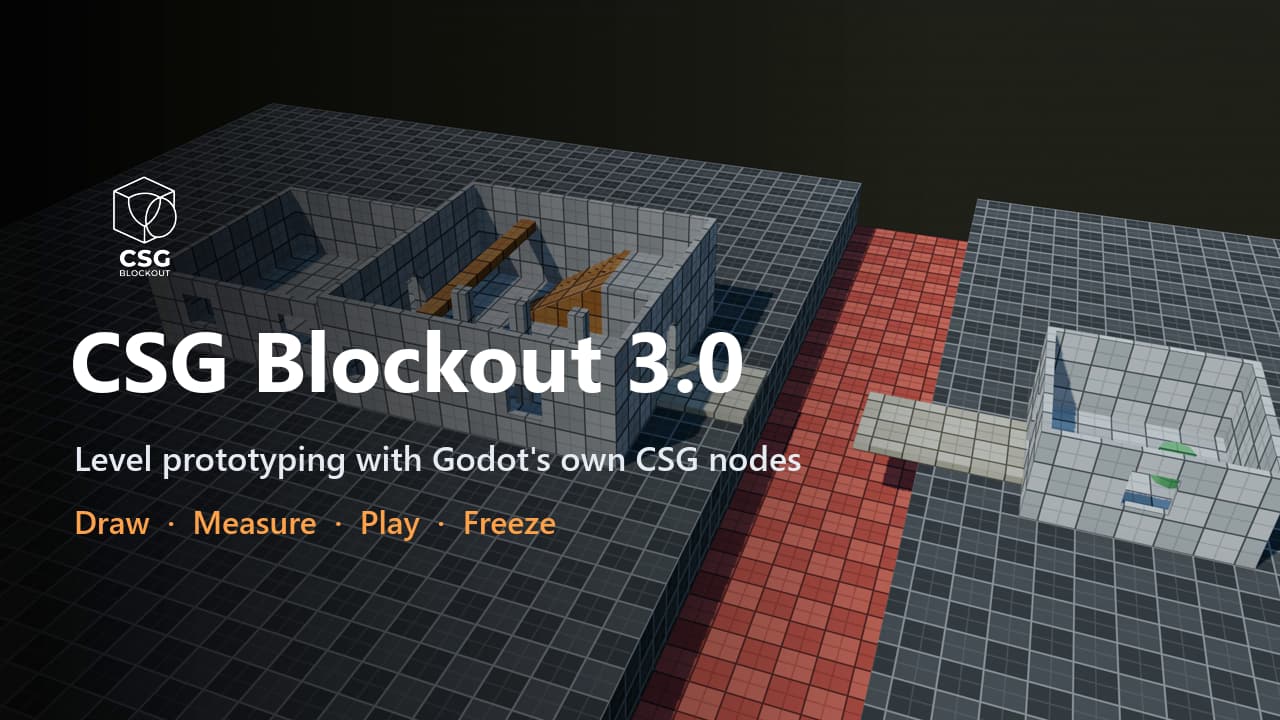
CSG Blockout
 3
3
by qwqzhanqwq | MIT
Draw rooms, cut doors, check jumps, play-test and freeze to meshes, all with Godot's own CSG nodes that stay editable
Level prototyping, not modeling. Block out levels with Godot's own CSG nodes: draw rooms in the viewport, check them against your character, play them, and freeze them into meshes you can always turn back into CSG. A room in one drag. Drag a base on any
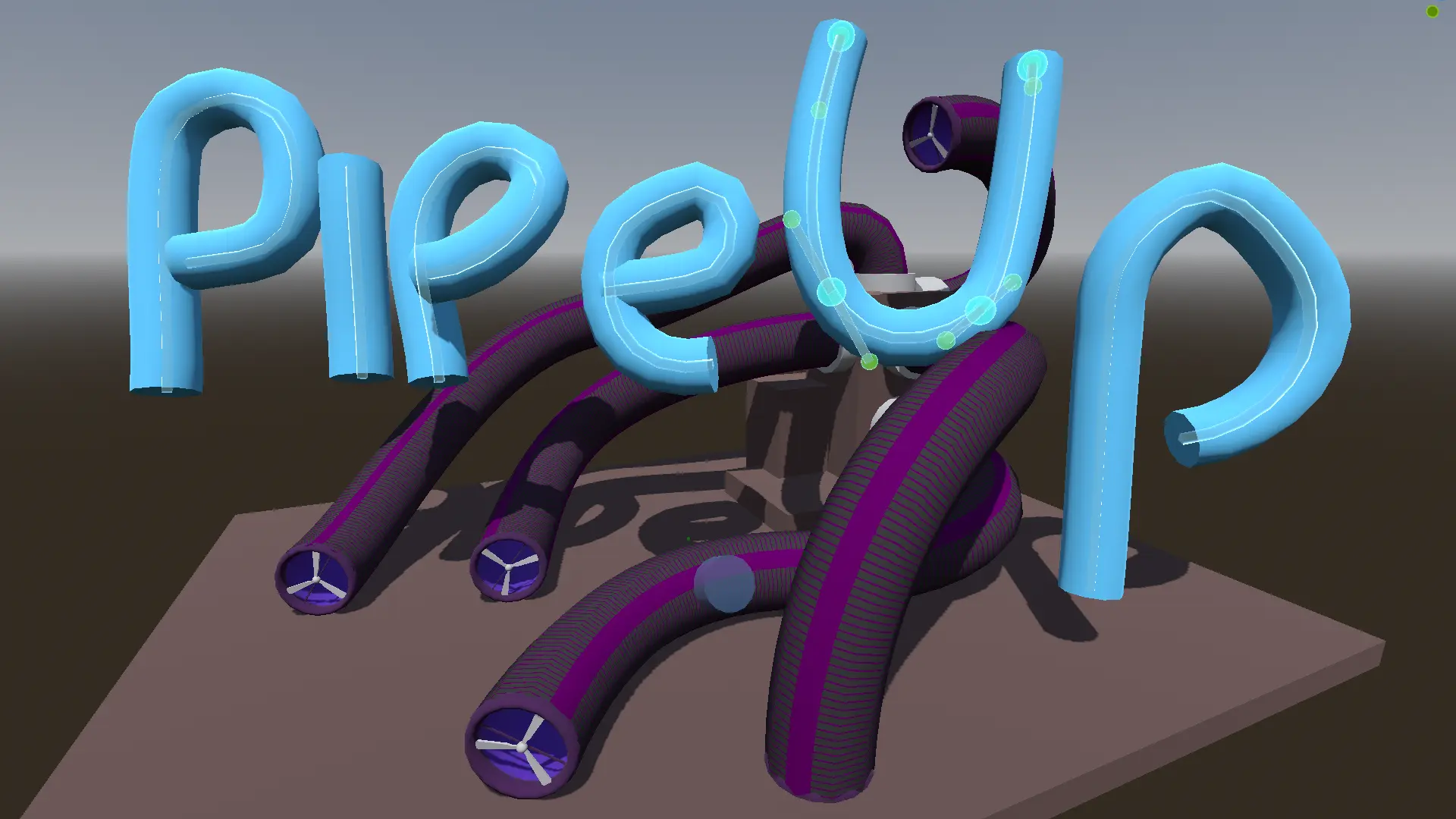
Pipe Up
1
by Tom Lechner | MIT
Build pipes that you can optionally walk through, by dragging around bezier paths. Automatically sync end caps to the pipes. Pipes are created from CSG nodes, and can optionally be baked out to MeshInstance3D with colliders
Using After installing and enabling the plugin, put a PipeMaker object in your scene and, with it selected: Click and drag on a surface that has collision enabled to create a new pipe Hold control to apply a hint for the end point for whether it should be

LevelBlock
1
by plaught-armor | MIT
A lightweight greyboxing/whiteboxing tool for Godot 4.7+ — fast level blockout with a grid-snapped, corner-pivoted resizable box
A lightweight greyboxing / whiteboxing tool for Godot 4.7 — fast level blockout with grid-snapped, corner-pivoted resizable primitives. Why Standard box meshes pivot at their center, so they straddle the grid and the floor plane — awkward for blocking out
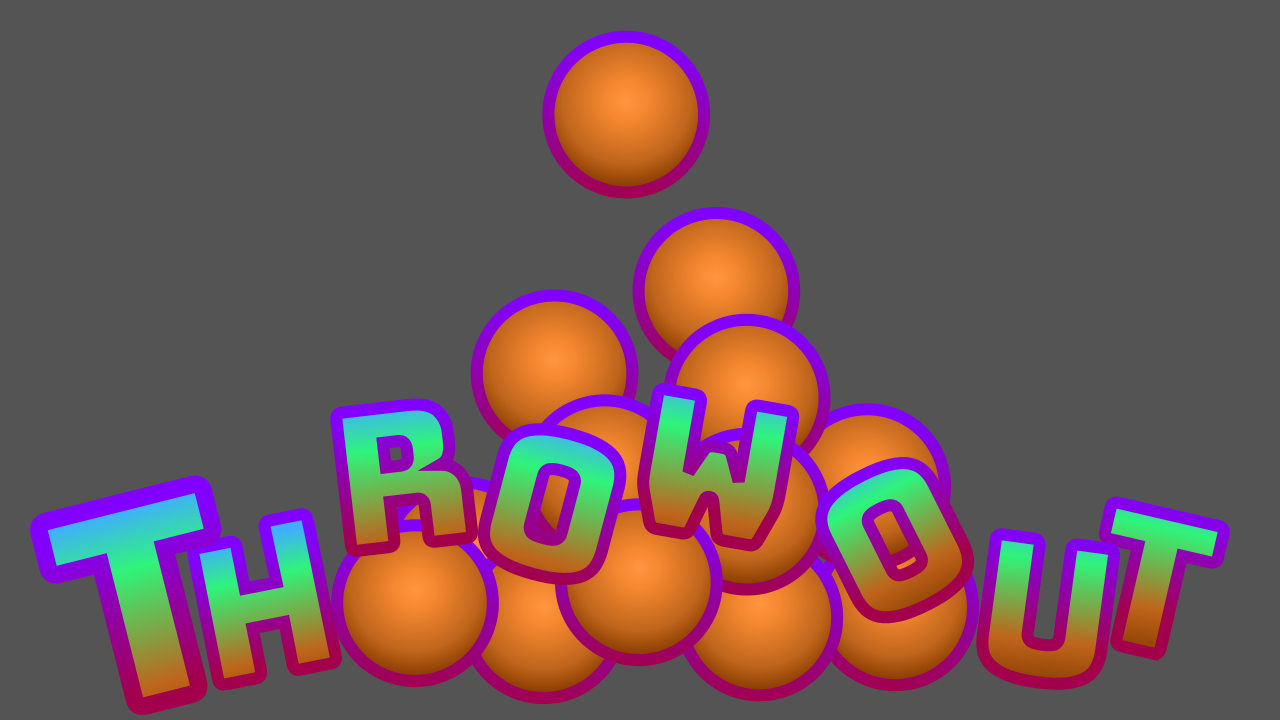
ThrowOut
0
by Tom Lechner | MIT
Scatter lots of instances from a MeshLibrary that contains both meshes and colliders, using physics in the editor. You can convert spawned RigidBody3D objects to MeshIntance3D, MultiMeshInstance3D, or StaticBody3D instances
Scatter lots of instances from a MeshLibrary that contains both meshes and colliders, using physics in the editor. When a ThrowOut node is selected You can convert spawned RigidBody3D objects to MeshIntance3D, MultiMeshInstance3D, or StaticBody3D
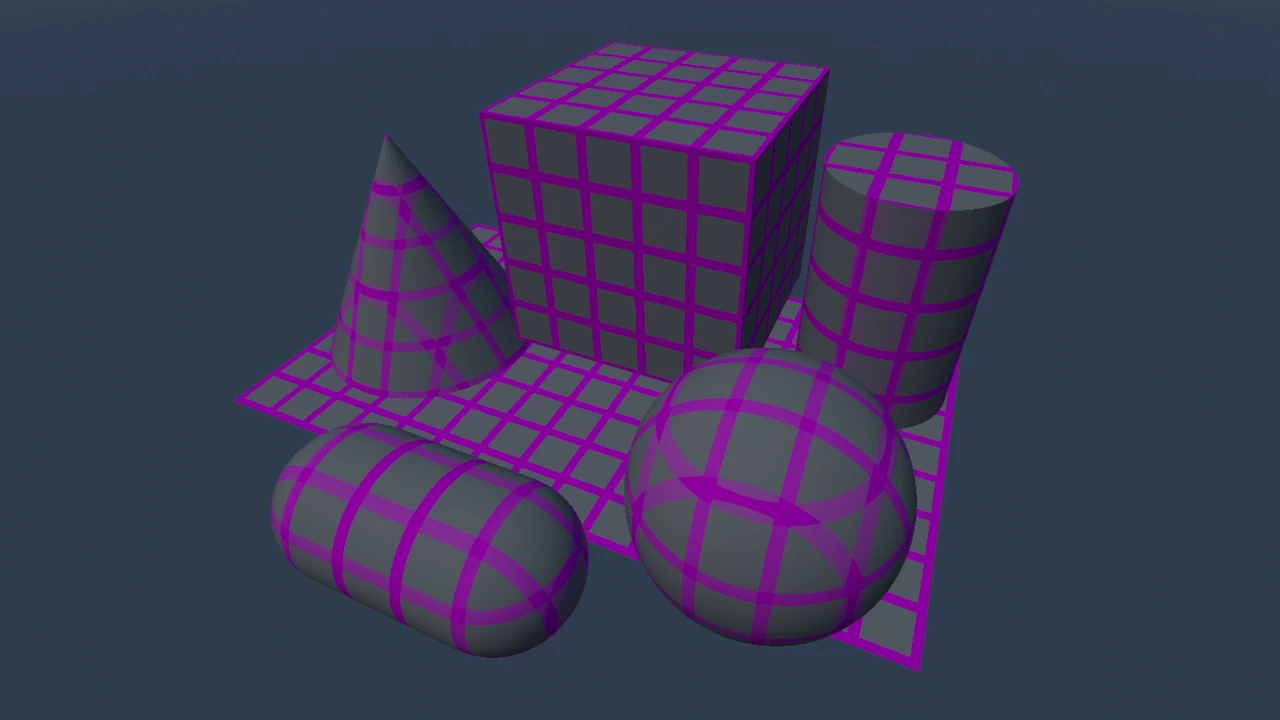
Pretty Primitive
0
by Tom Lechner | MIT
Simple panel to easily add primitive 3D objects like cubes and spheres, together with materials and appropriate colliders and physics
Available primitives are cubes, spheres, capsules, cylinders, cones, and planes. They can be created as either MeshInstance3D, or CSG (but no csg planes or capsules). They may be matched with either a flat color, or custom material, as well as optionally

loading more results...