Godot 3D Cursor
 2
2
by DevMarco | ISC
The Godot 3D Cursor Plugin is an editor-only plugin for Godot 4.5+ that introduces a configurable 3D Cursor to the editor, inspired by the 3D cursor functionality found in Blender. It provides an intuitive way to place and position nodes within a 3D scene
Godot 3D Cursor Plugin This plugin implements a 3D Cursor in the Godot Engine, inspired by Blender’s 3D cursor functionality. It provides an intuitive and precise way to place and position nodes within a 3D scene, improving the overall workflow for 3D
Instance Dock
2
by KoBeWi | MIT
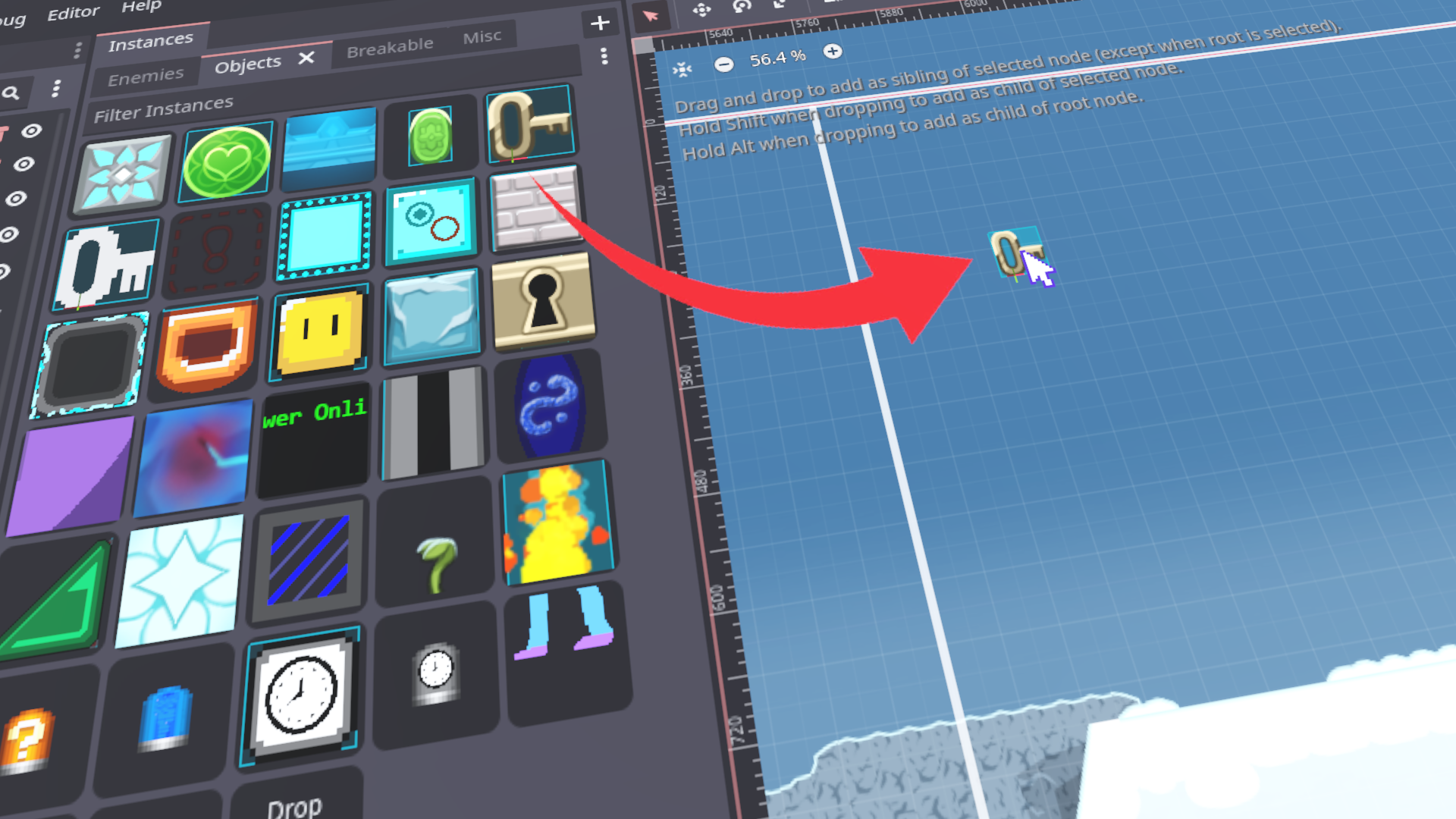
An addon that adds a convenience dock where you can store scenes
Using scenes The scenes are organized into custom tabs. You can add a scene to the dock using drag and drop and then you can drag it onto your scene, as if dragging the scene file. You can also assign using the Quick Load option. Use drag and drop within
Physics Placer
1
by Syrsly | MIT
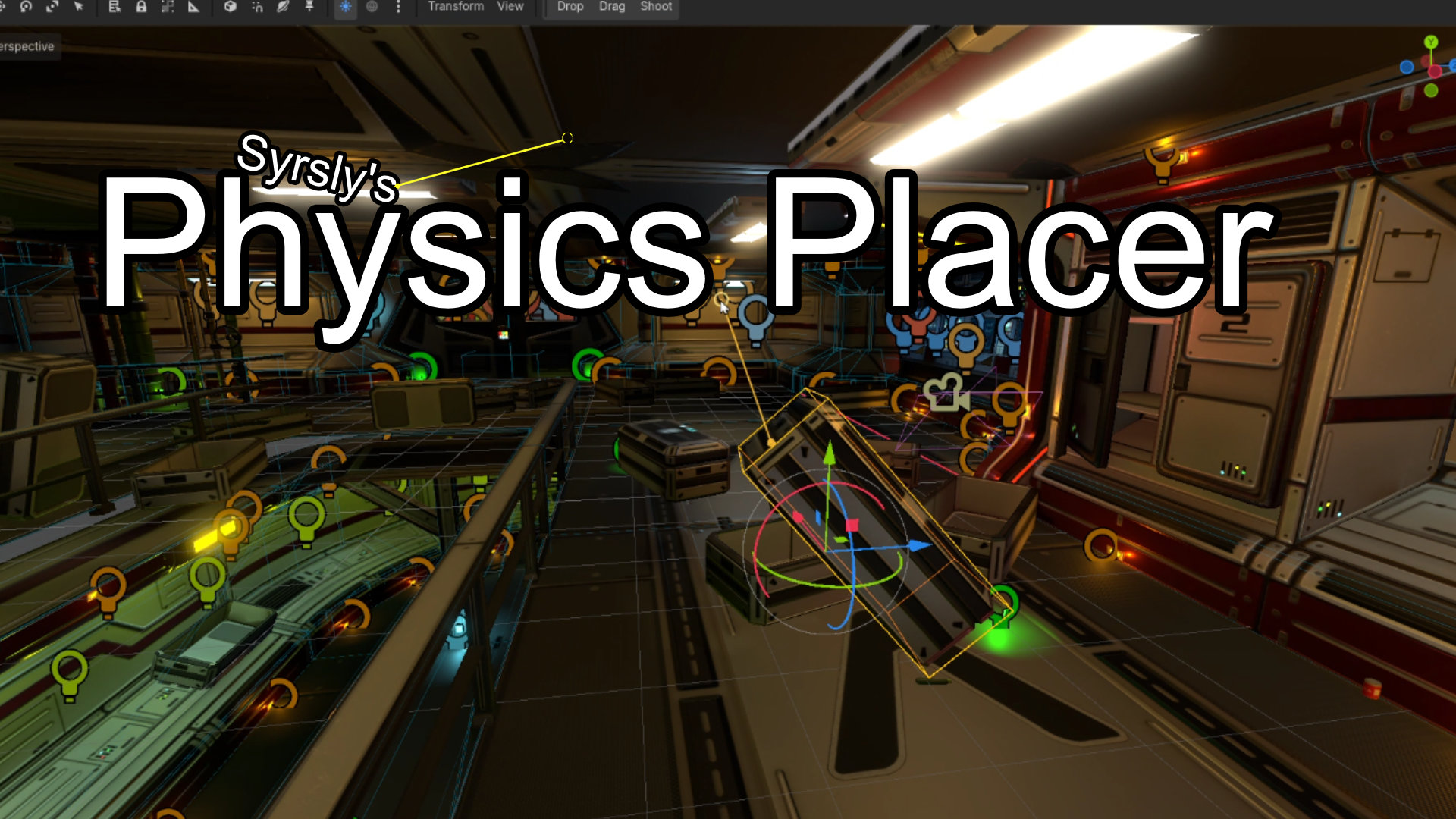
Physics-based object placement for the Godot 4 3D scene editor viewport that lets you drag objects around like ragdolls or shoot them into the scene or just drop them naturally
Physics-based object placement for the Godot 4 3D editor. Three subtools live in one scene editor tool: Drop, Drag and Shoot. The Drop tool pulls the object down with gravity to make it fall into and onto other objects in a realistically physical way. The
Surface Snap
1
by Adrm00 | MIT
An editor plugin for Godot 4.7+ that lets you drag a Node3D directly onto the surface of another object
Surface Snap An editor plugin for Godot 4.7+ that lets you drag a Node3D directly onto the surface of another object — unlike the built-in vertex snap, which only snaps to specific vertices. Usage Enable the plugin in Project → Project Settings → Plugins
Asset Placer With Physics
0
by camperotactico | Apache 2.0
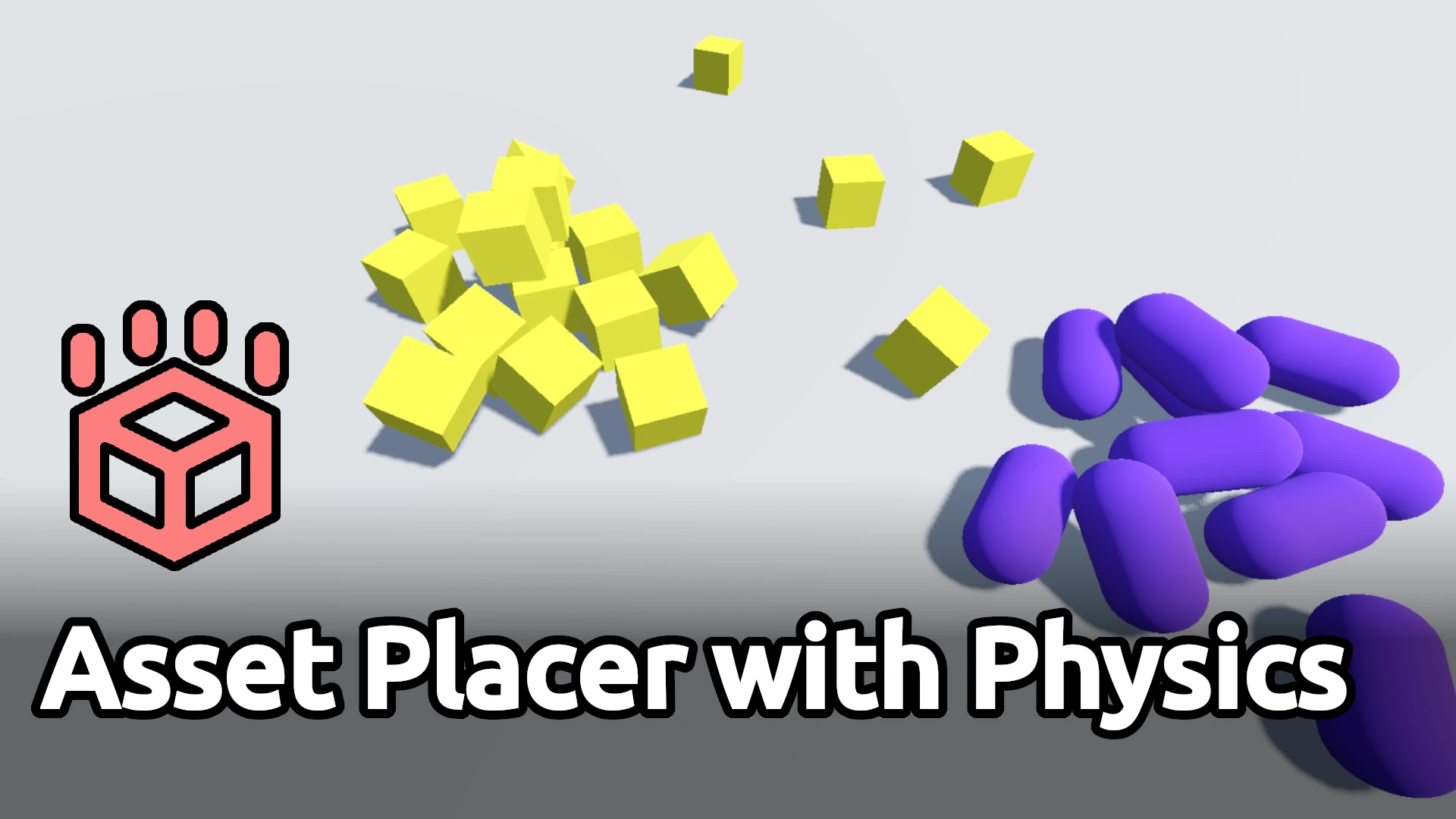
A tool to automatically place assets that need to lay naturally on the ground or against other assets. This tool is compatible with any Node3D derived PackedScene
Asset Placer with Physics An editor plugin that allows assets to be instantiated and dropped on a 3D scene using physics. Useful to automatically place assets that need to lay naturally on the ground or against other assets. This tool is compatible with
Set and See Localization Key
0
by JavatoScriptor | MIT
An Addon to insert language reference keys from "csv" files, into nodes via their "Text" fields, and into custom script variables
Set and See Localization Key Acknowledgments Thanks to Banana Holograma for their script to read CSV files from the Godot Essentials repository, specifically from the file_manager.gd file. Thanks to Hugo Locurcio and contributorss for the icons: Reload
Ultimate Asset Placer
0
by Choco Ted | Proprietary
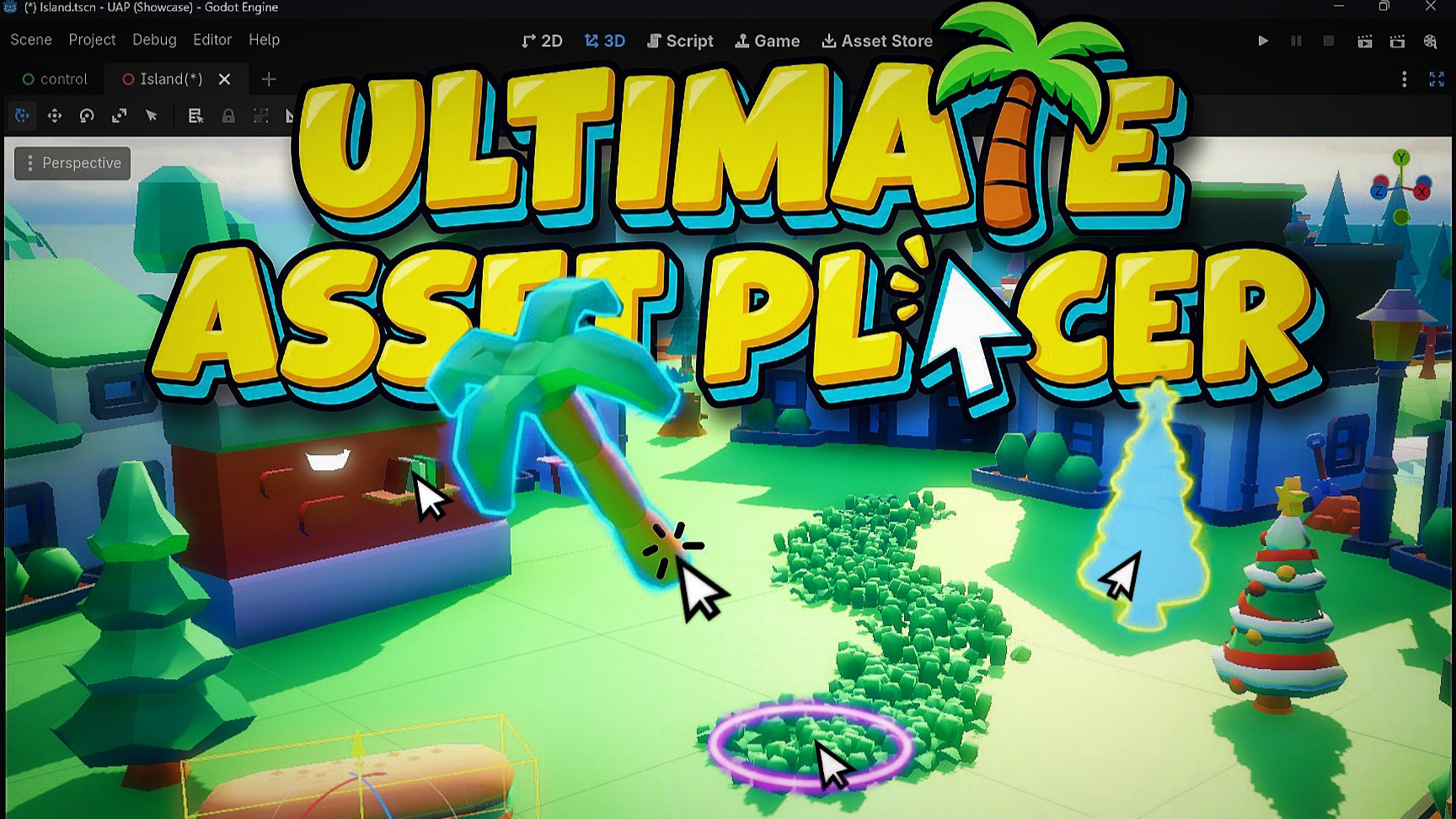
A practical 3D level design tool for Godot that speeds up placing 3d assets, scattering, and place assets aligning to terrain and meshes, generate direct collisions, and spawn meshes align to spline directly in the viewport
Manually dragging dozens of meshes into a 3D scene, aligning them to uneven ground, and randomizing transforms by hand gets old fast. Ultimate Asset Placer streamlines your entire 3D level design workflow right inside the Godot editor, whether you are
Scatter2D
0
by Alessandro Rasulo | MIT
Godot engine addon to randomly fill an area 2d with props or other scenes
Scatter2D Place anything you want in your 2D scenes, in a procedural, non-destructive way. What is it? This is an add-on for Godot 4, based on the excellent plugin HungryProton/scatter, which automates the positioning of assets in a 2D scene. If you have

loading more results...