Debug Graph
 3
3
by Jeditor | MIT
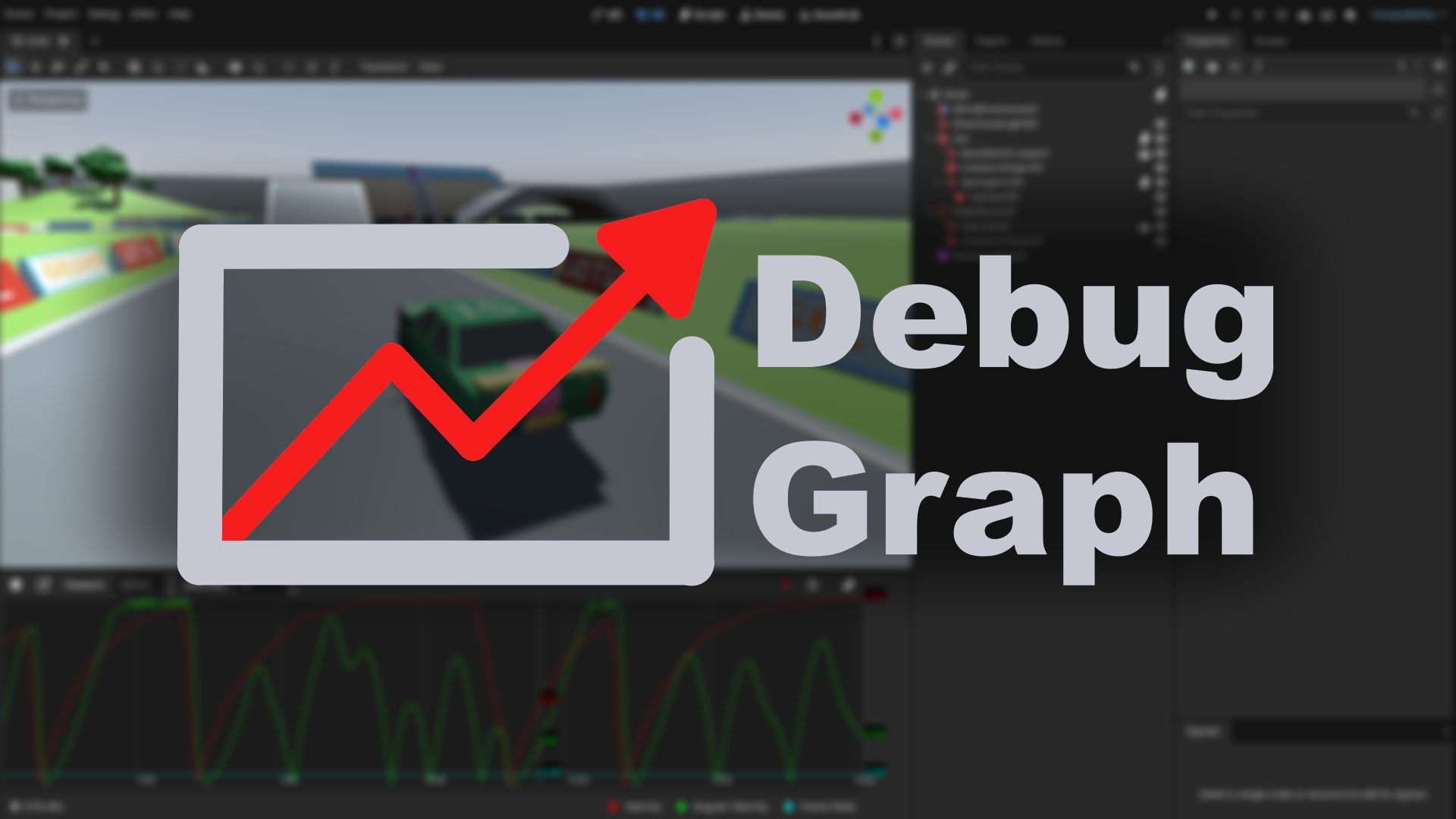
Visualize data at runtime with this easy to use editor dock. No more sifting through hundreds of print messages
Instead of printing float values as raw text in the console, plot them in a graph! Docked in the editor, or as a floating window. Use Case While print() is useful for logging events, its difficult get a grip on rapidly changing values. To this plugin is
Godot Open Editors
2
by Jason Lothamer | MIT
A new editor dock that lists scenes currently open in the editor. Switch to that scene, close or even run it right from the dock
This add-on adds a new dock that lists the currently open scenes in the editor. This allows you to find scenes without having to look through a bunch of tabs. With this new dock you can: Filter listed scenes Switch to scene (left click) Close a scene Play
Quick Scenes
2
by KoBeWi | MIT
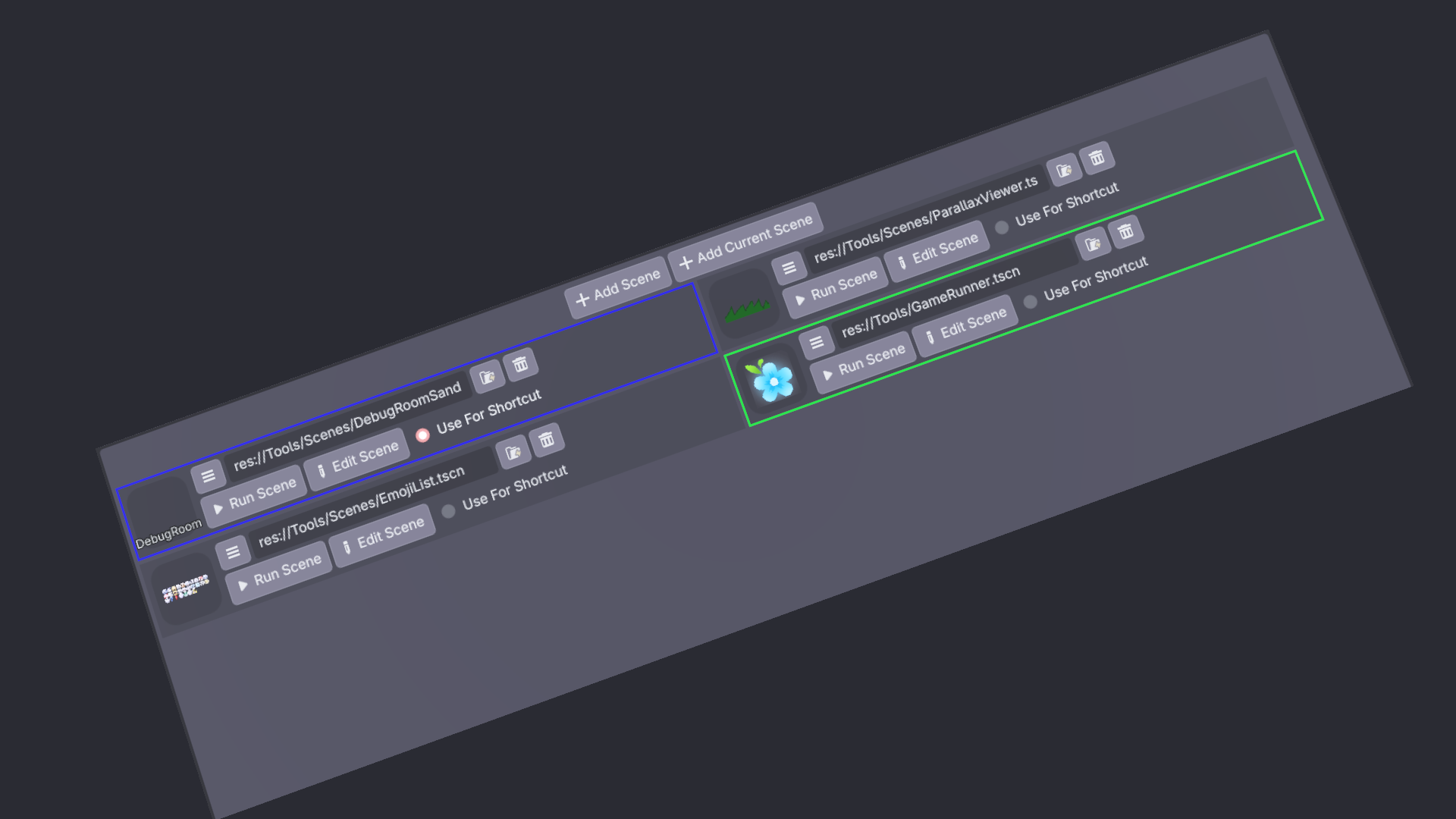
An addon that allows to select multiple scenes for quick running
Usage Enable the plugin in Project Setttings. Quick Scenes should appear in your bottom pannel. It looks like this (after you press the Add Scene button): Opens the scenes panel. Adds a new empty scene entry. Adds a new scene entry with path to the
Instance Dock
2
by KoBeWi | MIT
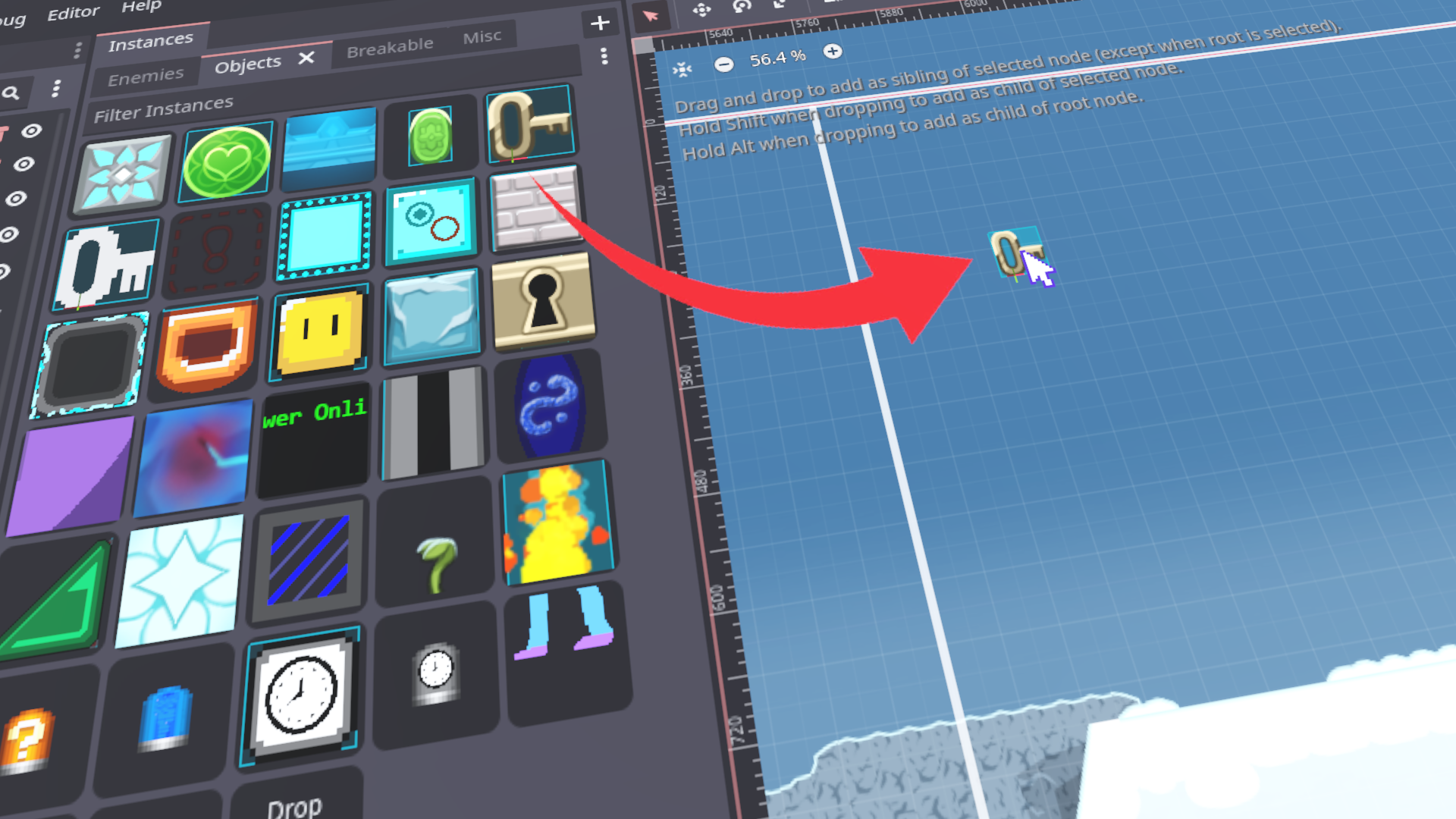
An addon that adds a convenience dock where you can store scenes
Using scenes The scenes are organized into custom tabs. You can add a scene to the dock using drag and drop and then you can drag it onto your scene, as if dragging the scene file. You can also assign using the Quick Load option. Use drag and drop within
Gnumaru's Godot Project Analyzer
0
by gnumaru | MIT
An editor addon that allows using type annotations in gdscript (like JSDoc for Javascript) and shows errors in the script editor while you type
This package includes the following: 1) A set of gdscripts that can be used outside the editor (without a running editor instance) to analyse the gdscripts and the textual resources (.tres and .tscn) of a Godot project directory and check for errors
Scene Palette
0
by Cecilia | Unlicense
Adds a dock with scene thumbnails that you can drag and drop into the workspace
This is essentially a thumbnailed file browser that allows you to make "palettes" of scenes using your existing directory structure. Drag and drop scenes like regular files into your main scene workspace. Within a palette, subdirectories can be expanded
Multi Launcher
0
by Husam Alani | MIT
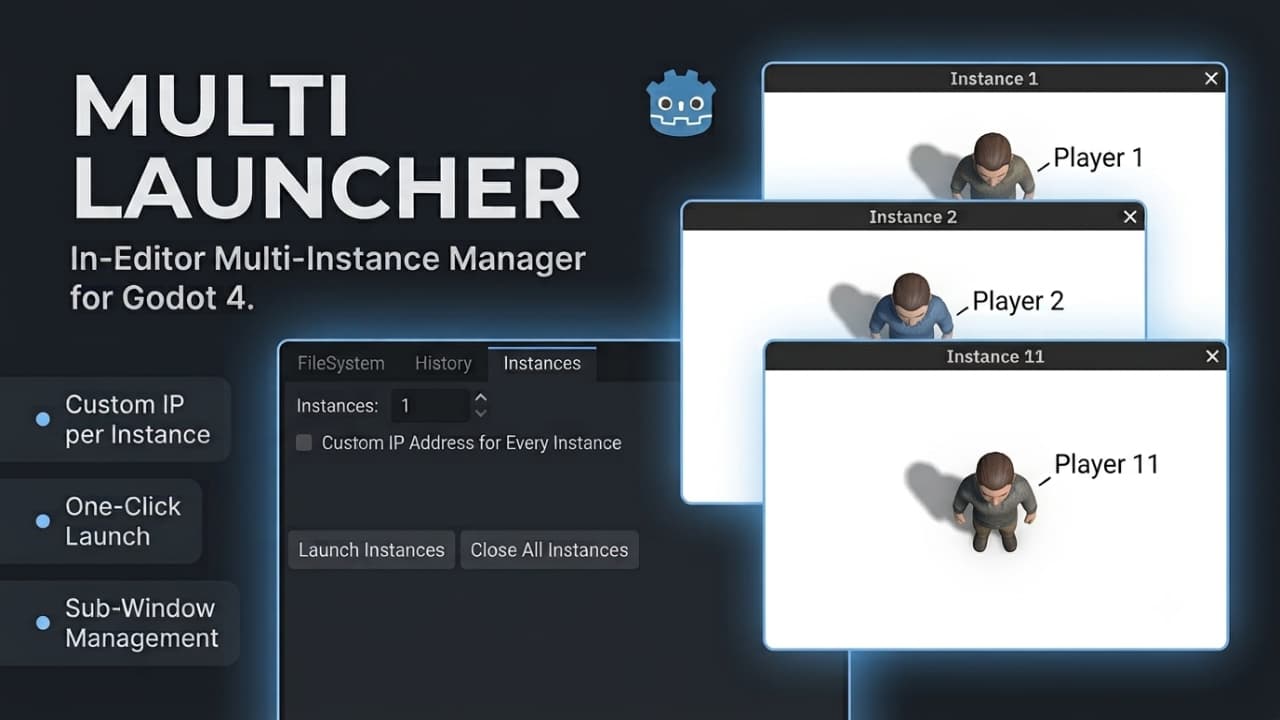
Launch multiple resizable test instances of your Main Scene directly in editor sub-windows. Supports per-instance custom IP assignment for networking and one-click cleanup—no @tool scripts required on your game code
Multi Launcher is a lightweight editor dock plugin for Godot 4 designed to make local multiplayer and multi-client testing fast, simple, and reliable. It automatically loads your project's configured Main Scene and spawns multiple standalone, fully

Guideline Manager
0
by repechul | MIT
A simple Dock editor for creating and managing viewport guide lines in Godot
Guideline Manager A simple Dock editor for creating and managing viewport guide lines in Godot. Compatible with Godot 4.6+ — tested on 4.7 Installation Copy the "guideline_manager" folder into "addons" in your project. Go to Project > Project Settings >

Godot Loot Table
0
by orumcan | MIT
A Godot 4 plugin that adds a custom editor dock for creating and editing loot tables. With this tool you can visually define multiple LootTable resources (grouped by level), add weighted LootEntry items (with configurable drop amounts), and persist your
Loot Table Editor A Godot 4 plugin that adds a custom editor dock for creating and editing loot tables. With this tool you can visually define multiple LootTable resources (grouped by level), add weighted LootEntry items (with configurable drop amounts)

Table For Scene Tabs
0
by dasete | MIT
This simple plugin for Godot adds a dock with a table that shows all open scenes as buttons
Table For Scene Tabs This simple plugin for Godot adds a dock with a table that shows all open scenes as buttons. Left-click a button to switch to its scene tab. Right-click a button to change its background color. The background color for each scene

loading more results...