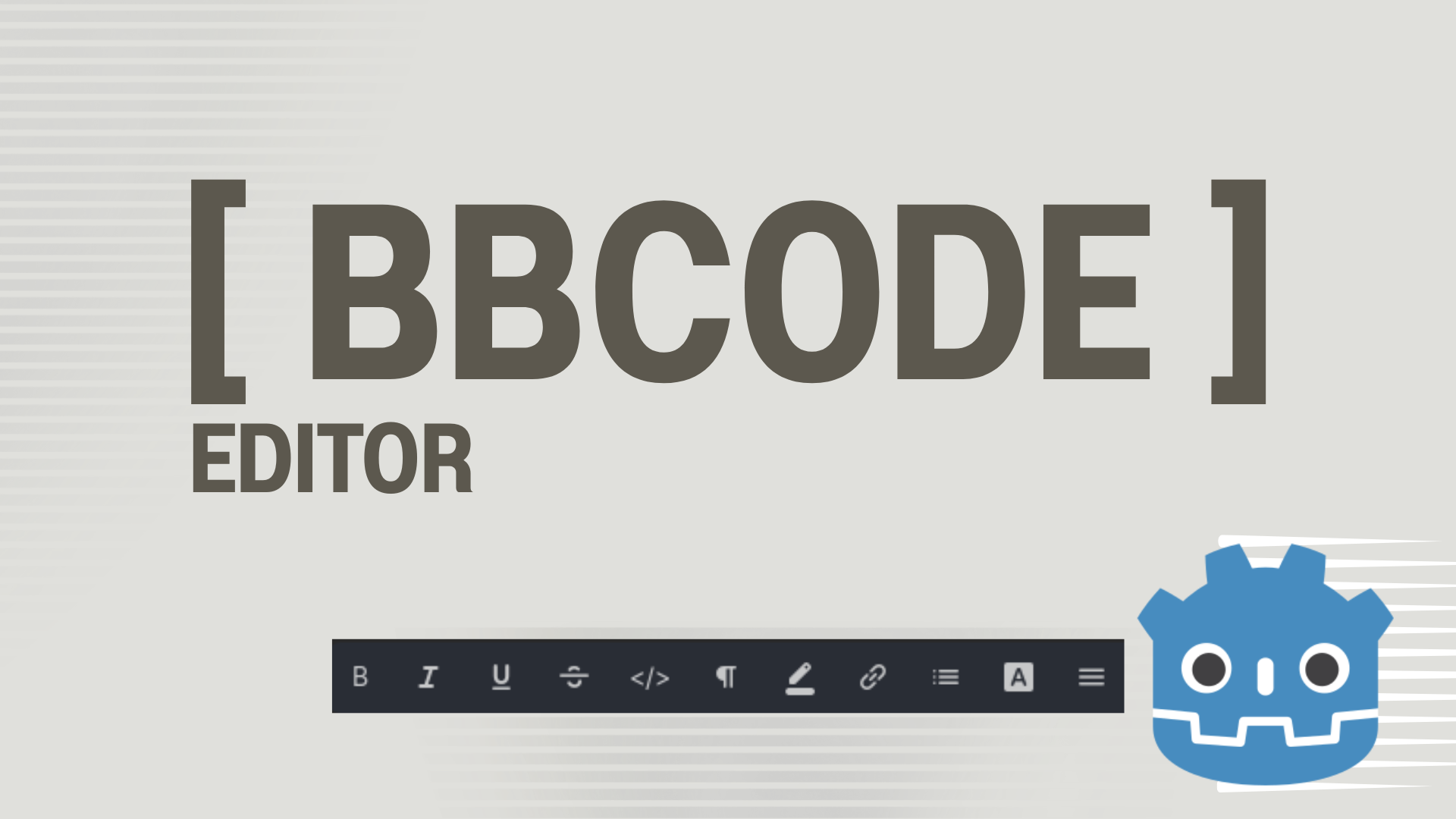
BBcode Editor
 0
0
by Fellow Roach | MIT
A simple visual BBCode editor and live preview for Godot 4.2+. Formatting toolbar with common Godot BBCode tags. Reusable editor dialog for other Godot editor plugins
BBCode Editor for Godot A simple visual BBCode editor and live preview for Godot 4.2+. Features Compact editor for BBCode-enabled RichTextLabel text. Resizable source and real-time preview panes. Formatting toolbar with common Godot BBCode tags. Inspector
Mobile Keyboard Disabler
0
by repechul | MIT
A Toggle Button in the main toolbar to disable the Android virtual keyboard while editing code on the Scripts screen
Mobile Keyboard Disabler A toggle button in the main toolbar to disable Android's virtual keyboard anywhere text can be entered in the editor: the Script editor, Inspector fields, FileSystem search, rename dialogs, SpinBox number entry, and more. Quick
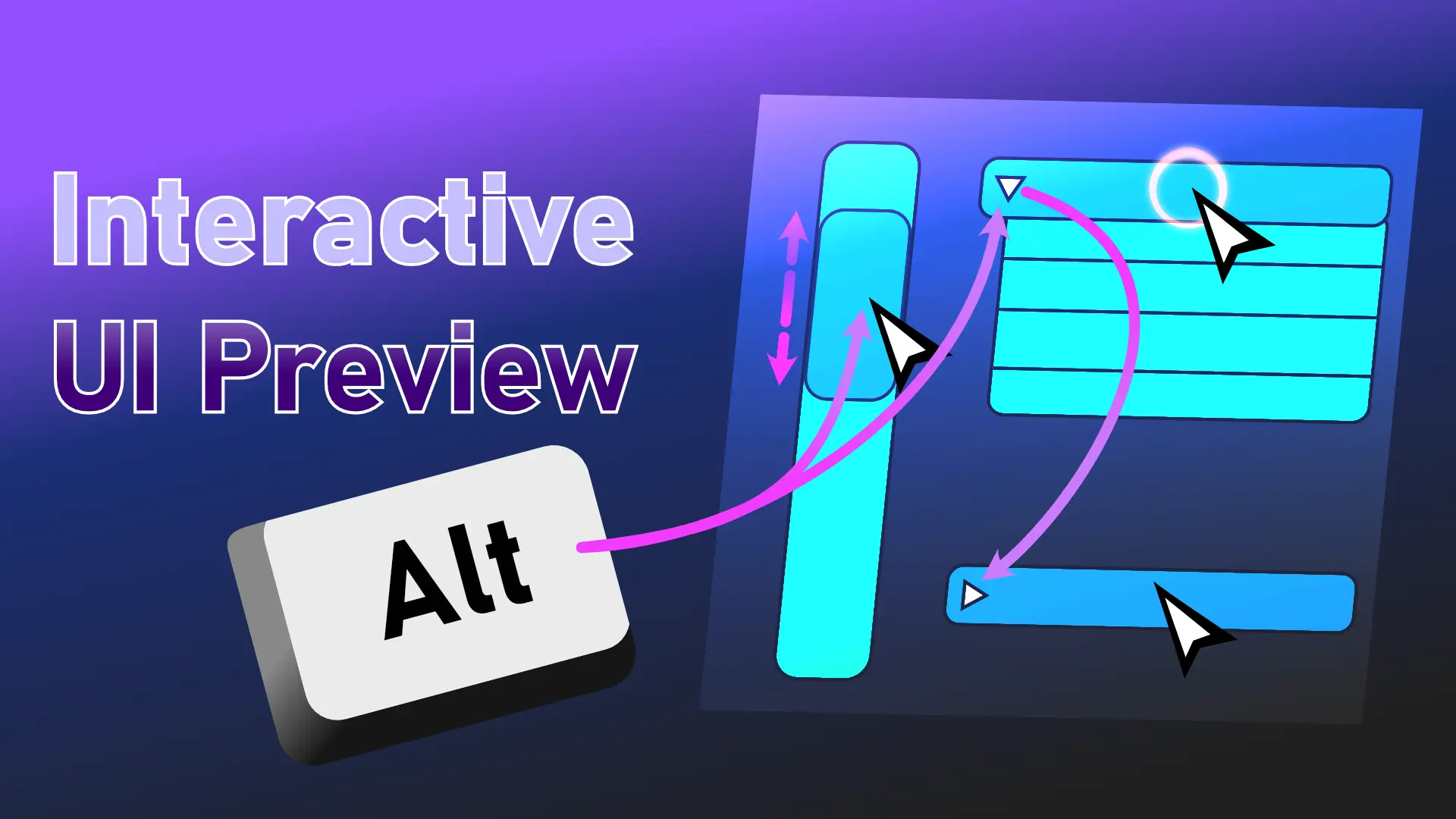
Interactive UI Preview
0
by Stolen Games | Apache 2.0
Hold Alt to use Scrollbars, OptionButtons, and Collapsable Groups directly in editor. Also previews Tooltips
Hold Alt to use Scrollbars, OptionButtons, and Collapsable Groups directly in editor. Also previews Tooltips. All interactions are on by default. Changes do not carry over to the live scene. Scrollbars/ScrollContainers can be dragged and used with mouse

Godot Easy Icons — Customizable Node Icons
1
by Fellow Roach | MIT
Adding CUSTOM colored icons to your Godot editor nodes, made easy. 2k Icons + YOUR ICONS easily customizable
Godot Easy Icons Adding CUSTOM icons to your Godot editor nodes, made easy. 2k Icons + YOUR ICONS easily customizable. Leave a review Installation Asset Library: Download it directly via the Godot Asset Library, aka here. Manual: Clone the repository and
Quick Add Menu
2
by non-existence | MIT
An editor addon that adds a drop down menu in the scene dock which gives quickly accessible nodes that can be added to your scene, similar to Unreal's Quick Add menu, or Unity's right click options in the scene hierarchy
Quick Add Menu that adds a drop down menu in the scene dock which gives quickly accessible nodes that can be added to your scene, similar to Unreal's Quick Add menu, or Unity's right click options in the scene hierarchy. It can be expanded to include your
Godot Open Editors
2
by Jason Lothamer | MIT
A new editor dock that lists scenes currently open in the editor. Switch to that scene, close or even run it right from the dock
This add-on adds a new dock that lists the currently open scenes in the editor. This allows you to find scenes without having to look through a bunch of tabs. With this new dock you can: Filter listed scenes Switch to scene (left click) Close a scene Play

Graph Value Tracker
0
by safithetomato | MIT
Graph any value instead of printing it to see it better
Easily track any float value you wish to track Functions use add_value(value: float) everytime you want to add a point into the graph tracking the value note: to always track a value use set for example: @onready var Tracker: ValueTracker = $ValueTracker
Godot Signal Checker
0
by SpielmannSpiel | Apache 2.0
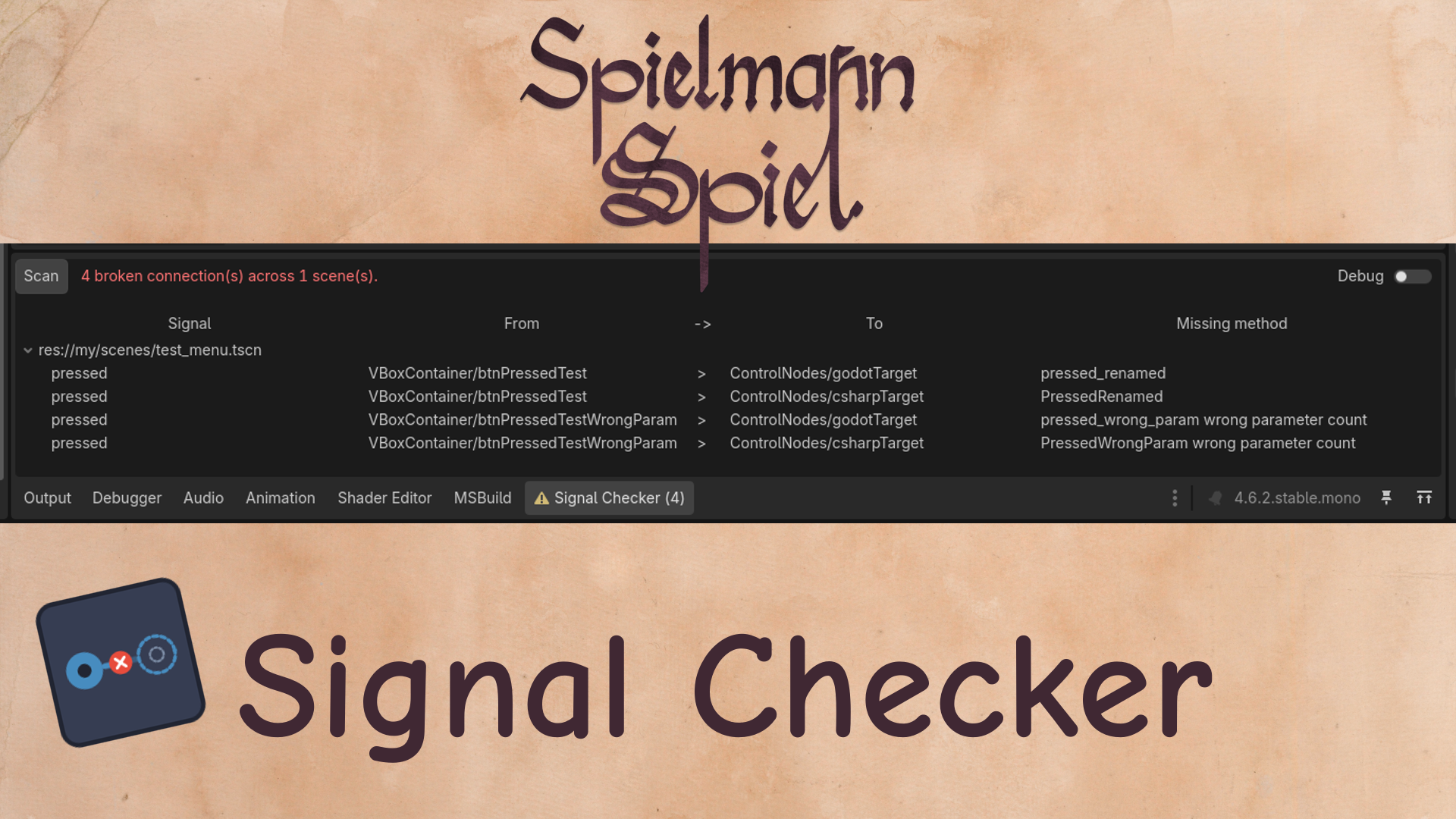
Scans scenes for editor-connected signals whose receiver methods no longer exist or parameters have changed
Godot Signal Checker Checks scenes for broken signals / events connected via the the Godot signal tab. The Problem Godot complains about broken signals connected from code, but editor-connected signals fail silently, when you rename or delete the receiver
Godot Symbol Search
0
by Tiny Roosters | MIT
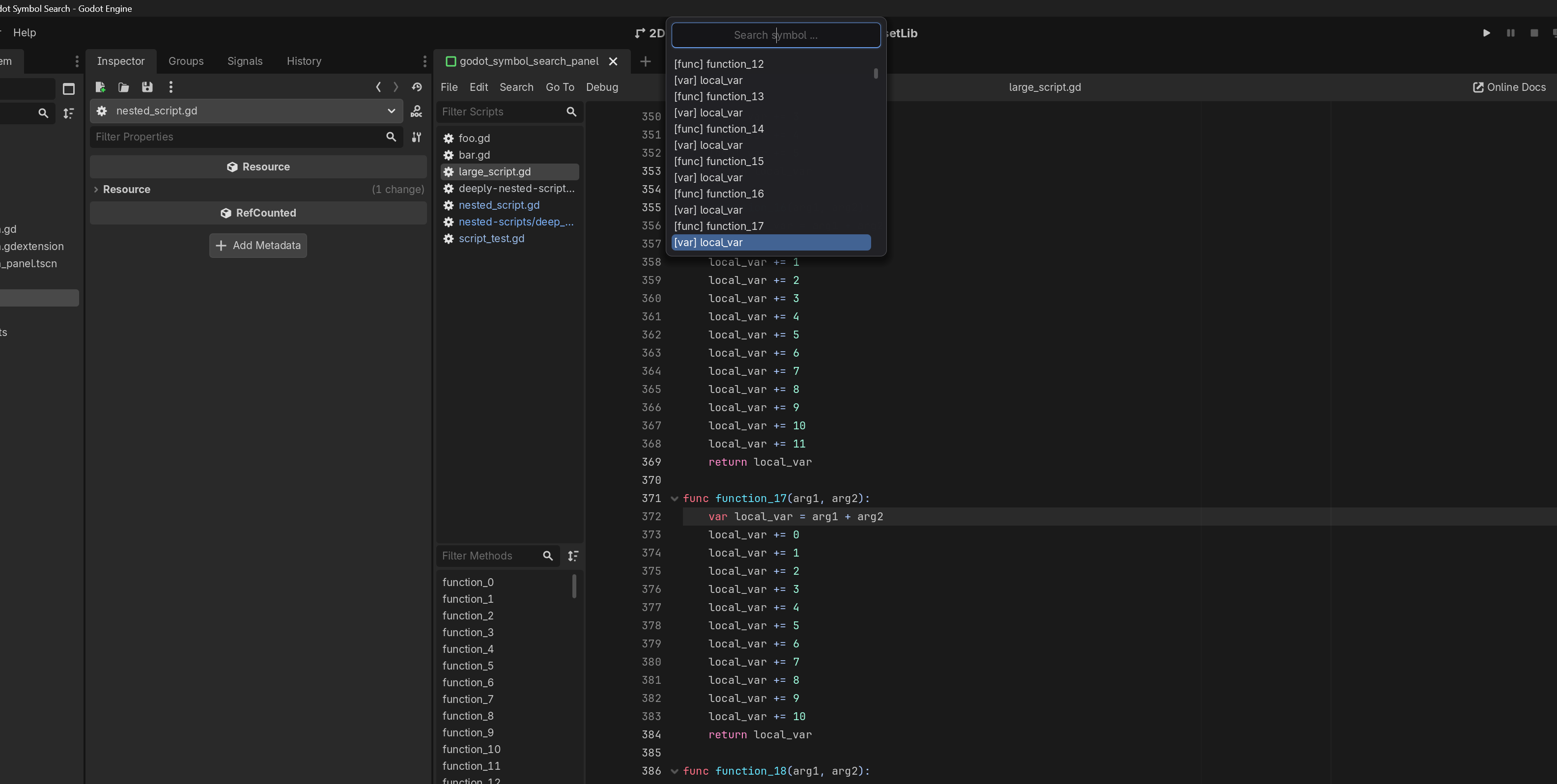
This plugin provides quick searching/gotos for all symbols in the currently active script file using a currently hardcoded keyboard shortcut: Ctrl + Shift + O. This is a recreation of VSCode's Go To Symbol utility
Features Quick Symbol Search: Instant access to all symbols in the current script using Ctrl + Shift + O . Fuzzy Matching: Find symbols quickly by typing just a few characters. Embrace the lazy. Live Navigation: The script editor jumps to the symbol's
Godot Script Switcher
0
by Tiny Roosters | MIT
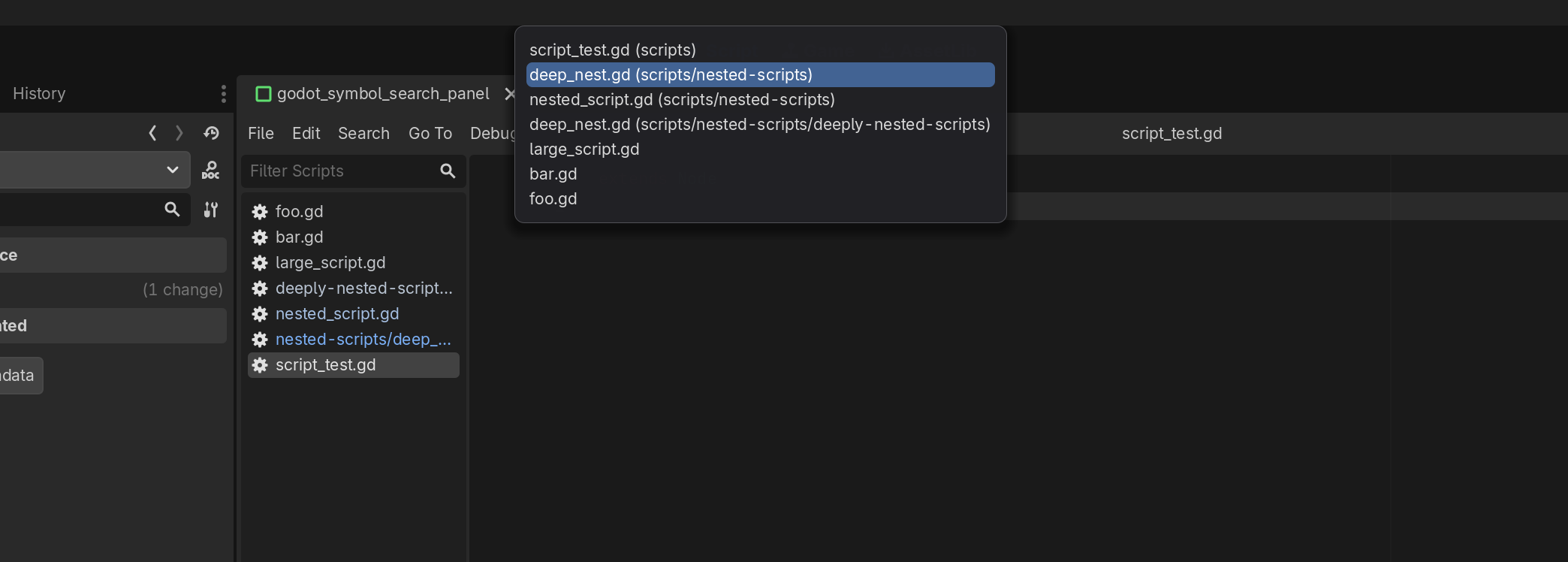
This plugin provides quick switching between recently opened scripts using a currently hardcoded keyboard shortcut: Ctrl + Tab. This is a recreation of VSCode's Quick Open for MRU (Most Recently Used) files
Features Most Recently Used (MRU) Script History: Keeps a list of the scripts you have open. Quick Switch Popup: A compact popup window with recent scripts by their file names. Keyboard-driven Navigation: Navigate and select scripts within the popup using

loading more results...