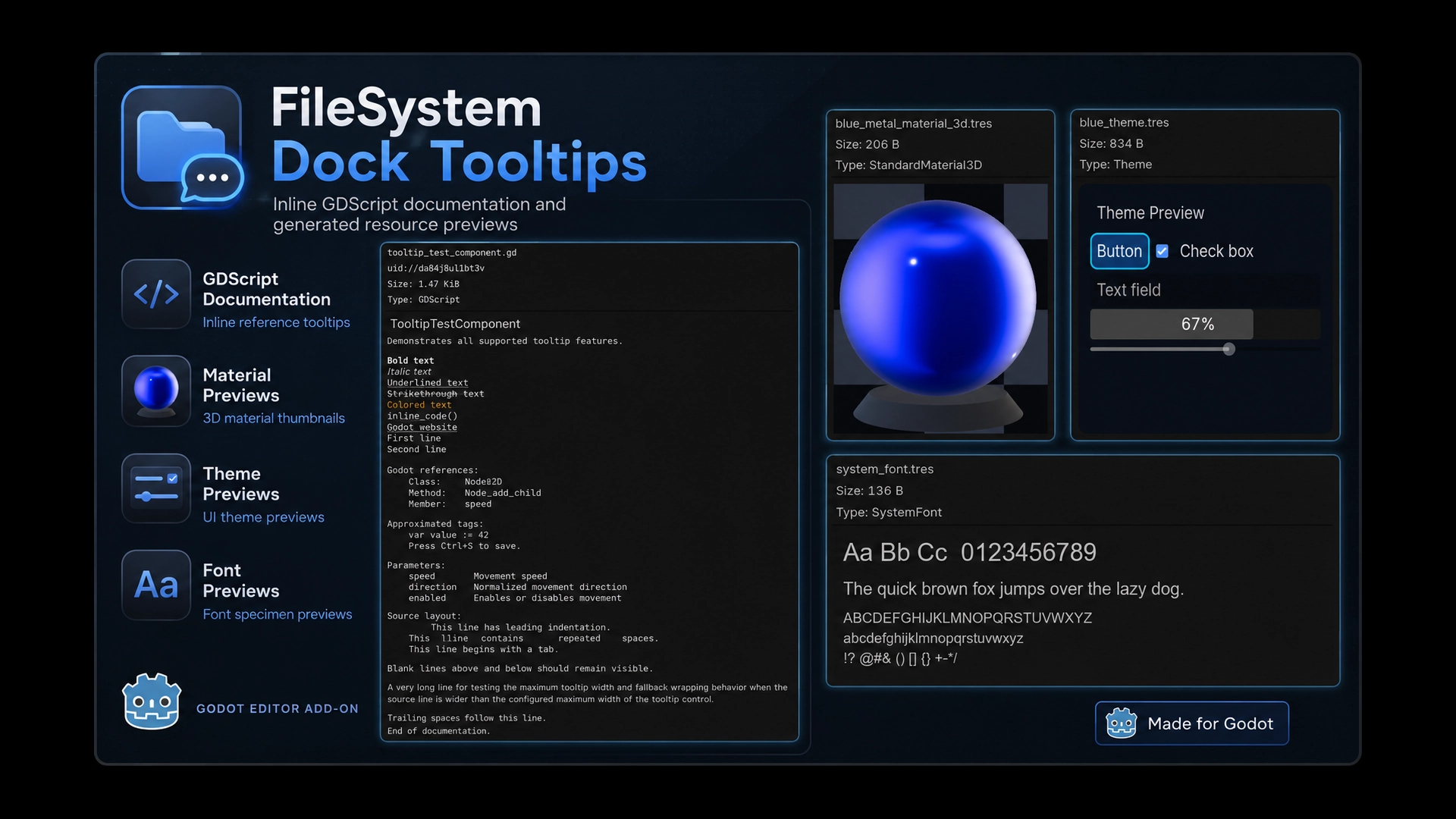
Filesystem Dock Tooltips
 1
1
by Tobias Lawrenz | MIT
Shows inline GDScript documentation and generated visual resource previews directly in the FileSystem dock
FileSystem Dock Tooltips Get useful information about your project files without opening them. FileSystem Dock Tooltips enhances tooltips in Godot's FileSystem dock with inline GDScript documentation and generated visual previews for common resource types
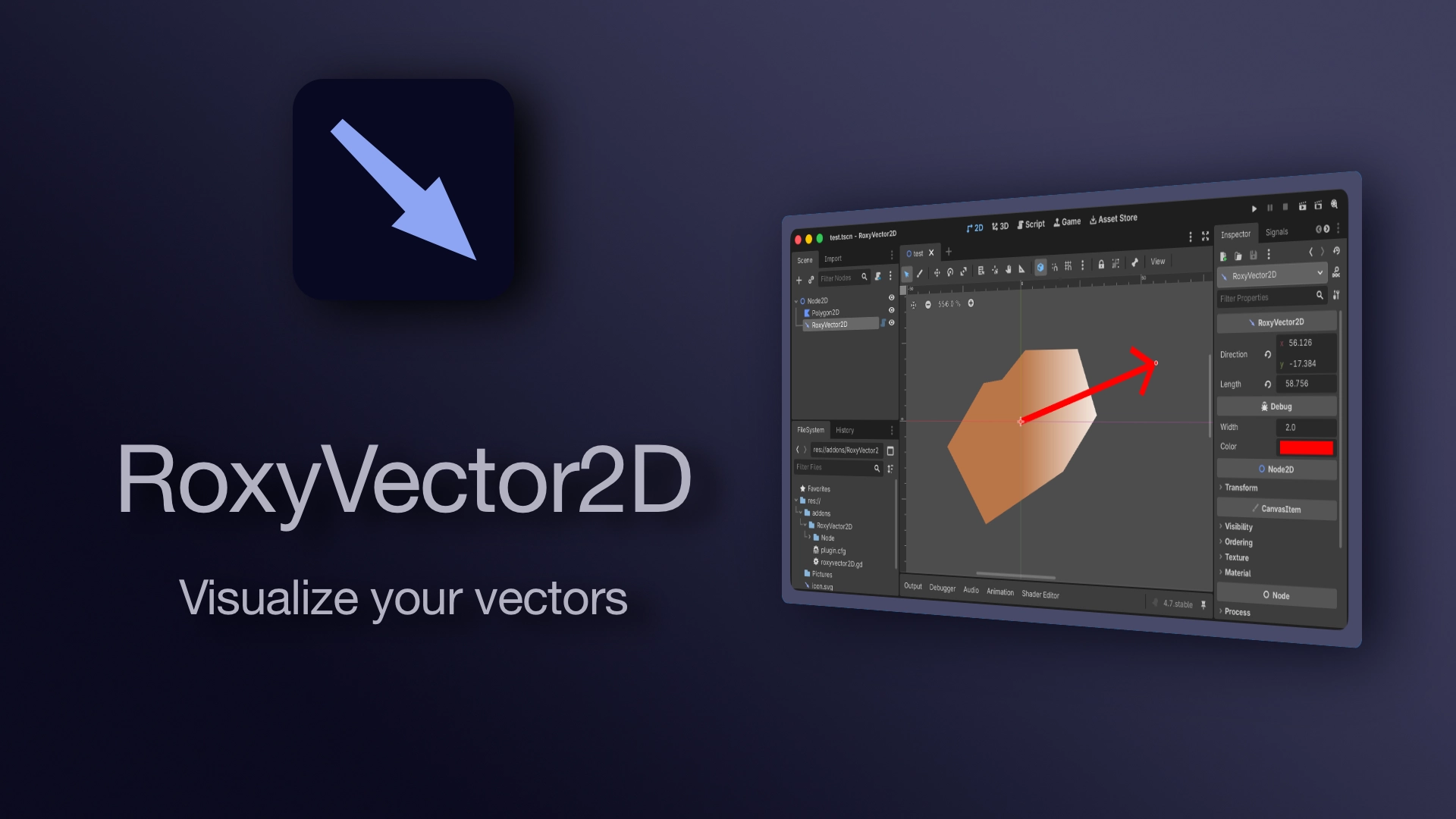
RoxyVector2D
0
by Roxy Roocky | Apache 2.0
A visual vector2 that can be edited in 2D editor
RoxyVector2D A visual vector2 that can be edited in the 2D editor. It consists of an origin (the Node2D position) and a direction. Alternatively you can use length to set the length of the vector without changing its direction. ⚠️ direction is interpreted
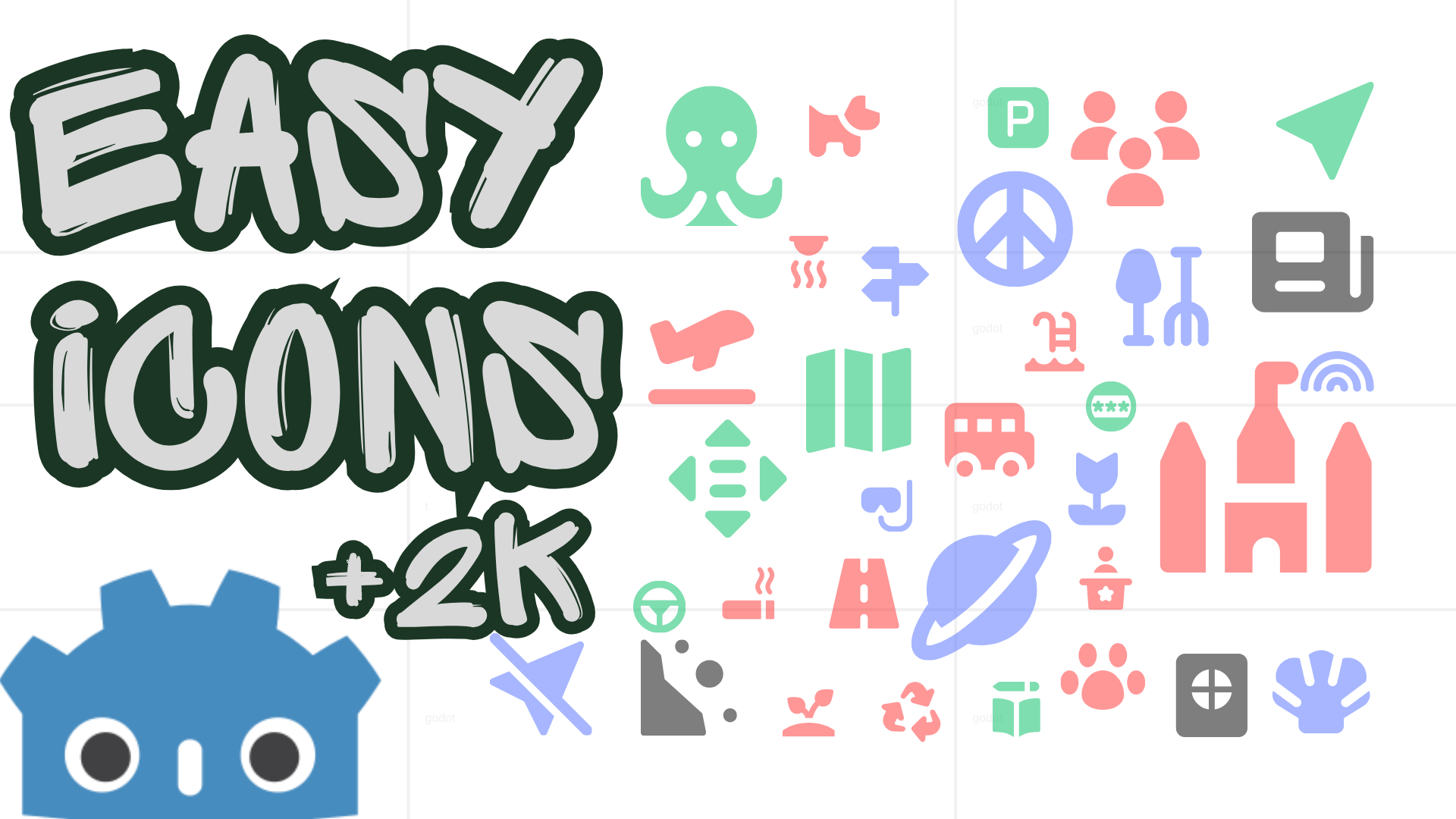
Godot Easy Icons — Customizable Node Icons
1
by Fellow Roach | MIT
Adding CUSTOM colored icons to your Godot editor nodes, made easy. 2k Icons + YOUR ICONS easily customizable
Godot Easy Icons Adding CUSTOM icons to your Godot editor nodes, made easy. 2k Icons + YOUR ICONS easily customizable. Leave a review Installation Asset Library: Download it directly via the Godot Asset Library, aka here. Manual: Clone the repository and
Quick Add Menu
2
by non-existence | MIT
An editor addon that adds a drop down menu in the scene dock which gives quickly accessible nodes that can be added to your scene, similar to Unreal's Quick Add menu, or Unity's right click options in the scene hierarchy
Quick Add Menu that adds a drop down menu in the scene dock which gives quickly accessible nodes that can be added to your scene, similar to Unreal's Quick Add menu, or Unity's right click options in the scene hierarchy. It can be expanded to include your

GD Mark It
0
by Ezcha LLC | MIT
Auto generate markdown documentation for your projects
GD Mark It This is a helper plugin that automatically generates markdown documentation for a Godot project using the built-in language server. It tries to replicate the layout and style of the official Godot docs. When enabled the plugin adds a "Mark It"
GD Plugin Bundler
0
by Ezcha LLC | MIT
Bundle plugins for distribution on the Godot Asset Store
GD Plugin Bundler This is a simple helper plugin that bundles other plugins for distribution here on the Godot Asset Store. When enabled the plugin adds a "Plugin Bundler" section in the project settings. Here you can select the plugin path, a license
World Size Inspector
0
by Auger Games | MIT
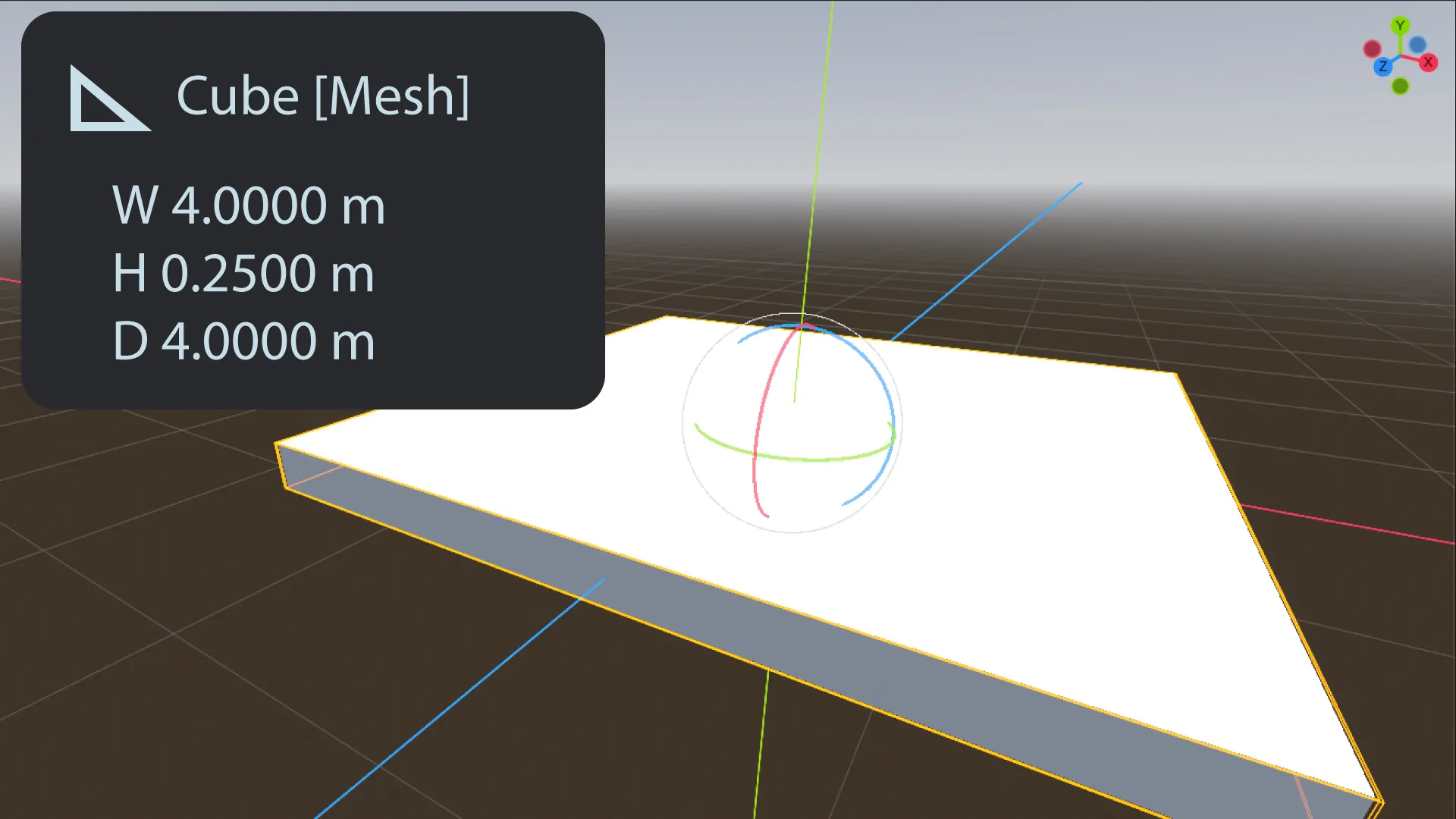
Display 3D object dimensions (meters) in editor view
World Size Inspector v1 plugin world_size_inspector.gd plugin.cfg Supports Godot v4.6.2 Installation Extract the zip into your Godot project root - you should end up with res://addons/world_size_inspector/ In Godot: Project -> Project Settings -> Plugins

loading more results...