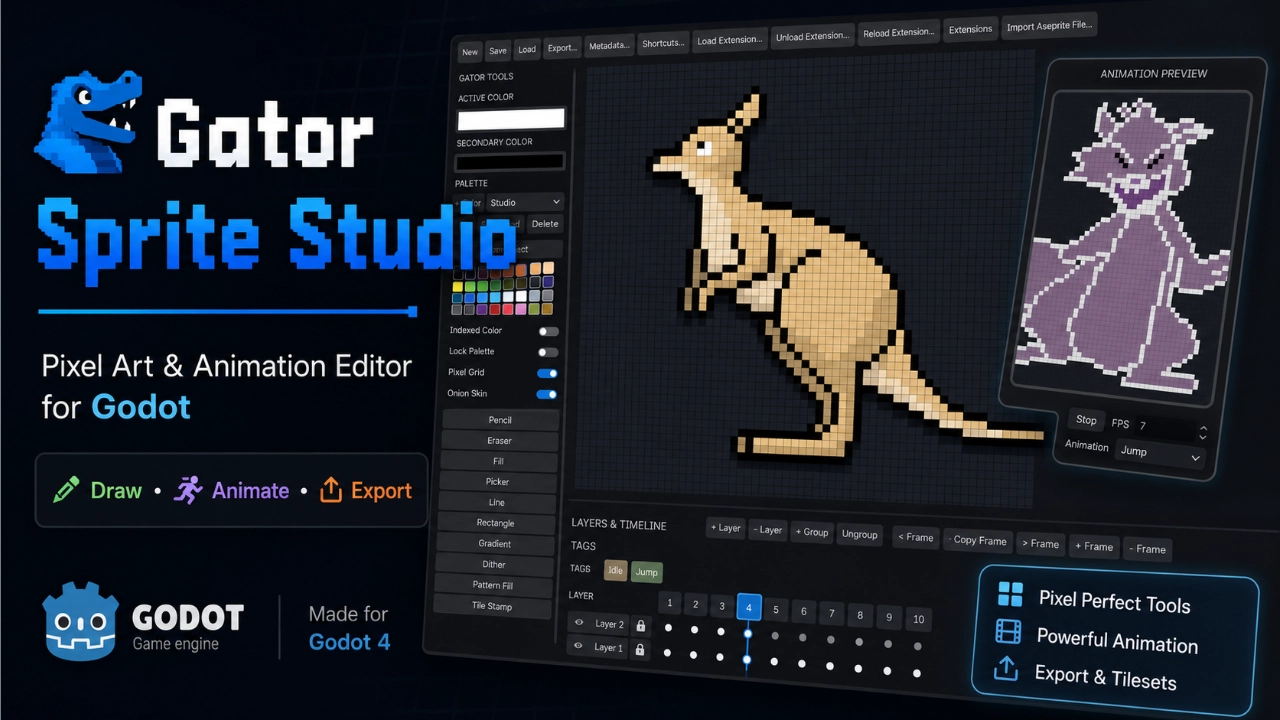
Gator Sprite Studio
 2
2
by Blackwater Gator Studios | Blackwater Gator Studios License
An Aseprite-inspired pixel art, animation, and sprite export studio built directly into the Godot editor
Gator Sprite Studio 2.0 Gator Sprite Studio is a complete pixel art and frame-by-frame animation workspace built directly into Godot. Draw, animate, organize, preview, import, and export sprites without leaving your project. It provides an Aseprite
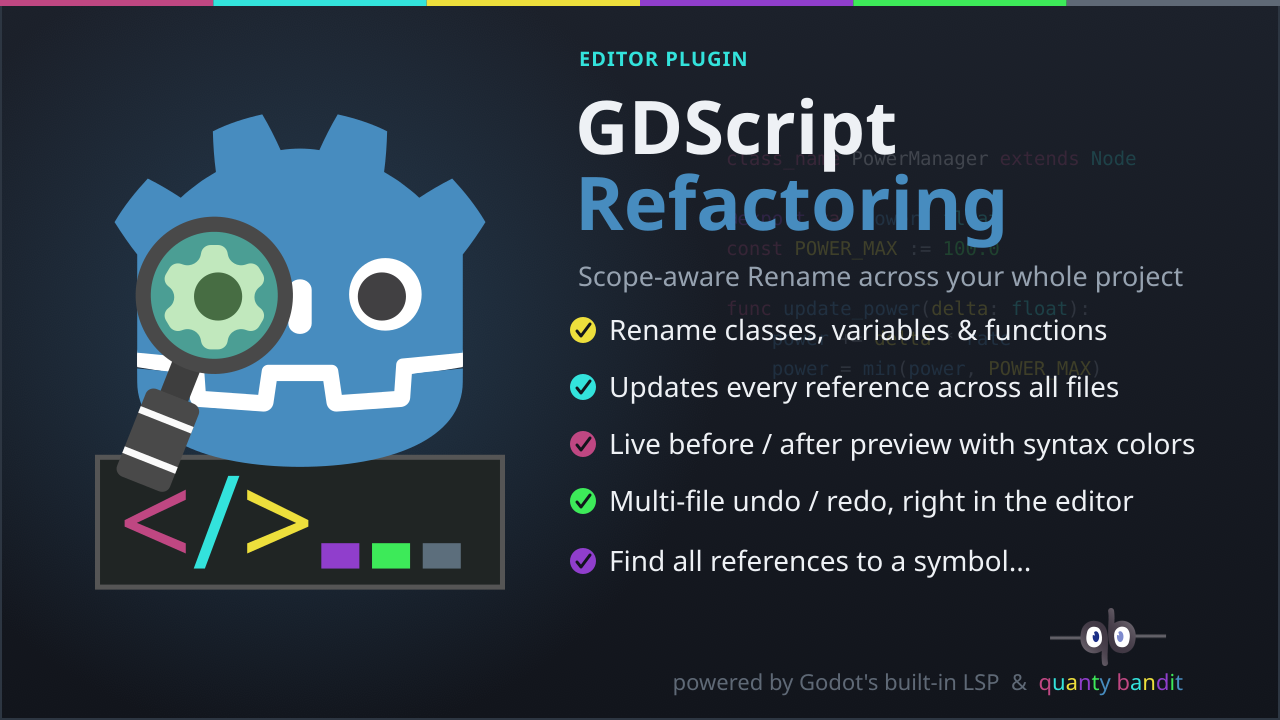
GDScript Refactoring Plugin
2
by quanty bandit | MIT
A scope-aware refactoring plugin for the Godot 4 script editor, powered by Godot's built-in GDScript Language Server (LSP), the same engine that drives autocompletion and go-to-definition. It adds two tools to the editor: rename a symbol (variable
✨ Features Rename Shift+F2 (or right-click → Rename...) directly in the script editor, on any user-defined symbol (variable, function, parameter, class, enum member…). The shortcut is customizable (see Customizing the shortcuts below). Scope-aware
CrabbyConsole
1
by bauxitedev | MIT
CrabbyConsole is a feature-packed dev console for your Godot game, allowing you to run arbitrary GDScript and custom commands during the game. It can be used for debugging, inspecting and modifying your game at runtime, and also for diagnosing performance
CrabbyConsole CrabbyConsole is a feature-packed dev console for your Godot game, allowing you to run arbitrary GDScript and custom commands during the game. It can be used for debugging, inspecting and modifying your game at runtime, and also for
GIF Recorder
1
by Punch Up Games | MIT
Record a GIF of the past X seconds of gameplay including all menus. UI for trimming the GIF and exporting it. Inspired by Noita death recorder. Useful in Dev for recording bugs or in release for letting players share viral moments
Continuously buffers gameplay in the background. Press F11 at any time to open an overlay where you can trim and export a replay as a GIF. The buffer duration is configurable (default 20 seconds). Works in the editor and in exported builds. While the game

Workspace Navigator
0
by Aurailus | GPL v3
Workspace Navigator automatically swaps the Godot workspace (2D, 3D, Script) to the right tab when opening a scene or script file! Also adds a Middle-Click interaction to scenes in the filesystem to jump straight to their script
Workspace Navigator automatically swaps the Godot workspace (2D, 3D, Script) to the right tab when opening a scene or script file! Also adds a Middle-Click interaction to scenes in the filesystem to jump straight to their script! How to Use 1) Install and
Long Scene Manager
0
by awauox | MIT
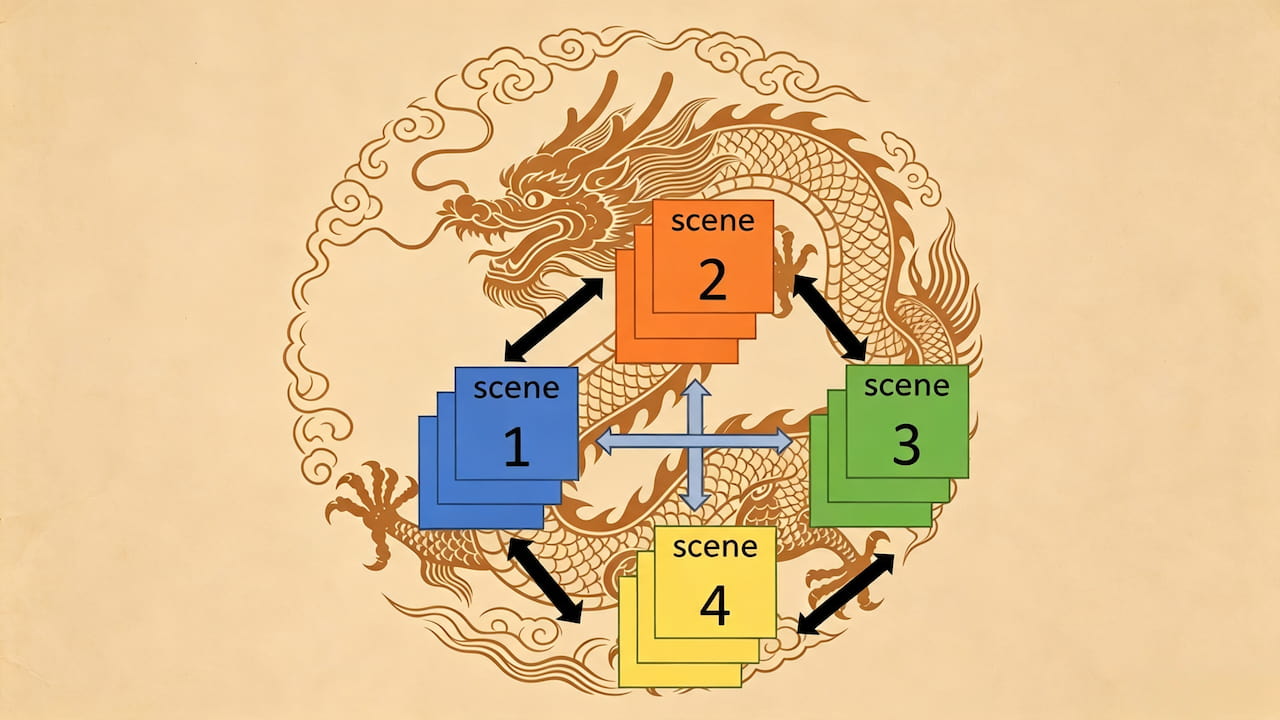
The Long Scene Manager is a Godot plugin designed to simplify and optimize the scene switching process, especially for complex scenes that require long loading times. It can improves user experience by providing asynchronous scene loading, caching
Long Scene Manager Plugin Long Scene Manager is a powerful and easy-to-use Godot 4.x scene management plugin. It is specifically designed to solve various pain points in complex scene switching and multi-scene management in game projects. The plugin
RoxyVector2D
0
by Roxy Roocky | Apache 2.0
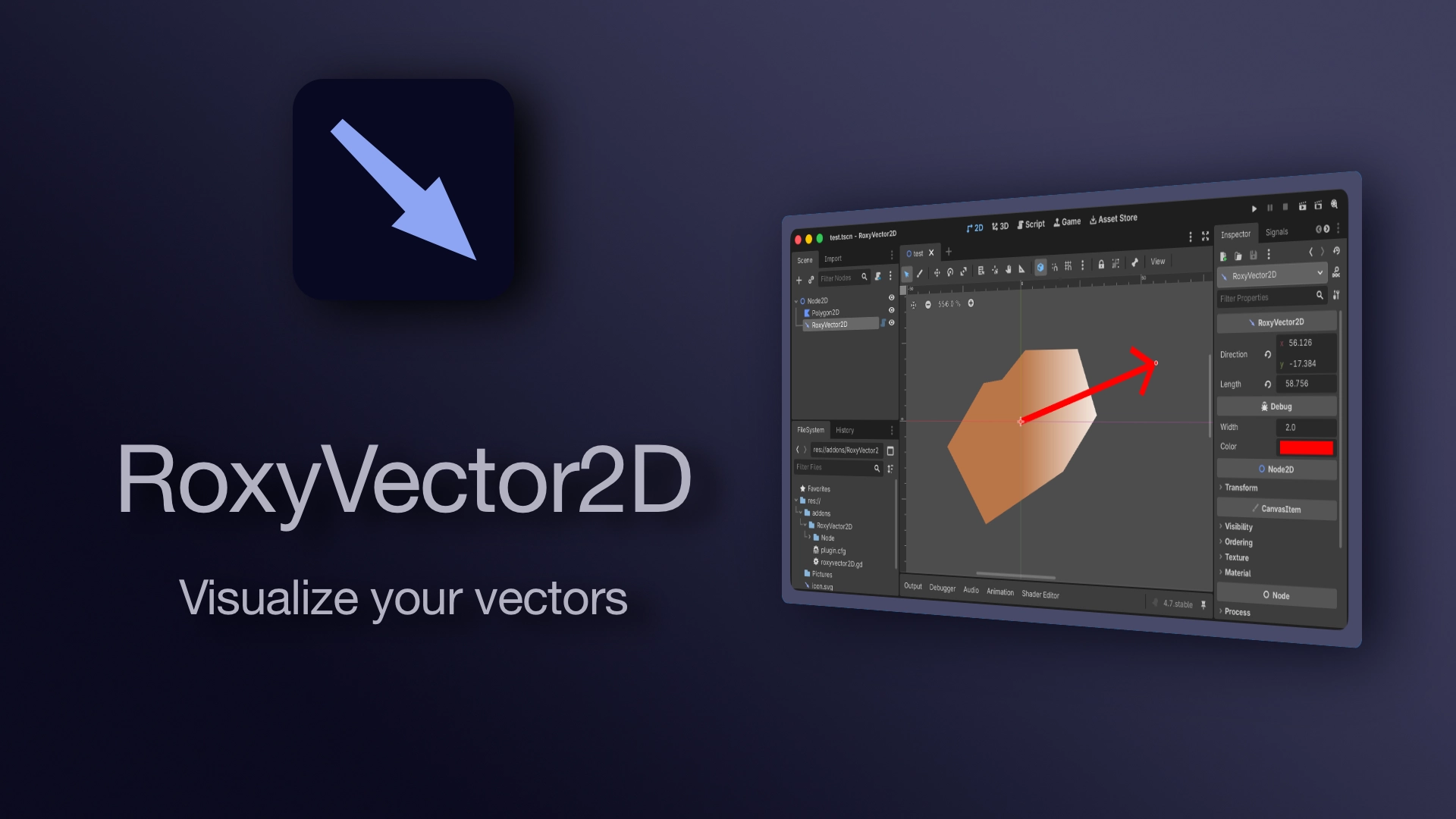
A visual vector2 that can be edited in 2D editor
RoxyVector2D A visual vector2 that can be edited in the 2D editor. It consists of an origin (the Node2D position) and a direction. Alternatively you can use length to set the length of the vector without changing its direction. ⚠️ direction is interpreted

loading more results...