
RoxyVector2D
A visual vector2 that can be edited in the 2D editor. It consists of an origin (the Node2D position) and a direction.
Alternatively you can use length to set the length of the vector without changing its direction.
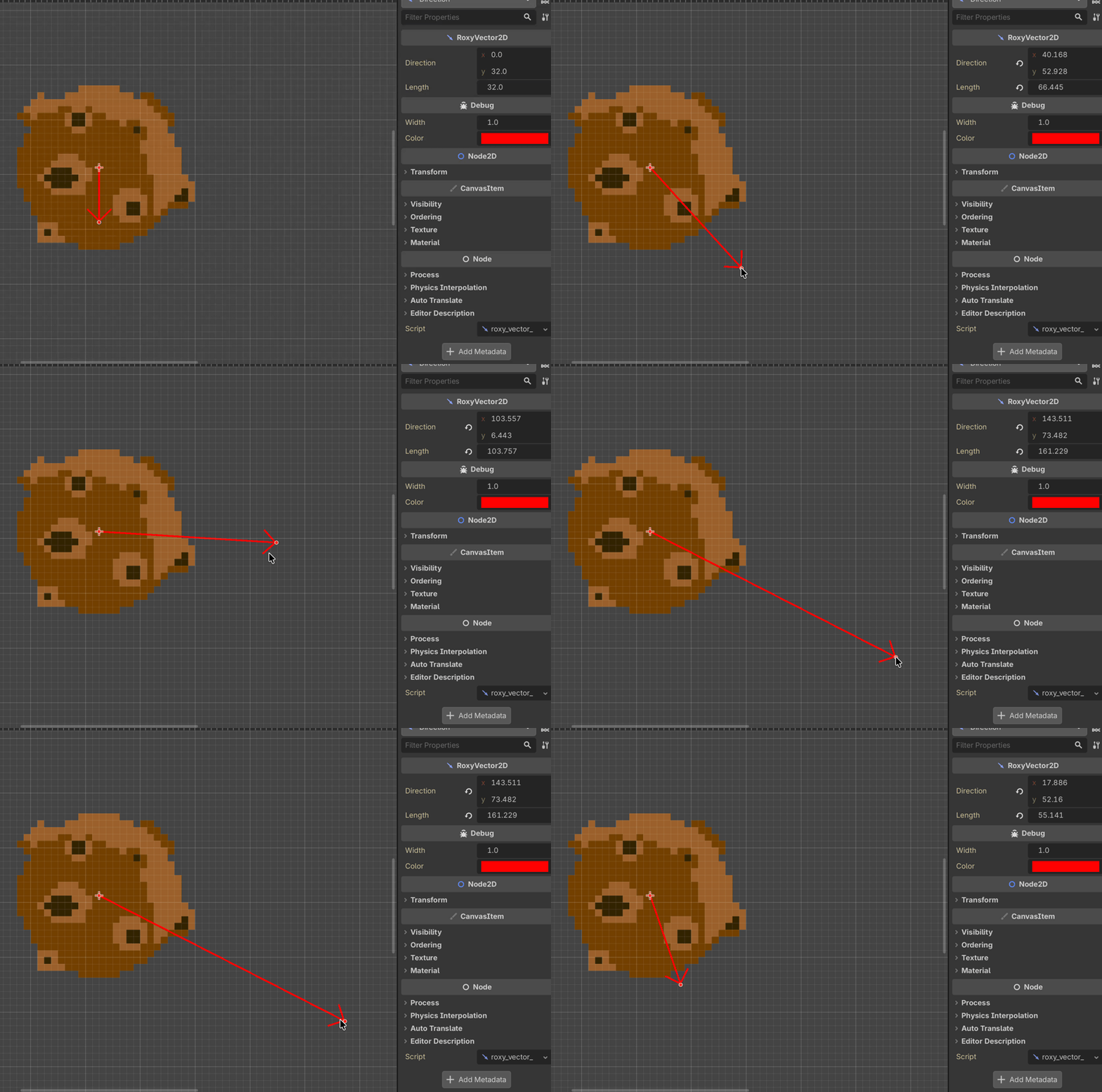
⚠️ direction is interpreted in the node's local space, like Line2D.points or RayCast2D.target_position. The arrow therefore rotates and scales with its parent. Use the global_direction if you need the world-space value (e.g. global_position += vec.global_direction * delta).
Usage
Simply use the direction or global_direction property of type Vector2 on the RoxyVector2D's instance.
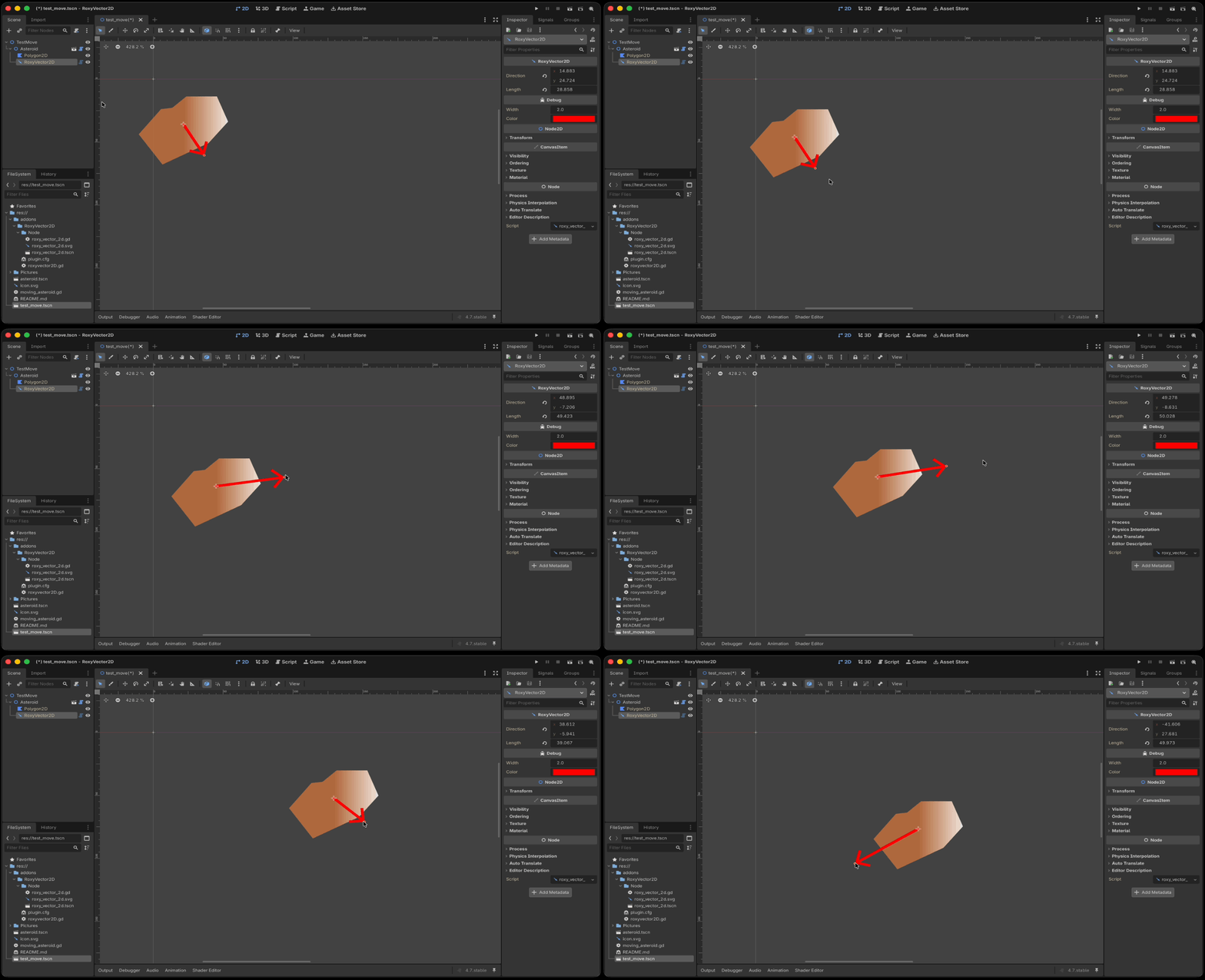
The direction_changed signal is emitted when direction changes, including through length, global_direction, or a drag in the 2D editor.
Configuration
You can configure the default width of the arrow representing the vectors in the Project Settings (editor/roxy_vector_2D/default_arrow_width).
That allow you to adapt the default size to your needs.
Snap step in pixels (used when holding Ctrl/Cmd) can be configured in the Project Settings (editor/roxy_vector_2D/grid_snap_step).
This setting is in world space coordinate, so if configuring 50px step and your arrow (or parent) is 2x scaled, that is resulting on a 25px local space snapping.
Debug
The "Debug" section in inspector allow you to change the appearance of the arrow. Hold Ctrl/Cmd while dragging arrow to snap moving on 4px grid (see limitations section).
The arrow displaying can be enable in-game when the Godot native "Visible paths" debug option is checked.
Limitations
Due to current Godot plugin's limitations to access to the editor, some issues are known:
- Arrows manipulation from 2D editors ignore current selection mode (move, rotate, scaling) because I need to overrides all the logic in plugin and there is currently no way to know current selection mode.
- Grid snap settings don't affect the arrow because I cannot, currently, access to your grid snap settings. When hold Ctrl/Cmd during moving arrow, it snaps to the configured value in project settings (
editor/roxy_vector_2D/grid_snap_step). Default is (5, 5) pixels.
License
Apache 2.0 - Copyright 2026 Roxy Roocky
Free for any project, including commercial and closed-source ones. Just keep the copyright notice, and mention it if you redistribute a modified version.
If you have any issue, please open a ticket here: https://github.com/roxy-roocky/RoxyVector2D/issues
Changelog for version v1.2.1
No changelog provided for this version.