Licenses
Uses AI
Order
Advanced Search

Search will generally match any assets that contains all words from the search query. The words can be anywhere in the asset name, description or tags. All search queries are case independent.

To narrow down search results, you can use the following operators:

  • godot | engine
    will match if either "godot" or "engine" are found
  • godot MAYBE engine
    will match if "godot" is found, while ranking items higher that also match "engine"
  • godot -engine (alternative syntax: godot !engine)
    will only match if "godot" is found in an item that does not contain "engine"
  • @name godot @description engine
    will match if "godot" is found in the asset name, and "engine" is found in the asset description
  • =godot
    will match "godot" as a separated word, so it would not match "godotengine" while it will match "godot engine"
  • "godot engine"
    will match the exact string "godot engine" (so it won't match "engine godot")

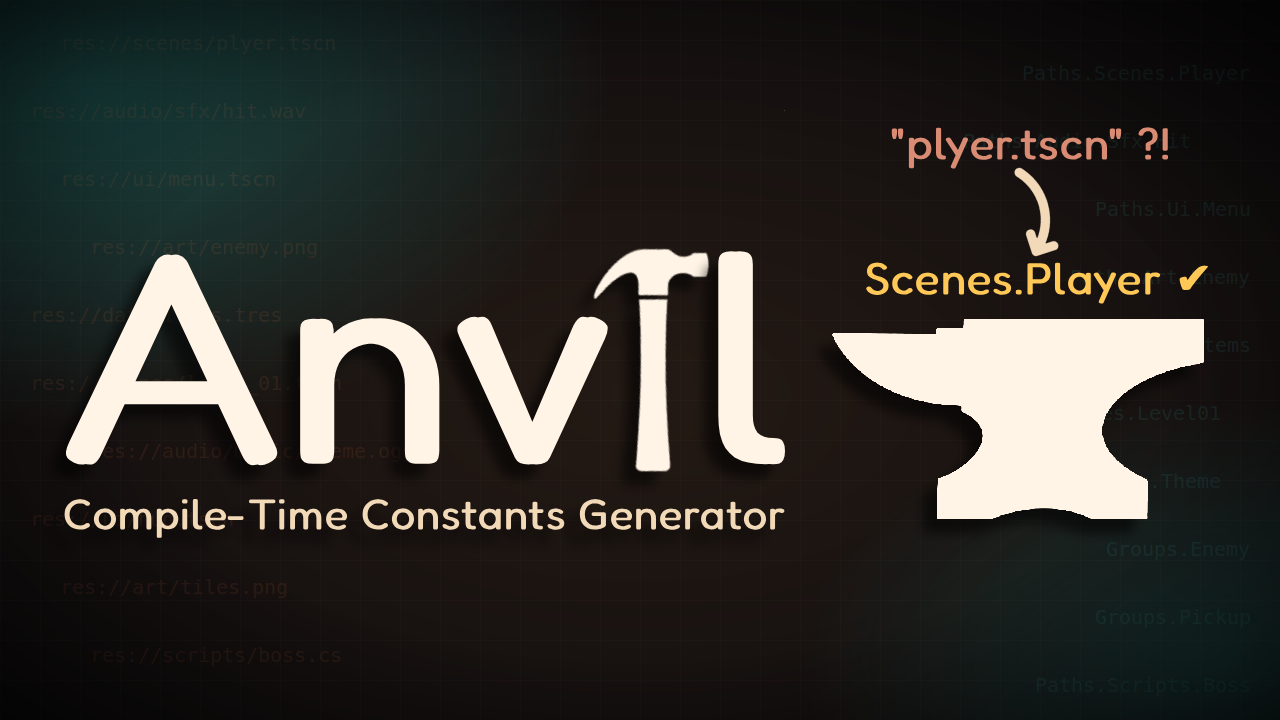
Anvil 1

by Saku | MIT

Godot 4 (C#) editor plugin that generates compile-time safe StringName constants for tracked project folders and for your project's global groups — so you stop typing raw string paths and group names by hand, and stop finding out about typos at runtime

Anvil A Godot 4 (C#) editor plugin that generates compile-time safe constants for the names and paths your project already has. Typos become compile errors instead of silent runtime bugs. using Anvil; GD.Load(Sfx.Planted); AddToGroup(

GD Mark It 0

by Ezcha LLC | MIT

Auto generate markdown documentation for your projects

GD Mark It This is a helper plugin that automatically generates markdown documentation for a Godot project using the built-in language server. It tries to replicate the layout and style of the official Godot docs. When enabled the plugin adds a "Mark It"

loading more results...