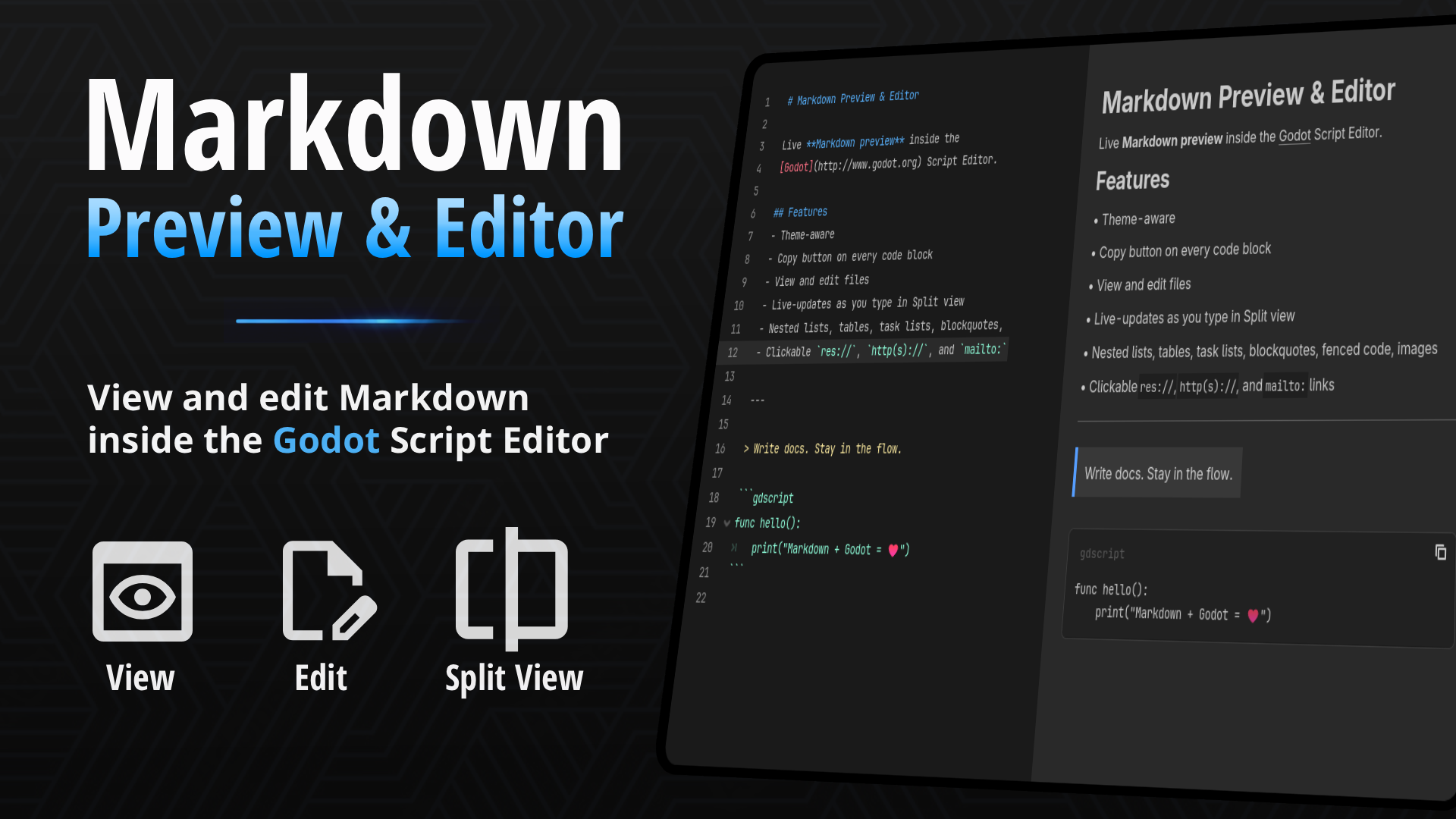
Markdown Previewer
 2
2
by JSH | MIT
Live Markdown preview inside the Script Editor. Open .md files to read formatted docs without leaving Godot. Preview, Edit, and Split views
If your project keeps design notes, changelogs, or a README.md inside the res:// folder, you've probably opened them in the Script Editor and stared at raw asterisks and pipe characters. This plugin renders that file properly — headings, tables
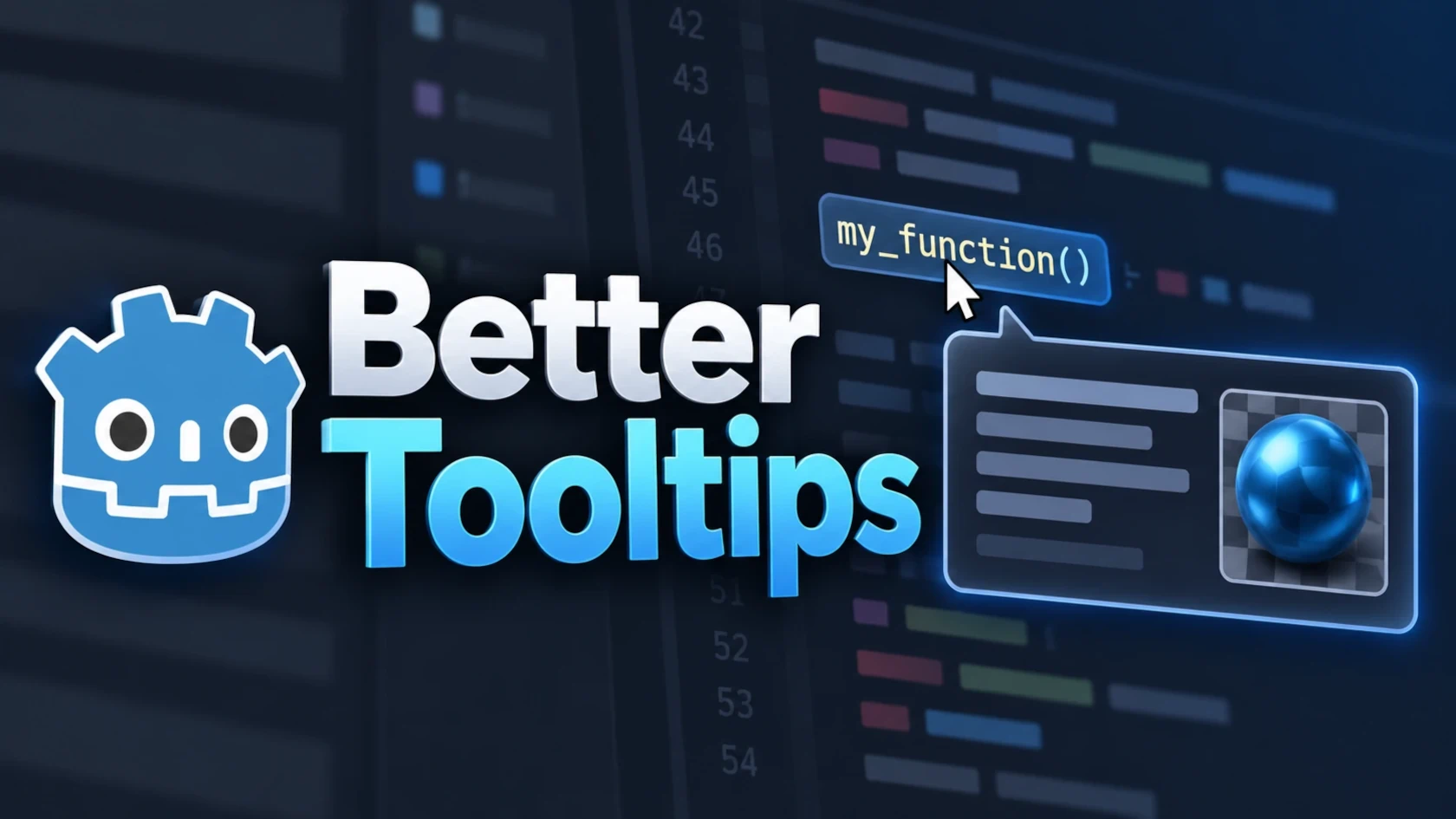
Better Tooltips
1
by Tobias Lawrenz | MIT
Enhances the Godot editor with rich GDScript documentation tooltips, visual resource previews, and Markdown/text previews. Works directly in the FileSystem dock, Code Editor, and script navigation, with optional integration for **Quill-IDE** by Rayyan Aziz
Better Tooltips Better Tooltips extends Godot's editor tooltips with project documentation, visual resource previews, Markdown/text previews and additional context directly where you work. ( Note: The project was originally released as FileSystem Dock
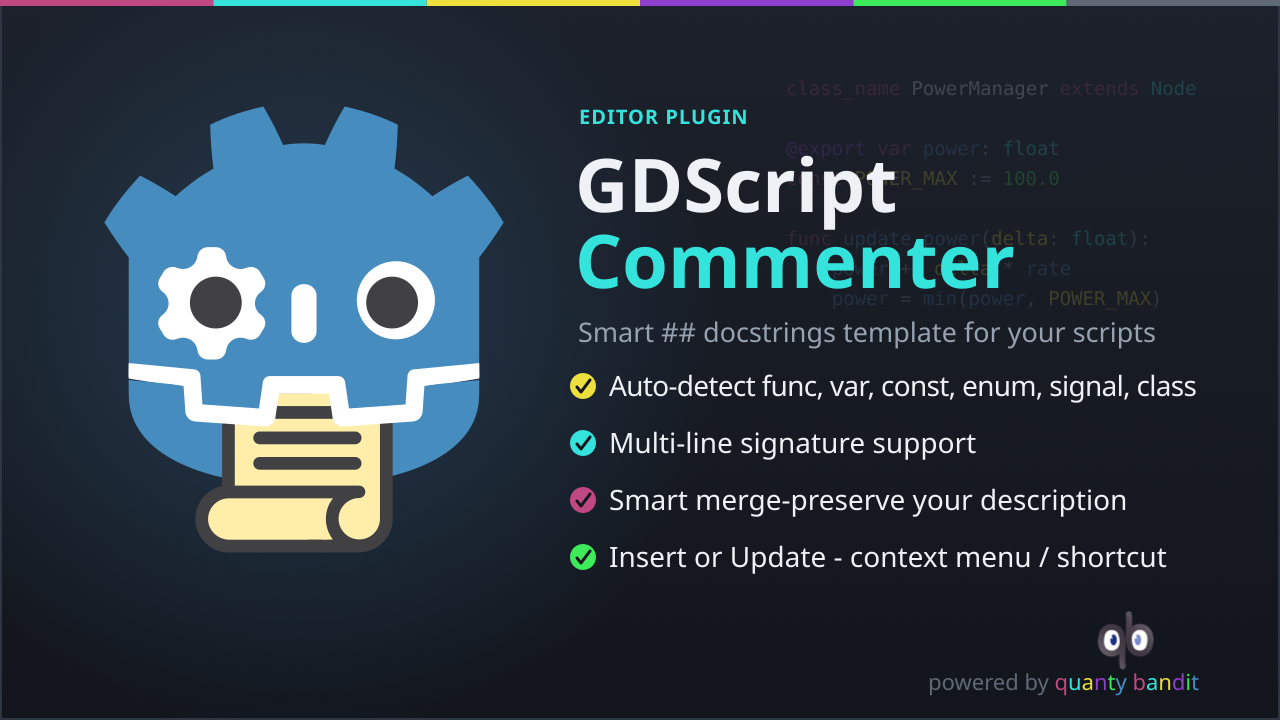
GDScript Commenter
1
by quanty bandit | MIT
Inserts and updates GDScript documentation comment templates directly from the native script editor context menu
GDScript Commenter, Godot 4 Plugin A Godot 4 editor plugin that inserts and updates GDScript documentation comment templates directly from the native script editor context menu. Place the cursor anywhere inside or on a declaration, right-click, and choose
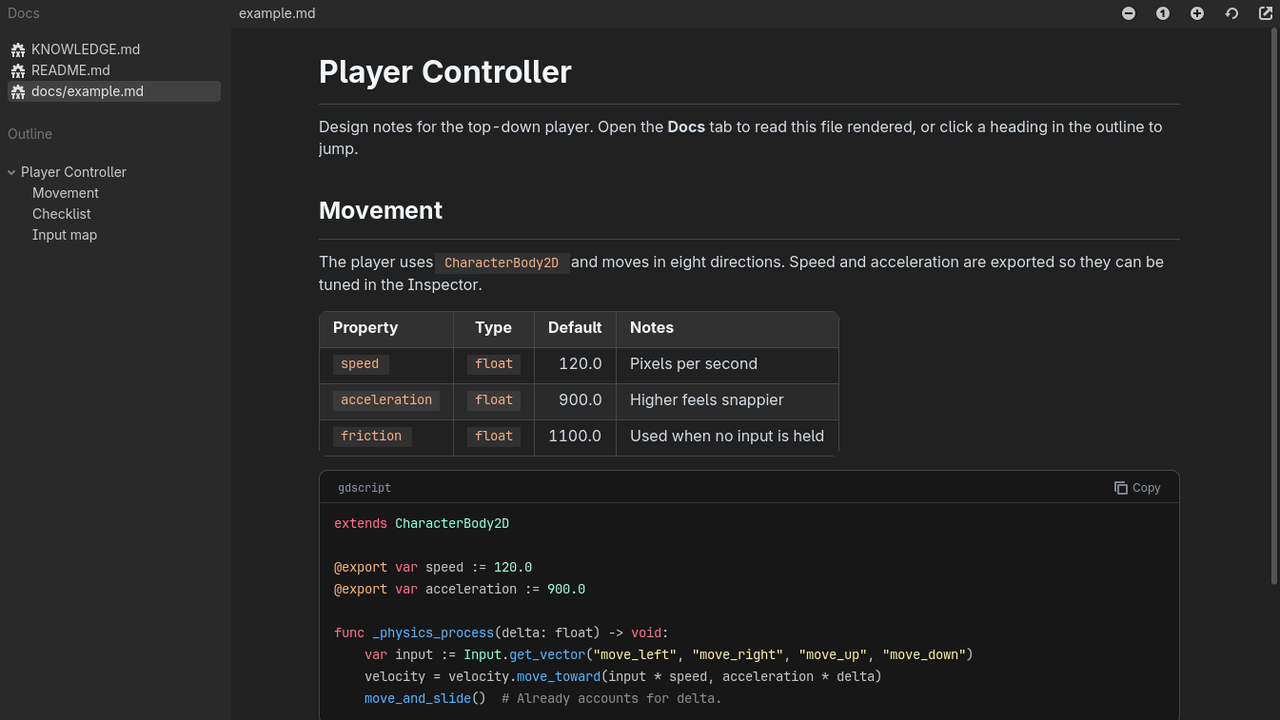
Markdown Docs Viewer
0
by Soybean-milk | MIT
Read your project's Markdown docs in a dedicated editor tab, with an outline, styled tables and syntax-highlighted code blocks
Markdown Docs Viewer adds a "Docs" tab to the top of the Godot editor, next to 2D, 3D and Script. It renders the Markdown files in your project so you can read notes, design docs and READMEs without leaving the editor. Features: Lists every .md file in
gdMarkdown
0
by bherdm | MIT
A Markdown doc rendering dock for the Godot 4.7 editor
gdMarkdown A Markdown doc rendering dock for the Godot 4.7 editor. Read your project's .md files as formatted pages alongside the viewport. Standard Markdown support, plus a few Godot-specific features: Editor icons in text. {icon:ScriptCreate} draws

GD Mark It
0
by Ezcha LLC | MIT
Auto generate markdown documentation for your projects
GD Mark It This is a helper plugin that automatically generates markdown documentation for a Godot project using the built-in language server. It tries to replicate the layout and style of the official Godot docs. When enabled the plugin adds a "Mark It"
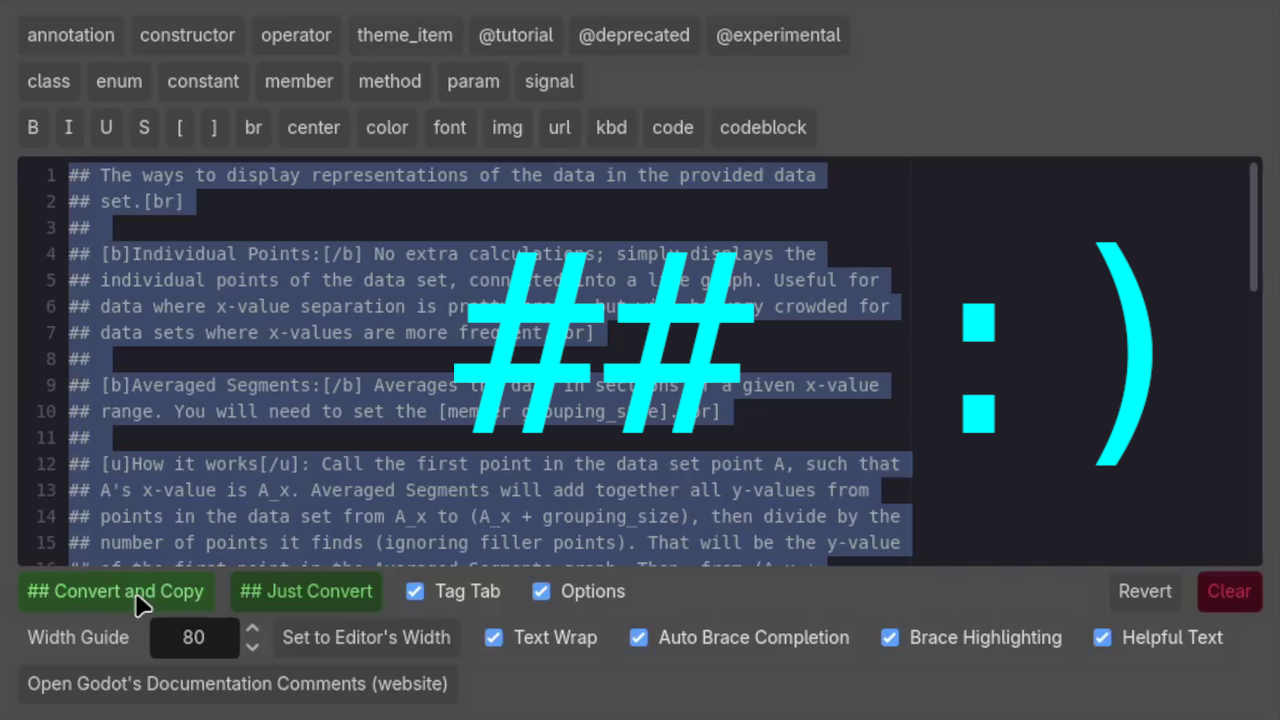
Documentation Comment Helper
0
by Freswinn | MIT
Adds features to aid in writing documentation comments. Right-click to convert lines of text to documentation comments, or to open a window to type your documentation comments into
Documentation Comment Helper This plugin for Godot 4.4 and later aids in writing documentation comments for your code. About Documentation Comments A documentation comment is any comment in GDScript that starts with two pound signs: ## . These types of
Spatial Remarks
0
by substain | MIT
An addon for creating remarks in 2D and 3D scenes, useful for documentation, team communication and bug reports
With this asset, you can annotate objects in your scene with remarks, visible in the editor and in the game. Currently, spatial remarks can only be created ingame (F3) The plugin adds a dock in the editor for selecting, viewing, and editing the saved

loading more results...