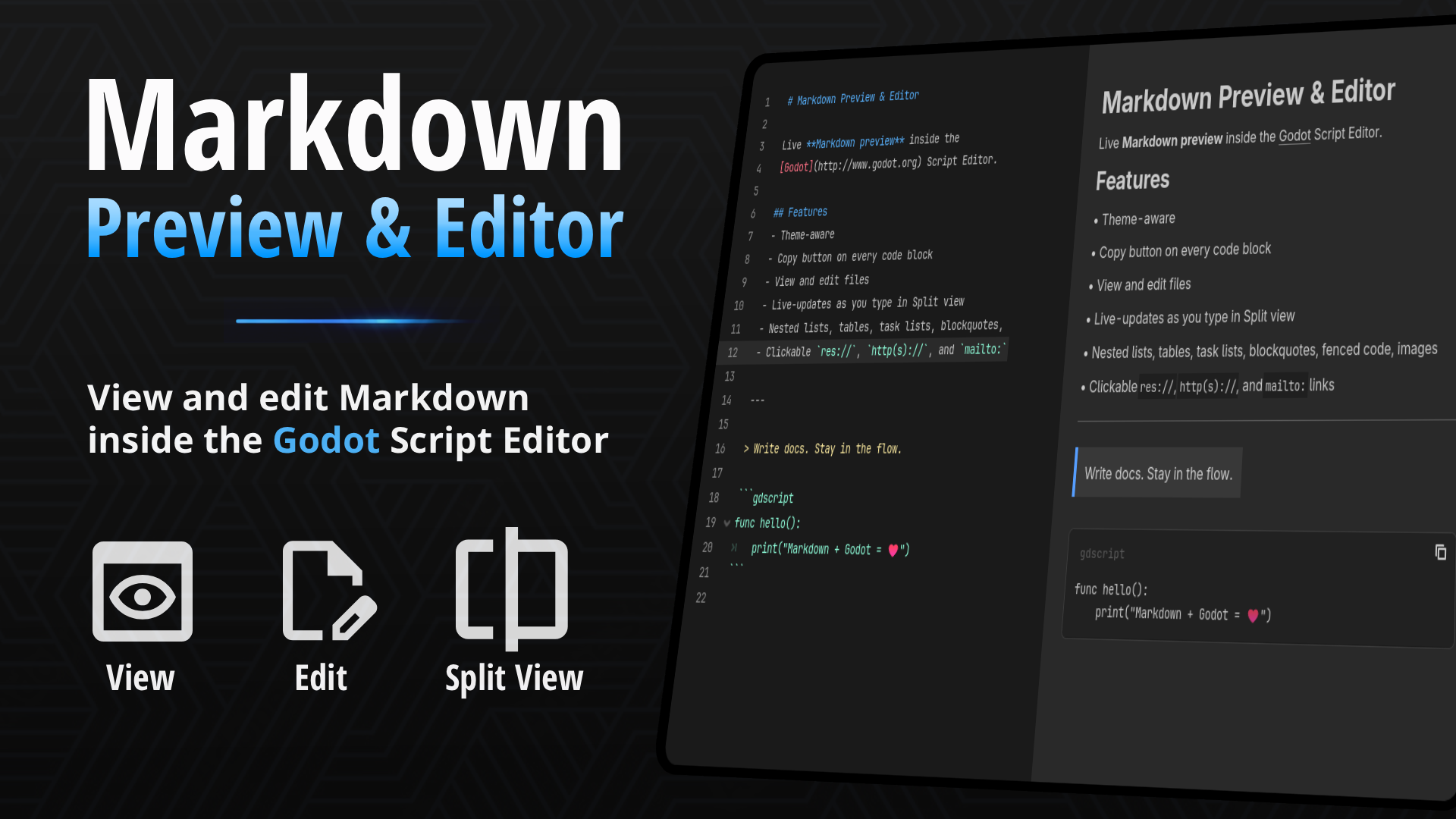
Markdown Previewer
 2
2
by JSH | MIT
Live Markdown preview inside the Script Editor. Open .md files to read formatted docs without leaving Godot. Preview, Edit, and Split views
If your project keeps design notes, changelogs, or a README.md inside the res:// folder, you've probably opened them in the Script Editor and stared at raw asterisks and pipe characters. This plugin renders that file properly — headings, tables
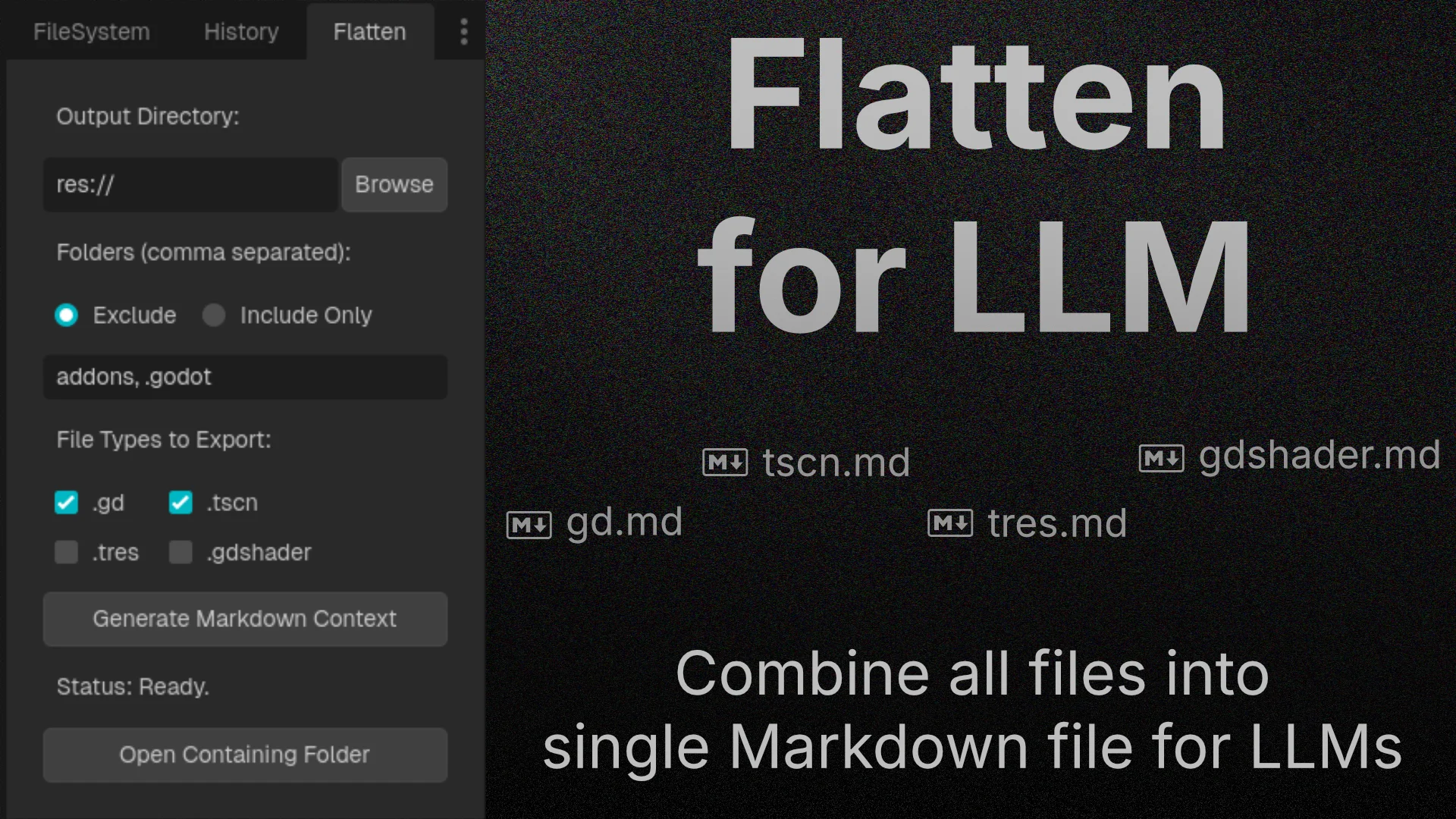
Flatten For LLM
2
by sn1ks0h | MIT
Export your Godot project scripts, scenes, and shaders into a single, highly structured Markdown file to seamlessly feed full project context to LLMs like ChatGPT, Claude, and Gemini
Flatten for LLM is a seamless, Godot plugin designed to bridge the gap between your game project and Large Language Models (LLMs). When asking an AI for help with complex game logic or refactoring, pasting individual scripts often misses the bigger
MarkdownLabel
2
by Daenvil | MIT
A custom node that extends RichTextLabel to use Markdown instead of BBCode
MarkdownLabel is a control node that displays and formats a text written in Markdown format. Useful for people familiar with Markdown and to display common Markdown files such as credits or changelogs in your game. Usage Simply add a MarkdownLabel node to
Markdown Docs Viewer
0
by Soybean-milk | MIT
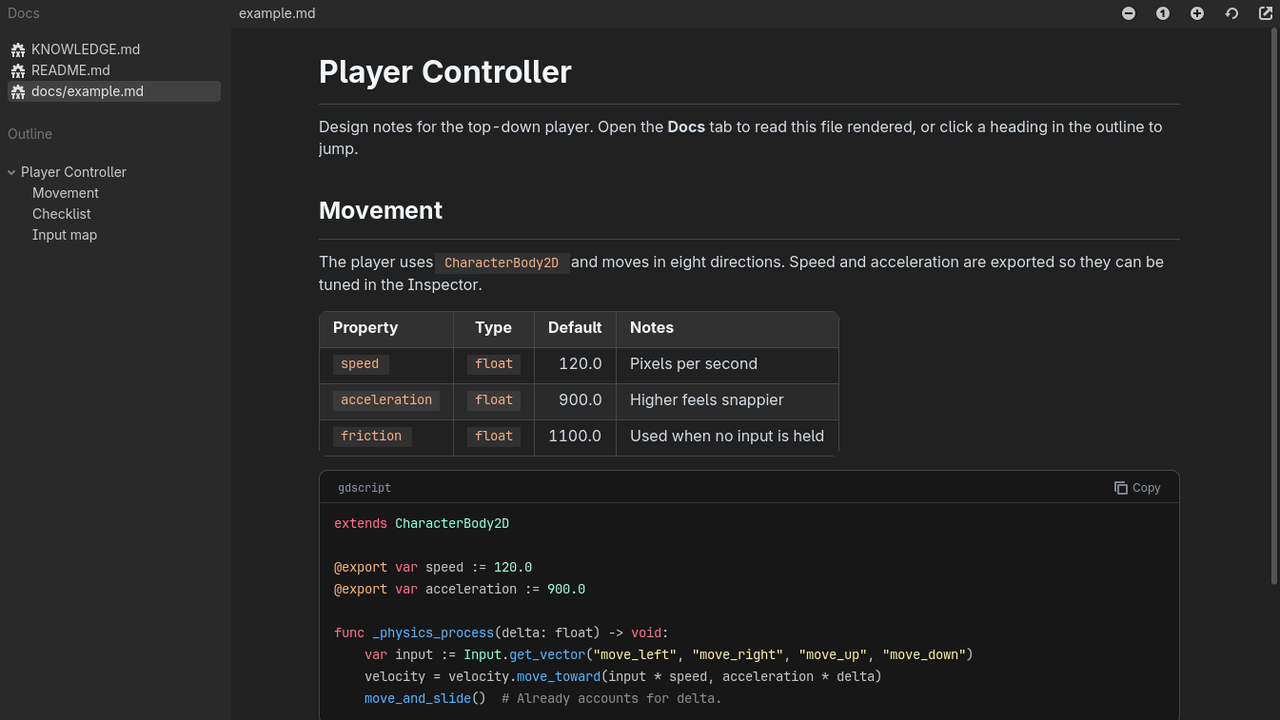
Read your project's Markdown docs in a dedicated editor tab, with an outline, styled tables and syntax-highlighted code blocks
Markdown Docs Viewer adds a "Docs" tab to the top of the Godot editor, next to 2D, 3D and Script. It renders the Markdown files in your project so you can read notes, design docs and READMEs without leaving the editor. Features: Lists every .md file in
gdMarkdown
0
by bherdm | MIT
A Markdown doc rendering dock for the Godot 4.7 editor
gdMarkdown A Markdown doc rendering dock for the Godot 4.7 editor. Read your project's .md files as formatted pages alongside the viewport. Standard Markdown support, plus a few Godot-specific features: Editor icons in text. {icon:ScriptCreate} draws
Maaack's Credits Scene
0
by Maaack | MIT
Credits scene that can scroll text parsed from an attribution file in markdown (*.md) format
Maaack's Credits Scene For Godot 4.7 (4.3+ compatible) This credits scene scrolls text that is read from an attribution file in a markdown (.md) format. Example on itch.io Example is of Maaack's Game Template, which includes additional features. Videos
GD Mark It
0
by Ezcha LLC | MIT
Auto generate markdown documentation for your projects
GD Mark It This is a helper plugin that automatically generates markdown documentation for a Godot project using the built-in language server. It tries to replicate the layout and style of the official Godot docs. When enabled the plugin adds a "Mark It"

loading more results...