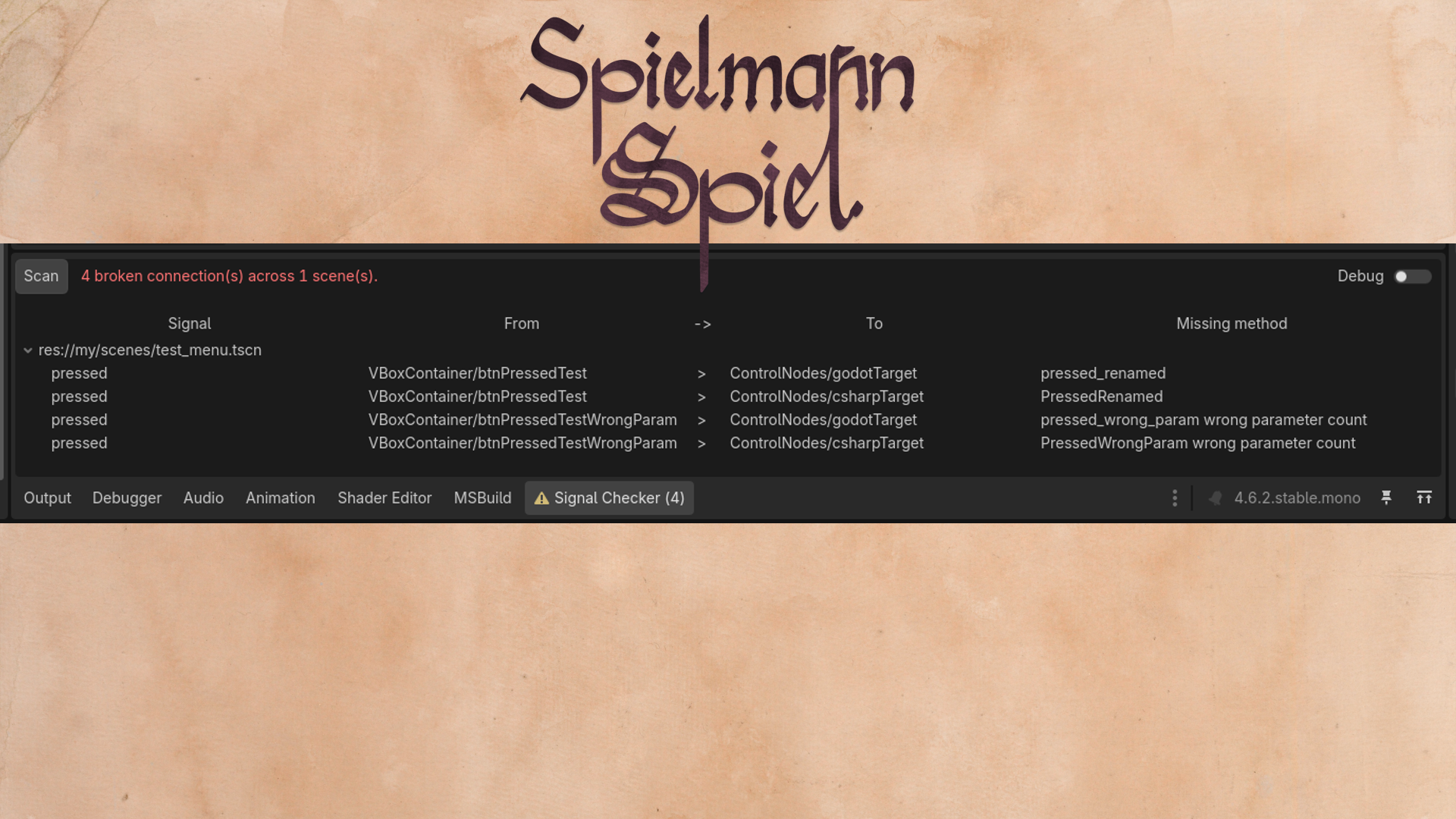
Godot Signal Checker
Checks scenes for broken signals / events connected via the the Godot signal tab.
The Problem
Godot complains about broken signals connected from code, but editor-connected signals fail silently, when you rename or delete the receiver method.
You usually find out the hard way, a button click that does nothing, or worse, a bug report from a player.
This should be a temporary solution until the GitHub issue godot-proposals#8982 solves the problem in-engine.
Features
- Scans your scenes for missing signals
- Supports GDscript and C#
- Disable parameter scans
- Purely written in GDscript for maximal compatibility
Setup
Either use the Godot assed library to install it or manually copy the addons/GodotSignalChecker into your addons folder and enable it in Project -> Project Settings -> Plugins.
Use
When opening the project or enabling the plugin an initial scan will be performed.
Other than that there is currently no auto-reload system, switch to the "Signal Checker" tab at the bottom and press the Scan button.
Issues
It is not clear if this the parameter count works correctly, eg. build in Godot functions in C# (there are a lot of warnings about that and snake case), so you can deactivate it.
TODO
- Check method parameter types
Contribute
Please try to adhere to the GDScript style guidelines https://docs.godotengine.org/en/stable/tutorials/scripting/gdscript/gdscript_styleguide.html.
States that are considered "stable" enough will get a git-tag and be released to the Godot Asset Library.
OTHER
Godot Asset Library: https://godotengine.org/asset-library/asset/5122
GitHub: https://github.com/SpielmannSpiel/GodotSignalChecker
by bison - SpielmannSpiel https://spielmannspiel.com
Changelog for version 0.2.0
2026-05-14 12:59:36
No changelog provided for this version.