Description
Changelog
Reviews (0)
Scatter2D
Place anything you want in your 2D scenes, in a procedural, non-destructive way.
What is it?
This is an add-on for Godot 4, based on the excellent plugin HungryProton/scatter, which automates the positioning of assets in a 2D scene. If you have a lot of props to place, and you would rather not do it by hand, Scatter2D may be useful to you.
How does it work?
The basic setup is as follows:
- A
Scatter2Dnode holds thepositioning rulesthat can be edited in the inspector. This panel is very similar to Blender's modifier stack panel. Some modifiers create points, others change their transforms. You mix different modifiers in order to obtain the result you need. - One or more
ScatterItemnodes to select which asset you want to place. - One or more
ScatterShapeitems to define the area where the scattering happens.
Creating points
 |
 |
|---|---|
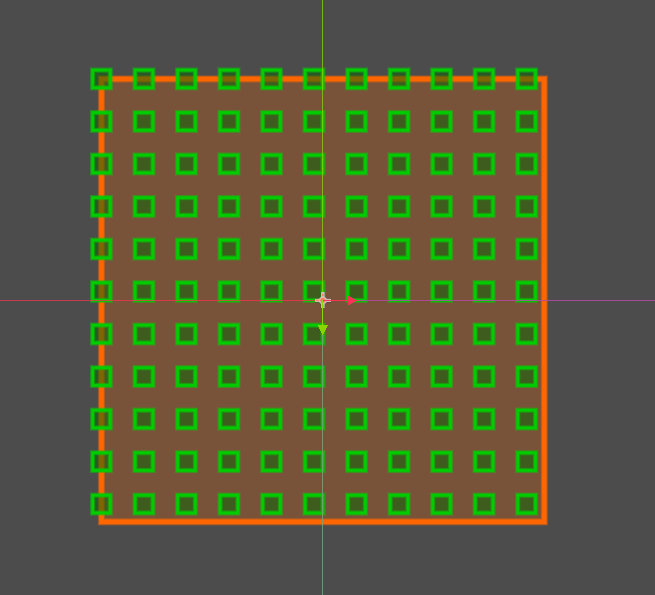
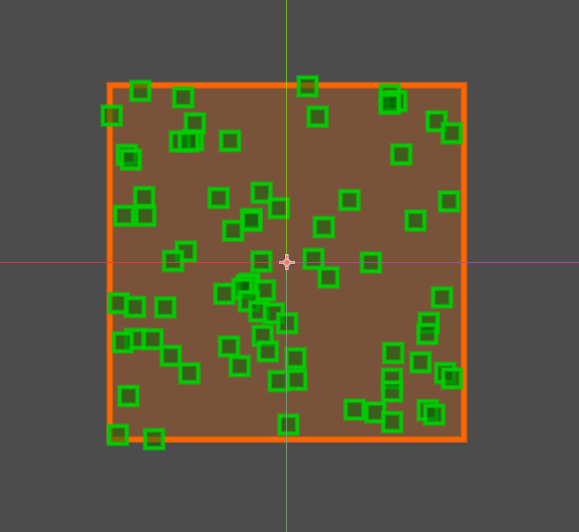
| Placing items aligned on a grid | Placing items randomly |
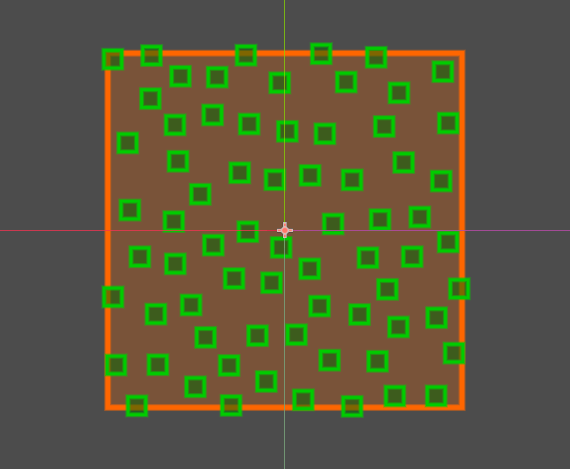 |
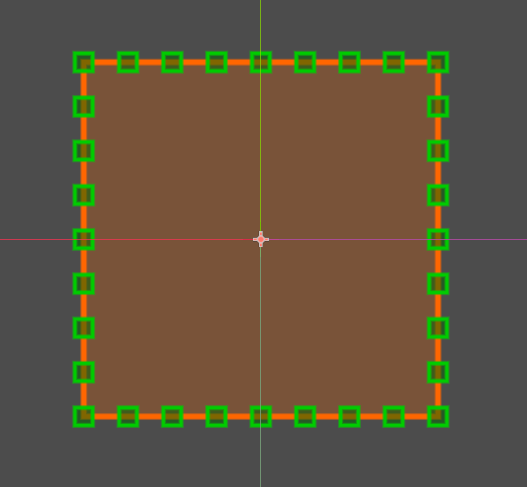 |
| Placing items with poisson | Placing items along an edge |
Defining the domain
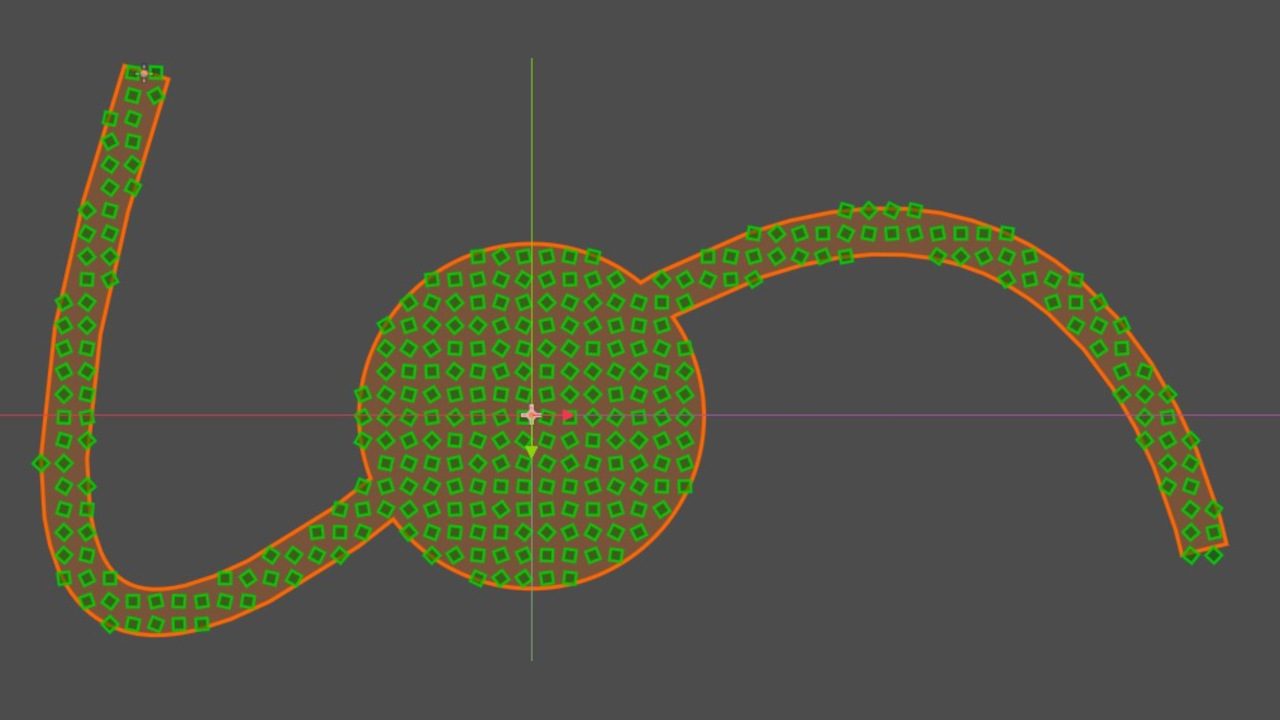
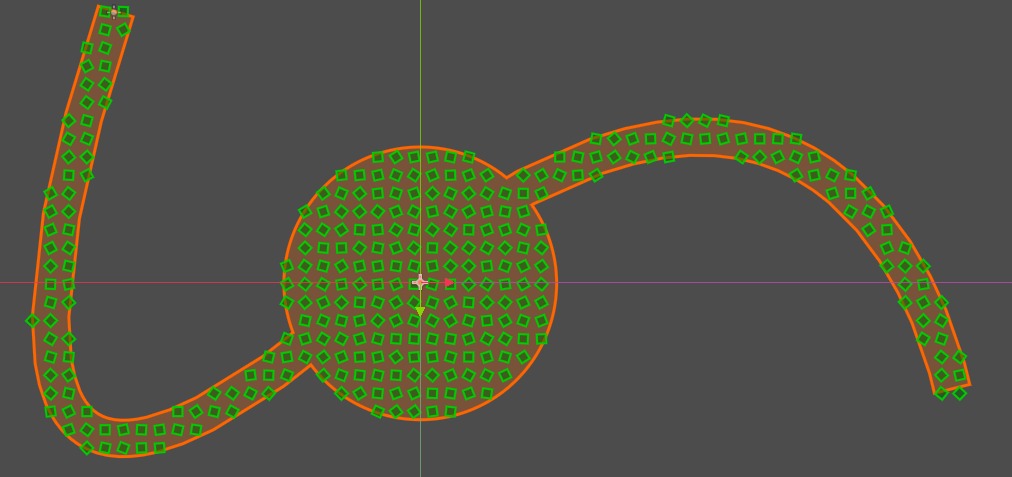
Scatter currently ships with five shape types: Box, Circle, Path, Polygon and TileMapLayer. They can be combined to create more complex shapes. If a shape has an inverted color (light blue in the example), it is a negative shape, where no items must be placed.
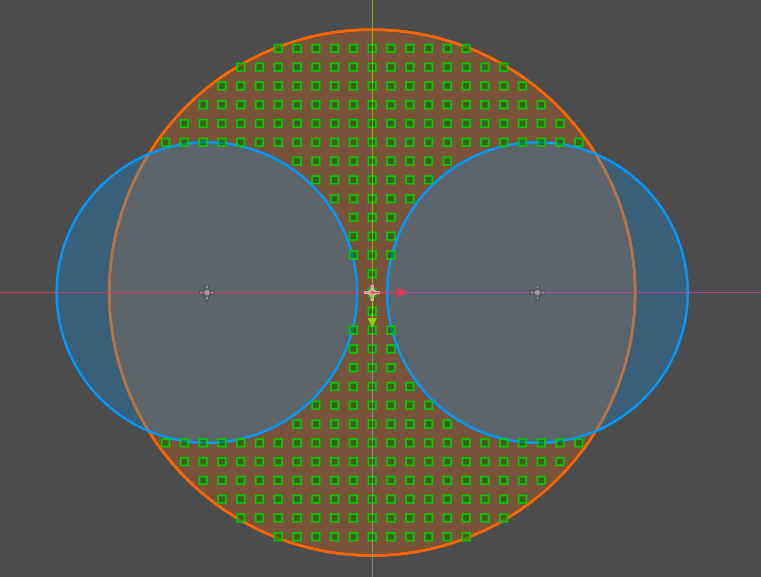 |
|---|
Installation
Via Asset Library (Recommended)
- Open AssetLib in Godot Editor
- Search for "scatter2d" by alex9978
- Click Download → Install
- Enable scatter2d in Project > Project Settings > Plugins
- Restart editor
Manual Installation
- Download latest version
- Extract the ZIP or tar.gz archive
- Copy /addons/scatter2d folder
- Paste into your project's /addons directory
- Verify and enable scatter2d in Project > Project Settings > Plugins
- Restart editor
License
- This add-on is published under the MIT license.
Changelog for version v1.4.1
2026-01-25 17:24:43
No changelog provided for this version.