Godot Unified Input Detection Engine (G.U.I.D.E)
 10
10
by Godotneers | MIT
G.U.I.D.E is an extension for the Godot Engine that allows you to easily use input from multiple sources, such as keyboard, mouse, gamepad and touch in a unified way. Gone are the days, where mouse input was handled differently from joysticks and touch was
Unified input detection and handling from multiple sources (keyboard, mouse, gamepad, touch, etc.). All inputs are used in the same way in your game code. Inputs can be modified before being fed into your game code (e.g. for joystick dead-zones
Controller Icons
10
by Ricardo Subtil | MIT
Automatic keyboard/mouse/controller icons and remapper for Godot
Controller Icons is a plugin that provides icons for all major controllers and keyboard/mouse actions, with an automatic icon remapping system. Features Parse input actions and assign respective icons for keyboard/mouse and controller Automatically
Quacky Input Contexts
1
by nurquack | MIT
Allows the creation of custom input mapping contexts, linking these to a mouse mode, and linking the input actions, defined via the input map, to an input mapping context. Only those inputs belonging to the top-level input mapping context on the stack are
Quacky Input Contexts Allows the creation of custom input mapping contexts, linking these to a mouse mode, and linking the input actions, defined via the input map, to an input mapping context. Only those inputs belonging to the top-level input mapping
Global Inputs
1
by Ali Arcan Akgün | Zlib
A GDExtension for Godot 4.5+ that provides global (system-wide) keyboard/mouse input detection
Global Inputs (gd-global-input) A GDExtension for Godot 4.5+ that provides global (system-wide) keyboard input detection on Windows. It allows your Godot application to receive and respond to keyboard input even when the game window is not in focus—
Runtime Controls Remapping
1
by dastmo | MIT
A simple plugin to handle runtime input remapping for Godot 4.x
Runtime Controls Remapping for Godot 4.x A simple, lightweight plugin for quickly handling player controls remapping at runtime in Godot 4.x projects. The plugin comes with one class (ControlsRemap) that handles all the backend and can be used with your
SmoothScroll
1
by Spyrex | MIT
Adds an extended scroll container node with smooth scroll settings as a drop-in replacement of the default scroll container node
This addon adds an extended scroll container node with smooth scroll settings. How to use: Activate the addon in the project settings' addon tab, Click the "+" button to add a new node and select "SmoothScrollContainer" instead "ScrollContainer". To add
Input Audit Lite
0
by Idle Hands | MIT
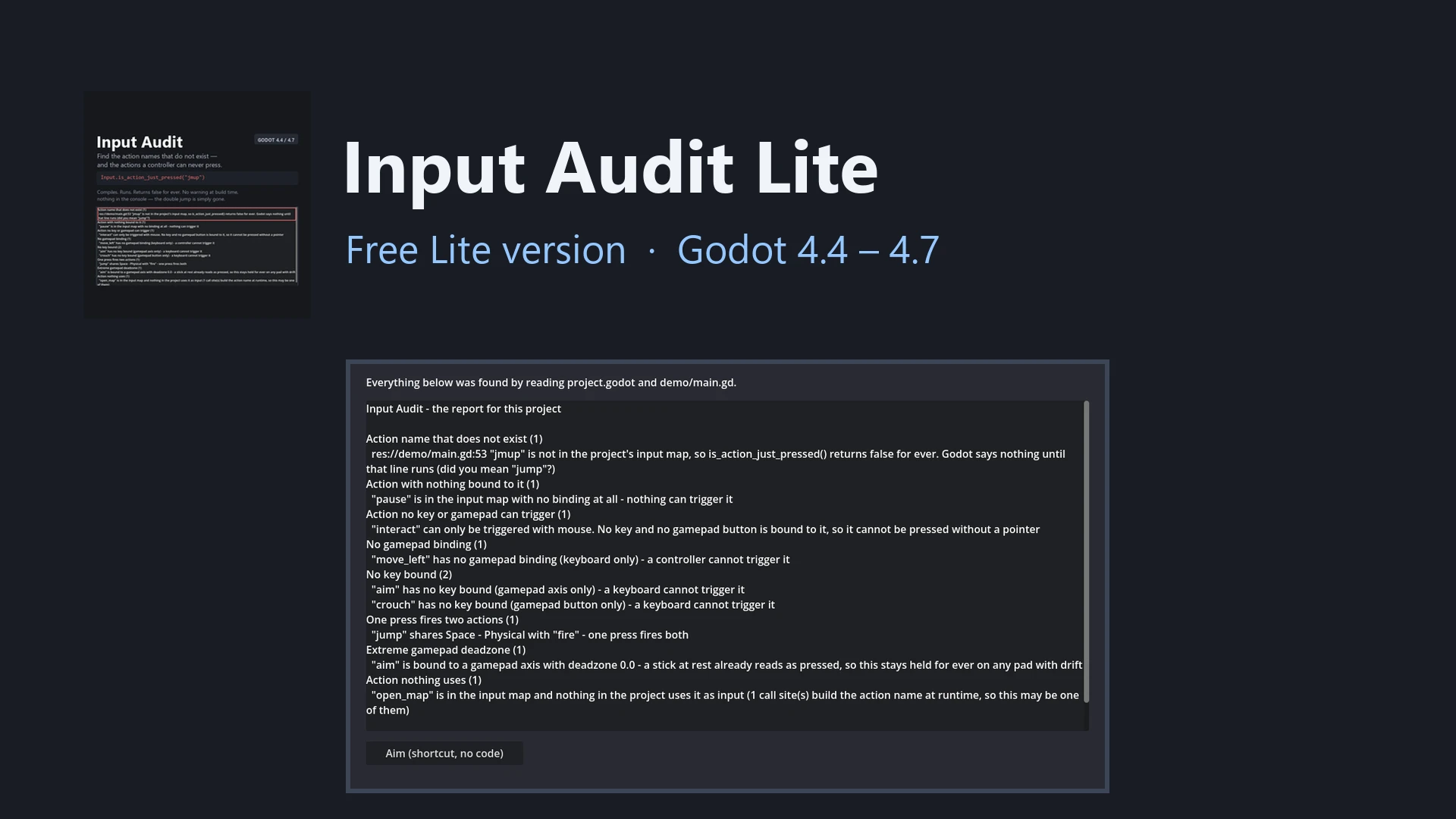
Free Godot 4 addon: finds misspelled input action names and actions no keyboard or gamepad can press. Lite version of Input Audit
Free version of Input Audit for Godot 4.4 – 4.7. Reads the input map and every place your code and scenes name an action, then reports action names that do not exist (with the nearest real name), actions nothing is bound to, actions a keyboard or a
Godot Advanced Input System (GAIS)
0
by Taksharya Singh Jasrotia | MIT
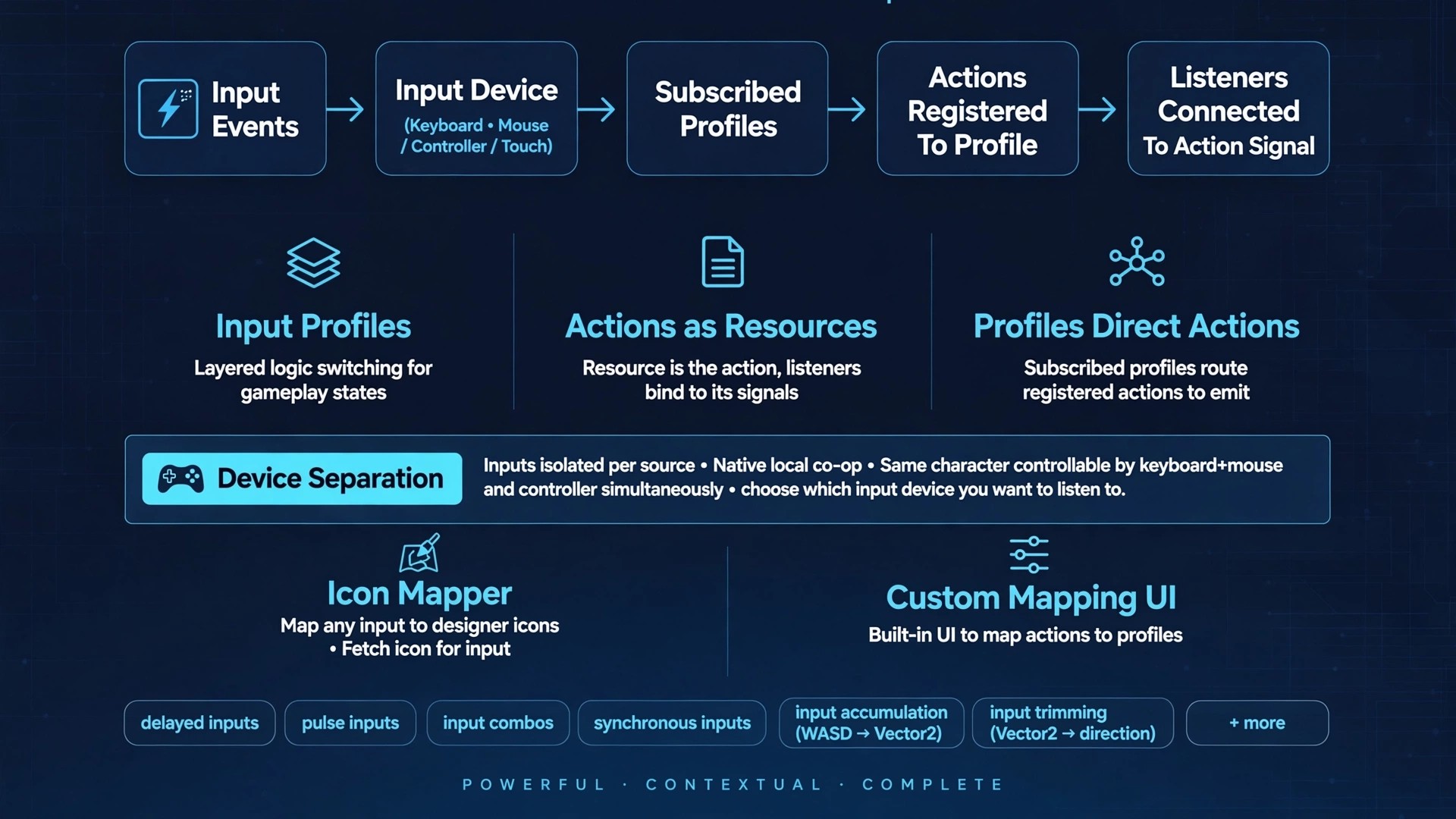
GAIS is an isolated input system that can reduce of hassle of handling inputs individually. While also providing full context about the input and a bunch of handy information
🌟 Why Use Godot Advanced Input System (GAIS)? Input Source & Device Separation: Decouples physical hardware from player entities. This makes local co-op straightforward to implement while allowing a single player to seamlessly use multiple input devices

Keyword Detection
0
by Zachary Ouellet | MIT
A Godot 4 plugin that allows keyword spotting using Dynamic Time Warping (DTW). The main computation happens in a GDExtension in C++ but a handy node makes it easy to use
How to use To be able to recognize keywords with this library you need an instance of the KeywordMatcher node. This node handles the underlying C++ API. It is configured with a KeywordMatcherSetting resource. In that resource, you will need to provide
Spreen
0
by KAR Games | MIT
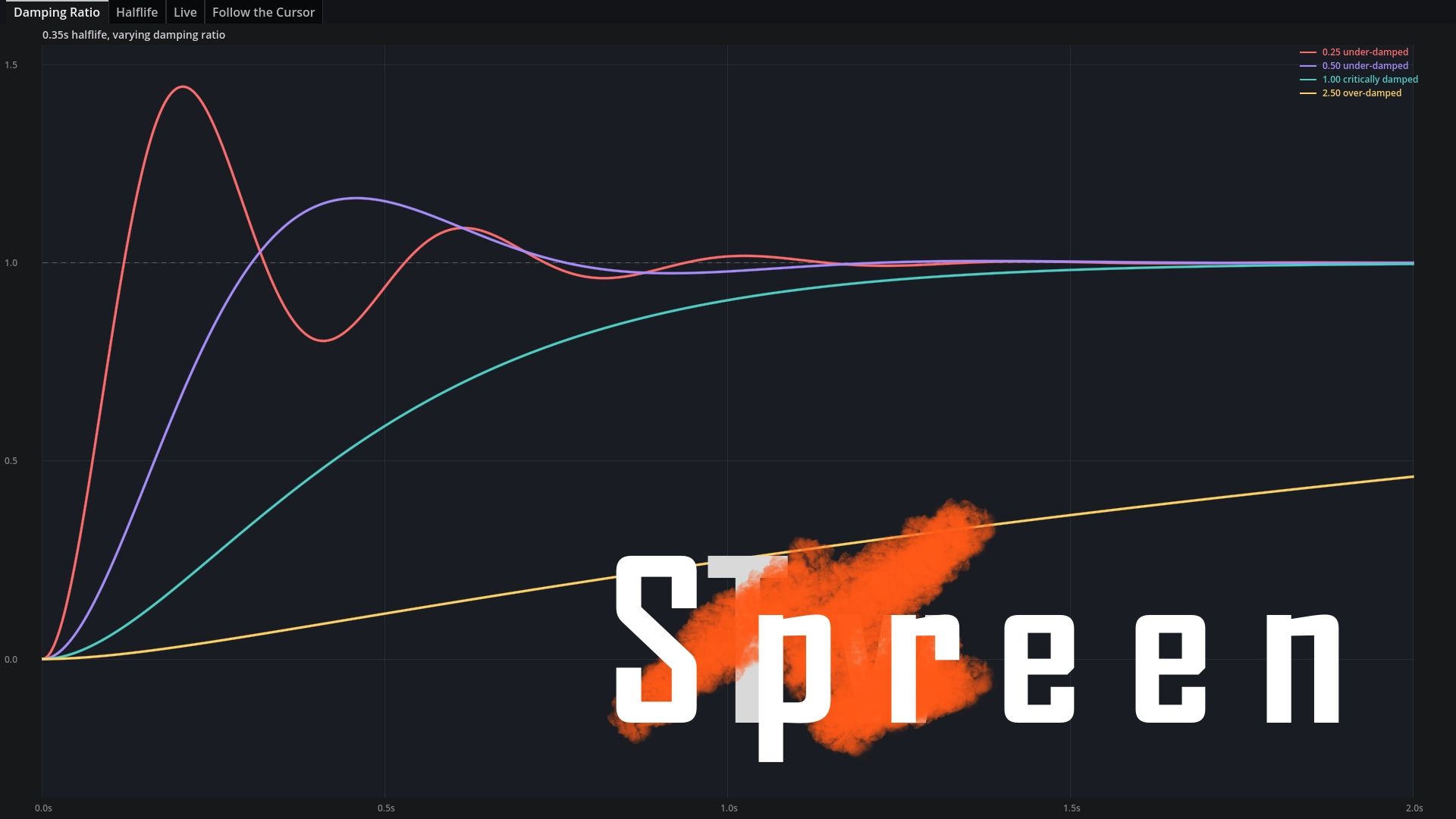
Spreen provides a Tween-like API for animation and interpolation using springs as a base
Unlike TRANS_SPRING in the Tween library, these springs are defined by damping ratios and halflife. These help you make fantastic character and camera controllers, reacting to user input in very natural ways. The Basics Install the GDEXtension. Create a
Godot Input Mapping Sysem
0
by neuneutrinos | CC0 1.0 Universal
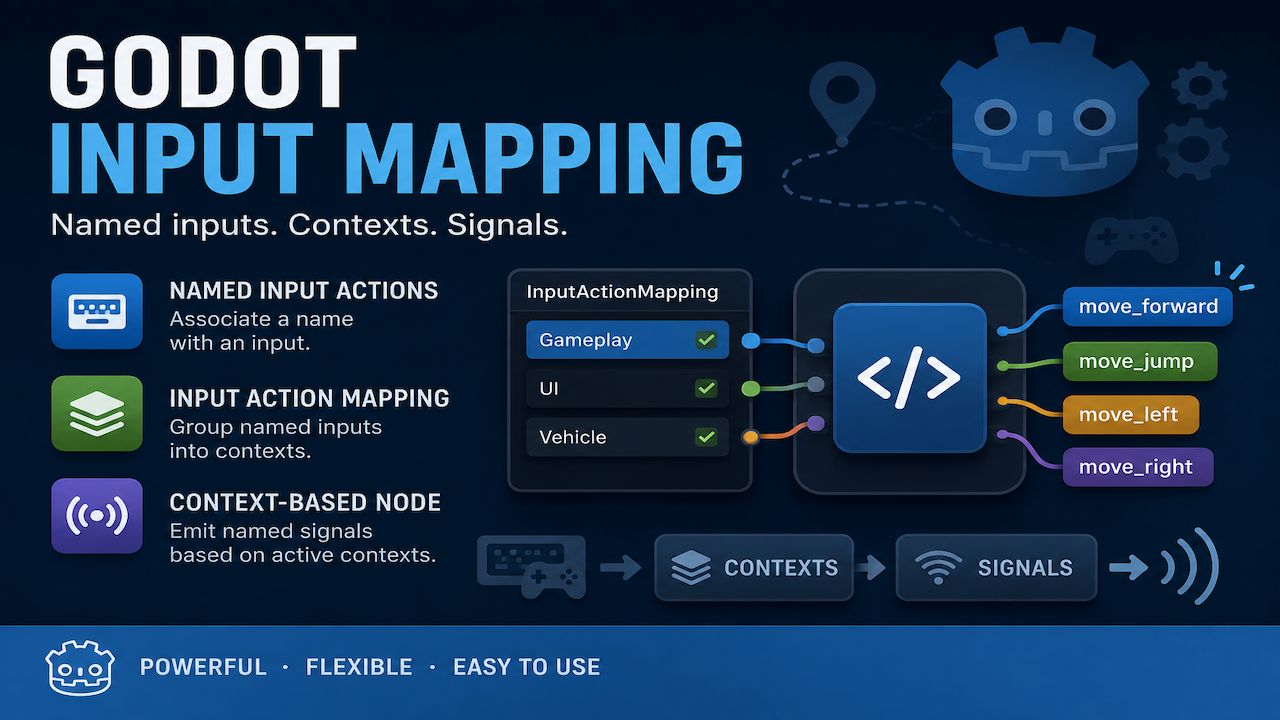
Godot Input Mapping provides a simple way to manage input actions through named inputs and contexts. Create NamedInputAction resources to associate names with input actions. Group them into InputActionMapping resources to define contexts. The
InputMappingSystem provides input handling and mapping with assets. Features NamedInputAction — Associate a readable StringName with a Godot input action. InputActionMapping — Group named input actions into a reusable context. NodeInputActionMapping —
Maaack's Input Remapping
0
by Maaack | MIT
Plugin for input remapping and persistent settings
Maaack's Input Remapping For Godot 4.7 (4.3+ compatible) This plugin has an input remapping menu that aims to be easy to customize and persists settings in a user's config file. Example on itch.io Example is of Maaack's Game Template, which includes

Arduino Sensor Middleware
0
by Mikagino | MIT
C# middleware to easily access analog, digital or selected I2C sensor data with the help of a microcontroller
Arduino Sensor Middleware (Arsemi/arsemi/ArSeMi) Arsemi is a middleware developed in C# for my bachelor's thesis. Many generic sensors (analog, digital) can be accessed with only minimal setup. This package contains the interface to the microcontroller
UIFlow
0
by IndieShade | MIT
UIFlow is a UI workflow framework for Godot 4.6. It gives you stack-based page navigation (push / pop / replace), page lifecycle hooks, transition presets, data binding, an event bus, reusable components (Toast, dialogs, grids, workflow glue), and gamepad
How to Install Copy addons/ui_flow into your project, then enable "UI Flow" under Project Settings → Plugins. What’s included Core navigation — Stack-based push / pop / replace, page lifecycle, modal pages, scene resolver (by class_name), optional object
MIDI Piano Demo
0
by Godot Foundation | MIT
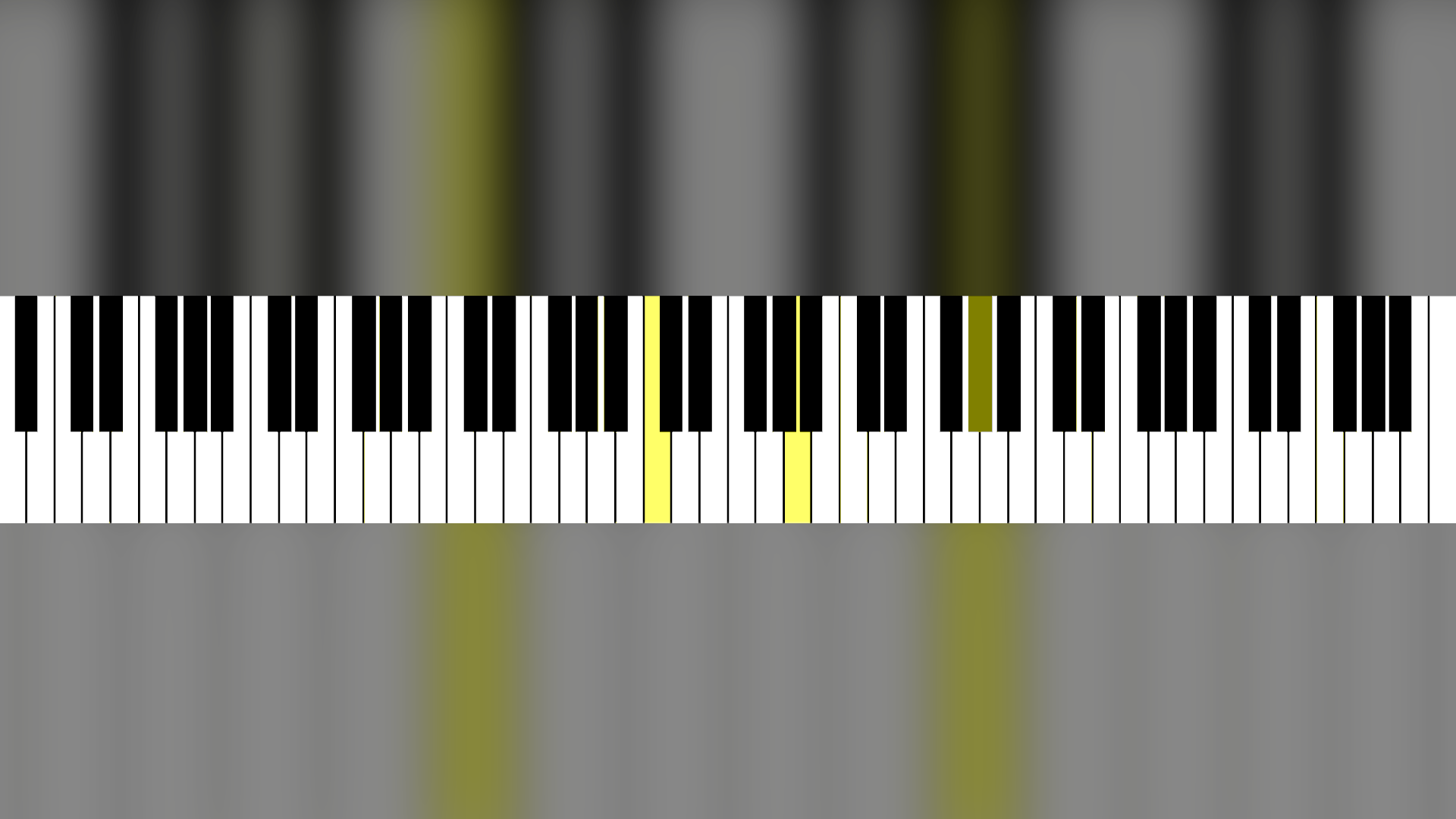
This demo shows how to use InputEventMIDI by creating a piano that can be controlled by a MIDI device
This demo shows how to use InputEventMIDI by creating a piano that can be controlled by a MIDI device. This is known to work with a Yamaha MX88. The piano can also be controlled by clicking on the keys, or by manually calling the activate and deactivate
Audio Mic Record Demo
0
by Godot Foundation | MIT
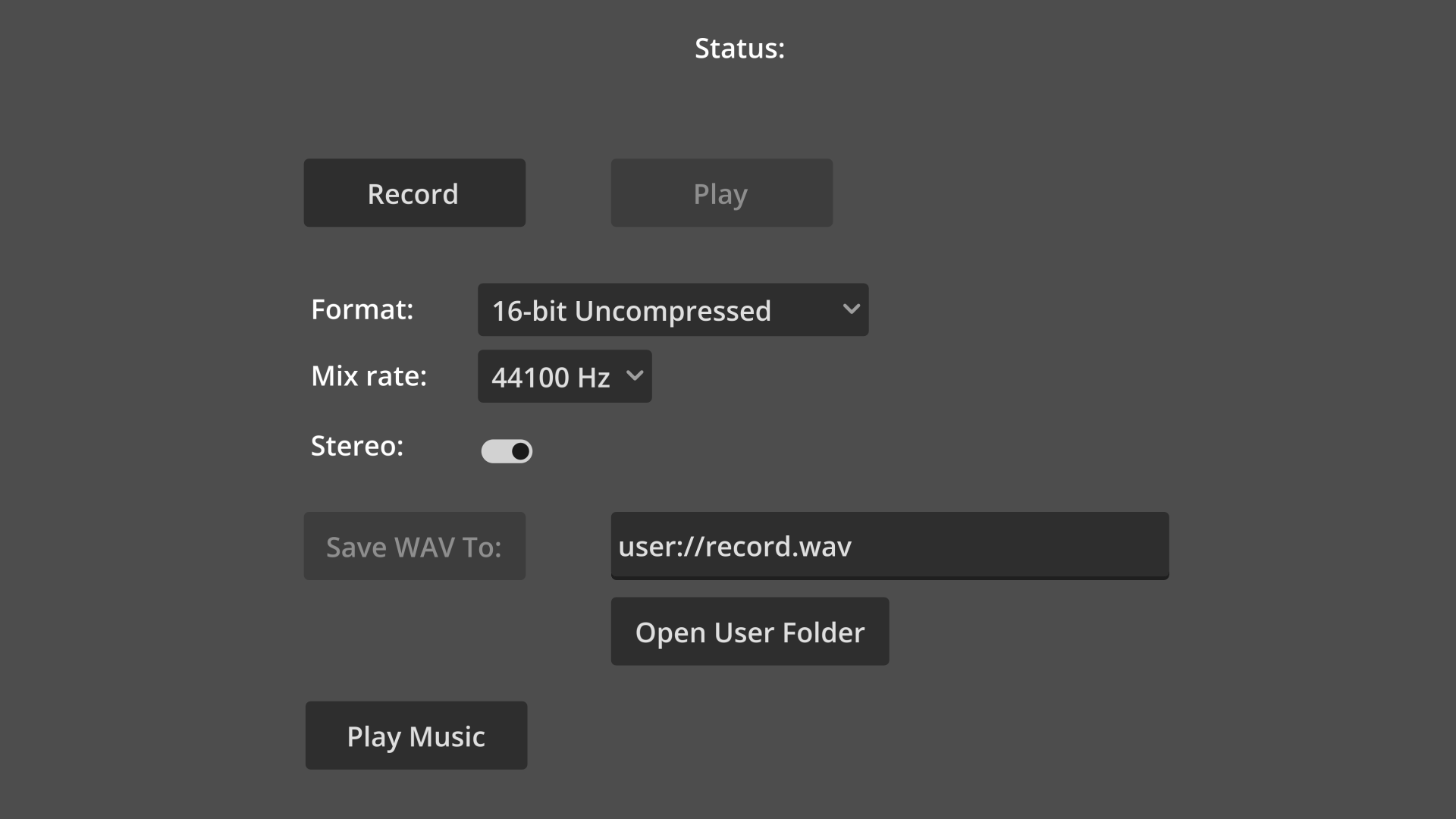
This is an example showing how one can record audio from the microphone and later play it back or save it to a file
This is an example showing how one can record audio from the microphone and later play it back or save it to a file. With an addition on how to change the format, mix rate and stereo settings of the recording. Language: GDScript Renderer: Compatibility
GoInputBuffer
0
by Charles Partous | MIT
A small addon that implements input buffering
GoInputBuffer A small addon that implements input buffering. 🤔 Why use GoInputBuffer? There are a bunch of sitautions where you might want user inputs to carry over several frames when implementing certain features in games. Input latency Input combos (e
InputForge
0
by PandoraOyun | MIT
A UE5-inspired Enhanced Input System for Godot 4 (C#). Runtime context stack, a modifier + trigger pipeline, and one unified InputKey for keyboard, mouse, gamepad, axes, mouse delta, and pointer — all configured in the Inspector, no InputMap strings
InputForge A UE5-inspired Enhanced Input System for Godot 4 (C#). InputForge replaces scattered _Input handlers and hard-coded key checks with a structured, Inspector-driven pipeline: physical input sources are described as resources, transformed through
Windows Mouse Passthrough
0
by Jakub Hubáček | MIT
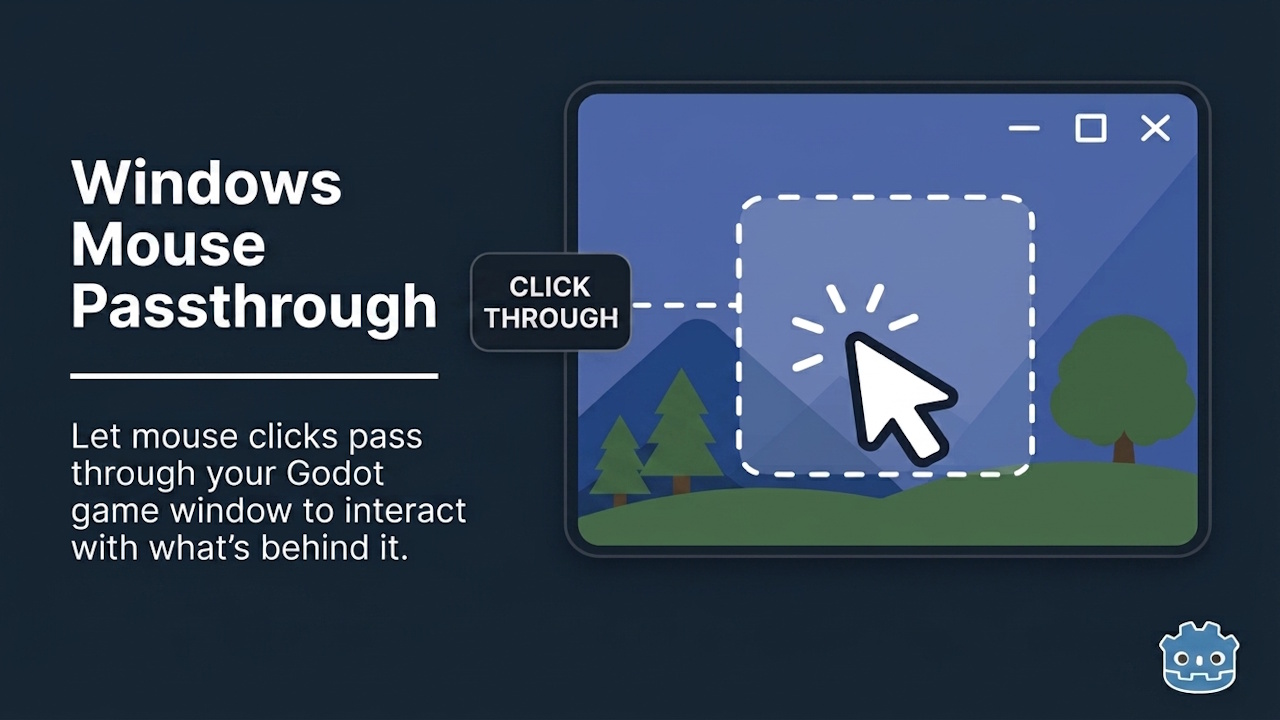
Enable full mouse click-through on any window style for overlays, tools, or desktop companions. GDScript-ready, no C# required
Enables mouse click passthrough on any Godot window on Windows - clicks pass through to whatever application is underneath, regardless of the window's visual style or transparency. Built for desktop overlay and widget apps where the Godot window sits on
Button Prompts For Godot
0
by Clive Dev | MIT
A simple way to always display the right button prompts
A simple way to always display the right button prompts ✅ Works with Godot 4.6! Button prompts are often an underlooked aspect when making a video game, but it is seriously--in my opinion-- a crucial part of teaching players how to play your game and what
GATO: Input Remapper
0
by Nokorpo | MPL 2.0
A tool that allows players to customize the Input Map while playing
GATO: Input Remapper This plugin is a tool that allows players to customize the Input Map while playing. It allows players that use special controllers to play your games more comfortably, and in some cases it might allow them to play when they couldn't
Basic 3D Character Controller
0
by FriendlyCosmonaut | MIT
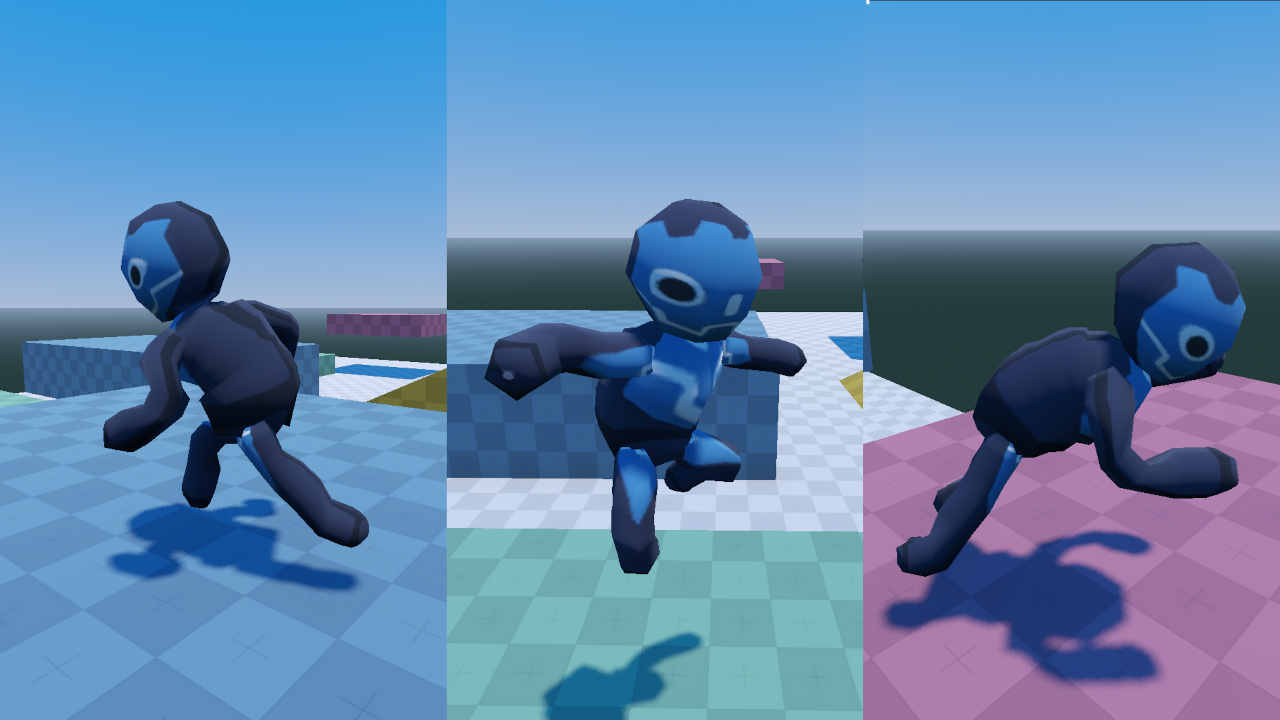
A basic 3D character controller with: movement system with controller support; rigged and animated demo character; fully documented player code with a simple state machine that handles animations, running and rolling; customisable settings including speed
Basic 3D Character Controller for Godot Features A simple 3D third person character controller, with a fully functional (but independent) third person camera. A simple state machine that manages animations, running, and rolling. Customisable settings in
Controls Remap
0
by KoBeWi | MIT
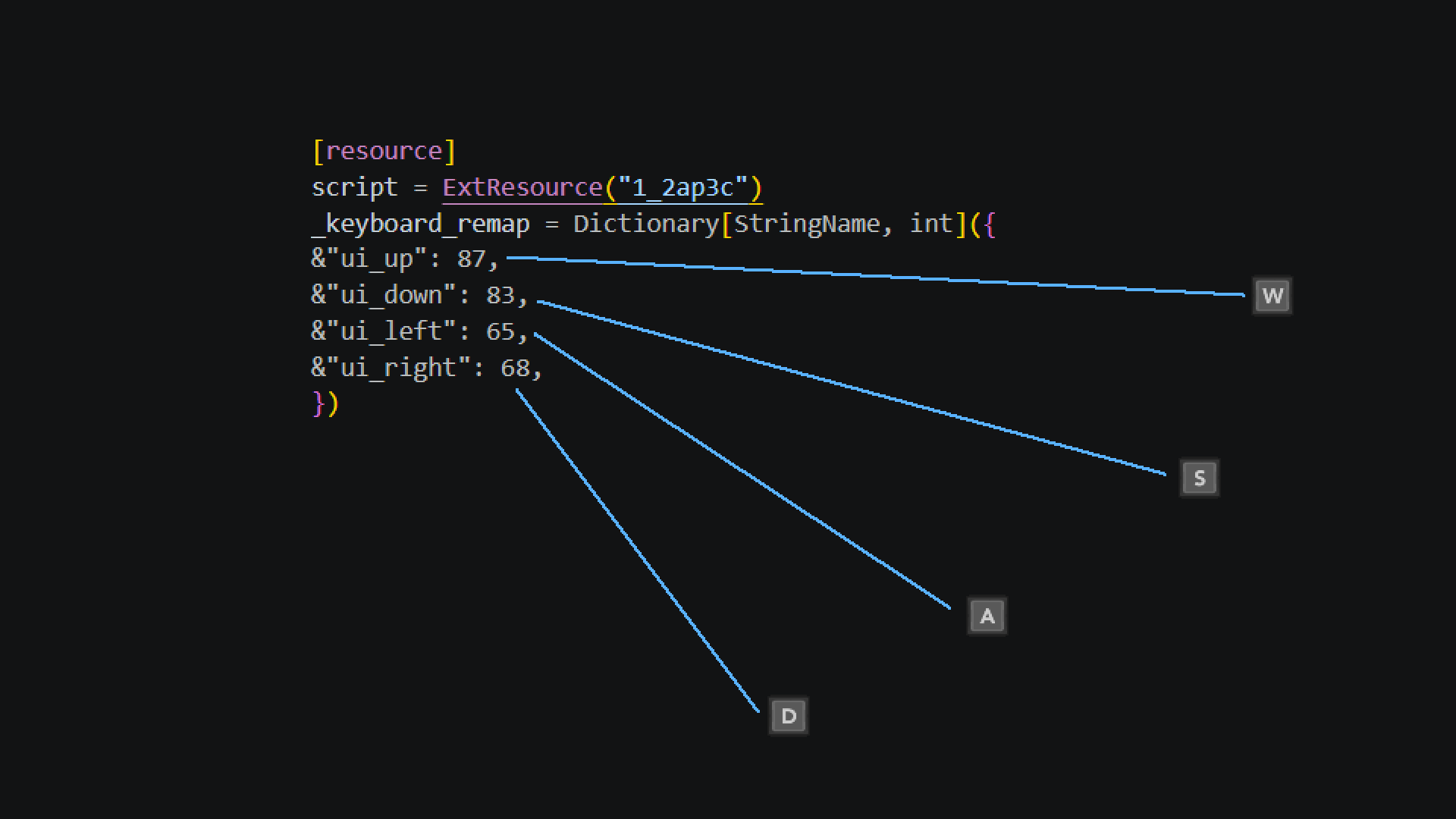
A Resource that will store your input mapping
ControlsRemap will store your input mapping. It's a Resource, so you can save it and load it. It supports keyboard and joypad separately. You can use it to have easily customizable controls in your game. How does it work? First enable the Controls Remap
InputManager
0
by Saulo Souza | MIT
InputManager is a plugin for Godot 4.5x used to receive and handle gamepad events, as well as to configure inputs in an easier and more practical way. Each gamepad action can be named and assigned a key to be handled according to the player's actions
InputManager - Advanced Input System for Godot 4.5+ Description InputManager is a plugin for Godot 4.5x used to receive and handle gamepad events, as well as to configure inputs in an easier and more practical way. Each gamepad action can be named and

loading more results...