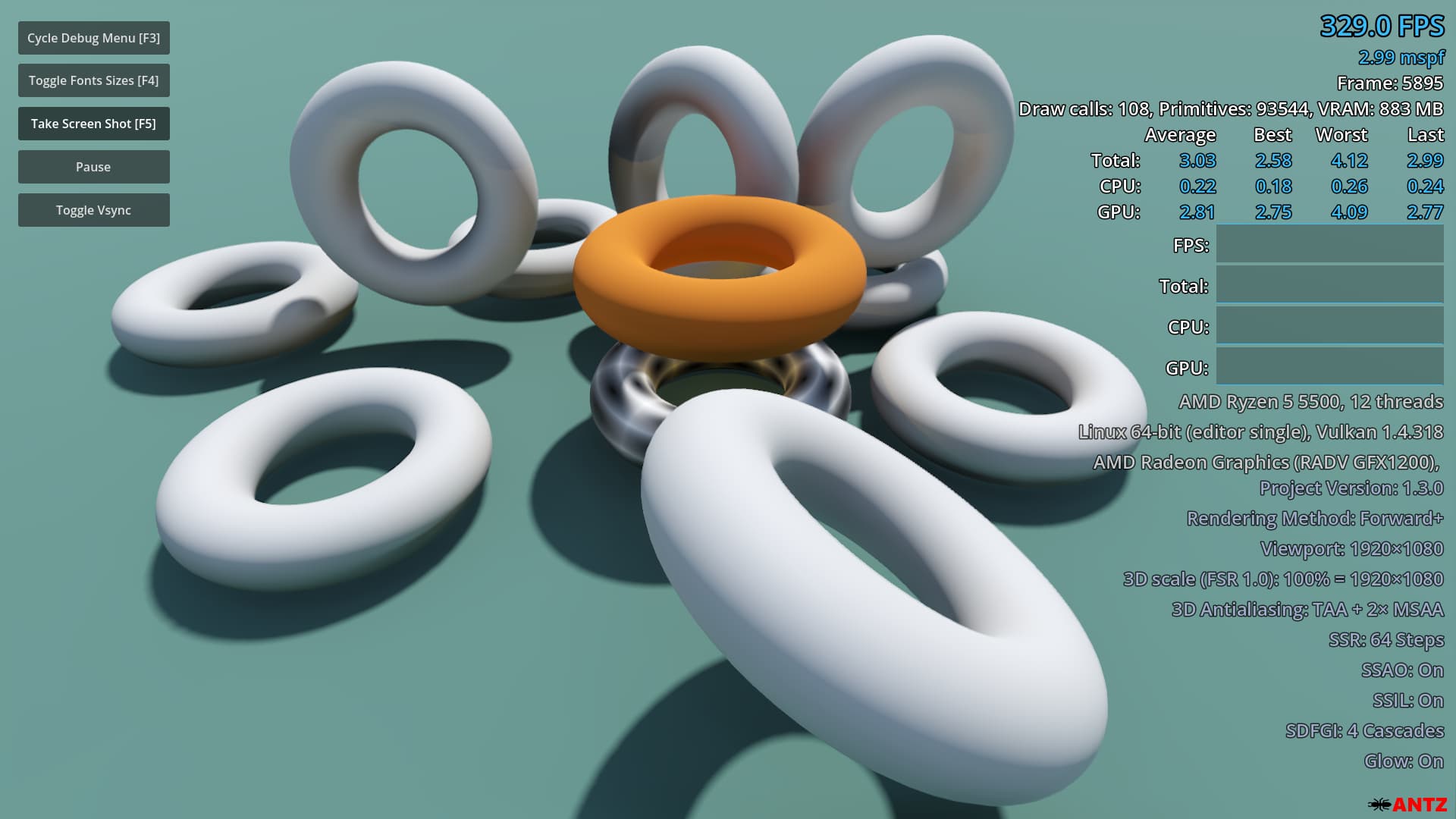
Antz's Debug Menu
 6
6
by AntzGames | MIT
Displays performance information in a Godot project during gameplay. Can be used when running from the editor and in exported projects. This is an updated and maintained version of Calinou's original plugin
Antz's Debug Menu Overview Displays performance information in a Godot project during gameplay. Can be used when running from the editor and in exported projects. This is an updated and maintained version of Calinou's original plugin. Includes an updated
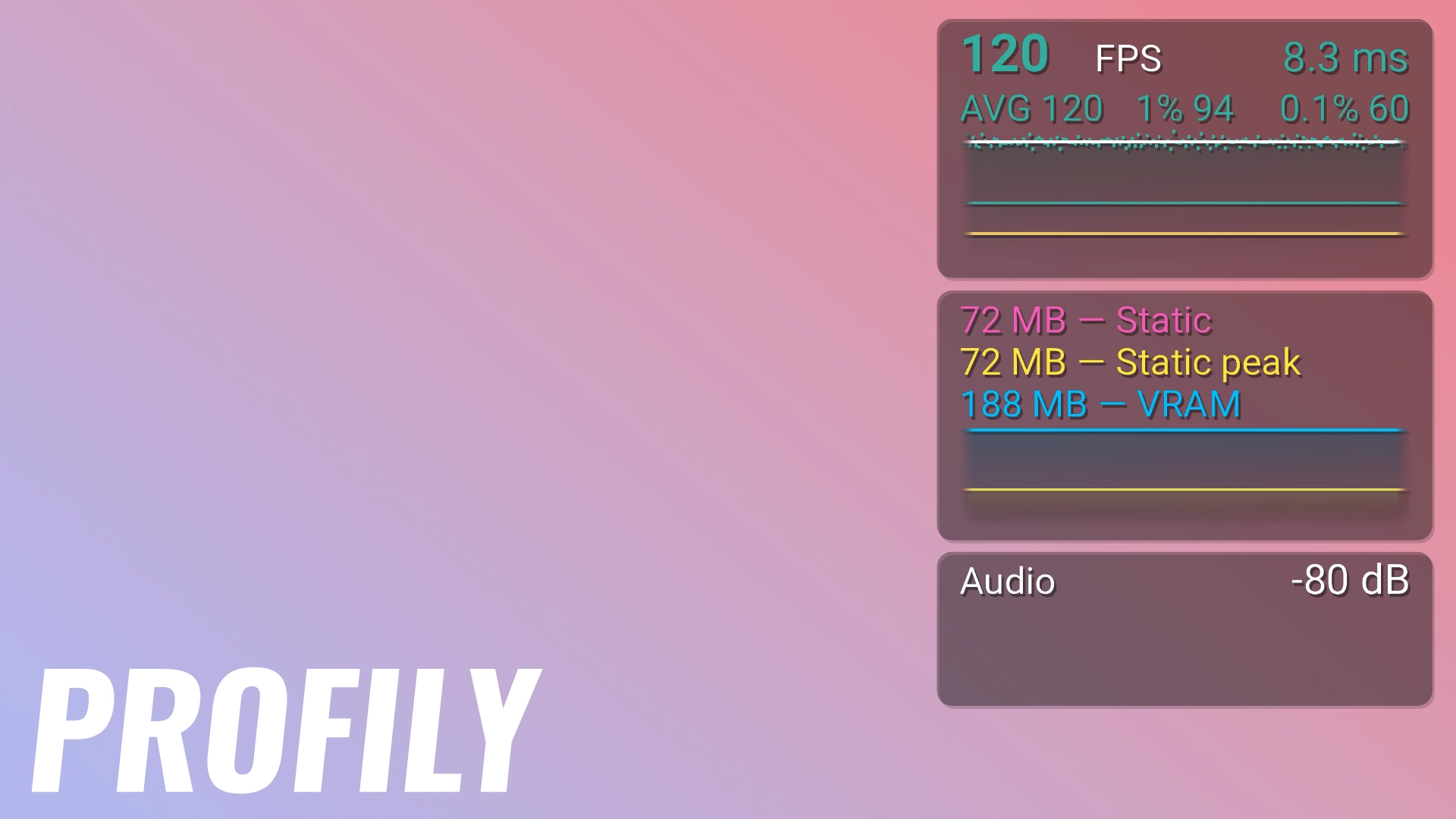
Profily
3
by Javier Garrido | MIT
FPS counter & performance monitor: FPS with 1% lows, RAM & VRAM, audio spectrum, hardware and scene stats. Scriptable debugger, hotkeys, presets, zero setup
Profily puts every stat you care about in one polished in-game overlay — FPS, memory, audio, hardware and scene metrics — and can react automatically the moment a stat crosses a threshold you define. Enable the plugin and press play: sensible defaults
Twitcher
3
by kani_dev | MIT
Bring Twitch chat, EventSub events (follows, subs, rewards), commands, and API power to Godot 4.4+. Editor wizard, animated emotes, and more
Twitcher: Easily Add Twitch to Your Godot 4 Game! Connect your Godot game or overlay to Twitch! Show Twitch Chat: Display chat messages in your game. React to Events: Make things happen when someone follows, subscribes, or uses channel points. Use the
TickDebug
0
by Permotion | GPL v3
Easily look at quickly changing values on the fly, without print() spamming your output or setting up a label just to check one number
What is it? TickDebug lets you watch quickly changing values on the fly, without print() spamming your output or setting up a label just to check one number. It offers an ingame panel and editor dock to look at your tracked values, which get there using
Windows Mouse Passthrough
0
by Jakub Hubáček | MIT
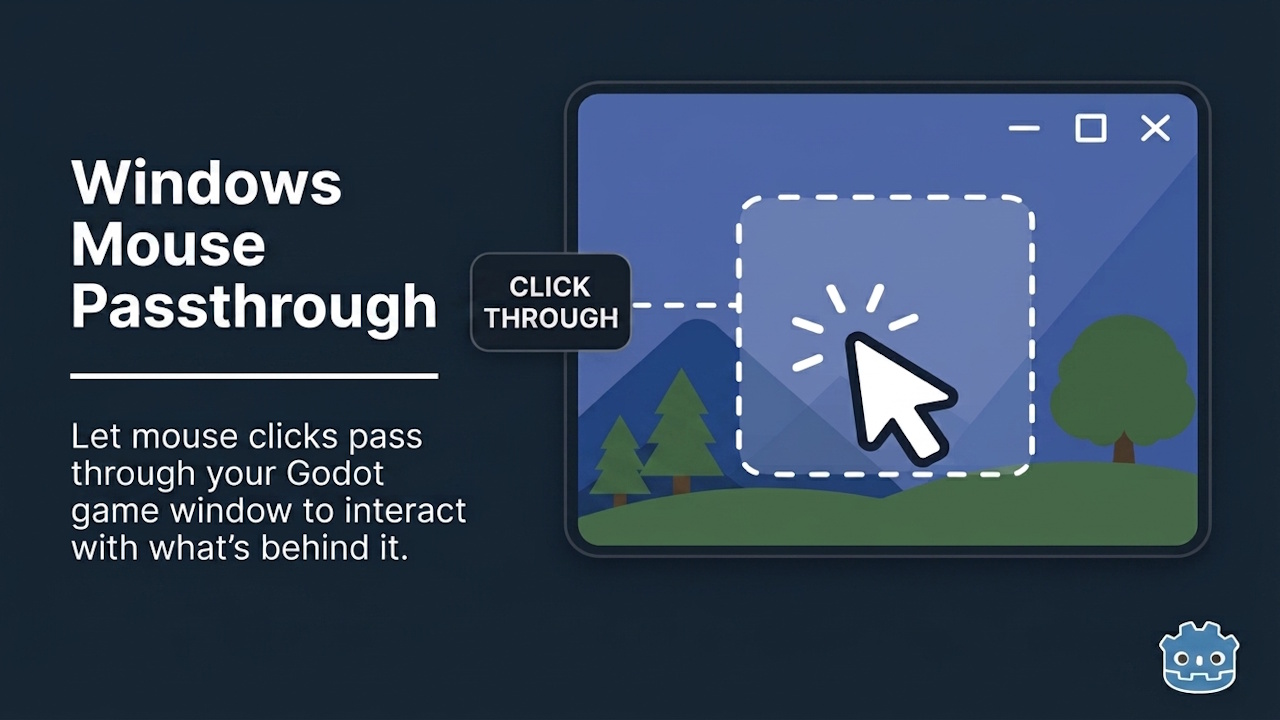
Enable full mouse click-through on any window style for overlays, tools, or desktop companions. GDScript-ready, no C# required
Enables mouse click passthrough on any Godot window on Windows - clicks pass through to whatever application is underneath, regardless of the window's visual style or transparency. Built for desktop overlay and widget apps where the Godot window sits on
Debug Panel
0
by Ultipuk | MIT
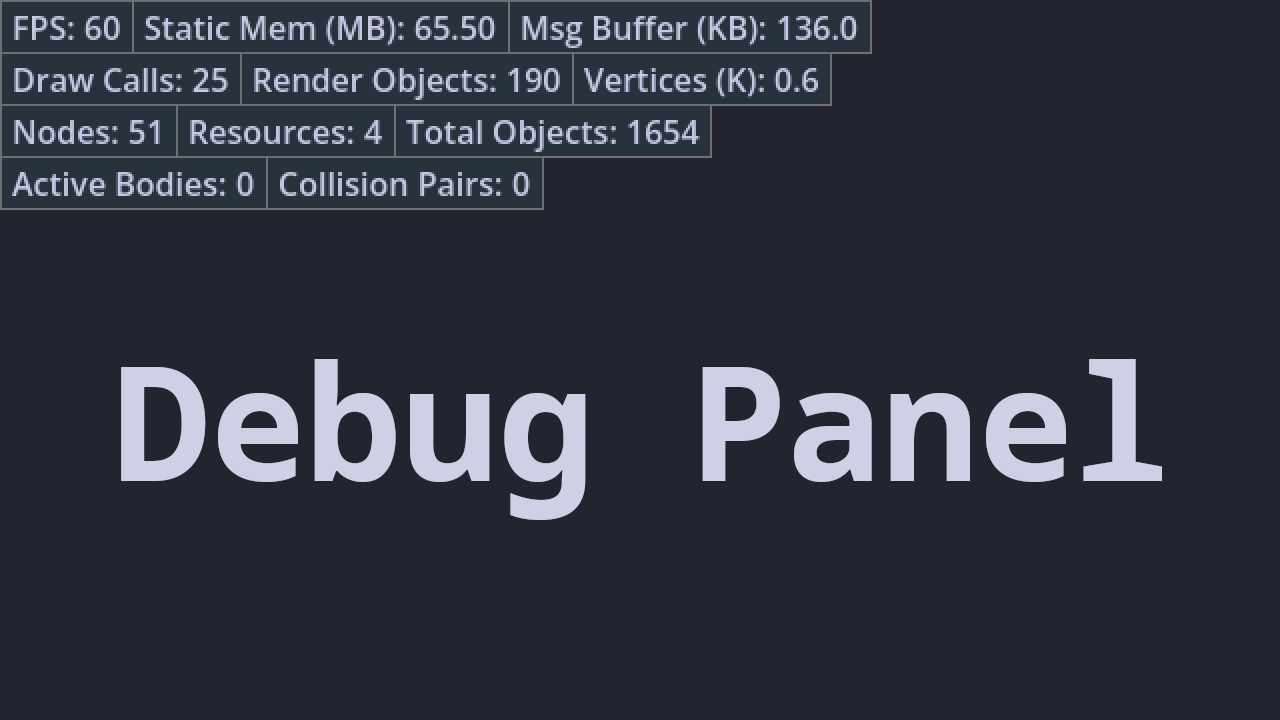
Performant and convenient way to display arbitrary data in games both for gamers and developers
Debug Panel It's a simple debug panel. Enable Dp plugin to use it. Here's how you can use it: # Insert or update row by id with provided value Dp.push(&"FPS", "%.0f" % Engine.get_frames_per_second()) # Hide row by id Dp.hide(&"FPS") # Show row by id Dp

loading more results...