What is it?
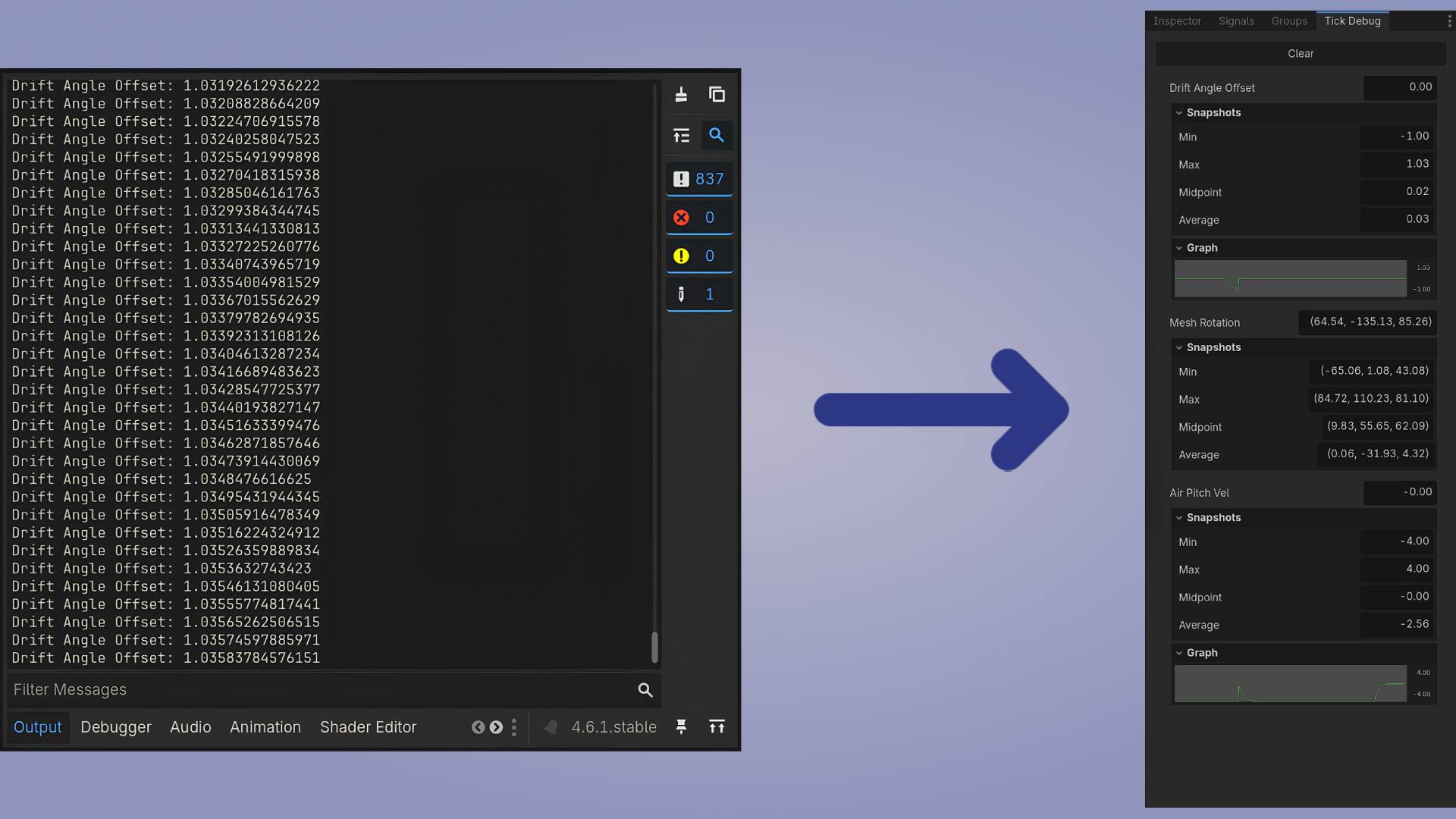
TickDebug lets you watch quickly changing values on the fly, without print() spamming your output or setting up a label just to check one number.
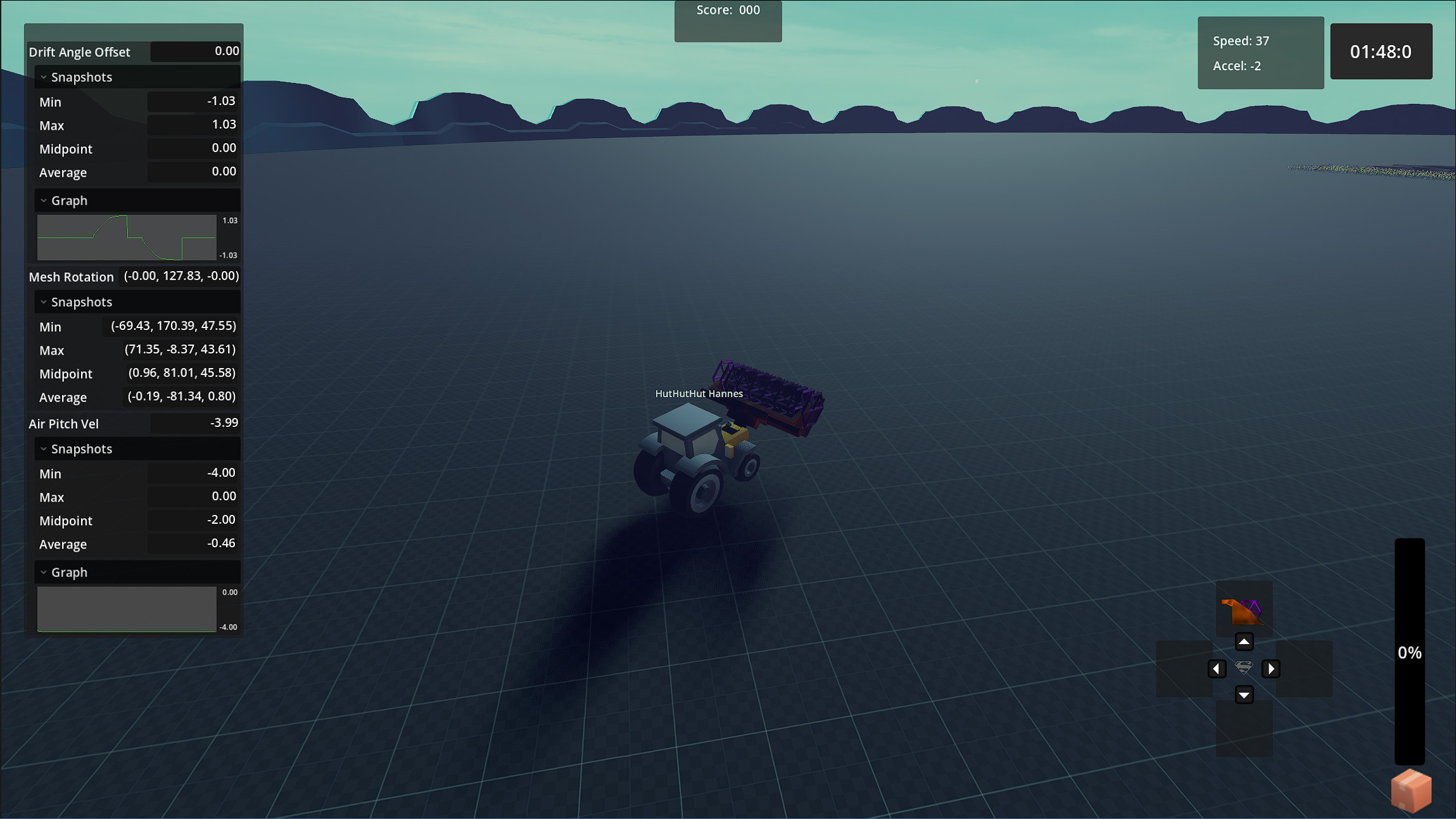
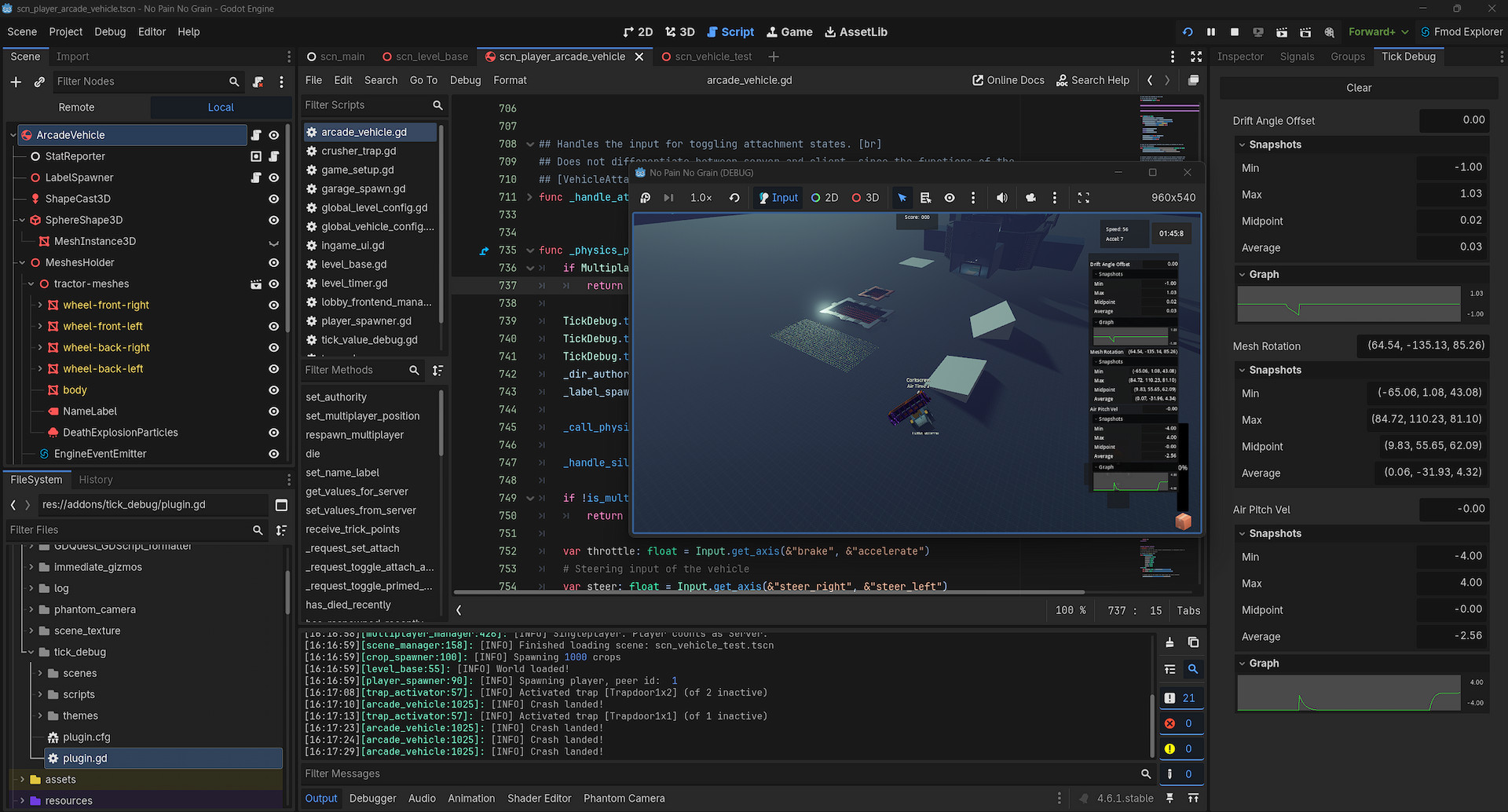
It offers an ingame panel and editor dock to look at your tracked values, which get there using functions of the provided Autoload.
Currently, numbers have the biggest range of features. Most built-in Variant types are supported for simple display, while anything numeric also gets the tracking of minimum, maximum, average and midpoint values. Integers and floats additionally show a simple line graph.
A quick way to add support for other types yourself is provided.
Quick use
- Call
TickDebug.track(value, caller, custom_id)anywhere to log a value, similar to how you'd useprint()calleridentifies where the value came from — almost alwaysselfcustom_idis a label of your choice for easier identification
- To see the tracked values, either open the editor dock next to your inspector, or press F4 in play mode to open the ingame panel (rebindable via the
"toggle_tick_debug_panel"input action) - Additional settings are available under
Project > Project Settings > Debug > TickDebug
For more detailed information, see the GitHub repository: README and Documentation
Changelog for version v1.0.1
2026-09-08 10:16:00
No changelog provided for this version.