Godot Unified Input Detection Engine (G.U.I.D.E)
 10
10
by Godotneers | MIT
G.U.I.D.E is an extension for the Godot Engine that allows you to easily use input from multiple sources, such as keyboard, mouse, gamepad and touch in a unified way. Gone are the days, where mouse input was handled differently from joysticks and touch was
Unified input detection and handling from multiple sources (keyboard, mouse, gamepad, touch, etc.). All inputs are used in the same way in your game code. Inputs can be modified before being fed into your game code (e.g. for joystick dead-zones
Quacky Input Contexts
1
by nurquack | MIT
Allows the creation of custom input mapping contexts, linking these to a mouse mode, and linking the input actions, defined via the input map, to an input mapping context. Only those inputs belonging to the top-level input mapping context on the stack are
Quacky Input Contexts Allows the creation of custom input mapping contexts, linking these to a mouse mode, and linking the input actions, defined via the input map, to an input mapping context. Only those inputs belonging to the top-level input mapping
G.U.I.D.E-CSharp
1
by Phlegm | MIT
G.U.I.D.E C# Wrapped - Godot Unified Input Detection Engine with C# Support
G.U.I.D.E is an extension for the Godot Engine that allows you to easily use input from multiple sources, such as keyboard, mouse, gamepad and touch in a unified way. Gone are the days, where mouse input was handled differently from joysticks and touch
TGC Game Menu
0
by TheGameCraftsman | MIT
A main menu and a pause menu for Godot 4.7, configured from one resource: display, sound, remappable keyboard, mouse and gamepad controls, optional saves system, and a live preview in the editor
TGC Game Menu gives your game the main menu, pause menu and settings that players expect, configured from a single resource in the Inspector. Add one node to your main scene, connect two signals to your game, and the menu works. What it does: One menu
Godot Advanced Input System (GAIS)
0
by Taksharya Singh Jasrotia | MIT
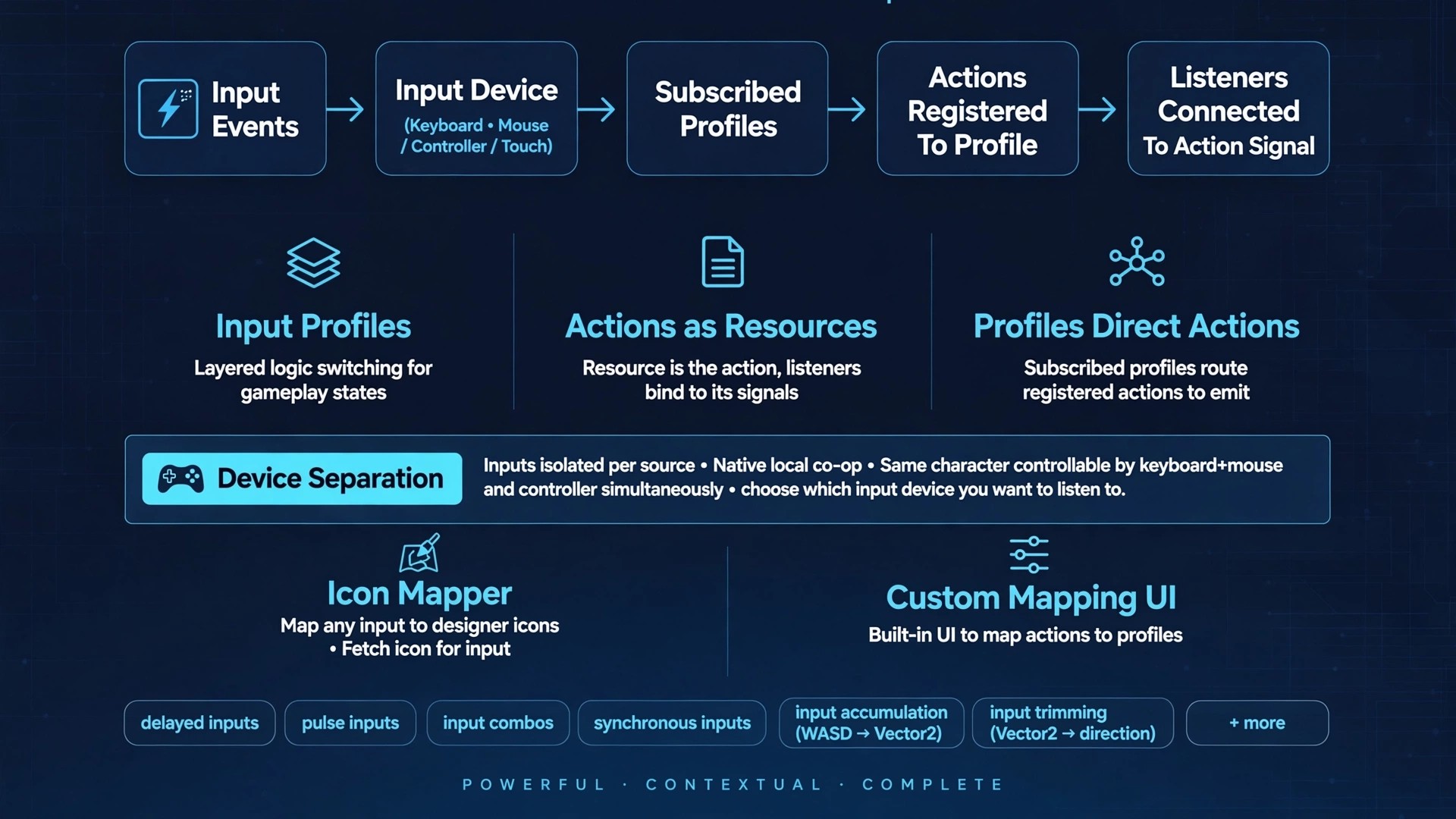
GAIS is an isolated input system that can reduce of hassle of handling inputs individually. While also providing full context about the input and a bunch of handy information
🌟 Why Use Godot Advanced Input System (GAIS)? Input Source & Device Separation: Decouples physical hardware from player entities. This makes local co-op straightforward to implement while allowing a single player to seamlessly use multiple input devices
Godot Input Mapping Sysem
0
by neuneutrinos | CC0 1.0 Universal
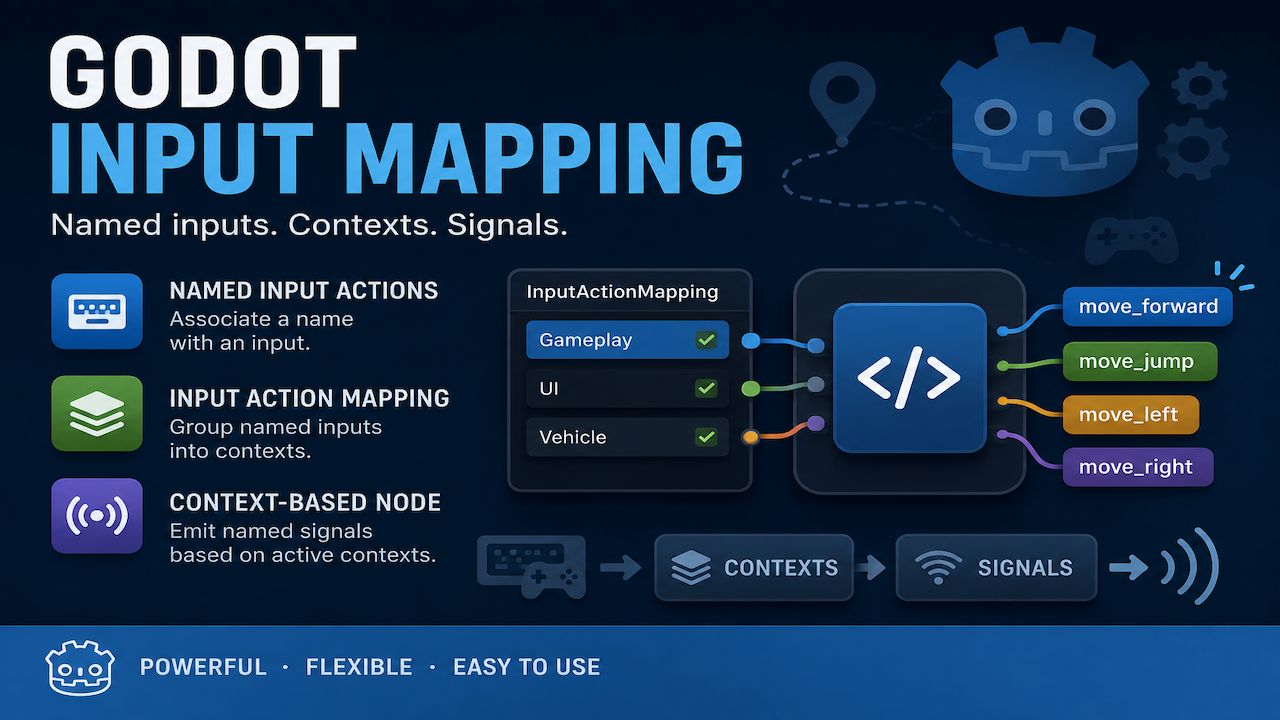
Godot Input Mapping provides a simple way to manage input actions through named inputs and contexts. Create NamedInputAction resources to associate names with input actions. Group them into InputActionMapping resources to define contexts. The
InputMappingSystem provides input handling and mapping with assets. Features NamedInputAction — Associate a readable StringName with a Godot input action. InputActionMapping — Group named input actions into a reusable context. NodeInputActionMapping —
InputForge
0
by PandoraOyun | MIT
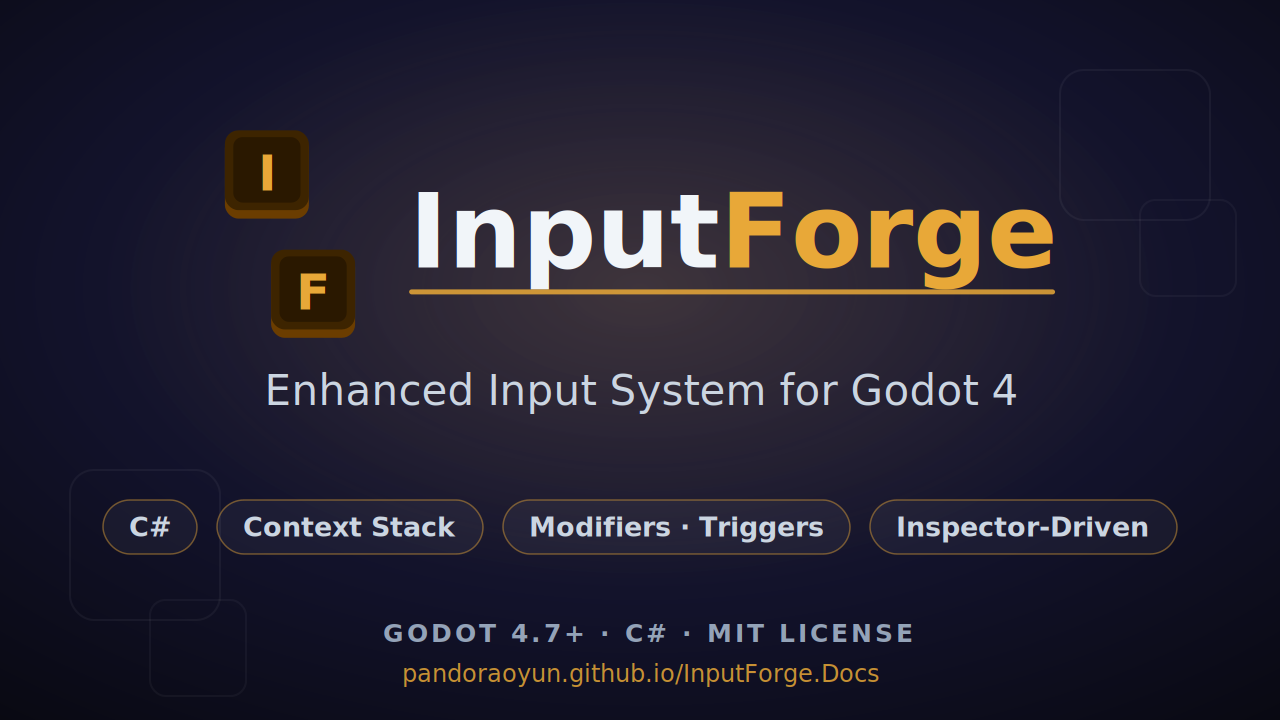
A UE5-inspired Enhanced Input System for Godot 4 (C#). Runtime context stack, a modifier + trigger pipeline, and one unified InputKey for keyboard, mouse, gamepad, axes, mouse delta, and pointer — all configured in the Inspector, no InputMap strings
InputForge A UE5-inspired Enhanced Input System for Godot 4 (C#). InputForge replaces scattered _Input handlers and hard-coded key checks with a structured, Inspector-driven pipeline: physical input sources are described as resources, transformed through
GATO: Input Remapper
0
by Nokorpo | MPL 2.0
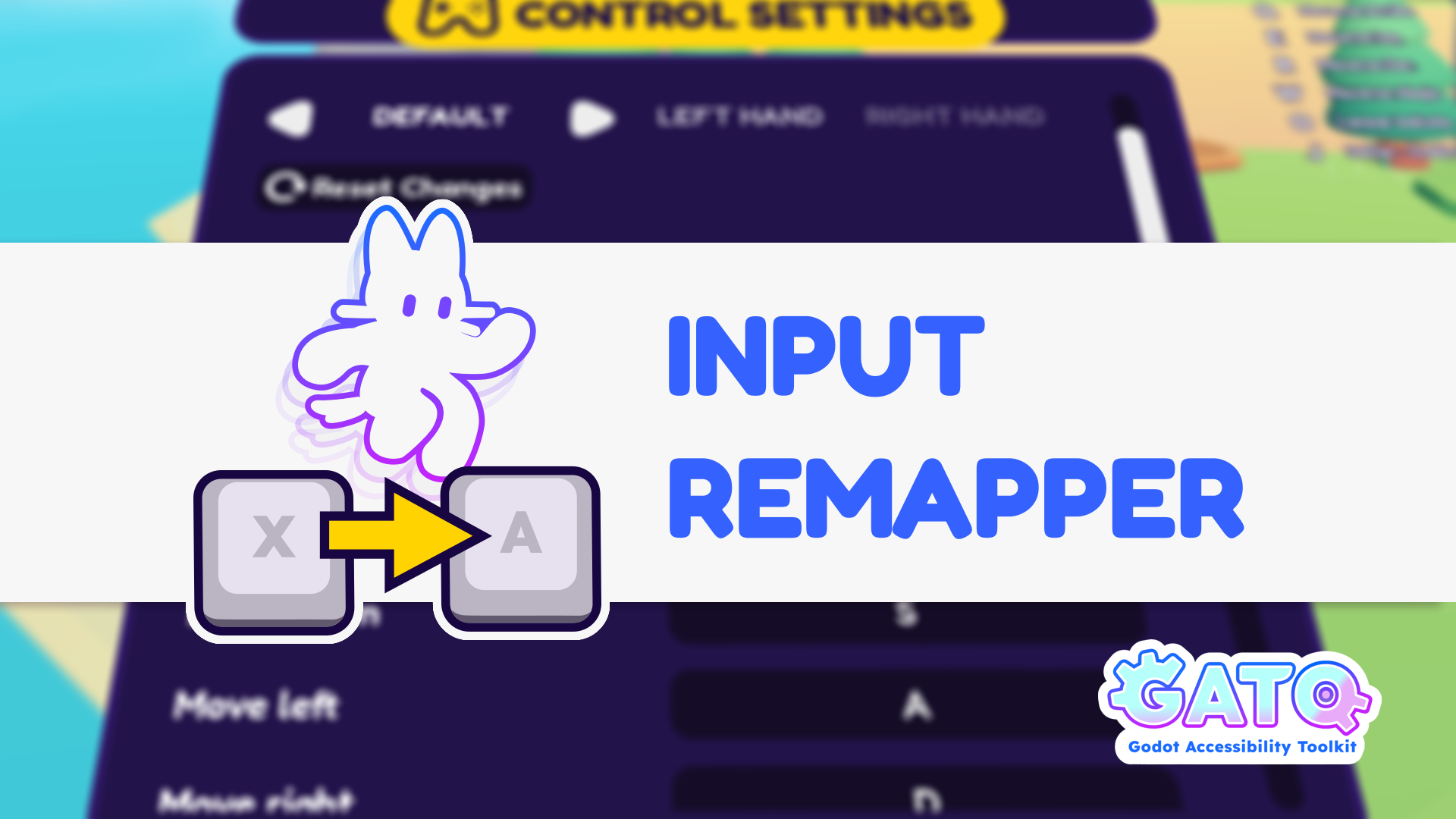
A tool that allows players to customize the Input Map while playing
GATO: Input Remapper This plugin is a tool that allows players to customize the Input Map while playing. It allows players that use special controllers to play your games more comfortably, and in some cases it might allow them to play when they couldn't
Action Manager
0
by Saulo Souza | MIT
The Action Manager is a robust solution for managing inputs in the Godot Engine. It extends the native system to support complex behaviors and offers seamless integration for mobile controls (TouchScreenButtons and Joysticks), injecting events directly
Action Manager for Godot 4.x The Action Manager is a robust solution for managing inputs in the Godot Engine. It extends the native system to support complex behaviors and offers seamless integration for mobile controls (TouchScreenButtons and Joysticks)

loading more results...