Description
Changelog
Reviews (0)
TGC Game Menu gives your game the main menu, pause menu and settings that players expect, configured from a single resource in the Inspector. Add one node to your main scene, connect two signals to your game, and the menu works.
What it does:
- One menu, two faces: the main menu at start, the pause menu during a game (Esc, Start, or the window losing the focus).
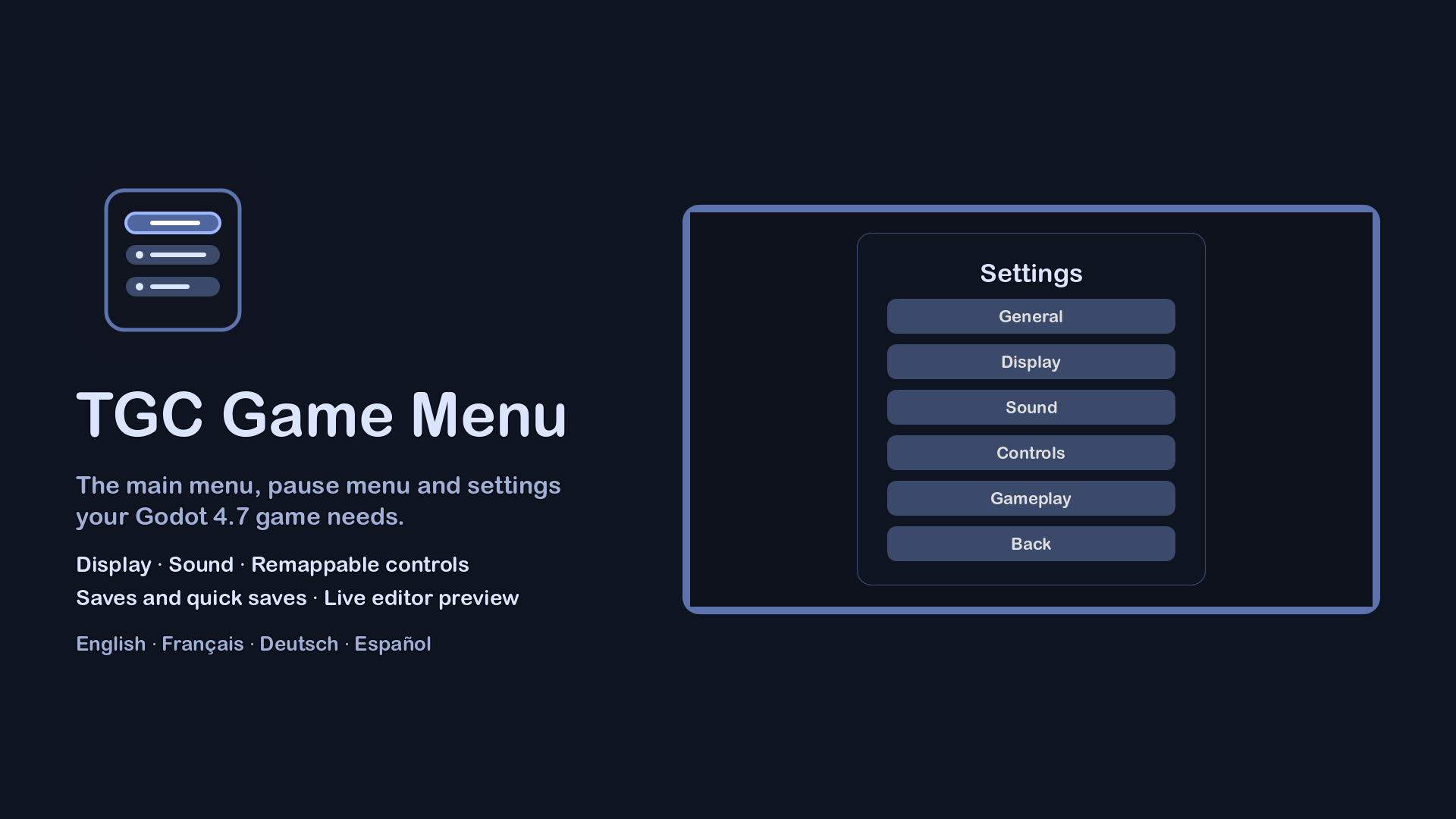
- A Settings sub-menu with General, Display, Sound and Controls pages. Every row and every page is optional, and your own pages can be added after them.
- Display: window mode, window size, vsync, frame rate limit, 3D render scale, MSAA and interface size, with your project settings as defaults.
- Sound: one slider per audio bus, on a perceptual curve.
- Controls: keyboard-and-mouse and gamepad columns remapped on screen. Remapping one never touches the other, a key given to an action is taken from the one that had it, the pause always keeps a key, and keys are named as they are engraved on the player's keyboard (AZERTY, QWERTZ and others).
- Saving and loading, if you want them: save slots, quick saves on remappable shortcuts (F5 and F9), a Load page listing the saves with their date and your own summary, and optional deletion. Your code does the saving through one small class; the menu only calls it.
- No game lost by mistake: New game, Main menu and Quit ask first while a game is in progress.
- A live preview in the editor: pick a screen and a language, edit your theme or your config, and see the menu change without running the game.
- Settings are saved at each change and read back without trusting the file: a damaged file falls back on the defaults instead of crashing the game.
- Translated into English, French, German and Spanish. Other languages can be added.
The add-on has no dependency and ships no asset beyond its theme, its icon and its translations. It requires Godot 4.7 and was tested on 4.7.2.
After installing, enable "TGC Game Menu" in Project Settings > Plugins, then add a TgcMenuSession node to your main scene. The full reference is in addons/tgc_game_menu/README.md.
Changelog for version v1.2.0
2026-10-14 06:34:00
No changelog provided for this version.