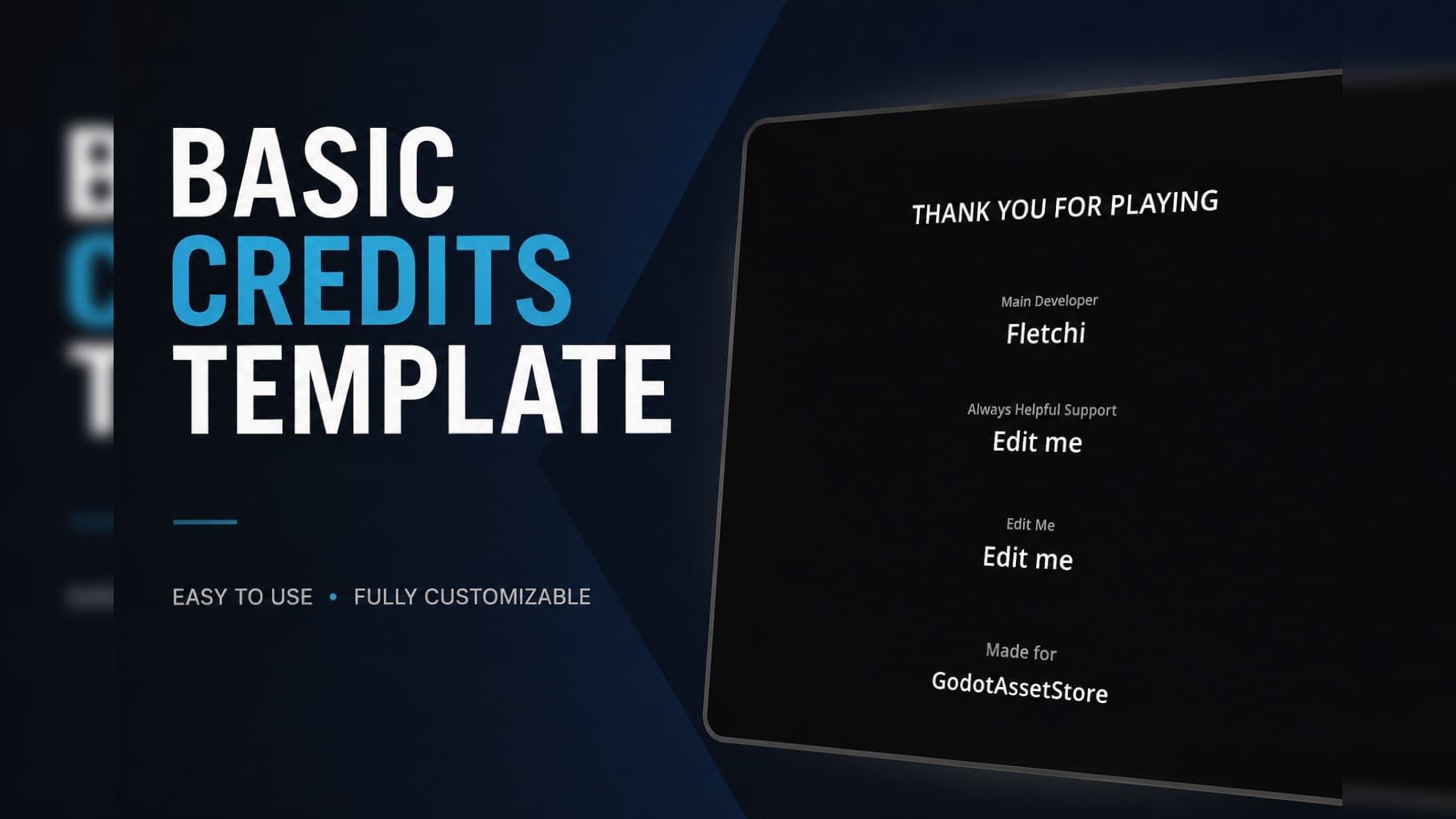
EZ Credits Template
 3
3
by Fletchi | MIT
Simple reusable Credits Template for Godot 4. Drop-in scene that auto-generates scrolling credits from a data array. Easily editable roles/names, smooth vertical scroll, ESC skip, optional return to main scene. Perfect for game jams or prototypes
Basic Credits Template (Godot 4) Overview Lightweight, drop-in credits system for Godot 4 projects. Designed for fast integration in game jams, prototypes and indie games where you don’t want to waste time. Just add the scene, edit a simple data array and

Quacky Input Contexts
1
by nurquack | MIT
Allows the creation of custom input mapping contexts, linking these to a mouse mode, and linking the input actions, defined via the input map, to an input mapping context. Only those inputs belonging to the top-level input mapping context on the stack are
Quacky Input Contexts Allows the creation of custom input mapping contexts, linking these to a mouse mode, and linking the input actions, defined via the input map, to an input mapping context. Only those inputs belonging to the top-level input mapping

DotEnv
0
by Melkam Studios | MIT
A lightweight Godot 4 addon that loads variables from a project-level .env file into the process environment
DotEnv for Godot A lightweight Godot 4 addon that loads variables from a project-level .env file into the process environment. Requirements Godot 4.x Installation Copy the addons/dotenv directory into your Godot project. In Godot, open Project > Project
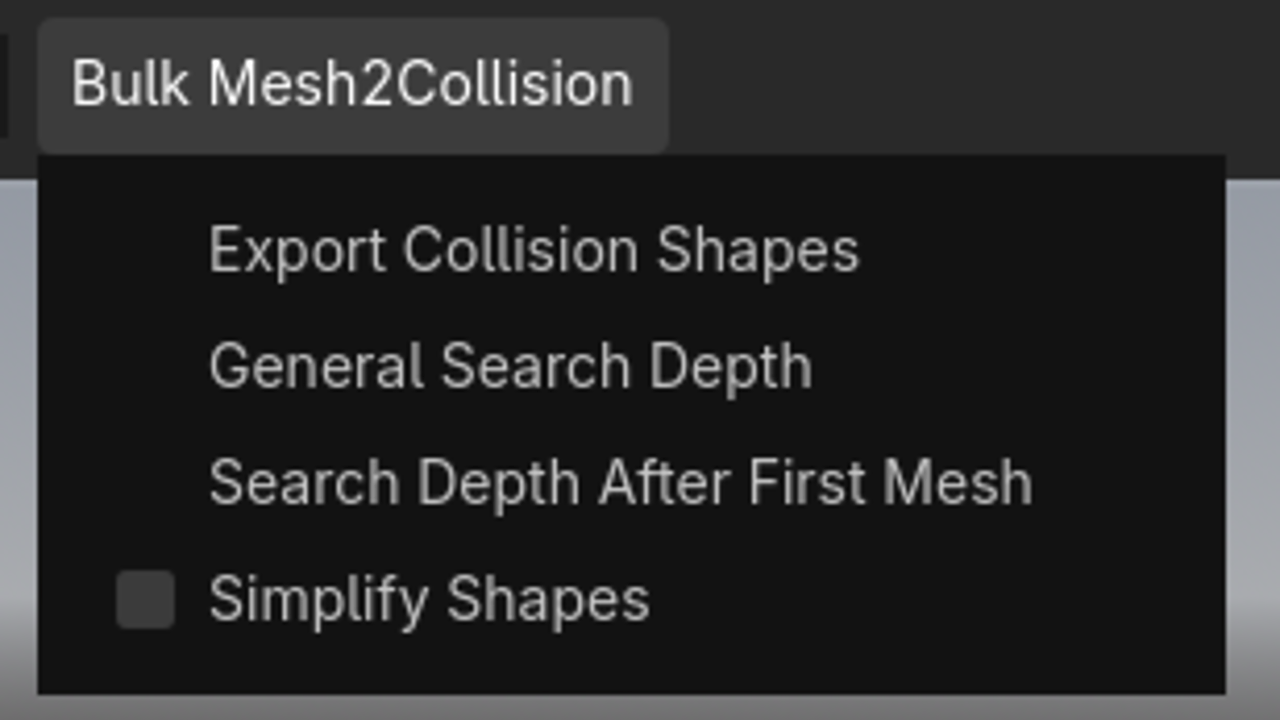
Bulk Mesh Collisionshape Exporter
0
by Joe Blub | MIT
Quickly export collision shapes for all Meshes that are children of a Node3D. Very useful if you are working with asset packs. Supports Godot 4.7 and 4.4. Other versions might work as well, but I haven't tested them
Have you ever tried to add collision to a 3D Object you have imported and were annoyed that you had to click on every single mesh individually to add a Collision Shape? Worry no longer, with this plugin you can mass export every single Collisionshape with

DataSaver
0
by Lyubelsky | CC0 1.0 Universal
Easy data saving to files
DataSaver is an easy-to-use data saving/loading plugin created to simplify saving data to files! File creation and everything is automatic; just use the DataSaver functions and the magic will happen automatically! Data is encrypted so it cannot be changed

loading more results...