DotEnv
 0
0
by Melkam Studios | MIT
A lightweight Godot 4 addon that loads variables from a project-level .env file into the process environment
DotEnv for Godot A lightweight Godot 4 addon that loads variables from a project-level .env file into the process environment. Requirements Godot 4.x Installation Copy the addons/dotenv directory into your Godot project. In Godot, open Project > Project
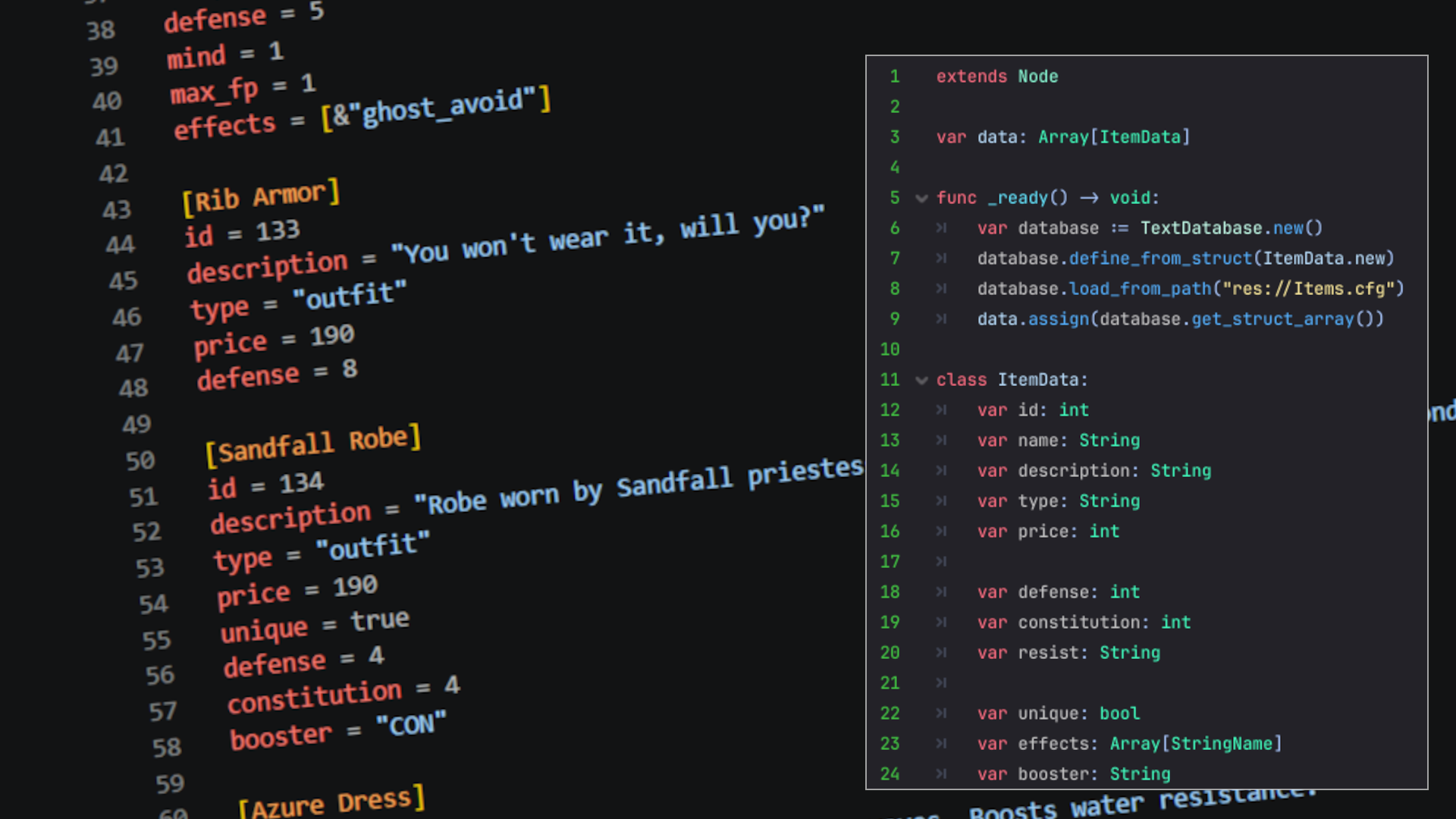
Text Database
0
by KoBeWi | MIT
Advanced text resource loader (JSON, CFG) with rich data validation
TextDatabse is a class that can load custom data files (supported formats are .json and .cfg ) created manually and validate them for you. If comparing to SQL database, imagine you create a schema and then load data and the data tries to fit into the

Krita/OpenRaster Loader
0
by DeeJayLSP | Zlib
A stupidly simple Godot plugin to enable native-like support for .kra/.ora files
Krita/OpenRaster Loader for Godot A simple Godot plugin that enables not only importing Krita and OpenRaster files directly into Godot, but also runtime loading using Image::load_from_file . Requirements Godot 4.x or newer. How to use Download the plugin
Asynchronous Scene Loader
0
by EiTaNBaRiBoA | MIT
AsyncScene a non-blocking scene loading in Godot. It allows you to load scenes in the background, monitor their progress, pass data to them, and transition smoothly, preventing the game from freezing
AsyncScene - Asynchronous Scene Loader for Godot 4 This tool facilitates non-blocking scene loading in Godot. It allows you to load scenes in the background, monitor their progress, pass data to them, and transition smoothly, preventing the game from

loading more results...