
Fuse
 2
2
by Star Weaver | MIT
Fuse is a complete visual programming solution for Godot — build game logic with Event, Instruction, and Condition bricks directly in the Inspector, no node graph required
Fuse — Godot Visual Logic Plugin: A Non-Destructive Bridge from Prototype to Production Code Features A complete visual programming solution for Godot — build game logic with Event, Instruction, and Condition bricks directly in the Inspector, no node
Logic Basics: Godot & Visual Scripting
1
by Diego De la Rocha | MIT
Interactive tutorial on Godot Engine & visual scripting and logic basics. Play and learn basics of Godot Engine and logic
Interactive tutorial on Godot Engine & visual scripting and logic basics. Play and learn basics of Godot Engine and logic. Keyboard controls: WASD / directional arrows: up, left, down, right directions Accept: spacebar / enter key Exit game: escape key
Logic Bricks Visual Scripting
1
by Bri The 3D Guy | MIT
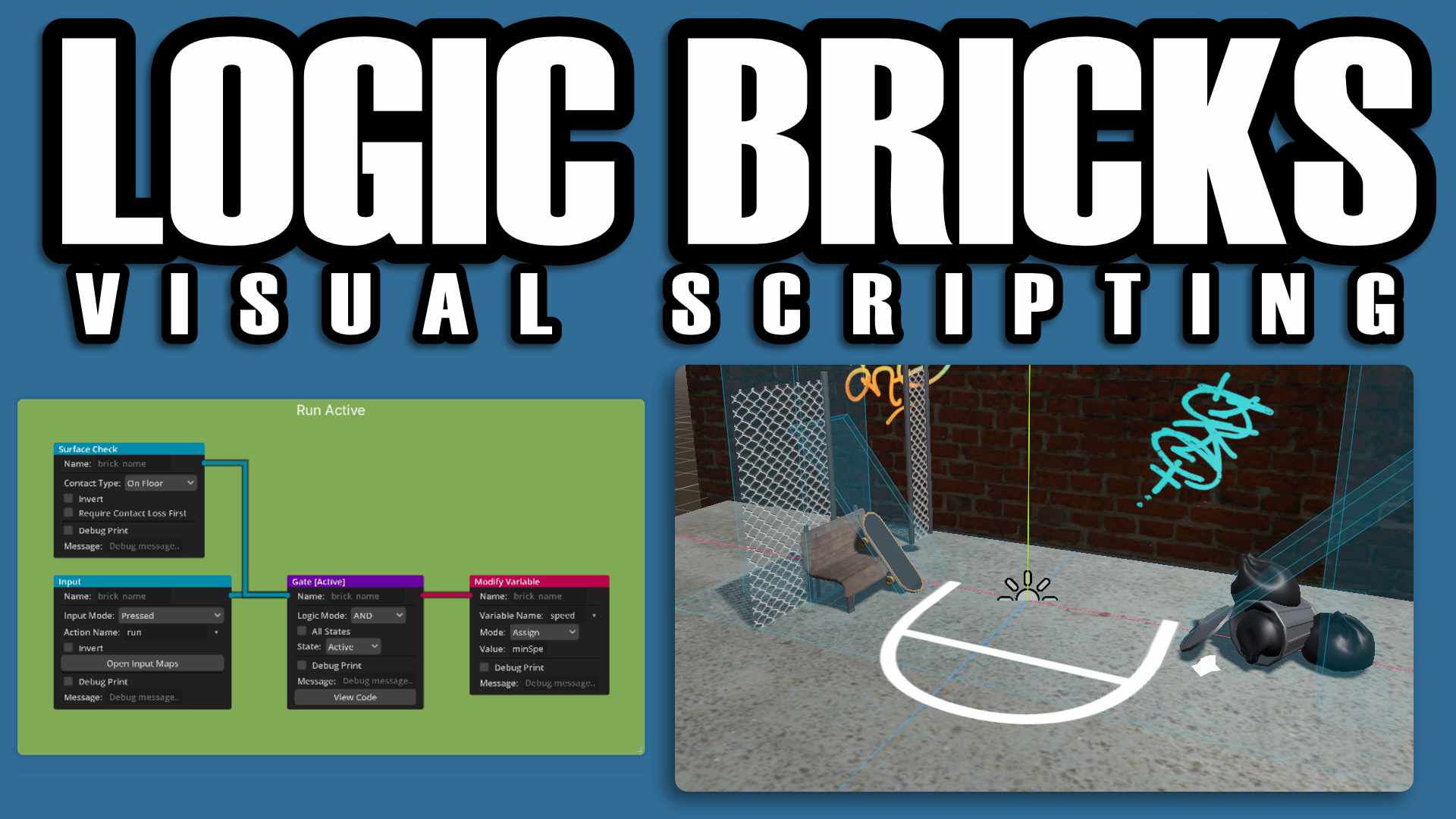
Logic Bricks is a visual scripting addon for Godot 4 inspired by the easy to use Blender Game Engine Logic Bricks. It lets you create game behavior by visually connecting Sensors, Controllers, and Actuators instead of writing code manually
Logic Bricks – Visual Scripting for Godot 4 ➡️ Click for Full Documentation Logic Bricks is a visual scripting addon for Godot 4, inspired by the classic Blender Game Engine Logic Bricks workflow. Create gameplay by connecting Triggers, Gates, and Actions
Hengo Script
0
by Henrique | MIT
Hengo is a node-based visual scripting tool for the Godot editor. You build game logic on a graph of connected nodes, functions, variables, signals, states and actions, instead of writing GDScript by hand. Hengo has no runtime interpreter: it compiles your
Philosophy The graph is the source, GDScript is the build. Everything you draw compiles to a normal .gd file you attach to a node like any other script. Zero overhead, zero lock-in. The generated script keeps running even if the plugin is removed, and

QuestManager
0
by Hellboy Heaven | MIT
A visual node-based quest and stage action graph editor for Godot 4. Easily manage branching quest lines, dependencies, triggers, and custom actions right inside the editor with a clean and intuitive workflow. Perfect for RPGs, adventure, and narrative
Quest Manager for Godot 4 Quest Manager is a powerful, production-ready visual editor plugin for Godot 4 designed to help developers easily create, manage, and scale quest systems and complex stage workflows without writing boilerplate logic. ✨ Key
Forge Gameplay System
0
by Gamesmiths Guild | MIT
A gameplay ability system for Godot C#: attributes, effects, abilities, tags and cues, with visual Statescript graphs
Forge is a structured, data-driven gameplay framework for Godot C#, inspired by Unreal's Gameplay Ability System. A burning floor, a dash with a cooldown, a shield that drains mana, an enemy that chases and attacks: you build them from Inspector data and

loading more results...