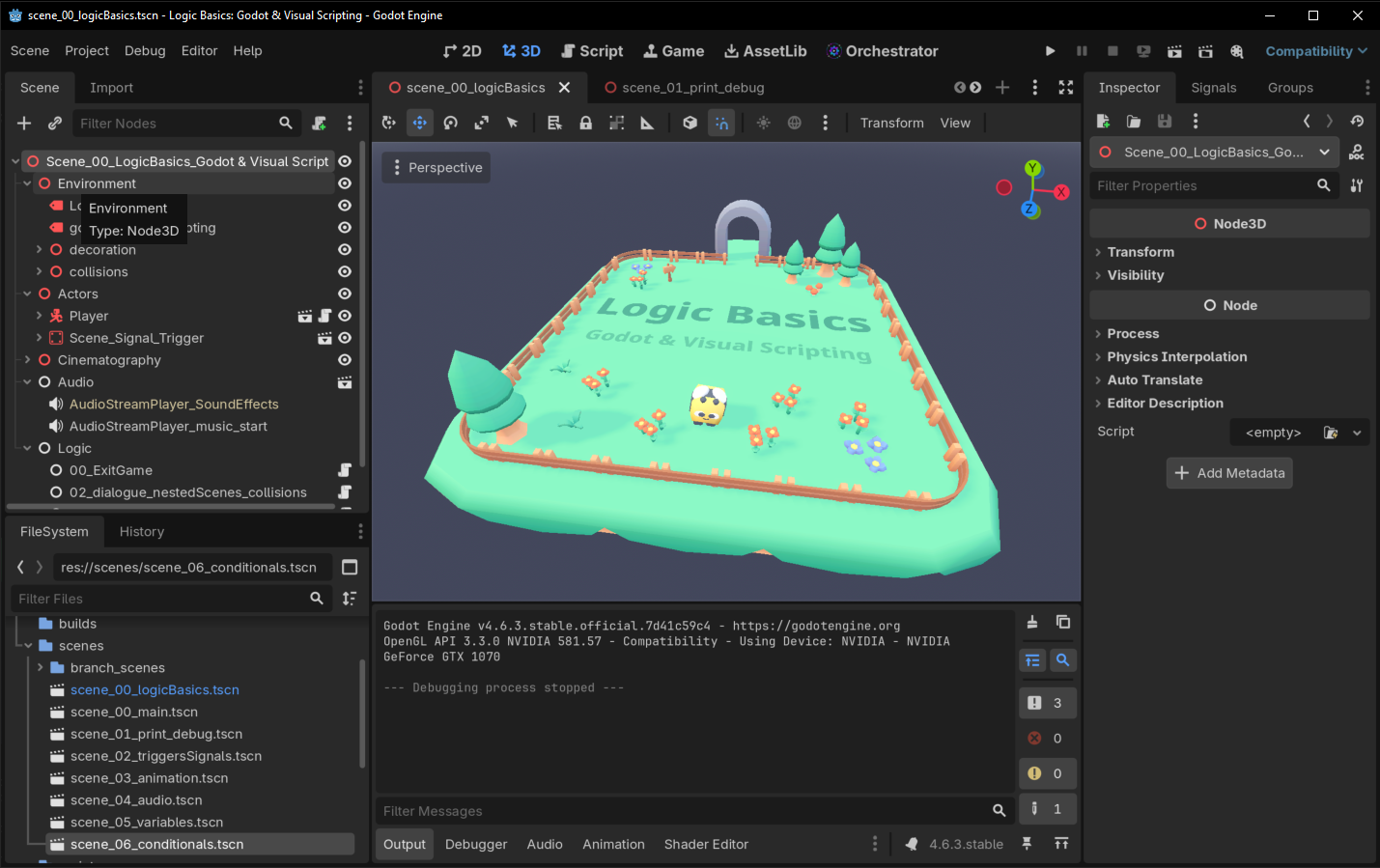
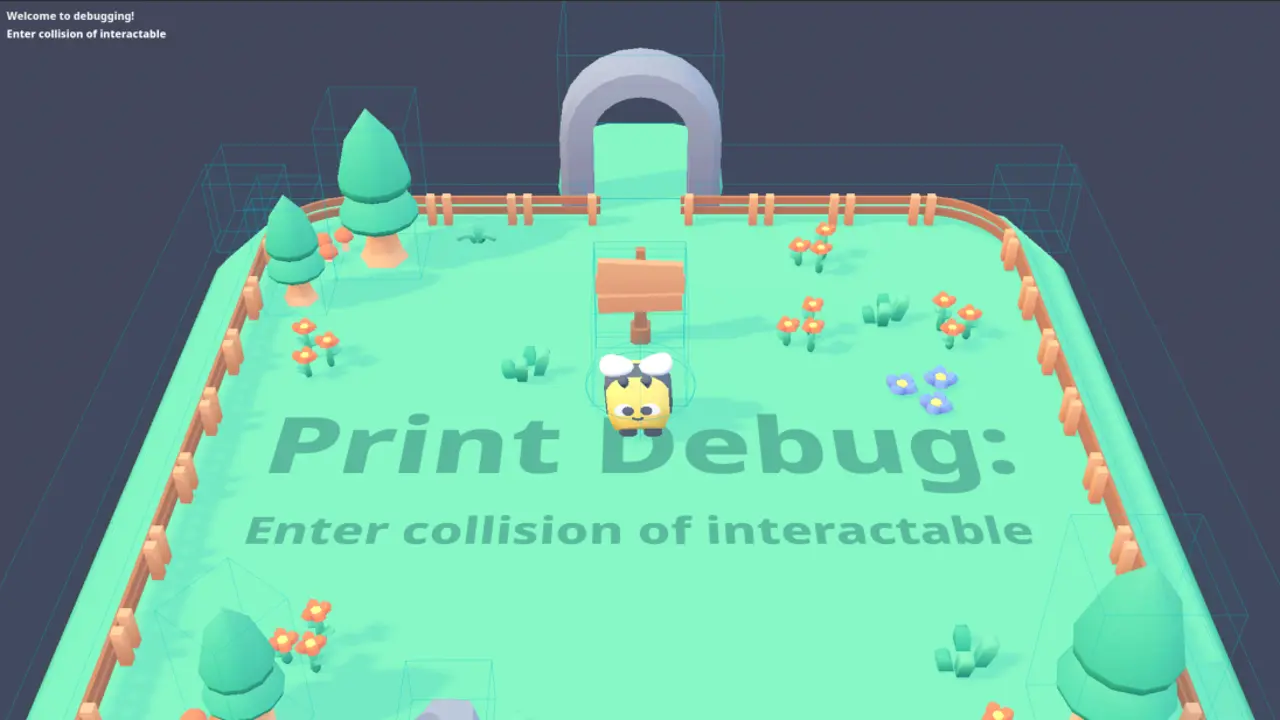
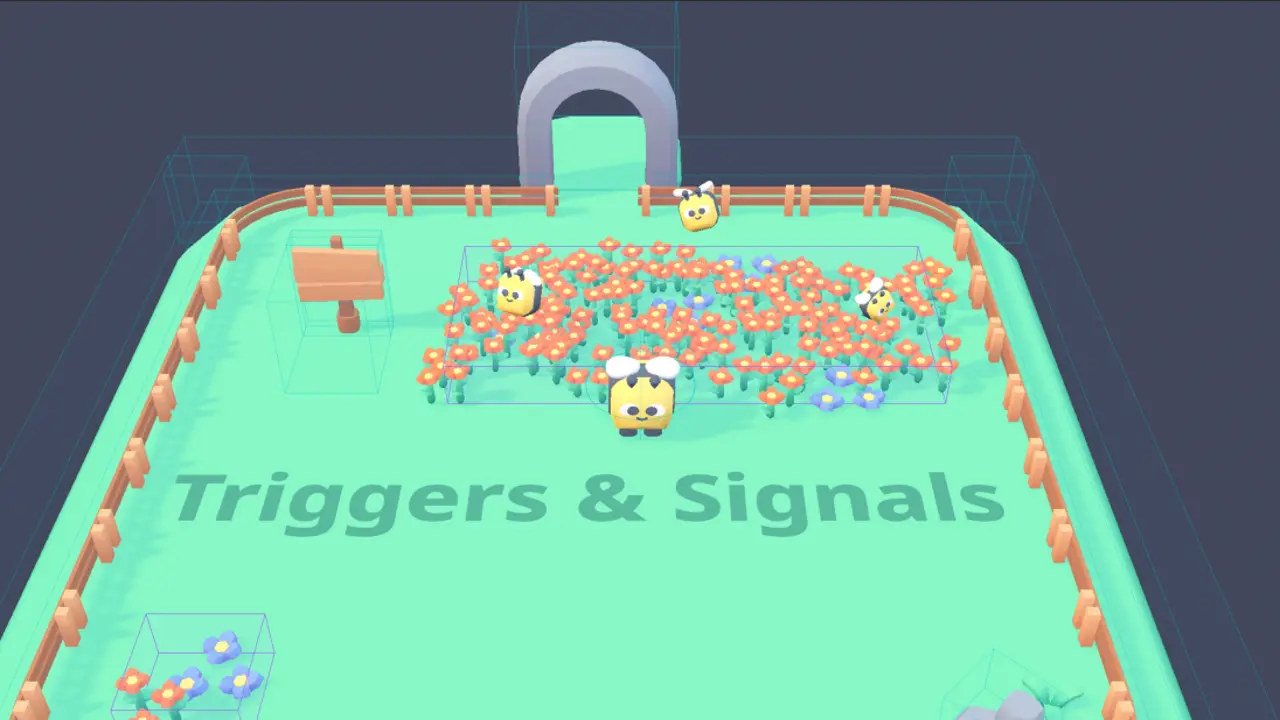
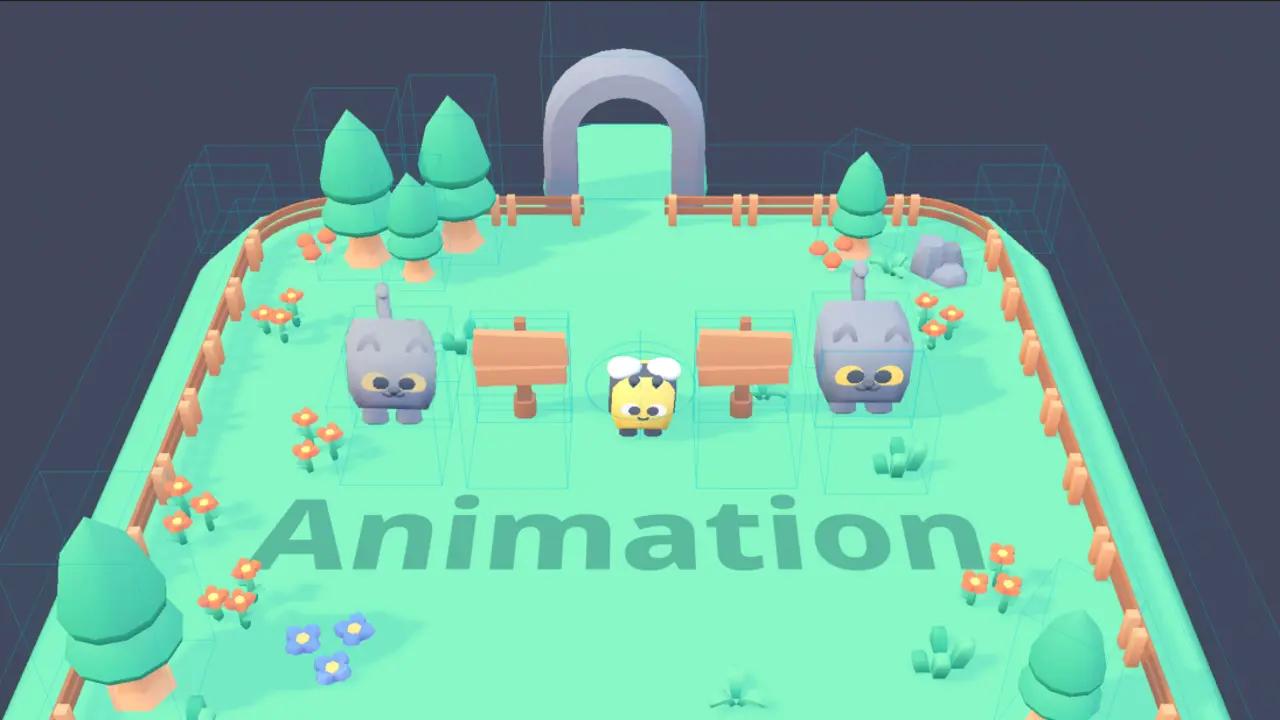
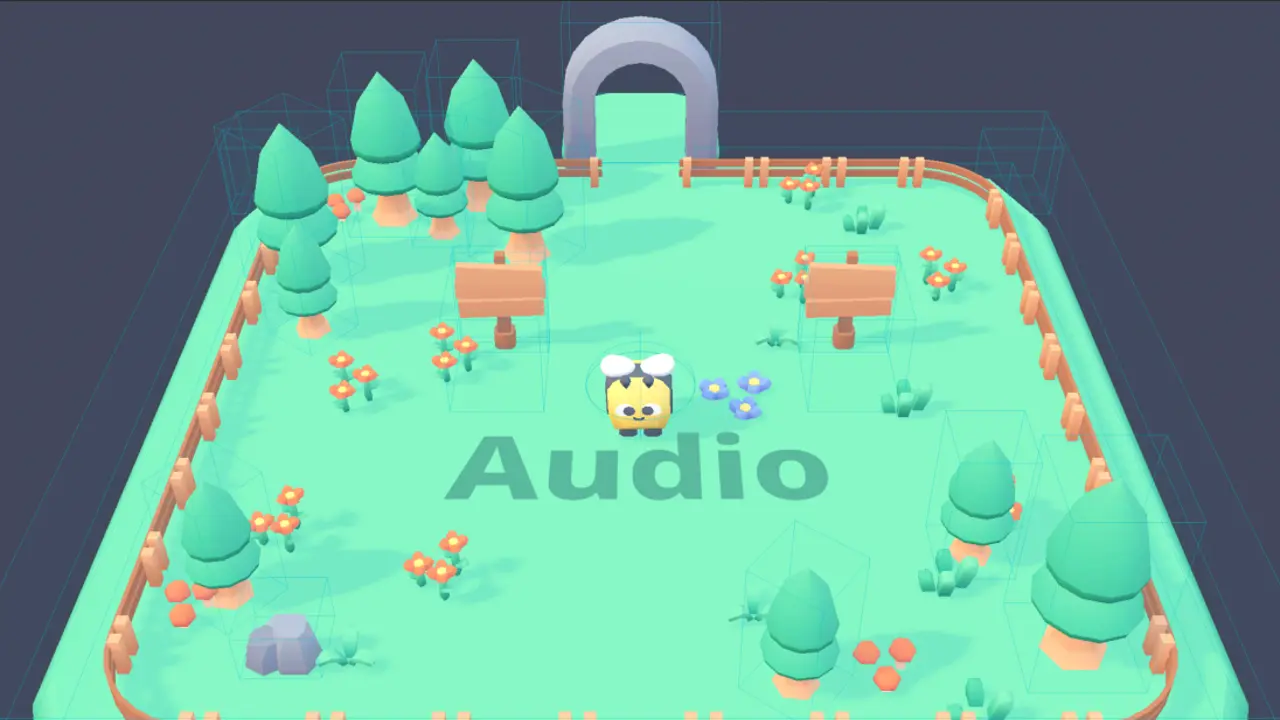
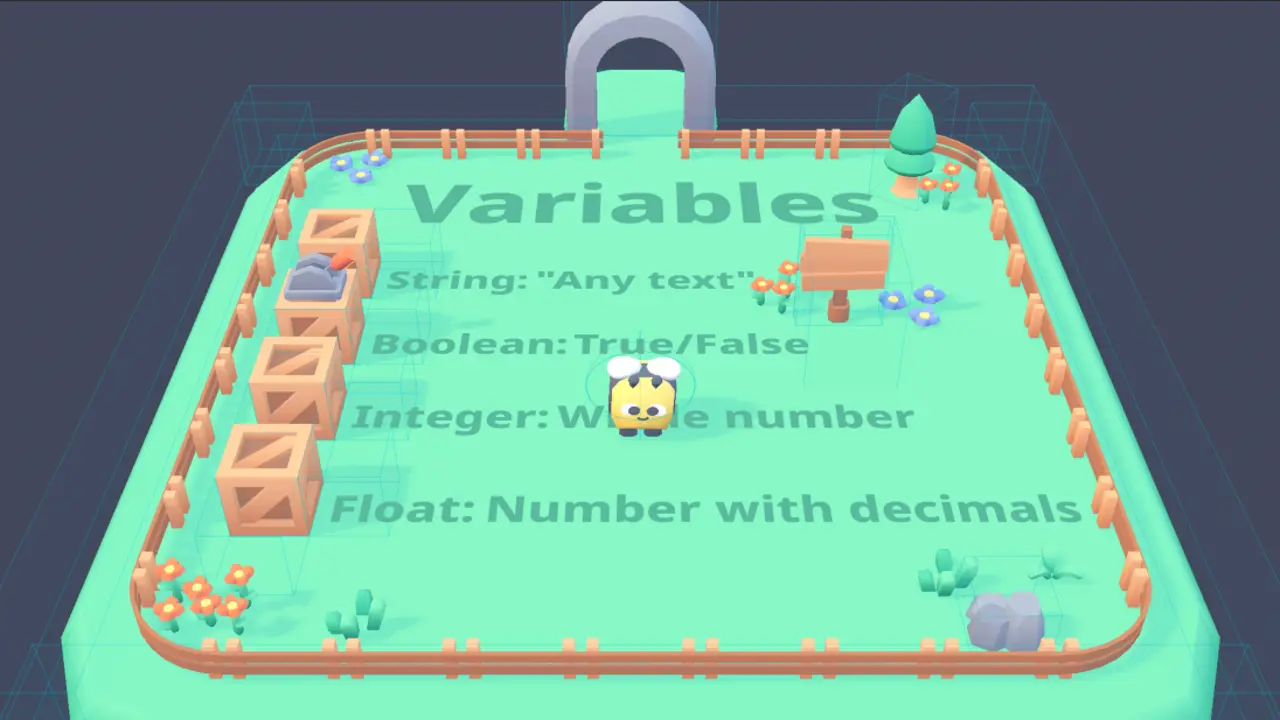
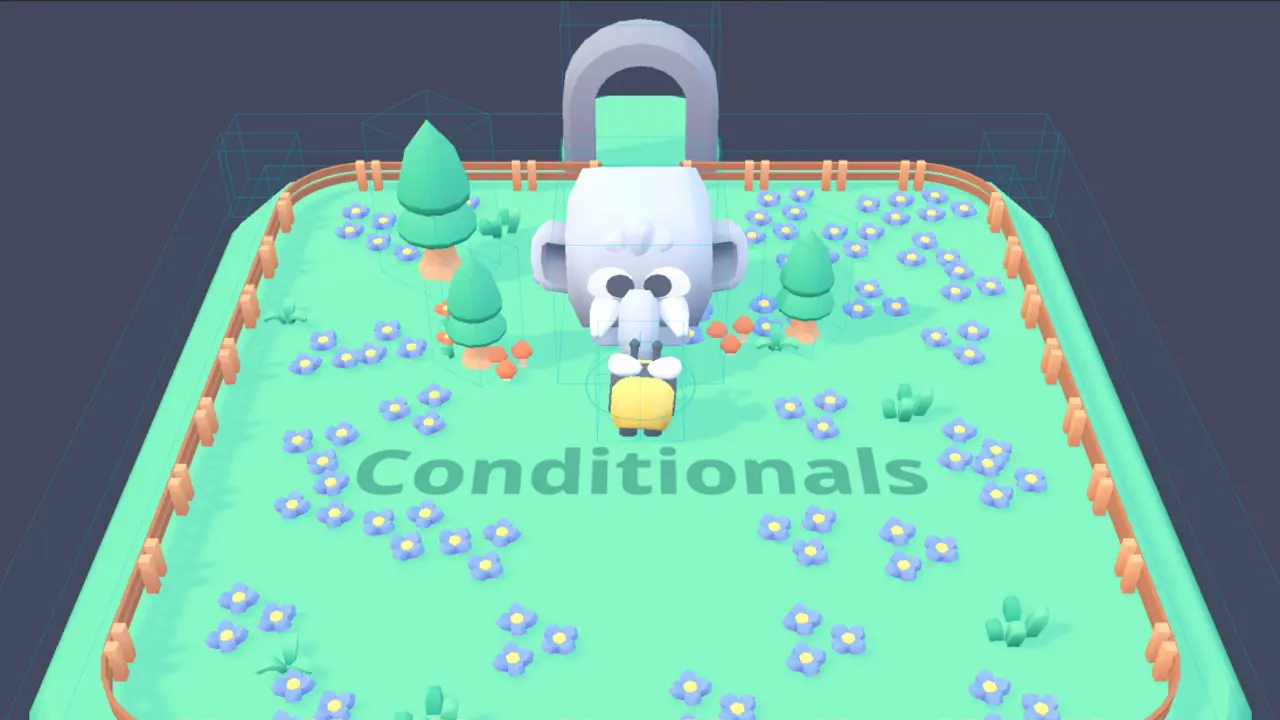
Interactive tutorial on Godot Engine & visual scripting and logic basics.
Play and learn basics of Godot Engine and logic.
Keyboard controls:
- WASD / directional arrows: up, left, down, right directions
- Accept: spacebar / enter key
- Exit game: escape key
Gamepad / controller:
- D pad: up, left, down, right directions
- Accept: Bottom and Left Action, Sony Cross and Square, Xbox A and X, Nintendo B and Y)
- Exit game: Start, Xbox Menu, Nintendo +
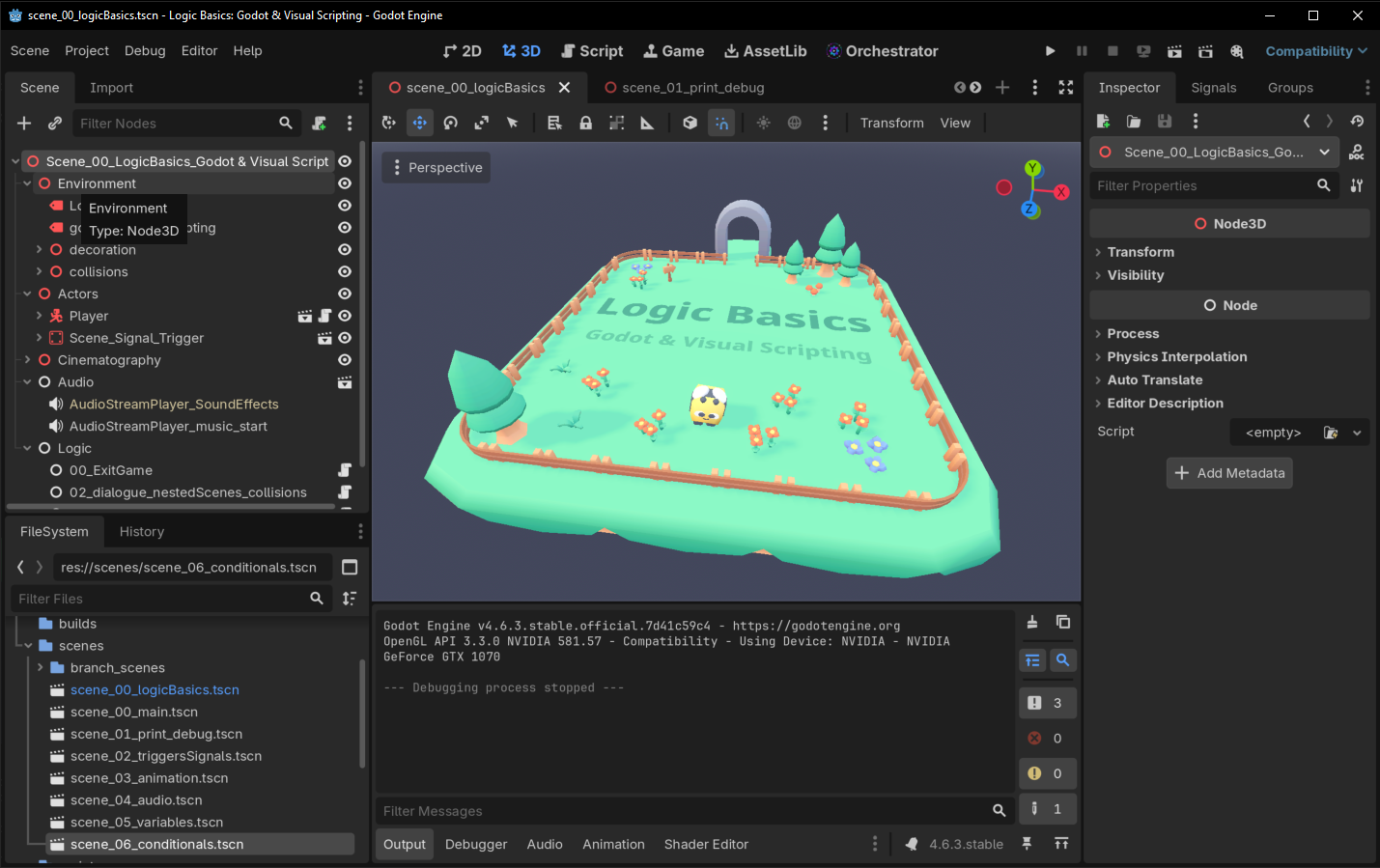
You can also download the game's project and you can explore exactly how it was created using the same concepts talked about in the game:
Made with love by 💜 Diego De la Rocha 💜
Art assets:
- Art assets and sound effects: Cube Pets (2.0), Platformer Kit (4.1) and Music Jingles by: Created/distributed by Kenney
- Music: Cute and silly rpg music pack by chajamakesmusic
- Misc sound effects: 💜 Diego De la Rocha 💜
- Fonts: Noto Sans (Google fonts)
Dependencies:
License:
- MIT license
Feel free to leave your support and donations at the following page: Logic Basics: Godot & visual scripting - Itch page
Changelog for version v1.0.1 - released
2026-08-01 02:11:12
No changelog provided for this version.
Reviews
 Recommended
by Carlos Silva - 27 July 2026
Recommended
by Carlos Silva - 27 July 2026
Hello everyone, This is an amazing example of how Visual Scripting works in Godot, using the Orchestrator add-on. I highly recommend that anyone wanting to learn how Orchestrator works download and try out this project. A huge thank you to Diego De la Rocha for this project and to Naros for the support with Orchestrator. You guys are awesome!!! ♥️✨🥳 Please follow Diego on itch.io.
Login to write a review.