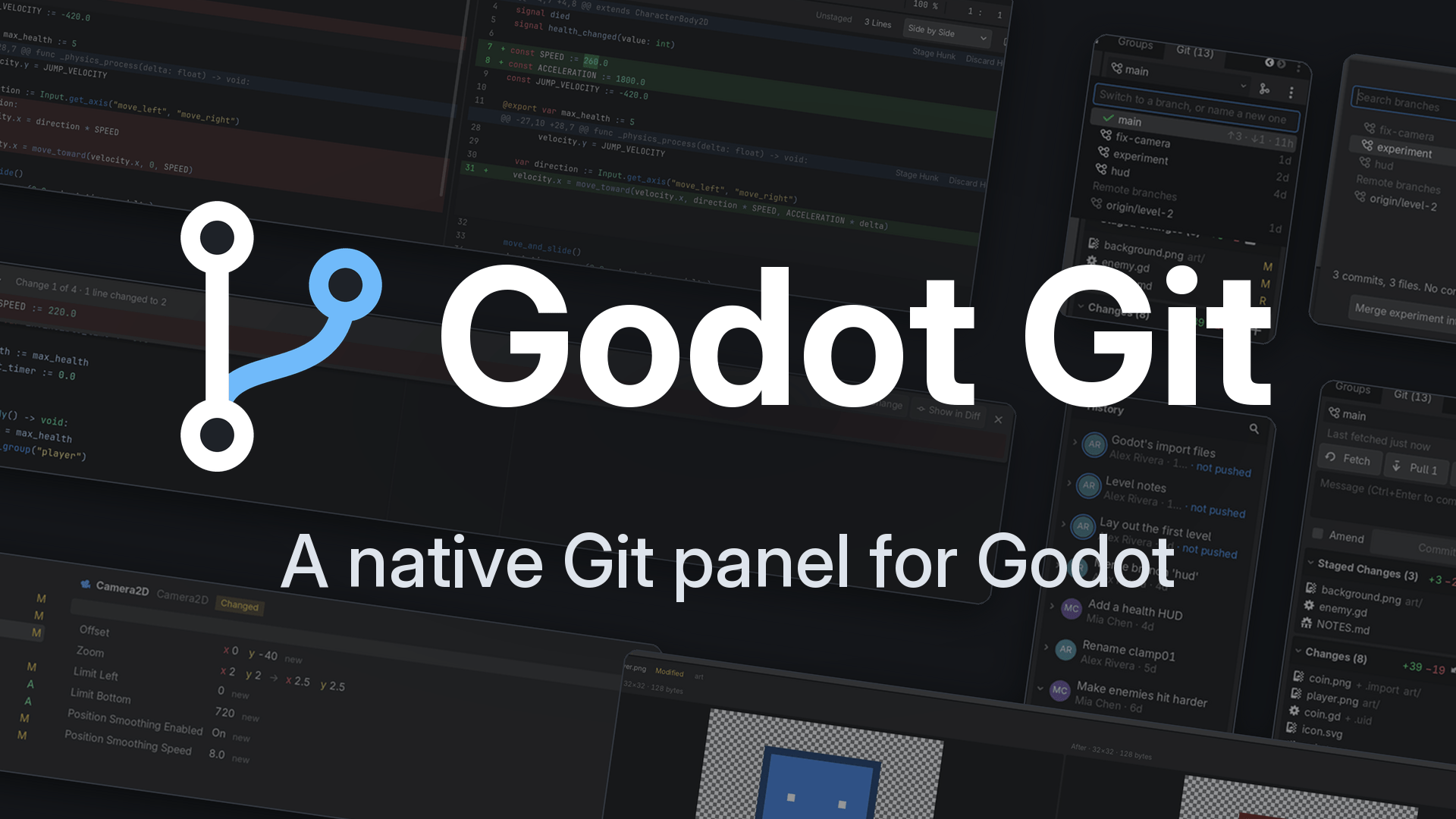
Godot Git
 5
by Markus Steen | MIT
Git that understands Godot: scenes diffed and merged node by node, pulls that never wreck your work, and your changes marked right in the editor
Git that understands Godot. A native Git panel for the editor: a Git dock next to the Inspector, a Git Diff panel at the bottom, and your changes marked right where you work. What it brings Scenes as scenes. A changed .tscn or .tres shows node by node
Gitot - Godot Git Tool
2
by SigK | MIT
Git workflow inside Godot 4 with LFS support, stage/unstage, commit, stash/pop, fetch/push/pull, inline diff gutter, full diff viewer, and repo issue tracker
Gitot - Godot Git Tool Gitot is a Git workflow plugin with LFS support intended for solo developers who want fast, reliable Git operations (stage/unstage, commit, stash/pop, fetch/push/pull), inline diff gutter, full diff viewer, and issue tracker without
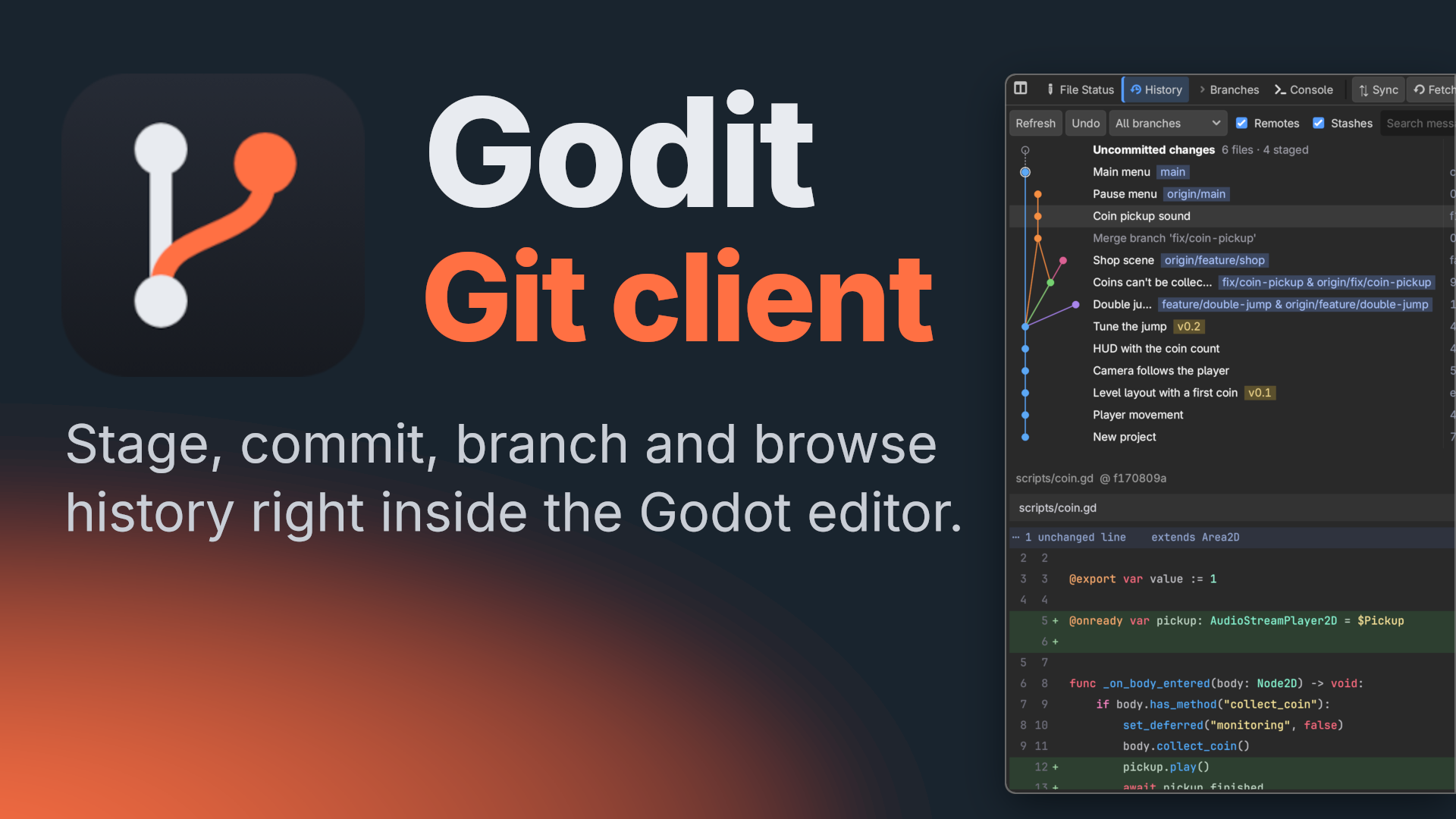
Godit
1
by Rumys | MIT
A git client inside the Godot editor: stage and commit, switch branches, resolve conflicts and browse history as a commit graph
Godit A git client inside the Godot editor. Stage, commit, switch branches and browse history without leaving the editor, and see what changed right where you work: in scripts, scenes, the Inspector and the FileSystem dock. Highlights Local History: a
S. M PRO TEAM VersionStatus
0
by S. M PRO TEAM | S. M PRO TEAM Custom License
Version checking and update notification plugin for Godot 4.5+. S. M PRO TEAM VersionStatus connects your game to your own server, checks the game version, detects available updates, supports required updates, and provides the update URL
S. M PRO TEAM VersionStatus «العربية متوفرة في الأسفل.» S. M PRO TEAM VersionStatus plugin for the Godot Engine to check the game version and detect the availability of a new update. The plugin connects to the official S. M PRO TEAM version management

Lore VCS
0
by Ryan Carbotte | MIT
Native in-editor support for Epic Games' Lore version control system - status, diffs, staging, commits, branching, and push/pull, right in Godot's built-in Version Control dock
godot-lore-plugin Native in-editor support for Epic Games' Lore version control system, using the exact same integration point as Godot's built-in Git support - Lore shows up right in the editor's Version Control dock, no external tools or context
GittyDot - Godot Git Plugin
0
by ShinyDarkRai | MIT
Git workflow inside Godot 4 with LFS support, stage/unstage, commit, stash/pop, fetch/push/pull, inline diff gutter, full diff viewer
GittyDot Review changes, edit diffs, and commit without leaving Godot. Features · Installation · Quick start · Guide · Limitations · Testing · Feedback GittyDot brings an IntelliJ-inspired Git workflow to the Godot editor: a focused Commit dock, a central

loading more results...